
Universal Cinematic Video Script/Prompt Framework
A universal framework (script/prompt) for generating 15-second promotional videos, following a four-part structure: setting the atmosphere (slow), building tension (slow to fast), montage of visual anchors (fast cuts)…
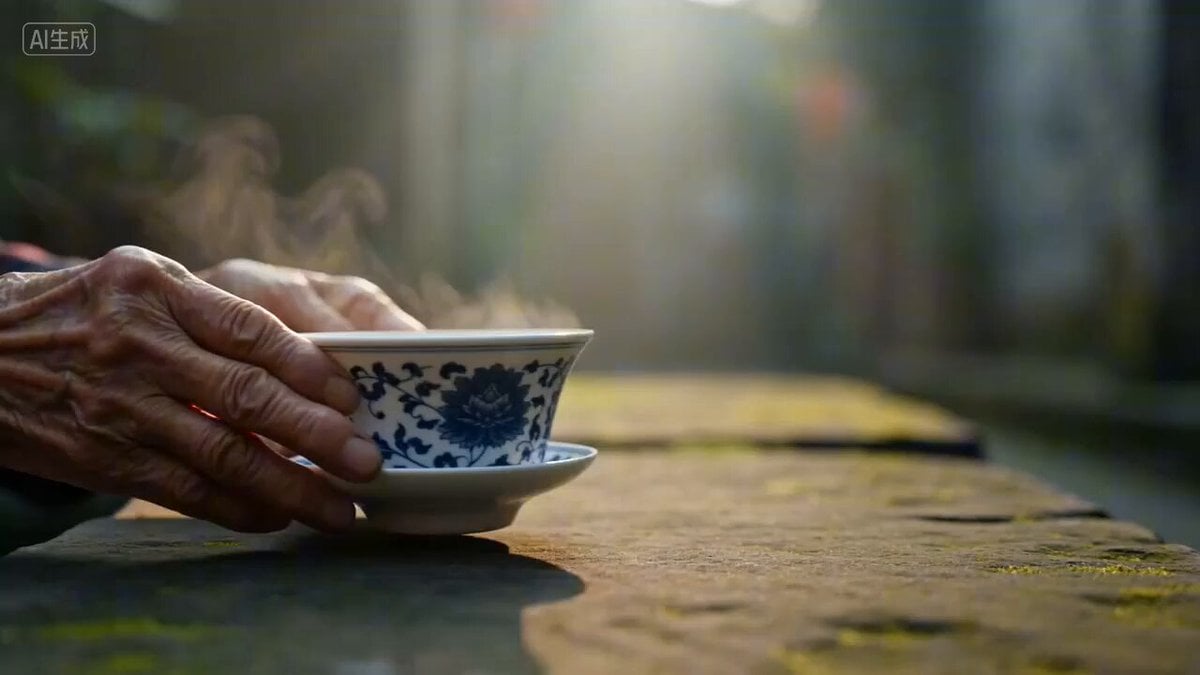
- Prompt included
- Model and format preset
- Free template
The prompt behind this video
Copy the exact prompt behind Universal Cinematic Video Script/Prompt Framework, or open it in the studio and make it yours.
Shot 1, 0–2s, extreme close-up. Early morning, an elderly pair of hands slowly pushes a bowl of hot tea across a bluestone table. Wisps of steam rise, blending with the thin morning mist outside the window. The scene tranquil, its rhythm like breathing. Shot 2, 2–5s, low-angle wide shot. The camera hugs close to the damp bluestone paving, a line of silhouetted figures slowly approaching from deep within the alley, old walls covered in moss on both sides, red lanterns swaying gently in the morning breeze. Light pours in from the mouth of the alley, backlit, golden dust drifting. Shot 3, 5–8s, medium shot, slow push-in. A young woman stands alone by the water at Dujiangyan, gazing blankly at the river that has surged on for a thousand years. The hem of her clothes lifted by the wind, the sound of the river drowning out everything else. The camera slowly circles around; heaven and earth vast, the person looking very small, yet very resolute. Shot 4, 8–11s, fast montage, each frame about 0.5 seconds. A stunning frozen moment of face-changing (bian lian) skill / a giant panda lazily raising its head to look straight at the camera / candlelight flickering in Wuhou Shrine, illuminating thousand-year-old stone carvings / at night, Jinli crowded with people under a sky full of fireworks. Each frame richly colored, the editing landing like drumbeats. Shot 5, 11–13s, dusk. A boy leans on the windowsill of a teahouse, chin in hand, watching the people come and go on the street, the corners of his mouth curling up slightly. Inside the old teahouse, the soft local dialect murmurs, mahjong tiles clack, time seeming to have never left this place. Handheld camera, gentle and authentic. Shot 6, 13–15s, the drone slowly rising. Chengdu under the night sky, ten thousand lights all aglow, the Jin River winding like a ribbon, the city, the mountains, and the plain merging into one magnificent whole. The image gradually darkens, white text fading in— Narration: "There's a city that once you've come, you don't want to leave." (pause) "Chengdu has always been this way." End-title text: Chengdu · Leisurely Land of Abundance. Black screen. End.
How to use Universal Cinematic Video Script/Prompt Framework in 3 steps
- 1
Open
The prompt is already in the box next to the preview, with the template's model and format selected.
- 2…a portrait of your subject in softgolden-hour light, 85mm…
Personalize
Edit the subject and creative details for your destination.
- 3Generate
Generate
Press Generate — your video is created in PicX Studio, so you can compare it with the original and refine one variable at a time.
More like this
Templates with the same subject, style or setup. Open one to see its prompt.

Universal Statistics Promotional Video Prompt
Universal Templates 2 & 3: Landscape and Image-to-Video
Seedance 2.0 Transform Prompt Framework
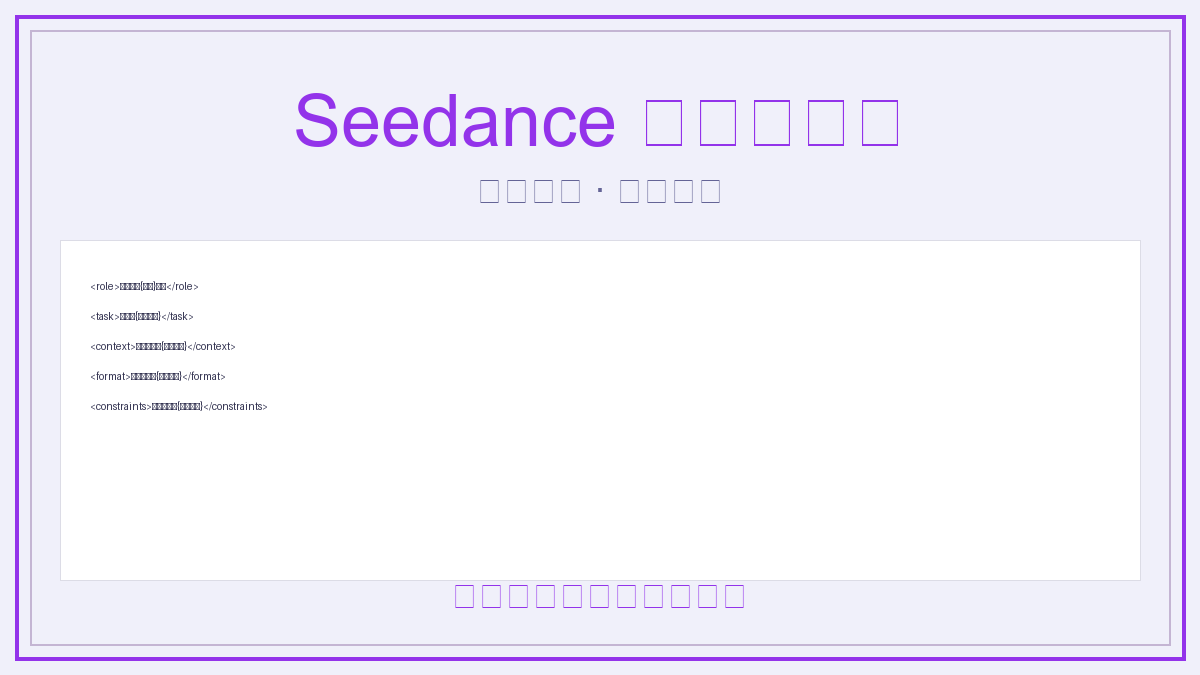
Universal Prompt Template for Seedance 2.0
Universal Template: Young Man Walking in Autumn Forest (Cinematic Style)
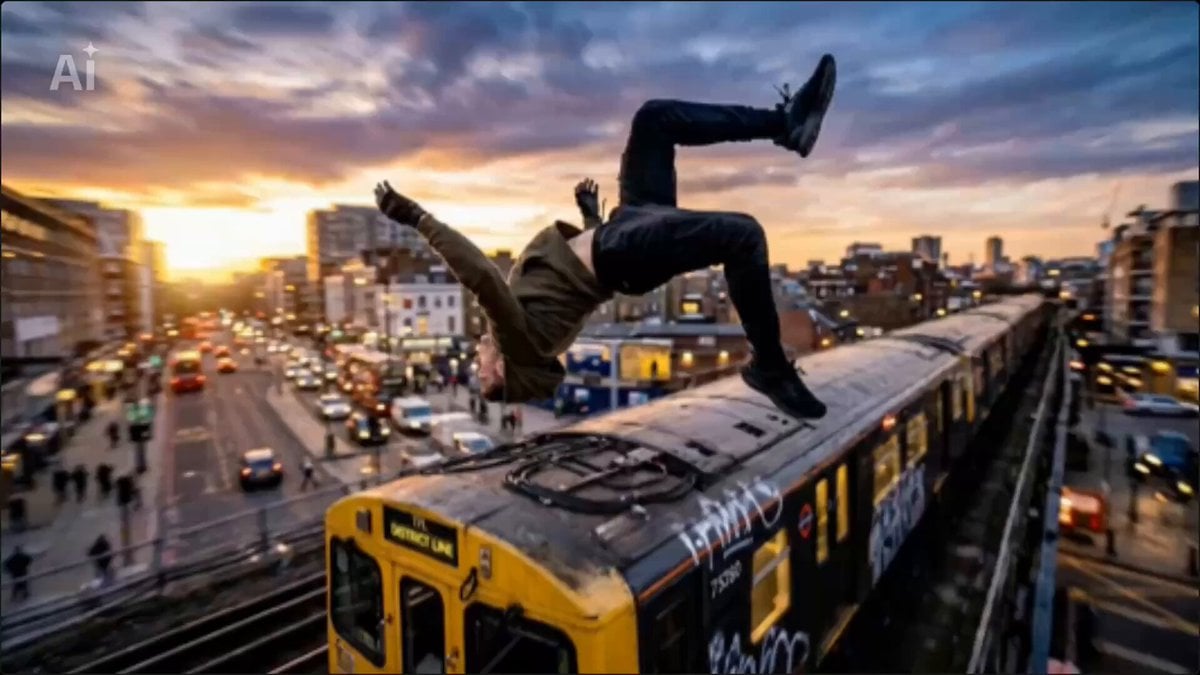
Universal Freeze-Frame Prompt

Wuxia Protection and Trust Script
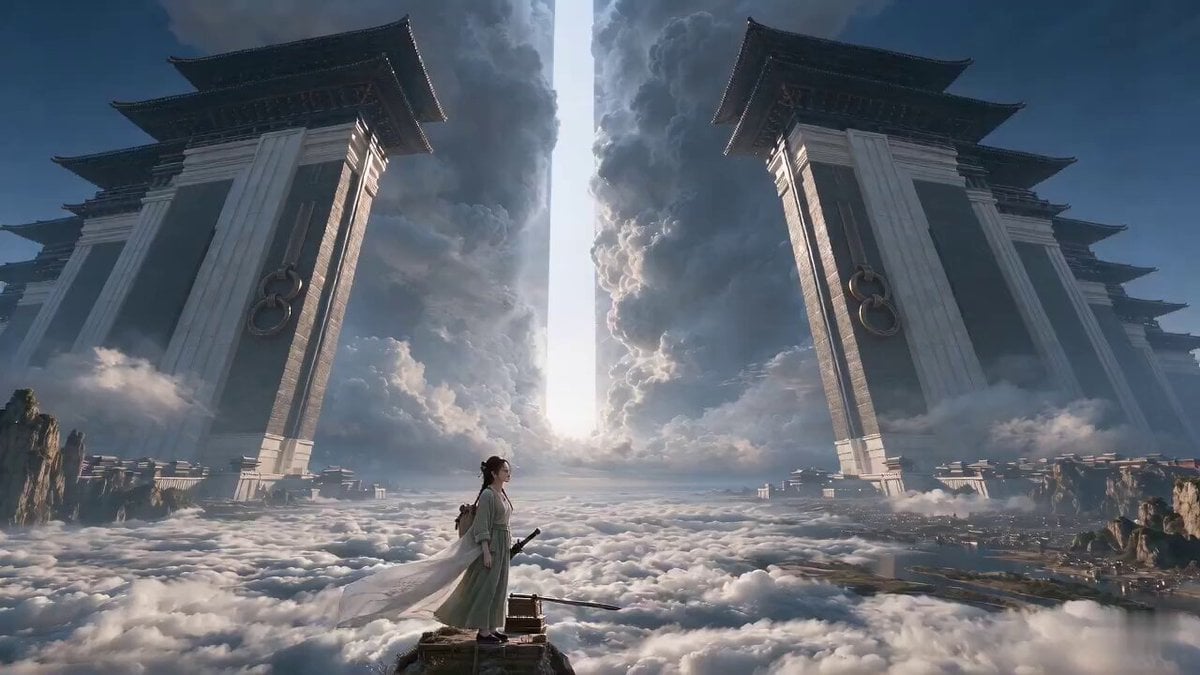
Wuxia Letting Go Drama Script

Cyberpunk Parkour Anime Script
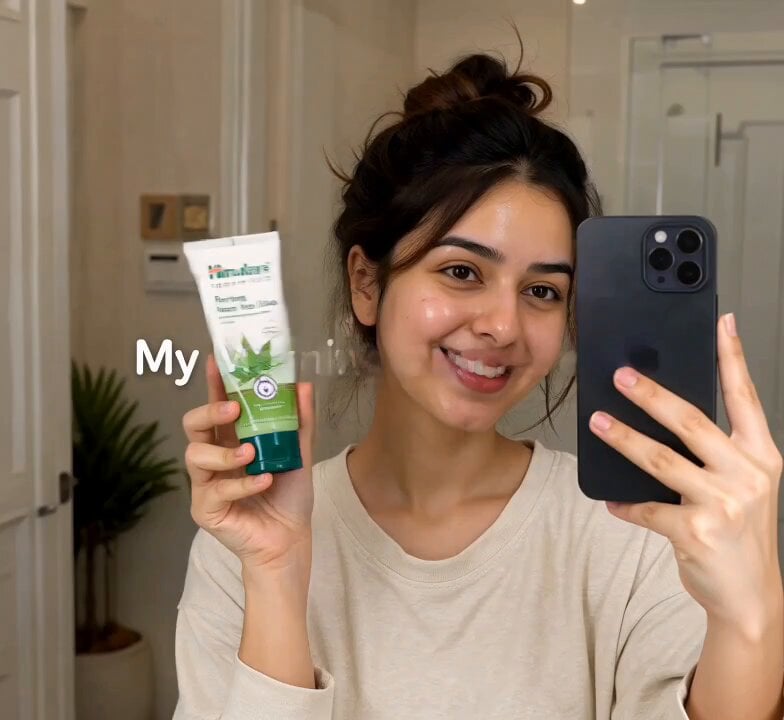
Morning Skincare Routine Vlog Script

Rainy Night Supernatural Reverse Comedy Video Script
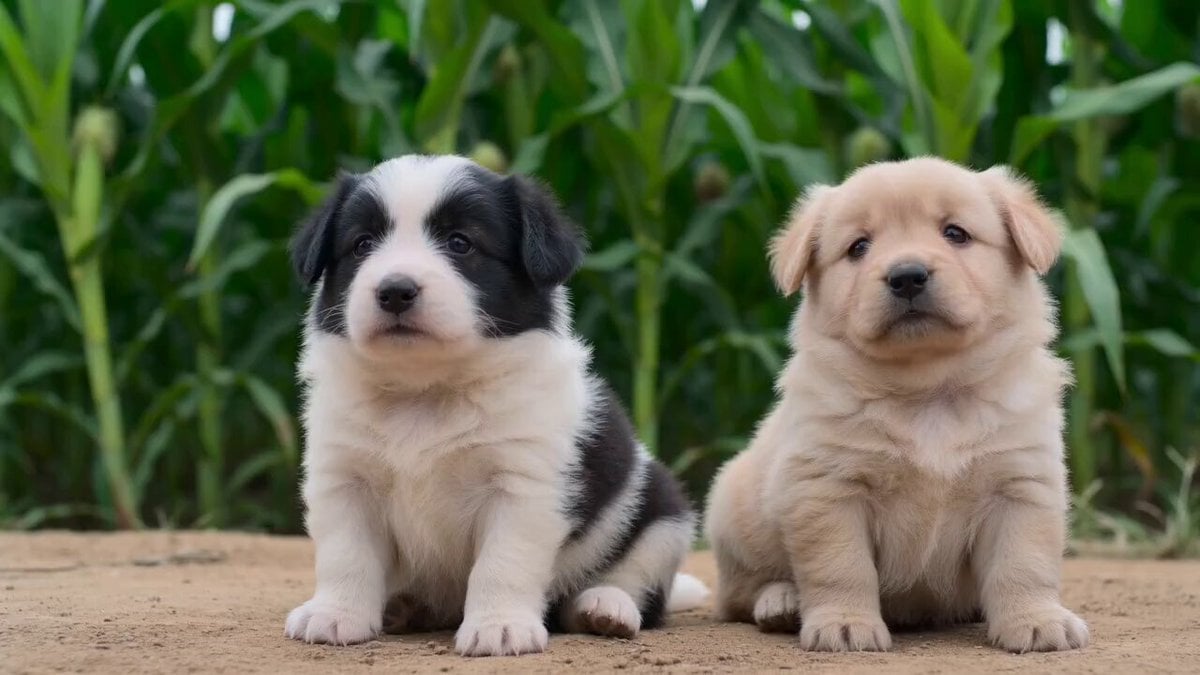
AI Puppy Acting Challenge Scene Script
Make it yours
Universal Cinematic Video Script/Prompt Framework works as-is. These are the safest ways to change it without losing the look.
Change one field
Copy a single group, rewrite it, and generate again so you can see what that field is doing.
Keep the frame, change the subject
Hold the composition and light of Universal Cinematic Video Script/Prompt Framework, then swap wardrobe, props or the person for a new take.
| If the result… | Why | Fix |
|---|---|---|
| The result drifts from the preview | Too many fields changed at once. | Reuse Universal Cinematic Video Script/Prompt Framework as-is first, then change one group — subject, light, or setting. |
| The model over-stylizes the scene | The prose prompt leaves finish and camera underspecified. | Add one camera or lighting sentence and stay on Seedance 2.0. |
More Seedance 2.0 templates
Other prompts made for Seedance 2.0.

Comical Martial Arts Punch Scene

Maglev Train Action Sequence

Martial Arts Fight Sequence

Vintage Korean Arcade MiniDV Vlog

Mercedes 190 SL Luxury Ad

Amazon Civilization Discovery

Futuristic South Asian City Transformation

Cozy Luxury Cafe Commercial

Cyber Ronin Nanotech Transformation Video
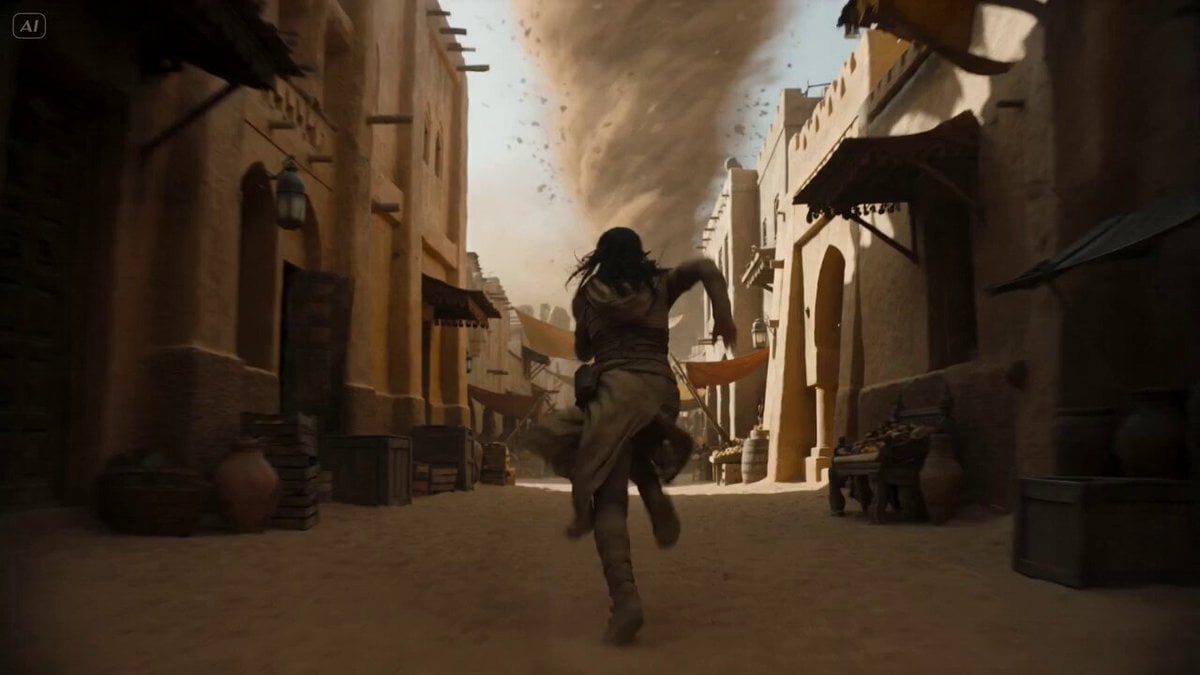
Desert Courier and Sandstorm Leviathan Chase
More video prompts
Fresh picks from across the catalog.

AI Companion Ani French Salon Discussion
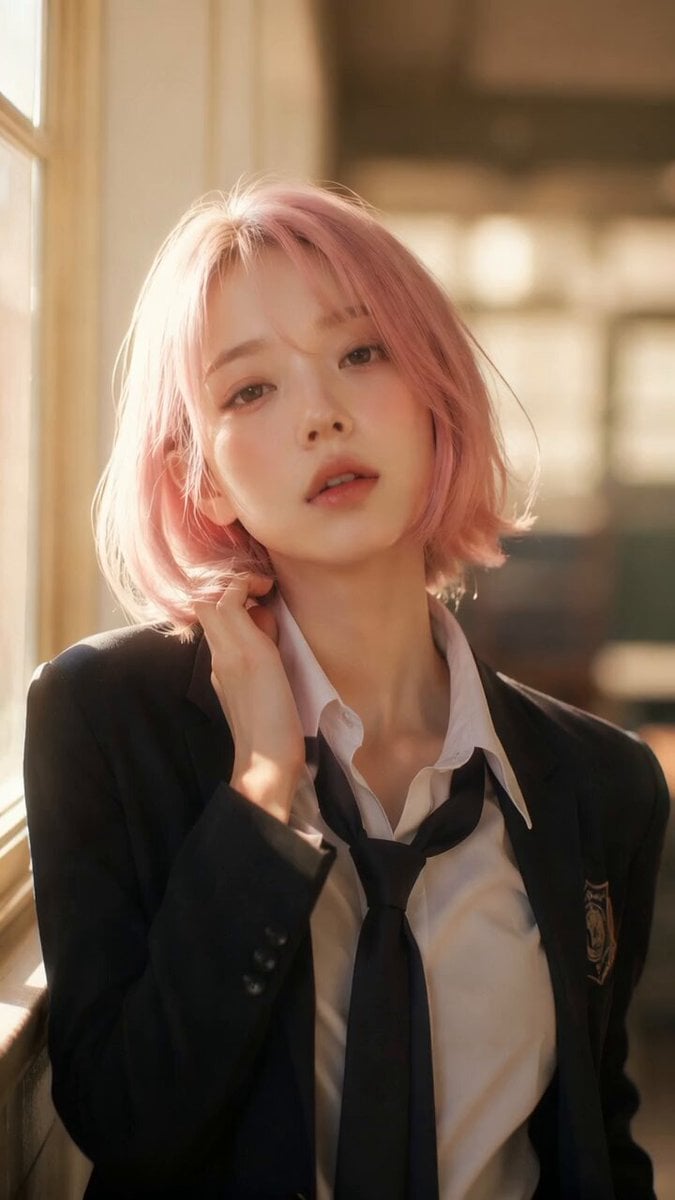
Douyin Catch and Wipe Fashion Transition
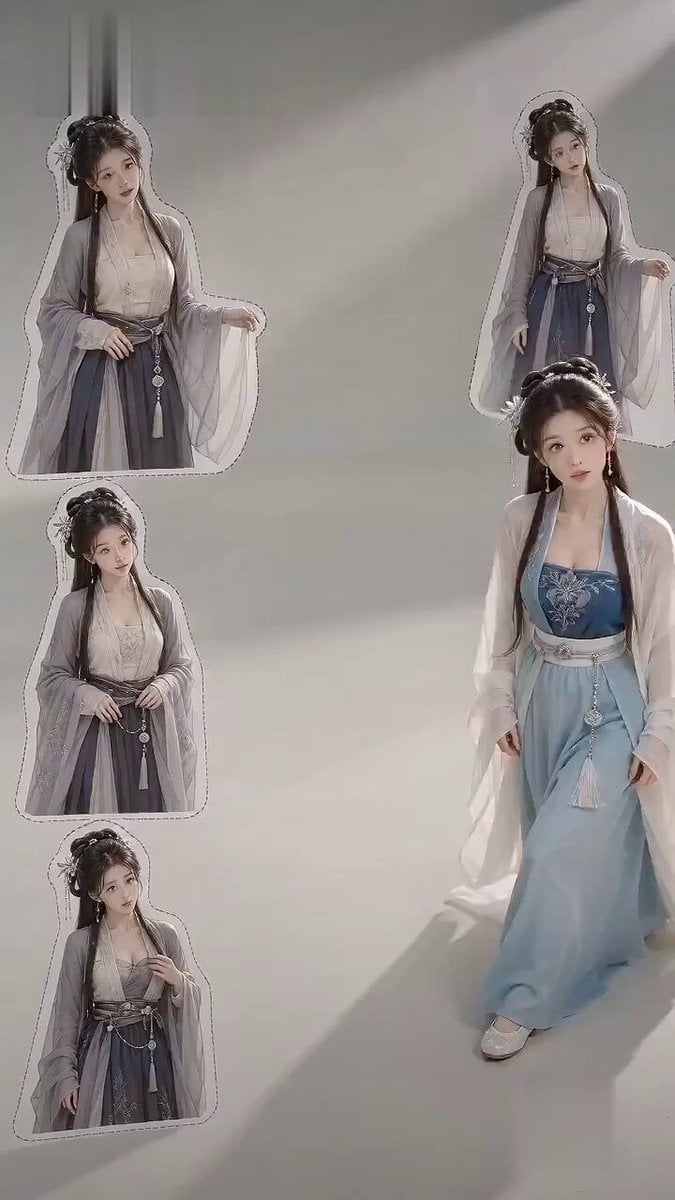
Ancient Style Fashion Outfit Swap
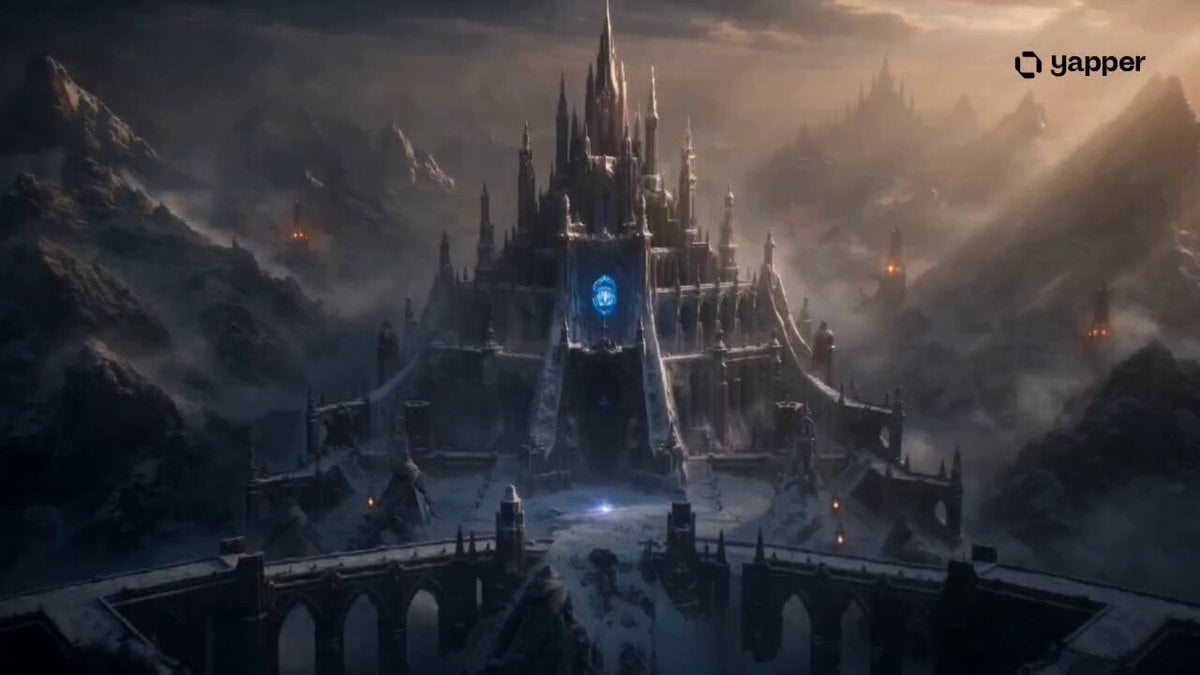
Frozen Kingdom Survival Fantasy
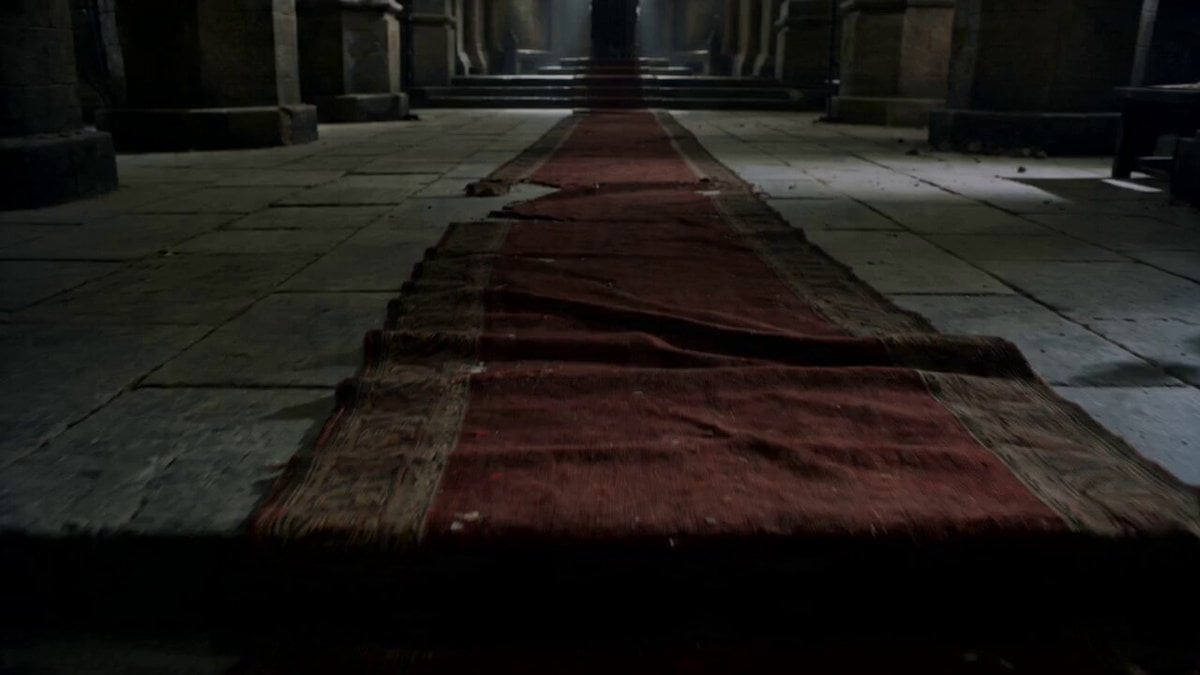
Cinematic King Scene Prompt (Image-to-Video)
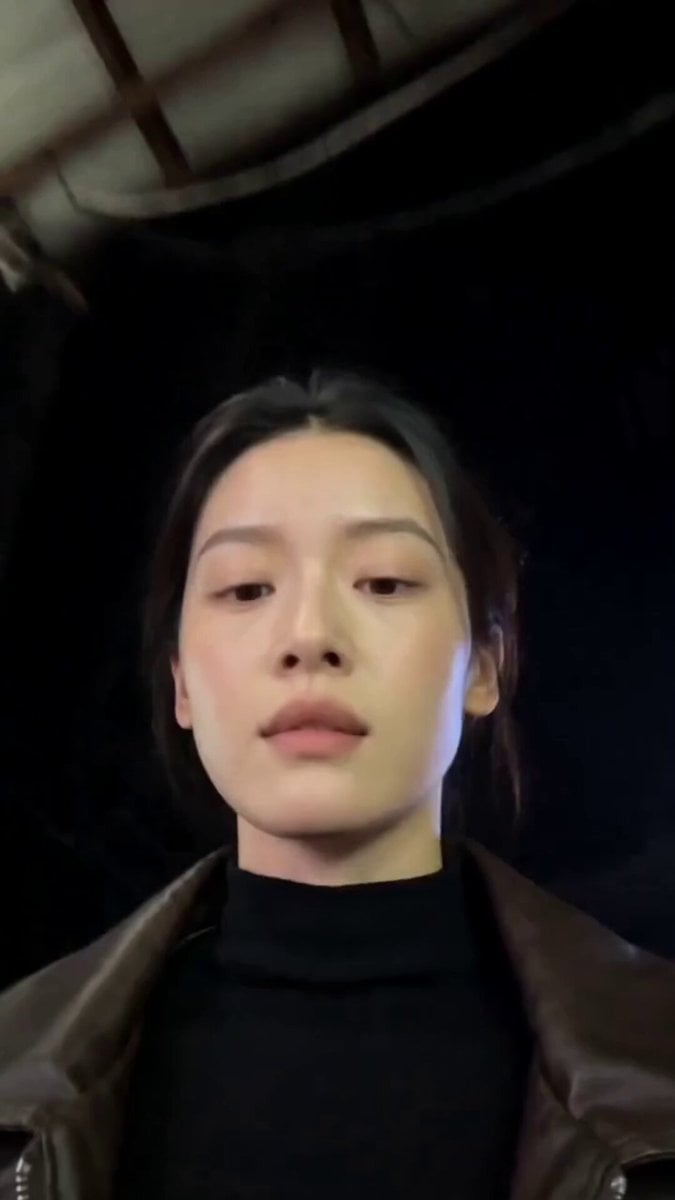
Gwangjang Market Night Walk Video
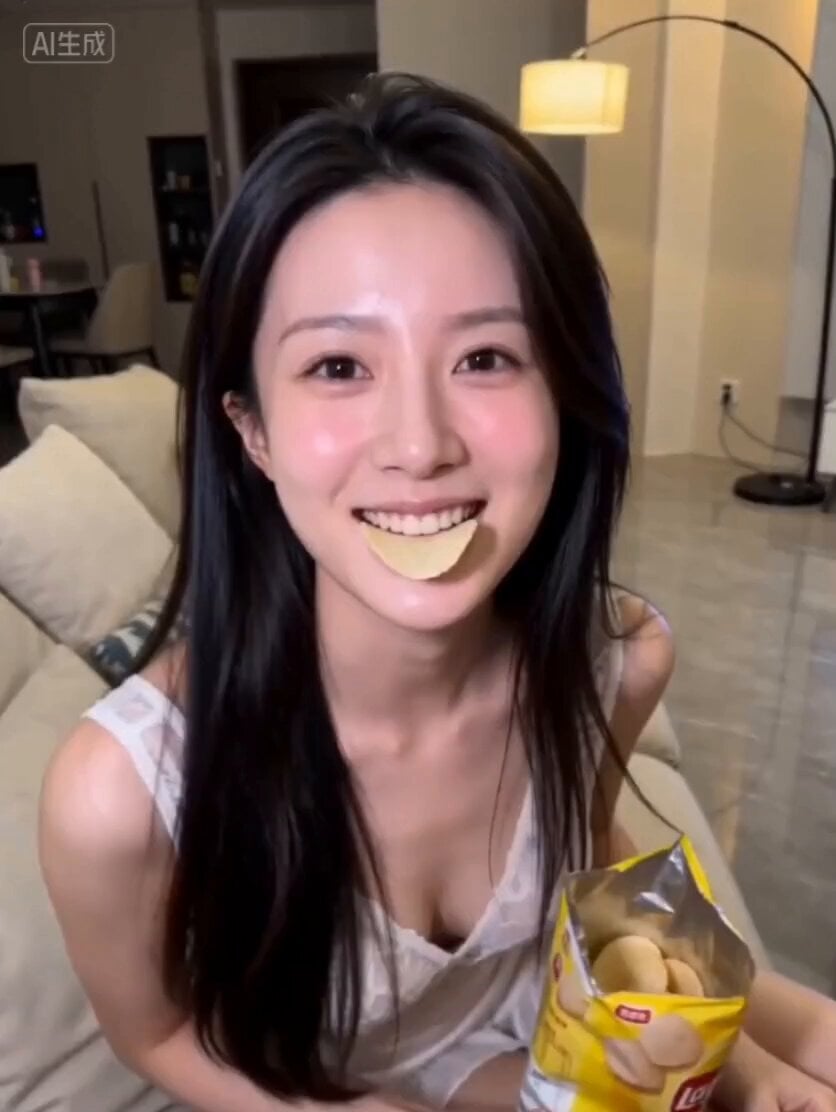
AI Girlfriend Interaction Scene: Feeding Potato Chips
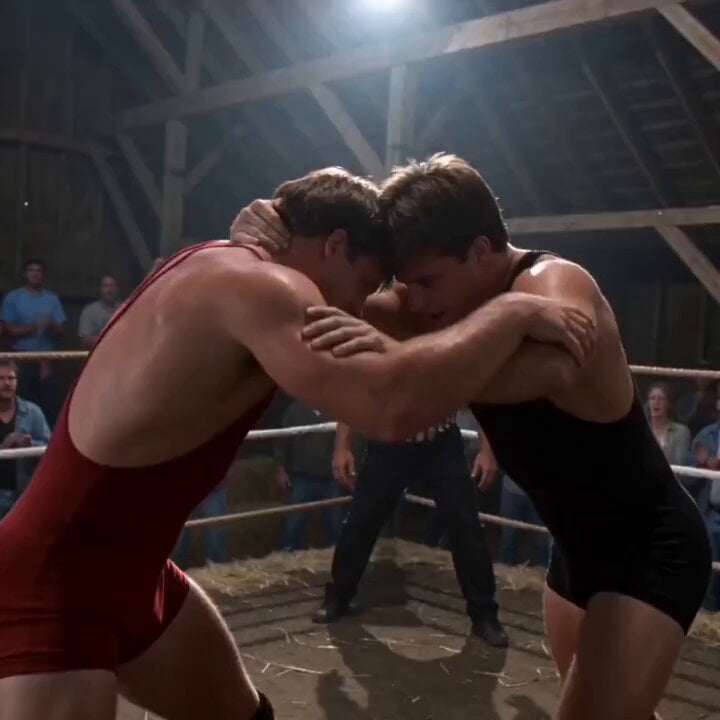
1995 Independent Wrestling Event Prompt
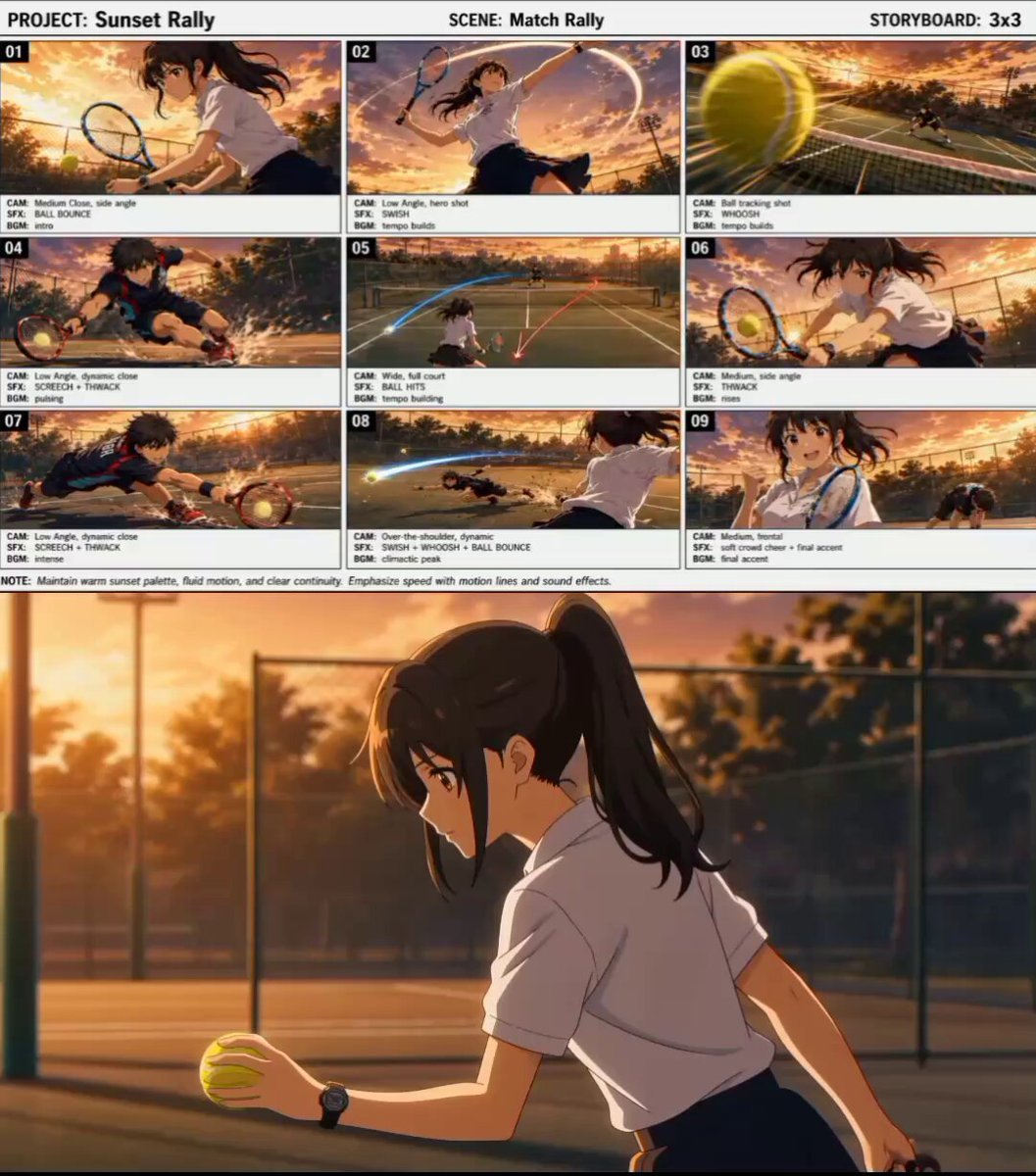
Cinematic Anime Tennis Match
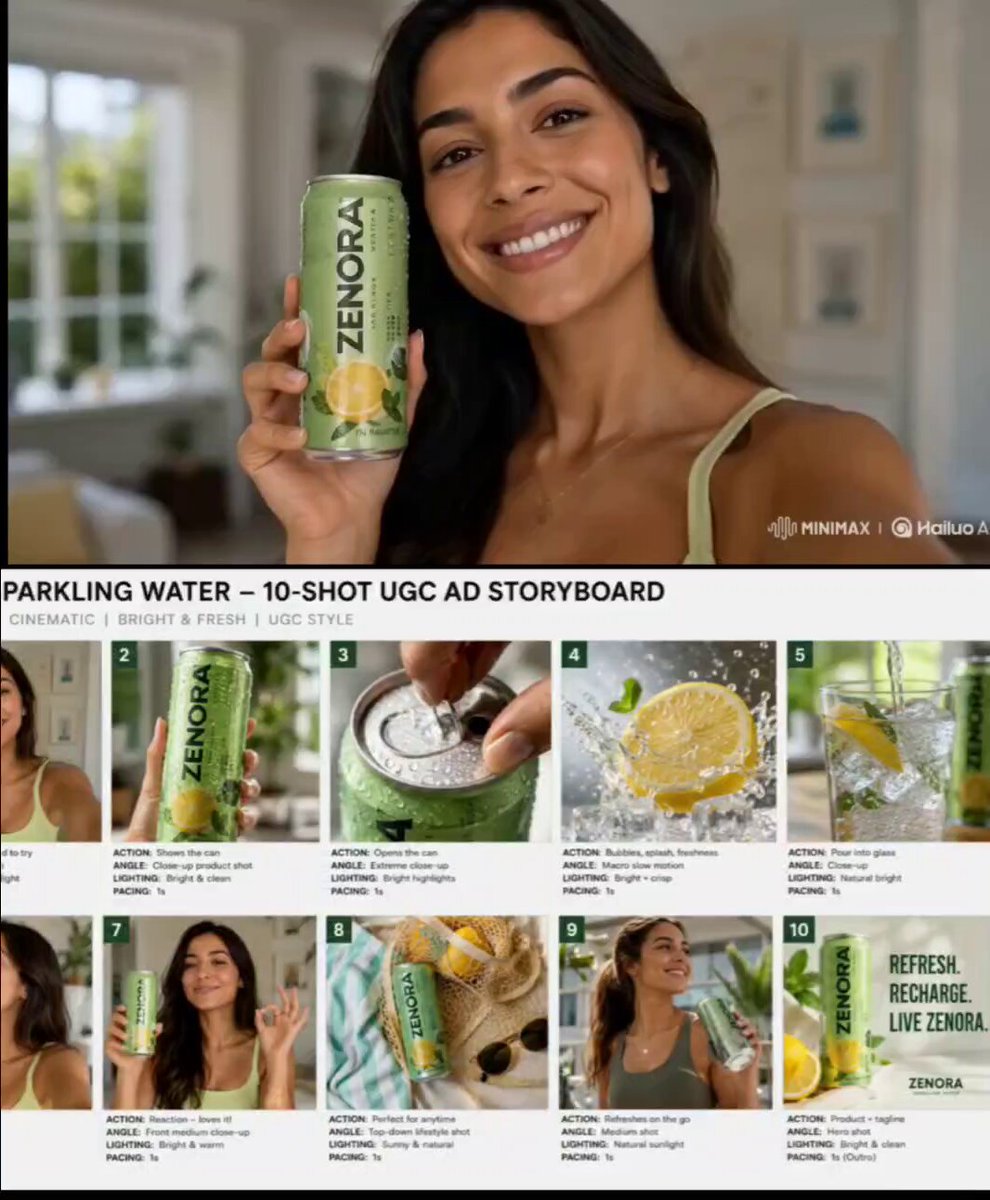
Premium Beverage UGC Commercial
Browse template categories
Universal Cinematic Video Script/Prompt Framework questions
How do I use the Universal Cinematic Video Script/Prompt Framework template?
Add your photo if the template asks for one, edit the prompt if you like — the template's model and format are already selected — and press Generate. Your version opens in PicX Studio.
Can I customize the Universal Cinematic Video Script/Prompt Framework template?
Yes. You can change the subject, setting, lighting, mood, format, and available model controls before creating your video.
Is the Universal Cinematic Video Script/Prompt Framework template free?
Opening and editing this template is free. Generating uses credits, shown on the Generate button when you are signed in.
Which AI model should I use?
Start with Seedance 2.0, which is the model associated with this template. You can compare another compatible model for a different finish.
Looking for something else? Browse all templates.

Your photo, any look
Thousands of ready templates for every top image and video model, from one credit balance.