How do I use the Seedance 2.0 Transform Prompt Framework template?
Edit the prompt in the box under the preview — the template's model and format are already selected — and press Generate. Your version appears right on this page.
A detailed, multi-shot Japanese prompt framework for Seedance 2.0, designed to create a stable 'transform' sequence where a character is built from silver liquid metal into a human-looking figure with mechanical…
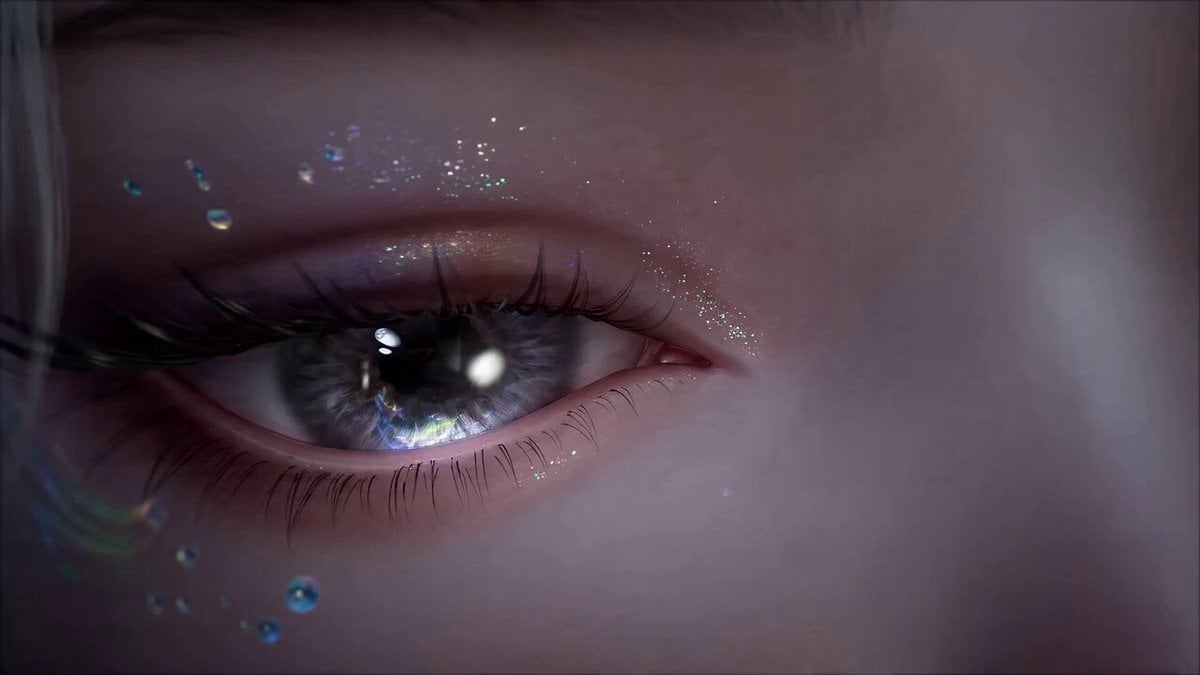
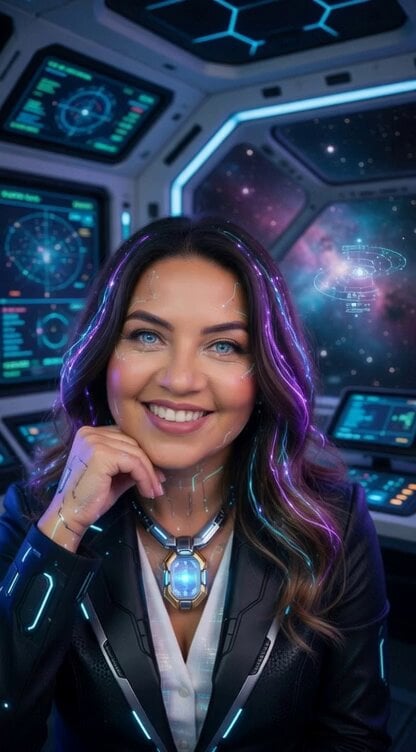
参考画像の人物をキャラクタープロトタイプとして使用する。 SHOT 1 — 銀色液体金属(0–3秒) 固定俯瞰、完全静止。 円形金属プラットフォーム中央で、鏡面の銀色液体金属が冷白色ライトを反射しながら流動。微振動後、磁場に引かれるように中央へ収束し、女性シルエットへ立体形成。 液体はチタン合金構造へ分離。 脊柱が下から順にロック、肋骨展開、骨盤閉合。 四肢関節が回転固定、内部油圧が作動。 液体が内側へ凝固し、ブラッシュド加工の機械骨格が露出。 クールブルーのリムライト。指先が微動。 冷色・高コントラストの実験室空間。 SHOT 2 — 皮膚形成(3–7秒) 正面ミディアム固定。 ロボットアームが透明モールドを下降。 高分子バイオ皮膚が薄膜のように密着。ナノファイバー融合、筋肉が微収縮テスト。 マクロ:毛穴生成、肌テクスチャ形成。 首は一部透明構造を維持、内部に緑色発光ライン。 肌色が自然な人肌へ変化。 SHOT 3 — 顔・猫耳(7–9秒) クローズアップ、ゆっくり前進。 閉眼。虹彩は淡いブルーグレー。 バイオ猫耳展開。黒白ツートンの長髪生成、自然落下。 顔に微細な機械紋様を残す。 ゆっくり開眼。冷静でやや憂いのある視線。 SHOT 4 — メイク(9–10秒) マクロ。 頬をブラシで整え、唇色調整。 黒白対称ヘアを仕上げ。 自然な皮膚反射とSSS表現。 SHOT 5 — 着装(10–12秒) 全身ミディアム。 グリーンの未来制服が自動装着。 肩と袖口が発光。 首の透明機構が柔らかな緑光。布地質感明瞭。 SHOT 6 — 登場・台詞(12–15秒) ワイド映画画角。 実験室の扉が開く。逆光リムライト。 一歩前進、軽く首を傾け、カメラに正確にフォーカス。 自然な微笑。 やさしく落ち着いた声で: 「Hi, my master.」 自然なリップシンク。 0.5秒アイコンタクト維持。 4K HDR、シネマティックライティング。
参考画像の人物をキャラクタープロトタイプとして使用する。 SHOT 1 — 銀色液体金属(0–3秒) 固定俯瞰、完全静止。 円形金属プラットフォーム中央で、鏡面の銀色液体金属が冷白色ライトを反射しながら流動。微振動後、磁場に引かれるように中央へ収束し、女性シルエットへ立体形成。 液体はチタン合金構造へ分離。 脊柱が下から順にロック、肋骨展開、骨盤閉合。 四肢関節が回転固定、内部油圧が作動。 液体が内側へ凝固し、ブラッシュド加工の機械骨格が露出。 クールブルーのリムライト。指先が微動。 冷色・高コントラストの実験室空間。 SHOT 2 — 皮膚形成(3–7秒) 正面ミディアム固定。 ロボットアームが透明モールドを下降。 高分子バイオ皮膚が薄膜のように密着。ナノファイバー融合、筋肉が微収縮テスト。 マクロ:毛穴生成、肌テクスチャ形成。 首は一部透明構造を維持、内部に緑色発光ライン。 肌色が自然な人肌へ変化。 SHOT 3 — 顔・猫耳(7–9秒) クローズアップ、ゆっくり前進。 閉眼。虹彩は淡いブルーグレー。 バイオ猫耳展開。黒白ツートンの長髪生成、自然落下。 顔に微細な機械紋様を残す。 ゆっくり開眼。冷静でやや憂いのある視線。 SHOT 4 — メイク(9–10秒) マクロ。 頬をブラシで整え、唇色調整。 黒白対称ヘアを仕上げ。 自然な皮膚反射とSSS表現。 SHOT 5 — 着装(10–12秒) 全身ミディアム。 グリーンの未来制服が自動装着。 肩と袖口が発光。 首の透明機構が柔らかな緑光。布地質感明瞭。 SHOT 6 — 登場・台詞(12–15秒) ワイド映画画角。 実験室の扉が開く。逆光リムライト。 一歩前進、軽く首を傾け、カメラに正確にフォーカス。 自然な微笑。 やさしく落ち着いた声で: 「Hi, my master.」 自然なリップシンク。 0.5秒アイコンタクト維持。 4K HDR、シネマティックライティング。
Edit the prompt in the box under the preview — the template's model and format are already selected — and press Generate. Your version appears right on this page.
Yes. You can change the subject, setting, lighting, mood, format, and available model controls before creating your video.
Opening and editing this template is free. Generating uses credits, shown on the Generate button when you are signed in.
Start with Seedance 2.0, which is the model associated with this template. You can compare another compatible model for a different finish.
Follow a topic to a crawlable collection of related PicX Studio templates.