
Cinematic Kinetic Sculpture Stop-Motion
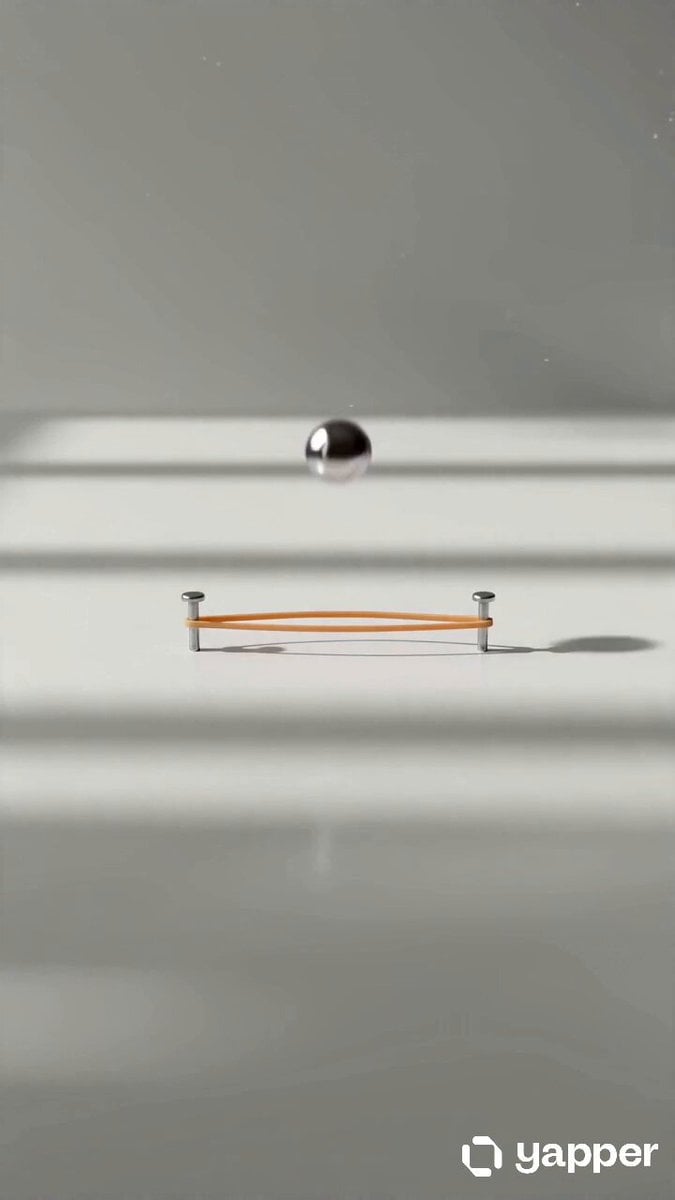
A detailed prompt for creating a 15-second ultra-wide cinematic stop-motion video of a kinetic sculpture featuring rubber bands and metallic objects with evolving geometric structures and seamless looping.
- Prompt included
- Model and format preset
- Free template
The prompt behind this video
Copy the exact prompt behind Cinematic Kinetic Sculpture Stop-Motion, or open it in the studio and make it yours.
Create a 15-second ultra-wide cinematic (19:6 aspect ratio) hyper-realistic stop-motion style video with precise mechanical motion, designed for a panoramic storytelling experience. Scene opens on a long minimalist white desk stretching horizontally across the frame under soft natural daylight. The composition is extremely wide, with strong negative space on both sides. In the center lies a single stretched rubber band anchored between two small metal pins. The environment is clean, quiet, and highly detailed with subtle dust floating in sideways light rays. At 3 seconds, a metal ball bearing drops from above and lands inside the rubber band slightly off-center. The impact causes a visible elastic ripple that travels horizontally along the band. The motion spreads laterally across the frame, emphasizing the wide composition. At 6 seconds, multiple small objects begin entering from both left and right edges of the frame in a synchronized rhythm: paper clips slide in from the left, tiny magnets glide in from the right, and micro metal cubes drop gently into the system. Each object interacts with the rubber band differently, creating tension, bounce, and magnetic pull. The system begins expanding horizontally across the entire frame. At 9 seconds, the rubber band network evolves into a complex kinetic structure spanning almost the full width of the scene. Geometric formations emerge horizontally: triangles linking left to right, hexagonal chains stretching across the desk, and spiral patterns forming in the center. The camera performs a slow lateral tracking shot, following the motion across the wide frame. At 12 seconds, the system becomes a fully synchronized floating kinetic sculpture spanning edge-to-edge. Objects orbit smoothly in coordinated horizontal motion, forming a living mechanical rhythm. The lighting becomes slightly more dramatic with soft contrast and reflective highlights traveling across metallic surfaces. At 15 seconds, all motion collapses simultaneously toward the center and resets instantly into the original single rubber band stretched between two pins, restoring the minimal composition. Perfect seamless loop. Use ultra-wide cinematic framing (19:6), macro-level detail, shallow depth of field, and smooth slow-motion physics. Emphasize horizontal movement, spatial rhythm, and edge-to-edge composition. Lighting should remain soft natural daylight with subtle dynamic reflections during transformation. Sound design includes directional object drops, elastic tension sweeps across stereo field, magnetic clicks moving left-to-right, soft mechanical hum expanding across space, and a clean spatial silence at reset for loop perfection. Ensure strong lateral visual storytelling, satisfying physics, and a perfectly seamless loop designed for ultra-wide cinematic viewing.
How to use Cinematic Kinetic Sculpture Stop-Motion in 3 steps
- 1
Open
The prompt is already in the box next to the preview, with the template's model and format selected.
- 2…a portrait of your subject in softgolden-hour light, 85mm…
Personalize
Edit the subject and creative details for your destination.
- 3Generate
Generate
Press Generate — your video is created in PicX Studio, so you can compare it with the original and refine one variable at a time.
More like this
Templates with the same subject, style or setup. Open one to see its prompt.
Slow-Motion 90s Diner Explosion - Seedance 2.5
Nano Banana Seedance Environment Render Walk
Seedance Wind Guides Path
Stop-Motion Claymation Nutella Cafe
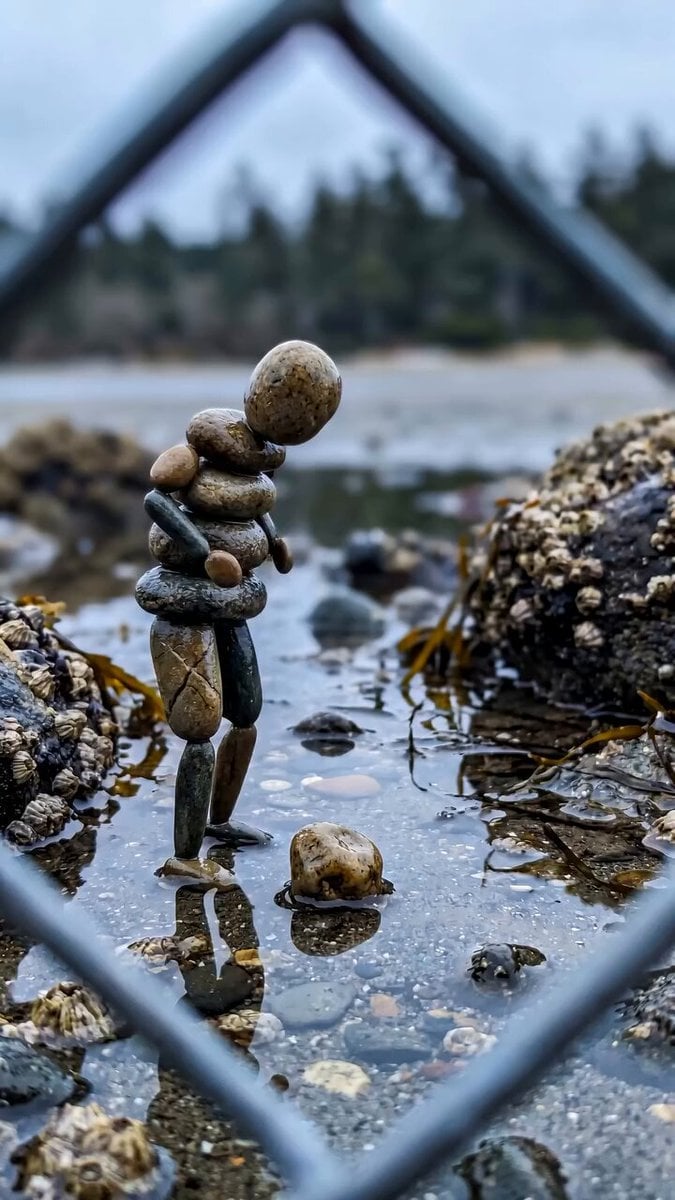
Stone Humanoid Stop Motion Animation
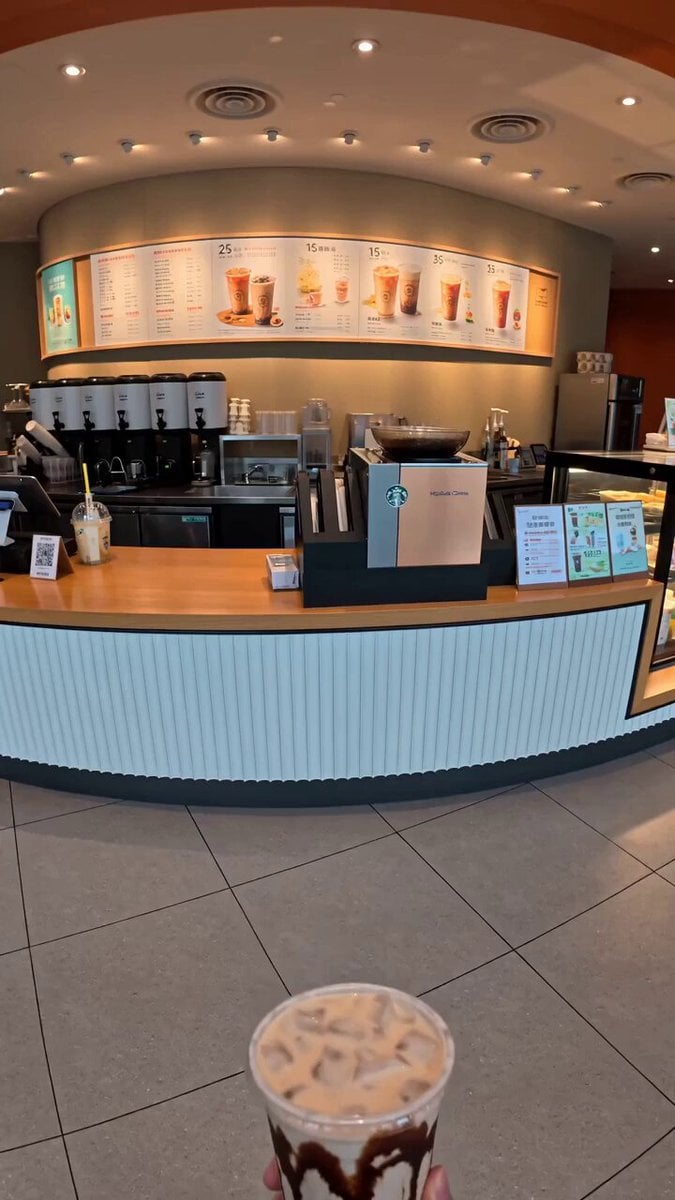
Food Summoning POV Stop-Motion Video
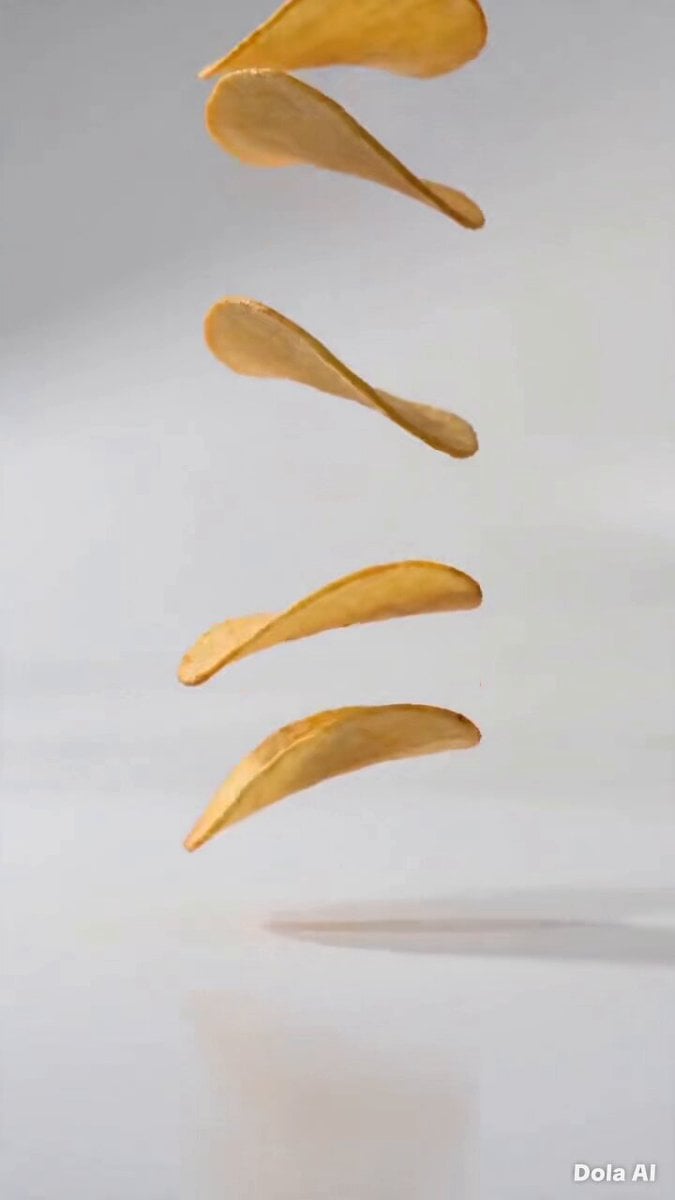
Stop-Motion Chip Stacking Animation
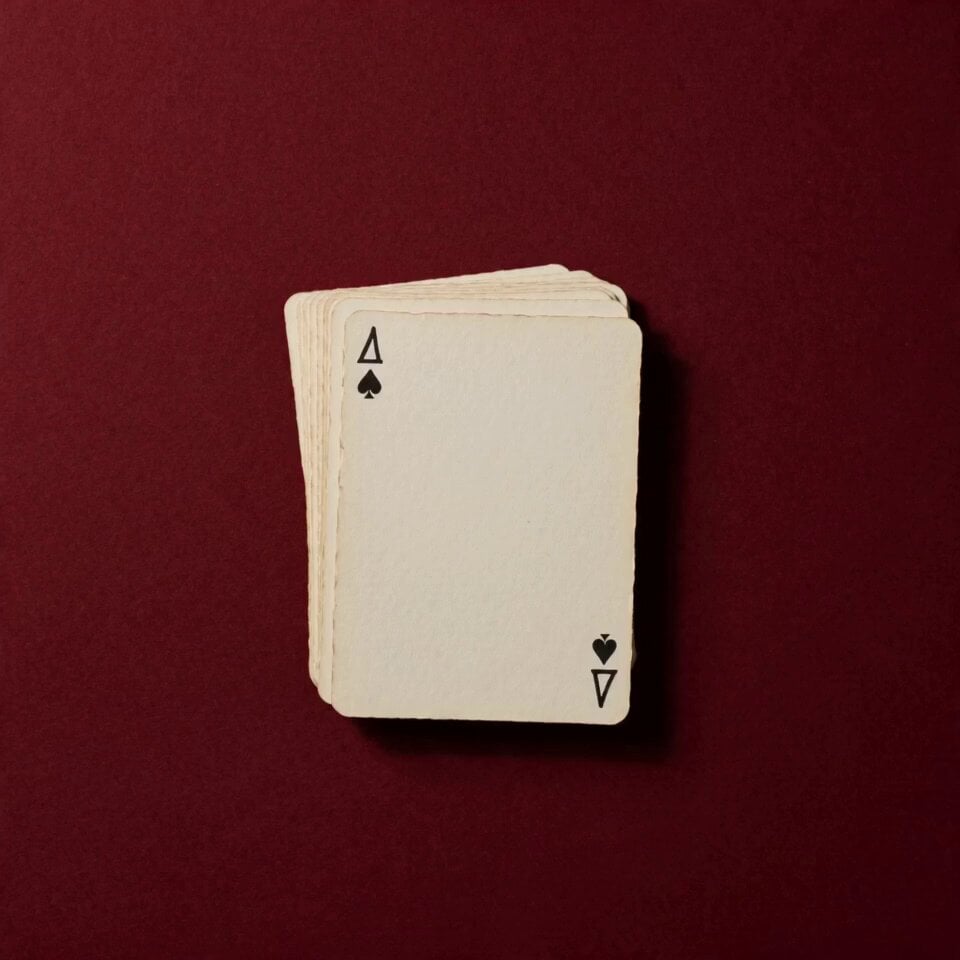
Stop Motion Playing Card Art Film

Hand-Painted Stop-Motion Blizzard Scene
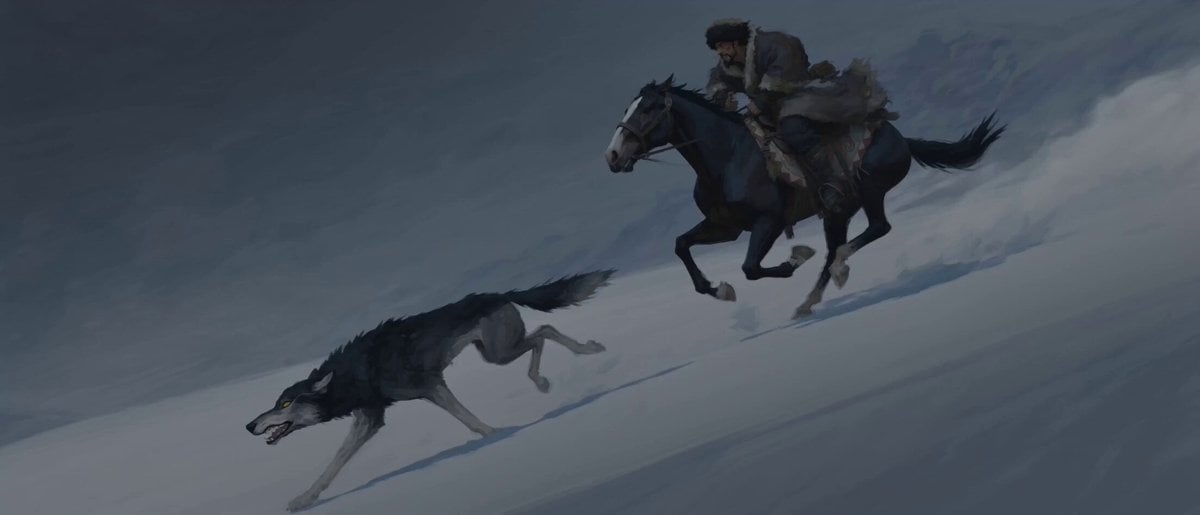
Stop-Motion Wolf Attack Sequence

Chai Ritual Stop Motion
Coffee Stop-Motion Morning Ritual
Make it yours
Cinematic Kinetic Sculpture Stop-Motion works as-is. These are the safest ways to change it without losing the look.
Change one field
Copy a single group, rewrite it, and generate again so you can see what that field is doing.
Keep the frame, change the subject
Hold the composition and light of Cinematic Kinetic Sculpture Stop-Motion, then swap wardrobe, props or the person for a new take.
| If the result… | Why | Fix |
|---|---|---|
| The result drifts from the preview | Too many fields changed at once. | Reuse Cinematic Kinetic Sculpture Stop-Motion as-is first, then change one group — subject, light, or setting. |
| The model over-stylizes the scene | The prose prompt leaves finish and camera underspecified. | Add one camera or lighting sentence and stay on Seedance 2.0. |
More Seedance 2.0 templates
Other prompts made for Seedance 2.0.

Comical Martial Arts Punch Scene

Maglev Train Action Sequence

Martial Arts Fight Sequence

Wuxia Protection and Trust Script

Vintage Korean Arcade MiniDV Vlog

Mercedes 190 SL Luxury Ad

Rainy Night Supernatural Reverse Comedy Video Script

Amazon Civilization Discovery

Futuristic South Asian City Transformation

Cozy Luxury Cafe Commercial
More video prompts
Fresh picks from across the catalog.

Austrian Soldier Castle Dracula Battle
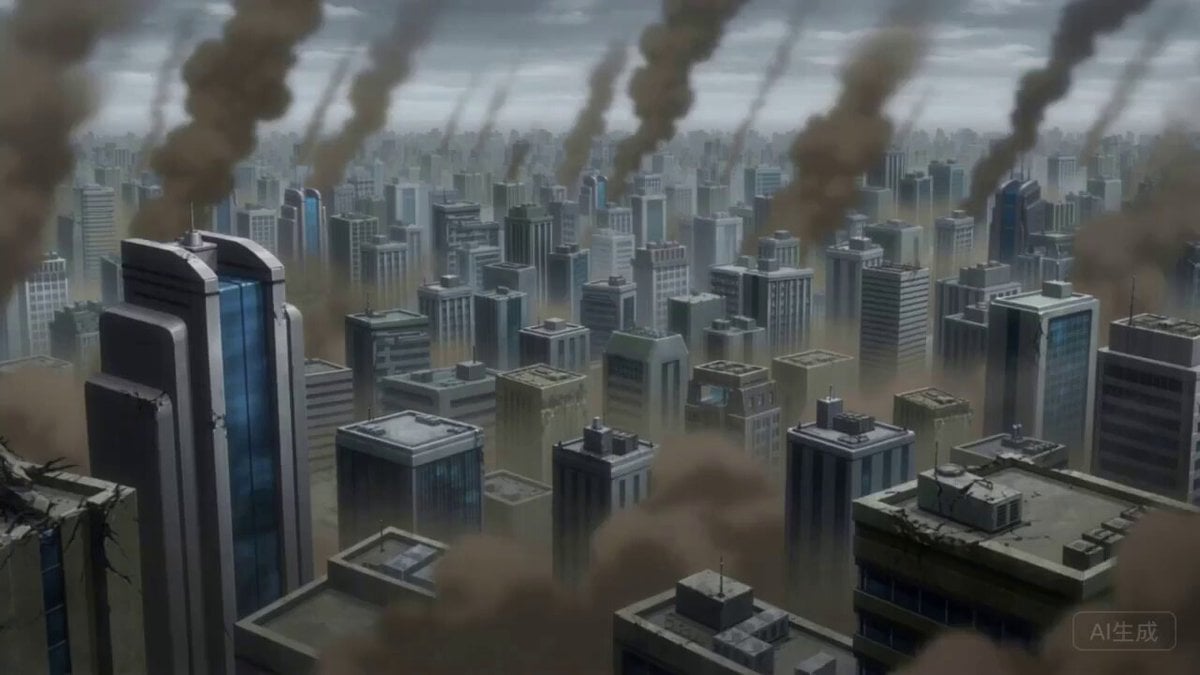
One Piece vs Superman Crossover Battle
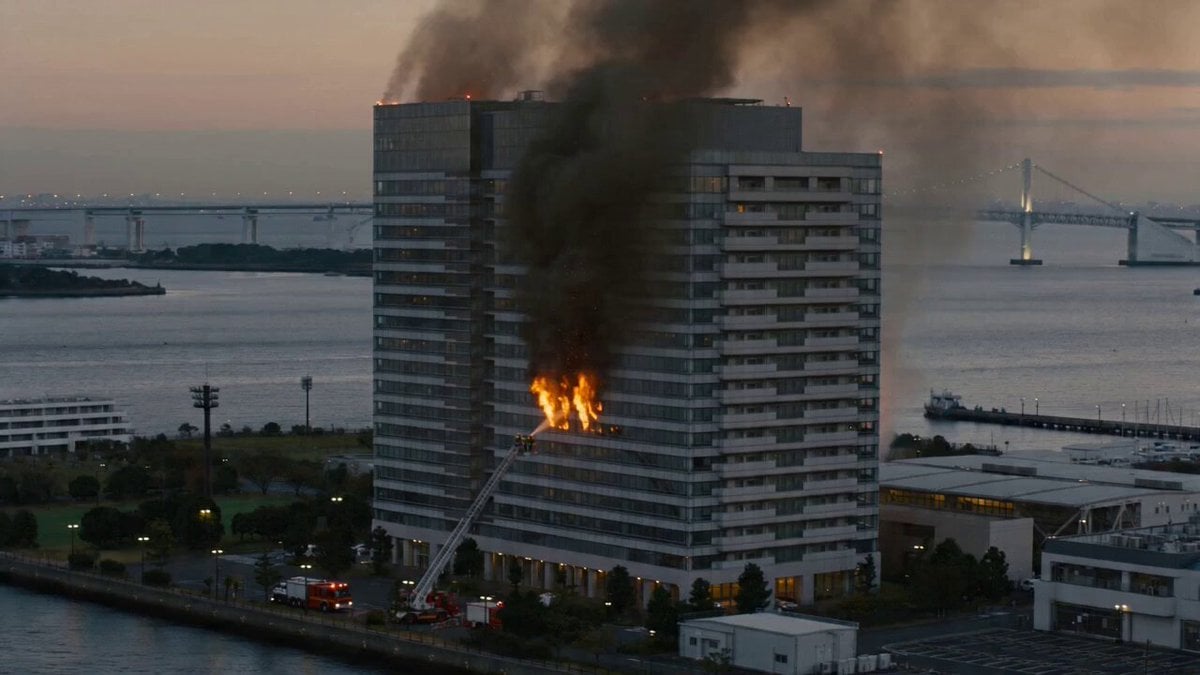
Live-Action Documentary Style Fire Video Prompt (Scene Setup)
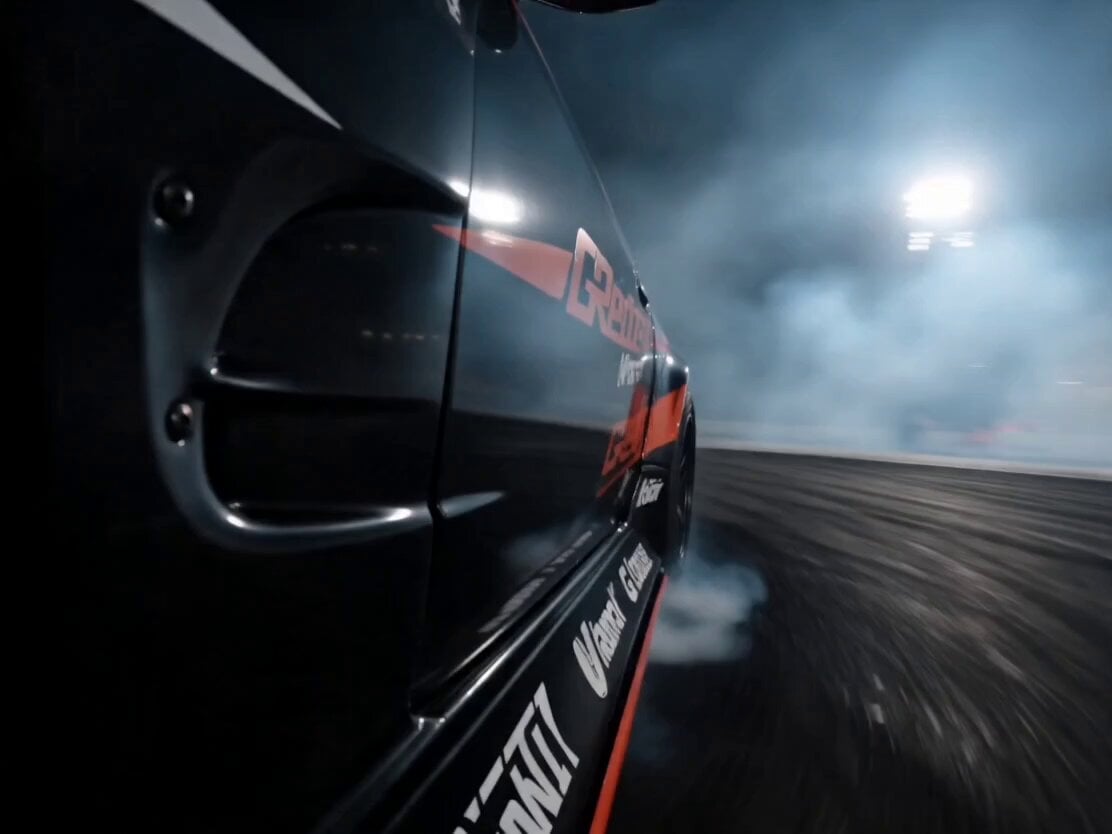
Formula Drift Racing Driver Film

Magical Girl Aerial Battle Anime Scene
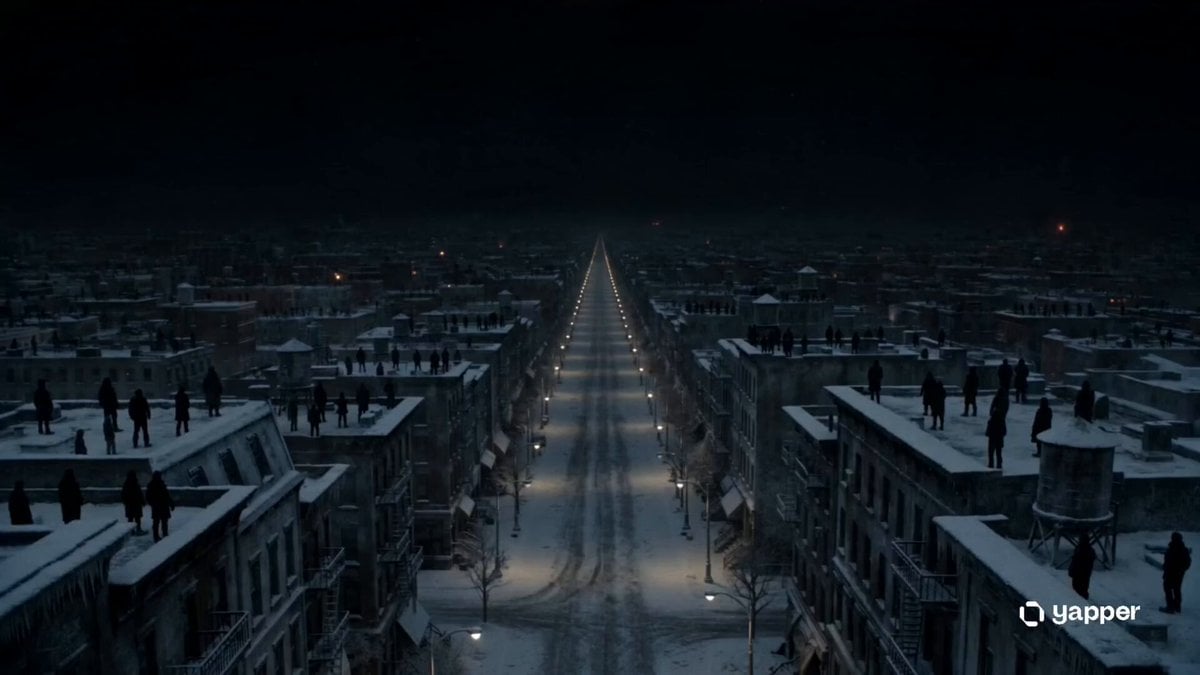
Sci-Fi Eternal Night Sunrise

Futuristic Anime Cat Morning Routine
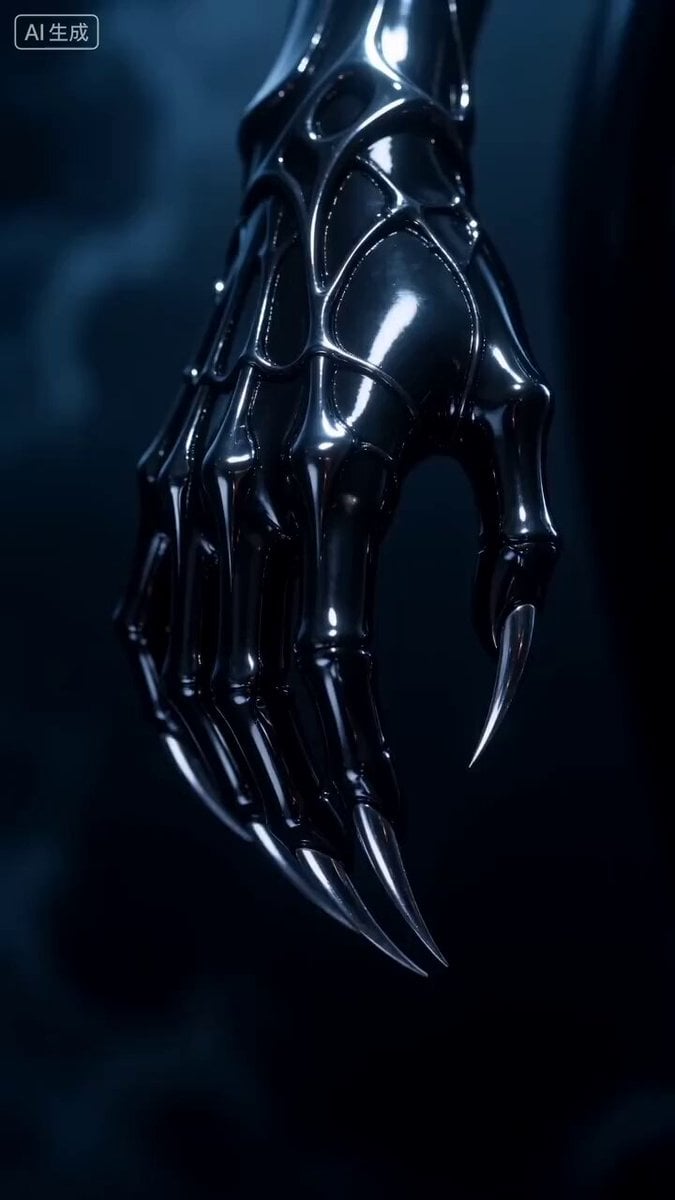
Dark Fantasy Female Image Video Prompt
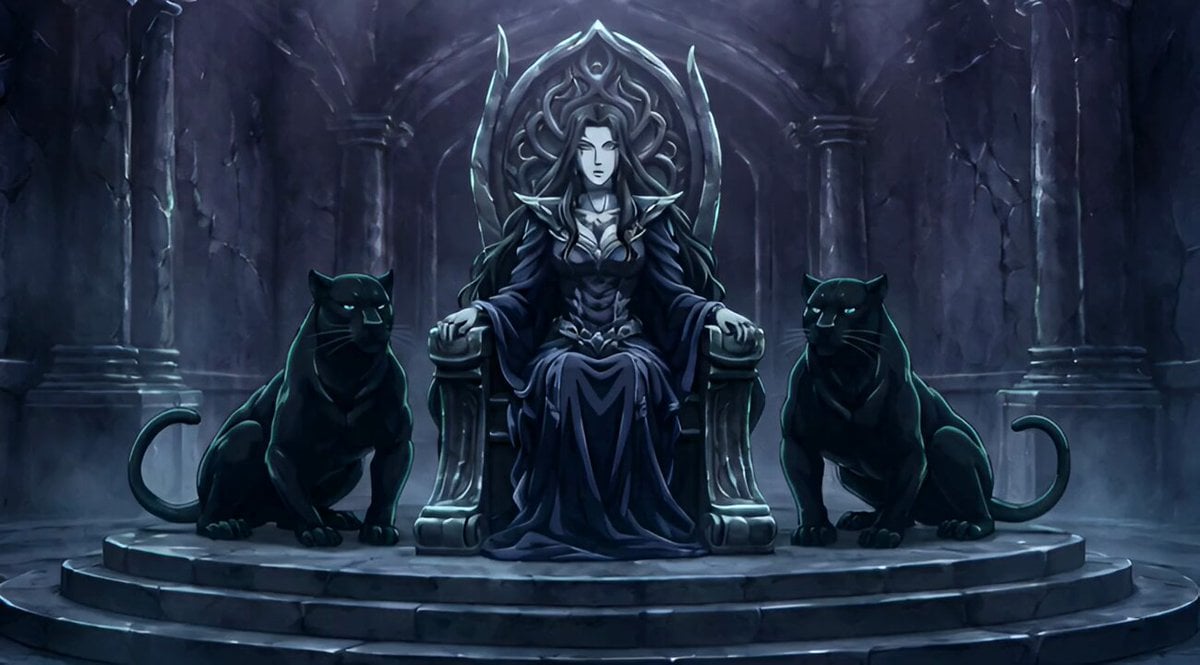
Conan the Barbarian Style Queen with Panthers Video Prompt

Chicken Stand-Up Comedy
Browse template categories
Cinematic Kinetic Sculpture Stop-Motion questions
How do I use the Cinematic Kinetic Sculpture Stop-Motion template?
Add your photo if the template asks for one, edit the prompt if you like — the template's model and format are already selected — and press Generate. Your version opens in PicX Studio.
Can I customize the Cinematic Kinetic Sculpture Stop-Motion template?
Yes. You can change the subject, setting, lighting, mood, format, and available model controls before creating your video.
Is the Cinematic Kinetic Sculpture Stop-Motion template free?
Opening and editing this template is free. Generating uses credits, shown on the Generate button when you are signed in.
Which AI model should I use?
Start with Seedance 2.0, which is the model associated with this template. You can compare another compatible model for a different finish.
Looking for something else? Browse all templates.

Your photo, any look
Thousands of ready templates for every top image and video model, from one credit balance.