
Sci-Fi Eternal Night Sunrise
An emotional sci-fi video prompt showing a world trapped in eternal darkness experiencing its first sunrise.
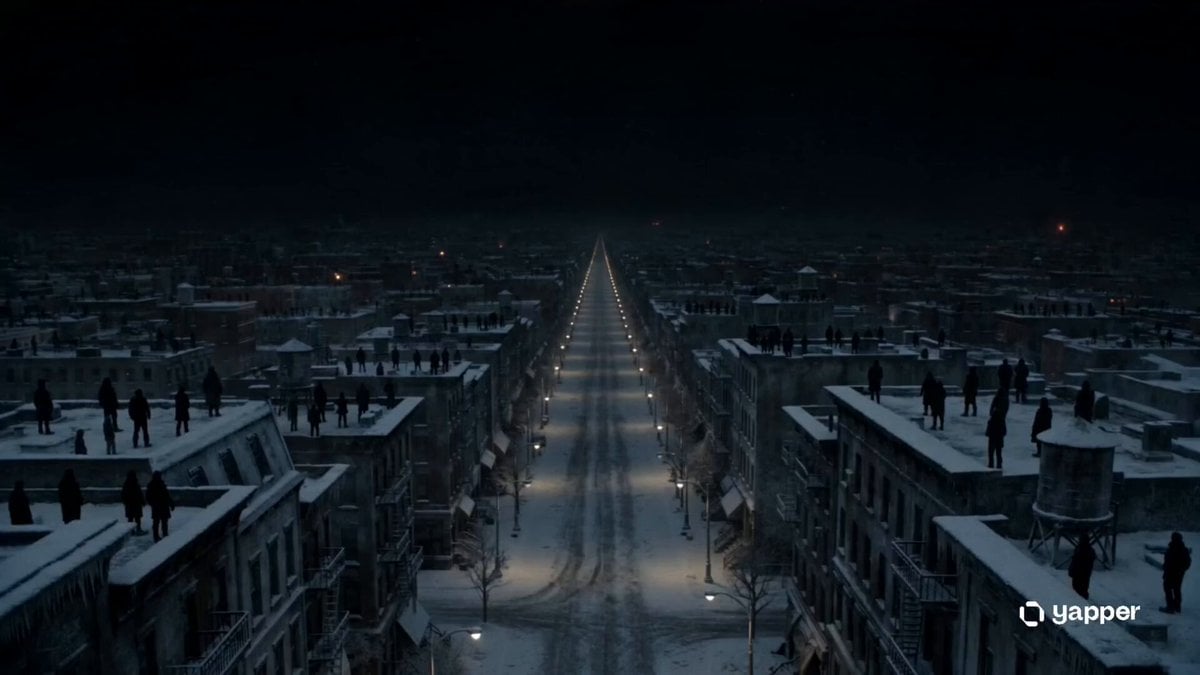
- Prompt included
- Model and format preset
- Premium template
The prompt behind this video
Copy the exact prompt behind Sci-Fi Eternal Night Sunrise, or open it in the studio and make it yours.
A cinematic emotional sci-fi sequence set in a world trapped in eternal night. 0–3s: Silent, frozen city under permanent darkness. Streetlights flicker weakly. Snow-like ash falls gently through empty streets. People stand on rooftops staring at a black horizon. 3–6s: Close-up shots of exhausted faces—people holding onto each other, waiting. Radios crackle with static. A faint, unexplained vibration moves through the air. 6–9s: The sky begins to change for the first time in years. A thin, impossible line of warm orange light appears at the horizon. Birds suddenly take flight. Wind picks up. 9–12s: Emotional escalation—people drop to their knees, crying, laughing, shielding their eyes. The first rays of sunlight break through the darkness, touching buildings that haven’t seen light in years. 12–15s: Final wide cinematic shot. The sun rises fully over the world, flooding everything with golden light. Ice melts, shadows retreat, and the city slowly awakens in silence and awe. Style: ultra cinematic realism, emotional tone, soft golden volumetric lighting, slow-motion human reactions, high-detail environments, film-grade color grading, hopeful and transformative atmosphere.
How to use Sci-Fi Eternal Night Sunrise in 3 steps
- 1
Open
The prompt is already in the box next to the preview, with the template's model and format selected.
- 2…a portrait of your subject in softgolden-hour light, 85mm…
Personalize
Edit the subject and creative details for your destination.
- 3Generate
Generate
Press Generate — your video is created in PicX Studio, so you can compare it with the original and refine one variable at a time.
More like this
Templates with the same subject, style or setup. Open one to see its prompt.
Griffin Knight Mountain Kingdom — Seedance 2.0

Sci-Fi Disaster Movie Scene - Seedance 2.5

Cinematic Istanbul Night Fight - Seedance 2.5
Late Night Kitchen Phone Recording - Seedance 2.5

Korean Night Market Bullet-Time Scene - Seedance 2.5

Forest Fantasy Girl Short Film

Live-Action Firefighter Rescue Night Scene
Porsche 911 GT3 RS Night Racing — Neon City Streets
Rainforest Thriller — Searching the Unseen
Asteroid Impact City Destruction
Cinematic Stone Giants Sunrise Video Prompt

First-Person Mountain Sunrise Vlog
Make it yours
Sci-Fi Eternal Night Sunrise works as-is. These are the safest ways to change it without losing the look.
Change one field
Copy a single group, rewrite it, and generate again so you can see what that field is doing.
Keep the frame, change the subject
Hold the composition and light of Sci-Fi Eternal Night Sunrise, then swap wardrobe, props or the person for a new take.
| If the result… | Why | Fix |
|---|---|---|
| The result drifts from the preview | Too many fields changed at once. | Reuse Sci-Fi Eternal Night Sunrise as-is first, then change one group — subject, light, or setting. |
| The model over-stylizes the scene | The prose prompt leaves finish and camera underspecified. | Add one camera or lighting sentence and stay on Seedance 2.0. |
More Seedance 2.0 templates
Other prompts made for Seedance 2.0.

Comical Martial Arts Punch Scene

Maglev Train Action Sequence

Martial Arts Fight Sequence

Wuxia Protection and Trust Script

Vintage Korean Arcade MiniDV Vlog

Mercedes 190 SL Luxury Ad

Amazon Civilization Discovery

Futuristic South Asian City Transformation

Cozy Luxury Cafe Commercial

Cyber Ronin Nanotech Transformation Video
More video prompts
Fresh picks from across the catalog.

Virtual display of customer spending at Costco
Jungle Lab Mantis Thriller
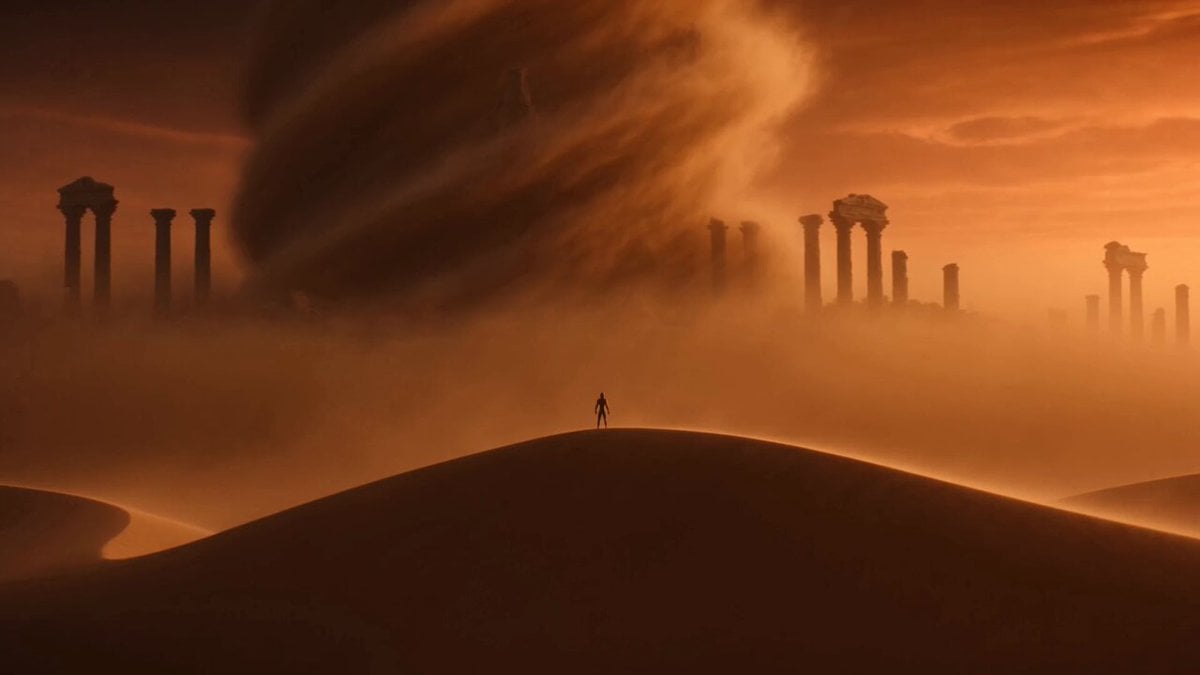
Sand Titan Elemental Transformation
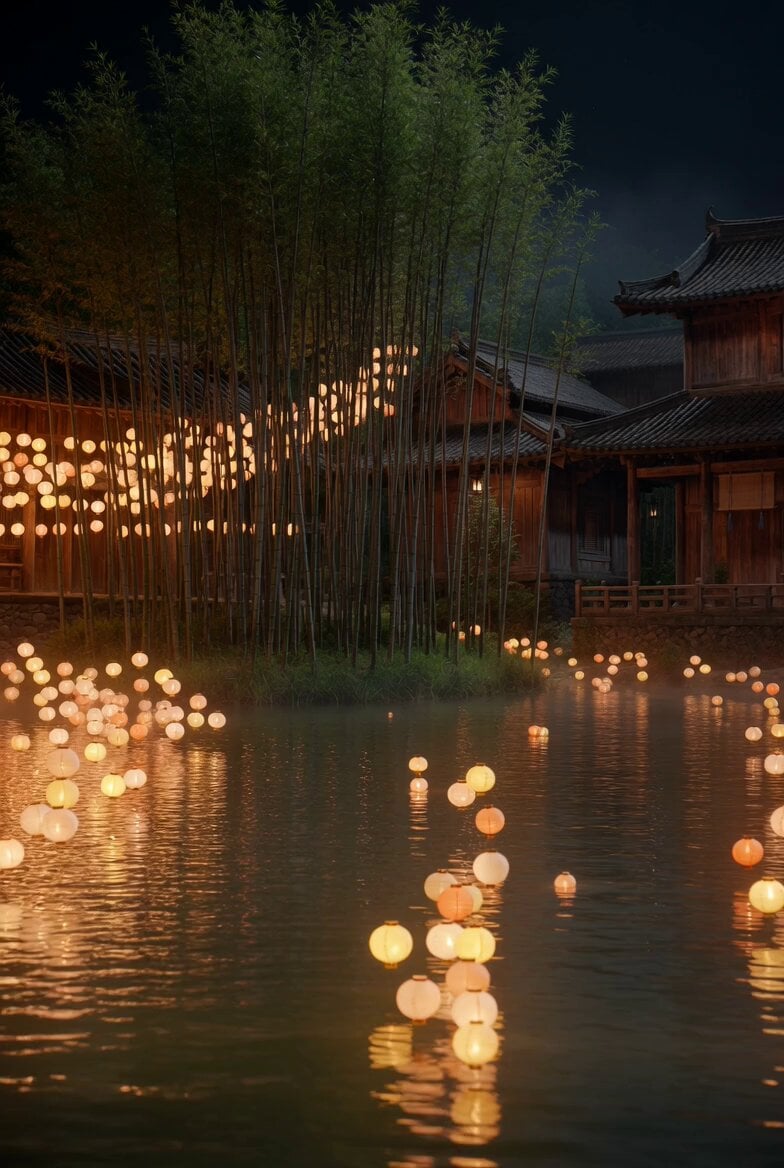
Floating Lights and Lantern Glow Video
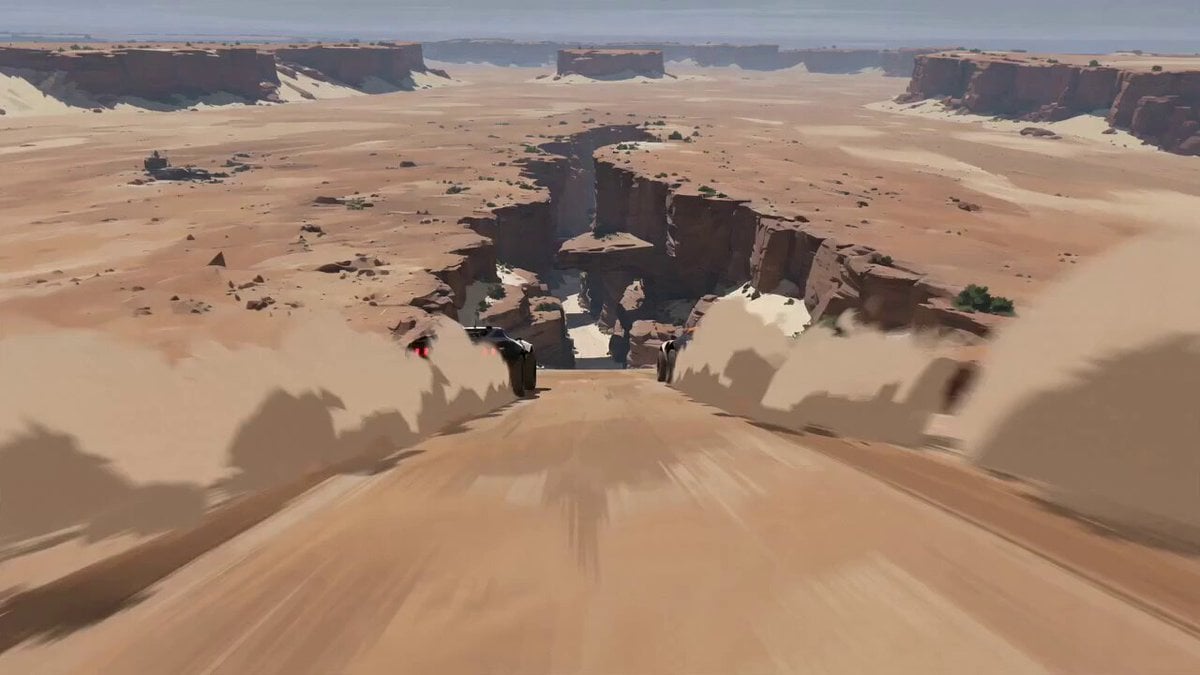
Futuristic Desert Off-Road Racing Prompt
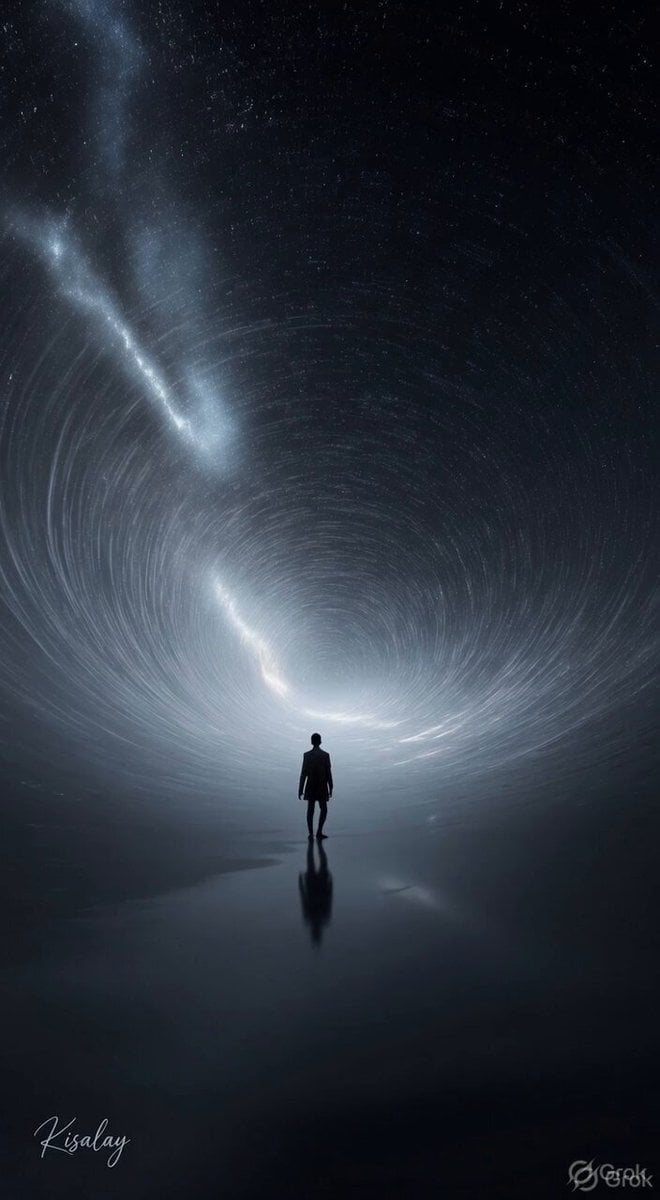
Spinning Sky Cosmic Video
Rocket Surf Cine Verité
Pixel Game Style Grocery Store Heist
Chinese Xianxia Cold Comedy Action Video

Open-World RPG Grocery Store Quest Prompt
Browse template categories
Sci-Fi Eternal Night Sunrise questions
How do I use the Sci-Fi Eternal Night Sunrise template?
Add your photo if the template asks for one, edit the prompt if you like — the template's model and format are already selected — and press Generate. Your version opens in PicX Studio.
Can I customize the Sci-Fi Eternal Night Sunrise template?
Yes. You can change the subject, setting, lighting, mood, format, and available model controls before creating your video.
Is the Sci-Fi Eternal Night Sunrise template free?
Opening and editing this template is free. Generating uses credits, shown on the Generate button when you are signed in.
Which AI model should I use?
Start with Seedance 2.0, which is the model associated with this template. You can compare another compatible model for a different finish.
Looking for something else? Browse all templates.

Your photo, any look
Thousands of ready templates for every top image and video model, from one credit balance.