
Open-World RPG Grocery Store Quest Prompt
A creative prompt for a 16:9 cinematic RPG sequence set in a warehouse store, including a full game HUD, mini-maps, and quest objectives.

- Prompt included
- Model and format preset
- Premium template
The prompt behind this video
Copy the exact prompt behind Open-World RPG Grocery Store Quest Prompt, or open it in the studio and make it yours.
A photorealistic 16:9 in-game screenshot of a fictional next-gen open-world RPG titled "BULK: A Members-Only Adventure". Third-person over-the-shoulder camera following the player character — a tired suburban mom in yoga pants pushing an oversized flatbed cart down the aisle of a Costco warehouse store. Scene captures hyper-realistic warehouse lighting, towering pallet stacks, a free sample station ahead with an NPC in a hairnet glowing with a yellow exclamation mark above her head. Game HUD overlay: top-left mini-map showing aisle layout with quest markers; top-right stamina bar labeled "PATIENCE" three-quarters full; bottom-left compass with objective text "PRIMARY: Locate Kirkland Almond Butter (Aisle 11)" and below "SECONDARY: Sample 3/5 cocktail meatballs"; bottom-right item quick-slots showing membership card, car keys, snack bar; center crosshair with subtle interaction prompt "[E] Take Sample". Cinematic depth of field, slight chromatic aberration, photo-mode quality. All UI text crisp and legible. Realistic Costco signage in background spelled correctly. No watermark, no real Costco logo (use generic warehouse-club aesthetic).
How to use Open-World RPG Grocery Store Quest Prompt in 3 steps
- 1
Open
The prompt is already in the box next to the preview, with the template's model and format selected.
- 2…a portrait of your subject in softgolden-hour light, 85mm…
Personalize
Edit the subject and creative details for your destination.
- 3Generate
Generate
Press Generate — your video is created in PicX Studio, so you can compare it with the original and refine one variable at a time.
More like this
Templates with the same subject, style or setup. Open one to see its prompt.

Nostalgic MiniDV Convenience Store Vlog - Seedance 2.5
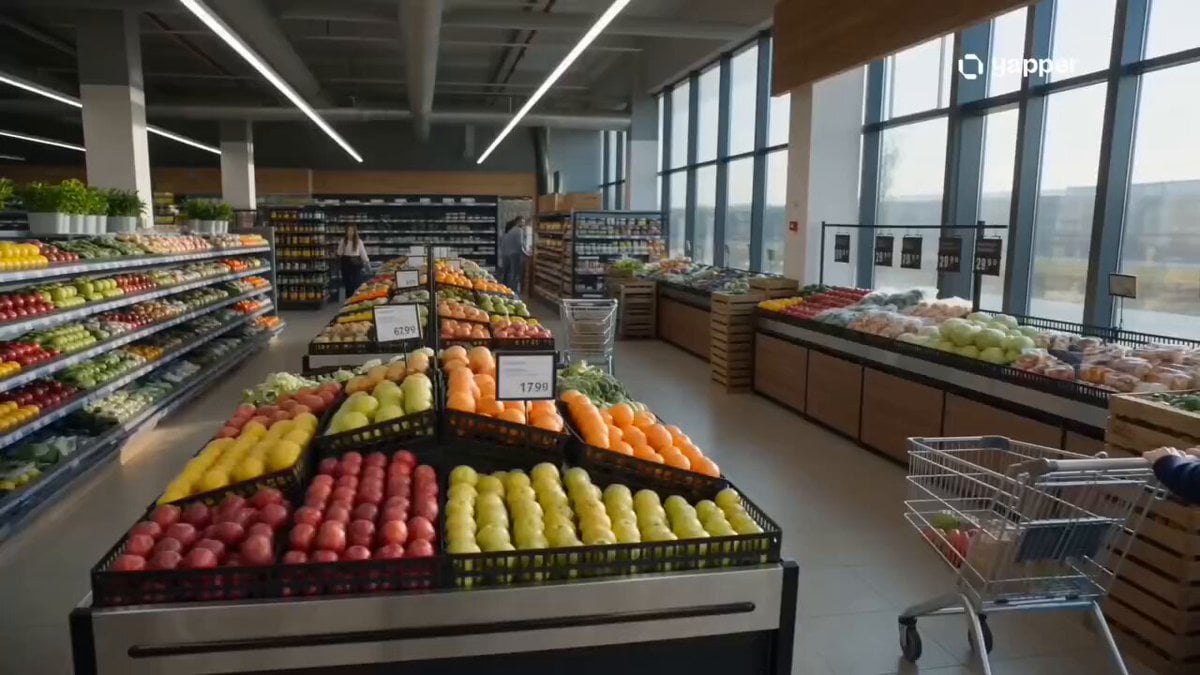
Cinematic Grocery Store Sequence
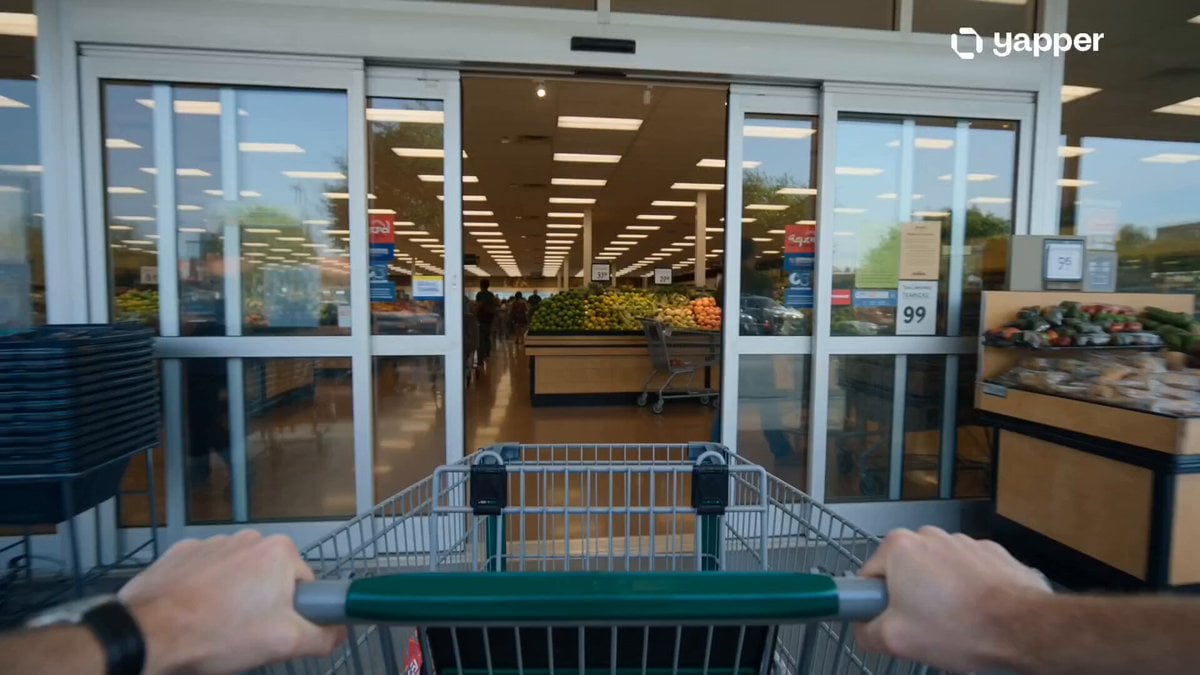
Grocery Store Slice-of-Life Realism
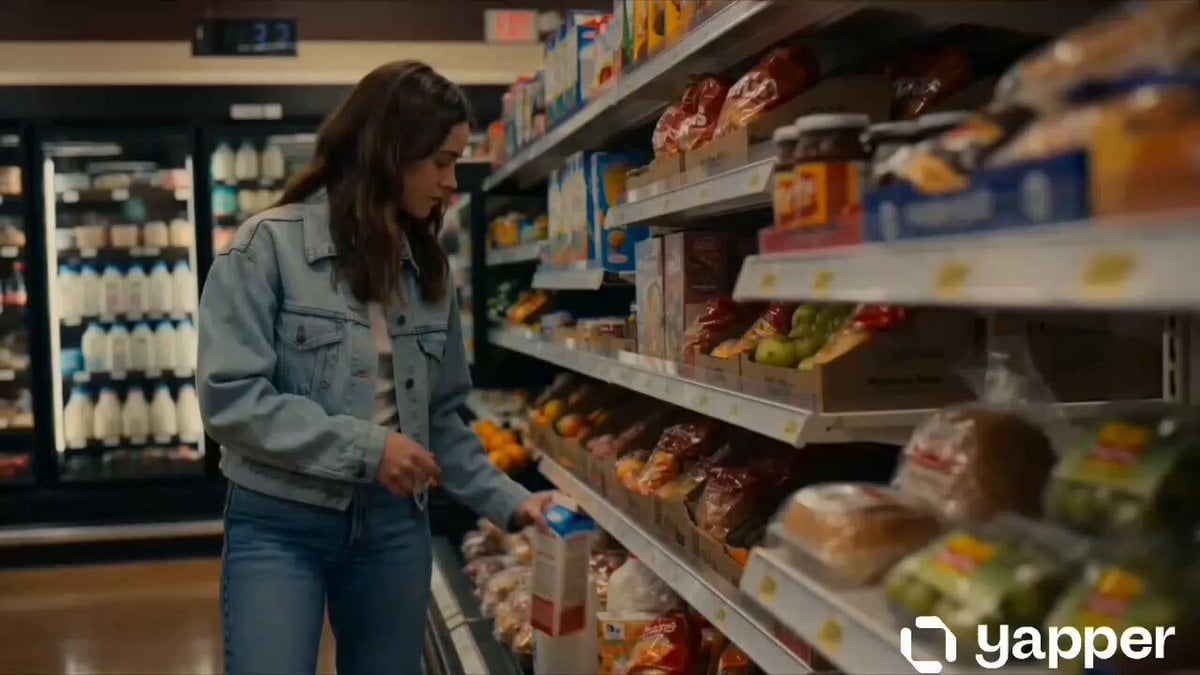
Cinematic Grocery Store Emotional Story
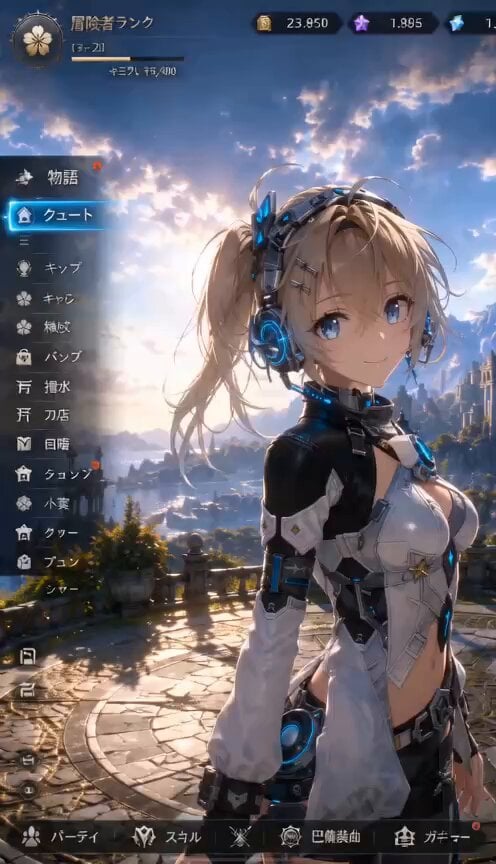
3D RPG Game Quest Selection Scene
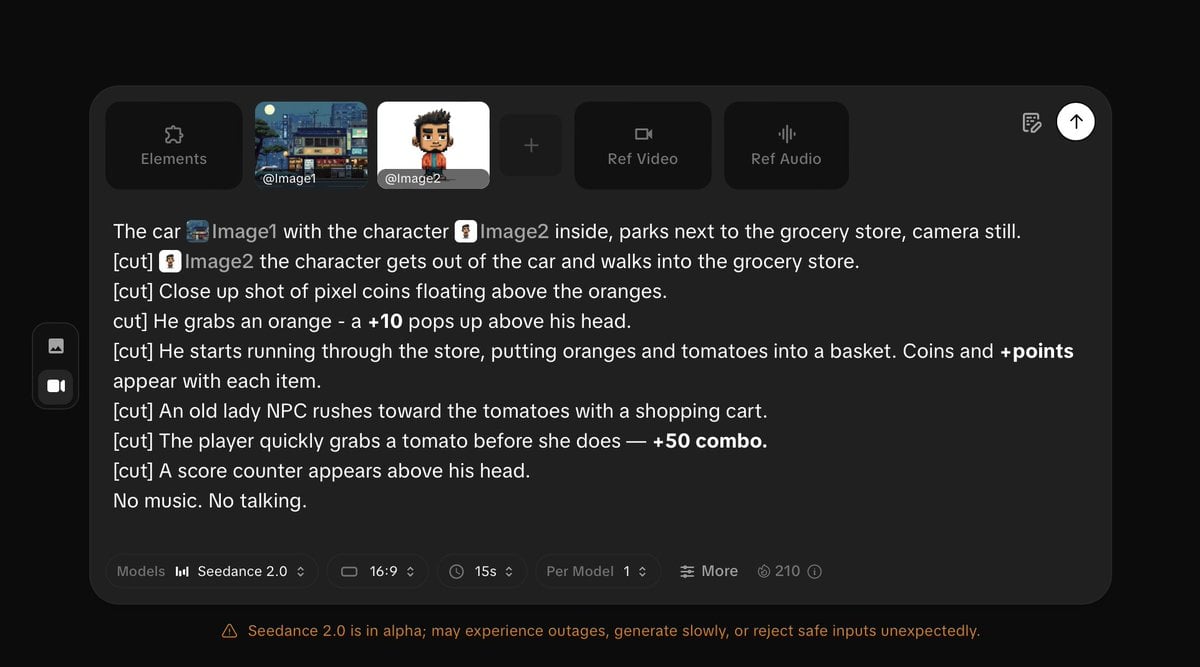
Pixel Game Style Grocery Store Heist
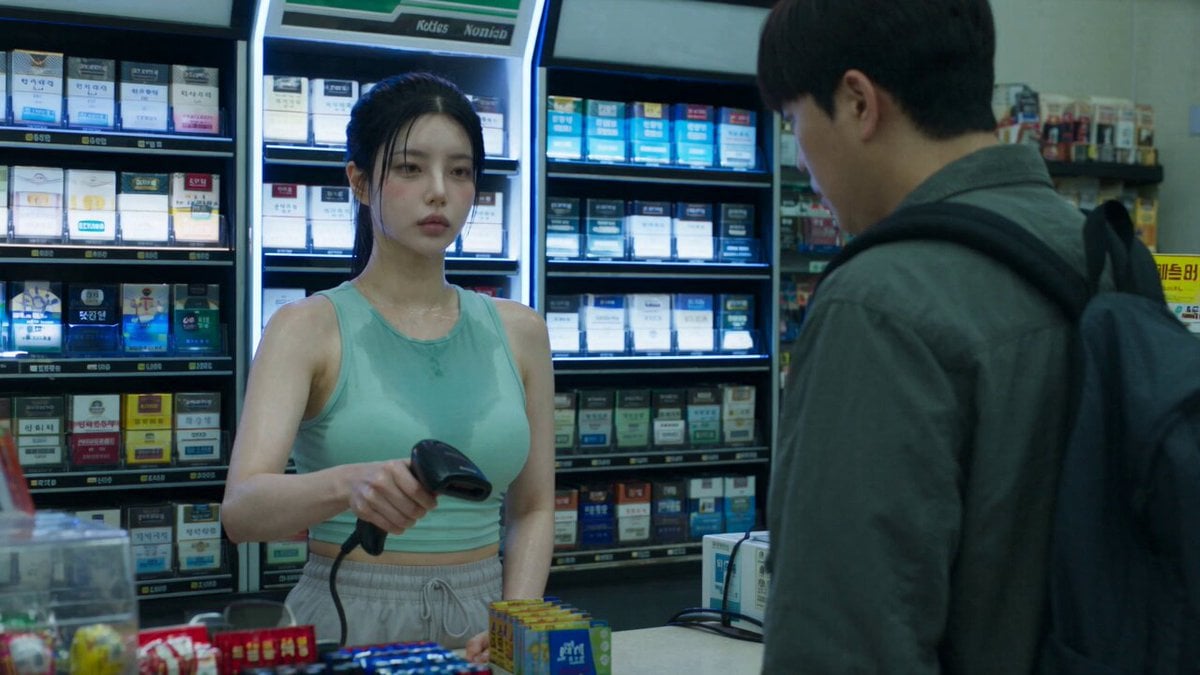
Korean Horror Zombie Convenience Store Attack
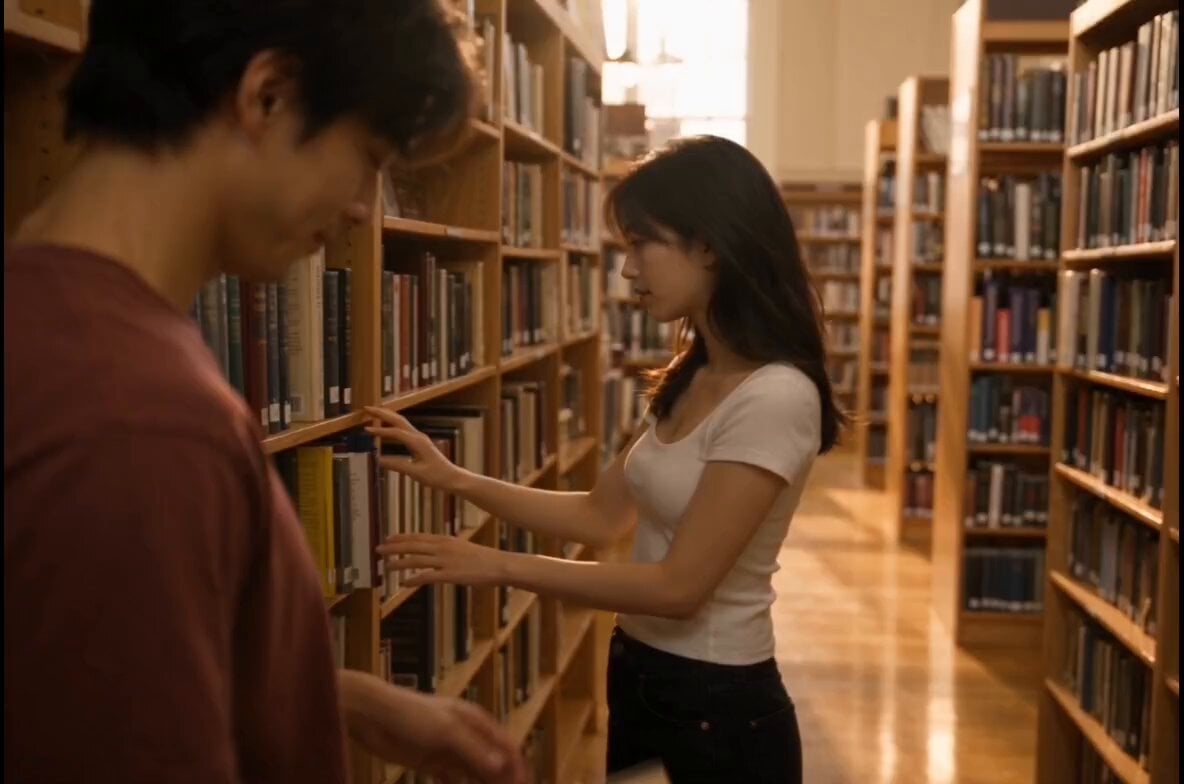
Bookstore Slice-of-Life Encounter

Everyday Grocery Shopping Lifestyle Vlog
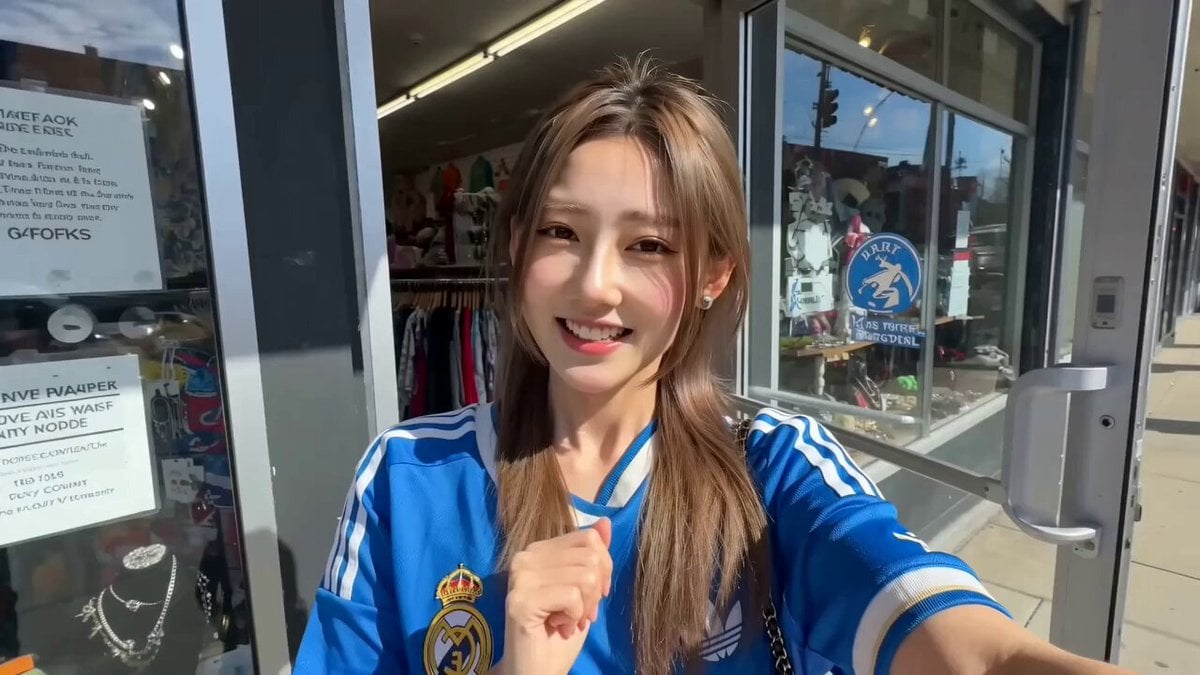
Thrift Store Vlog Selfie
Realistic Tokyo Convenience Store Vlog

Cyberpunk RPG Anime Action
Make it yours
Open-World RPG Grocery Store Quest Prompt works as-is. These are the safest ways to change it without losing the look.
Change one field
Copy a single group, rewrite it, and generate again so you can see what that field is doing.
Keep the frame, change the subject
Hold the composition and light of Open-World RPG Grocery Store Quest Prompt, then swap wardrobe, props or the person for a new take.
| If the result… | Why | Fix |
|---|---|---|
| The result drifts from the preview | Too many fields changed at once. | Reuse Open-World RPG Grocery Store Quest Prompt as-is first, then change one group — subject, light, or setting. |
| The model over-stylizes the scene | The prose prompt leaves finish and camera underspecified. | Add one camera or lighting sentence and stay on Seedance 2.0. |
More Seedance 2.0 templates
Other prompts made for Seedance 2.0.

Comical Martial Arts Punch Scene

Maglev Train Action Sequence

Martial Arts Fight Sequence

Wuxia Protection and Trust Script

Vintage Korean Arcade MiniDV Vlog

Mercedes 190 SL Luxury Ad

Rainy Night Supernatural Reverse Comedy Video Script

Amazon Civilization Discovery

Futuristic South Asian City Transformation

Cozy Luxury Cafe Commercial
More video prompts
Fresh picks from across the catalog.
Artist Studio Cinematic Video Prompt for Seedance 2.0
FPV Drone Shot through Tikal

Cinematic Fantasy Overgrown Ruins Animation
Hyperrealistic Action Photography Prompt
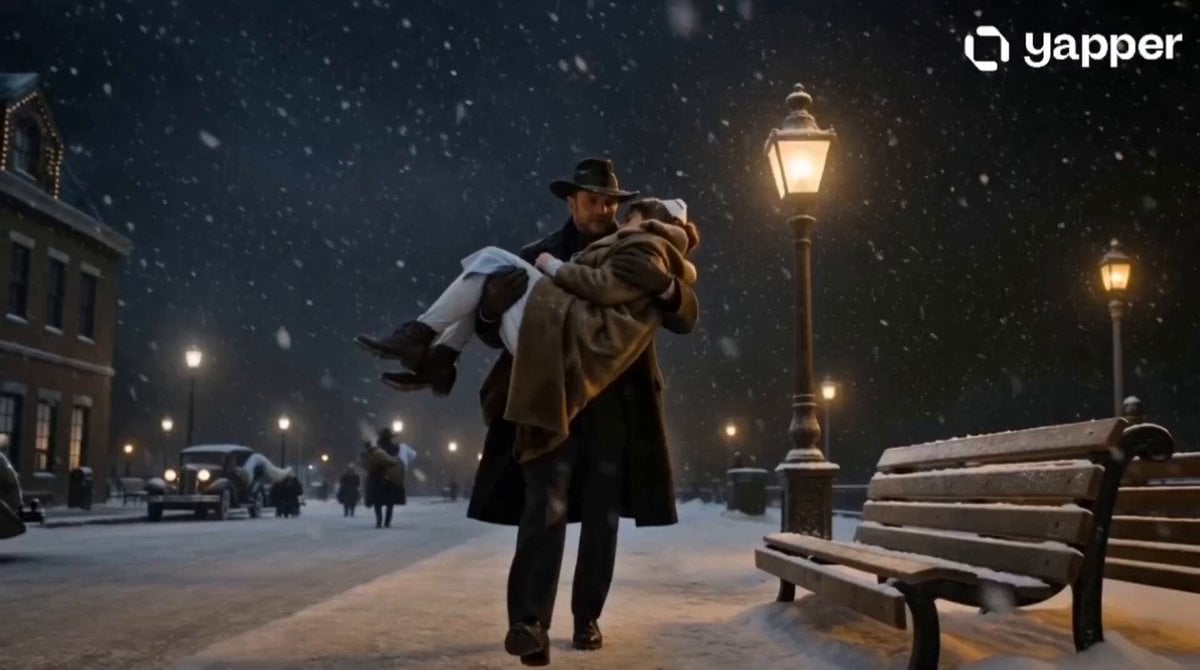
Winter Cowboy and Nurse Rescue

Comic book illustration of Superman flying
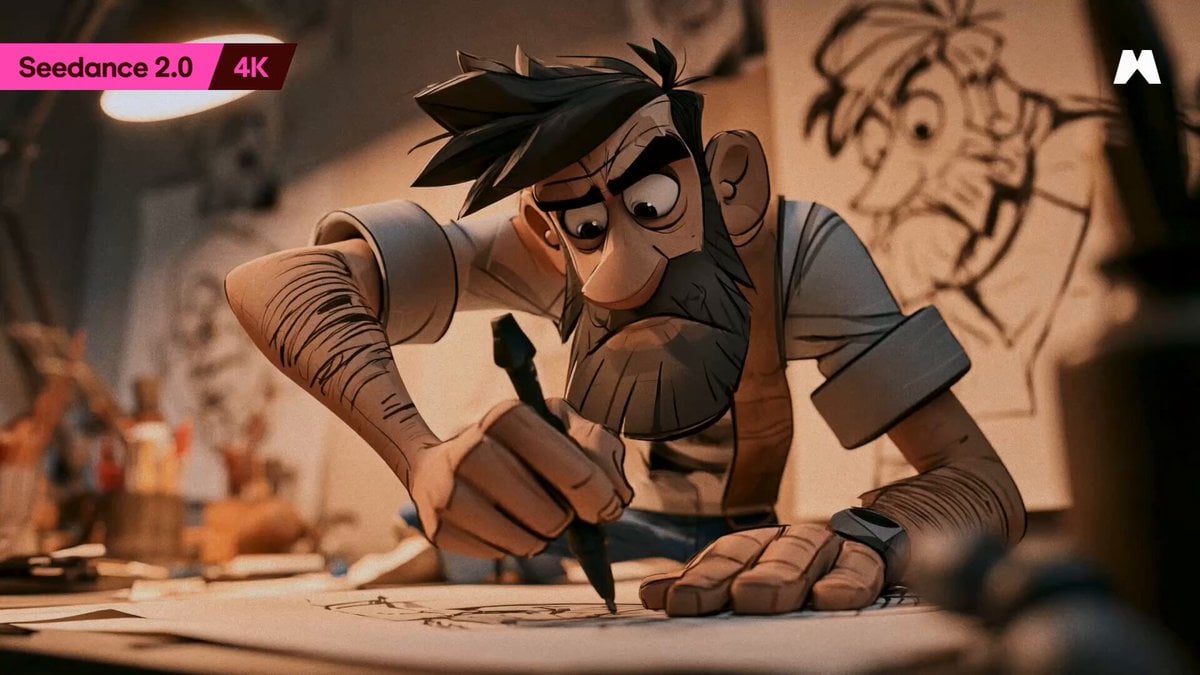
Animator Creative Struggle Animation
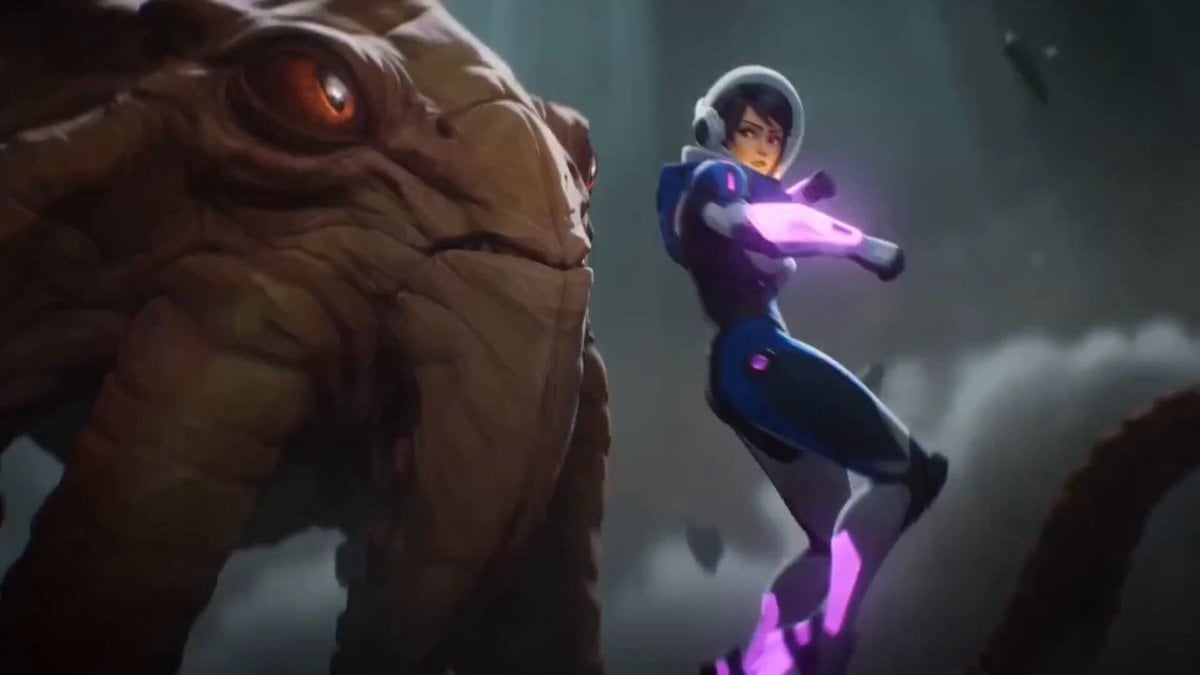
Anime Warrior vs. Octopus Alien
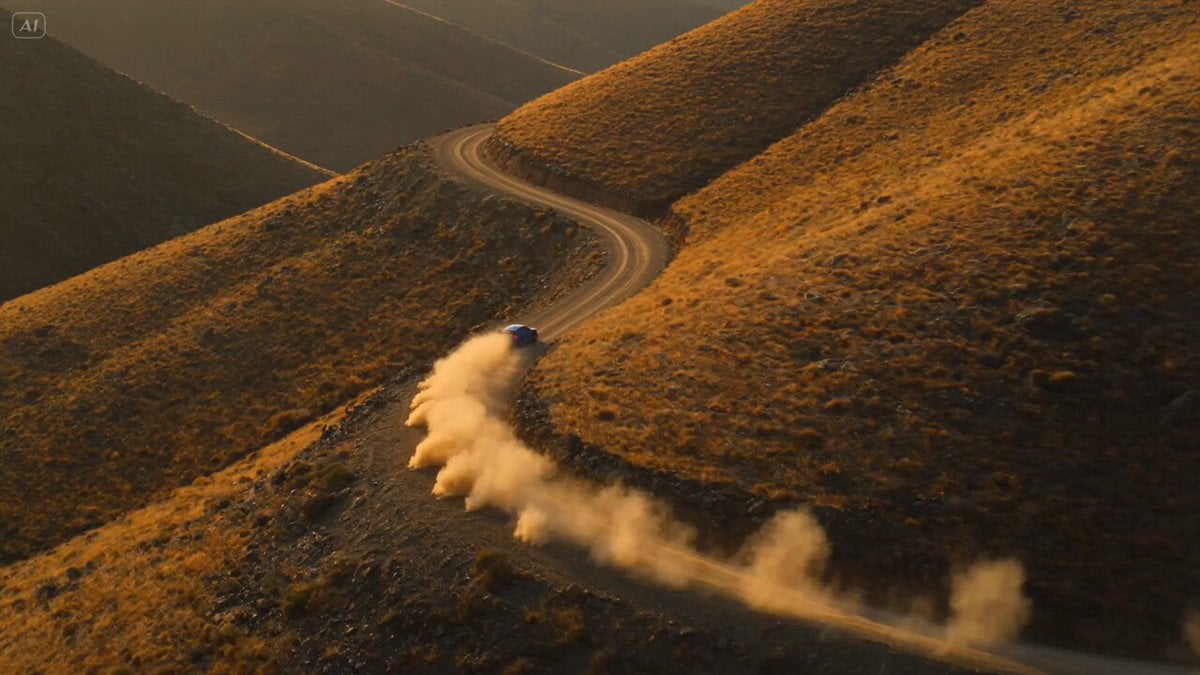
Rally Car Race Mountain Road
Dynamic Character Dance MV Creator
Browse template categories
Open-World RPG Grocery Store Quest Prompt questions
How do I use the Open-World RPG Grocery Store Quest Prompt template?
Add your photo if the template asks for one, edit the prompt if you like — the template's model and format are already selected — and press Generate. Your version opens in PicX Studio.
Can I customize the Open-World RPG Grocery Store Quest Prompt template?
Yes. You can change the subject, setting, lighting, mood, format, and available model controls before creating your video.
Is the Open-World RPG Grocery Store Quest Prompt template free?
Opening and editing this template is free. Generating uses credits, shown on the Generate button when you are signed in.
Which AI model should I use?
Start with Seedance 2.0, which is the model associated with this template. You can compare another compatible model for a different finish.
Looking for something else? Browse all templates.

Your photo, any look
Thousands of ready templates for every top image and video model, from one credit balance.