
Winter Cowboy and Nurse Rescue
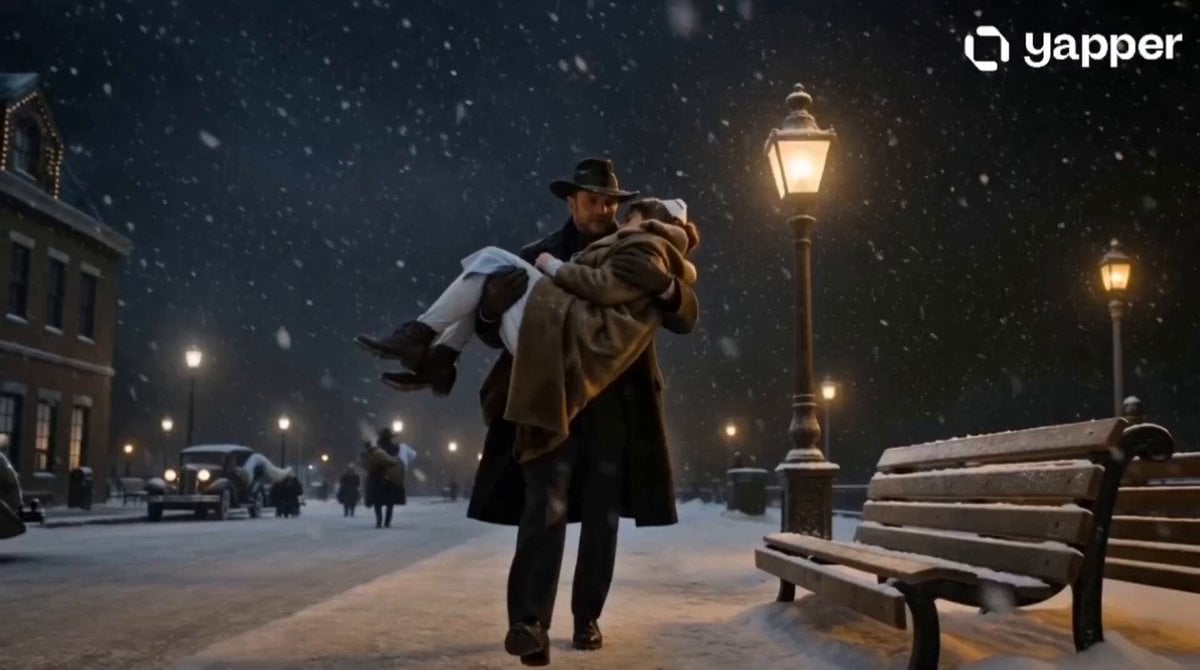
An emotional cinematic video prompt set in a 1940s snowstorm, where a wealthy cowboy aids a freezing nurse at a deserted train station.
- Prompt included
- Model and format preset
- Free template
The prompt behind this video
Copy the exact prompt behind Winter Cowboy and Nurse Rescue, or open it in the studio and make it yours.
A wealthy rugged cowboy wearing a luxurious black wool coat, leather gloves, cowboy hat, and expensive western boots steps off a private vintage train during a brutal winter snowstorm at a deserted 1940s-style train station. Snow blows violently through the air, cinematic cold atmosphere, realistic breath vapor, dramatic golden station lights cutting through heavy snowfall. As he walks toward his luxury car, he notices a young nurse sitting alone on a wooden bench, visibly freezing. She wears a thin pale-blue nurse uniform under a worn winter coat, hands trembling, exhausted face, snow collecting in her hair, realistic emotional acting. The cowboy immediately removes his heavy fur-lined coat and gently wraps it around her shoulders. Close-up cinematic shot of her shocked emotional eyes. Warm lighting slowly replaces the cold blue tones as emotional orchestral music rises. He carefully lifts the weak nurse into his arms and carries her through the snow toward his luxury vintage car. Cinematic slow motion, realistic snow physics, dramatic wind movement, emotional atmosphere, premium Hollywood cinematography. Final shot: inside the warm vintage car, the nurse slowly opens her eyes while the cowboy quietly sits beside her. Soft golden lighting illuminates their faces as snow falls outside the window. Emotional blockbuster ending frame. 🎥 PROFESSIONAL CAMERA NOTES Cinematic handheld realism Slow emotional push-ins IMAX lens depth Realistic motion blur Natural facial micro-expressions Film-grain texture Warm vs cold cinematic contrast Snow particles interacting naturally with clothing and skin
How to use Winter Cowboy and Nurse Rescue in 3 steps
- 1
Open
The prompt is already in the box next to the preview, with the template's model and format selected.
- 2…a portrait of your subject in softgolden-hour light, 85mm…
Personalize
Edit the subject and creative details for your destination.
- 3Generate
Generate
Press Generate — your video is created in PicX Studio, so you can compare it with the original and refine one variable at a time.
More like this
Templates with the same subject, style or setup. Open one to see its prompt.

Live-Action Firefighter Rescue Night Scene
Skybridge Rescue — Supertall Tower Collapse (Seedance)
Dragon Rescue — Volcanic Kingdom Collapse (Seedance)
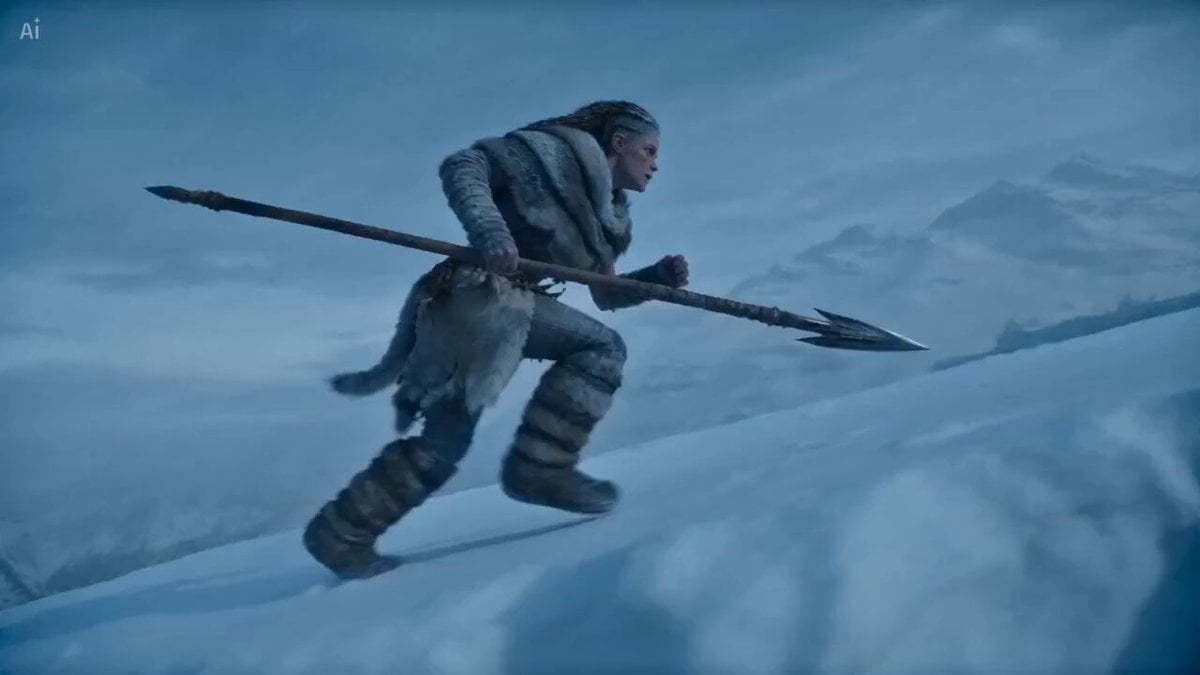
Winter Shaman Combat Sequence
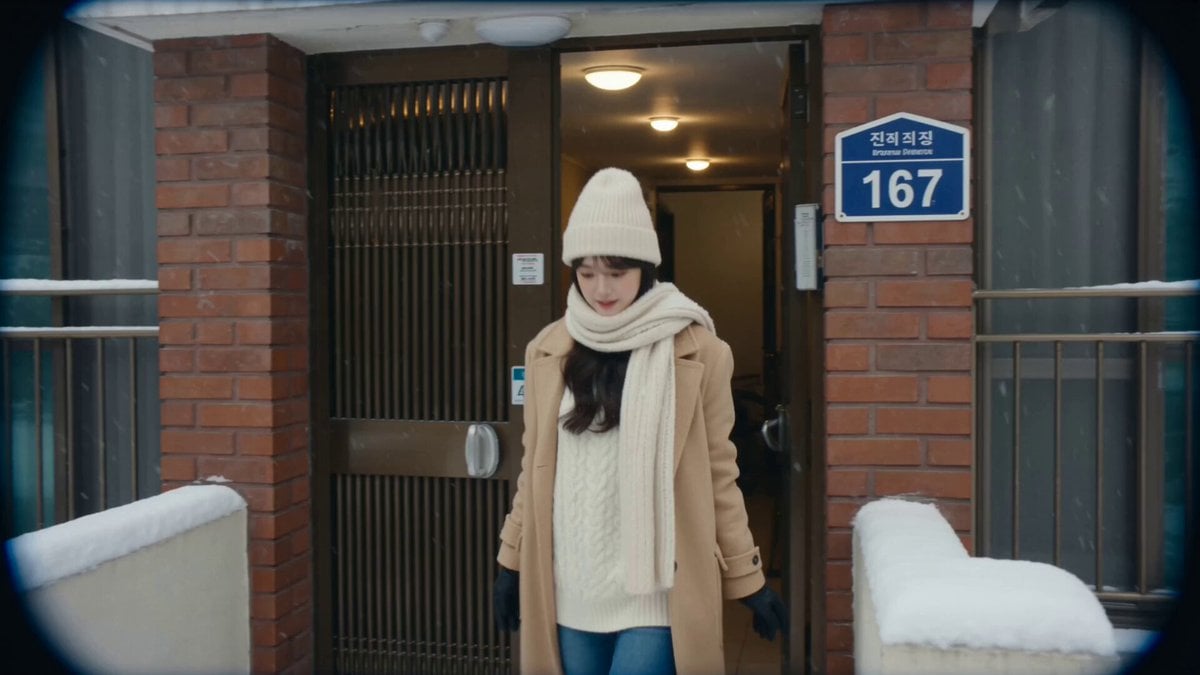
2004 Seoul Winter MiniDV
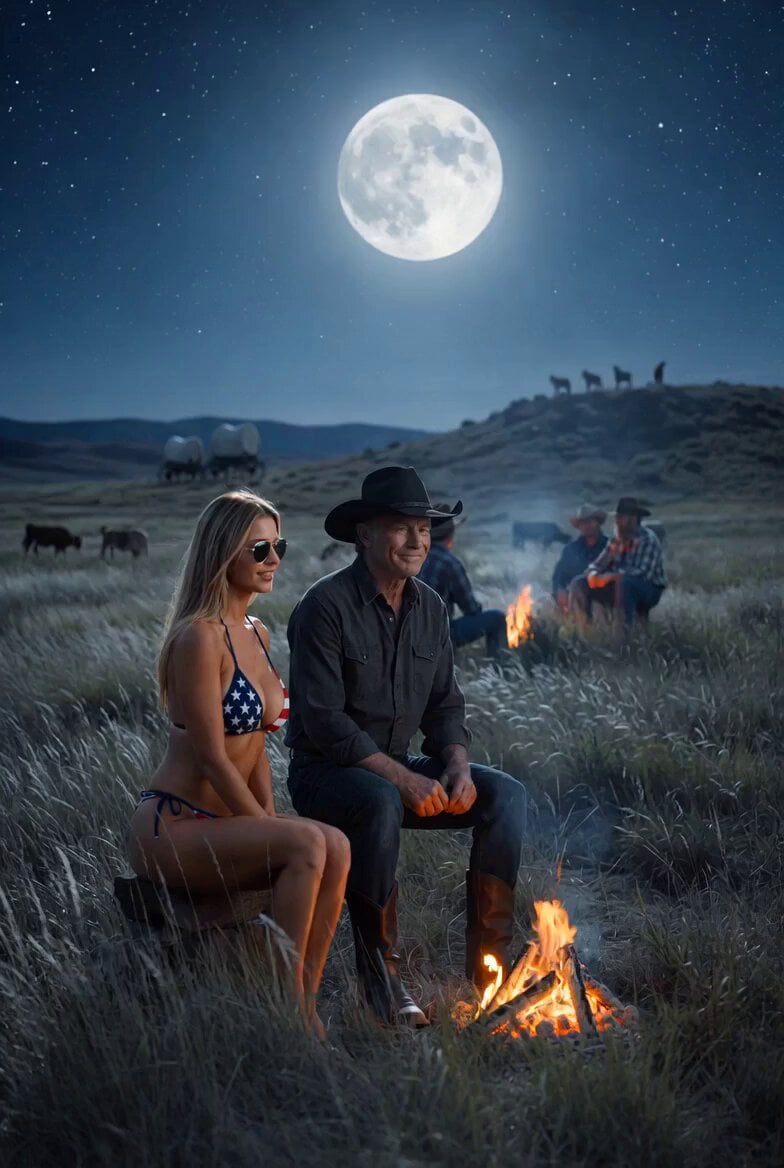
Cowboy Playing Harmonica Technique
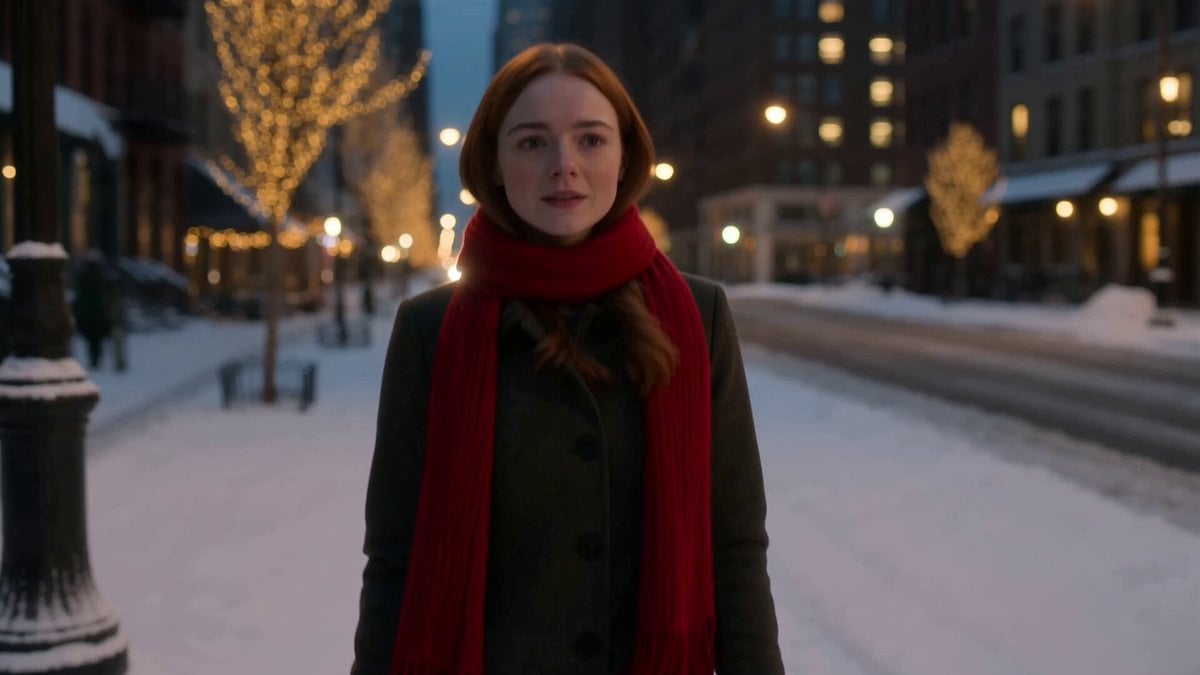
Winter Romance Scarf Sequence
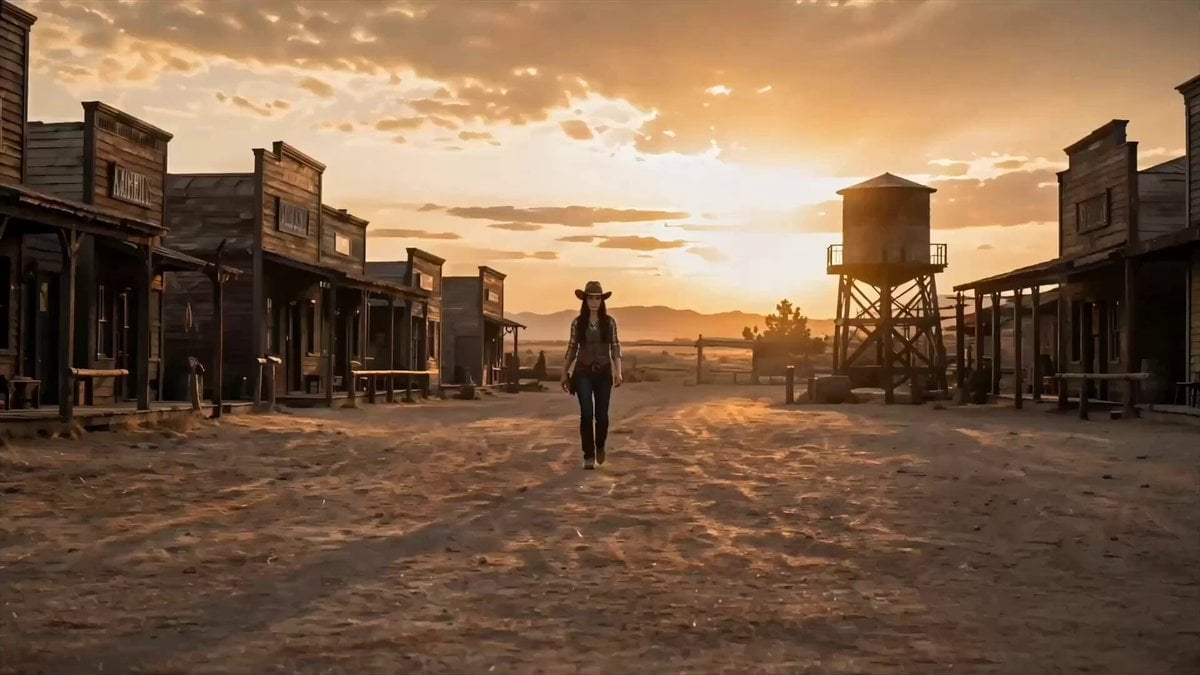
Cowboy Showdown Storyboard Conversion
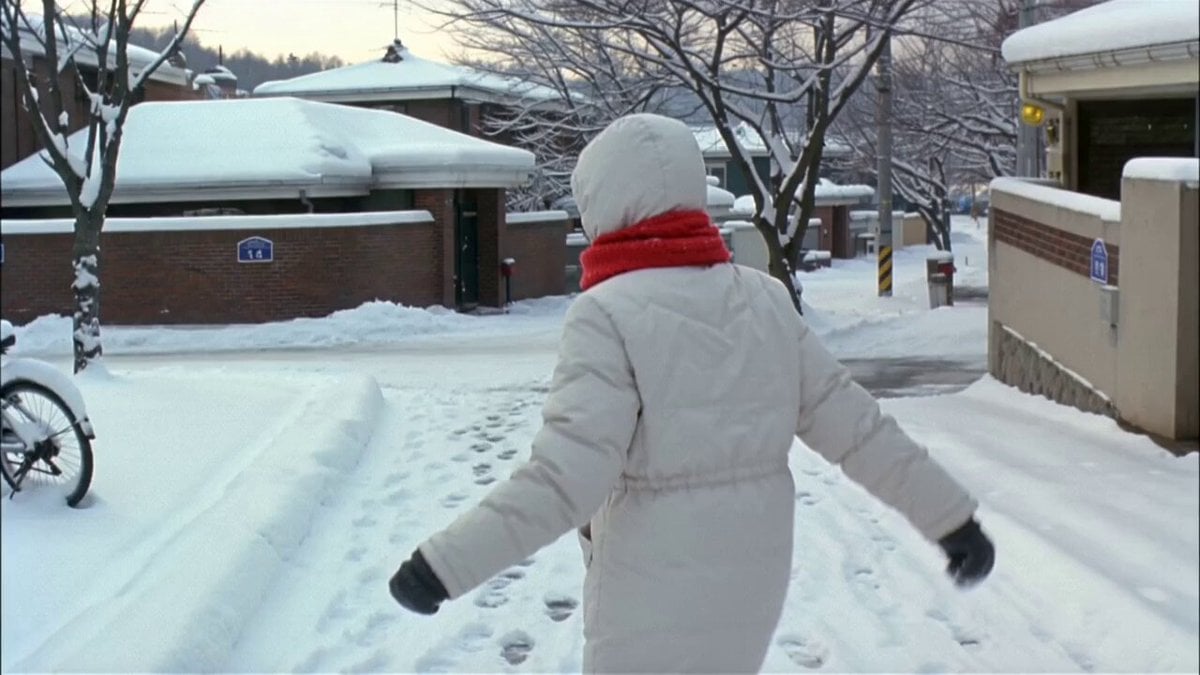
Winter Snow Walk VHS Style
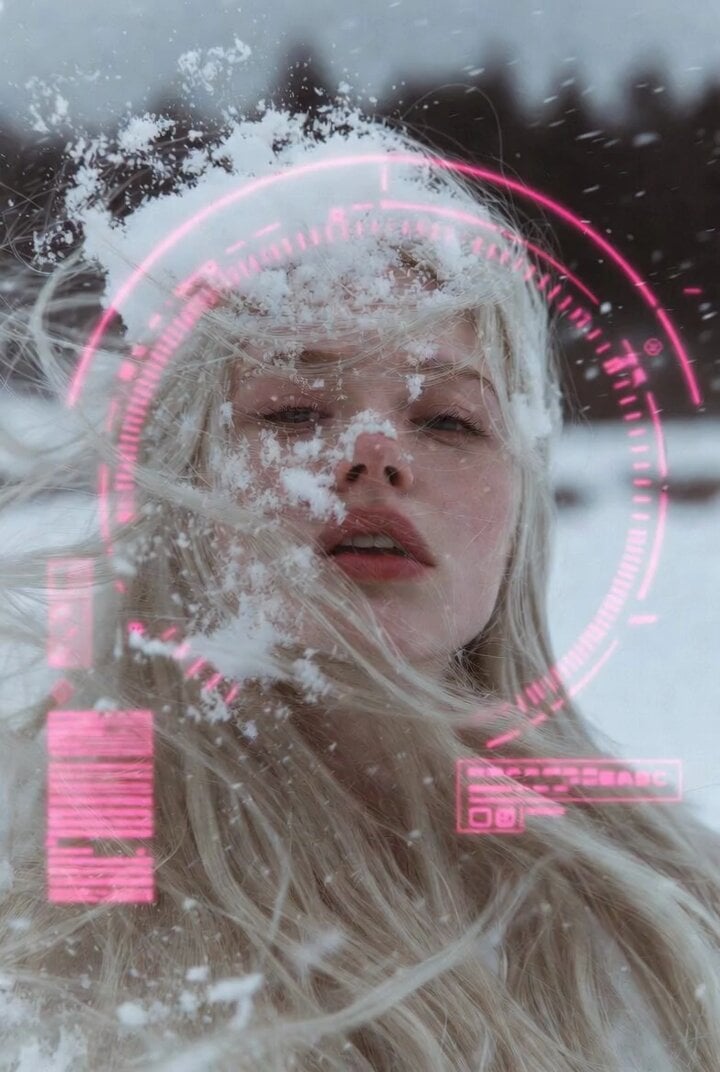
Woman in Winter Storm with HUD Overlay
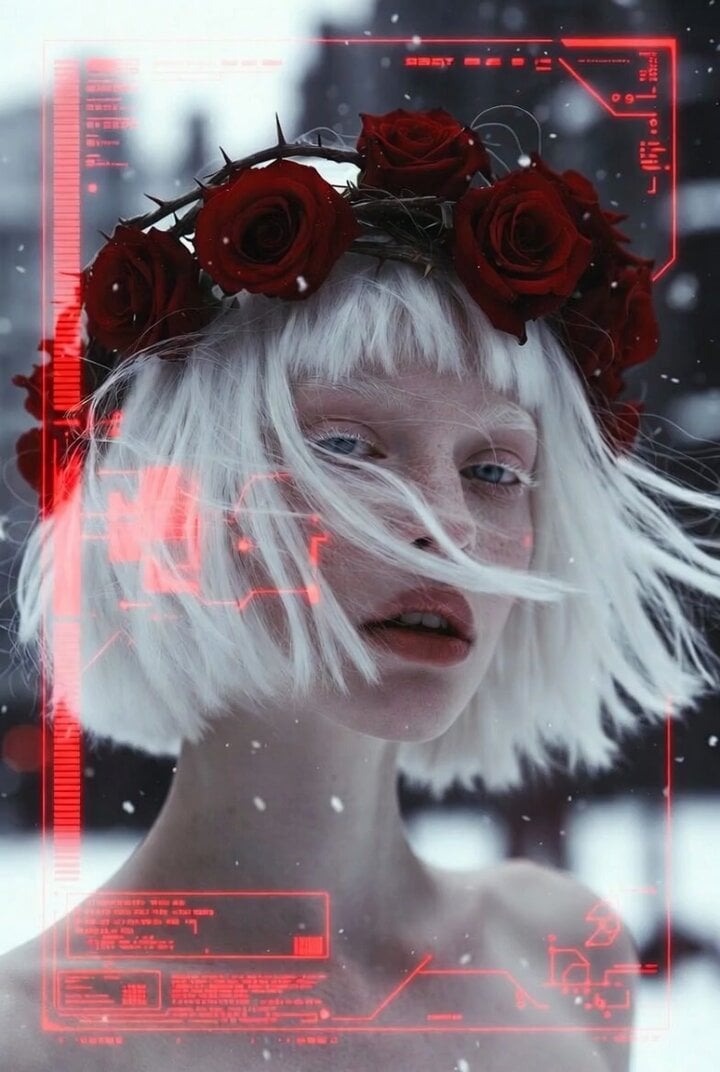
Albino Woman in Winter Storm Close-up

Winter Fairy Tale Video Prompt
Make it yours
Winter Cowboy and Nurse Rescue works as-is. These are the safest ways to change it without losing the look.
Change one field
Copy a single group, rewrite it, and generate again so you can see what that field is doing.
Keep the frame, change the subject
Hold the composition and light of Winter Cowboy and Nurse Rescue, then swap wardrobe, props or the person for a new take.
| If the result… | Why | Fix |
|---|---|---|
| The result drifts from the preview | Too many fields changed at once. | Reuse Winter Cowboy and Nurse Rescue as-is first, then change one group — subject, light, or setting. |
| The model over-stylizes the scene | The prose prompt leaves finish and camera underspecified. | Add one camera or lighting sentence and stay on Seedance 2.0. |
More Seedance 2.0 templates
Other prompts made for Seedance 2.0.

Comical Martial Arts Punch Scene

Maglev Train Action Sequence

Martial Arts Fight Sequence

Wuxia Protection and Trust Script

Vintage Korean Arcade MiniDV Vlog

Mercedes 190 SL Luxury Ad

Rainy Night Supernatural Reverse Comedy Video Script

Amazon Civilization Discovery

Futuristic South Asian City Transformation

Cozy Luxury Cafe Commercial
More video prompts
Fresh picks from across the catalog.
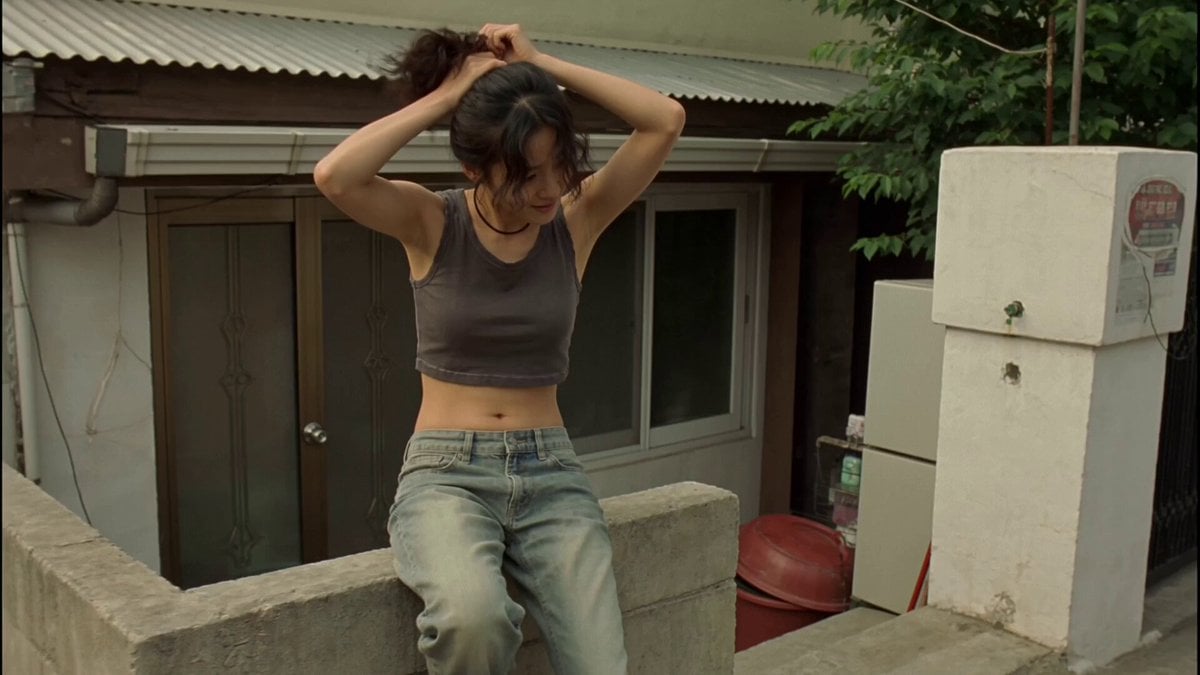
Nostalgic Korean DV Aesthetic Video Prompt
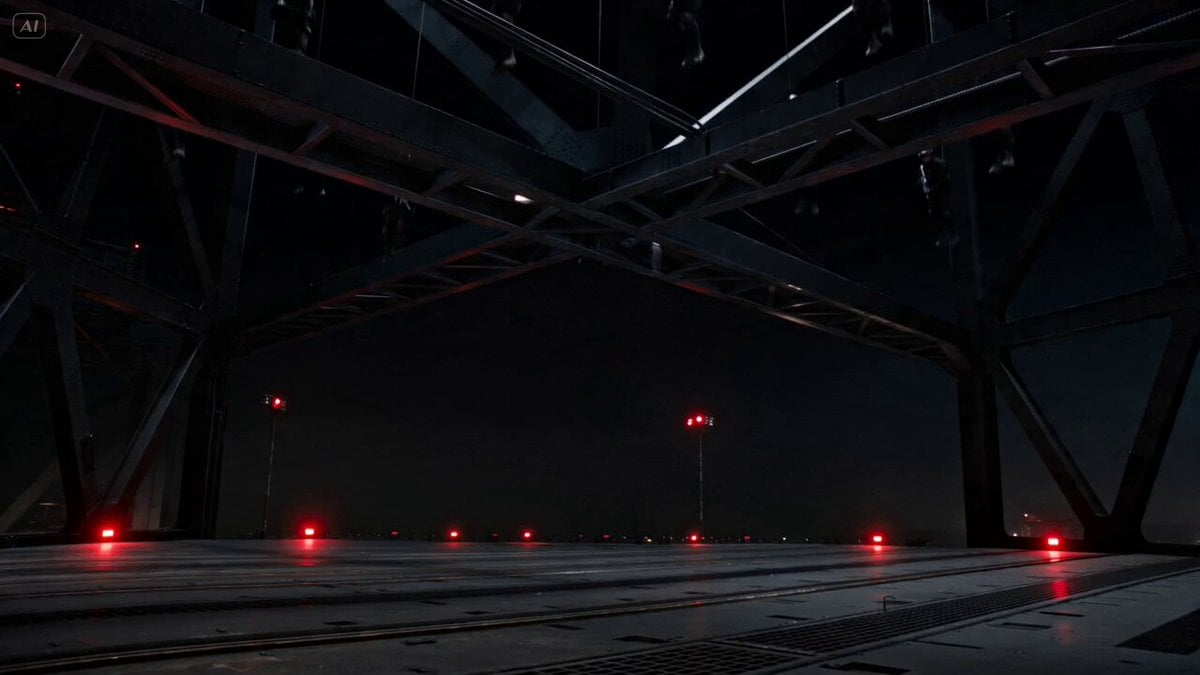
Industrial Platform Spectral Battle
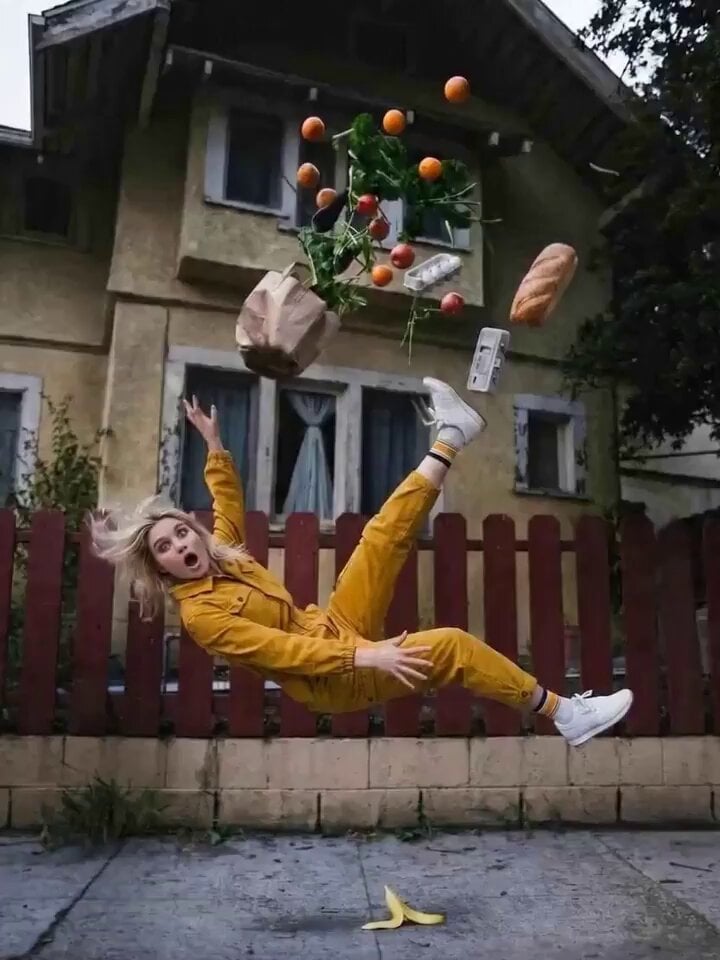
Bullet Time 360 Orbit Prompt
Brutalist Dystopian SUV Escape
Dark Fantasy Horror Transformation
Arctic Ice Queen Transformation

Minimalist Menswear Editorial GRWM
Mysterious Character Facial Animation
Mixed-Media POV Transformation
Morning Beauty Ritual Vlog
Browse template categories
Winter Cowboy and Nurse Rescue questions
How do I use the Winter Cowboy and Nurse Rescue template?
Add your photo if the template asks for one, edit the prompt if you like — the template's model and format are already selected — and press Generate. Your version opens in PicX Studio.
Can I customize the Winter Cowboy and Nurse Rescue template?
Yes. You can change the subject, setting, lighting, mood, format, and available model controls before creating your video.
Is the Winter Cowboy and Nurse Rescue template free?
Opening and editing this template is free. Generating uses credits, shown on the Generate button when you are signed in.
Which AI model should I use?
Start with Seedance 2.0, which is the model associated with this template. You can compare another compatible model for a different finish.
Looking for something else? Browse all templates.

Your photo, any look
Thousands of ready templates for every top image and video model, from one credit balance.