
Morning Beauty Ritual Vlog
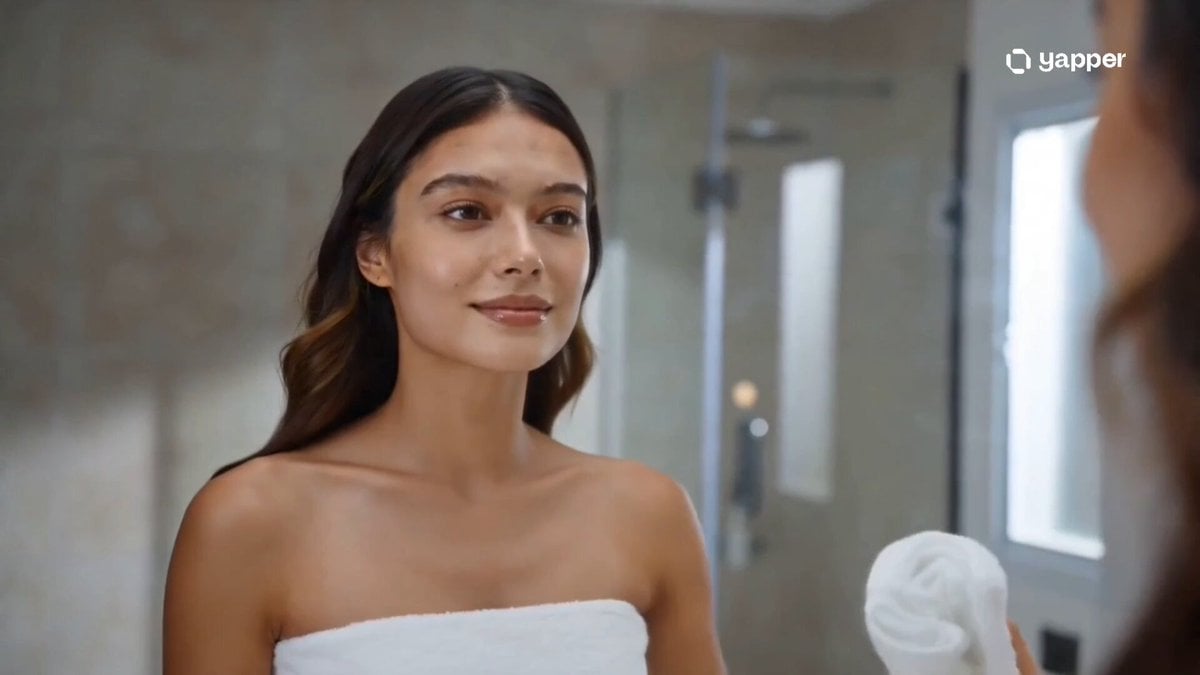
A cinematic beauty-focused prompt for a morning skincare and makeup routine with soft lighting and steamy mirror effects.
- Prompt included
- Model and format preset
- Free template
The prompt behind this video
Copy the exact prompt behind Morning Beauty Ritual Vlog, or open it in the studio and make it yours.
Title: Soft Morning Glow — After Shower Beauty Ritual ✨ Style: Soft light, glowing skin, warm morning tones, cinematic beauty, ultra-detailed close-ups, steamy mirror aesthetic, calm feminine vibe, dreamy slow motion. 0–3s — Fresh Start Steam fills a bathroom after a shower. A girl gently wipes a foggy mirror, revealing her fresh glowing face. Soft sunlight filters in. 3–6s — Skincare Glow Close-up shots: water droplets on skin, moisturizer being applied, fingers gliding softly across dewy cheeks, natural glow shining. 6–9s — Mirror Moments She leans closer to the mirror, brushing damp hair back. Light reflects softly on the glass, creating a dreamy double reflection. 9–12s — Soft Makeup Minimal makeup: lip gloss, light blush, subtle mascara. Slow, elegant hand movements with a calm confident expression. 12–14s — Quiet Confidence Final shot by the window—she looks at her reflection, soft smile, glowing skin in warm sunlight as the camera slowly fades out. ✨
How to use Morning Beauty Ritual Vlog in 3 steps
- 1
Open
The prompt is already in the box next to the preview, with the template's model and format selected.
- 2…a portrait of your subject in softgolden-hour light, 85mm…
Personalize
Edit the subject and creative details for your destination.
- 3Generate
Generate
Press Generate — your video is created in PicX Studio, so you can compare it with the original and refine one variable at a time.
More like this
Templates with the same subject, style or setup. Open one to see its prompt.

Realistic Morning Routine Lifestyle Vlog - Seedance 2.5

Kyoto Morning Selfie Vlog

Mediterranean Morning Coffee Run Vlog (Seedance 2.5)
Sunny Morning Laundry Vlog
Beauty Advent Calendar Unboxing Vlog
Morning Routine Lifestyle Vlog
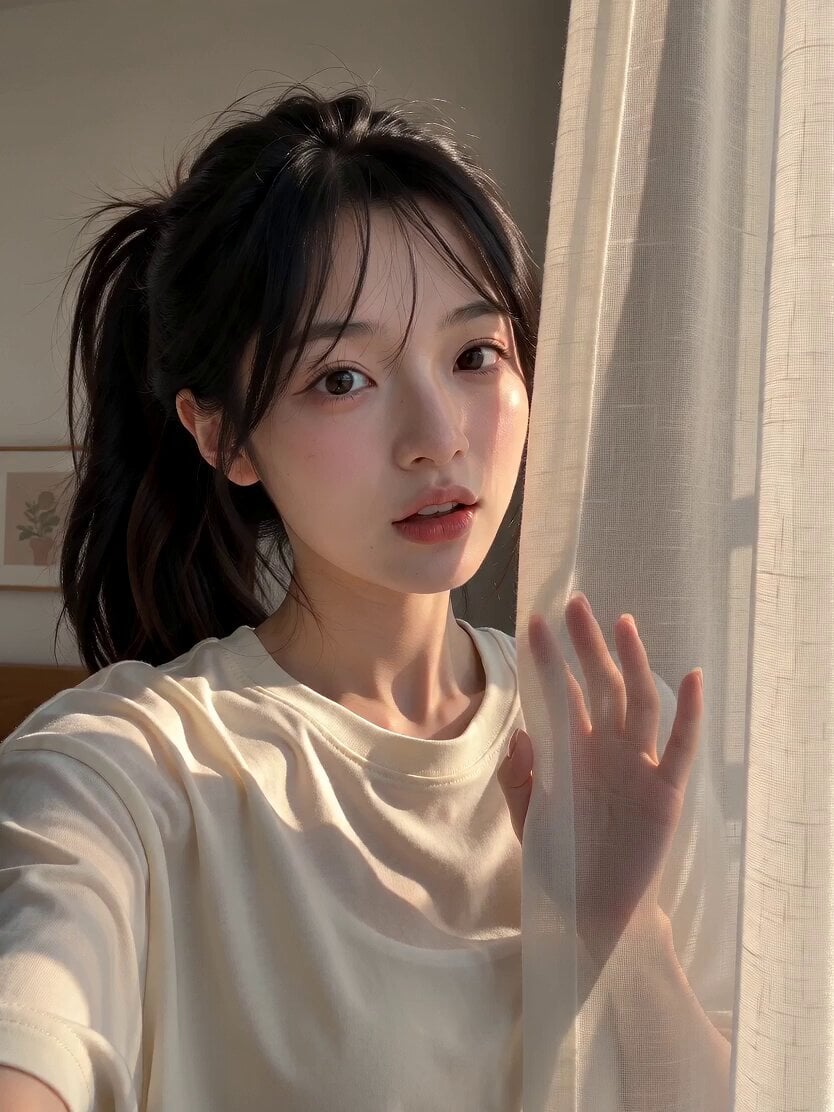
Morning Routine Vlog Aesthetic
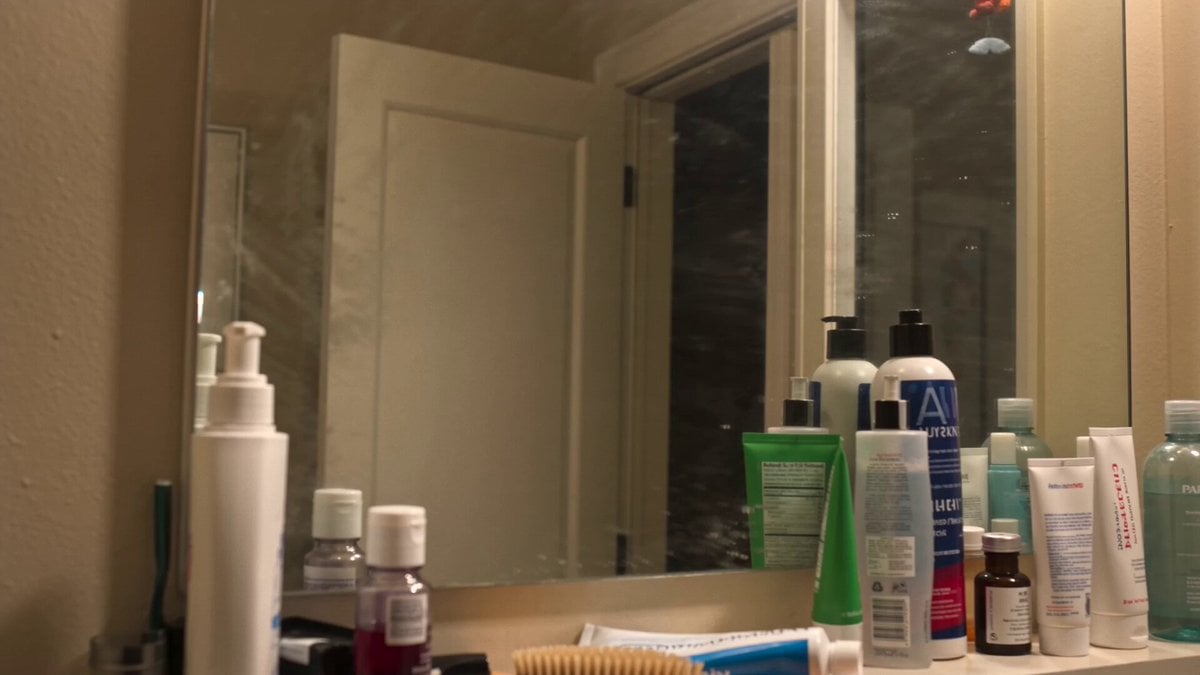
Everyday Morning Routine Bathroom Vlog
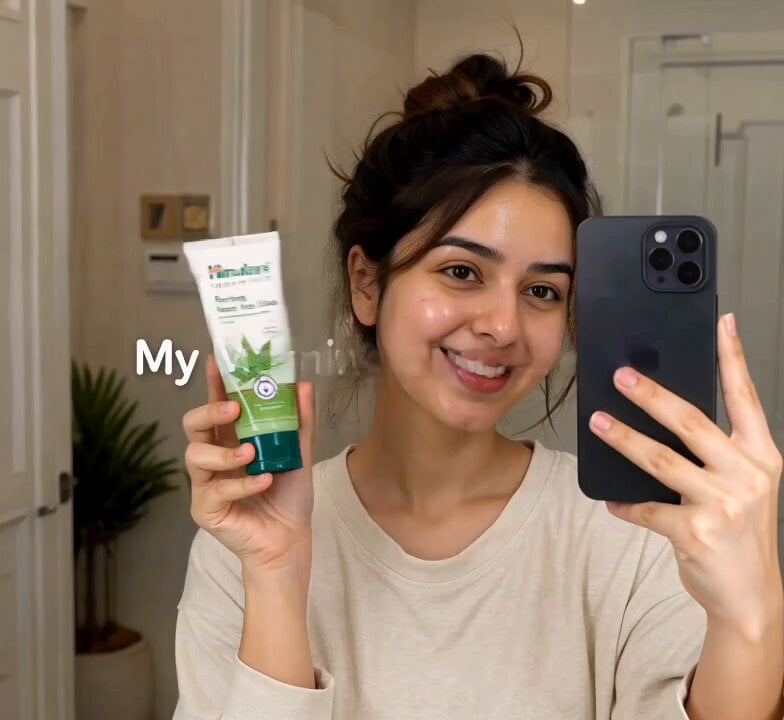
Morning Skincare Routine Vlog Script

Mediterranean Coffee Run Vlog - Seedance 2.5

Mysterious Home Exploration Vlog - Seedance 2.5

Handheld Tokyo Travel Vlog - Seedance 2.5
Make it yours
Morning Beauty Ritual Vlog works as-is. These are the safest ways to change it without losing the look.
Change one field
Copy a single group, rewrite it, and generate again so you can see what that field is doing.
Keep the frame, change the subject
Hold the composition and light of Morning Beauty Ritual Vlog, then swap wardrobe, props or the person for a new take.
| If the result… | Why | Fix |
|---|---|---|
| The result drifts from the preview | Too many fields changed at once. | Reuse Morning Beauty Ritual Vlog as-is first, then change one group — subject, light, or setting. |
| The model over-stylizes the scene | The prose prompt leaves finish and camera underspecified. | Add one camera or lighting sentence and stay on Seedance 2.0. |
More Seedance 2.0 templates
Other prompts made for Seedance 2.0.

Comical Martial Arts Punch Scene

Maglev Train Action Sequence

Martial Arts Fight Sequence

Wuxia Protection and Trust Script

Vintage Korean Arcade MiniDV Vlog

Mercedes 190 SL Luxury Ad

Rainy Night Supernatural Reverse Comedy Video Script

Amazon Civilization Discovery

Futuristic South Asian City Transformation

Cozy Luxury Cafe Commercial
More video prompts
Fresh picks from across the catalog.
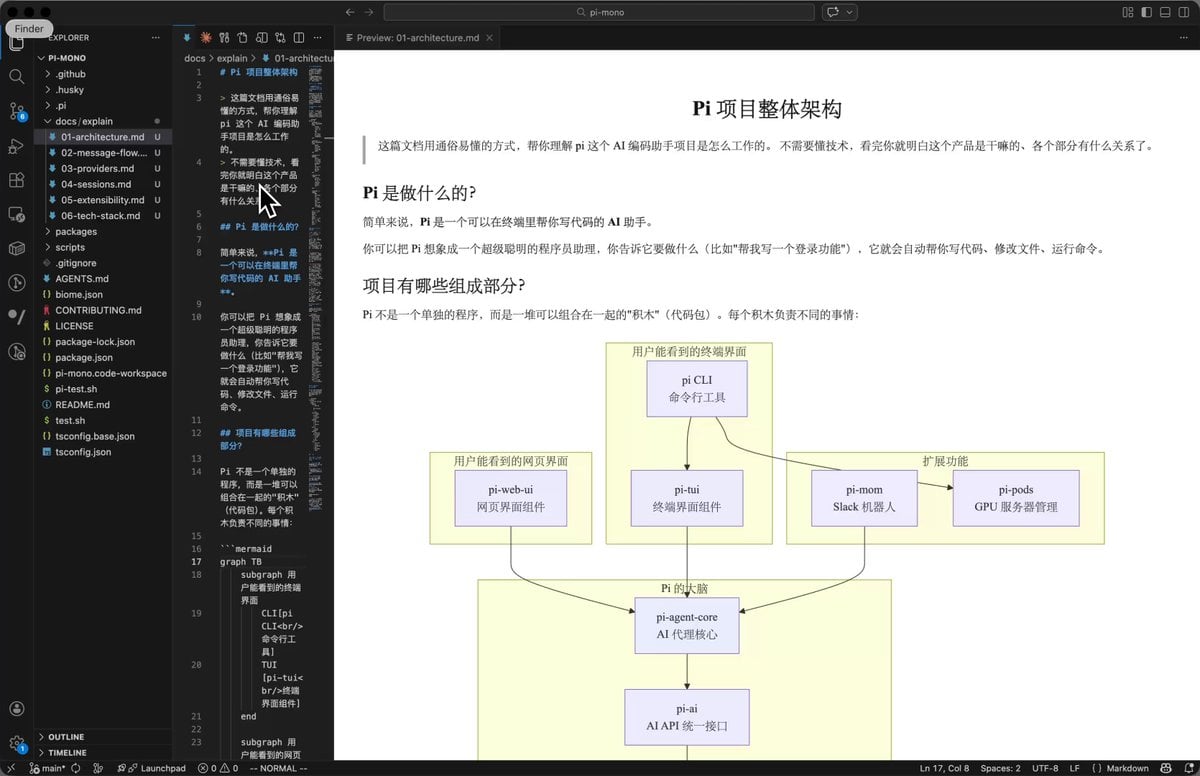
AI Prompt for Code Repository Analysis and Documentation
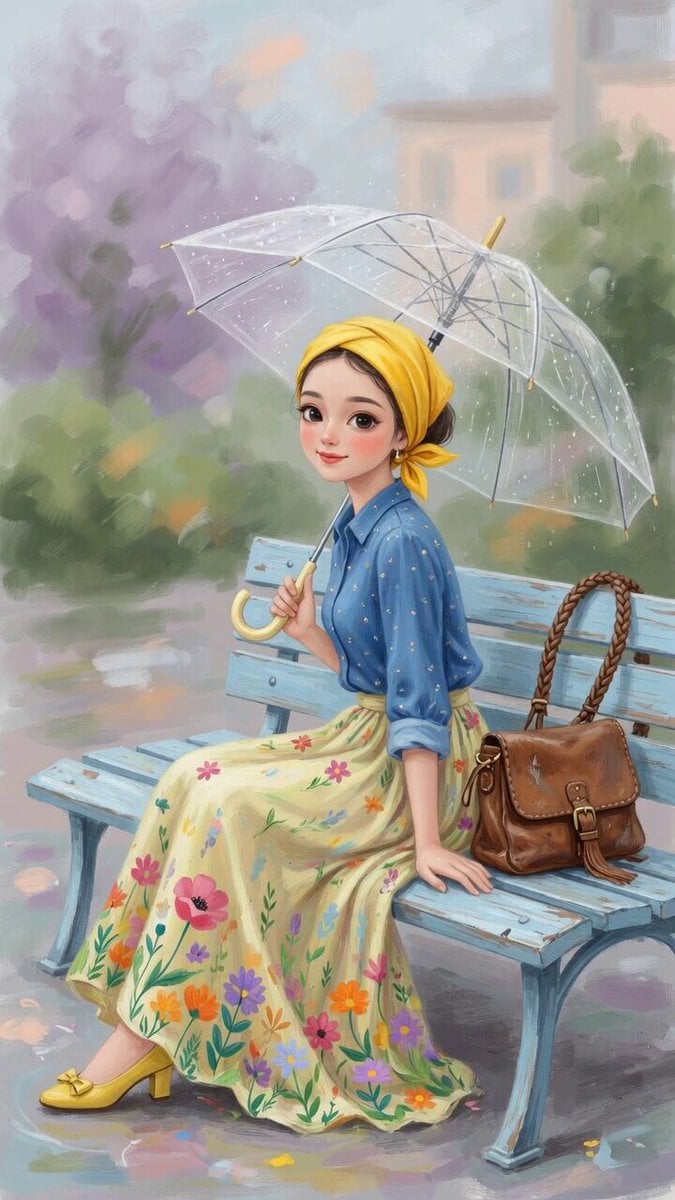
Charming Painterly Illustration

Cyberpunk Tactical Woman Animation
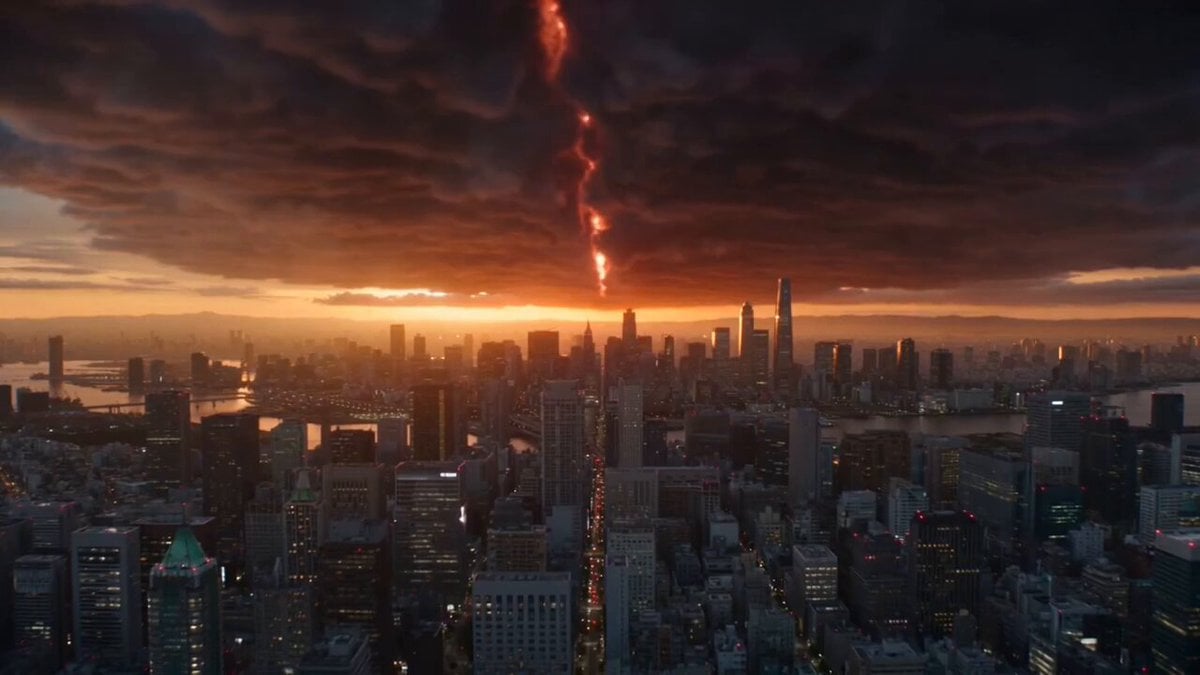
Hollywood Blockbuster Style - Blue Cat vs. Giant Dragon

Human Evolution Hyper-lapse
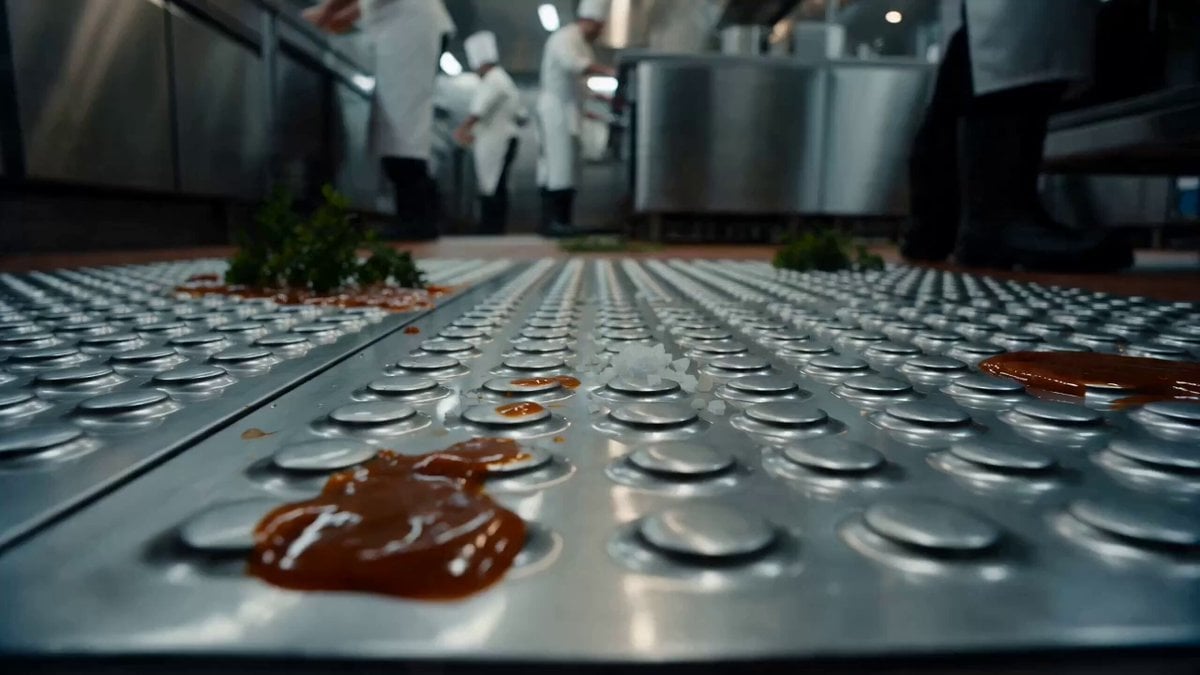
Commercial Kitchen Impossible Camera Move Prompt

Full Moon Stained Glass Scene

Cinematic Motorcycle Tunnel Jump

Luxury Car Brand Teaser Video Prompt

Victorian Gothic Man on Sofa
Browse template categories
Morning Beauty Ritual Vlog questions
How do I use the Morning Beauty Ritual Vlog template?
Add your photo if the template asks for one, edit the prompt if you like — the template's model and format are already selected — and press Generate. Your version opens in PicX Studio.
Can I customize the Morning Beauty Ritual Vlog template?
Yes. You can change the subject, setting, lighting, mood, format, and available model controls before creating your video.
Is the Morning Beauty Ritual Vlog template free?
Opening and editing this template is free. Generating uses credits, shown on the Generate button when you are signed in.
Which AI model should I use?
Start with Seedance 2.0, which is the model associated with this template. You can compare another compatible model for a different finish.
Looking for something else? Browse all templates.

Your photo, any look
Thousands of ready templates for every top image and video model, from one credit balance.