
Cyberpunk Tactical Woman Animation
A highly detailed cinematic prompt for a cyberpunk scene featuring a woman in tactical armor with neon reflections and dynamic camera movement.
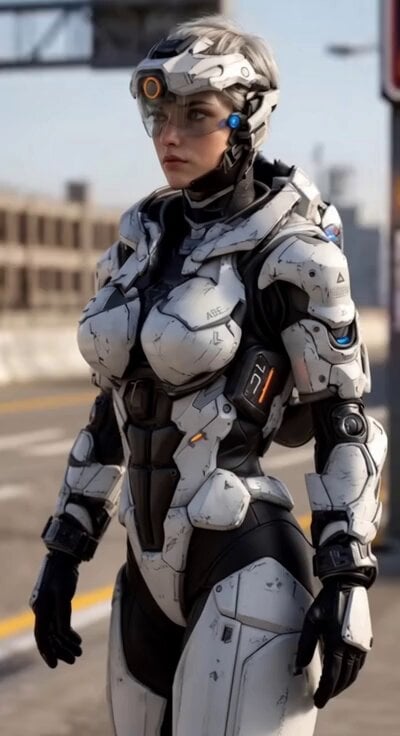
- Prompt included
- Model and format preset
- Free template
The prompt behind this video
Copy the exact prompt behind Cyberpunk Tactical Woman Animation, or open it in the studio and make it yours.
A stunning photorealistic cyberpunk sci-fi cinematic video, 6 seconds long, 4K, ultra-detailed, shot on ARRI Alexa 65 with anamorphic lenses. A beautiful young woman with short messy silver-white hair stands in the center of a futuristic cyberpunk city street at dusk. She wears sleek, battle-worn white and black tactical power armor with glowing blue and orange accents, a high-tech helmet with a clear visor pushed up, and black gloves. She slowly turns her head toward the camera with a confident, intense gaze, her short hair gently moving in the wind. Subtle rain falls around her, neon reflections shimmer on her wet armor. Holographic advertisements and pink, cyan, and purple neon signs glow in the background. Flying cars streak across the sky, distant skyscrapers with massive digital billboards tower above. Cinematic camera movement: starts with a medium shot from a low heroic angle, slowly orbits around her 180 degrees while gently pushing in, creating a dramatic reveal of her armor and the cyberpunk environment. Moody volumetric lighting, god rays cutting through rain and fog, lens flares, shallow depth of field, film grain, subtle chromatic aberration. Ultra photorealistic, hyper-detailed textures, perfect anatomy, atmospheric cyberpunk mood, Blade Runner 2049 aesthetic, extremely high quality, masterpiece, best quality. Style: Cinematic, photorealistic, cyberpunk, sci-fi, dramatic lighting Duration: 6 seconds Motion: Smooth, cinematic, slow and powerful Camera: Dynamic orbiting shot with slow push-in
How to use Cyberpunk Tactical Woman Animation in 3 steps
- 1
Open
The prompt is already in the box next to the preview, with the template's model and format selected.
- 2…a portrait of your subject in softgolden-hour light, 85mm…
Personalize
Edit the subject and creative details for your destination.
- 3Generate
Generate
Press Generate — your video is created in PicX Studio, so you can compare it with the original and refine one variable at a time.
More like this
Templates with the same subject, style or setup. Open one to see its prompt.
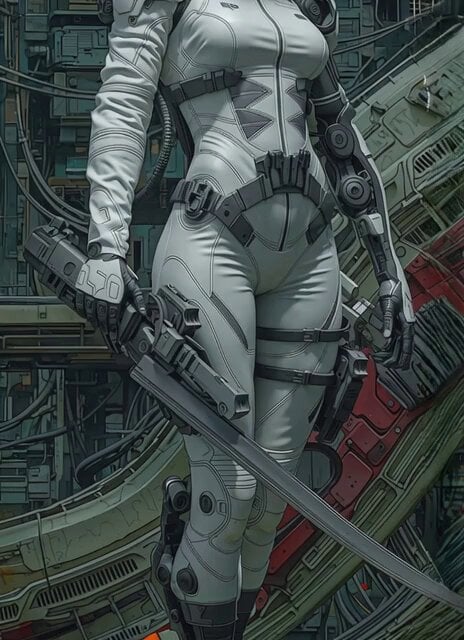
Futuristic Sci-Fi Tactical Woman Corridor Walk

Voice Controlled Water Animation

Cyberpunk Guerrilla Girl Video Generation

Woman floating down, opening eyes and looking deeply into the viewer's eyes

Watercolor Painting of Gypsy Woman and White Horse
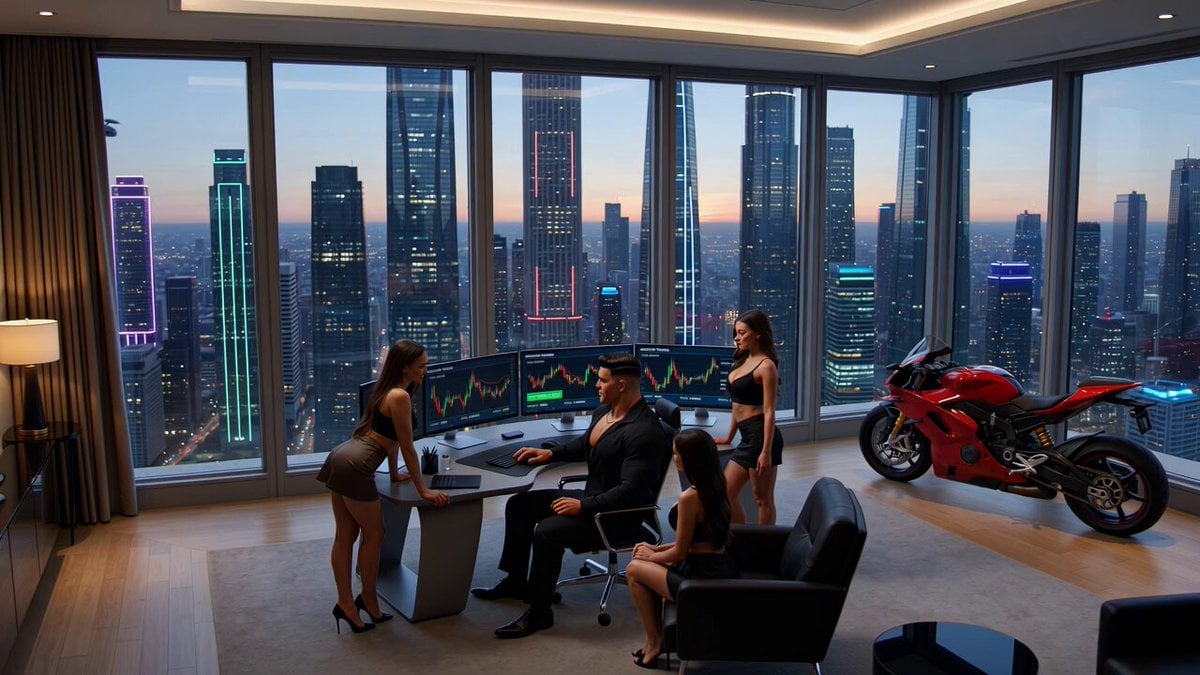
Crypto memecoin degen trading in a cyberpunk high-rise bachelor pad
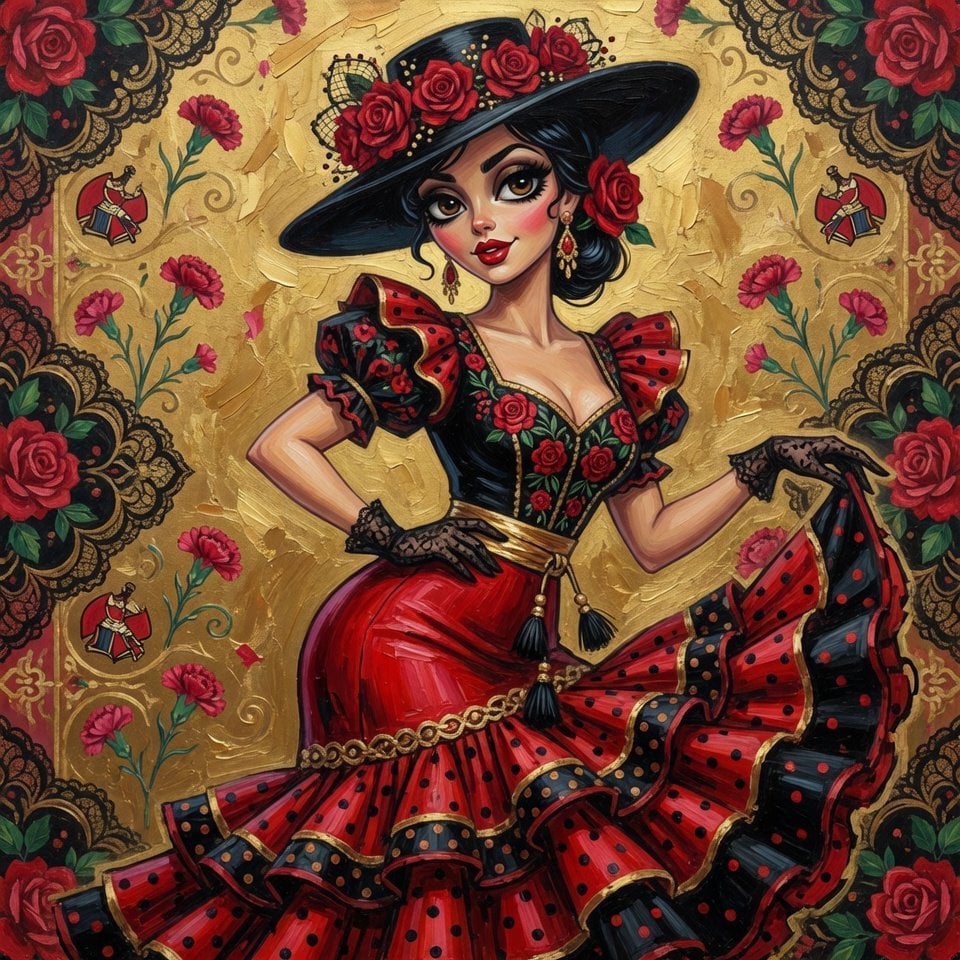
Spanish woman in retro dress, cartoon style
Ultra cinematic oil painting of woman and tree

Golden Winged Muse Animation
1970s Skater Woman
Futuristic Tactical Combat Armor Video Prompt
Cyberpunk Mecha Action Scene
Make it yours
Cyberpunk Tactical Woman Animation works as-is. These are the safest ways to change it without losing the look.
Change one field
Copy a single group, rewrite it, and generate again so you can see what that field is doing.
Keep the frame, change the subject
Hold the composition and light of Cyberpunk Tactical Woman Animation, then swap wardrobe, props or the person for a new take.
| If the result… | Why | Fix |
|---|---|---|
| The result drifts from the preview | Too many fields changed at once. | Reuse Cyberpunk Tactical Woman Animation as-is first, then change one group — subject, light, or setting. |
| The model over-stylizes the scene | The prose prompt leaves finish and camera underspecified. | Add one camera or lighting sentence and stay on Grok Imagine. |
More Grok Imagine templates
Other prompts made for Grok Imagine.

Soft Pink Roses Dreamer Prompt

Ninja Wizard Levitation Jump

Coffee Cup Interaction Motion

Pterodactyl Transformation Journey

Candle Mandala Mirror Video

Psychedelic Purple Disc World Video

Mecha Runway Tap Dance Video Prompt

Quantum Inventor in Sonoran Desert

Emotional Angry Couple Drama

Train Zooming in Star Field Video Prompt
More video prompts
Fresh picks from across the catalog.
Hollywood Haute Couture Fantasy Video Prompt

Slow Facial Zoom with Dialogue
Premium Sports Teaser Animation
Impossible Camera Moves in Amazon Rainforest

Magical Mushroom Dream

Kaiju Highway Rampage
Photorealistic 3D Render Template
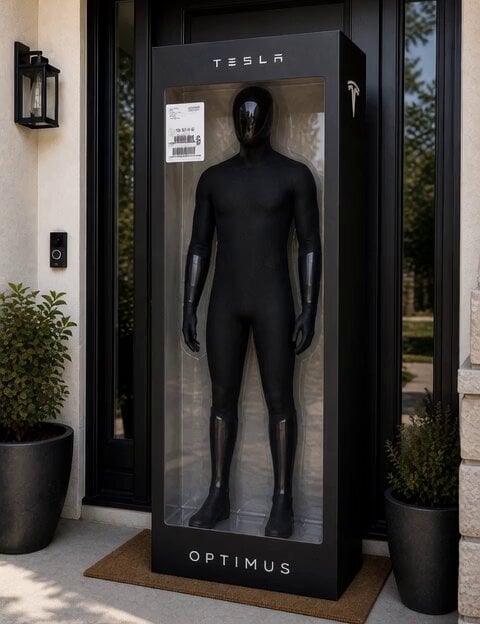
C-3PO Style Humanoid Transformation
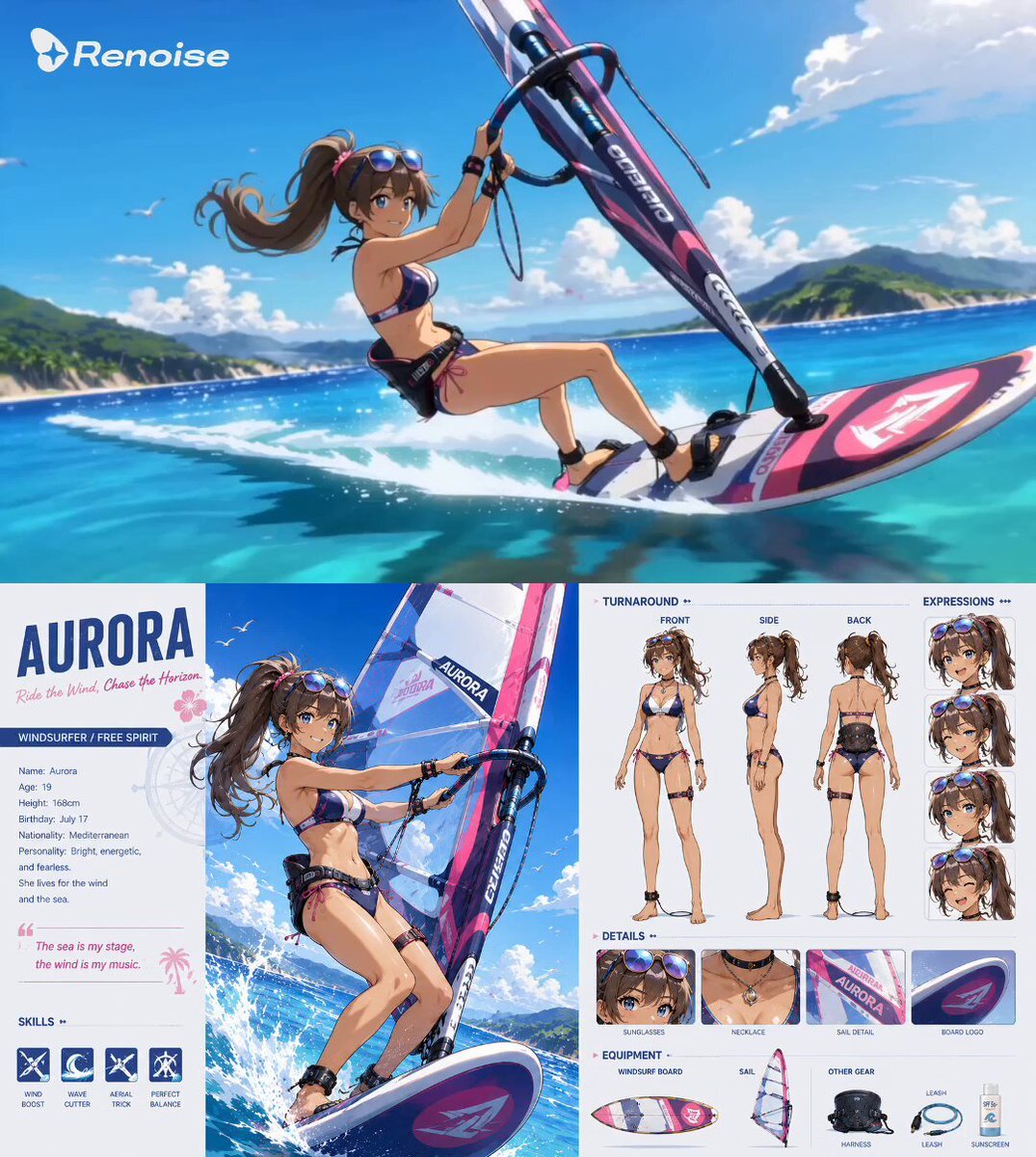
Anime Windsurfing Pursuit
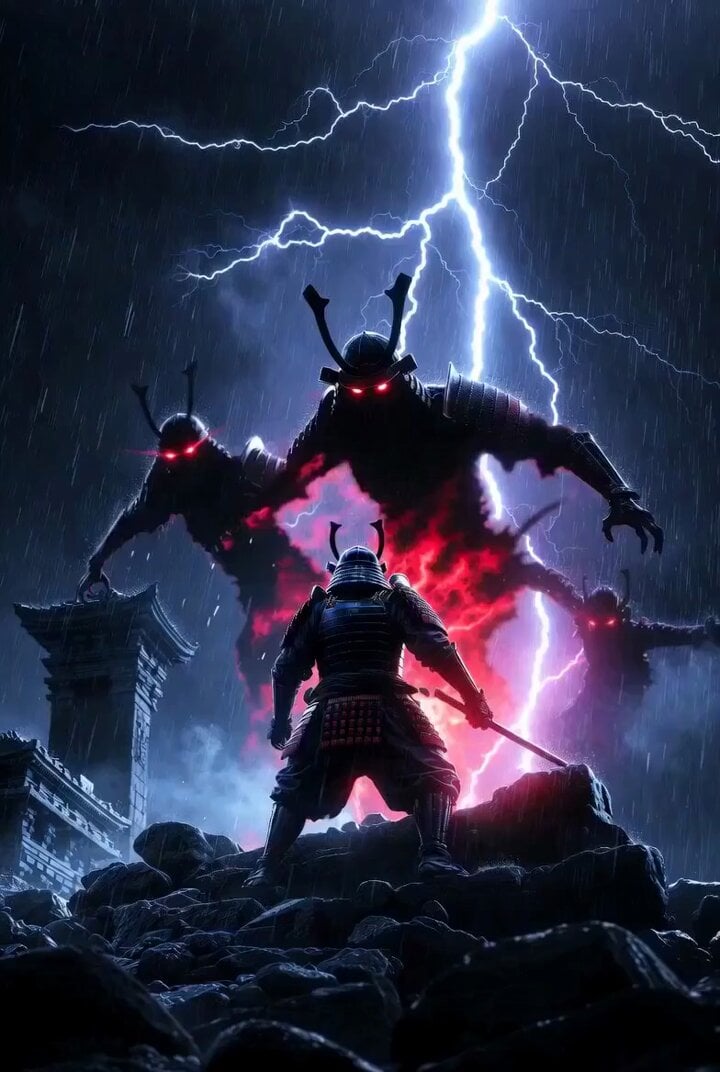
Samurai horror video prompt
Browse template categories
Cyberpunk Tactical Woman Animation questions
How do I use the Cyberpunk Tactical Woman Animation template?
Add your photo if the template asks for one, edit the prompt if you like — the template's model and format are already selected — and press Generate. Your version opens in PicX Studio.
Can I customize the Cyberpunk Tactical Woman Animation template?
Yes. You can change the subject, setting, lighting, mood, format, and available model controls before creating your video.
Is the Cyberpunk Tactical Woman Animation template free?
Opening and editing this template is free. Generating uses credits, shown on the Generate button when you are signed in.
Which AI model should I use?
Start with Grok Imagine, which is the model associated with this template. You can compare another compatible model for a different finish.
Looking for something else? Browse all templates.

Your photo, any look
Thousands of ready templates for every top image and video model, from one credit balance.