How do I use the Futuristic Tactical Combat Armor Video Prompt template?
Edit the prompt in the box under the preview — the template's model and format are already selected — and press Generate. Your version appears right on this page.
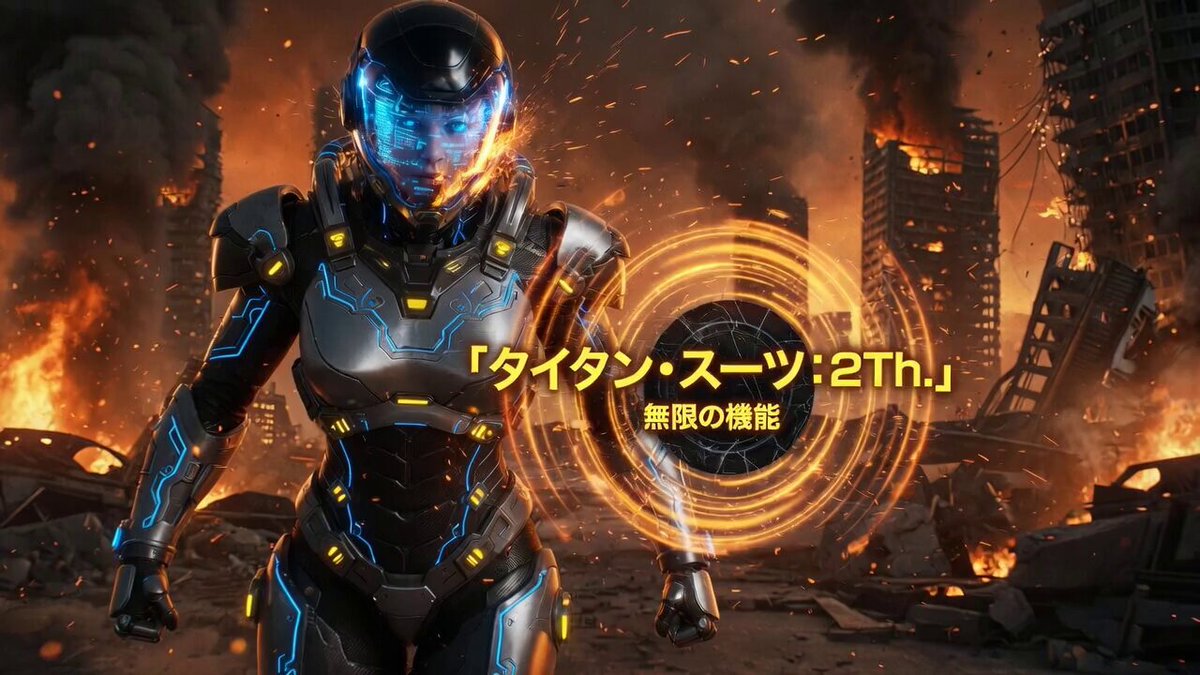
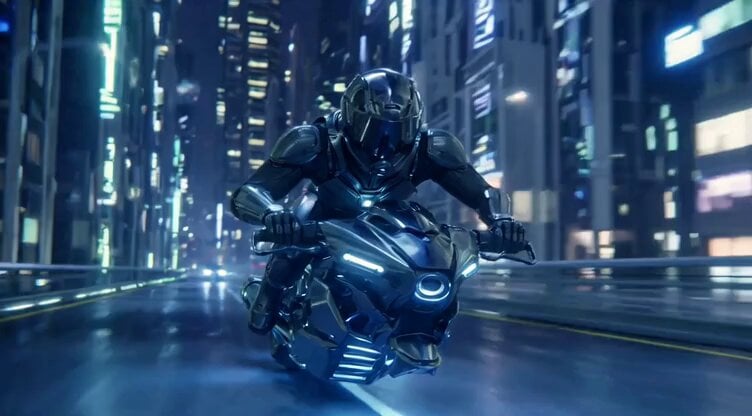
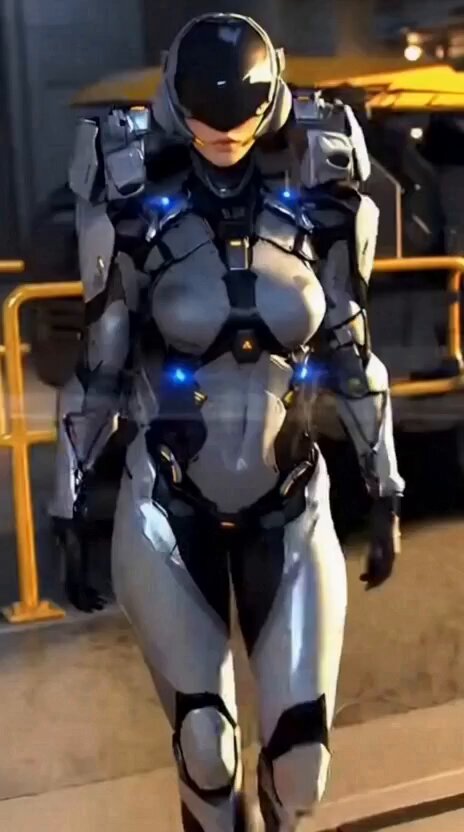
A cinematic video prompt for a woman in futuristic tactical combat armor materializing a mask and visor with slow, deliberate camera movements.
Cinematic close-up portrait of a strikingly beautiful young woman, early 20s, shoulder-length wavy chestnut-brown hair with soft bangs and strands framing her face, light freckles across nose and cheeks, intense piercing blue eyes, serious and confident expression, subtle makeup. She wears a sleek, form-fitting matte-black futuristic tactical combat armor with segmented high-tech plates, reinforced shoulder pads, chest rig with central zipper, intricate mechanical details, scuffs and battle wear, high collar. At first she appears without mask, then smoothly materializes a black tactical half-mask covering nose and mouth, followed by raising her gloved hand to adjust and put on dark tinted futuristic visor sunglasses over the mask. Dynamic progression, slow deliberate movements, slight hair movement. Photorealistic, ultra-detailed skin texture, realistic reflections on armor, dramatic volumetric lighting, shallow depth of field, blurred futuristic urban street background with bokeh lights and indistinct pedestrians, moody cyberpunk atmosphere, 8k, masterpiece, best quality, cinematic color grading --ar 9:16 --stylize 250 --v 6 --video --duration 16 --motion medium --camera slow zoom in from medium shot to extreme close-up
Cinematic close-up portrait of a strikingly beautiful young woman, early 20s, shoulder-length wavy chestnut-brown hair with soft bangs and strands framing her face, light freckles across nose and cheeks, intense piercing blue eyes, serious and confident expression, subtle makeup. She wears a sleek, form-fitting matte-black futuristic tactical combat armor with segmented high-tech plates, reinforced shoulder pads, chest rig with central zipper, intricate mechanical details, scuffs and battle wear, high collar. At first she appears without mask, then smoothly materializes a black tactical half-mask covering nose and mouth, followed by raising her gloved hand to adjust and put on dark tinted futuristic visor sunglasses over the mask. Dynamic progression, slow deliberate movements, slight hair movement. Photorealistic, ultra-detailed skin texture, realistic reflections on armor, dramatic volumetric lighting, shallow depth of field, blurred futuristic urban street background with bokeh lights and indistinct pedestrians, moody cyberpunk atmosphere, 8k, masterpiece, best quality, cinematic color grading --ar 9:16 --stylize 250 --v 6 --video --duration 16 --motion medium --camera slow zoom in from medium shot to extreme close-up
Edit the prompt in the box under the preview — the template's model and format are already selected — and press Generate. Your version appears right on this page.
Yes. You can change the subject, setting, lighting, mood, format, and available model controls before creating your video.
Opening and editing this template is free. Generating uses credits, shown on the Generate button when you are signed in.
Start with Grok Imagine, which is the model associated with this template. You can compare another compatible model for a different finish.
Follow a topic to a crawlable collection of related PicX Studio templates.