How do I use the Futuristic Mech Rampage template?
Edit the prompt in the box under the preview — the template's model and format are already selected — and press Generate. Your version appears right on this page.
A highly detailed cinematic prompt for a video showing massive futuristic mechs destroying a coastal city and stomping into the sea.
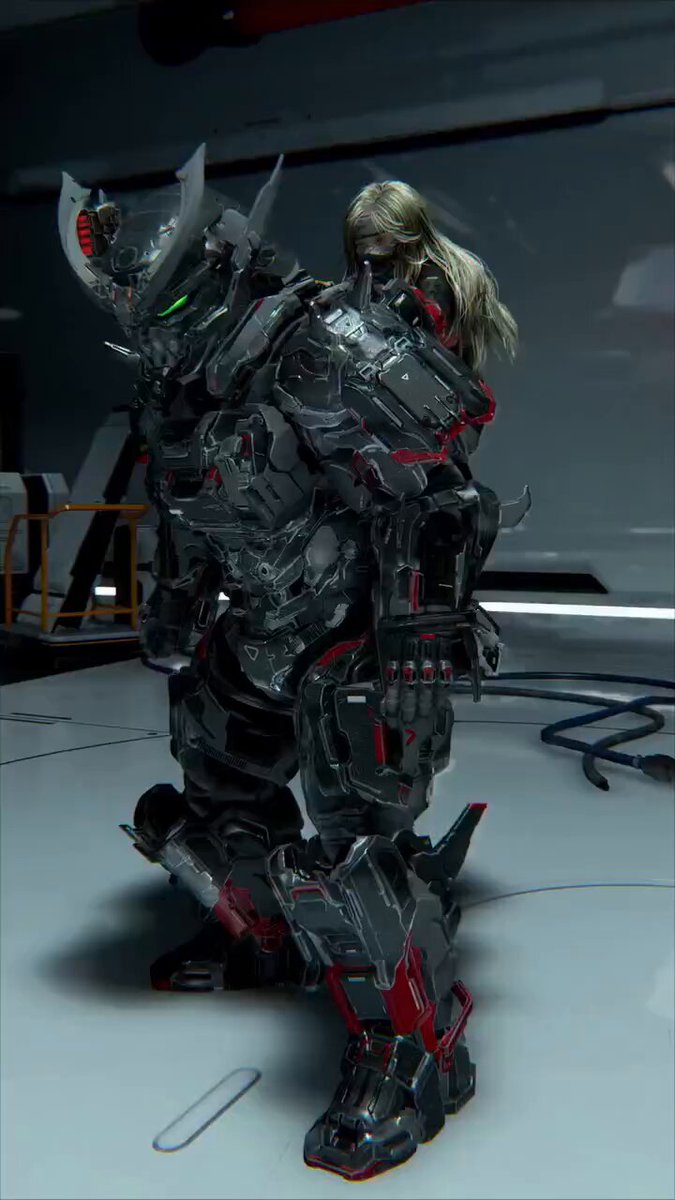
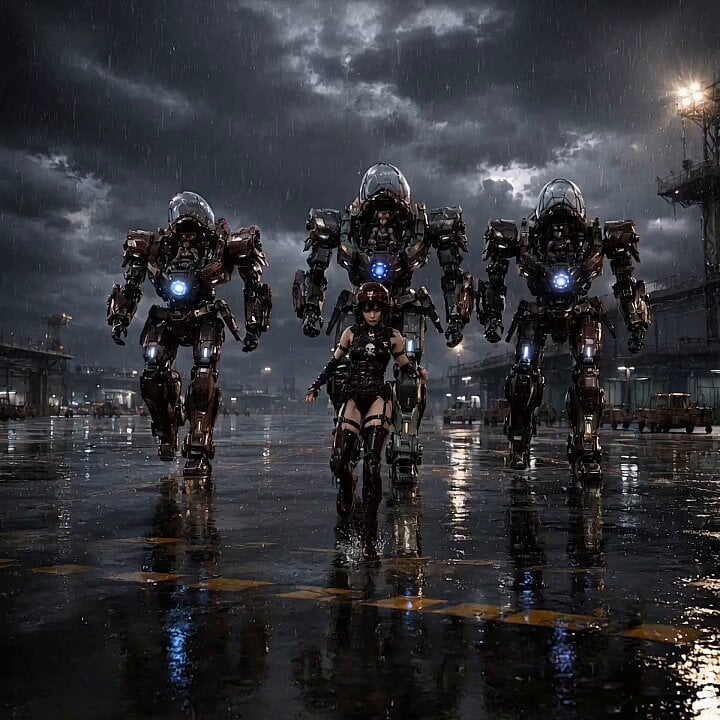
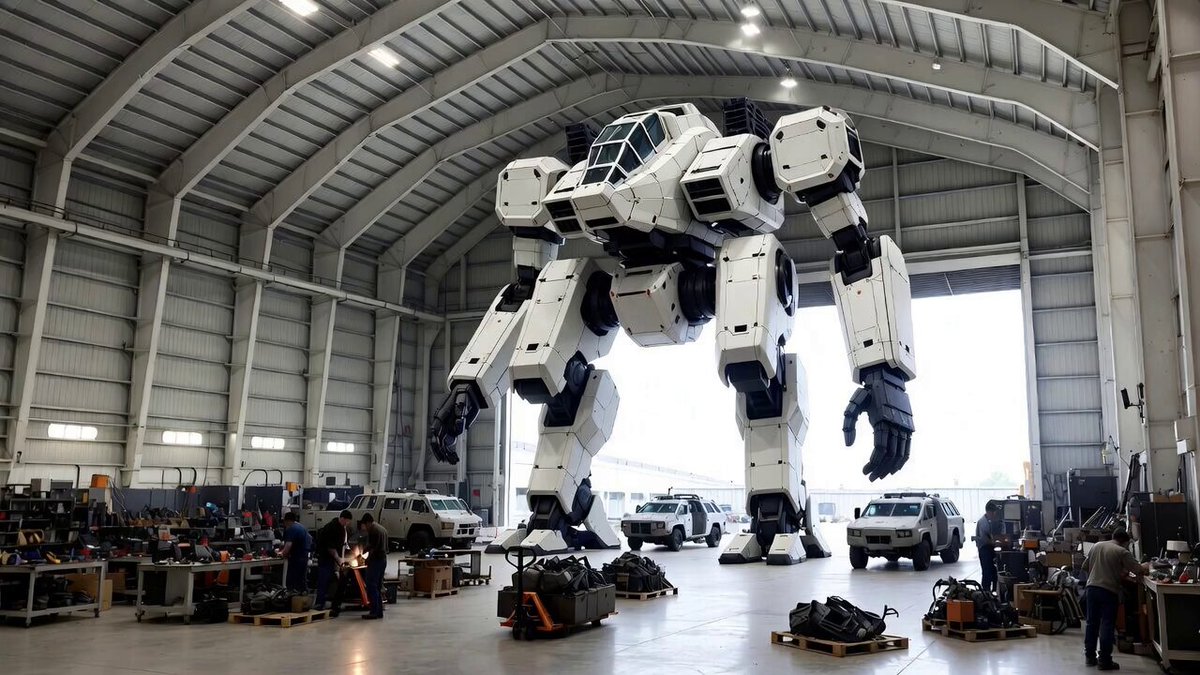
Cinematic high-angle aerial shot of two massive 80-meter tall futuristic alien war mechs rampaging through a dense coastal metropolis at daytime. The mechs are heavily armored, white and dark gray with glowing blue accents, sharp angular designs, large rifles in hands, antenna spikes on heads, and powerful mechanical joints. The larger mech leads, the slightly smaller one follows closely behind. They stomp forward aggressively from land into the sea, each massive footstep crushing buildings, roads, and a large waterfront stadium, sending huge clouds of brown dust, concrete debris, and rubble exploding into the air. When their feet hit the water, enormous white water splashes and waves erupt dramatically. Dynamic camera slowly orbits and tracks the mechs from above as they advance, revealing the full scale of destruction. Visible landmarks include a red-and-white Tokyo Tower-style tower, modern skyscrapers, bridges, green parks, suburban houses, and a large body of water. Bright sunny day with blue sky and scattered clouds, realistic lighting and shadows. Highly detailed, photorealistic, epic scale, dramatic action, intense destruction, volumetric dust and water particles, cinematic color grading, 8K quality, smooth motion, epic sci-fi atmosphere like Pacific Rim meets Transformers.
Cinematic high-angle aerial shot of two massive 80-meter tall futuristic alien war mechs rampaging through a dense coastal metropolis at daytime. The mechs are heavily armored, white and dark gray with glowing blue accents, sharp angular designs, large rifles in hands, antenna spikes on heads, and powerful mechanical joints. The larger mech leads, the slightly smaller one follows closely behind. They stomp forward aggressively from land into the sea, each massive footstep crushing buildings, roads, and a large waterfront stadium, sending huge clouds of brown dust, concrete debris, and rubble exploding into the air. When their feet hit the water, enormous white water splashes and waves erupt dramatically. Dynamic camera slowly orbits and tracks the mechs from above as they advance, revealing the full scale of destruction. Visible landmarks include a red-and-white Tokyo Tower-style tower, modern skyscrapers, bridges, green parks, suburban houses, and a large body of water. Bright sunny day with blue sky and scattered clouds, realistic lighting and shadows. Highly detailed, photorealistic, epic scale, dramatic action, intense destruction, volumetric dust and water particles, cinematic color grading, 8K quality, smooth motion, epic sci-fi atmosphere like Pacific Rim meets Transformers.
Edit the prompt in the box under the preview — the template's model and format are already selected — and press Generate. Your version appears right on this page.
Yes. You can change the subject, setting, lighting, mood, format, and available model controls before creating your video.
Opening and editing this template is free. Generating uses credits, shown on the Generate button when you are signed in.
Start with Grok Imagine, which is the model associated with this template. You can compare another compatible model for a different finish.
Follow a topic to a crawlable collection of related PicX Studio templates.