
Futuristic Mech and Pilot Orbiting Shot
A highly detailed cinematic prompt for a 20-second 8K video featuring a futuristic combat mech and a female pilot with an orbiting camera movement.
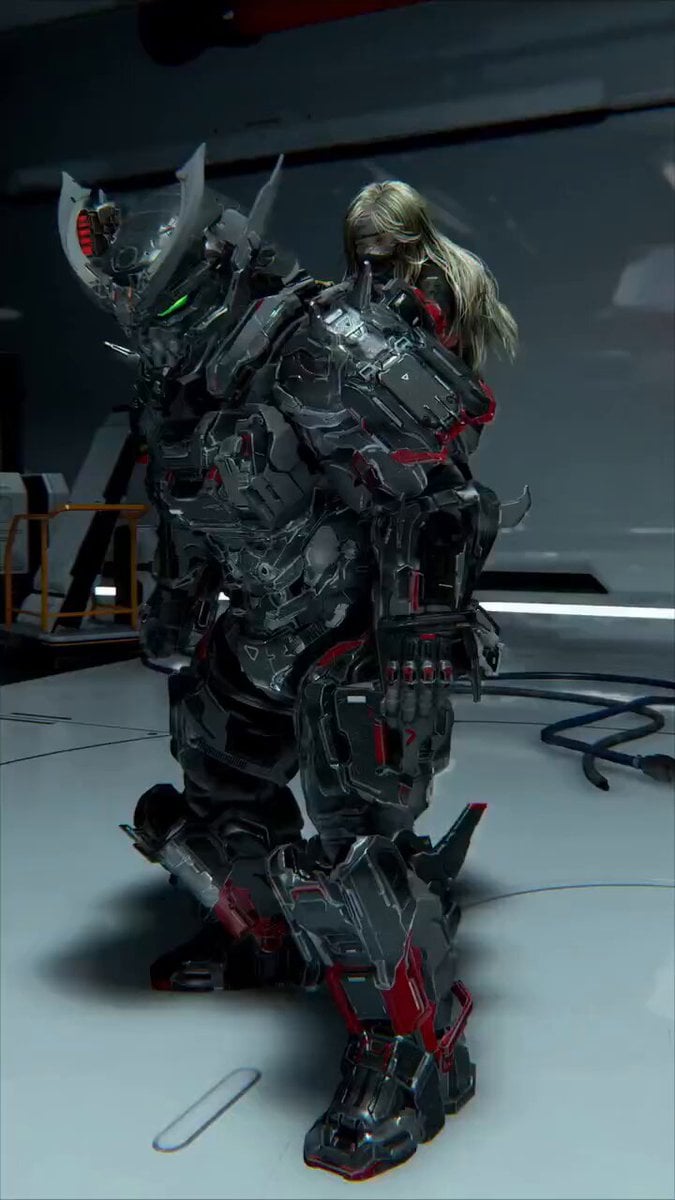
- Prompt included
- Model and format preset
- Premium template
The prompt behind this video
Copy the exact prompt behind Futuristic Mech and Pilot Orbiting Shot, or open it in the studio and make it yours.
A hyper-realistic cinematic 20-second video in 8K, photorealistic detail, ultra-smooth 60fps: A massive 12-foot-tall futuristic combat mech stands powerfully in a high-tech sci-fi hangar laboratory. The mech is heavily armored in dark metallic gunmetal gray with sharp glowing red accent lines, intricate mechanical plating, exposed pistons, hydraulic cables, and fierce neon-green glowing visor eyes. Its helmet features aggressive spiked horns and pulsing red LED details. A beautiful, athletic blonde woman with long flowing platinum-blonde hair (partially in a high ponytail that whips dramatically with motion) is dynamically climbing and fully mounting the mech’s back and shoulders like a pilot boarding a giant war machine. She wears a sleek black-and-red tactical bodysuit with reinforced armor panels, red combat boots, red gloves, and a white skull emblem on her left sleeve. She holds a compact silver handgun in her right hand, ready for action. Over the 20 seconds, the woman fluidly climbs up the mech’s leg and torso, grips the shoulder armor, swings herself onto its back, adjusts her position, and settles in with confident, powerful movements. The mech makes subtle mechanical shifts — pistons hissing, armor plates adjusting, neon lights pulsing — as it supports her weight. The camera performs a slow, smooth, continuous 360° orbiting tracking shot around the pair throughout the entire 20 seconds, starting from a dramatic front three-quarter low angle, completing two full elegant rotations while gently tilting upward, and ending from a powerful rear three-quarter view that reveals the mech’s back plating and the woman’s commanding riding pose. Background shows a detailed futuristic hangar with white glossy floors, metallic walls, glowing blue and cyan holographic panels, overhead industrial lights, scattered crates, pipes, and sci-fi equipment. Dramatic volumetric lighting, strong rim lights, deep cinematic shadows, subtle lens flares, epic sci-fi atmosphere, ultra-detailed textures, masterpiece, best quality, 8K.
How to use Futuristic Mech and Pilot Orbiting Shot in 3 steps
- 1
Open
The prompt is already in the box next to the preview, with the template's model and format selected.
- 2…a portrait of your subject in softgolden-hour light, 85mm…
Personalize
Edit the subject and creative details for your destination.
- 3Generate
Generate
Press Generate — your video is created in PicX Studio, so you can compare it with the original and refine one variable at a time.
More like this
Templates with the same subject, style or setup. Open one to see its prompt.
Futuristic Mech Rampage
Futuristic Spaceship Orbiting Space

Mecha Runway Tap Dance Video Prompt

Futuristic Neon Metropolis Sky
Futuristic Robot Competition Showcase
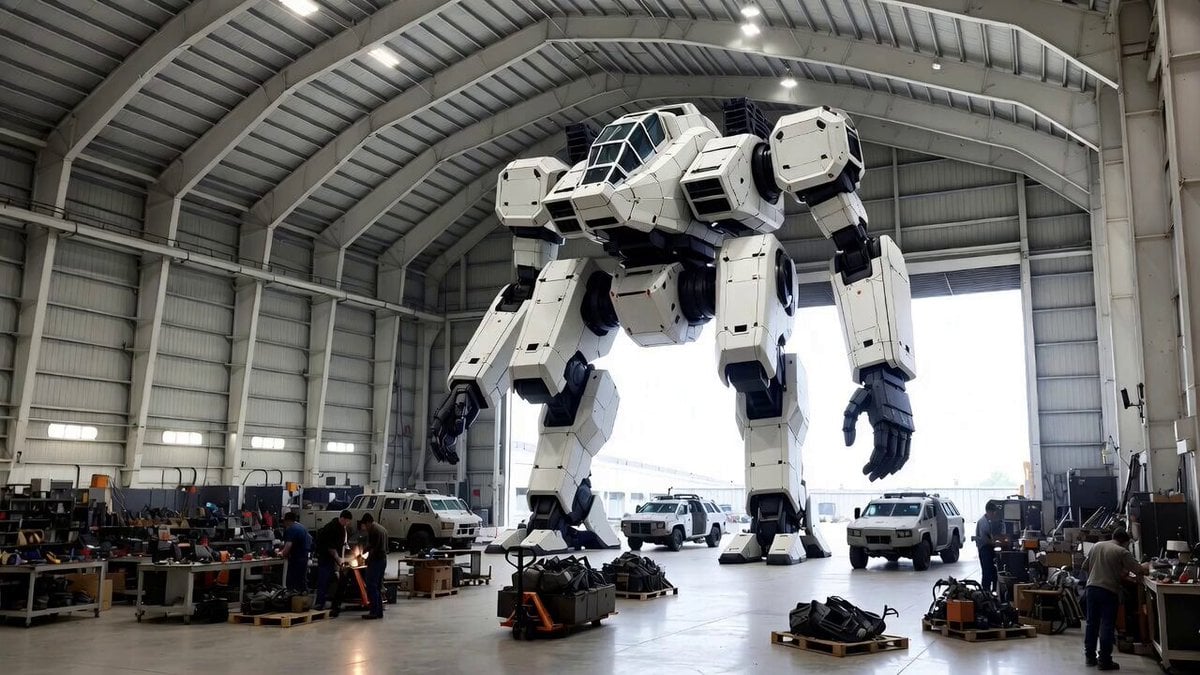
Video Generation Prompt: Mech in Aircraft Hangar
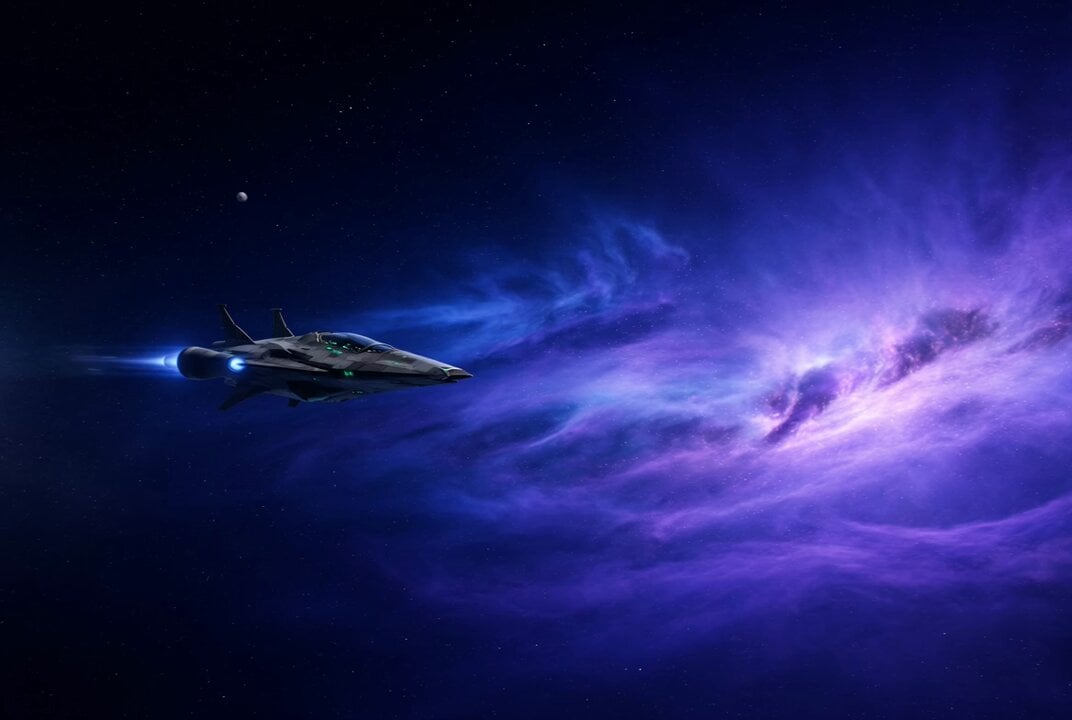
Star Wars Rottweiler Pilot and Cat Co-Pilot
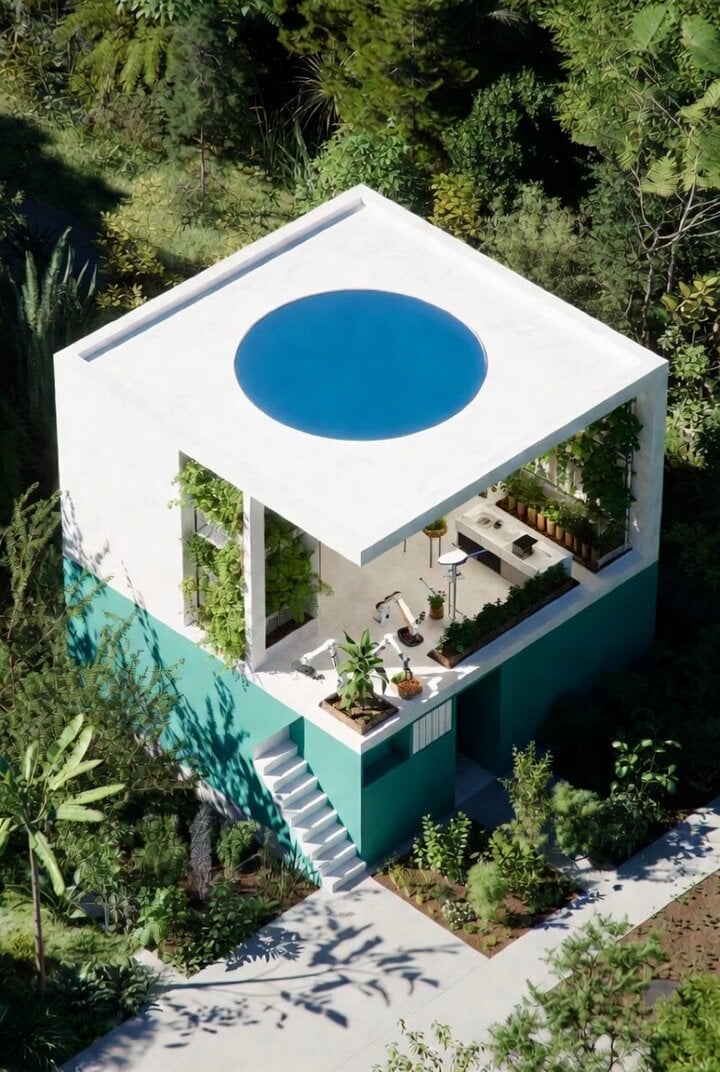
Futuristic Water Delivery Craft Video
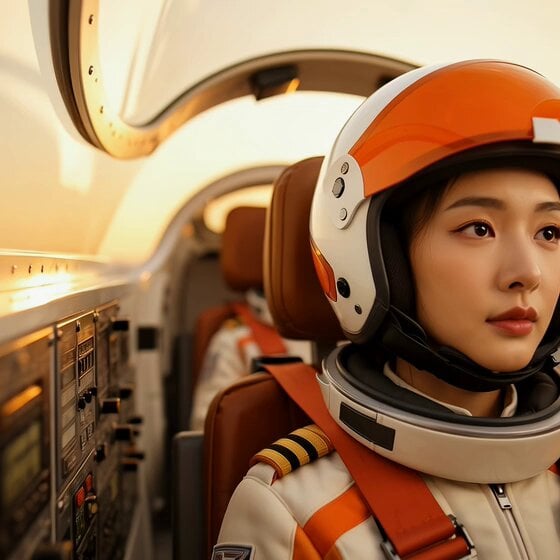
East Asian Fighter Pilot Video
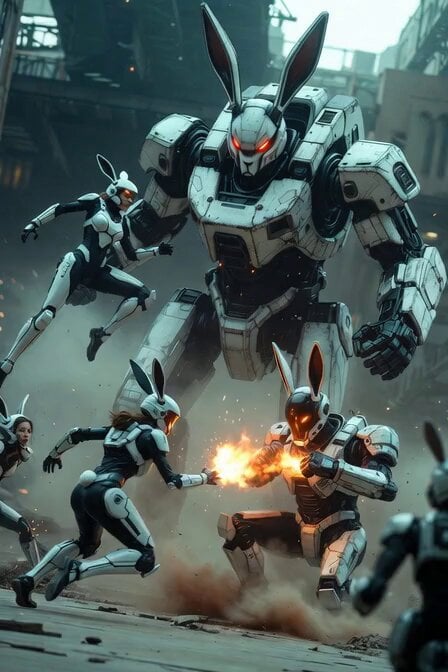
Industrial Mecha Battle
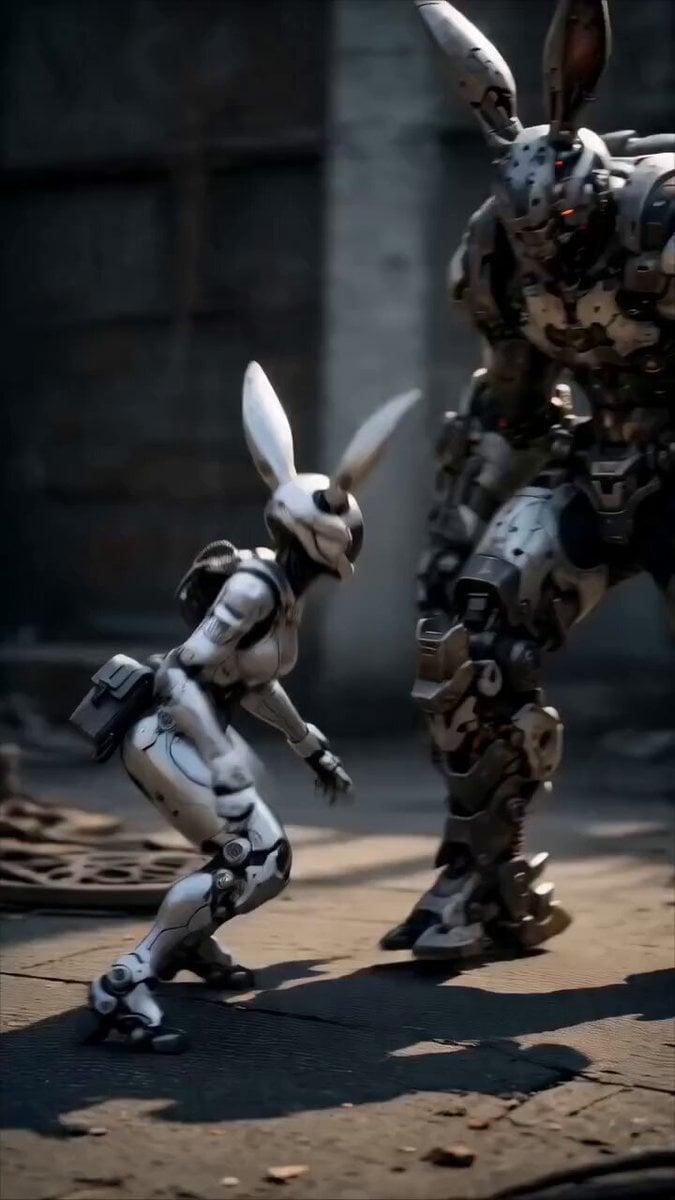
Epic Mecha Rabbit Battle
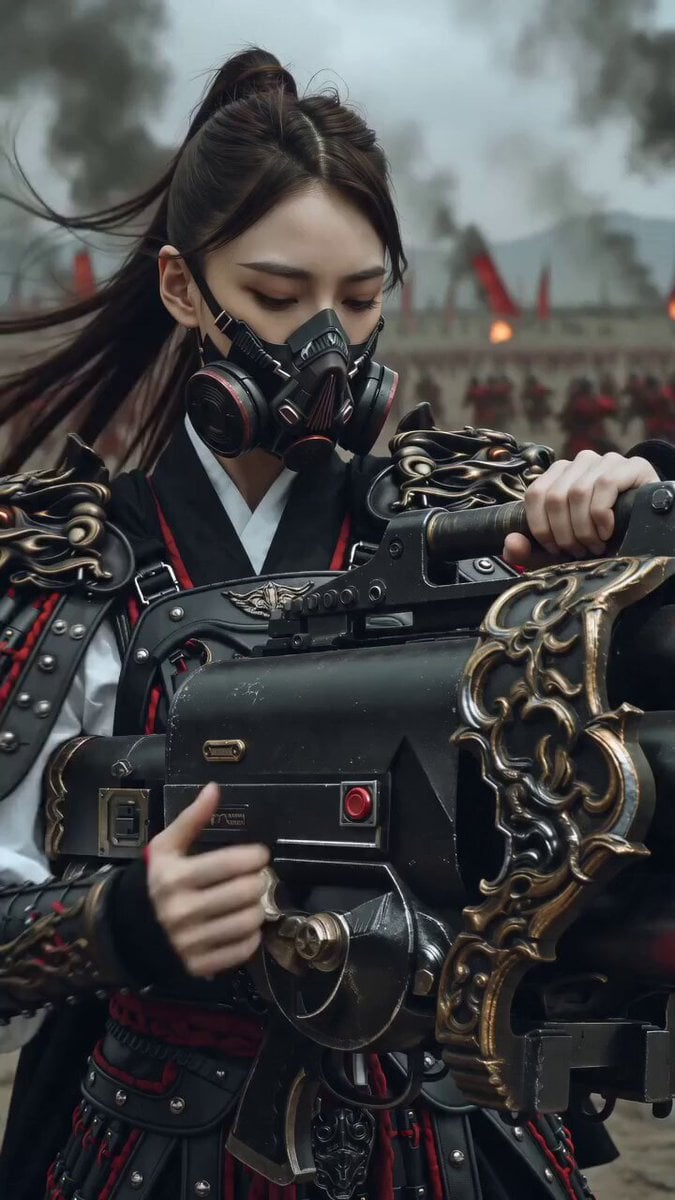
East Asian Female Warrior Mecha Transformation
Make it yours
Futuristic Mech and Pilot Orbiting Shot works as-is. These are the safest ways to change it without losing the look.
Change one field
Copy a single group, rewrite it, and generate again so you can see what that field is doing.
Keep the frame, change the subject
Hold the composition and light of Futuristic Mech and Pilot Orbiting Shot, then swap wardrobe, props or the person for a new take.
| If the result… | Why | Fix |
|---|---|---|
| The result drifts from the preview | Too many fields changed at once. | Reuse Futuristic Mech and Pilot Orbiting Shot as-is first, then change one group — subject, light, or setting. |
| The model over-stylizes the scene | The prose prompt leaves finish and camera underspecified. | Add one camera or lighting sentence and stay on Grok Imagine. |
More Grok Imagine templates
Other prompts made for Grok Imagine.

Pterodactyl Transformation Journey

Candle Mandala Mirror Video

Psychedelic Purple Disc World Video

Quantum Inventor in Sonoran Desert

Emotional Angry Couple Drama

Train Zooming in Star Field Video Prompt

Cyberpunk Guerrilla Girl Video Generation

Detailed multi-part video prompt

Interior View Video Generation Prompt
GTA 6 never came out in 1 million years
More video prompts
Fresh picks from across the catalog.
Italian World Cup Reaction

RX-7 to Mech Transformation Cyberpunk
Flying Sword Traffic Light Violation

Constitution Scroll Reading Aloud

Seedance 2.0 Prompt for Anime Style White-Haired Girl
Seedance 2.0 Prompt for 'Lobster' Scam Vlog

Golden Mosaic Eternal Portrait

Firefly Fields Narrative Poem
AEW Women's Championship Wrestling Match
World Cup Final Sports Commercial
Browse template categories
Futuristic Mech and Pilot Orbiting Shot questions
How do I use the Futuristic Mech and Pilot Orbiting Shot template?
Add your photo if the template asks for one, edit the prompt if you like — the template's model and format are already selected — and press Generate. Your version opens in PicX Studio.
Can I customize the Futuristic Mech and Pilot Orbiting Shot template?
Yes. You can change the subject, setting, lighting, mood, format, and available model controls before creating your video.
Is the Futuristic Mech and Pilot Orbiting Shot template free?
Opening and editing this template is free. Generating uses credits, shown on the Generate button when you are signed in.
Which AI model should I use?
Start with Grok Imagine, which is the model associated with this template. You can compare another compatible model for a different finish.
Looking for something else? Browse all templates.

Your photo, any look
Thousands of ready templates for every top image and video model, from one credit balance.