
Seedance 2.0 Prompt for 'Lobster' Scam Vlog
A detailed Seedance 2.0 prompt for a 15-second vertical vlog video (9:16) with a sensationalist style.
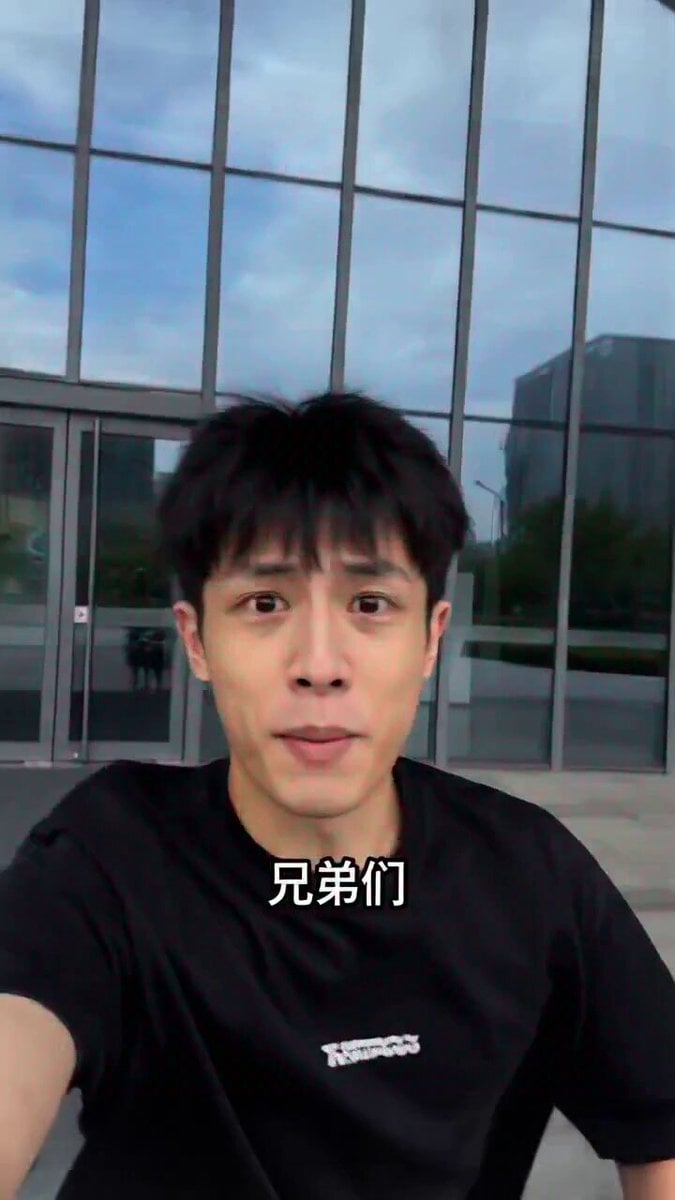
- Prompt included
- Model and format preset
- Premium template
The prompt behind this video
Copy the exact prompt behind Seedance 2.0 Prompt for 'Lobster' Scam Vlog, or open it in the studio and make it yours.
9:16竖屏,vlog第一人称视角,猎奇爆点风格。 0-2秒:镜头摇晃,博主(瓜子脸男生)对着手机激动地说:"兄弟们!听说有人靠龙虾月入140万?!我去打听 下!"背景是科技公司大门。 3-6秒:镜头切到咖啡厅,博主采访一个戴帽子的神秘人,帽子压得很低,博主问:"大佬,怎么做到的?"神秘 压低声音:"龙虾24小时帮你干活,你躺着收钱……" 7-10秒:画面快速剪辑:无数订单弹出、美金数字滚动、服务器运转画面,配紧张音乐。博主画外音:"等等, 不是躺赢吗?!"神秘人摇头:"不,是躺着被卷死。" 11-15秒:镜头切回博主,他坐在路边台阶上怀疑人生:"我问了半天……他说的'龙虾'是安装服务费,不是龙虾会 赚钱。"画面定格在他哭笑不得表情,旁边龙虾图标弹跳配上"被骗了"文字特效。 音效:神秘BGM、金币声、心碎音效、"下次一定"配音。 禁止:任何文字、字幕、LOGO或水印。
How to use Seedance 2.0 Prompt for 'Lobster' Scam Vlog in 3 steps
- 1
Open
The prompt is already in the box next to the preview, with the template's model and format selected.
- 2…a portrait of your subject in softgolden-hour light, 85mm…
Personalize
Edit the subject and creative details for your destination.
- 3Generate
Generate
Press Generate — your video is created in PicX Studio, so you can compare it with the original and refine one variable at a time.
More like this
Templates with the same subject, style or setup. Open one to see its prompt.

Mysterious Home Exploration Vlog - Seedance 2.5
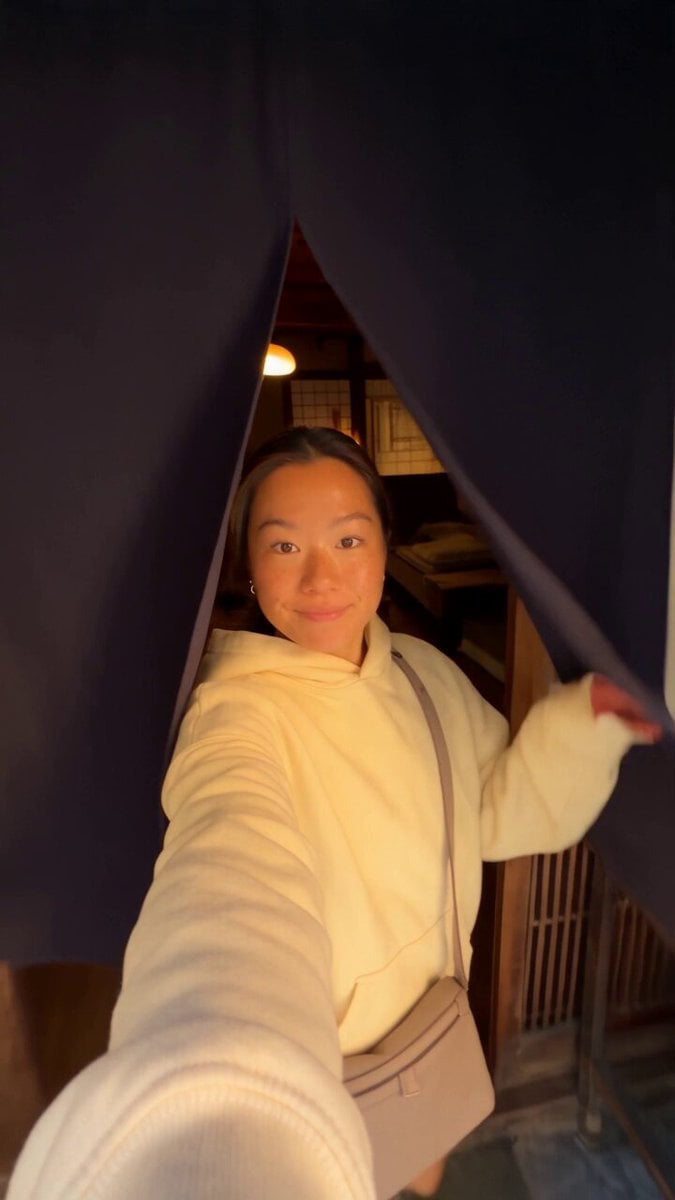
Kyoto Morning Selfie Vlog
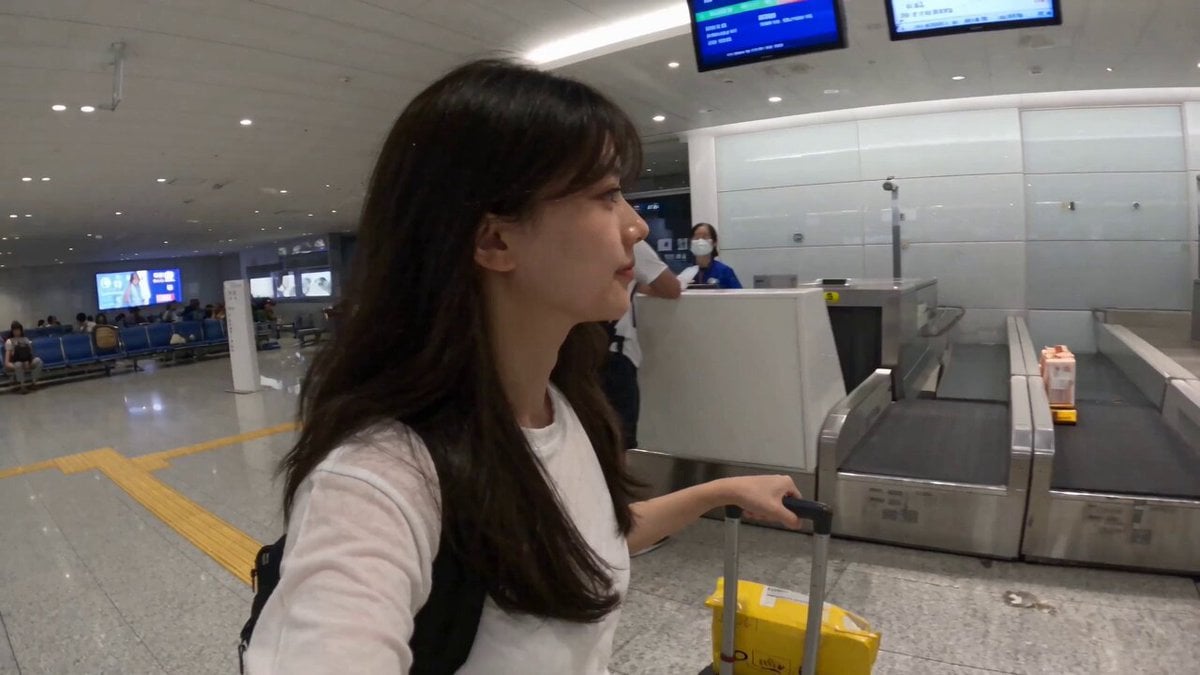
Smartphone Travel Vlog Tokyo Trip Identity Preserved

Wholesome Puppy and Kitten Story - Seedance 2.5

Dark Tokusatsu Transformation - Seedance 2.5

Cinematic Xinjiang Drone Landscapes - Seedance 2.5

Late Night Kitchen Phone Recording - Seedance 2.5

3D Animated Cat and Old Man - Seedance

Realistic City Street Story Cinematic Video - Seedance

Seedance 2.0 First Test — Dynamic Motion Showcase

Dragon Rider Cinematic Flight — Seedance 2.5

Sneaker Product Commercial
Make it yours
Seedance 2.0 Prompt for 'Lobster' Scam Vlog works as-is. These are the safest ways to change it without losing the look.
Change one field
Copy a single group, rewrite it, and generate again so you can see what that field is doing.
Keep the frame, change the subject
Hold the composition and light of Seedance 2.0 Prompt for 'Lobster' Scam Vlog, then swap wardrobe, props or the person for a new take.
| If the result… | Why | Fix |
|---|---|---|
| The result drifts from the preview | Too many fields changed at once. | Reuse Seedance 2.0 Prompt for 'Lobster' Scam Vlog as-is first, then change one group — subject, light, or setting. |
| The model over-stylizes the scene | The prose prompt leaves finish and camera underspecified. | Add one camera or lighting sentence and stay on Seedance 2.0. |
More Seedance 2.0 templates
Other prompts made for Seedance 2.0.

Comical Martial Arts Punch Scene

Maglev Train Action Sequence

Martial Arts Fight Sequence

Wuxia Protection and Trust Script

Vintage Korean Arcade MiniDV Vlog

Mercedes 190 SL Luxury Ad

Rainy Night Supernatural Reverse Comedy Video Script

Amazon Civilization Discovery

Futuristic South Asian City Transformation

Cozy Luxury Cafe Commercial
More video prompts
Fresh picks from across the catalog.

Xianxia Comedy - Hearing a Sound
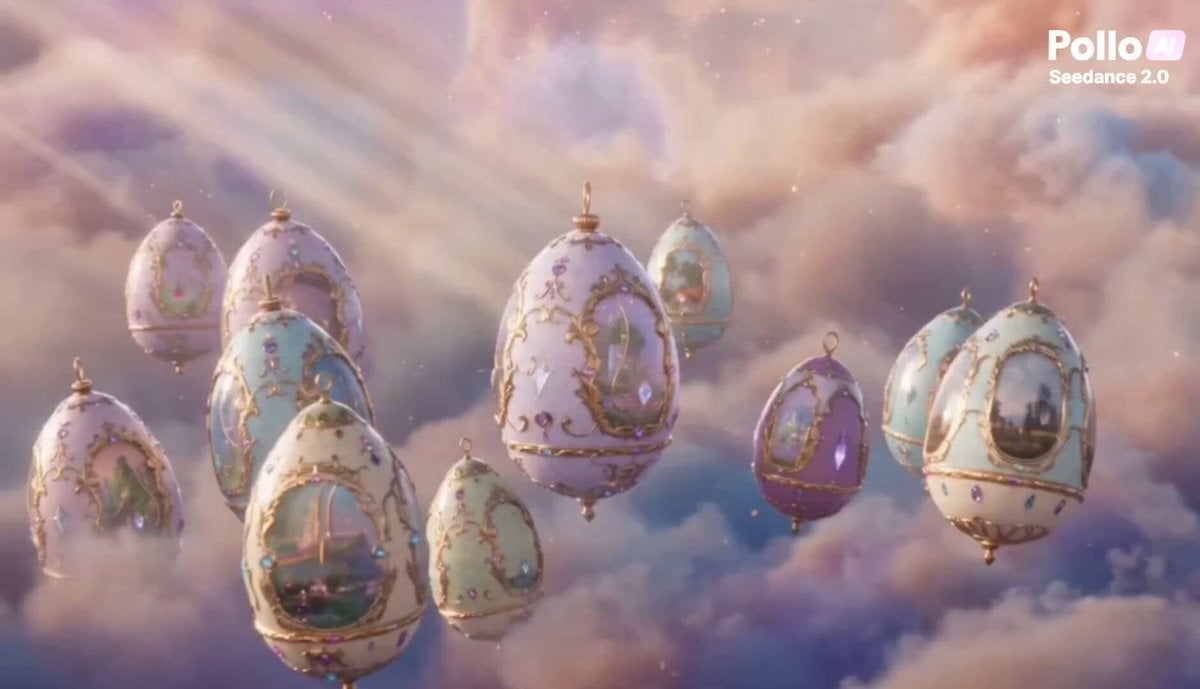
Enchanted Fabergé Easter Egg Video Prompt

Fantasy Desert Training Sequence
Cozy Morning Kitchen Breakfast Scene
Family Scrapbook 3D Animation
Cinematic Crime Drama Test Prompt for Seedance 2.0

Epic Sci-Fi Sandstorm Desert Convoy

Cinematic 4K Volumetric Clouds

Ethereal Pastel Angelic Wings

Surreal Upside-Down Ocean World
Browse template categories
Seedance 2.0 Prompt for 'Lobster' Scam Vlog questions
How do I use the Seedance 2.0 Prompt for 'Lobster' Scam Vlog template?
Add your photo if the template asks for one, edit the prompt if you like — the template's model and format are already selected — and press Generate. Your version opens in PicX Studio.
Can I customize the Seedance 2.0 Prompt for 'Lobster' Scam Vlog template?
Yes. You can change the subject, setting, lighting, mood, format, and available model controls before creating your video.
Is the Seedance 2.0 Prompt for 'Lobster' Scam Vlog template free?
Opening and editing this template is free. Generating uses credits, shown on the Generate button when you are signed in.
Which AI model should I use?
Start with Seedance 2.0, which is the model associated with this template. You can compare another compatible model for a different finish.
Looking for something else? Browse all templates.

Your photo, any look
Thousands of ready templates for every top image and video model, from one credit balance.