
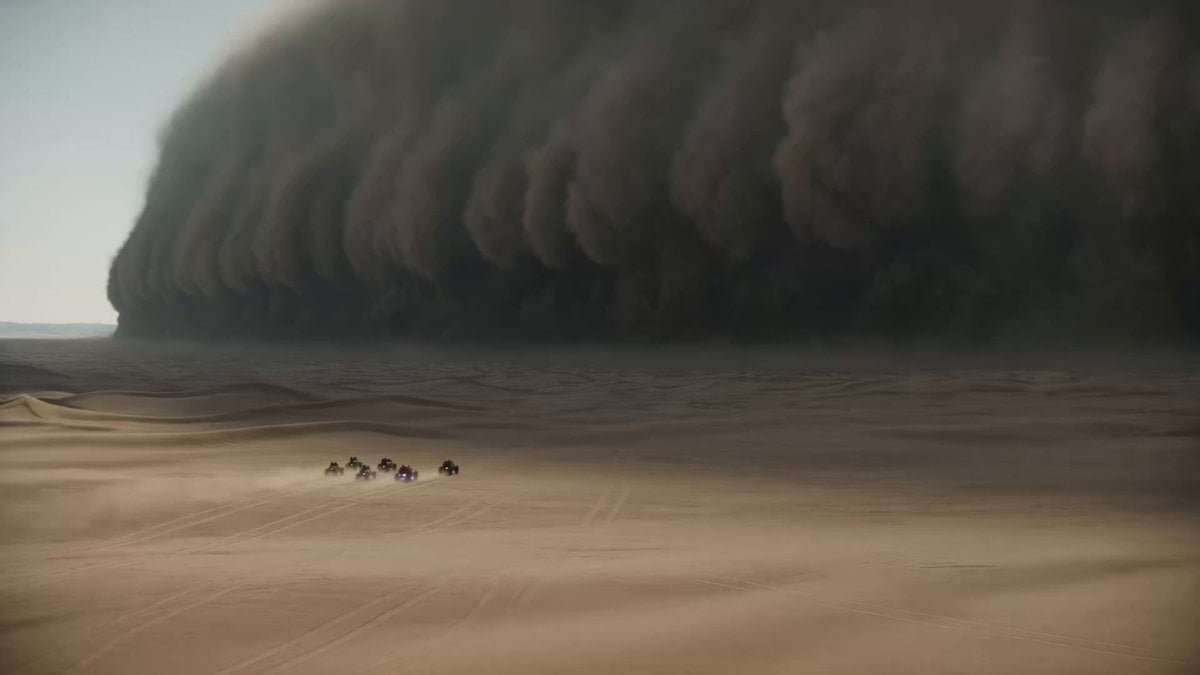
Epic Sci-Fi Sandstorm Desert Convoy
An IMAX-style sci-fi prompt for a desert sandstorm chase.
- Prompt included
- Model and format preset
- Free template
The prompt behind this video
Copy the exact prompt behind Epic Sci-Fi Sandstorm Desert Convoy, or open it in the studio and make it yours.
Style: IMAX 70mm Film, Epic Sci-Fi/Fantasy Style, Gritty Realism, Epic Scale, Desaturated. Duration: 15s. [00-05s] Extreme Wide Shot (The Scale). A colossal sandstorm, miles high, swallows a vast desert landscape. A tiny convoy of desertpunk dune buggies with neon lighting under their chassis races away from it. The scale of nature vs man is terrifying. Epic orchestral style tension. [05-10s] Cockpit Cam (The Panic). Inside the lead buggy. The driver screams "FASTER! FASTER!" (Subtitle: MAX OVERDRIVE!). Camera shakes violently. Sand blasts the windshield. The sun is swallowed by the approaching wall of dust. [10-15s] The Jump (The Climax). The buggy hits a massive rock jut out and launches into the air awkwardly (Slow Motion). Silhouette against the dark storm. Lightning strikes within the dust cloud. Debris flies past the lens. Cut to black on impact.
How to use Epic Sci-Fi Sandstorm Desert Convoy in 3 steps
- 1
Open
The prompt is already in the box next to the preview, with the template's model and format selected.
- 2…a portrait of your subject in softgolden-hour light, 85mm…
Personalize
Edit the subject and creative details for your destination.
- 3Generate
Generate
Press Generate — your video is created in PicX Studio, so you can compare it with the original and refine one variable at a time.
More like this
Templates with the same subject, style or setup. Open one to see its prompt.
Thornmaw Monarch — Crimson Glass Desert Beast
Stone Colossus Desert Riders — Golden Fire Reveal

Oceanic Civilization Epic Sci-Fi Film

Sci-Fi Disaster Movie Scene - Seedance 2.5

Desert Horned Lizard Grapefruit Ad

Floating Desert Museum Cinematic Film
Cinematic Desert Sandstorm Motorcycle Race
Military Convoy Desert Chase

Desert Courier and Sandstorm Leviathan Chase

Walking Factory with Rebel on Hoverbike - Wasteland
Seedance 2.0 Prompt: ATV Racing in a Desert Sandstorm
Armored Convoy Desert Action Prompt for Seedance 2.0
Make it yours
Epic Sci-Fi Sandstorm Desert Convoy works as-is. These are the safest ways to change it without losing the look.
Change one field
Copy a single group, rewrite it, and generate again so you can see what that field is doing.
Keep the frame, change the subject
Hold the composition and light of Epic Sci-Fi Sandstorm Desert Convoy, then swap wardrobe, props or the person for a new take.
| If the result… | Why | Fix |
|---|---|---|
| The result drifts from the preview | Too many fields changed at once. | Reuse Epic Sci-Fi Sandstorm Desert Convoy as-is first, then change one group — subject, light, or setting. |
| The model over-stylizes the scene | The prose prompt leaves finish and camera underspecified. | Add one camera or lighting sentence and stay on Seedance 2.0. |
More Seedance 2.0 templates
Other prompts made for Seedance 2.0.

Comical Martial Arts Punch Scene

Maglev Train Action Sequence

Martial Arts Fight Sequence

Wuxia Protection and Trust Script

Vintage Korean Arcade MiniDV Vlog

Ancient Roman Celestial Flight

Mercedes 190 SL Luxury Ad

Rainy Night Supernatural Reverse Comedy Video Script

Amazon Civilization Discovery

Futuristic South Asian City Transformation
More video prompts
Fresh picks from across the catalog.
Vertical Action Insertion: Tactical Courier Freefall
Living Museum Diorama Underwater Cinematic

Japanese Woman Flipboard Wordplay Presentation

Pocari Sweat Sports Commercial Prompt
Planetary Spaceship Fly-Around Video Prompt
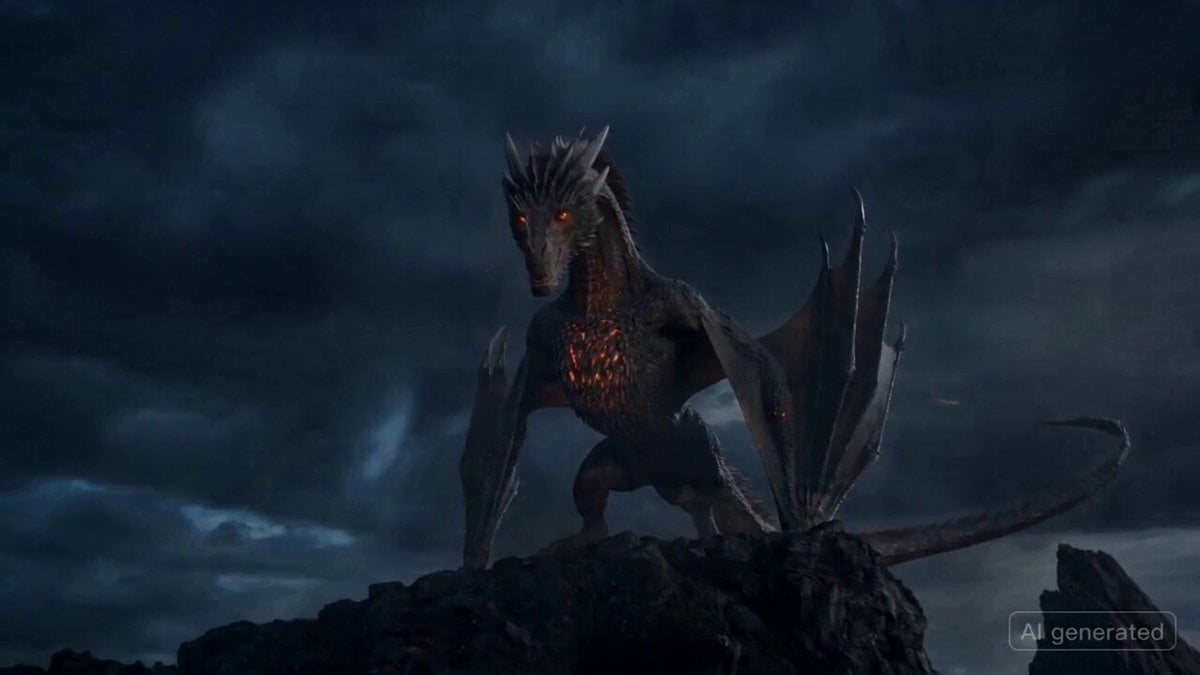
Fast-Paced Dragon Launch Continuation

Person plays guitar and backdrop melts into a stage

Comedic ADHD Cat Teacher Short Film

Giant Seahorse City Destruction — Flova AI

Hydrocarbon Slick-Swimmers in Methane Sea
Browse template categories
Epic Sci-Fi Sandstorm Desert Convoy questions
How do I use the Epic Sci-Fi Sandstorm Desert Convoy template?
Add your photo if the template asks for one, edit the prompt if you like — the template's model and format are already selected — and press Generate. Your version opens in PicX Studio.
Can I customize the Epic Sci-Fi Sandstorm Desert Convoy template?
Yes. You can change the subject, setting, lighting, mood, format, and available model controls before creating your video.
Is the Epic Sci-Fi Sandstorm Desert Convoy template free?
Opening and editing this template is free. Generating uses credits, shown on the Generate button when you are signed in.
Which AI model should I use?
Start with Seedance 2.0, which is the model associated with this template. You can compare another compatible model for a different finish.
Looking for something else? Browse all templates.

Your photo, any look
Thousands of ready templates for every top image and video model, from one credit balance.