
Living Museum Diorama Underwater Cinematic
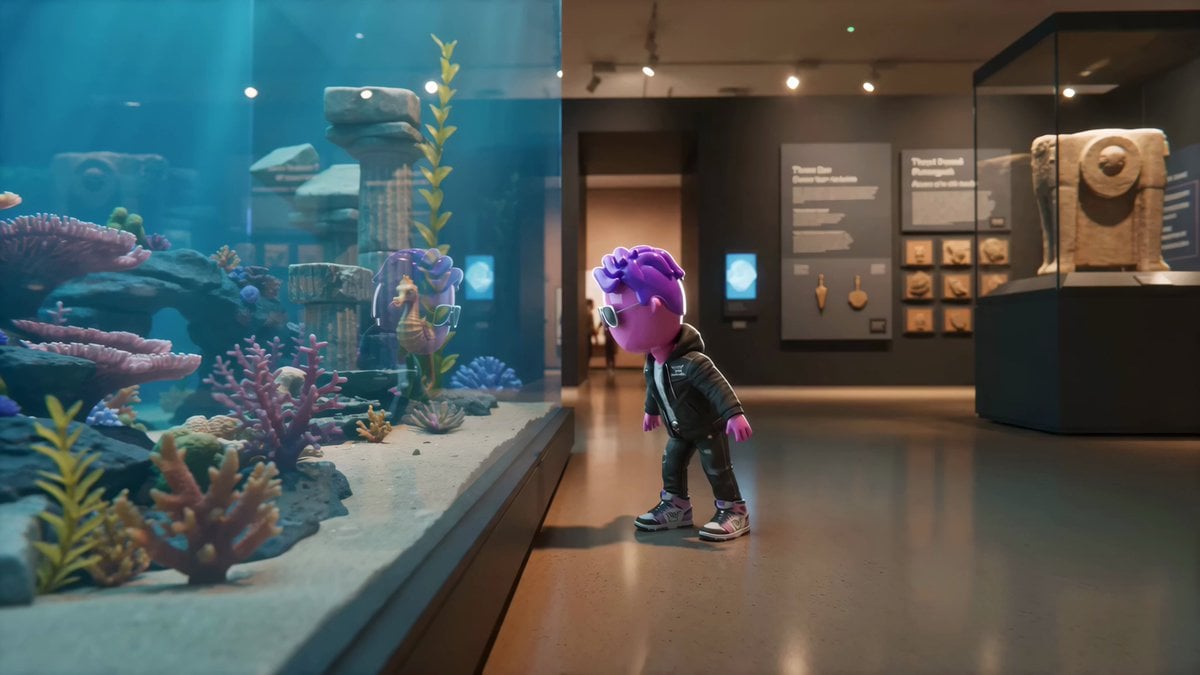
A complex storyboard prompt for a 15-second cinematic video where a character enters a museum diorama that comes to life as an underwater world.
- Prompt included
- Model and format preset
- Premium template
The prompt behind this video
Copy the exact prompt behind Living Museum Diorama Underwater Cinematic, or open it in the studio and make it yours.
Create a 15-second photorealistic cinematic movie-style video. CHARACTER: IMG_39 is the main character. Preserve the exact character identity, proportions, wardrobe, materials, silhouette, face/eye design, and recognizable features throughout every scale change. Do not redesign, humanize, or change the character. STYLE: Photoreal cinematic realism with surreal museum magic. Handheld camera, slight natural shake, shallow depth of field, soft motion blur, realistic exposure shifts, subtle film grain, believable body physics. No on-screen text, subtitles, captions, logos, or dialogue. SETTING: INT. QUIET MUSEUM GALLERY – DAY. A large glass display case holds a detailed underwater ruins diorama: miniature coral reefs, broken ancient columns, a tiny shipwreck, seaweed, pearl-like stones, diver statues, small fish sculptures, sand, shells, and a painted deep-ocean backdrop. Cool blue museum lighting mixes with warm spotlights. Dust floats in the gallery air. The museum feels real, but the diorama becomes a living underwater world. SINGLE CONTINUOUS SHOT, no hard cuts. Camera follows dynamically. 0–2s: IMG_39 stands beside the glass display case, looking into the miniature underwater ruins diorama. Soft blue light reflects on the glass. Inside the diorama, a tiny seaweed strand suddenly sways as if moved by water. IMG_39 leans closer. 2–4s: The glass surface ripples like liquid. IMG_39 reaches toward it and is suddenly pulled forward. The body presses through the glass without breaking it. Scale snap: IMG_39 becomes miniature, now standing inside the underwater ruins diorama among giant coral branches, sand grains, shells, and broken stone columns. 4–6s: INSIDE THE DIORAMA WORLD. The underwater scene comes alive. Sand drifts slowly like fog, coral glows faintly, seaweed waves, and tiny fish sculptures begin moving like real fish. IMG_39 runs across the sandy terrain as if gravity is lighter, footsteps kicking up soft clouds of sand. Camera tracks low beside the character. 6–8s: A small seahorse statue cracks to life and swims past. IMG_39 jumps onto its back in one fast motion. Scale snap: the character becomes proportional to the seahorse. The seahorse darts through coral arches, around broken columns, and past frozen diver statues. Camera orbits with motion blur, bubbles, and shimmering museum spotlight flashes. 8–10s: The seahorse dives through the broken shipwreck. Wooden beams and ropes pass close like huge obstacles. A burst of glowing bubbles lifts IMG_39 upward. The painted ocean backdrop briefly becomes endless deep water, with faint light rays moving above. 10–12s: The seahorse races toward the curved glass wall of the display case. IMG_39 jumps from its back toward the glass. The character passes through the rippling surface mid-air. Scale snap: IMG_39 returns to normal size, bursting back into the museum gallery.
How to use Living Museum Diorama Underwater Cinematic in 3 steps
- 1
Open
The prompt is already in the box next to the preview, with the template's model and format selected.
- 2…a portrait of your subject in softgolden-hour light, 85mm…
Personalize
Edit the subject and creative details for your destination.
- 3Generate
Generate
Press Generate — your video is created in PicX Studio, so you can compare it with the original and refine one variable at a time.
More like this
Templates with the same subject, style or setup. Open one to see its prompt.

Floating Desert Museum Cinematic Film
Museum Diorama Sci-Fi Gateway
Frozen Time Handycam Diorama
Pixar Style Underwater Squid Animation

Migrating Living Mountains Landscape
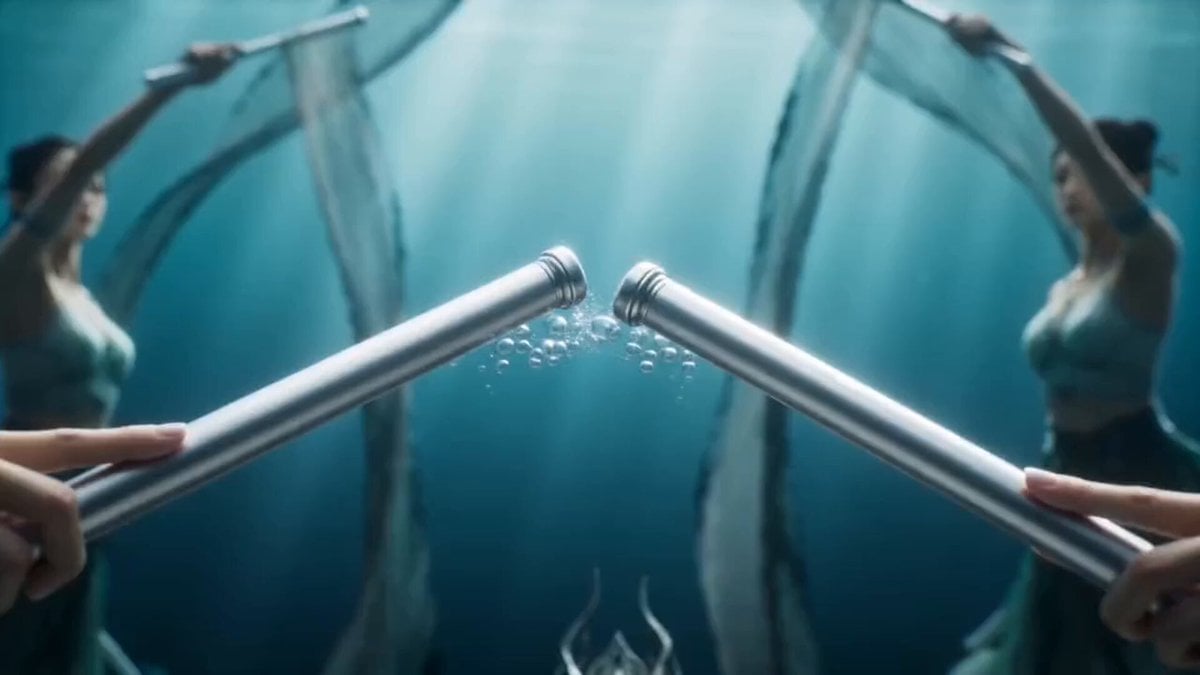
Magical Underwater Dance Choreography
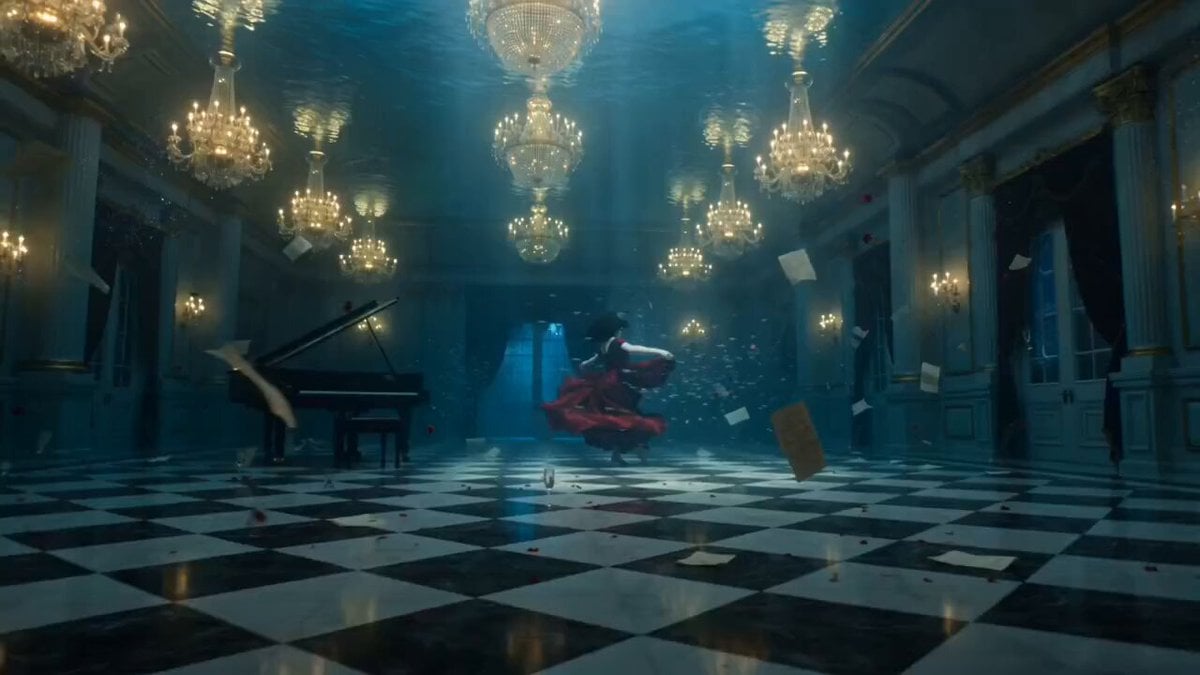
Ethereal Underwater Ballroom Waltz
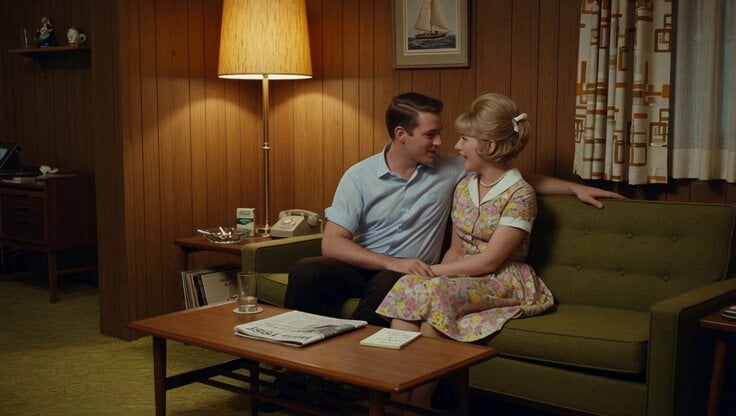
1965 Retro Living Room Scene
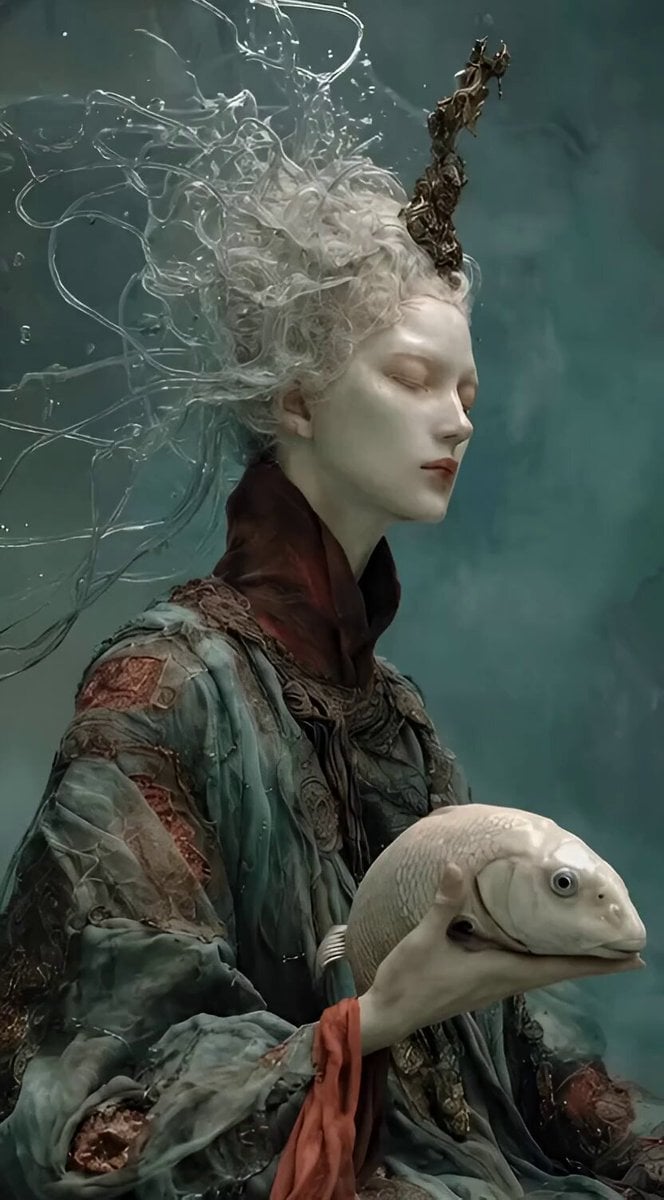
Ethereal Underwater Sorrow
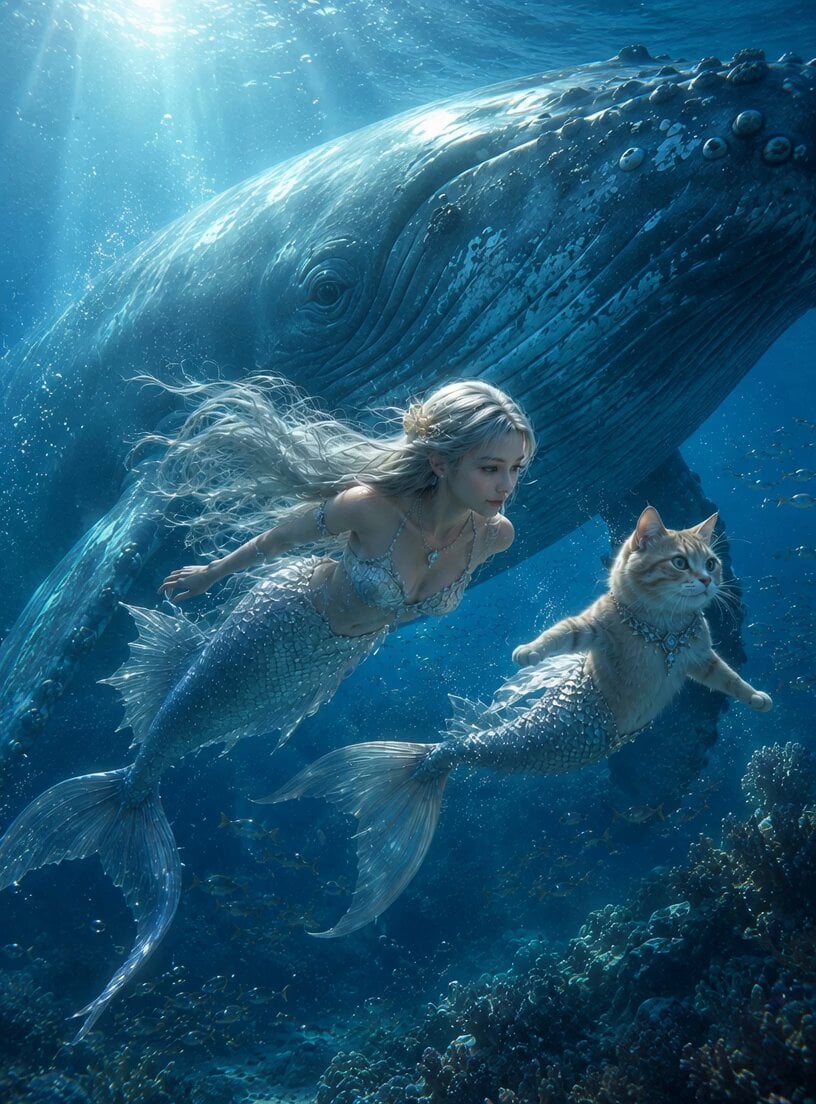
Mermaid and Cat Mermaid Underwater Fantasy
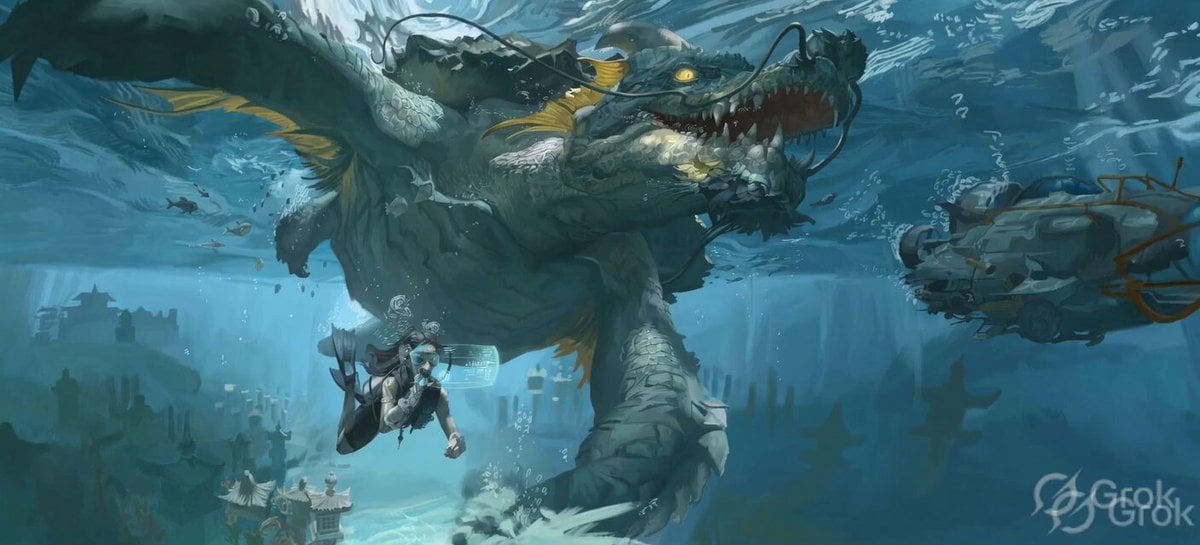
Ancient Underwater Dragon Encounter
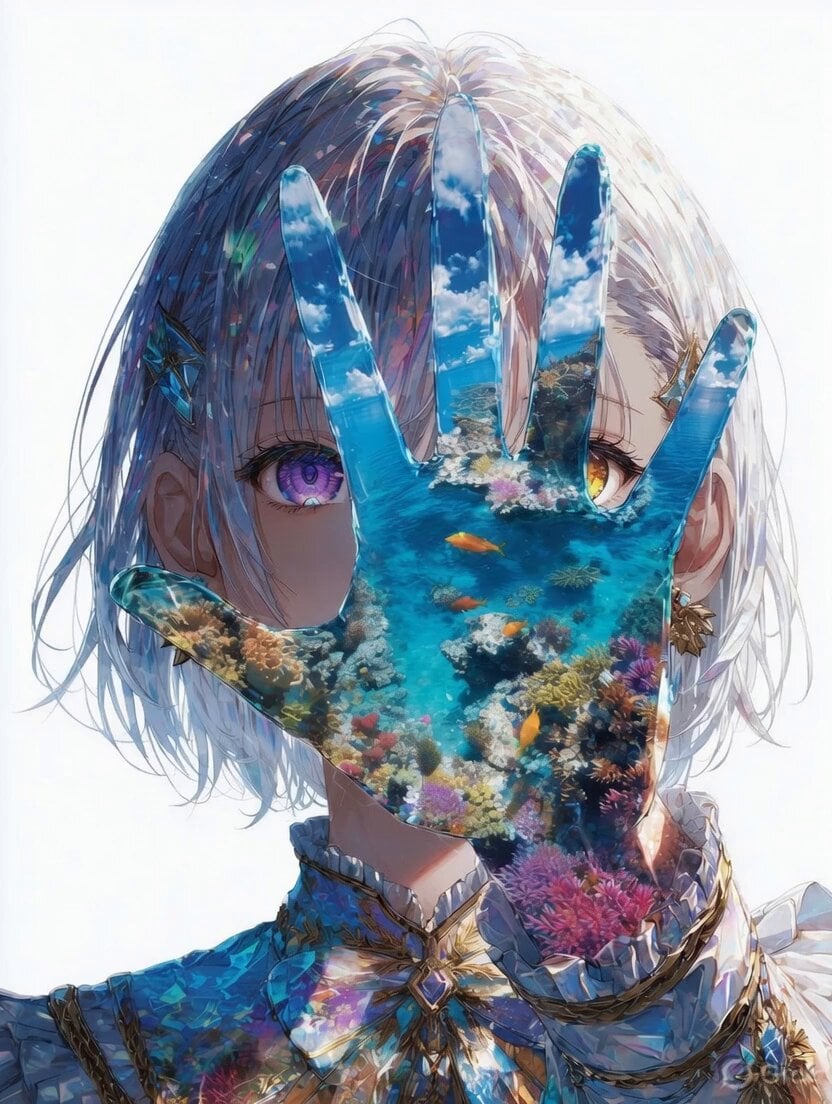
Mystical Underwater Sea Goddess
Make it yours
Living Museum Diorama Underwater Cinematic works as-is. These are the safest ways to change it without losing the look.
Change one field
Copy a single group, rewrite it, and generate again so you can see what that field is doing.
Keep the frame, change the subject
Hold the composition and light of Living Museum Diorama Underwater Cinematic, then swap wardrobe, props or the person for a new take.
| If the result… | Why | Fix |
|---|---|---|
| The result drifts from the preview | Too many fields changed at once. | Reuse Living Museum Diorama Underwater Cinematic as-is first, then change one group — subject, light, or setting. |
| The model over-stylizes the scene | The prose prompt leaves finish and camera underspecified. | Add one camera or lighting sentence and stay on Seedance 2.0. |
More Seedance 2.0 templates
Other prompts made for Seedance 2.0.

Comical Martial Arts Punch Scene

Maglev Train Action Sequence

Martial Arts Fight Sequence

Wuxia Protection and Trust Script

Vintage Korean Arcade MiniDV Vlog

Mercedes 190 SL Luxury Ad

Rainy Night Supernatural Reverse Comedy Video Script

Amazon Civilization Discovery

Futuristic South Asian City Transformation

Cozy Luxury Cafe Commercial
More video prompts
Fresh picks from across the catalog.

Emotional Robot and Boy Animation

Cinematic Fantasy Dark Pop Music Video
Luxury Beauty Salon Brand Commercial
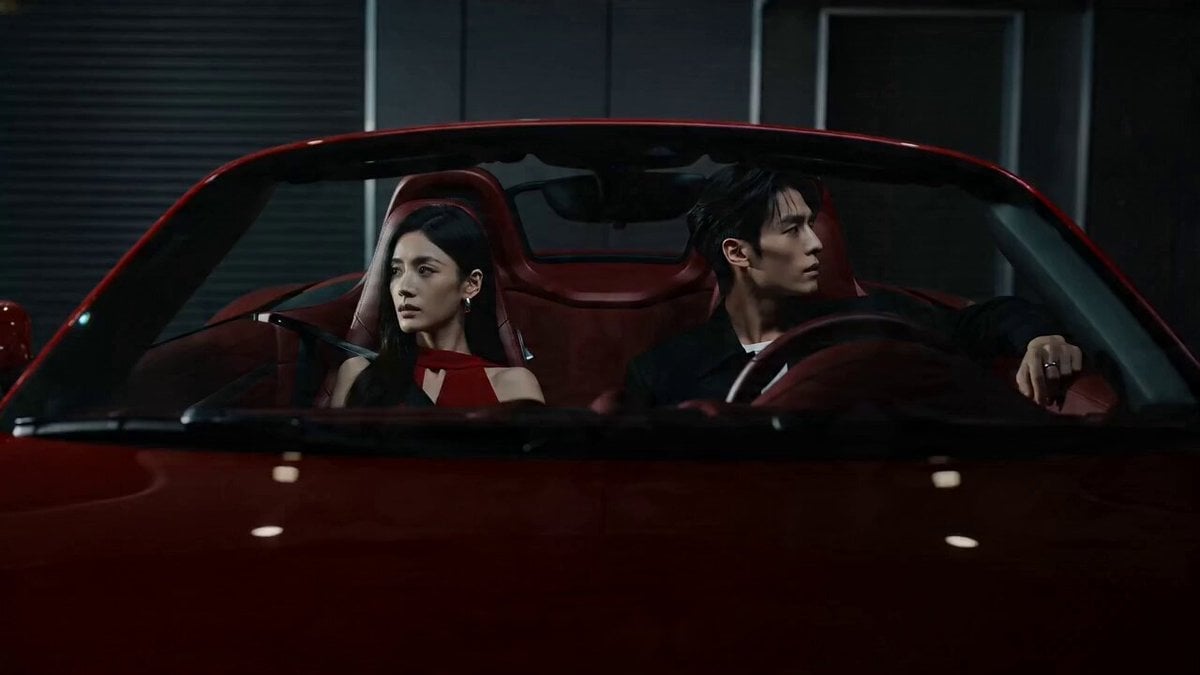
Cinematic Storyboard: Cool Couple in a Convertible
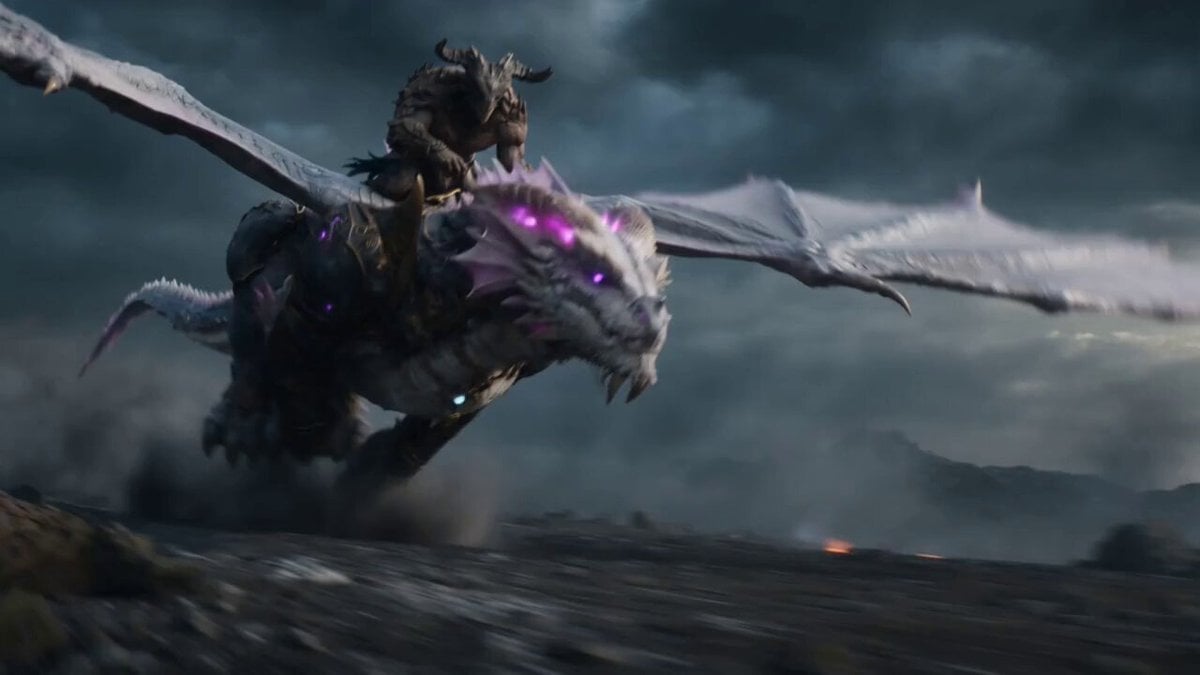
Beastman Dragon Rider Battle
Grok Imagine Prompt: Character with gloves and laptop speaking in cartoon voice
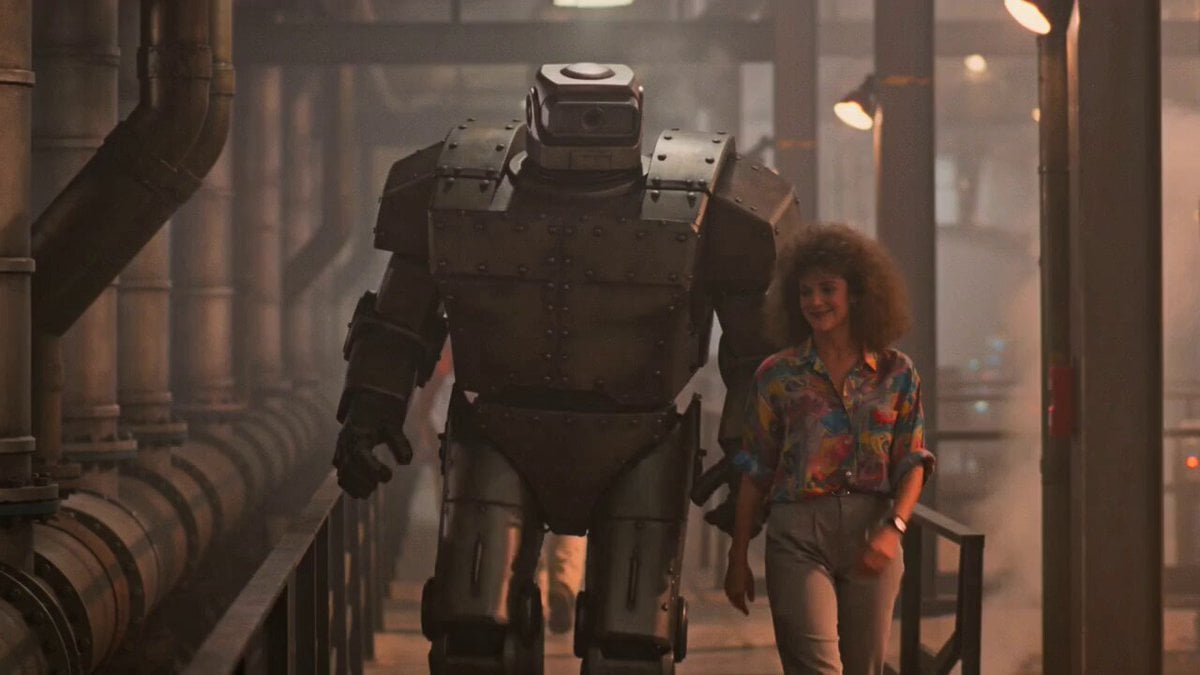
1980s Retro Sci-Fi Comedy Scene
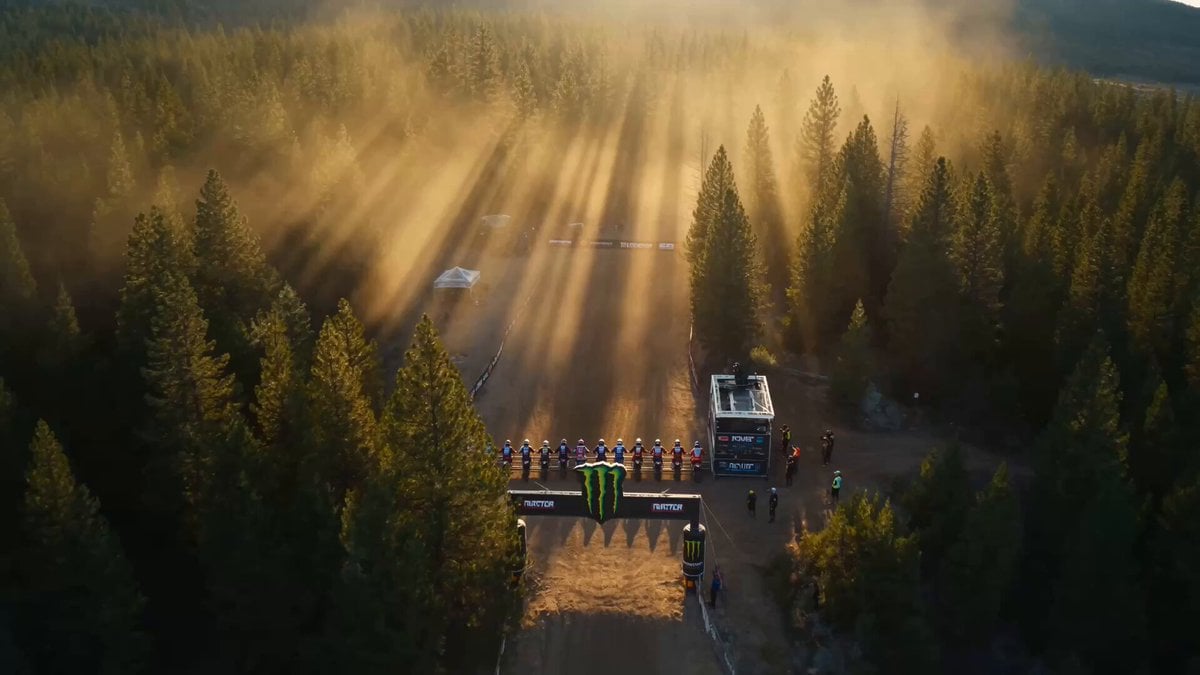
Epic Off-Road Motorcycle Racing Video
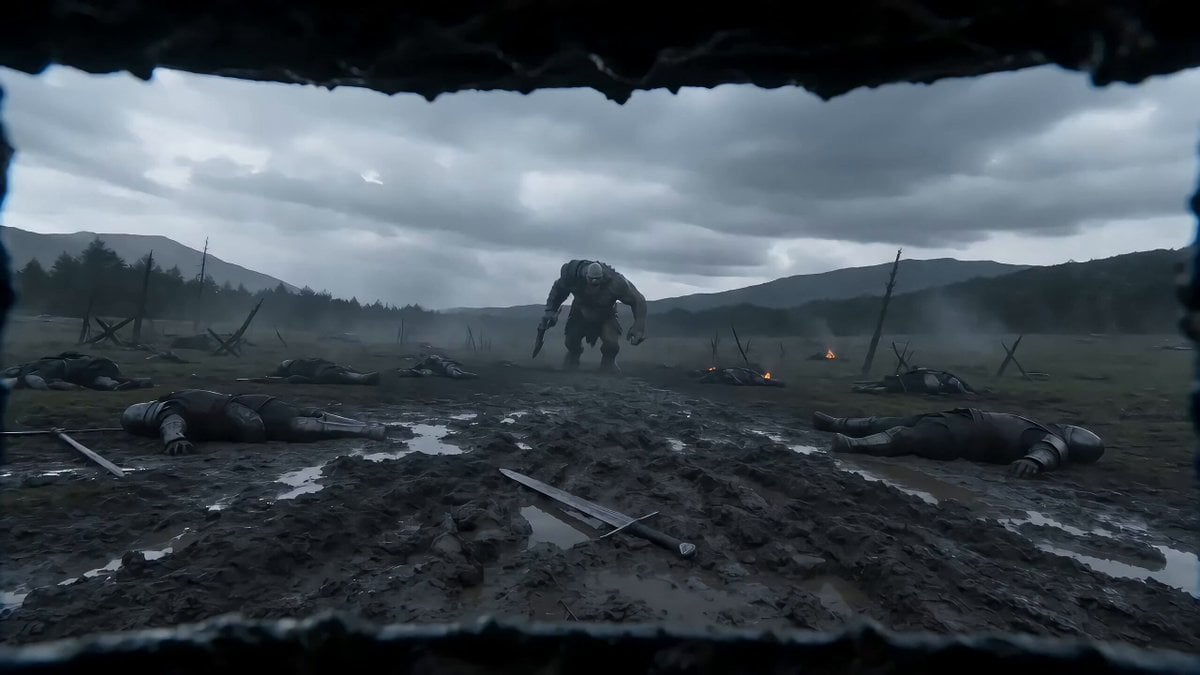
Seedance 2.0 Video Prompt: First-Person Knight vs. Giant
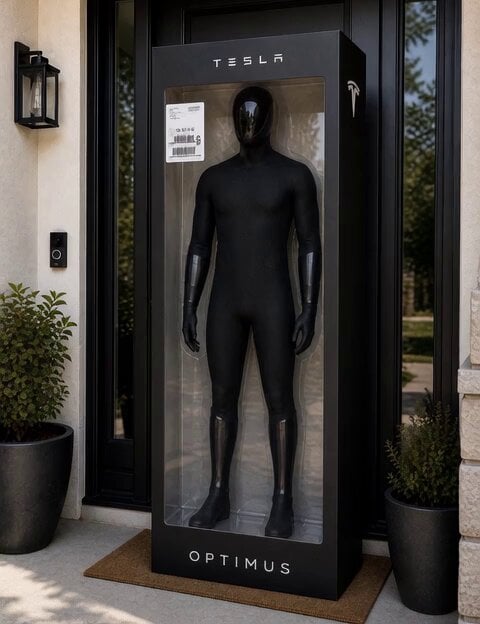
C-3PO Style Humanoid Transformation
Browse template categories
Living Museum Diorama Underwater Cinematic questions
How do I use the Living Museum Diorama Underwater Cinematic template?
Add your photo if the template asks for one, edit the prompt if you like — the template's model and format are already selected — and press Generate. Your version opens in PicX Studio.
Can I customize the Living Museum Diorama Underwater Cinematic template?
Yes. You can change the subject, setting, lighting, mood, format, and available model controls before creating your video.
Is the Living Museum Diorama Underwater Cinematic template free?
Opening and editing this template is free. Generating uses credits, shown on the Generate button when you are signed in.
Which AI model should I use?
Start with Seedance 2.0, which is the model associated with this template. You can compare another compatible model for a different finish.
Looking for something else? Browse all templates.

Your photo, any look
Thousands of ready templates for every top image and video model, from one credit balance.