
Medieval Knight in Modern Karachi
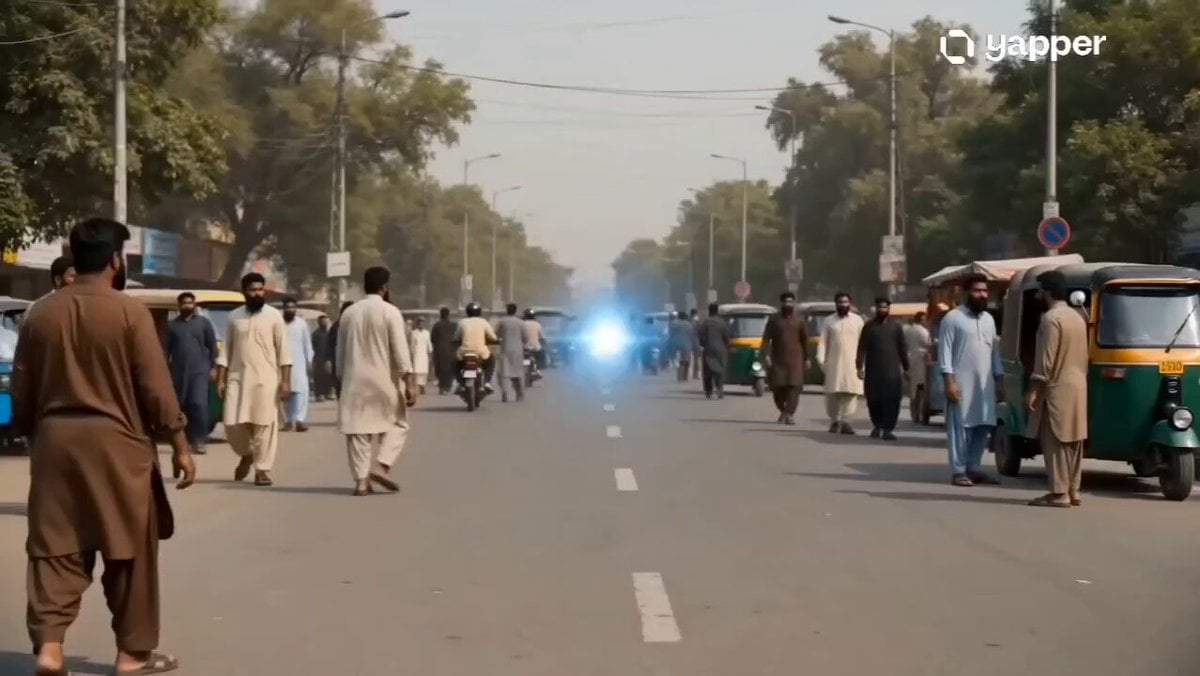
A comedic multi-scene prompt placing a medieval knight in the modern streets of Karachi, featuring fish-out-of-water interactions and handheld realism.
- Prompt included
- Model and format preset
- Free template
The prompt behind this video
Copy the exact prompt behind Medieval Knight in Modern Karachi, or open it in the studio and make it yours.
Ultra-realistic cinematic fish-out-of-water comedy, 9:16 vertical, modern Karachi city streets, humid afternoon light, light dust in air, traffic noise, rickshaws and bikes passing, handheld documentary-style camera. Scene 1 (0–3s): Wide shot — a glowing blue portal suddenly opens in the middle of a busy Karachi street. A full armored medieval knight steps out slowly, metal armor reflecting sunlight, people in shalwar kameez freeze and stare. Camera slightly shaky, natural street chaos continues. Scene 2 (3–6s): Medium tracking shot — knight walking confused through traffic, rickshaw passes close, he flinches. A बाइक honks loudly. He lifts his sword slightly, unsure. Camera follows from side, shallow depth of field, cinematic motion blur. Scene 3 (6–9s): Close-up — knight at a roadside biryani stall, visor slightly lifted. Vendor hands him a plate. Knight awkwardly tries to eat with armored gloves. Steam rising, rich food detail, comedic pause. Scene 4 (9–12s): Fast cuts — • Knight sitting on a motorbike behind a युवक, holding tightly • Knight staring confused at a smartphone with TikTok scrolling • Selfie moment with laughing teenagers Dynamic jump cuts, upbeat desi background beat. Scene 5 (12–15s): Hero shot — slow motion, knight walking confidently in middle of Karachi street at sunset, traffic blurred around him. Removes helmet slightly, smirks. Text overlay: “Wrong era. Right vibe.” Style Tags: Ultra-realistic, Netflix-style, cinematic lighting, natural skin tones, dust particles, HDR, motion blur, depth of field, handheld realism, subtle comedy tone.
How to use Medieval Knight in Modern Karachi in 3 steps
- 1
Open
The prompt is already in the box next to the preview, with the template's model and format selected.
- 2…a portrait of your subject in softgolden-hour light, 85mm…
Personalize
Edit the subject and creative details for your destination.
- 3Generate
Generate
Press Generate — your video is created in PicX Studio, so you can compare it with the original and refine one variable at a time.
More like this
Templates with the same subject, style or setup. Open one to see its prompt.
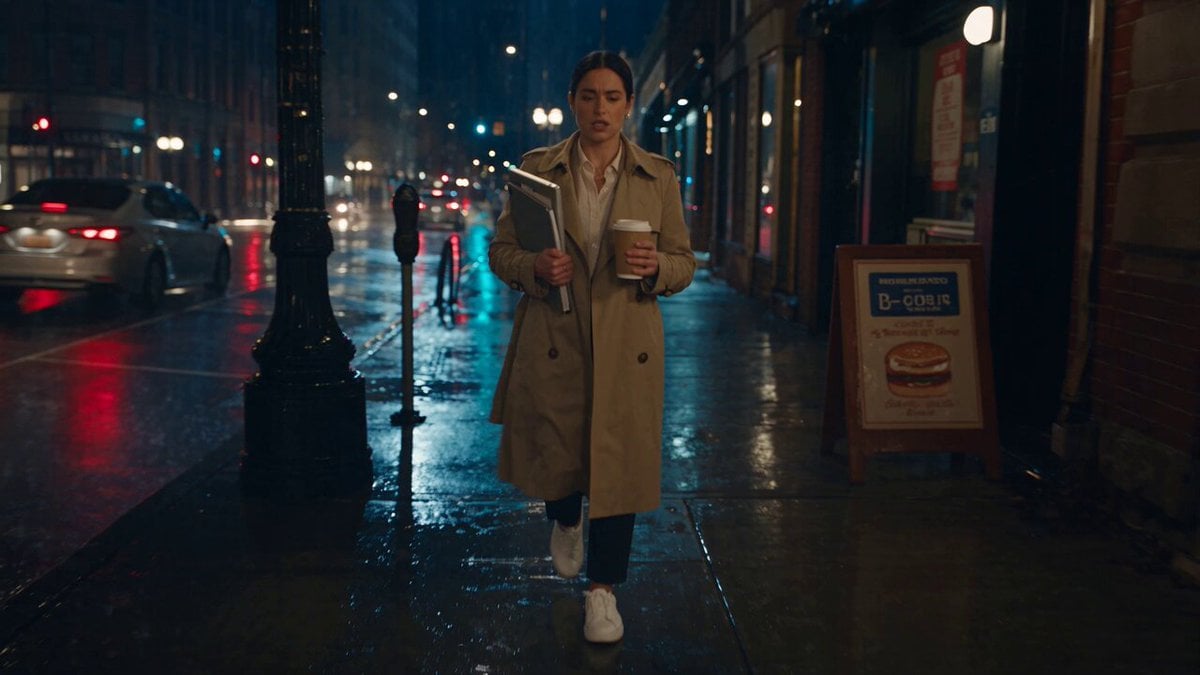
Viking in Modern America Comedy - Seedance 2.5
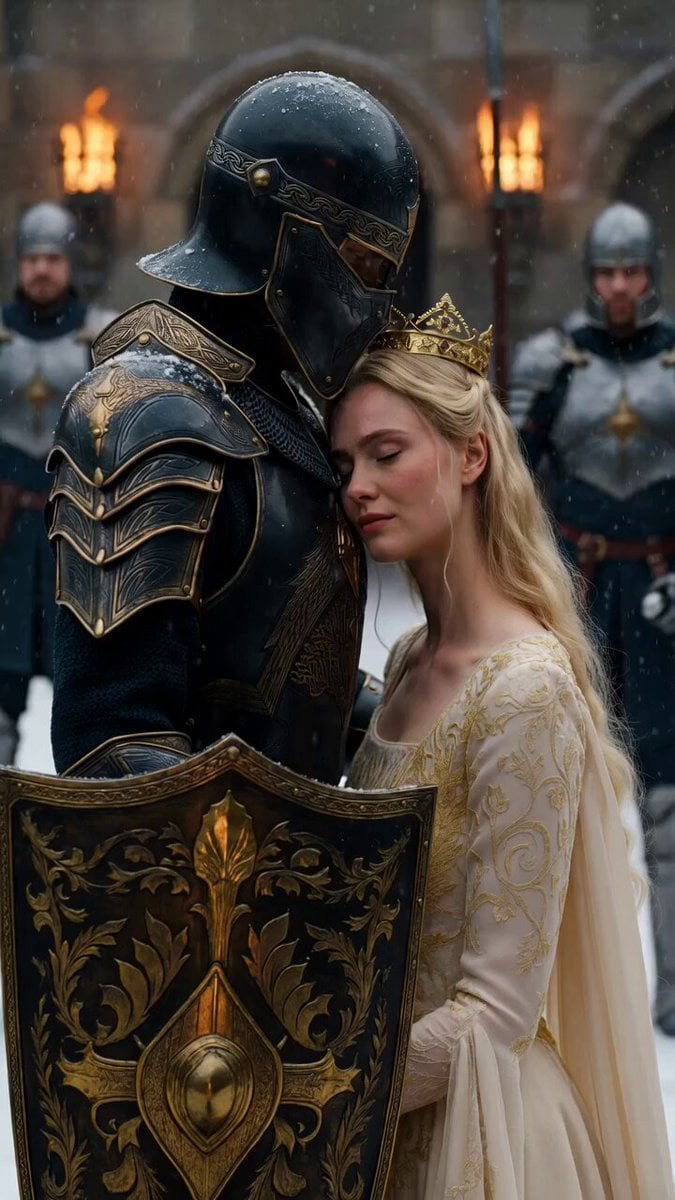
Medieval Knight and Queen Cinematic Close-up
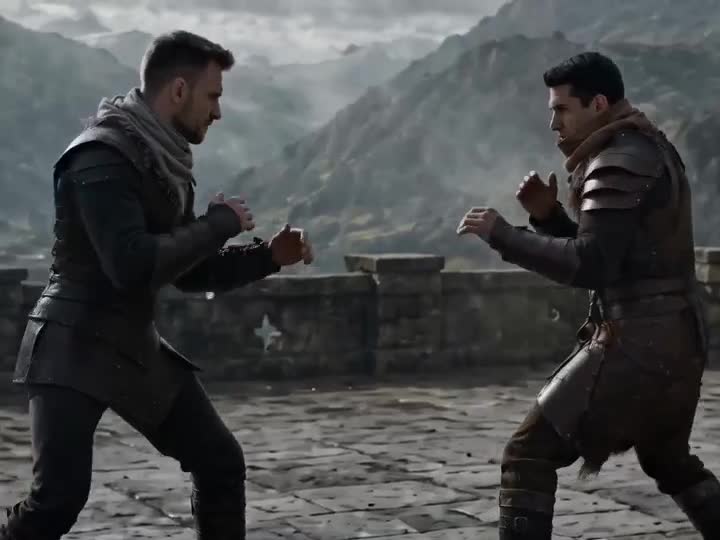
Medieval Duel Style Transfer
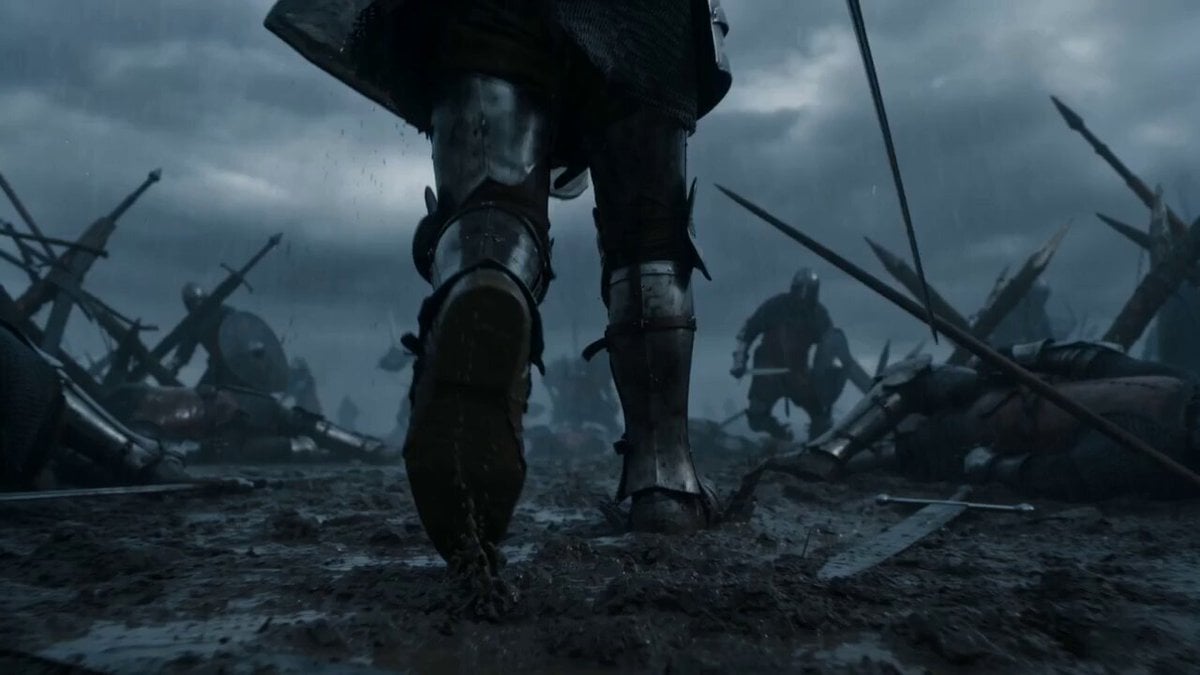
Medieval Knight Combat
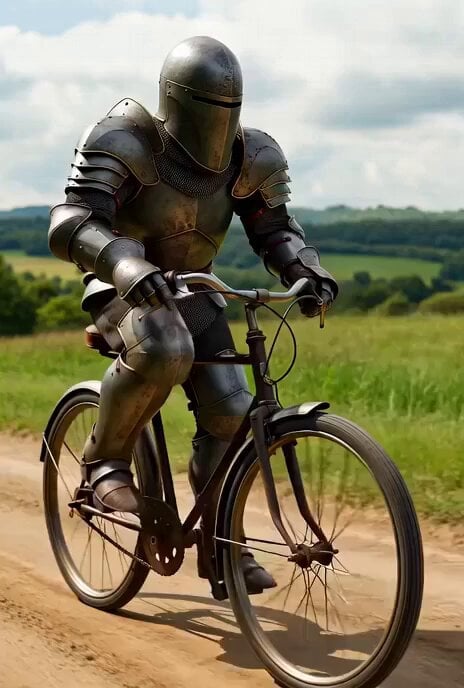
Live-action medieval knight on bicycle video prompt
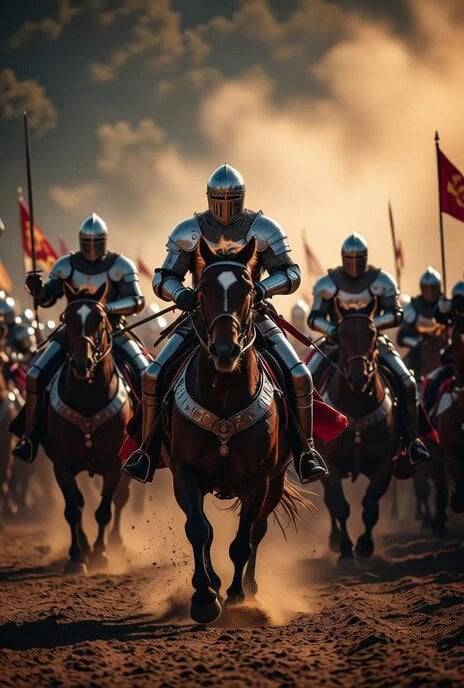
Medieval Knights Charging on Horseback
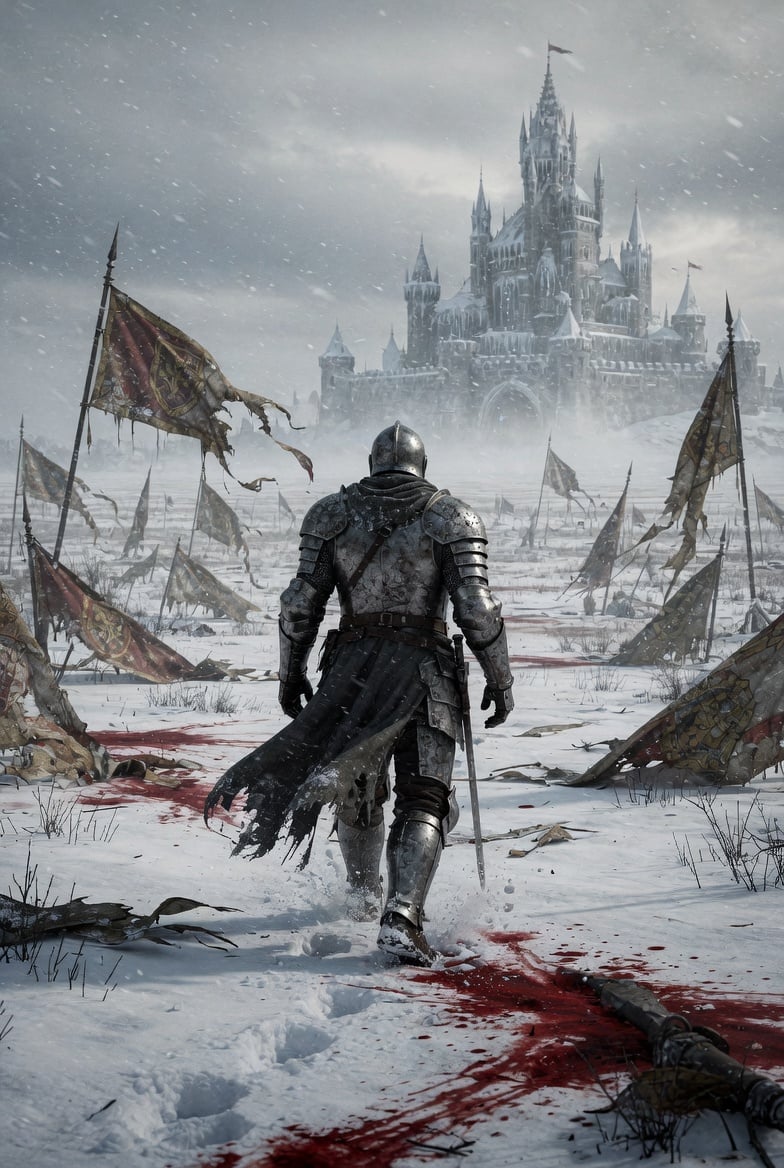
Lone Medieval Knight in Snowy Field Video Prompt
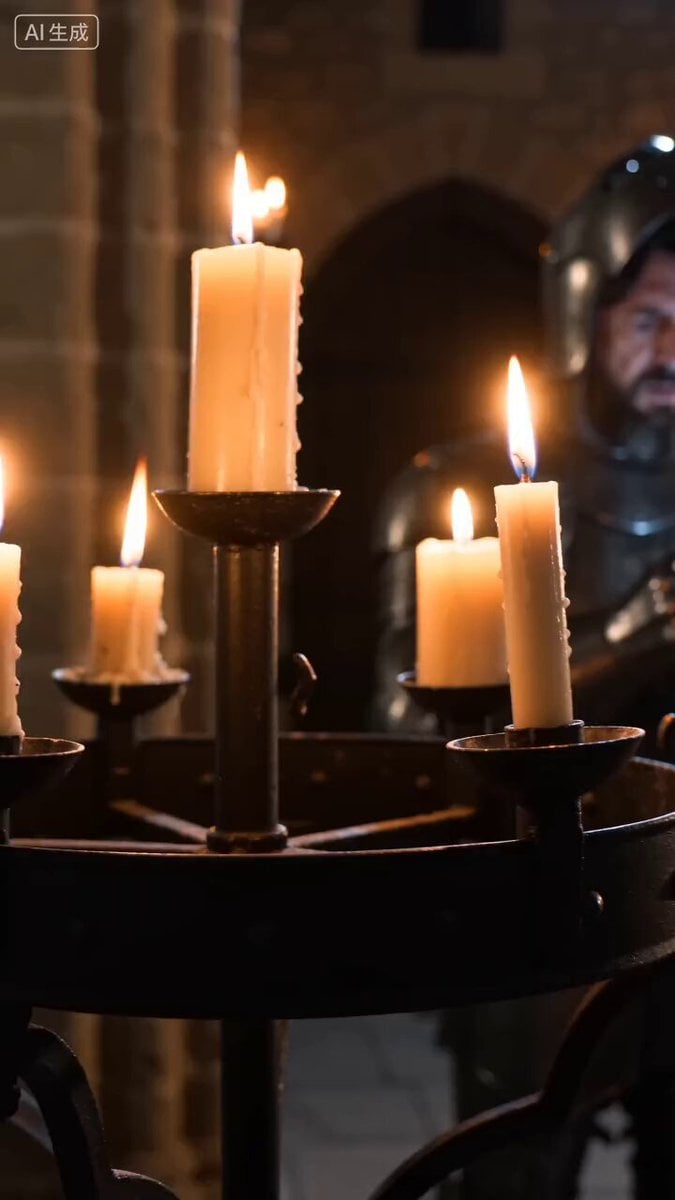
Medieval Knight with Smartphone
Griffin Knight Mountain Kingdom — Seedance 2.0
Dragon Rescue — Volcanic Kingdom Collapse (Seedance)
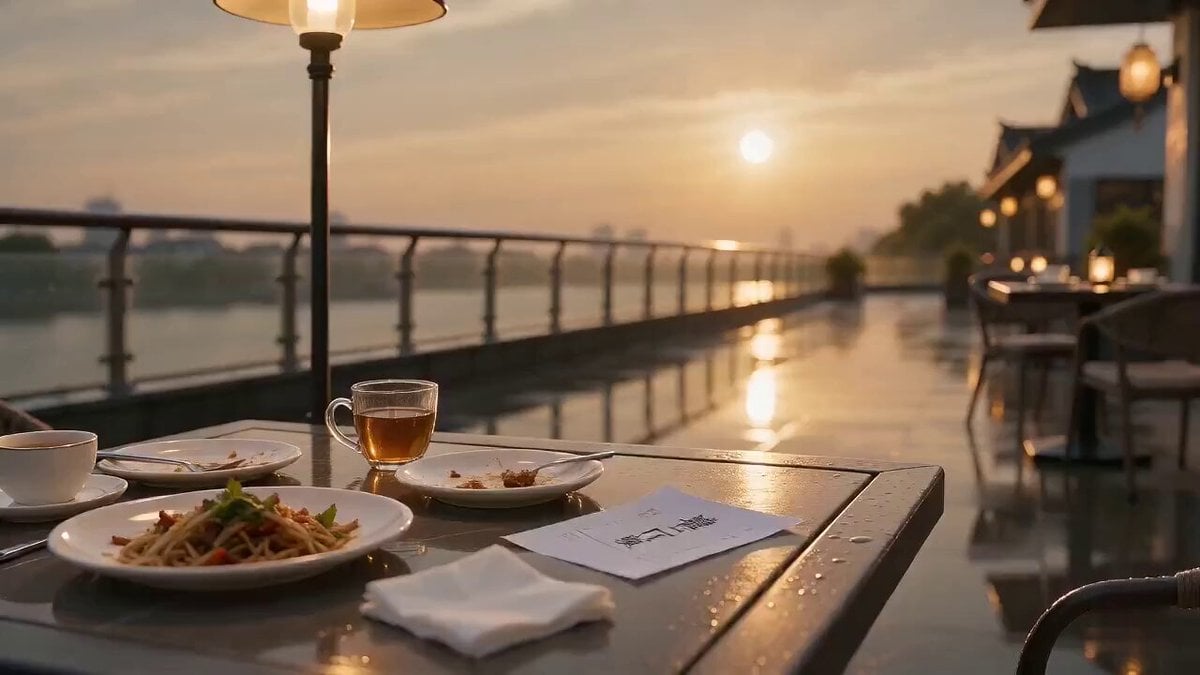
Xianxia Modern Restaurant Chase
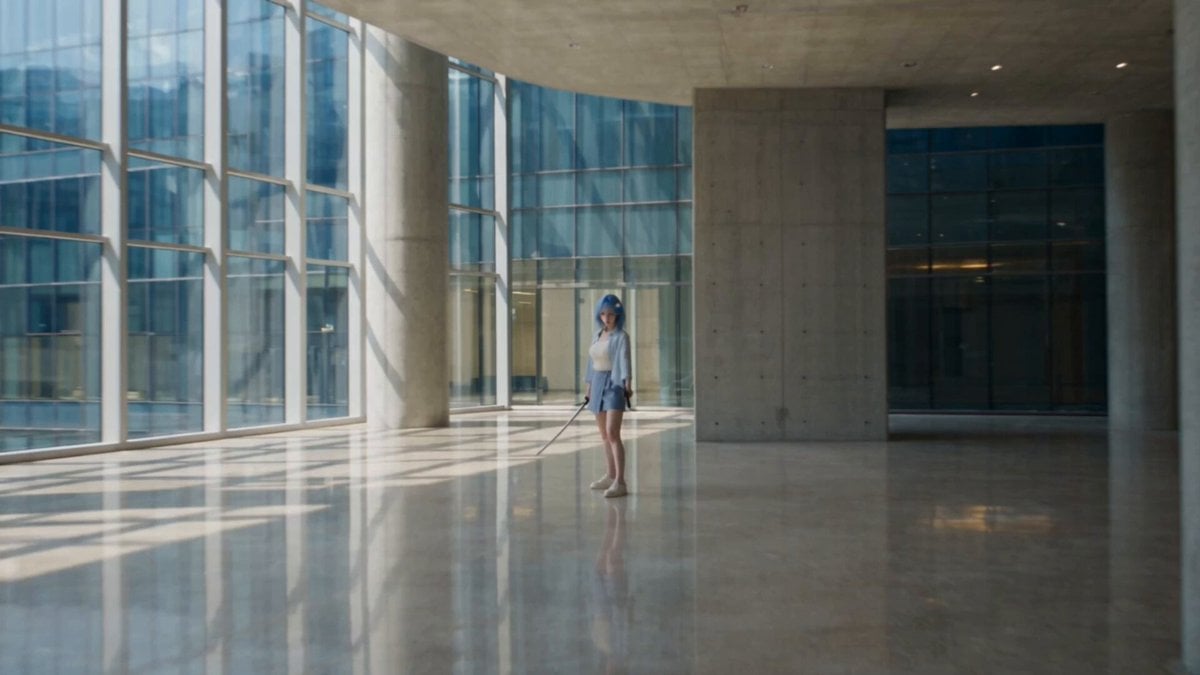
Modern Ninja Skyscraper Lobby Combat
Make it yours
Medieval Knight in Modern Karachi works as-is. These are the safest ways to change it without losing the look.
Change one field
Copy a single group, rewrite it, and generate again so you can see what that field is doing.
Keep the frame, change the subject
Hold the composition and light of Medieval Knight in Modern Karachi, then swap wardrobe, props or the person for a new take.
| If the result… | Why | Fix |
|---|---|---|
| The result drifts from the preview | Too many fields changed at once. | Reuse Medieval Knight in Modern Karachi as-is first, then change one group — subject, light, or setting. |
| The model over-stylizes the scene | The prose prompt leaves finish and camera underspecified. | Add one camera or lighting sentence and stay on Seedance 2.0. |
More Seedance 2.0 templates
Other prompts made for Seedance 2.0.

Comical Martial Arts Punch Scene

Maglev Train Action Sequence

Martial Arts Fight Sequence

Wuxia Protection and Trust Script

Vintage Korean Arcade MiniDV Vlog

Mercedes 190 SL Luxury Ad

Rainy Night Supernatural Reverse Comedy Video Script

Amazon Civilization Discovery

Futuristic South Asian City Transformation

Cozy Luxury Cafe Commercial
More video prompts
Fresh picks from across the catalog.

Woman Juggling on Moving Car
Hyper-realistic radio studio zoom-in prompt

Live-Action Firefighter Rescue Night Scene
Cinematic Skateboarding Transition
Cyber Desert Martial Arts Duel Anime
Short Comedy Sketch: 'Treat Company as Home'
Café Counter Fight Cat Drama
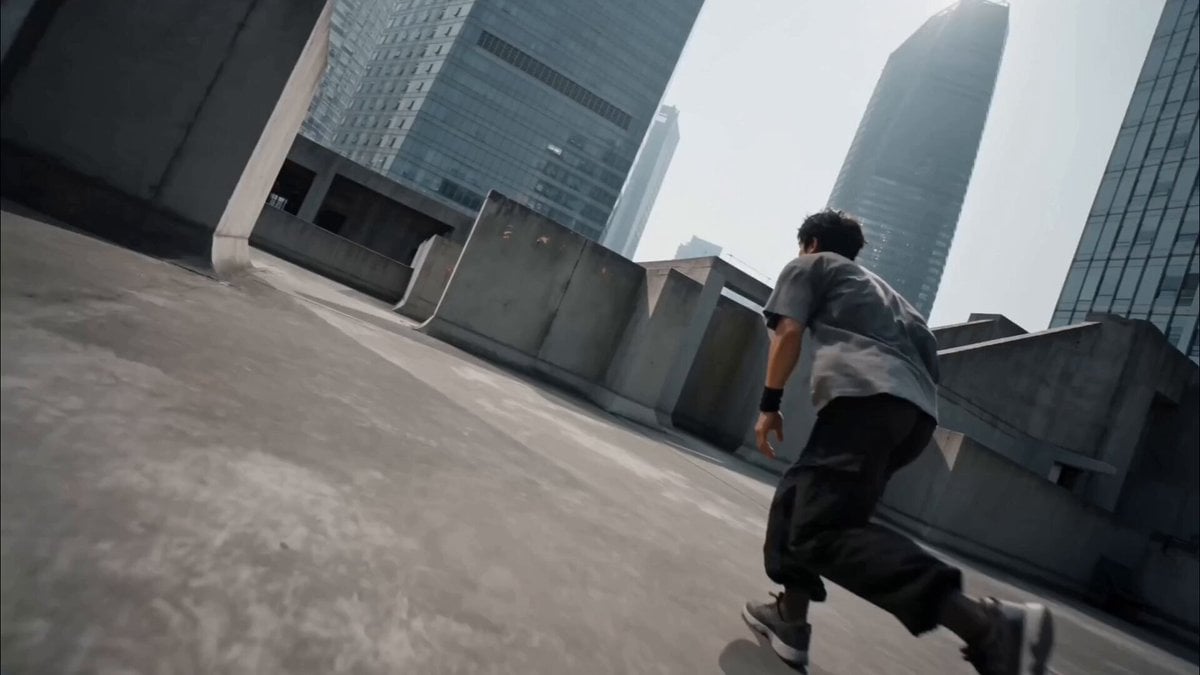
Cinematic Parkour Action Scene
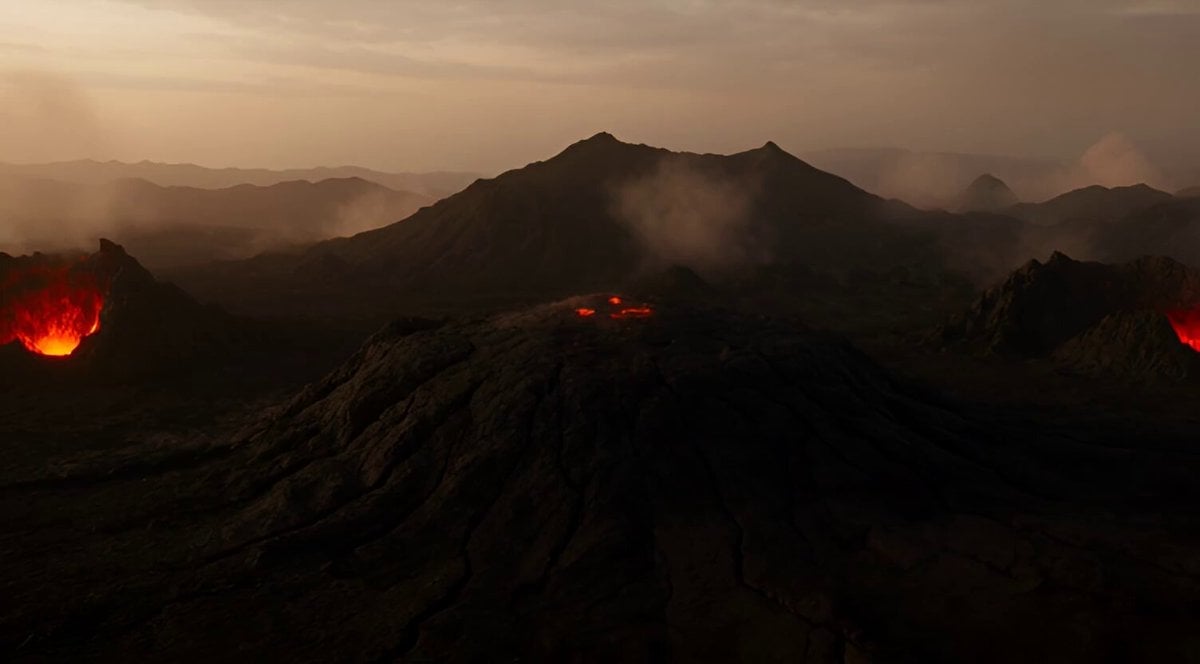
Volcanic Lava Creatures Video
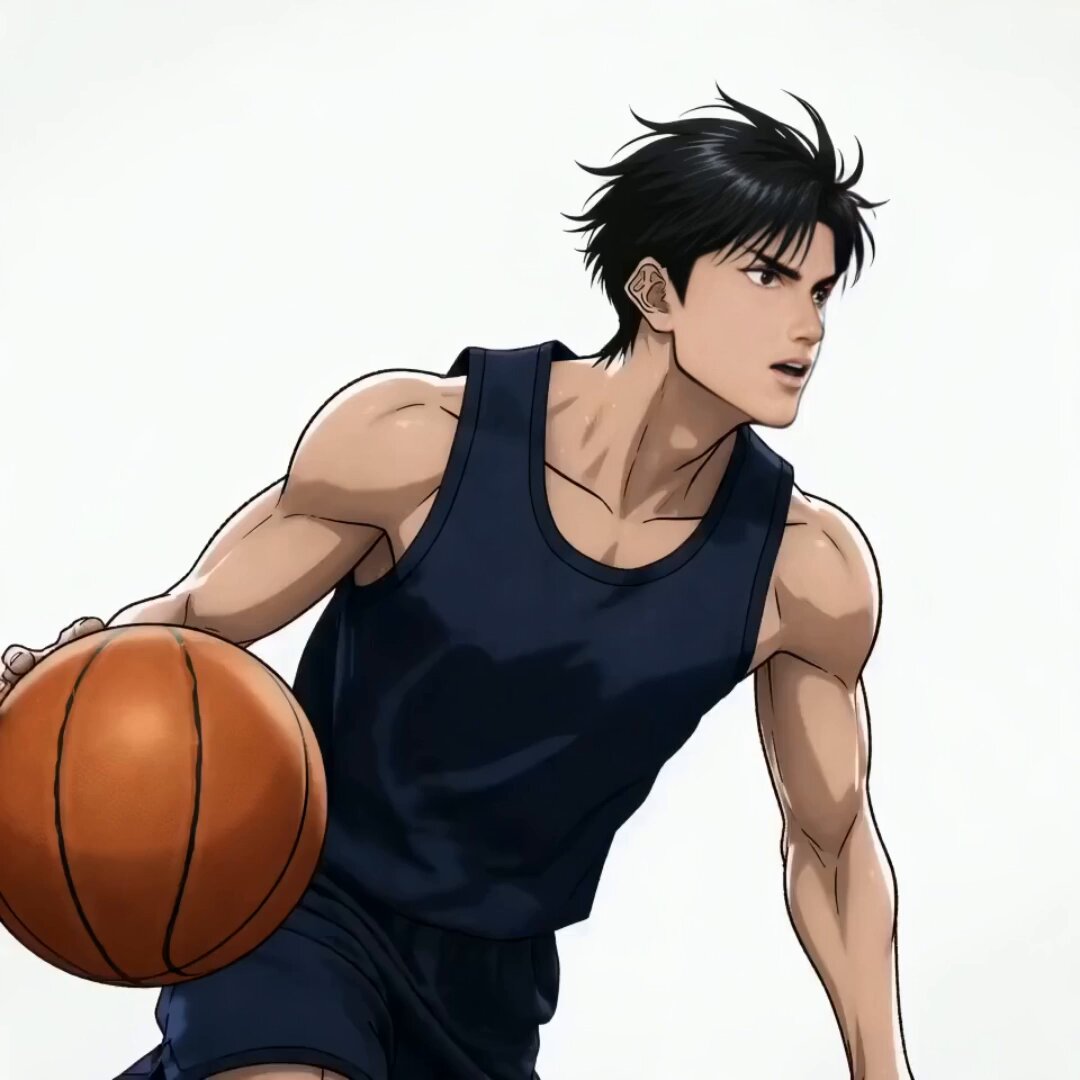
Anime Slam Dunk Storyboard Animation
Browse template categories
Medieval Knight in Modern Karachi questions
How do I use the Medieval Knight in Modern Karachi template?
Add your photo if the template asks for one, edit the prompt if you like — the template's model and format are already selected — and press Generate. Your version opens in PicX Studio.
Can I customize the Medieval Knight in Modern Karachi template?
Yes. You can change the subject, setting, lighting, mood, format, and available model controls before creating your video.
Is the Medieval Knight in Modern Karachi template free?
Opening and editing this template is free. Generating uses credits, shown on the Generate button when you are signed in.
Which AI model should I use?
Start with Seedance 2.0, which is the model associated with this template. You can compare another compatible model for a different finish.
Looking for something else? Browse all templates.

Your photo, any look
Thousands of ready templates for every top image and video model, from one credit balance.