
Hollywood Blockbuster Fantasy Trailer
An epic dark fantasy trailer prompt for a 15-second blockbuster-quality cinematic, featuring kingdom ruins, transformations, and dragon battles.
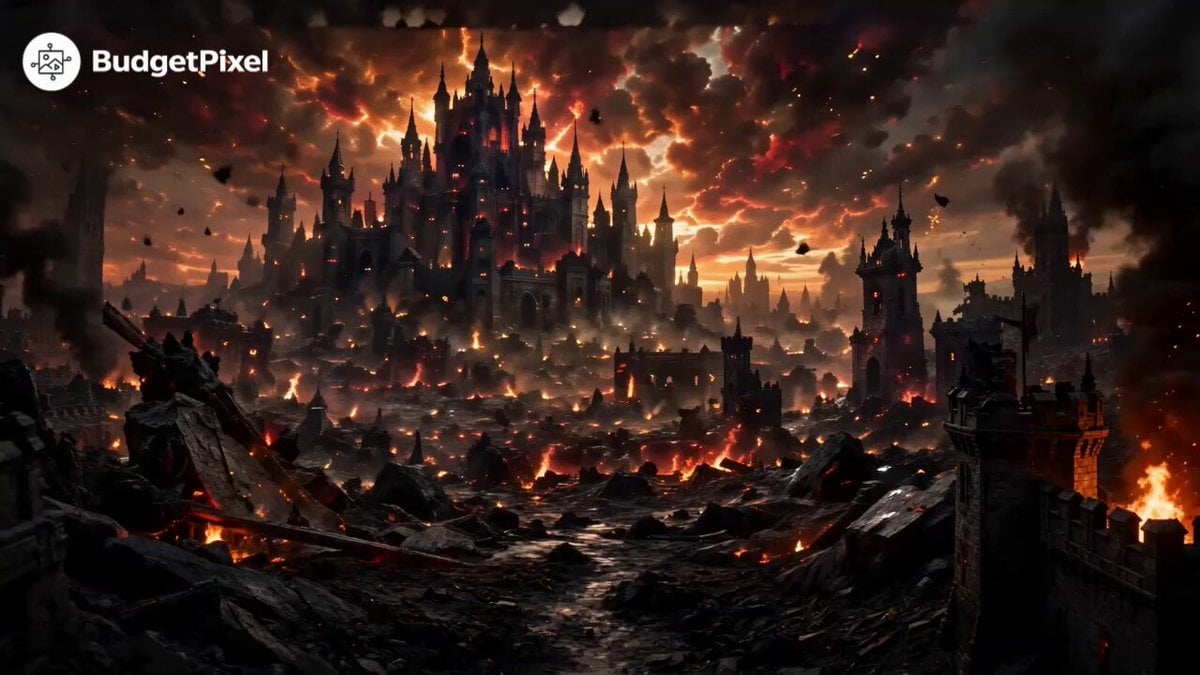
- Prompt included
- Model and format preset
- Free template
The prompt behind this video
Copy the exact prompt behind Hollywood Blockbuster Fantasy Trailer, or open it in the studio and make it yours.
Create a 15-second Hollywood blockbuster cinematic trailer in ultra-photorealistic IMAX quality. Dark fantasy, epic scale, Unreal Engine 5 realism, cinematic color grading, volumetric lighting, realistic physics, 8K detail. Scene 1 (0–3s): A vast medieval kingdom lies in ruins beneath a blood-red sunset. Castles burn as ash drifts through the air. The camera performs a slow aerial descent before revealing a lone fallen king kneeling in the center of the destroyed battlefield, holding a shattered golden crown. Scene 2 (3–6s): Close-up of the king's determined face. The broken crown begins glowing with brilliant golden energy and magically reforms. His damaged black armor transforms into majestic black-and-gold legendary armor with intricate engravings. Dust, embers, and debris swirl around him in cinematic slow motion. Scene 3 (6–9s): Massive radiant wings of golden light burst from the king's back, creating a powerful shockwave that sends rocks and ashes flying. The camera circles around him in a dramatic 360-degree cinematic shot while thunder echoes across the battlefield. Scene 4 (9–12s): The sky darkens as storm clouds split apart. A colossal shadow dragon with glowing molten eyes descends through lightning-filled clouds, roaring as it spreads enormous wings over the ruined kingdom. The atmosphere becomes intense and terrifying. Scene 5 (12–15s): The king ignites a blazing blue-flame sword and sprints toward the dragon. The camera follows with an epic low-angle tracking shot. The king leaps into the air as the dragon attacks. Their collision creates a gigantic explosion of blue lightning, golden energy, fire, smoke, and flying debris. End on a dramatic cinematic freeze frame before fading to black. Style: Hollywood fantasy blockbuster, emotional and epic, hyper-realistic humans, realistic facial expressions, cinematic camera movement, dynamic action, realistic cloth simulation, detailed armor, volumetric fog, dramatic lighting, HDR, high contrast, premium VFX, Oscar-quality visuals. Negative Prompt: cartoon, anime, low quality, blurry, low resolution, oversaturated colors, unrealistic anatomy, extra limbs, deformed face, flickering, jitter, duplicated objects, text, subtitles, watermark, logo, UI elements, poor lighting, low-detail background.
How to use Hollywood Blockbuster Fantasy Trailer in 3 steps
- 1
Open
The prompt is already in the box next to the preview, with the template's model and format selected.
- 2…a portrait of your subject in softgolden-hour light, 85mm…
Personalize
Edit the subject and creative details for your destination.
- 3Generate
Generate
Press Generate — your video is created in PicX Studio, so you can compare it with the original and refine one variable at a time.
More like this
Templates with the same subject, style or setup. Open one to see its prompt.
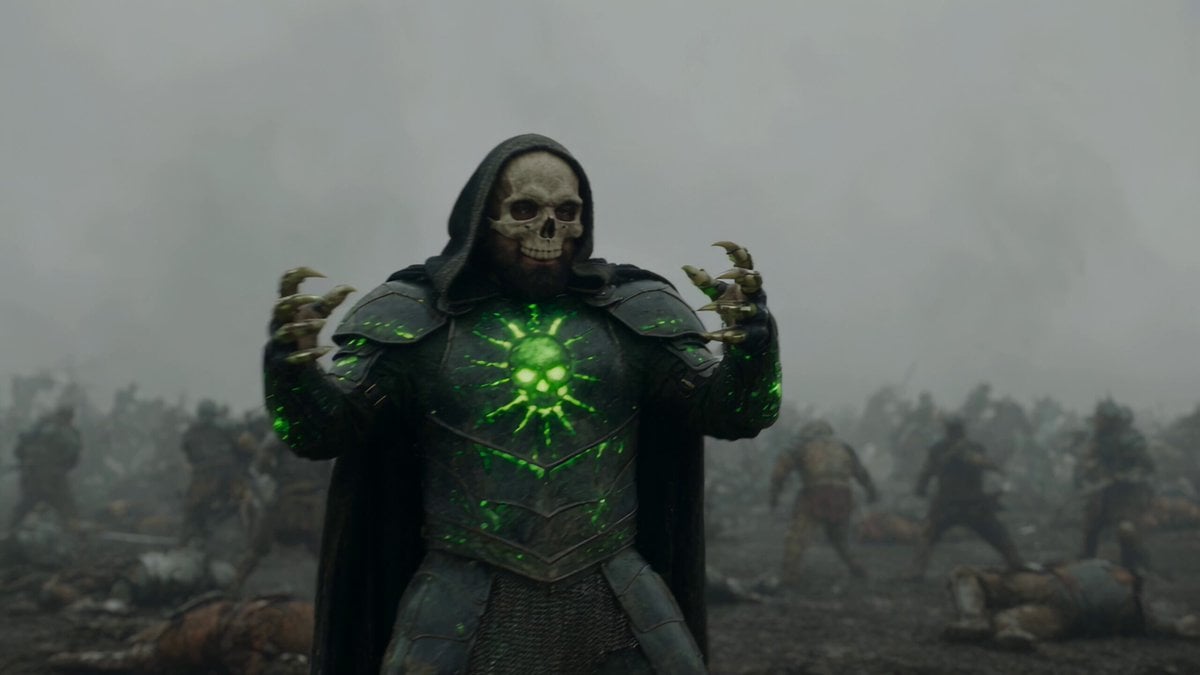
Necromancer Battlefield Orbit
Dark Hollywood Blockbuster Trailer
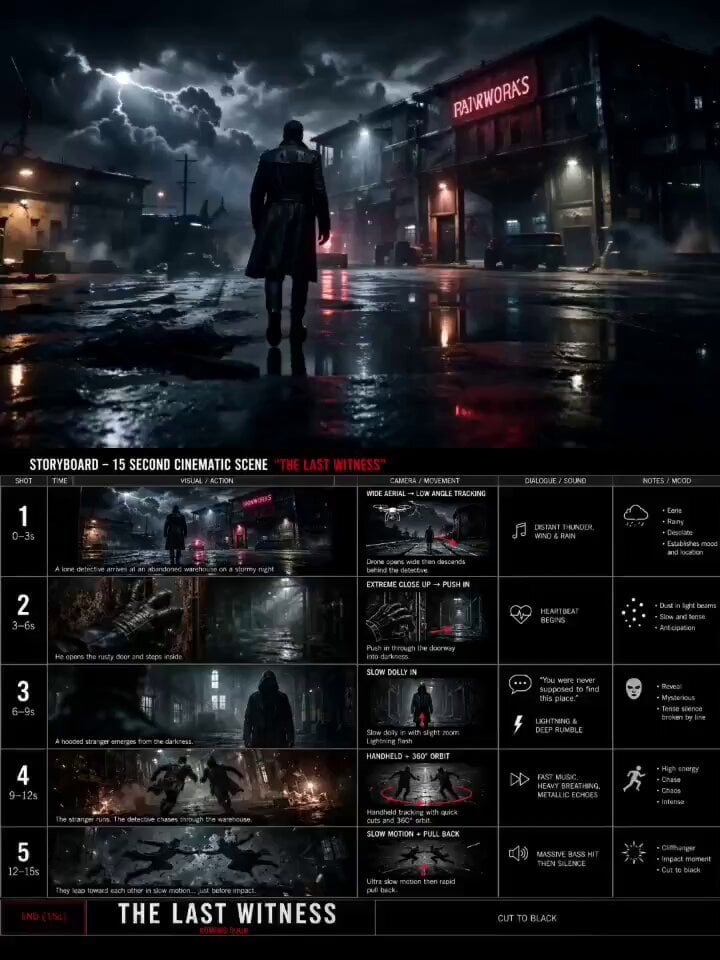
Hollywood Thriller Trailer
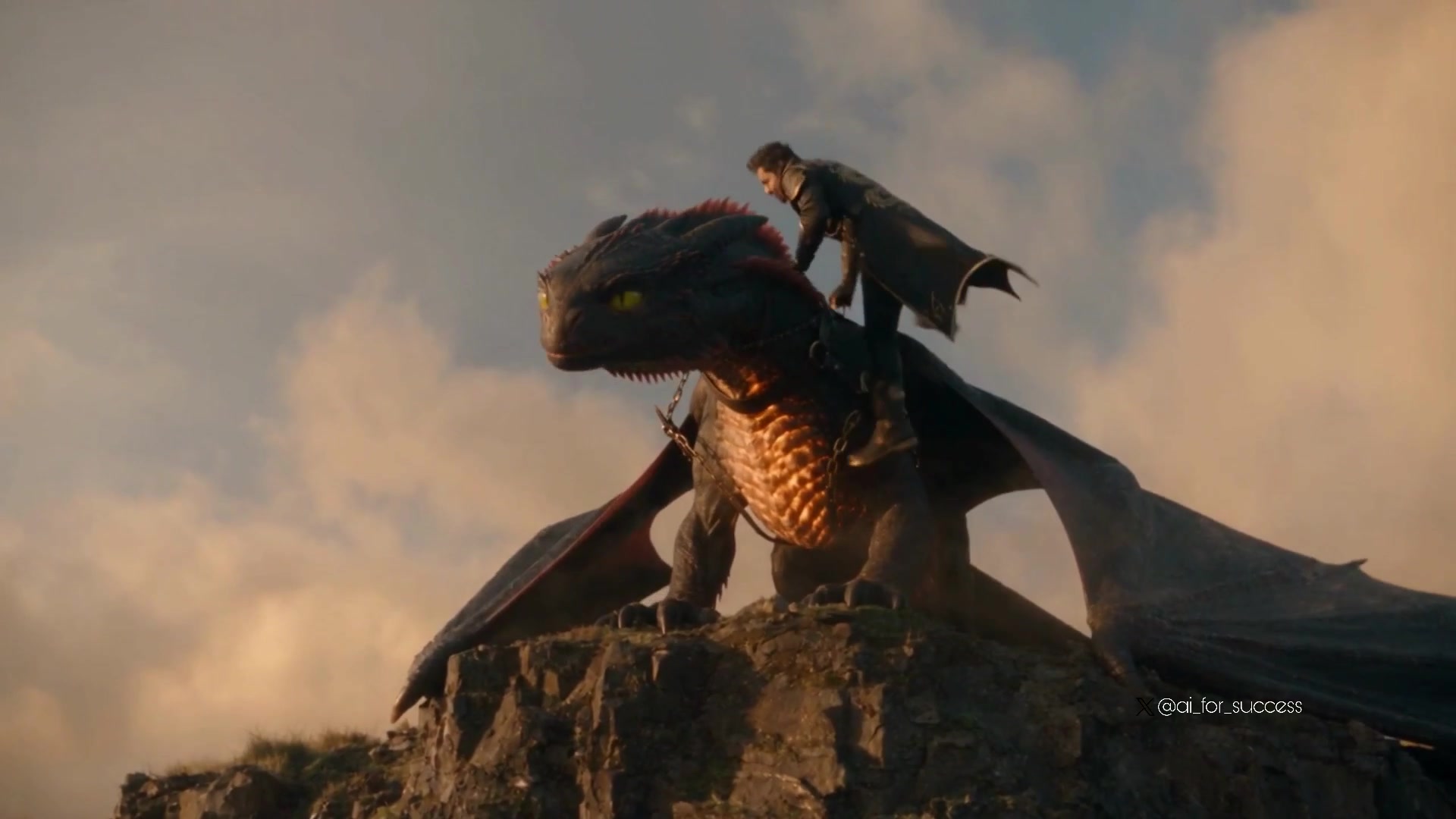
Dragon Rider Cinematic Flight — Seedance 2.5
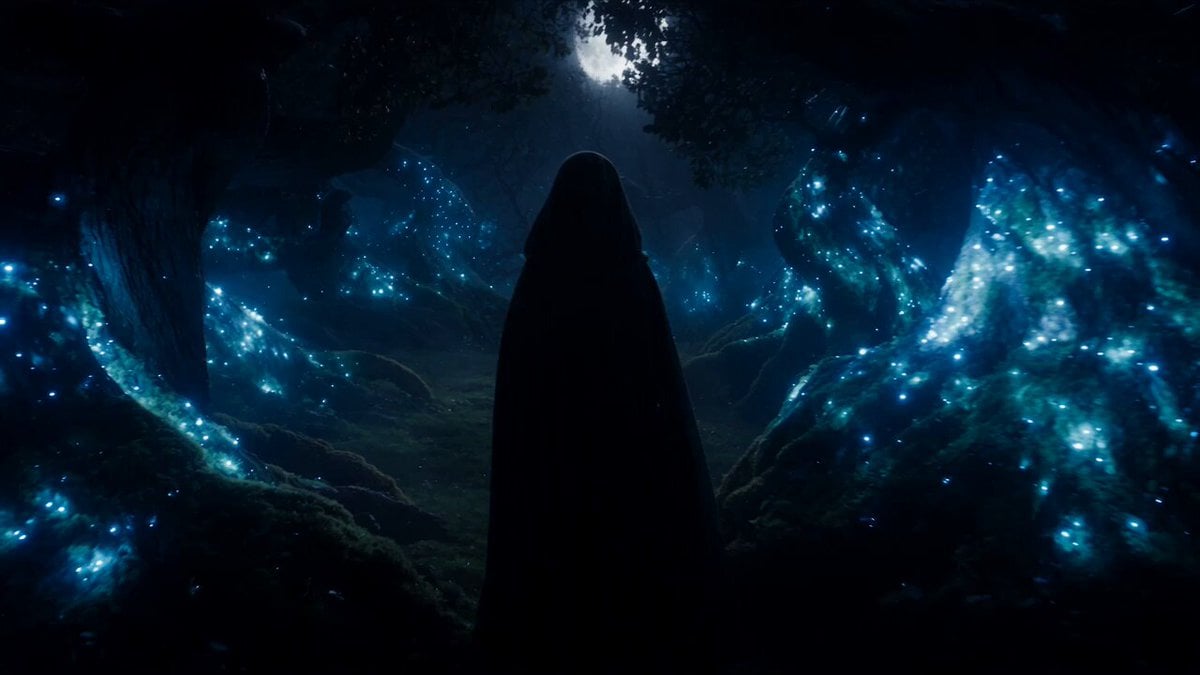
Forest Fantasy Girl Short Film

Hollywood Blockbuster Car Chase Sequence
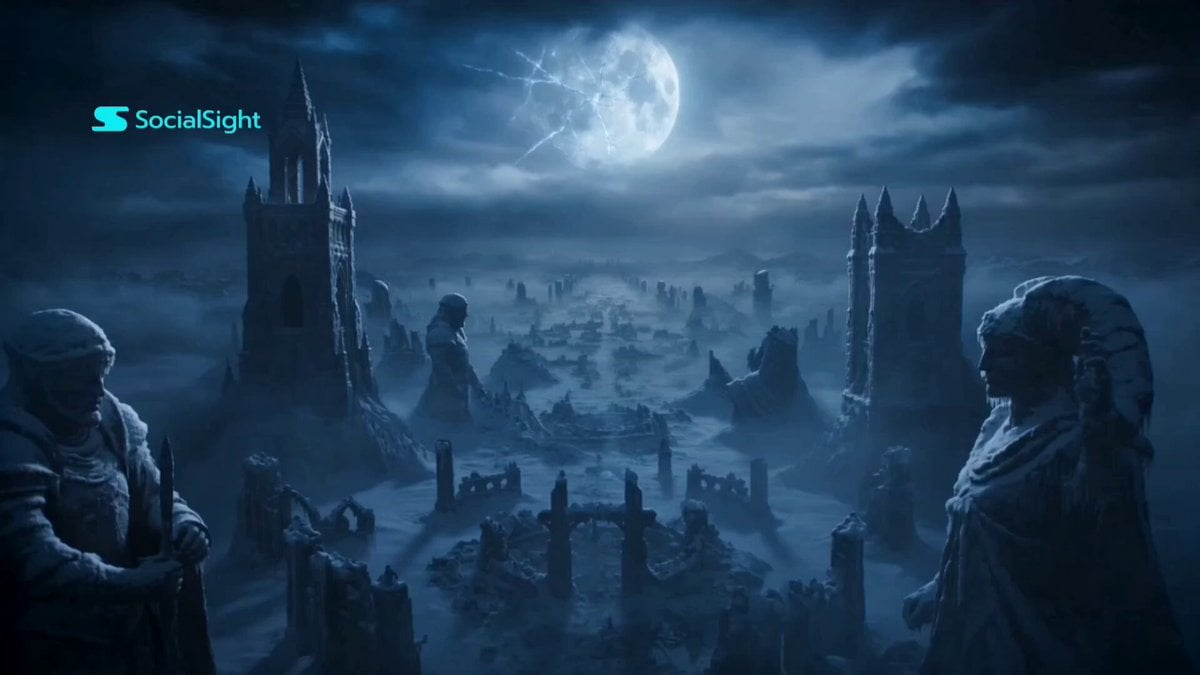
Dark Fantasy Trailer Frost Veil
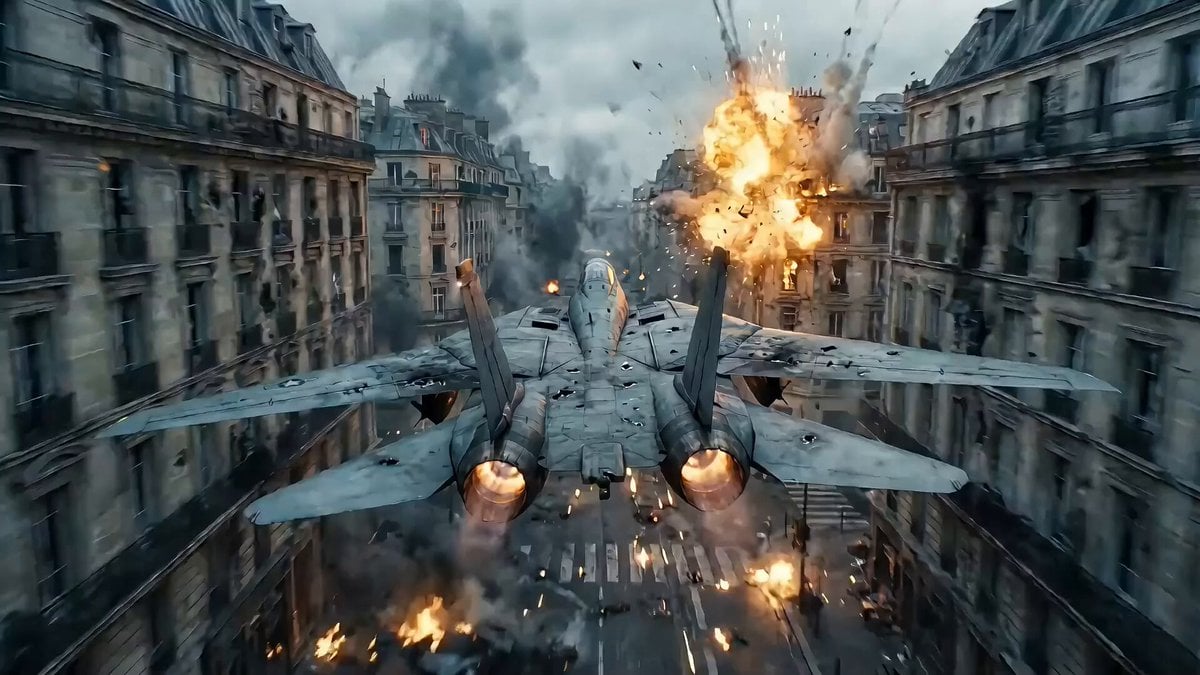
Hollywood Blockbuster Transformer Scene Prompt (Paris to Shanghai)
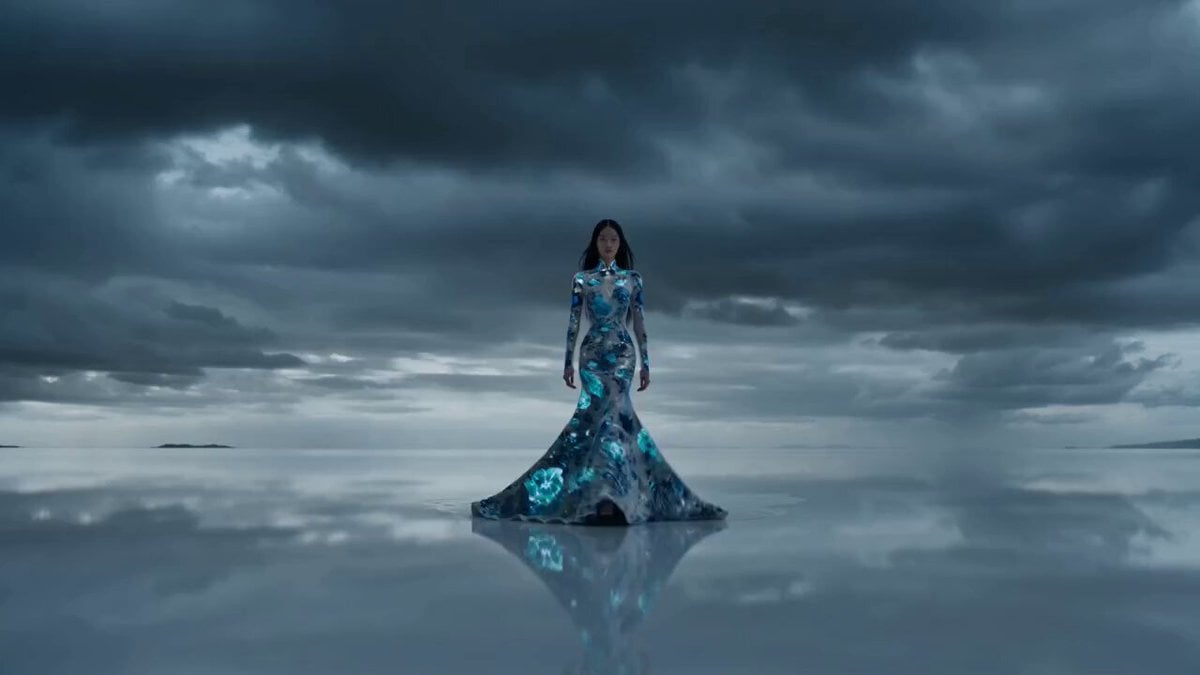
Hollywood Haute Couture Fantasy Video Prompt
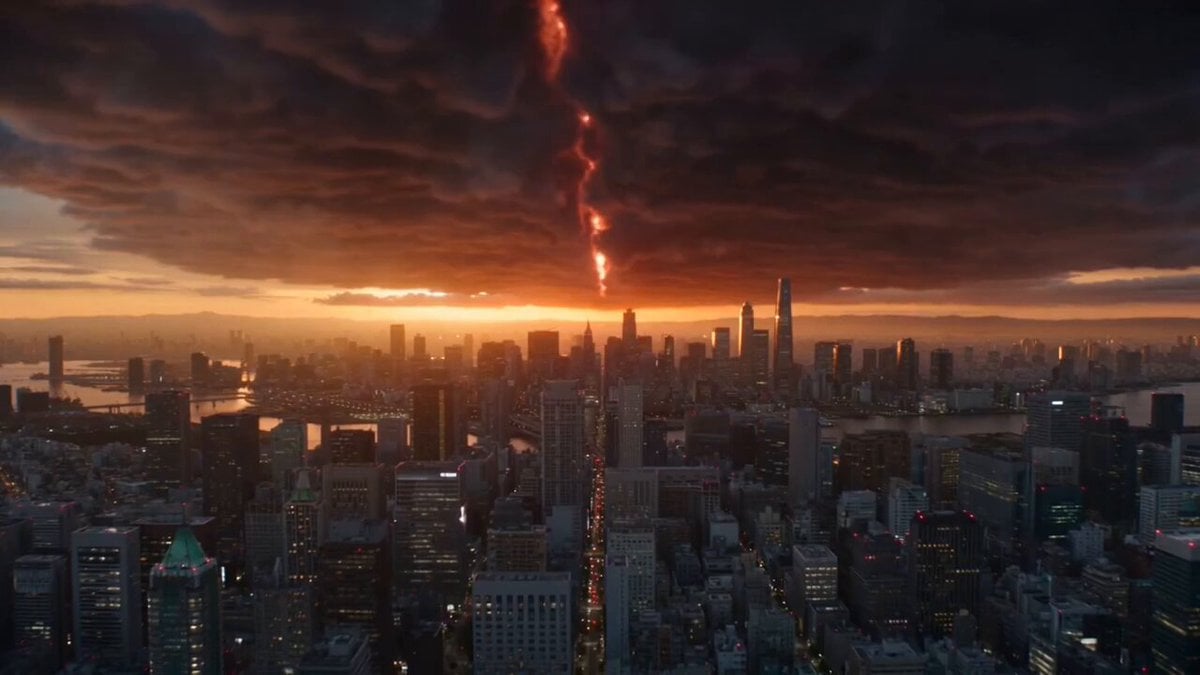
Hollywood Blockbuster Style - Blue Cat vs. Giant Dragon
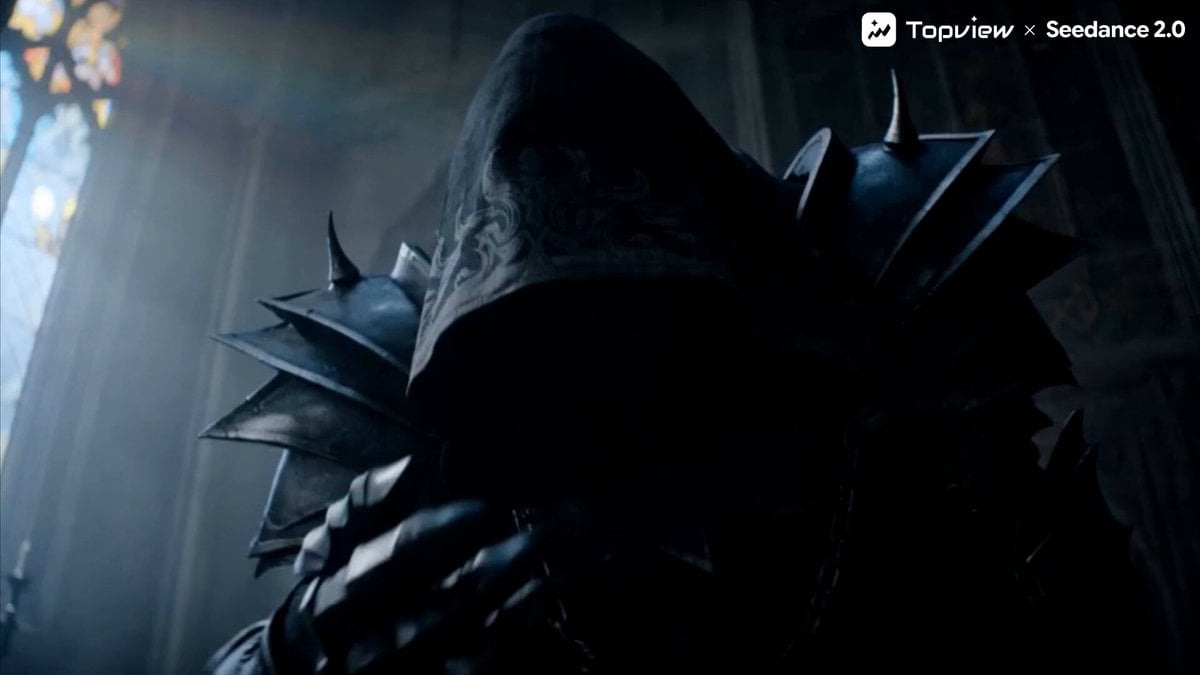
Dark Fantasy Action Short Film Trailer
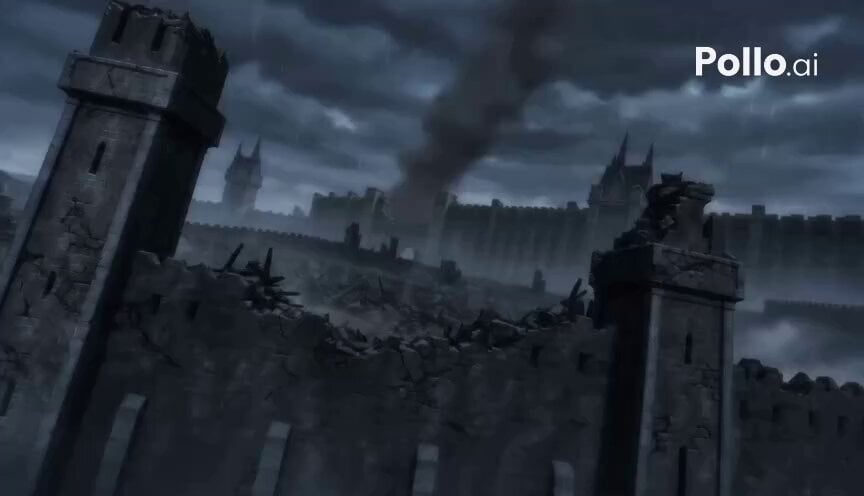
High-Tempo Dark Fantasy Action Trailer
Make it yours
Hollywood Blockbuster Fantasy Trailer works as-is. These are the safest ways to change it without losing the look.
Change one field
Copy a single group, rewrite it, and generate again so you can see what that field is doing.
Keep the frame, change the subject
Hold the composition and light of Hollywood Blockbuster Fantasy Trailer, then swap wardrobe, props or the person for a new take.
| If the result… | Why | Fix |
|---|---|---|
| The result drifts from the preview | Too many fields changed at once. | Reuse Hollywood Blockbuster Fantasy Trailer as-is first, then change one group — subject, light, or setting. |
| The model over-stylizes the scene | The prose prompt leaves finish and camera underspecified. | Add one camera or lighting sentence and stay on Seedance 2.0. |
More Seedance 2.0 templates
Other prompts made for Seedance 2.0.

Comical Martial Arts Punch Scene

Maglev Train Action Sequence

Martial Arts Fight Sequence

Wuxia Protection and Trust Script

Vintage Korean Arcade MiniDV Vlog

Mercedes 190 SL Luxury Ad

Rainy Night Supernatural Reverse Comedy Video Script

Amazon Civilization Discovery

Futuristic South Asian City Transformation

Cozy Luxury Cafe Commercial
More video prompts
Fresh picks from across the catalog.
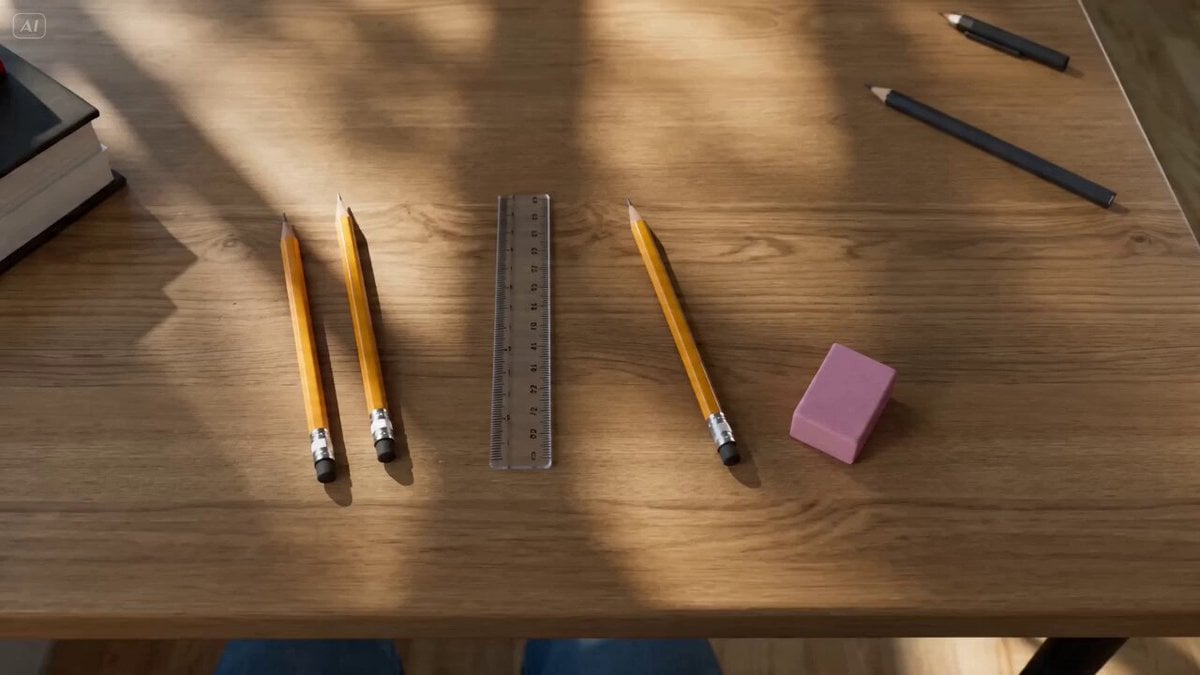
School Supplies Transformation into Robot
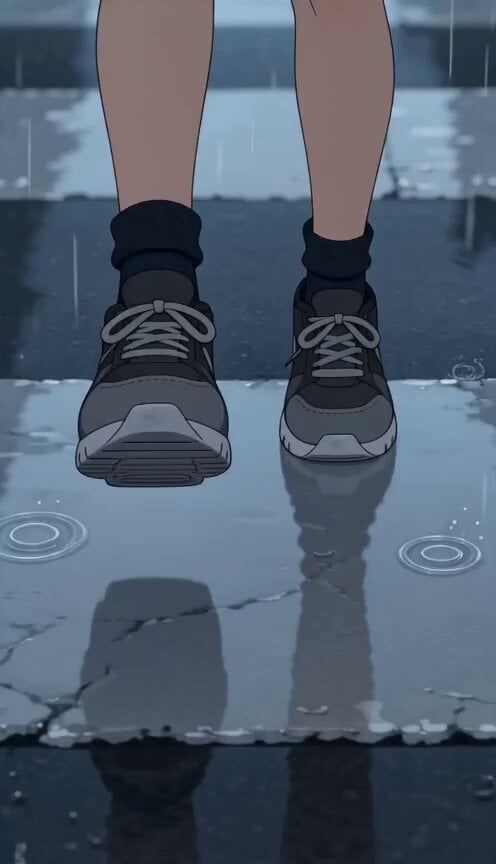
Anime Crosswalk Rain Jumping Challenge
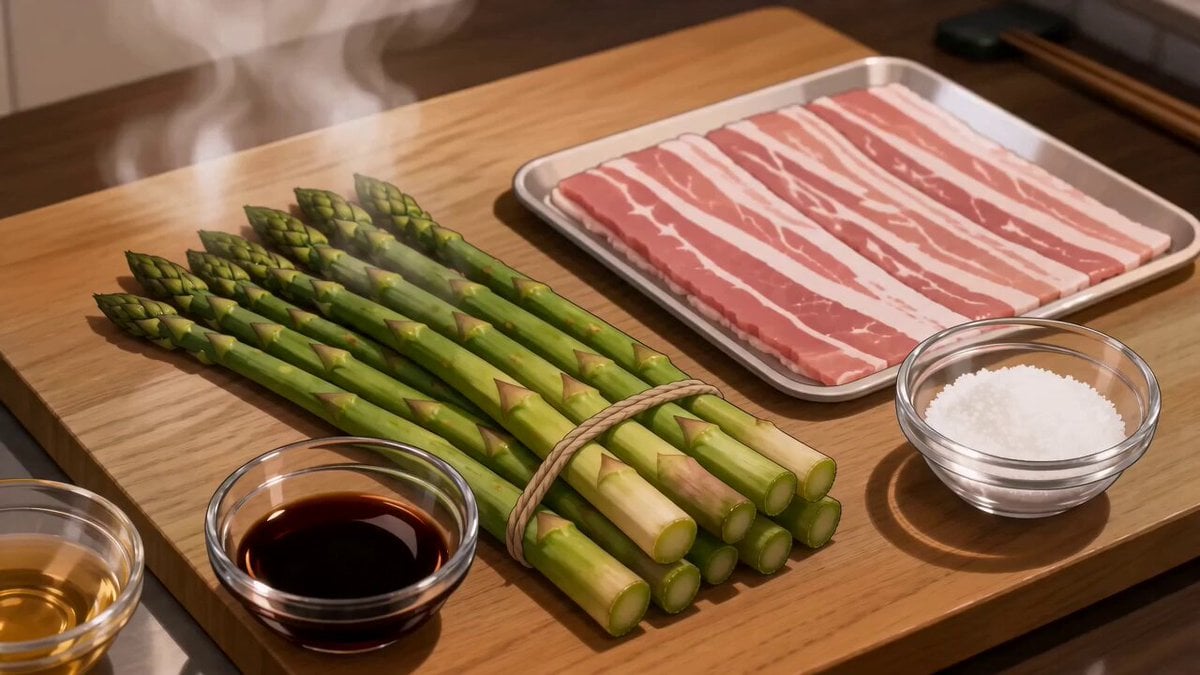
Anime Pork-Wrapped Asparagus Cooking Video
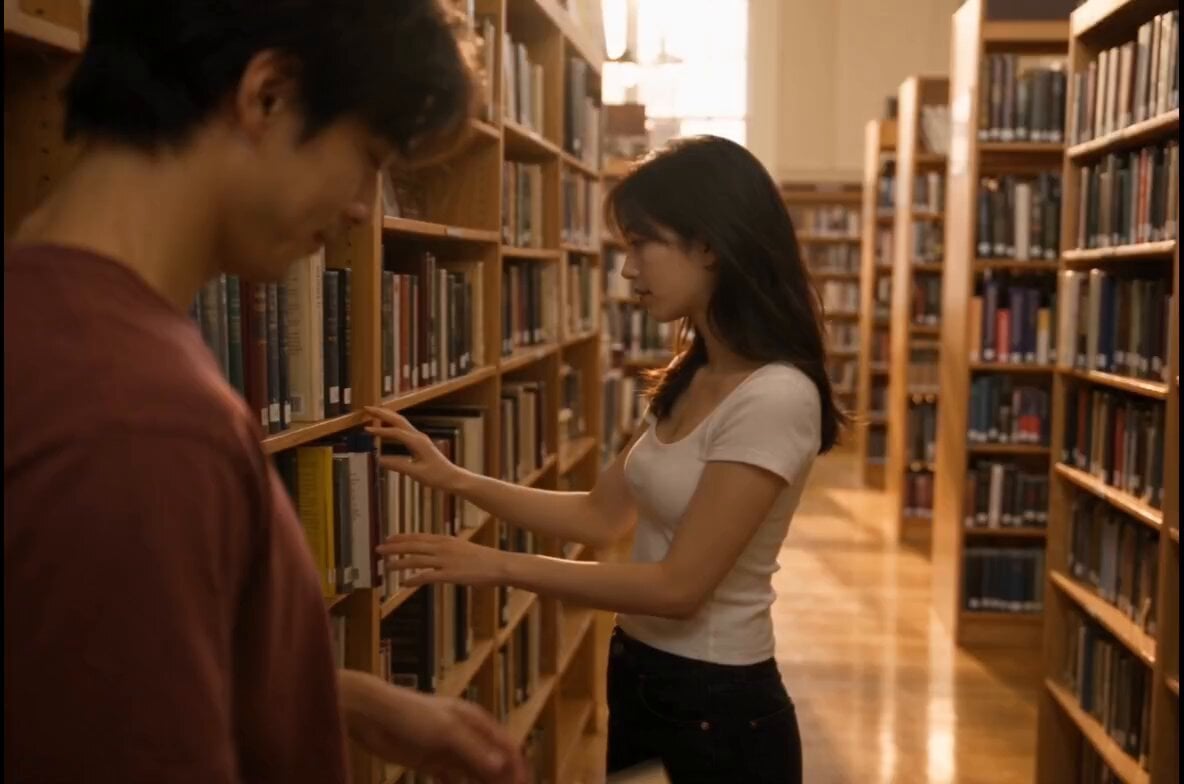
Bookstore Slice-of-Life Encounter

Robotic Clock Emerging from a Portal

BRAIN DRAIN Stop-Motion Prompt

Grok Imagine prompt: Hyper-fast action sequence
Multi-Camera Opening Scene for Eyes Wide Shut 2

Seedance 2.0 Monologue with Hand Gestures

Chang'e Flying to the Moon Cinematic Prompts (Three Versions)
Browse template categories
Hollywood Blockbuster Fantasy Trailer questions
How do I use the Hollywood Blockbuster Fantasy Trailer template?
Add your photo if the template asks for one, edit the prompt if you like — the template's model and format are already selected — and press Generate. Your version opens in PicX Studio.
Can I customize the Hollywood Blockbuster Fantasy Trailer template?
Yes. You can change the subject, setting, lighting, mood, format, and available model controls before creating your video.
Is the Hollywood Blockbuster Fantasy Trailer template free?
Opening and editing this template is free. Generating uses credits, shown on the Generate button when you are signed in.
Which AI model should I use?
Start with Seedance 2.0, which is the model associated with this template. You can compare another compatible model for a different finish.
Looking for something else? Browse all templates.

Your photo, any look
Thousands of ready templates for every top image and video model, from one credit balance.