How do I use the High-Tempo Dark Fantasy Action Trailer template?
Edit the prompt in the box under the preview — the template's model and format are already selected — and press Generate. Your version appears right on this page.
A highly structured, time-coded prompt for Seedance 2.0 to generate a high-tempo dark fantasy action trailer.
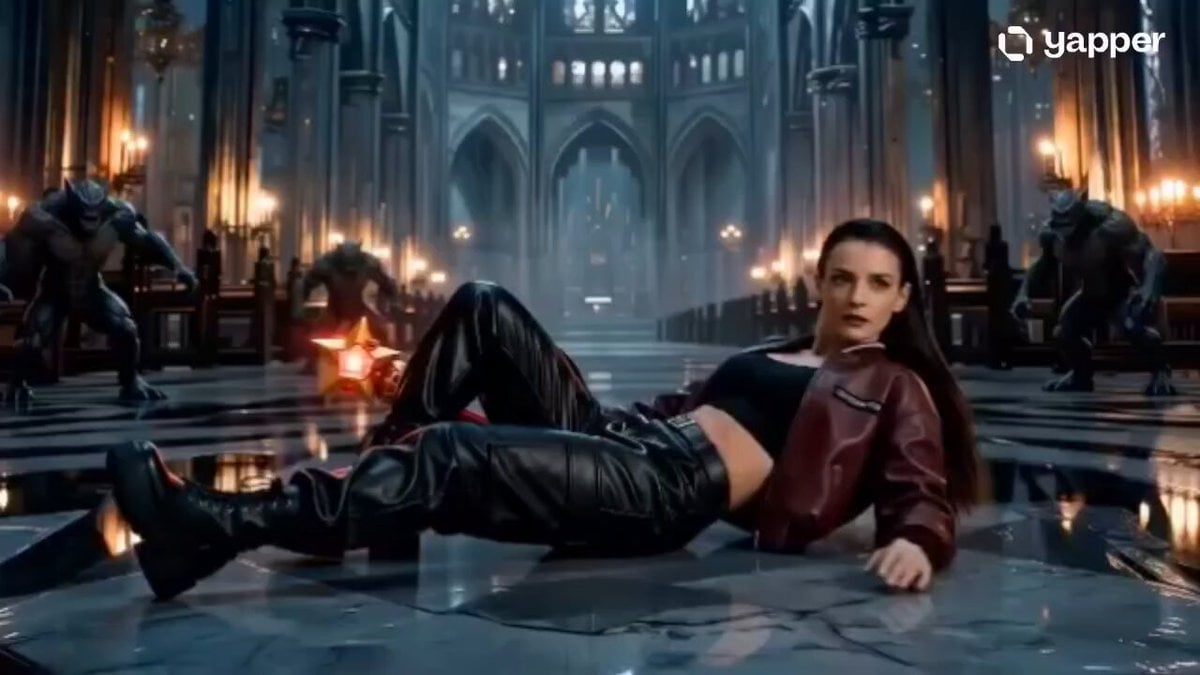
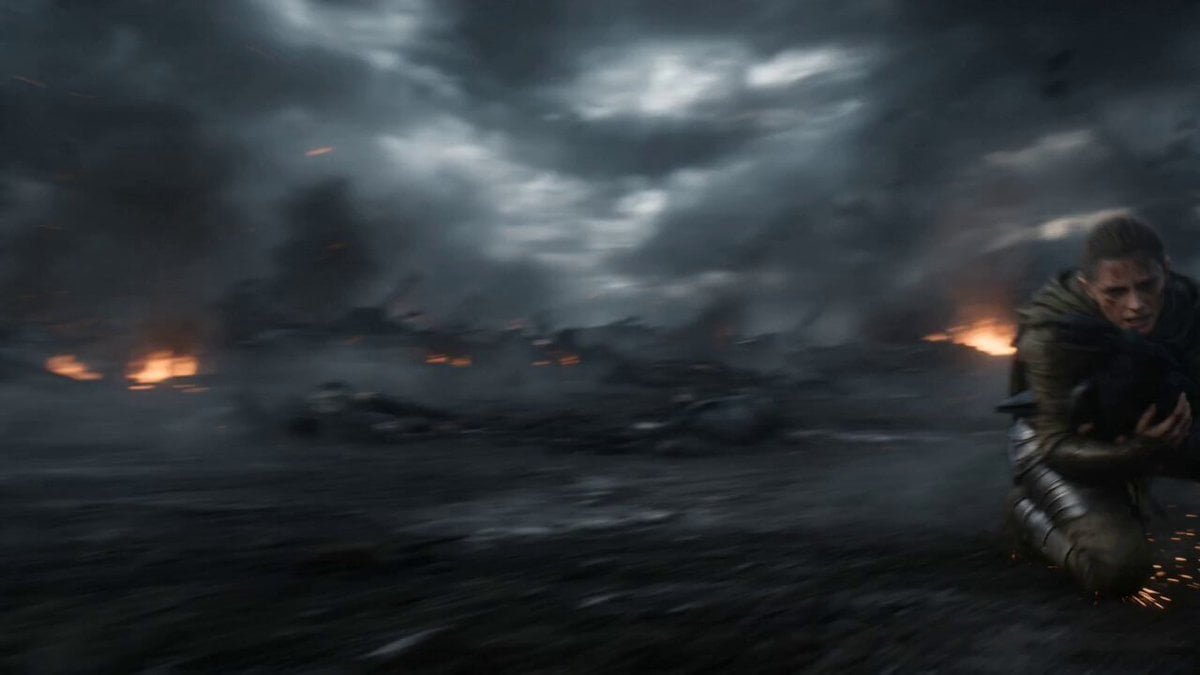
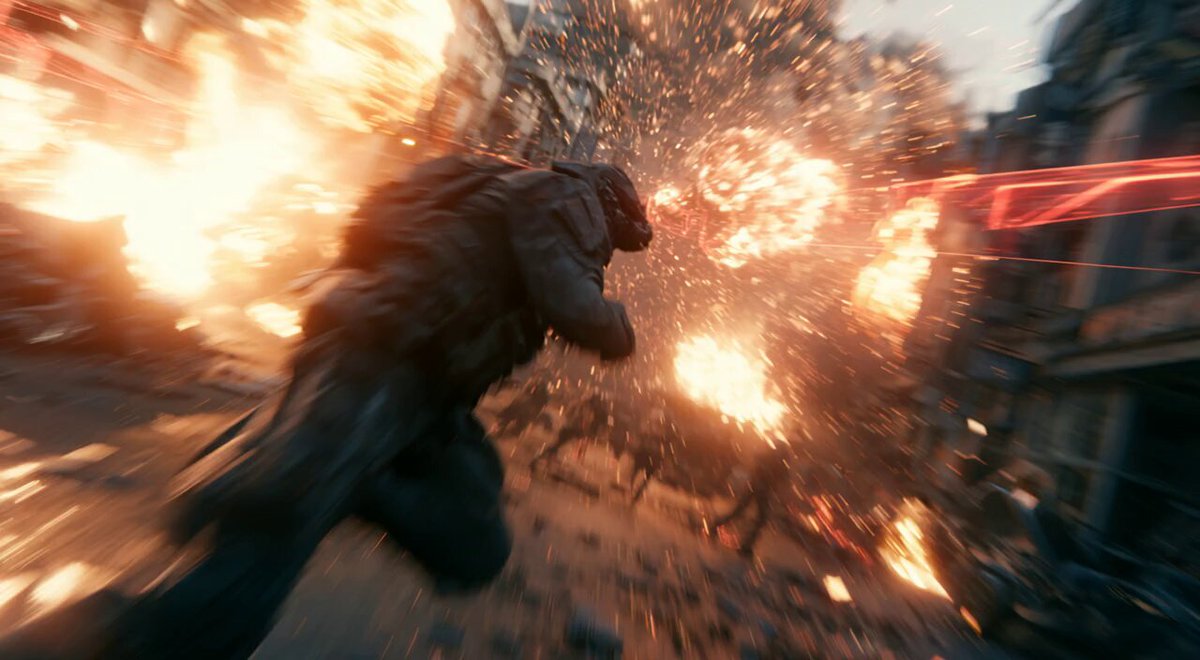
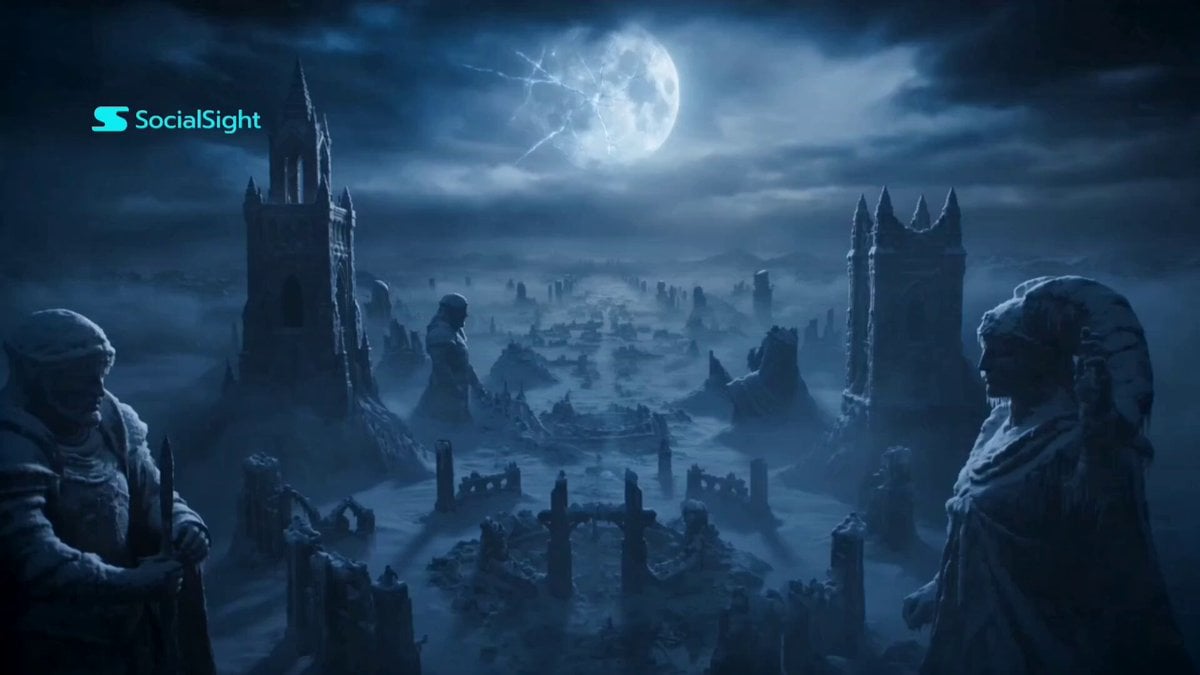
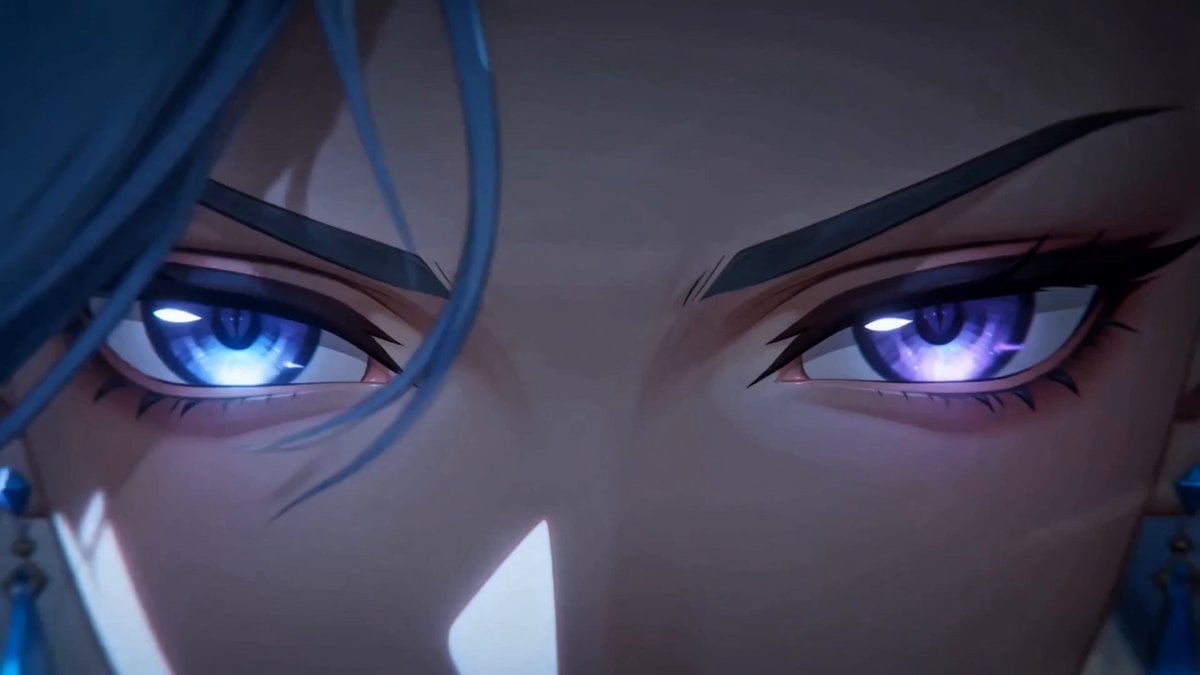
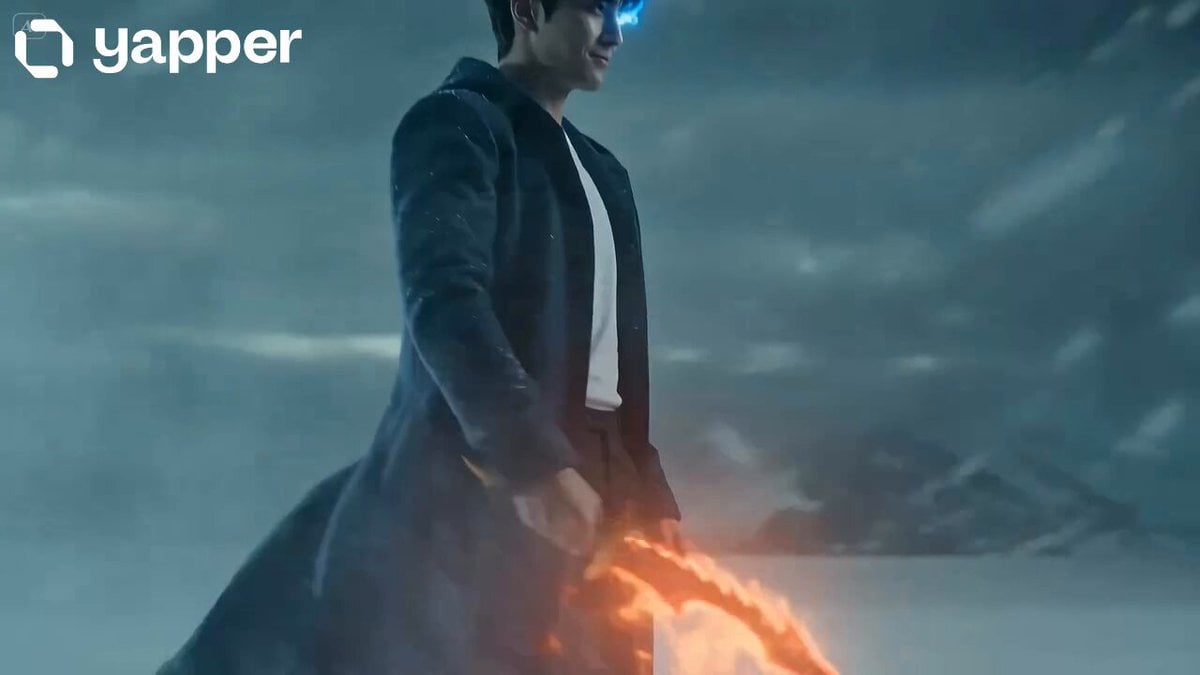
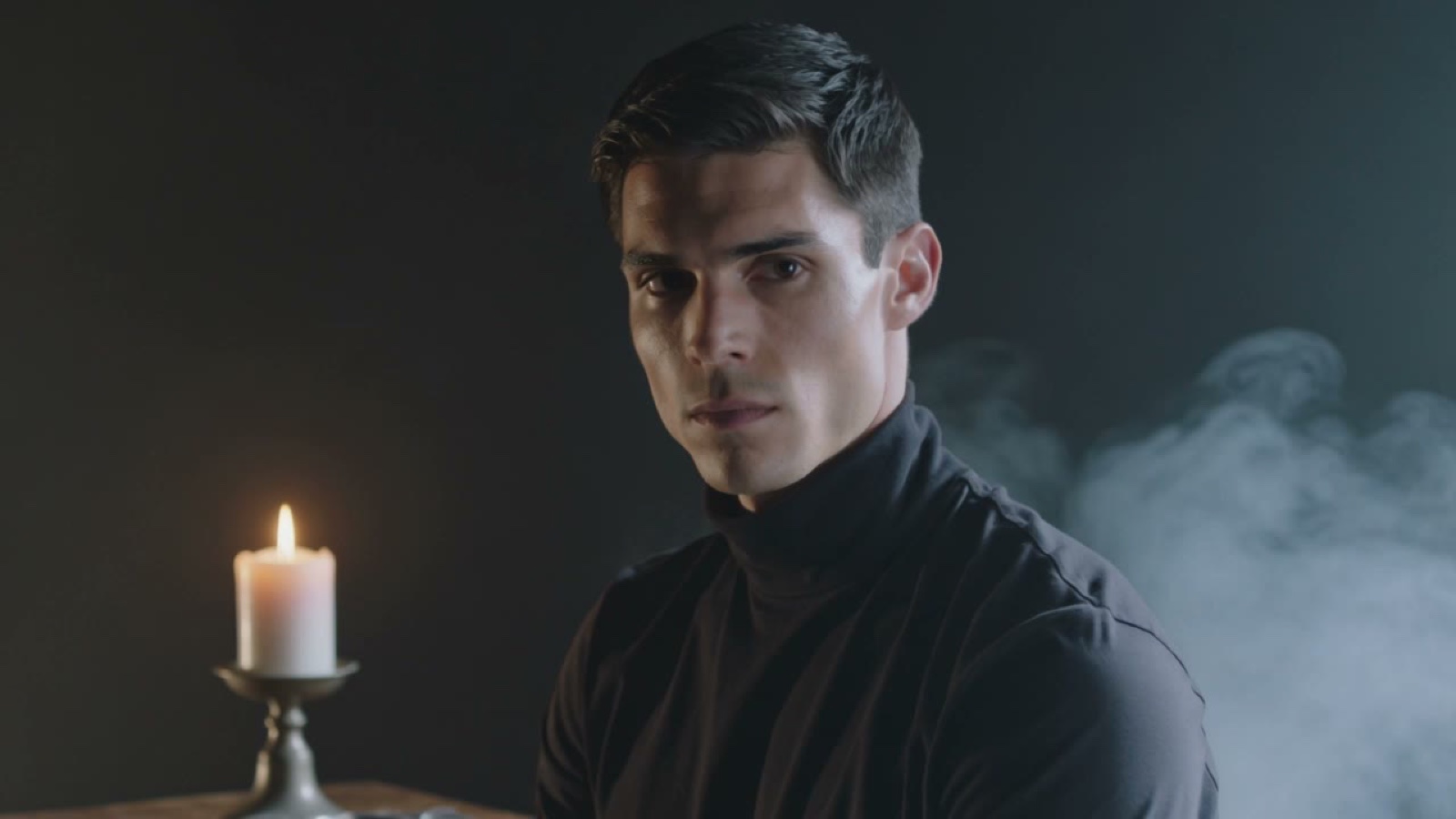
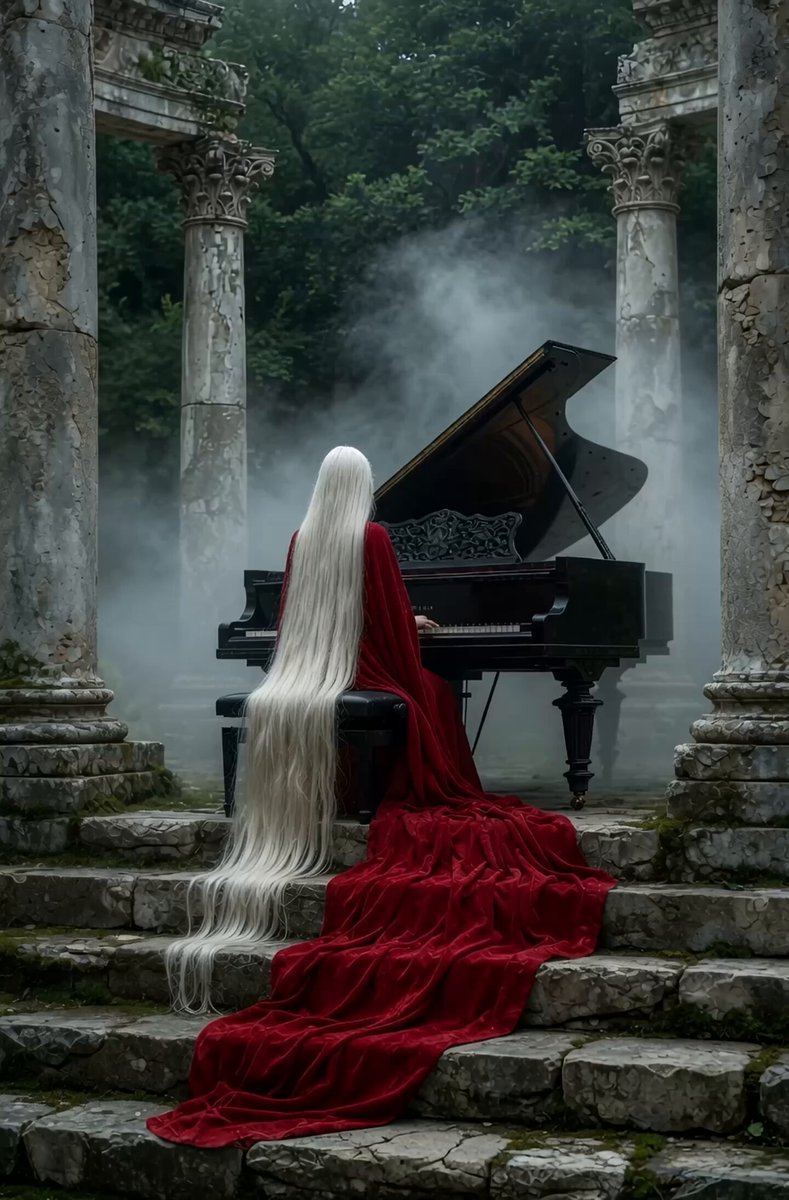
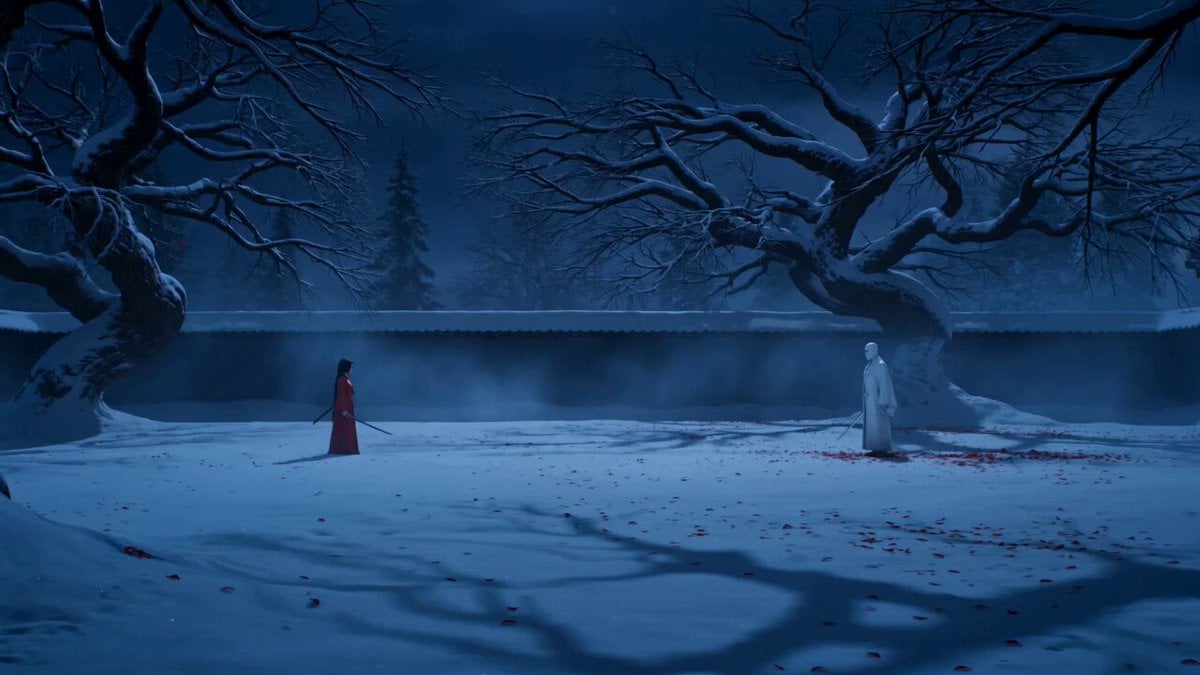
high-tempo dark fantasy action trailer, Use Image for all character and logo. [0-2s] ultra-low drone shot skimming across ruined fantasy fortress, storm, lightning illuminating walls, low string pizzicato begins; [2-4s] extreme close-up of hero's eyes emerging from darkness, slow deliberate sword draw; [4-5s] low angle — hero raises sword shouting in Japanese "行くぞ!", blade flares, brass explodes; [5-9s] four hard cuts one second each — (a) mage detonates massive magic with burst sfx, (b) wolfman swings axe sending enemies flying with heavy crash, (c) archer rapid-fires arrows sharp consecutive hits, (d) hero slow-motion slash with blade light trail; [9-11s] wide shot — four heroes stand together facing colossal enemy silhouette, mage says in Japanese "一緒に戦います"; [11-13.5s] all four charge simultaneously, blazing sword strikes, pillar of light, screen-filling explosion; [13.5-15s] cut to black, title logo with golden light burst, deep bass drop, reverberating brass sting, silence.
high-tempo dark fantasy action trailer, Use Image for all character and logo. [0-2s] ultra-low drone shot skimming across ruined fantasy fortress, storm, lightning illuminating walls, low string pizzicato begins; [2-4s] extreme close-up of hero's eyes emerging from darkness, slow deliberate sword draw; [4-5s] low angle — hero raises sword shouting in Japanese "行くぞ!", blade flares, brass explodes; [5-9s] four hard cuts one second each — (a) mage detonates massive magic with burst sfx, (b) wolfman swings axe sending enemies flying with heavy crash, (c) archer rapid-fires arrows sharp consecutive hits, (d) hero slow-motion slash with blade light trail; [9-11s] wide shot — four heroes stand together facing colossal enemy silhouette, mage says in Japanese "一緒に戦います"; [11-13.5s] all four charge simultaneously, blazing sword strikes, pillar of light, screen-filling explosion; [13.5-15s] cut to black, title logo with golden light burst, deep bass drop, reverberating brass sting, silence.
Edit the prompt in the box under the preview — the template's model and format are already selected — and press Generate. Your version appears right on this page.
Yes. You can change the subject, setting, lighting, mood, format, and available model controls before creating your video.
Opening and editing this template is free. Generating uses credits, shown on the Generate button when you are signed in.
Start with Seedance 2.0, which is the model associated with this template. You can compare another compatible model for a different finish.
Follow a topic to a crawlable collection of related PicX Studio templates.