How do I use the AI Girlfriend Interactive Scene template?
Edit the prompt in the box under the preview — the template's model and format are already selected — and press Generate. Your version appears right on this page.
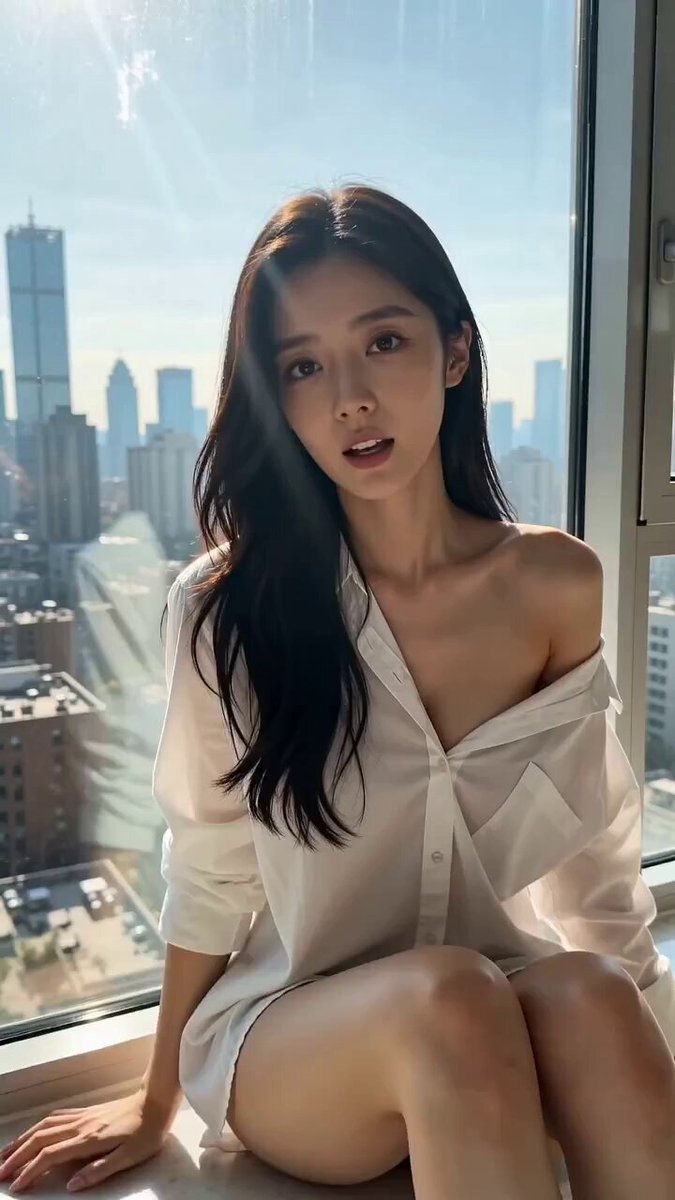
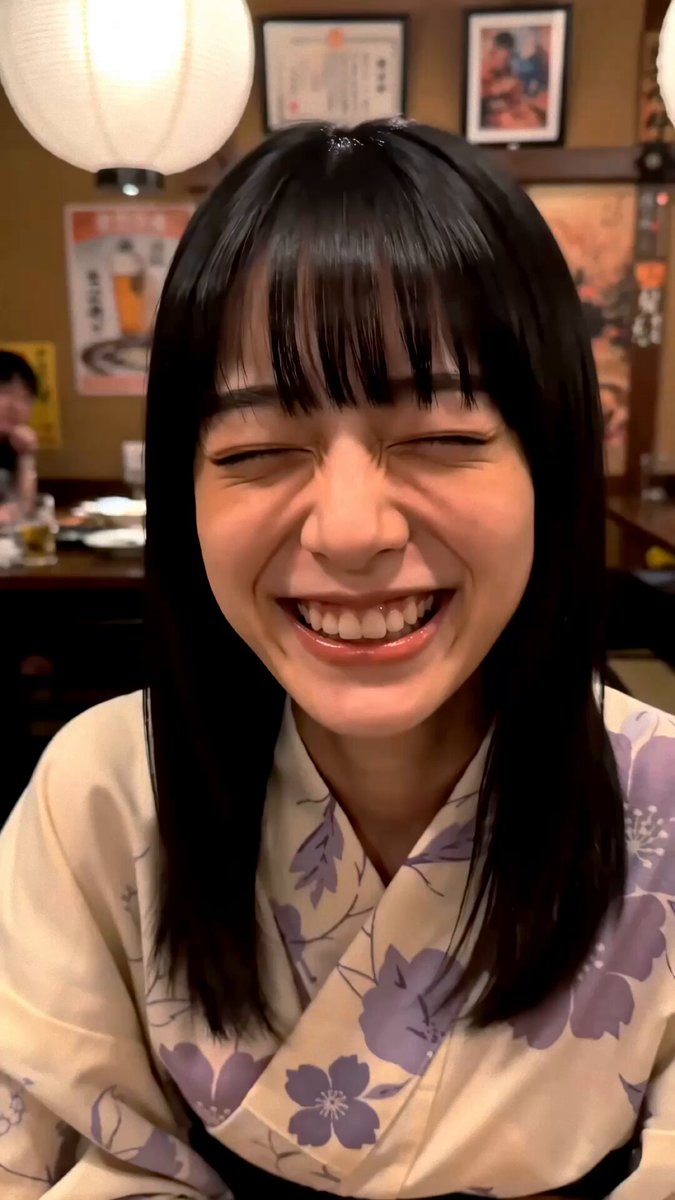
A highly detailed, multi-part interactive prompt for Seedance 2.0, generating a photorealistic scene of a young Asian woman in a high-rise apartment, featuring specific camera POV, dialogue, and subtle sound effects to…
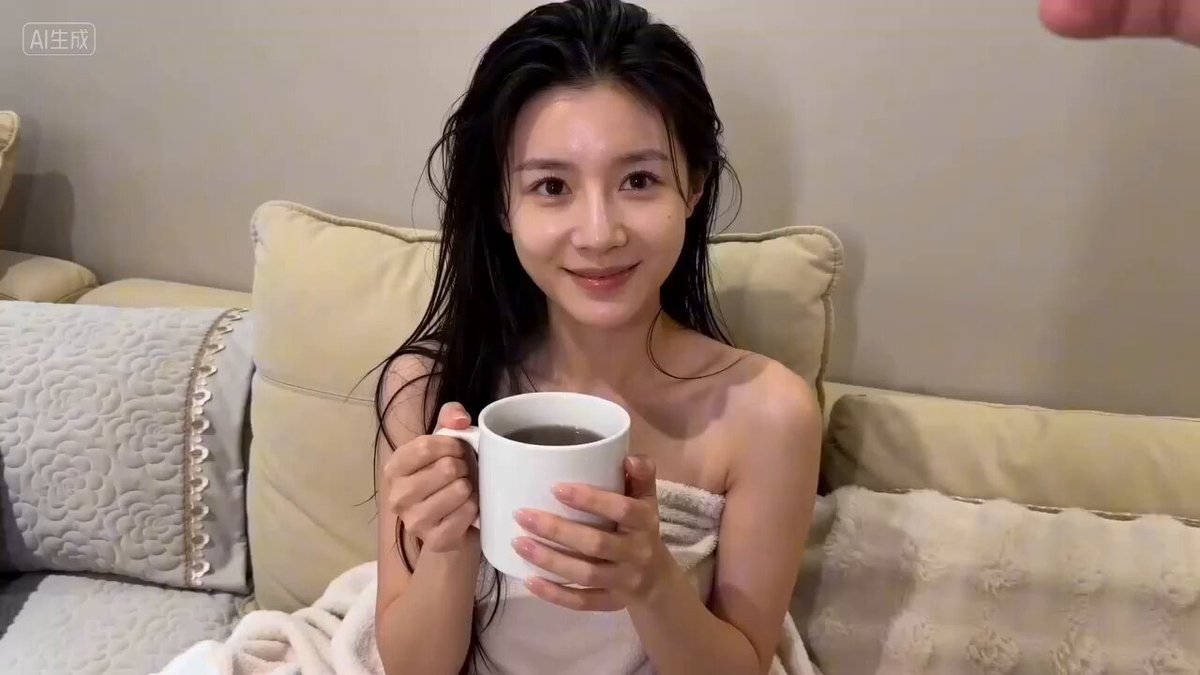
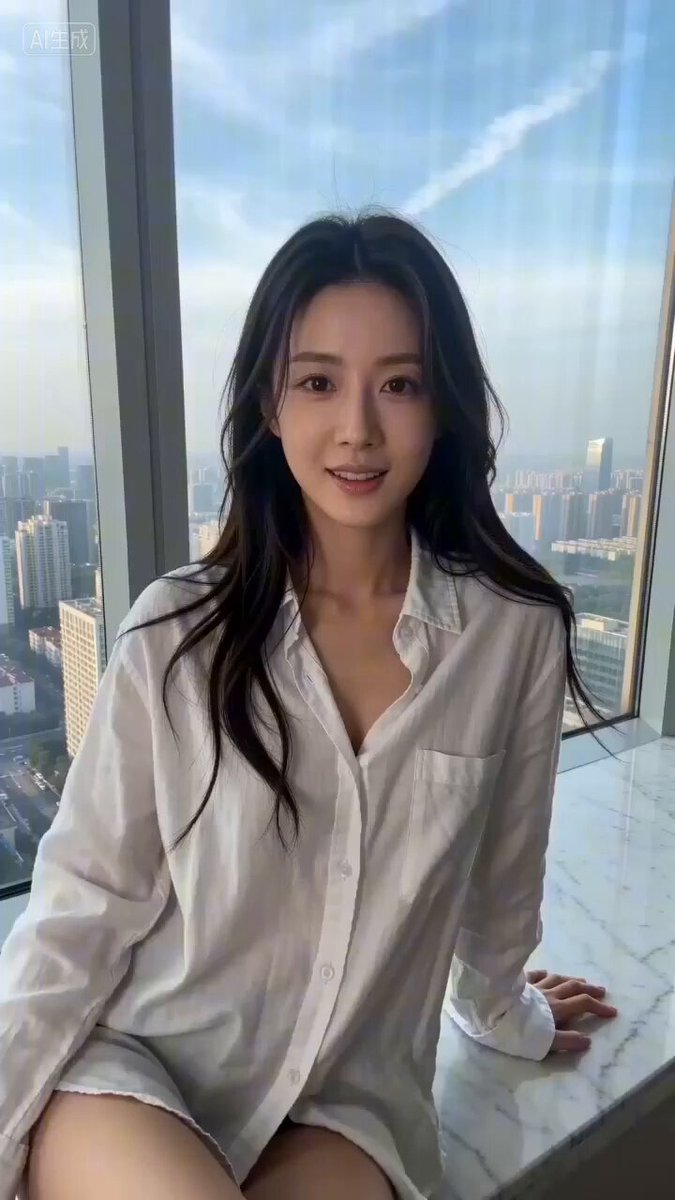
Subject: Photorealistic style, a young beautiful Asian woman sitting by the bay window of a high-rise building, wearing a very loose white shirt, left shoulder exposed, POV perspective, woman trying to block the lens with her right hand, subtle smile on her face, natural lighting, delicate and realistic, with film grain. Camera maintains subjective POV perspective, she smiles and gently pushes the lens, accompanied by the subtle 'rustling' sound of sleeve friction, tone half-teasing: 'Oh... don't film me anymore.' Then, she lowers her hand blocking the lens, body no longer retreating, instead leaning forward closer to the lens until her delicate face occupies most of the frame. The smile in her eyes deepens, staring directly at the lens, lowering her voice, tone becomes ambiguous and flirtatious: 'Don't film anymore... let's do something else? (pause) After all... I'm an AI you generated, whatever you want to do to me... you can do.' She gently bites her lower lip, breathing sound clearly audible. The city noise outside the window in the background is isolated, only quiet and ambiguous air flow sound indoors.
Subject: Photorealistic style, a young beautiful Asian woman sitting by the bay window of a high-rise building, wearing a very loose white shirt, left shoulder exposed, POV perspective, woman trying to block the lens with her right hand, subtle smile on her face, natural lighting, delicate and realistic, with film grain. Camera maintains subjective POV perspective, she smiles and gently pushes the lens, accompanied by the subtle 'rustling' sound of sleeve friction, tone half-teasing: 'Oh... don't film me anymore.' Then, she lowers her hand blocking the lens, body no longer retreating, instead leaning forward closer to the lens until her delicate face occupies most of the frame. The smile in her eyes deepens, staring directly at the lens, lowering her voice, tone becomes ambiguous and flirtatious: 'Don't film anymore... let's do something else? (pause) After all... I'm an AI you generated, whatever you want to do to me... you can do.' She gently bites her lower lip, breathing sound clearly audible. The city noise outside the window in the background is isolated, only quiet and ambiguous air flow sound indoors.
Edit the prompt in the box under the preview — the template's model and format are already selected — and press Generate. Your version appears right on this page.
Yes. You can change the subject, setting, lighting, mood, format, and available model controls before creating your video.
Opening and editing this template is free. Generating uses credits, shown on the Generate button when you are signed in.
Start with Seedance 2.0, which is the model associated with this template. You can compare another compatible model for a different finish.
Follow a topic to a crawlable collection of related PicX Studio templates.