How do I use the Girlfriend POV Vlog: Taipei Sunset Date template?
Edit the prompt in the box under the preview — the template's model and format are already selected — and press Generate. Your version appears right on this page.
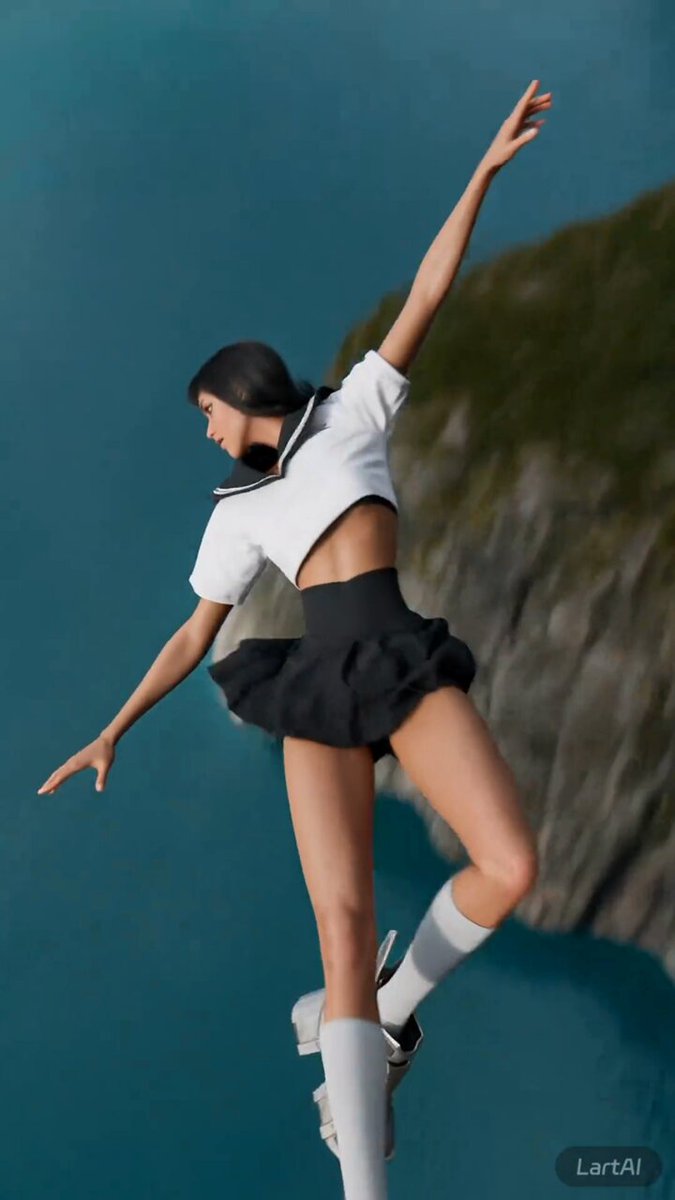
A prompt for generating a 15-second vertical POV vlog video, simulating the perspective of a boyfriend being filmed by his Taiwanese girlfriend.
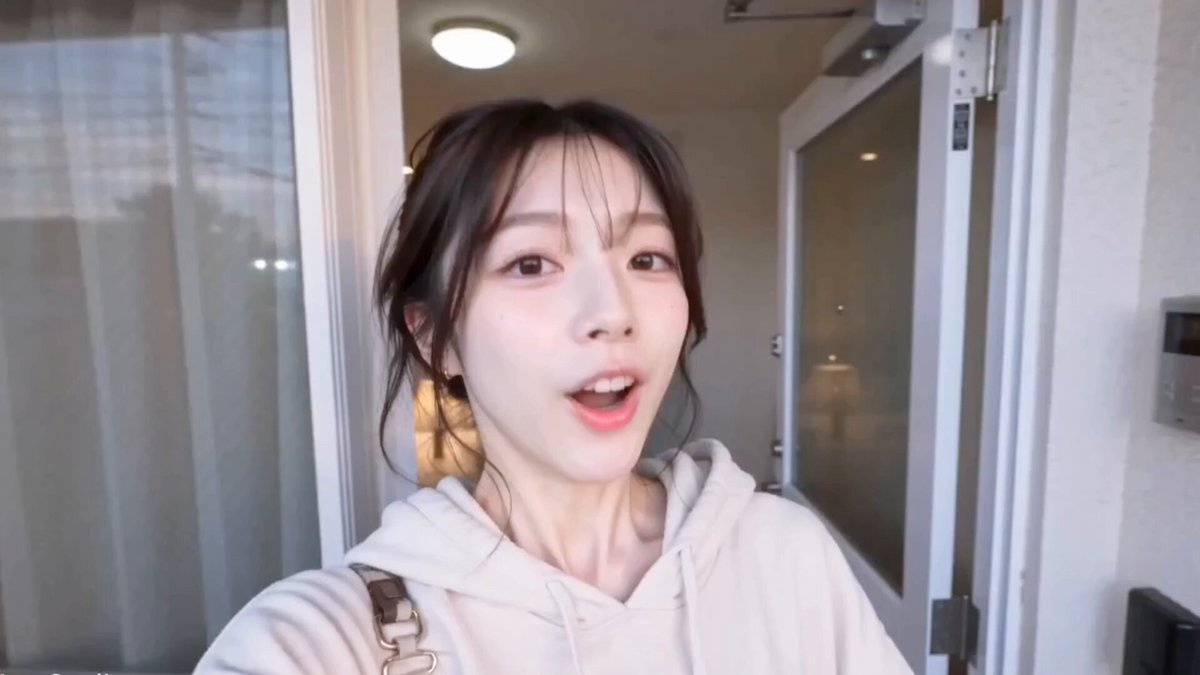
[Style] Ultimate first-person girlfriend POV (Ultimate Girlfriend POV), handheld selfie vlog, vertical format (9:16), film-grain filter (Film Grain), natural light (golden-hour sunset), the camera has natural shake and adjustments. [Duration] 15 seconds [Protagonist] A Taiwanese girl, long slightly-wavy hair, wearing a soft knit cardigan, light, fresh makeup, speaking in a soft, sweet tone with a bit of a whiny, complaining accent (Taiwanese Mandarin accent). [Setting] The banks of the Tamsui River in Taipei, with a golden sunset, a shimmering river surface, and the Lover's Bridge in the distance as the backdrop. [00:00-00:05] Shot 1: Rushing and Complaining (The Rushed Intro). Frame: the camera shakes fairly noticeably, since she's walking quickly. As she walks, she keeps glancing back at the camera (looking at you), brow slightly furrowed, pretending to be annoyed. Action: one hand holds up the phone, the other keeps pressing down her hair, which is being messed up by the wind. [Dialogue/Lip-sync] (soft, whiny, complaining tone): "欸你走快一点啦!太阳快要下山了捏!都是你拖拖拉拉的,等一下拍不到好看的照片我要生气喔!" [00:00-00:10] Shot 2: Sharing the Gorgeous View (Sharing the View). Frame: she stops walking and moves the camera away from her own face, turning it toward the stunning golden sunset (Golden Hour) across the river. Action: the camera shows the view for 2 seconds, then quickly swings back to her face. Her face is lit up golden by the sunset, breaking into a hugely happy smile, her eyes crinkling into slits. [Dialogue/Lip-sync] (amazed tone): "哇~你快看!有没有超美!这个光线真的绝了,随便拍都好看!" [00:10-00:15] Shot 3: The Interaction and Ending (The Interaction). Frame: she suddenly has one of Tamsui's famous extra-tall soft-serve ice creams in her hand. Action: she first holds the ice cream up to the camera (feeding you), then quickly licks it herself, accidentally getting a bit of ice cream on the tip of her nose. She grins goofily at the camera. [Dialogue/Lip-sync] (playful tone): "呐,第一口先给你吃。快点,要融化了啦!嘻嘻,今天的约会算你及格!"
[Style] Ultimate first-person girlfriend POV (Ultimate Girlfriend POV), handheld selfie vlog, vertical format (9:16), film-grain filter (Film Grain), natural light (golden-hour sunset), the camera has natural shake and adjustments. [Duration] 15 seconds [Protagonist] A Taiwanese girl, long slightly-wavy hair, wearing a soft knit cardigan, light, fresh makeup, speaking in a soft, sweet tone with a bit of a whiny, complaining accent (Taiwanese Mandarin accent). [Setting] The banks of the Tamsui River in Taipei, with a golden sunset, a shimmering river surface, and the Lover's Bridge in the distance as the backdrop. [00:00-00:05] Shot 1: Rushing and Complaining (The Rushed Intro). Frame: the camera shakes fairly noticeably, since she's walking quickly. As she walks, she keeps glancing back at the camera (looking at you), brow slightly furrowed, pretending to be annoyed. Action: one hand holds up the phone, the other keeps pressing down her hair, which is being messed up by the wind. [Dialogue/Lip-sync] (soft, whiny, complaining tone): "欸你走快一点啦!太阳快要下山了捏!都是你拖拖拉拉的,等一下拍不到好看的照片我要生气喔!" [00:00-00:10] Shot 2: Sharing the Gorgeous View (Sharing the View). Frame: she stops walking and moves the camera away from her own face, turning it toward the stunning golden sunset (Golden Hour) across the river. Action: the camera shows the view for 2 seconds, then quickly swings back to her face. Her face is lit up golden by the sunset, breaking into a hugely happy smile, her eyes crinkling into slits. [Dialogue/Lip-sync] (amazed tone): "哇~你快看!有没有超美!这个光线真的绝了,随便拍都好看!" [00:10-00:15] Shot 3: The Interaction and Ending (The Interaction). Frame: she suddenly has one of Tamsui's famous extra-tall soft-serve ice creams in her hand. Action: she first holds the ice cream up to the camera (feeding you), then quickly licks it herself, accidentally getting a bit of ice cream on the tip of her nose. She grins goofily at the camera. [Dialogue/Lip-sync] (playful tone): "呐,第一口先给你吃。快点,要融化了啦!嘻嘻,今天的约会算你及格!"
Edit the prompt in the box under the preview — the template's model and format are already selected — and press Generate. Your version appears right on this page.
Yes. You can change the subject, setting, lighting, mood, format, and available model controls before creating your video.
Opening and editing this template is free. Generating uses credits, shown on the Generate button when you are signed in.
Start with Seedance 2.0, which is the model associated with this template. You can compare another compatible model for a different finish.
Follow a topic to a crawlable collection of related PicX Studio templates.