
Anime Urban Alley Fight Sequence
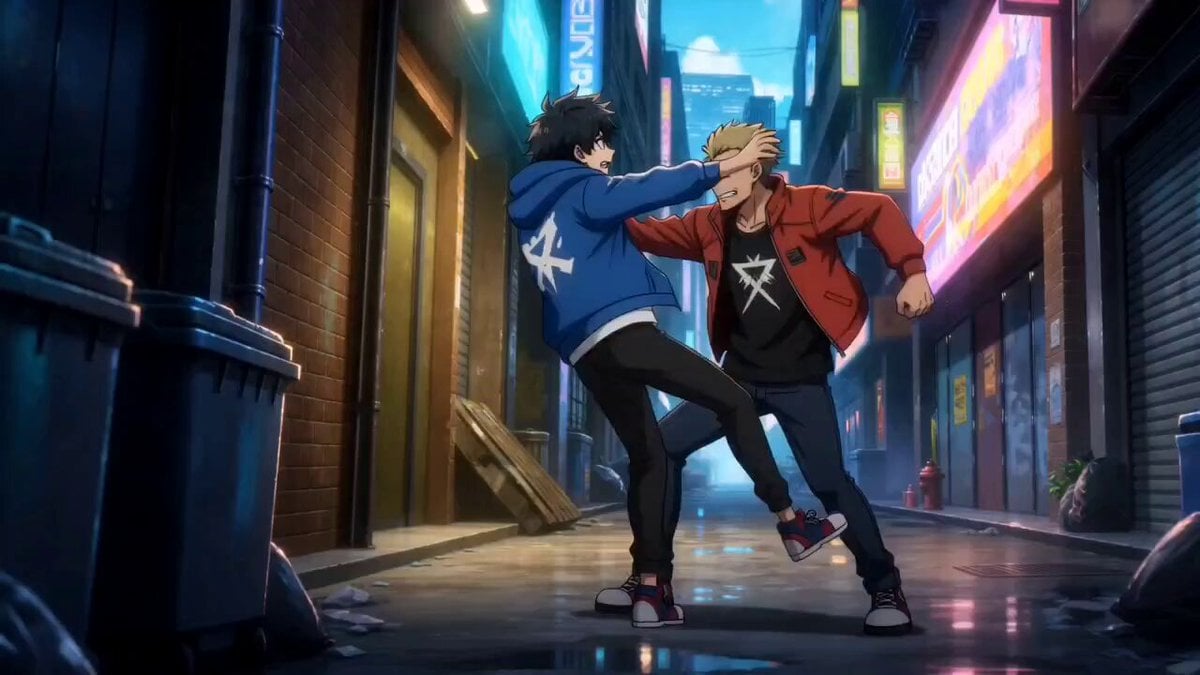
A detailed cinematic anime-style prompt for a 15-second fight sequence featuring dynamic camera movements and a game-like UI system overlay.
- Prompt included
- Model and format preset
- Free template
The prompt behind this video
Copy the exact prompt behind Anime Urban Alley Fight Sequence, or open it in the studio and make it yours.
cinematic anime-style urban alley fight sequence, 15 seconds duration, weak background male character being overpowered in a street fight, dark neon-lit environment with wet ground reflections, fast paced hand-to-hand combat with dynamic camera movement and motion blur at 0–3 seconds: character is visibly weak, getting pushed and hit by stronger opponent, chaotic close-up cuts, grounded realistic struggle at 3–6 seconds: sudden visual glitch effect in the character’s vision, subtle holographic system interface begins to appear with fragmented UI text such as “ANALYZING OPPONENT” and “PATTERN DETECTED”, time feels slightly slowed at 6–10 seconds: character starts adapting mid-fight, improved dodging and partial counters, UI updates with “DODGE WINDOW: 0.4s” and “COUNTER POSSIBILITY DETECTED”, camera becomes tighter and more controlled at 10–13 seconds: breakthrough moment, character executes clean counterattack, fluid combat movement, opponent gets hit and pushed back, UI flashes “SKILL LEARNED: BASIC COMBAT” at 13–15 seconds: opponent pauses in shock, character expression becomes calm and focused, subtle system UI displays “LEVEL UP IN PROGRESS”, dramatic cliffhanger ending anime production quality, high detail, cinematic lighting, subtle futuristic game system overlay, emotionally intense transformation from weak to adaptive fighter, strong viral hook ending
How to use Anime Urban Alley Fight Sequence in 3 steps
- 1
Open
The prompt is already in the box next to the preview, with the template's model and format selected.
- 2…a portrait of your subject in softgolden-hour light, 85mm…
Personalize
Edit the subject and creative details for your destination.
- 3Generate
Generate
Press Generate — your video is created in PicX Studio, so you can compare it with the original and refine one variable at a time.
More like this
Templates with the same subject, style or setup. Open one to see its prompt.
Neo-Noir Alleyway Fight Sequence
Cinematic vampire alley fight sequence

Cyberpunk Tokyo Alley Fight Sequence

Martial Arts Fight Sequence

Cinematic Istanbul Night Fight - Seedance 2.5
Gritty Cyber-Noir Alley Fight
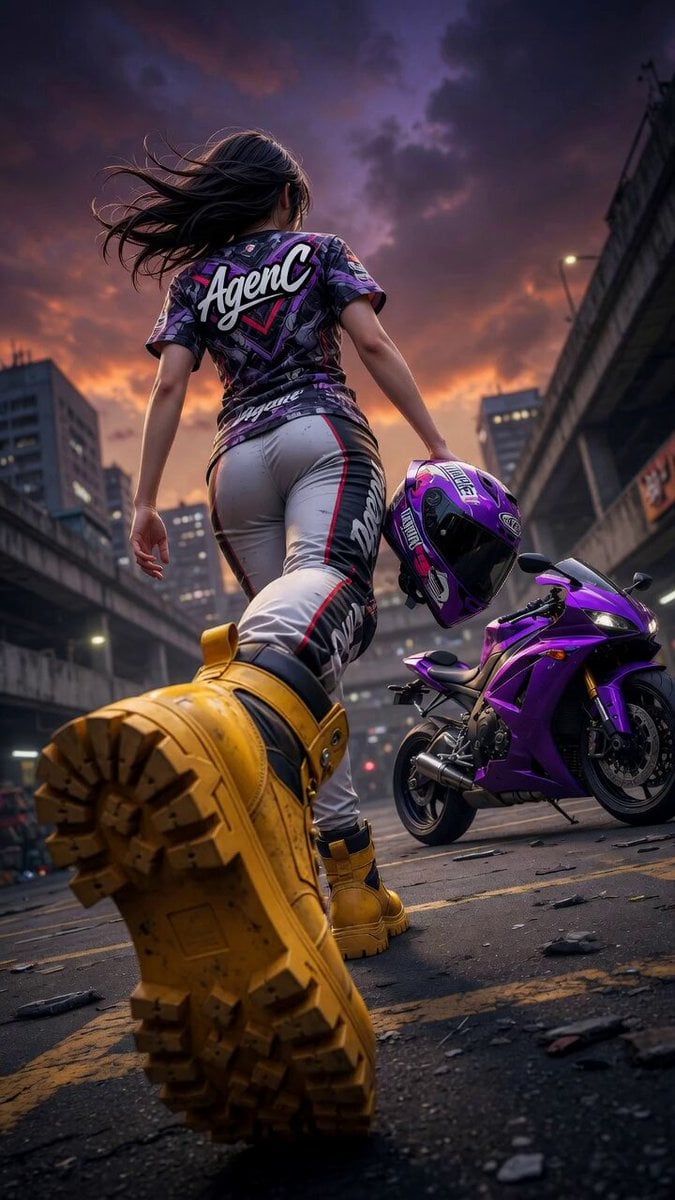
Cinematic Anime Racing Girl in Urban Parking Lot

Handheld Vlog Alley Cat Sequence

MiniMax H3 Character Introduction

Japanese Pure Love Short Film
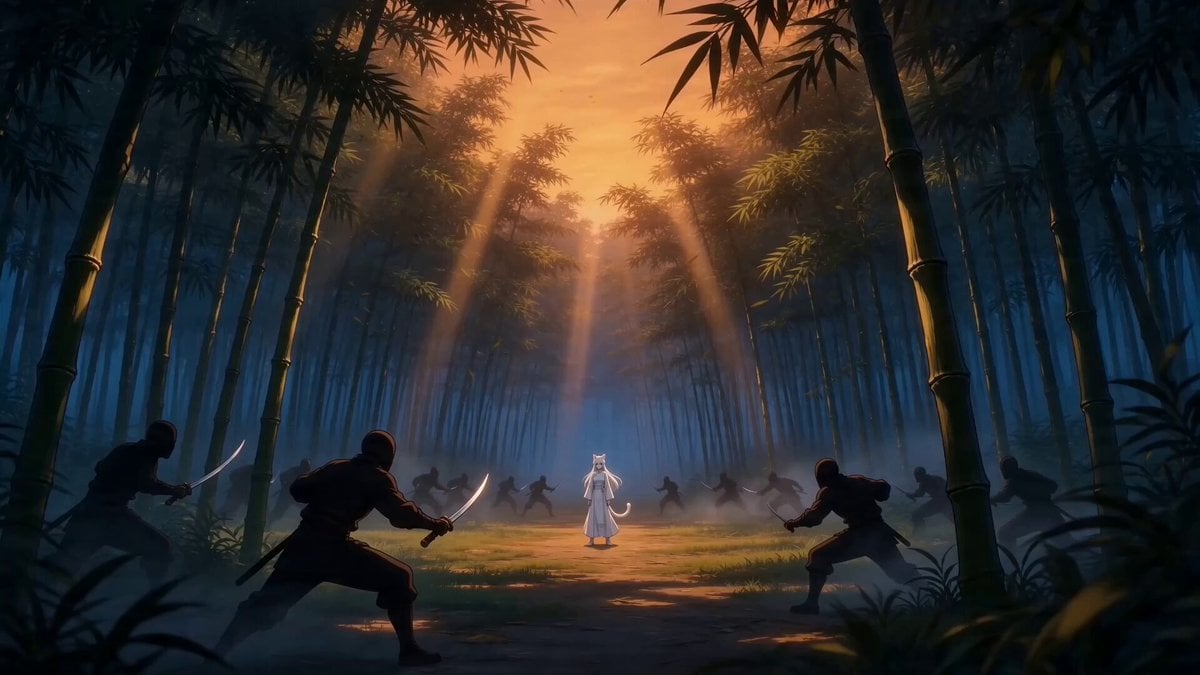
Taiqi Martial Arts Fight Sequence

Studio Ghibli Dumpling Kitchen Cooking Scene
Make it yours
Anime Urban Alley Fight Sequence works as-is. These are the safest ways to change it without losing the look.
Change one field
Copy a single group, rewrite it, and generate again so you can see what that field is doing.
Keep the frame, change the subject
Hold the composition and light of Anime Urban Alley Fight Sequence, then swap wardrobe, props or the person for a new take.
| If the result… | Why | Fix |
|---|---|---|
| The result drifts from the preview | Too many fields changed at once. | Reuse Anime Urban Alley Fight Sequence as-is first, then change one group — subject, light, or setting. |
| The model over-stylizes the scene | The prose prompt leaves finish and camera underspecified. | Add one camera or lighting sentence and stay on Seedance 2.0. |
More Seedance 2.0 templates
Other prompts made for Seedance 2.0.

Comical Martial Arts Punch Scene

Maglev Train Action Sequence

Wuxia Protection and Trust Script

Vintage Korean Arcade MiniDV Vlog

Mercedes 190 SL Luxury Ad

Rainy Night Supernatural Reverse Comedy Video Script

Amazon Civilization Discovery

Futuristic South Asian City Transformation

Cozy Luxury Cafe Commercial

Cyber Ronin Nanotech Transformation Video
More video prompts
Fresh picks from across the catalog.
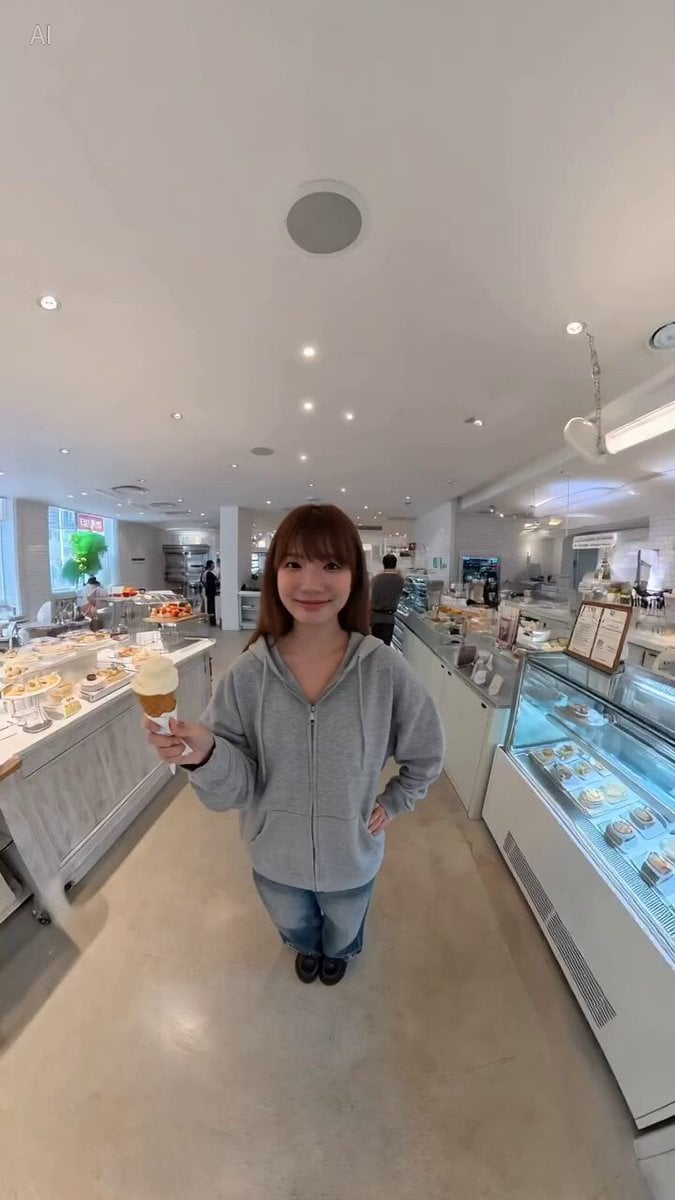
degree Panoramic Selfie in a Dessert Shop

Vibrant Tropical Ocean Splash
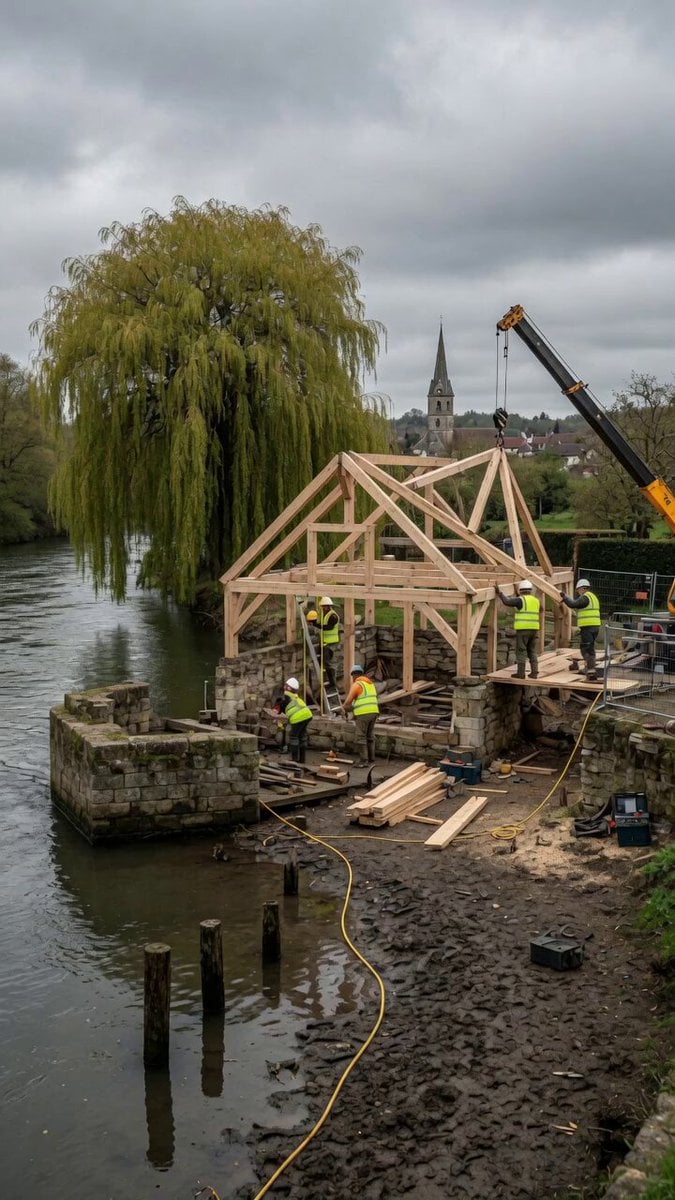
Construction Timelapse with Scene Lock
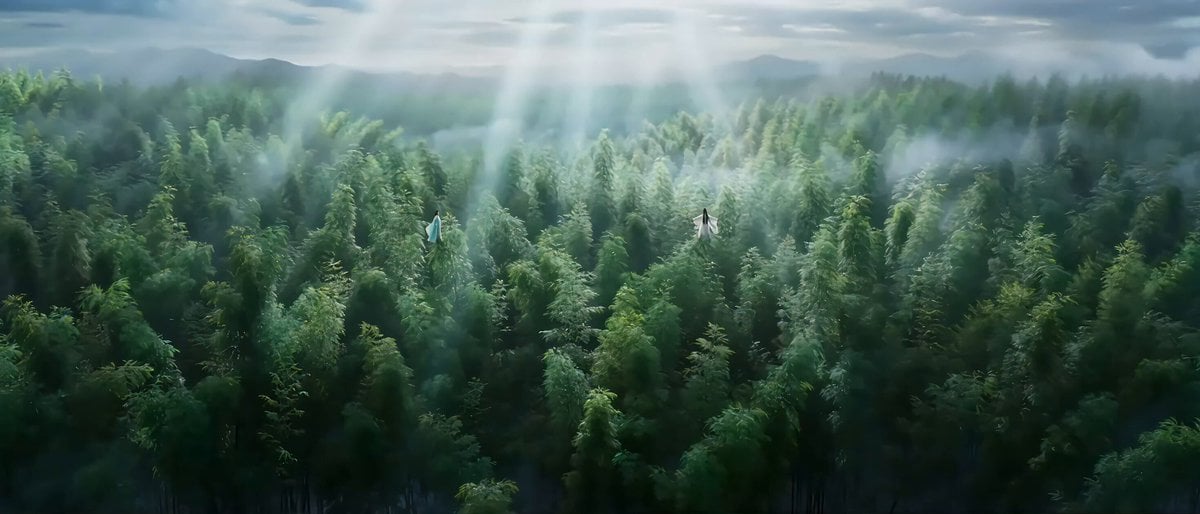
Classical Wuxia Duel in Bamboo Forest

Magic Book Floating Letters Video
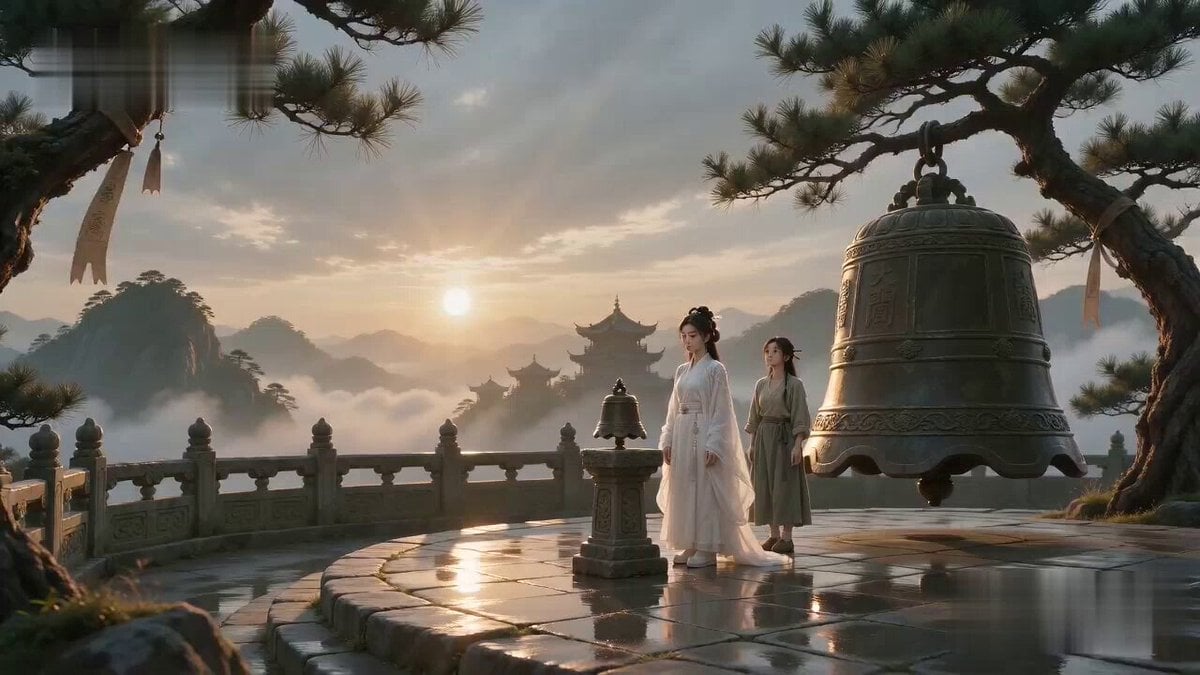
Ancient Sect Dinner Bell Comedy
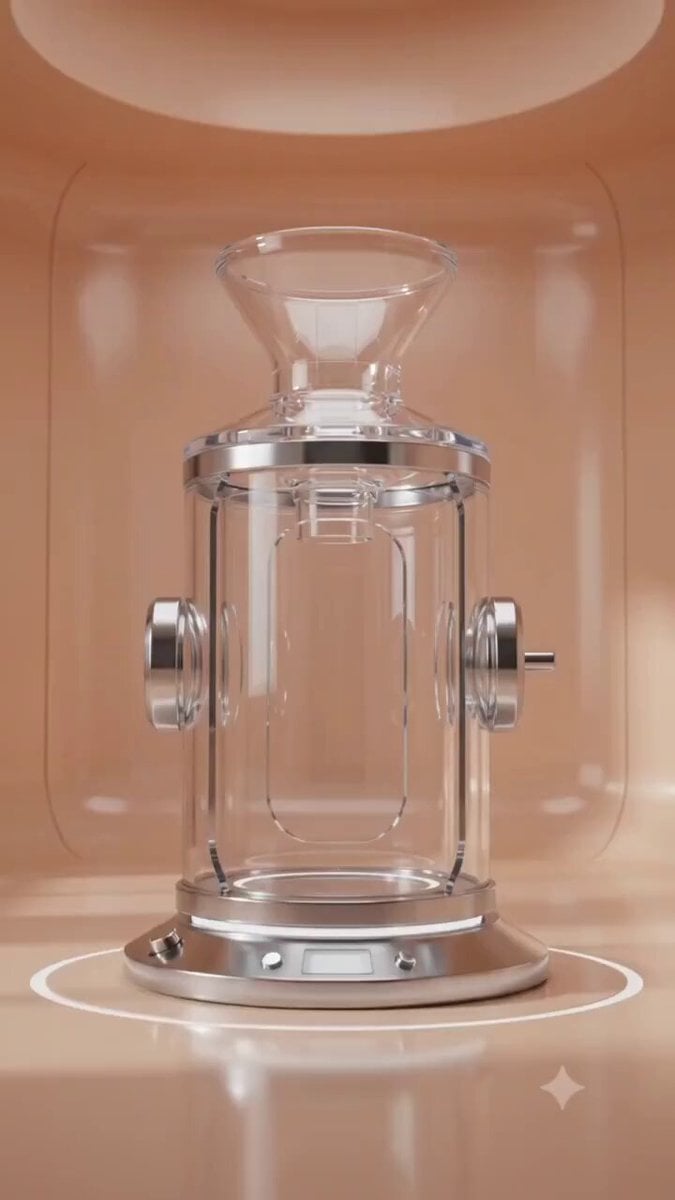
Luxury Skincare Commercial 3D Animation

Surreal Mathematical Resonance
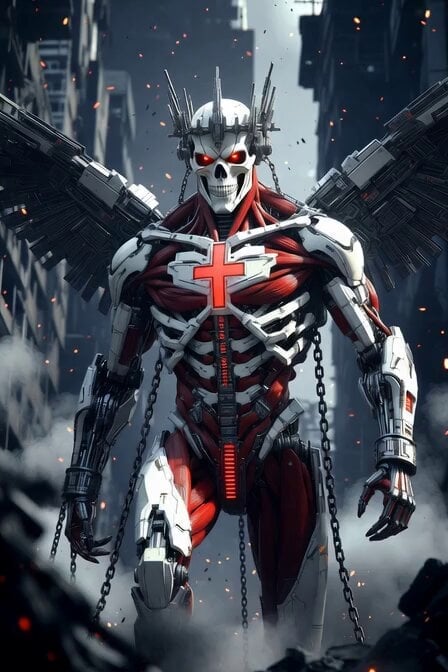
Cybernetic Skeleton Warrior Cinematic
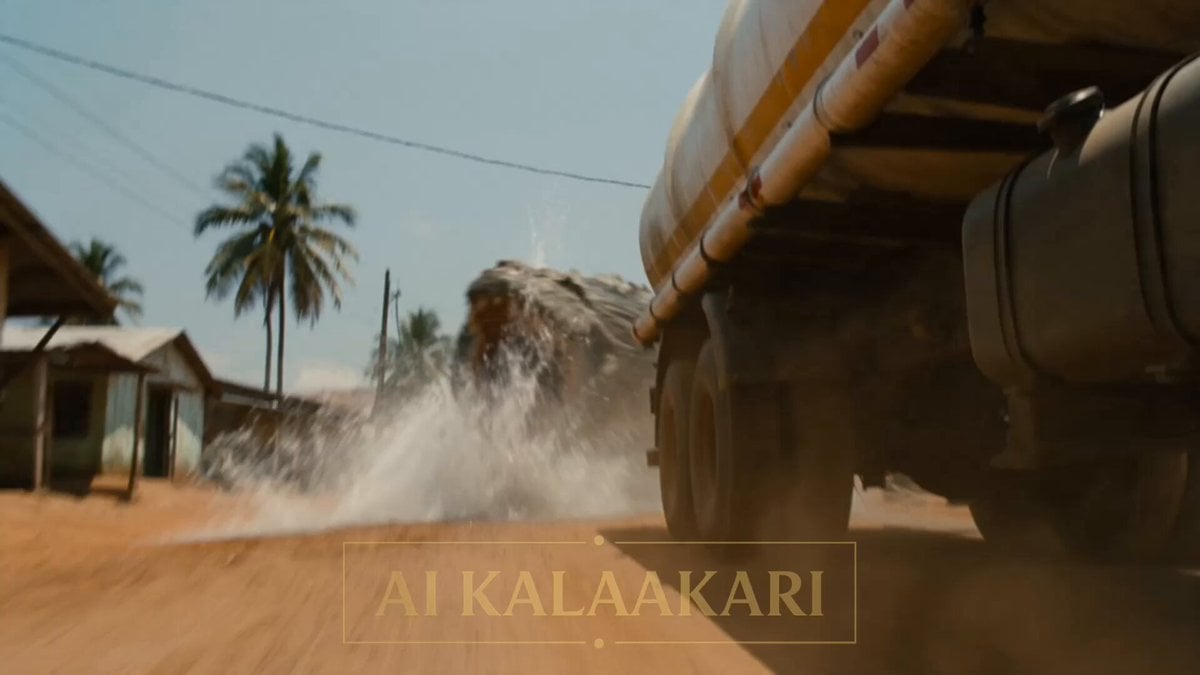
Alien vs Water Tank Action Movie
Browse template categories
Anime Urban Alley Fight Sequence questions
How do I use the Anime Urban Alley Fight Sequence template?
Add your photo if the template asks for one, edit the prompt if you like — the template's model and format are already selected — and press Generate. Your version opens in PicX Studio.
Can I customize the Anime Urban Alley Fight Sequence template?
Yes. You can change the subject, setting, lighting, mood, format, and available model controls before creating your video.
Is the Anime Urban Alley Fight Sequence template free?
Opening and editing this template is free. Generating uses credits, shown on the Generate button when you are signed in.
Which AI model should I use?
Start with Seedance 2.0, which is the model associated with this template. You can compare another compatible model for a different finish.
Looking for something else? Browse all templates.

Your photo, any look
Thousands of ready templates for every top image and video model, from one credit balance.