
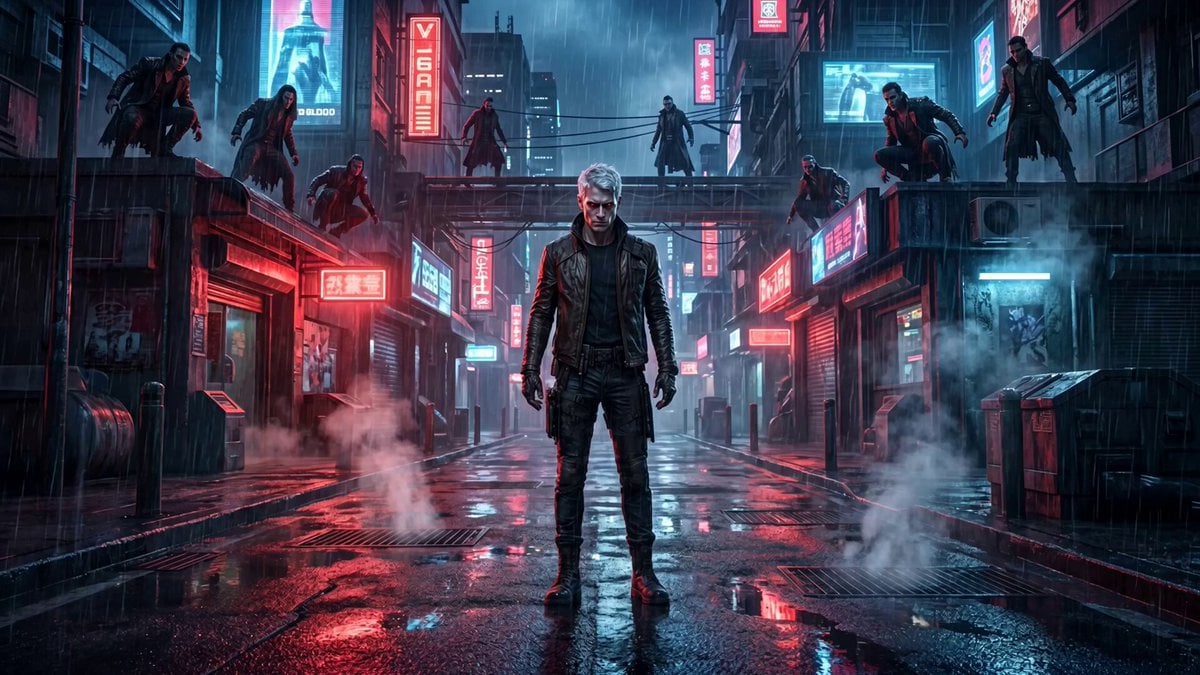
Cinematic vampire alley fight sequence
A comprehensive action prompt for a short film scene involving dynamic camera movements and high-speed combat in a neon-lit alley.
- Prompt included
- Model and format preset
- Free template
The prompt behind this video
Copy the exact prompt behind Cinematic vampire alley fight sequence, or open it in the studio and make it yours.
Draev stands in the center of the neon-lit alley, surrounded by multiple vampires positioned on rooftops and street level. The vampires attack simultaneously. Draev reacts instantly with superhuman speed. He dodges the first attacker with a fast sidestep and counters with a brutal punch, sending the vampire crashing into a wall. Second vampire lunges from above Draev jumps unnaturally high, grabs him mid-air, and slams him into the ground. Impact creates a small shockwave on the wet street. The defeated vampire rapidly disintegrates into ash and particles. Camera moves dynamically: starts frontal wide shot transitions into fast tracking side movement then switches to over-the-shoulder following Draev More vampires rush in. Draev performs a fast acrobatic kick hitting two enemies at once. One vampire is thrown into neon signs, sparks and electricity burst. Another gets grabbed by the throat — Draev lifts him with one hand and crushes him, turning him into ash. Rain reacts to movement, splashes intensify with impacts. Final moment: Draev stands still in the center, surrounded by falling ash, breathing slightly, eyes glowing red. Remaining vampires hesitate, stepping back in fear. No music
How to use Cinematic vampire alley fight sequence in 3 steps
- 1
Open
The prompt is already in the box next to the preview, with the template's model and format selected.
- 2…a portrait of your subject in softgolden-hour light, 85mm…
Personalize
Edit the subject and creative details for your destination.
- 3Generate
Generate
Press Generate — your video is created in PicX Studio, so you can compare it with the original and refine one variable at a time.
More like this
Templates with the same subject, style or setup. Open one to see its prompt.
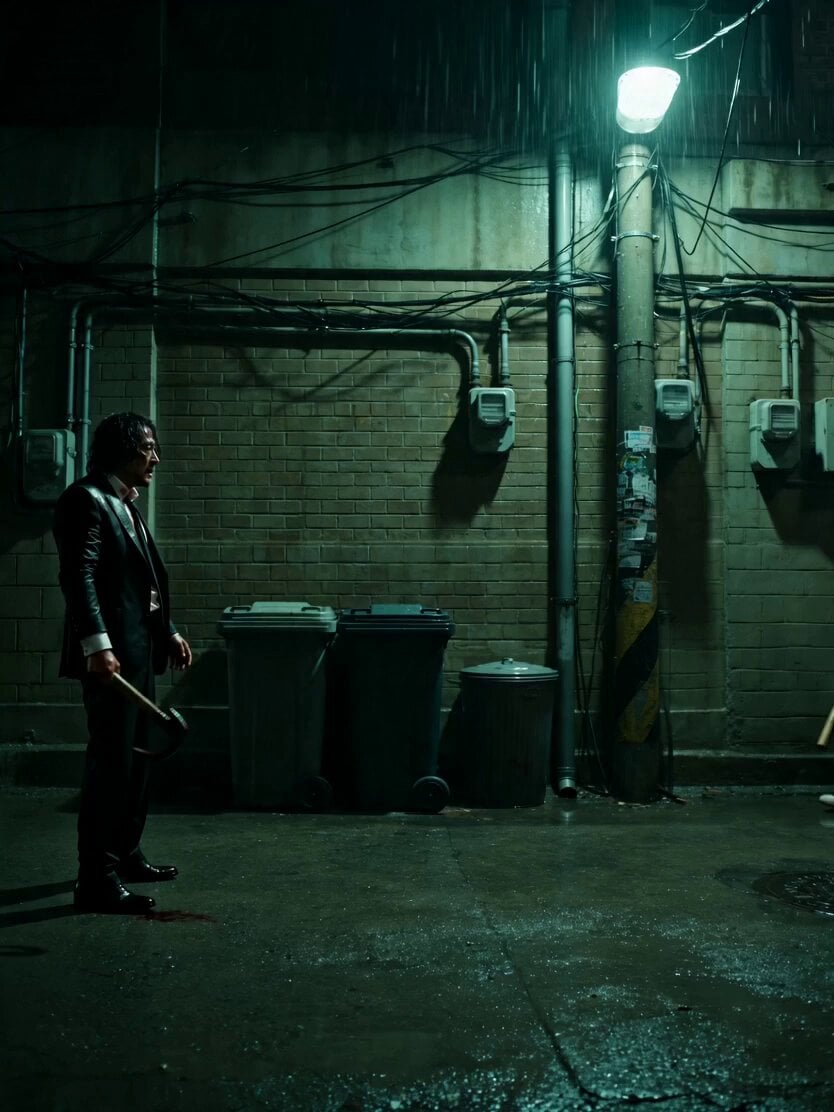
Neo-Noir Alleyway Fight Sequence
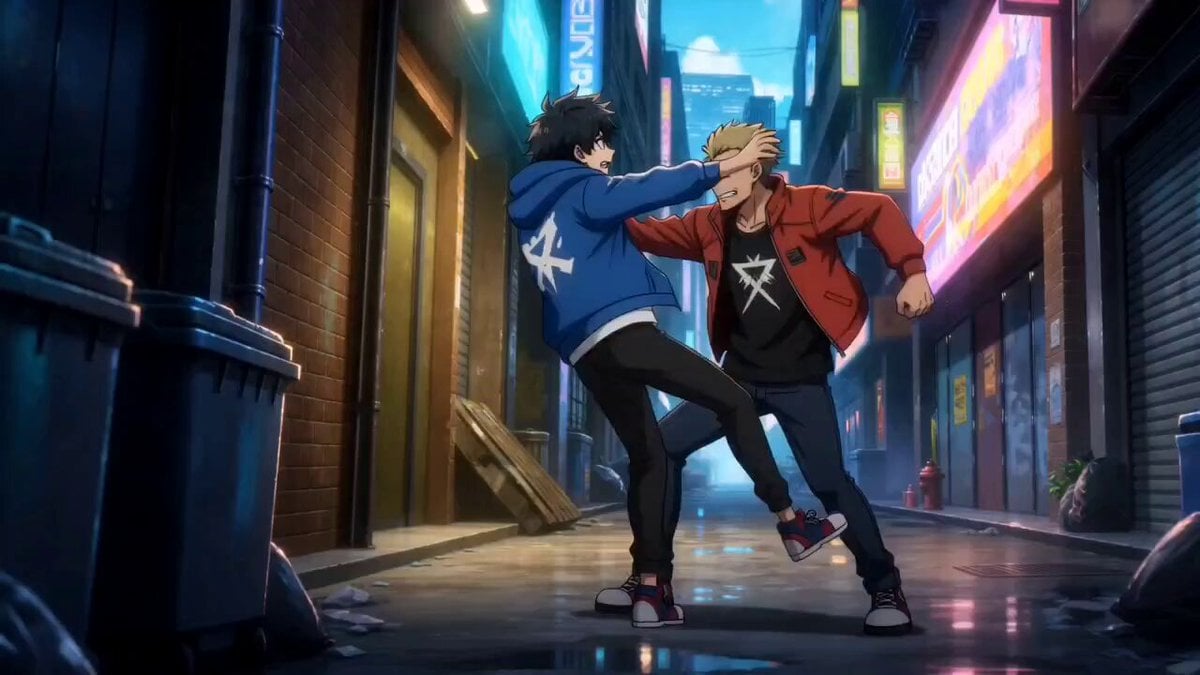
Anime Urban Alley Fight Sequence

Cyberpunk Tokyo Alley Fight Sequence

Martial Arts Fight Sequence

Cinematic Istanbul Night Fight - Seedance 2.5
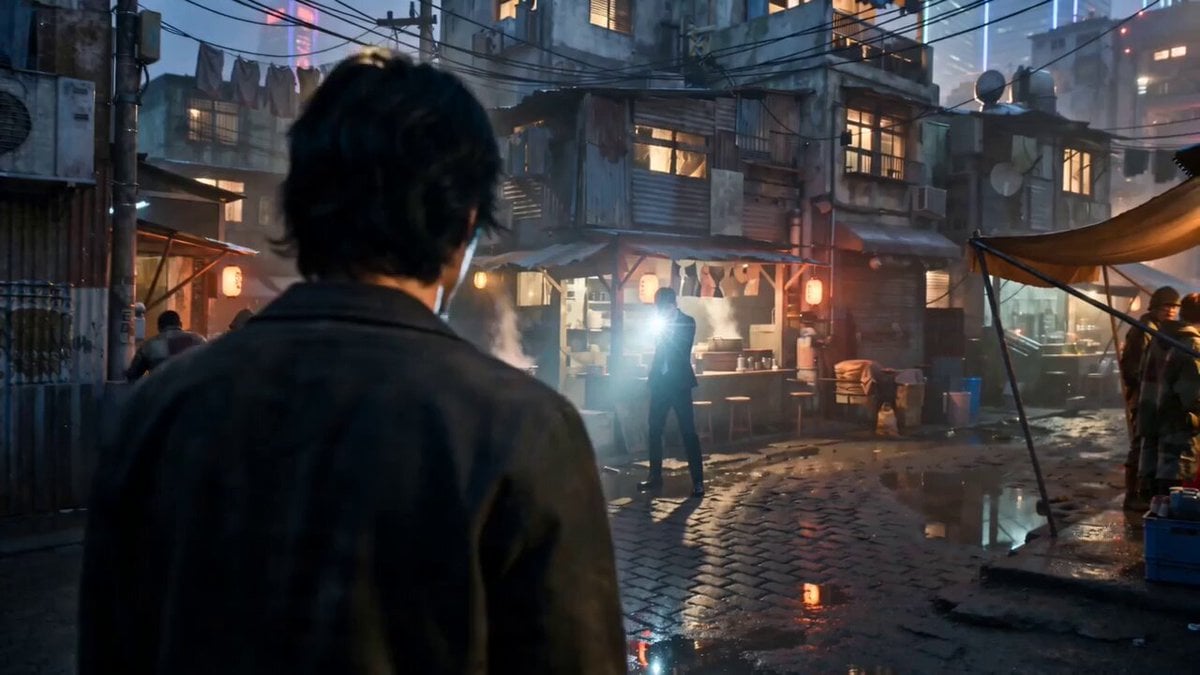
Gritty Cyber-Noir Alley Fight

Handheld Vlog Alley Cat Sequence
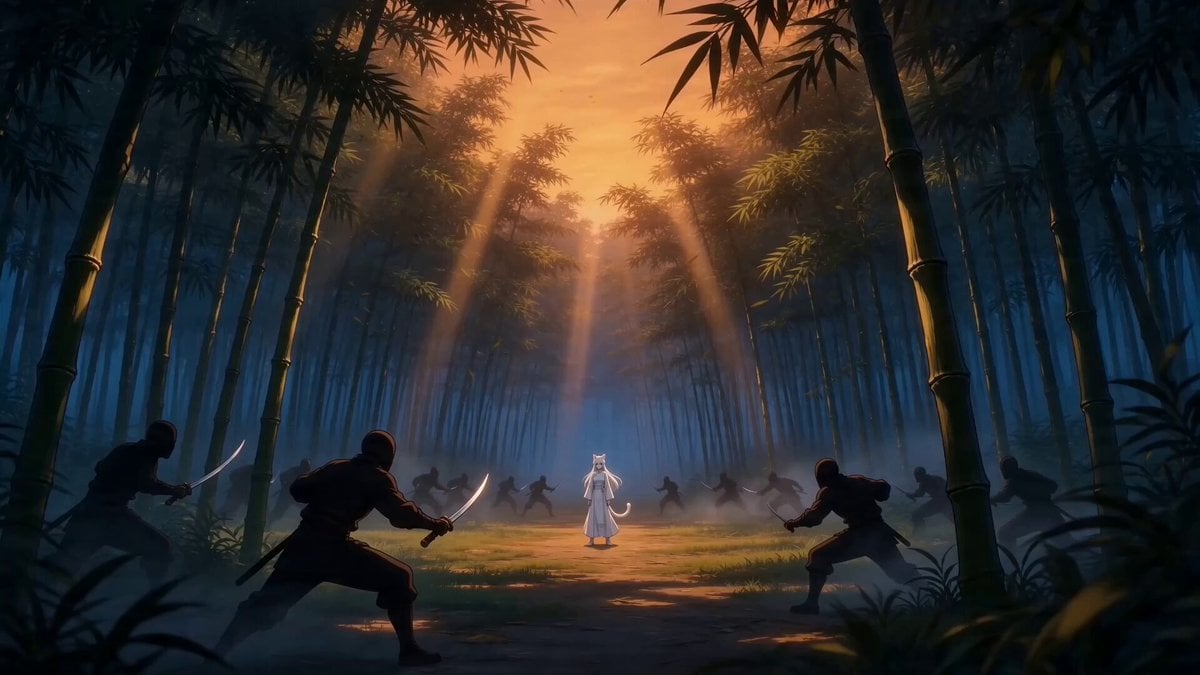
Taiqi Martial Arts Fight Sequence

Vampire Cat Dark Comedy Sequence
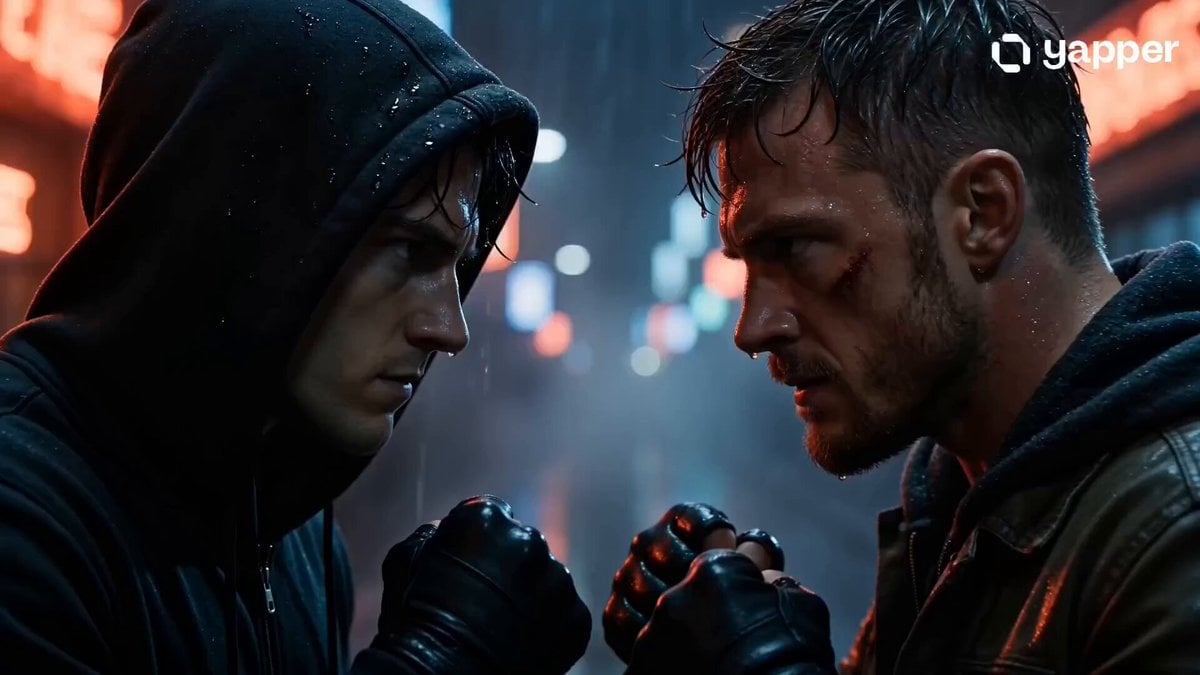
Rainy Alley Fight Scene
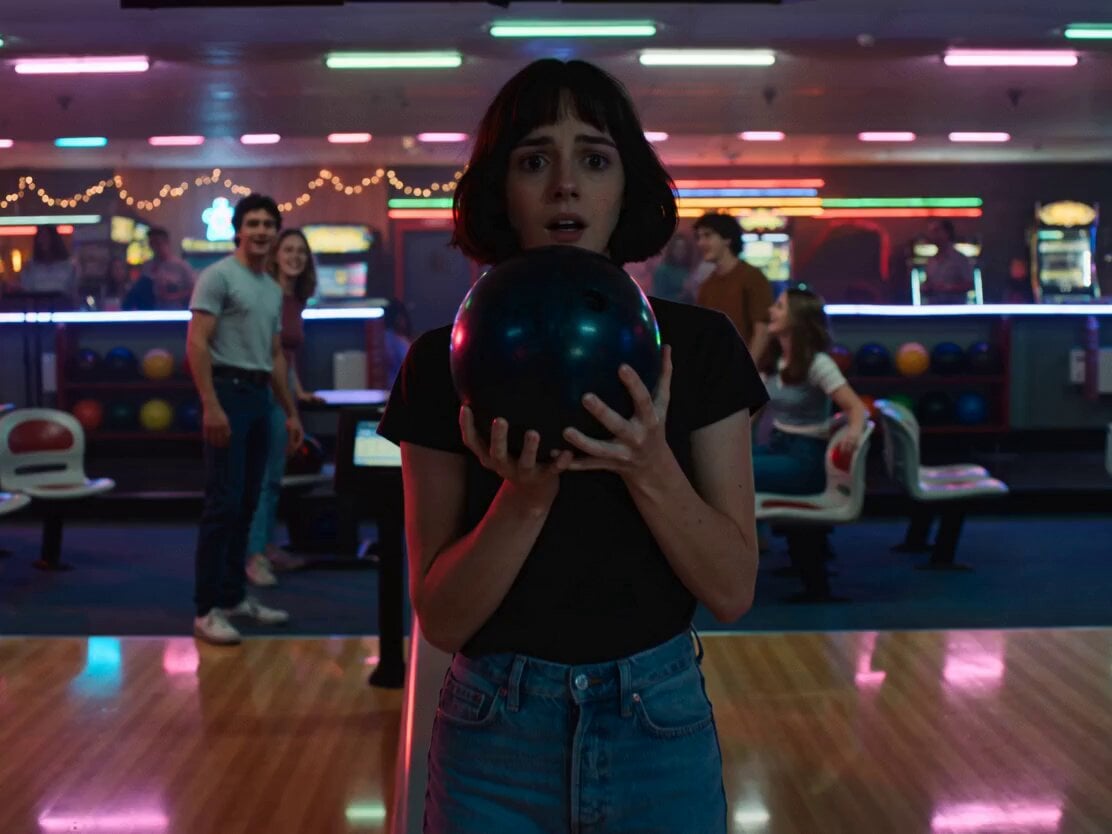
Neon Bowling Alley Horror Sequence
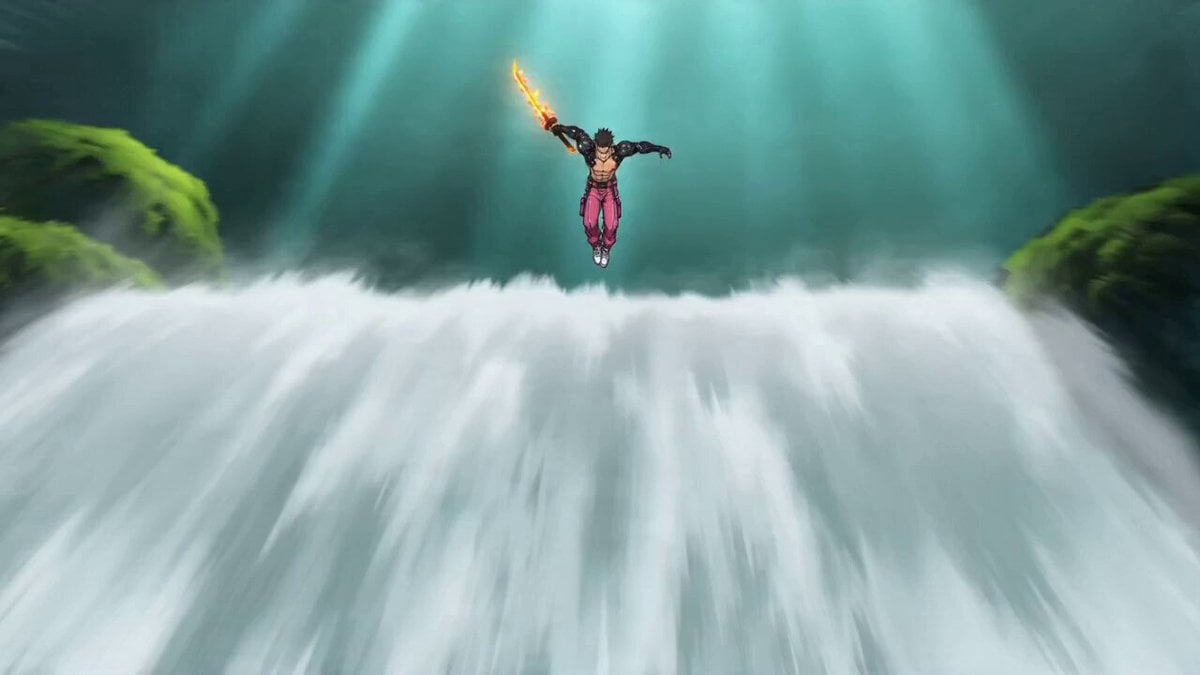
Video Prompt: Cyber Wuxia Fight Sequence (Detailed Storyboard)
Make it yours
Cinematic vampire alley fight sequence works as-is. These are the safest ways to change it without losing the look.
Change one field
Copy a single group, rewrite it, and generate again so you can see what that field is doing.
Keep the frame, change the subject
Hold the composition and light of Cinematic vampire alley fight sequence, then swap wardrobe, props or the person for a new take.
| If the result… | Why | Fix |
|---|---|---|
| The result drifts from the preview | Too many fields changed at once. | Reuse Cinematic vampire alley fight sequence as-is first, then change one group — subject, light, or setting. |
| The model over-stylizes the scene | The prose prompt leaves finish and camera underspecified. | Add one camera or lighting sentence and stay on Seedance 2.0. |
More Seedance 2.0 templates
Other prompts made for Seedance 2.0.

Comical Martial Arts Punch Scene

Wuxia Protection and Trust Script

Vintage Korean Arcade MiniDV Vlog

Mercedes 190 SL Luxury Ad

Rainy Night Supernatural Reverse Comedy Video Script

Amazon Civilization Discovery

Futuristic South Asian City Transformation

Cozy Luxury Cafe Commercial

Cyber Ronin Nanotech Transformation Video

Desert Courier and Sandstorm Leviathan Chase
More video prompts
Fresh picks from across the catalog.

Handcrafted Paper City Short Film
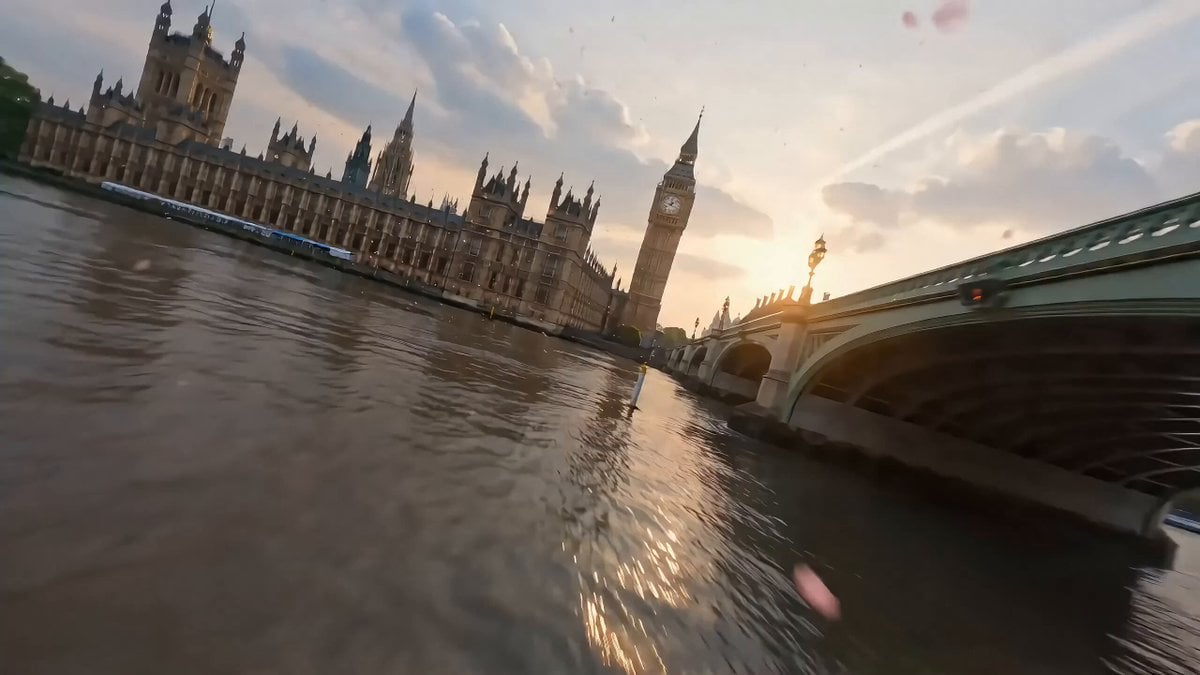
Cinematic Scene of London in Bloom

Ghibli-Style Studio Anime Sequence
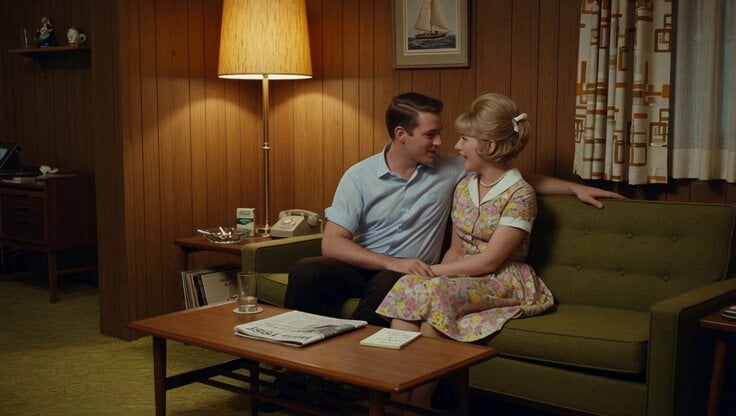
1965 Retro Living Room Scene

Flower Goddess Descent Cinematic Prompt (Epic Fantasy)
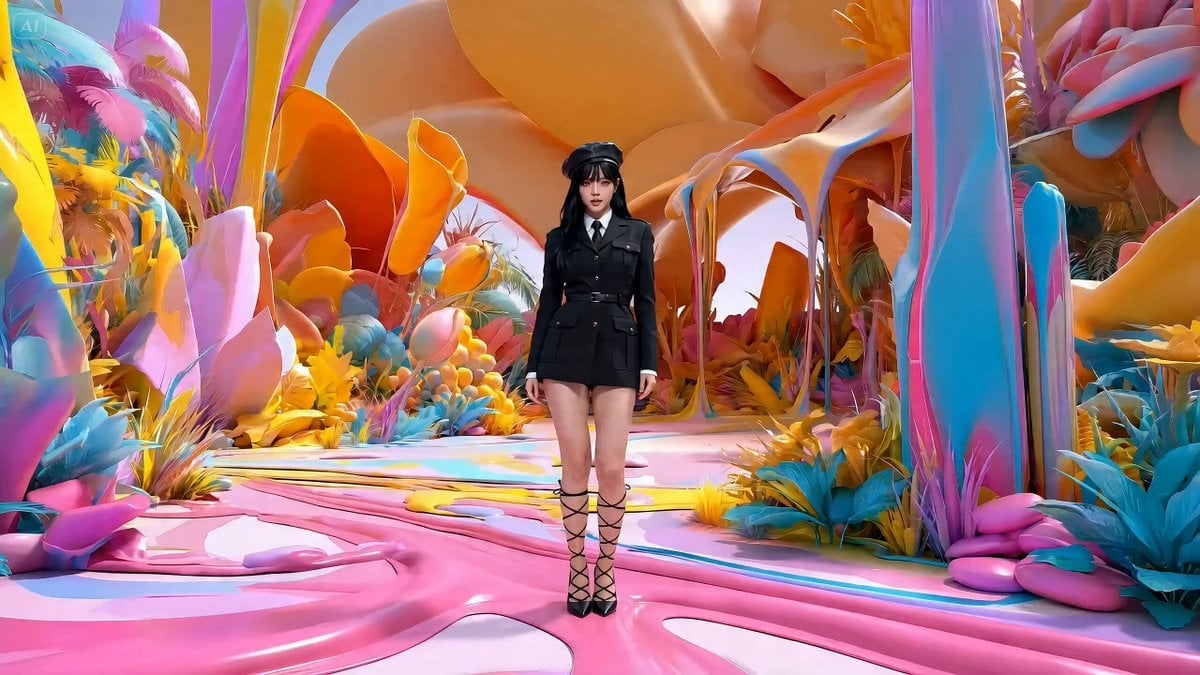
Music Video Production Prompt for Seedance 2.0
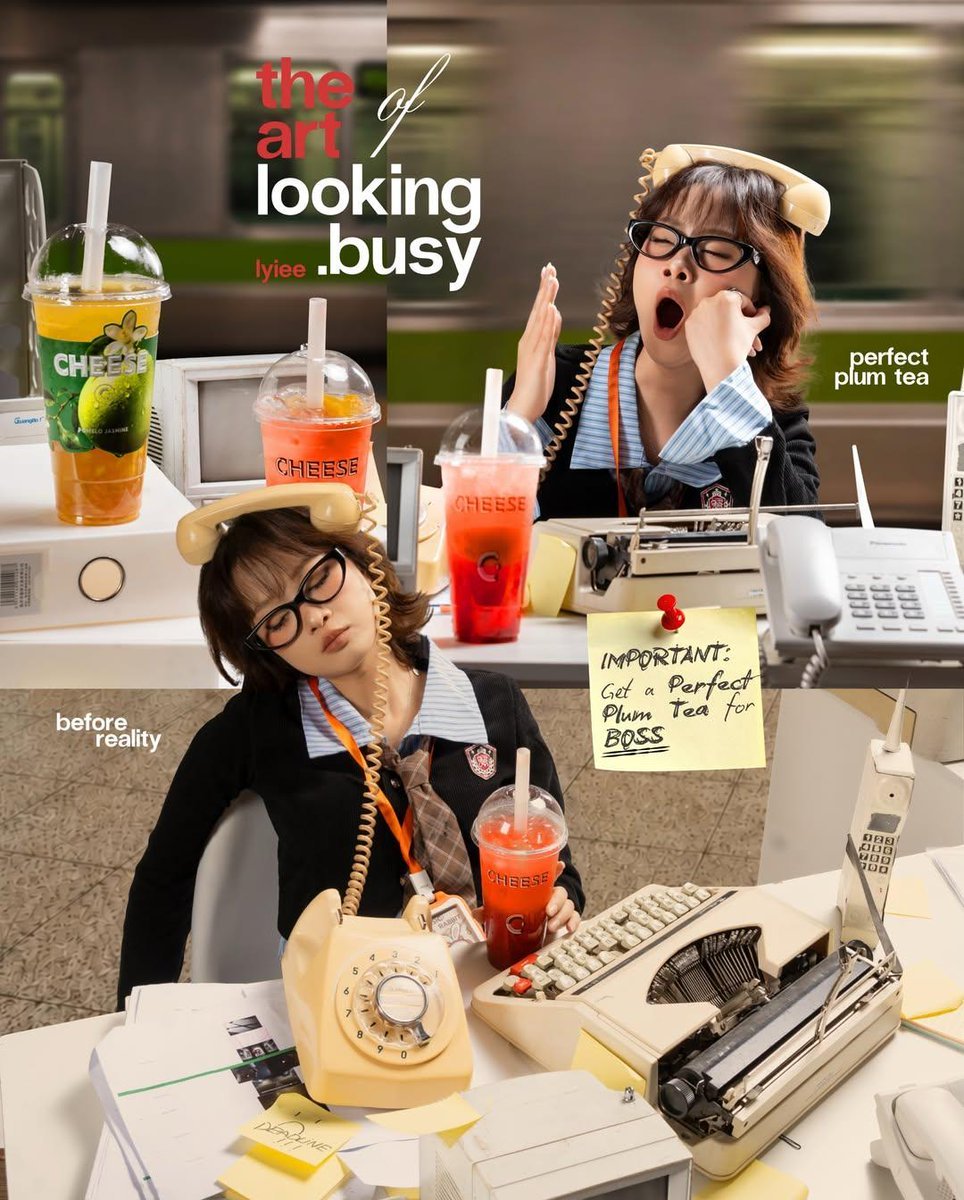
Retro Office Commercial Photography
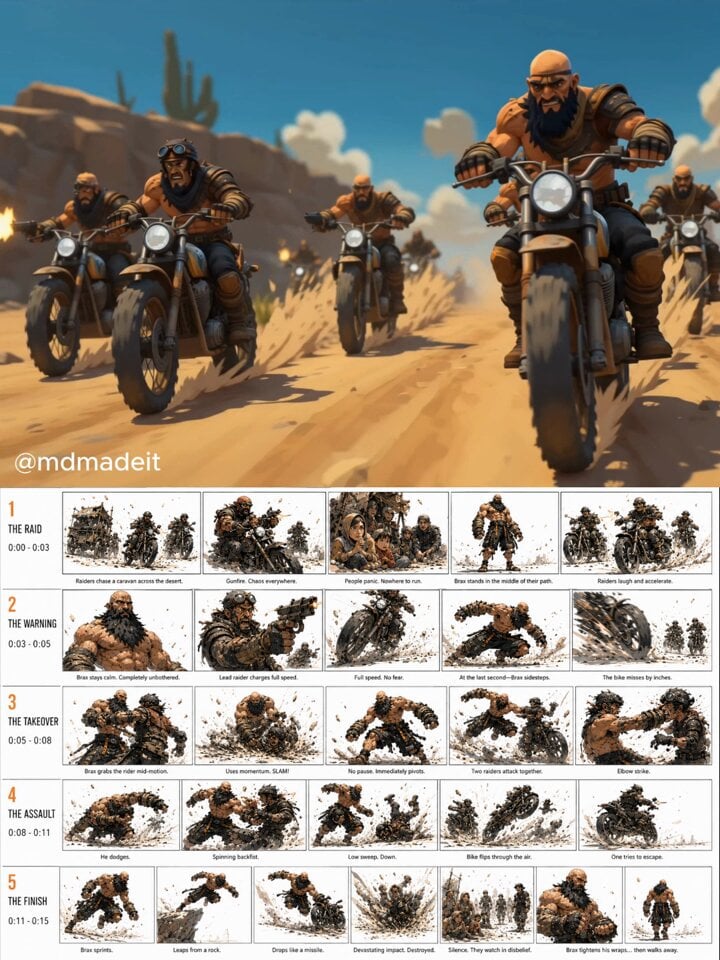
Post-Apocalyptic Desert Action Sequence
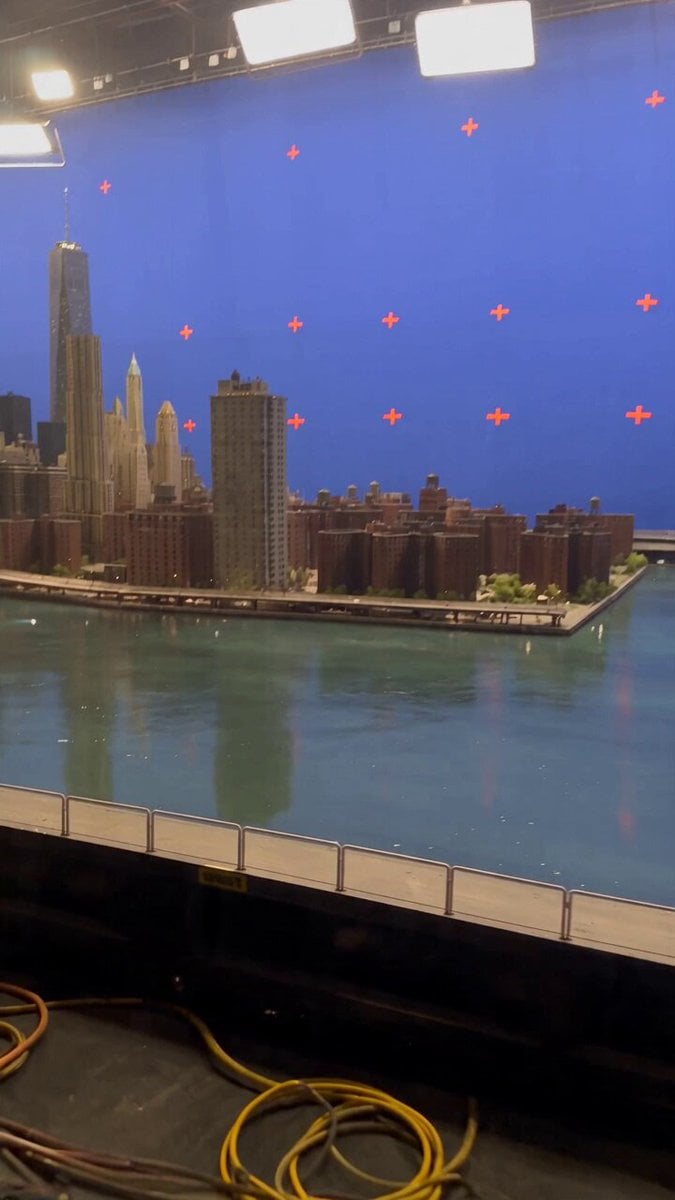
Miniature City Flood Soundstage
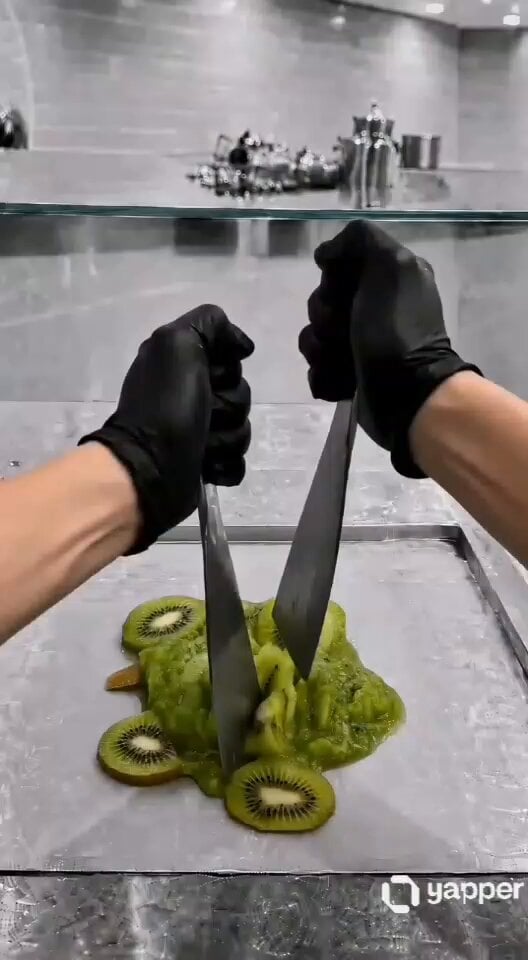
ASMR Kiwi Ice Cream Rolls Video Prompt
Browse template categories
Cinematic vampire alley fight sequence questions
How do I use the Cinematic vampire alley fight sequence template?
Add your photo if the template asks for one, edit the prompt if you like — the template's model and format are already selected — and press Generate. Your version opens in PicX Studio.
Can I customize the Cinematic vampire alley fight sequence template?
Yes. You can change the subject, setting, lighting, mood, format, and available model controls before creating your video.
Is the Cinematic vampire alley fight sequence template free?
Opening and editing this template is free. Generating uses credits, shown on the Generate button when you are signed in.
Which AI model should I use?
Start with Seedance 2.0, which is the model associated with this template. You can compare another compatible model for a different finish.
Looking for something else? Browse all templates.

Your photo, any look
Thousands of ready templates for every top image and video model, from one credit balance.