
Handcrafted Paper City Short Film
A sophisticated prompt for creating a cinematic sequence of a paper-world city, focusing on macro textures and realistic material behavior.
- Prompt included
- Model and format preset
- Free template
The prompt behind this video
Copy the exact prompt behind Handcrafted Paper City Short Film, or open it in the studio and make it yours.
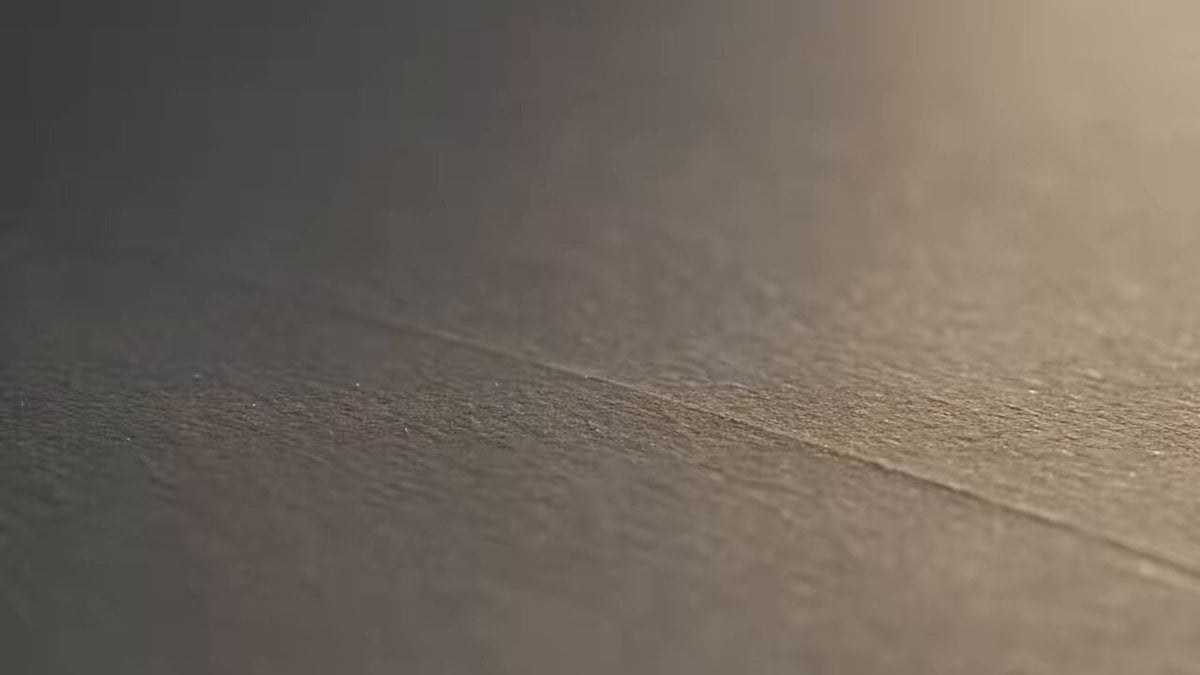
30-SECOND CINEMATIC SHORT Create a 30-second cinematic sequence with the visual discipline of a major feature film. The world is entirely made from paper, cardboard, ink, and delicate handcrafted materials. 00:00–00:05 — THE FIRST FOLD Begin with an extreme macro shot of a blank sheet of textured paper. A single fold slowly forms across its surface. Lens: 100mm macro Camera: Completely static Soft daylight moves across the paper as the fold continues. Cut precisely as the paper reaches its final shape. 00:05–00:11 — THE CITY EMERGES Transition into a 50mm shot. The folded paper begins forming miniature streets and architectural structures. Buildings rise naturally from the surface through carefully constructed paper folds. The camera slowly tracks sideways. Tiny windows catch the light. Nothing feels computer-generated; every surface should have believable paper fibers, folds, shadows, and imperfections. 00:11–00:17 — THE REVEAL Move into a 35mm shot. The camera pulls backward. The small arrangement is revealed as an enormous handcrafted paper city stretching across a large table. Roads connect different districts. Bridges cross miniature rivers. Paper trees move gently from an unseen breeze. 00:17–00:23 — MORNING Transition into a slow overhead crane shot. Warm sunlight gradually spreads across the paper city. Shadows from the buildings become longer and more defined. Tiny paper windows begin reflecting the sunlight. The camera continues rising, revealing the geometric relationship between the streets and buildings. 00:23–00:27 — THE DETAIL Cut to an 85mm close-up. Focus on a tiny paper clock mounted on one building. The clock moves forward by one minute. Rack focus from the clock to the miniature skyline behind it. 00:27–00:30 — FINAL IMAGE Return to an extreme wide shot. The entire paper city sits beneath a large studio window. The morning light completely fills the miniature world. Camera slowly pulls backward until the city becomes a small object within the larger room. Fade to black. CINEMATOGRAPHY Large-format feature-film aesthetic. 100mm macro for texture. 85mm for detail. 50mm for natural perspective. 35mm for environmental shots. Controlled dolly and crane movements. Realistic depth of field. Natural focus transitions. Soft motion blur. Subtle lens imperfections. No artificial camera shake. MATERIAL DIRECTION Every surface must visibly behave like physical paper. Visible paper fibers. Natural folds. Tiny imperfections. Soft cardboard edges. Realistic contact shadows. Believable paper thickness. Natural material deformation. LIGHTING Soft morning daylight. Large window as the primary source. Natural bounce light. Gentle shadows. Subtle warm highlights. No artificial neon effects. No excessive visual effects. CONTINUITY The same paper city throughout the entire sequence. Buildings maintain identical shapes and positions. Roads remain connected. Paper materials remain consistent.
How to use Handcrafted Paper City Short Film in 3 steps
- 1
Open
The prompt is already in the box next to the preview, with the template's model and format selected.
- 2…a portrait of your subject in softgolden-hour light, 85mm…
Personalize
Edit the subject and creative details for your destination.
- 3Generate
Generate
Press Generate — your video is created in PicX Studio, so you can compare it with the original and refine one variable at a time.
More like this
Templates with the same subject, style or setup. Open one to see its prompt.
Youth Racing Short Film
3D Animated Newspaper Delivery Short - Seedance 2.5
Realistic City Street Story Cinematic Video - Seedance
Hospital Car Park Dialogue Lip Sync
Global Flower Thank-You Film
Mechanical Flower Bloom Brand Film
Oceanic Civilization Epic Sci-Fi Film
Floating Desert Museum Cinematic Film

Haute Couture Dream Bokeh Film
Window-to-Eye Concept Film
Crystal Ball Match-Cut Brand Film
Cinematic Short Film Scene 2
Make it yours
Handcrafted Paper City Short Film works as-is. These are the safest ways to change it without losing the look.
Change one field
Copy a single group, rewrite it, and generate again so you can see what that field is doing.
Keep the frame, change the subject
Hold the composition and light of Handcrafted Paper City Short Film, then swap wardrobe, props or the person for a new take.
| If the result… | Why | Fix |
|---|---|---|
| The result drifts from the preview | Too many fields changed at once. | Reuse Handcrafted Paper City Short Film as-is first, then change one group — subject, light, or setting. |
| The model over-stylizes the scene | The prose prompt leaves finish and camera underspecified. | Add one camera or lighting sentence and stay on Seedance 2.0. |
More Seedance 2.0 templates
Other prompts made for Seedance 2.0.

Comical Martial Arts Punch Scene

Maglev Train Action Sequence

Martial Arts Fight Sequence

Wuxia Protection and Trust Script

Vintage Korean Arcade MiniDV Vlog

Mercedes 190 SL Luxury Ad

Rainy Night Supernatural Reverse Comedy Video Script

Amazon Civilization Discovery

Futuristic South Asian City Transformation

Cozy Luxury Cafe Commercial
More video prompts
Fresh picks from across the catalog.
Chiropractic Clinic Treatment Session
Cinematic 4K Bridal Video
Cinematic Shanghai Megacity Sunset
Casual Snapshot of a Cute Girl in a Messy Bedroom
Siren Pose office drama with apocalyptic twist
K-Pop Male Idol Backstage Vlog
Suspenseful Mirror Reflection Horror Scene
Cinematic horror scene with creature attack
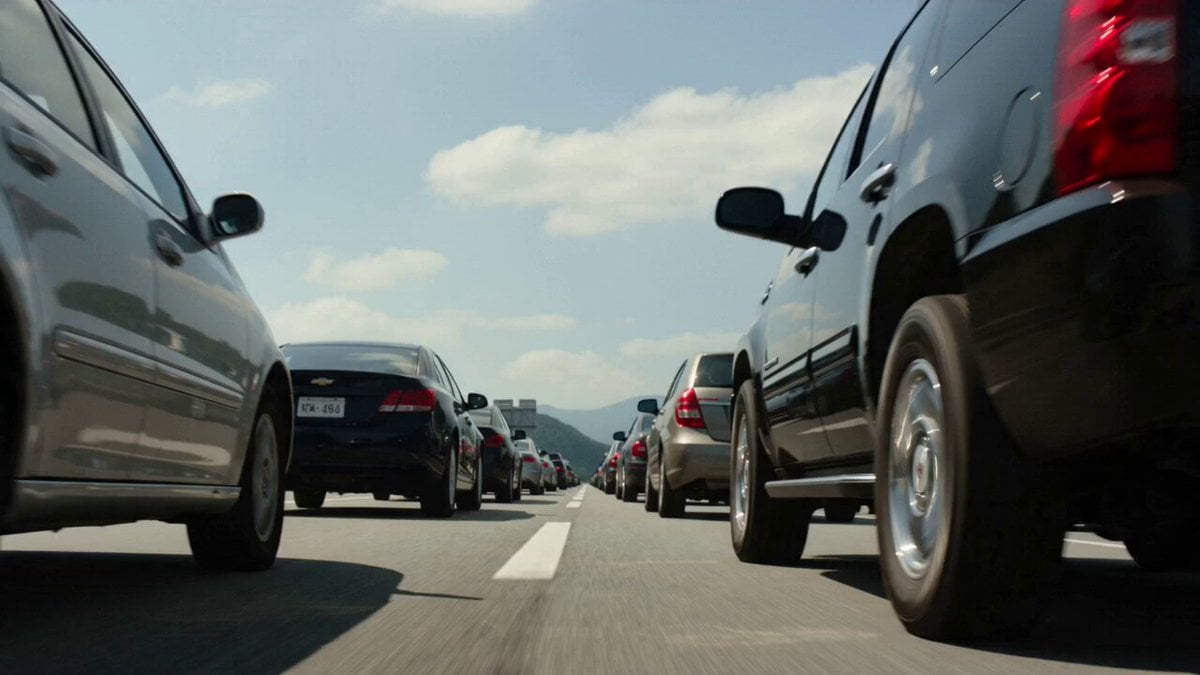
Kaiju Highway Rampage
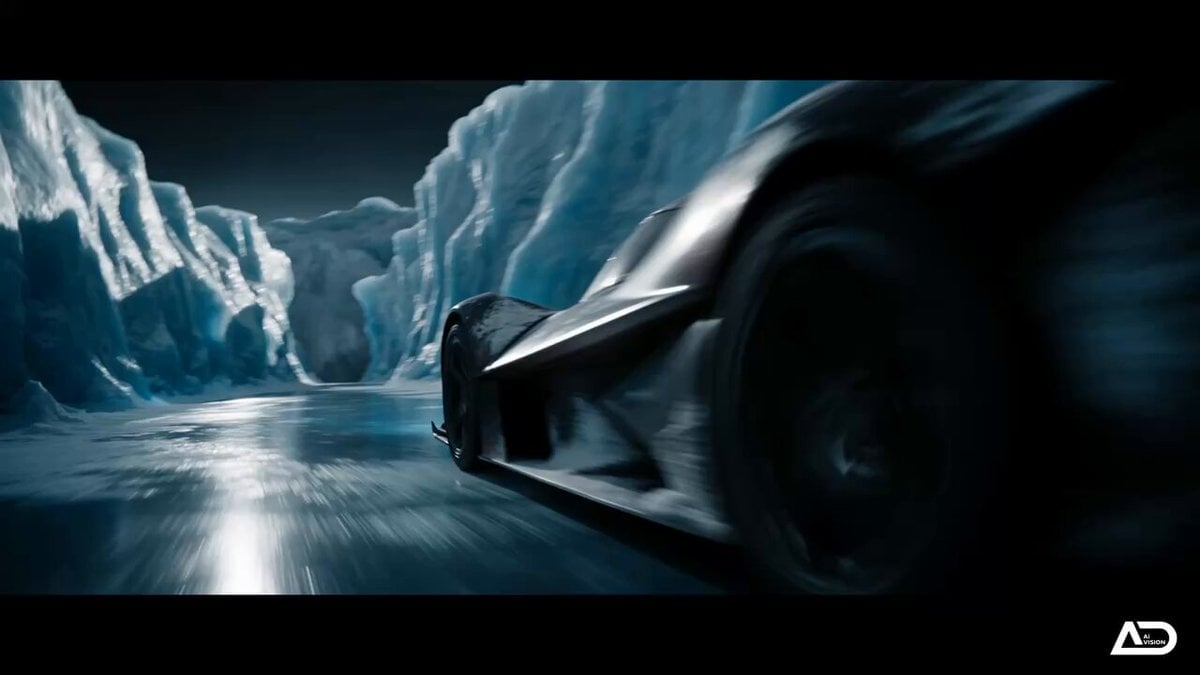
Futuristic Ice Canyon Racer Sequence
Browse template categories
Handcrafted Paper City Short Film questions
How do I use the Handcrafted Paper City Short Film template?
Add your photo if the template asks for one, edit the prompt if you like — the template's model and format are already selected — and press Generate. Your version opens in PicX Studio.
Can I customize the Handcrafted Paper City Short Film template?
Yes. You can change the subject, setting, lighting, mood, format, and available model controls before creating your video.
Is the Handcrafted Paper City Short Film template free?
Opening and editing this template is free. Generating uses credits, shown on the Generate button when you are signed in.
Which AI model should I use?
Start with Seedance 2.0, which is the model associated with this template. You can compare another compatible model for a different finish.
Looking for something else? Browse all templates.

Your photo, any look
Thousands of ready templates for every top image and video model, from one credit balance.