
Cinematic 4K Bridal Video
A detailed multi-shot cinematic prompt for generating a high-detail luxury wedding film featuring a bride, used for comparing Seedance 2.0 and Kling.
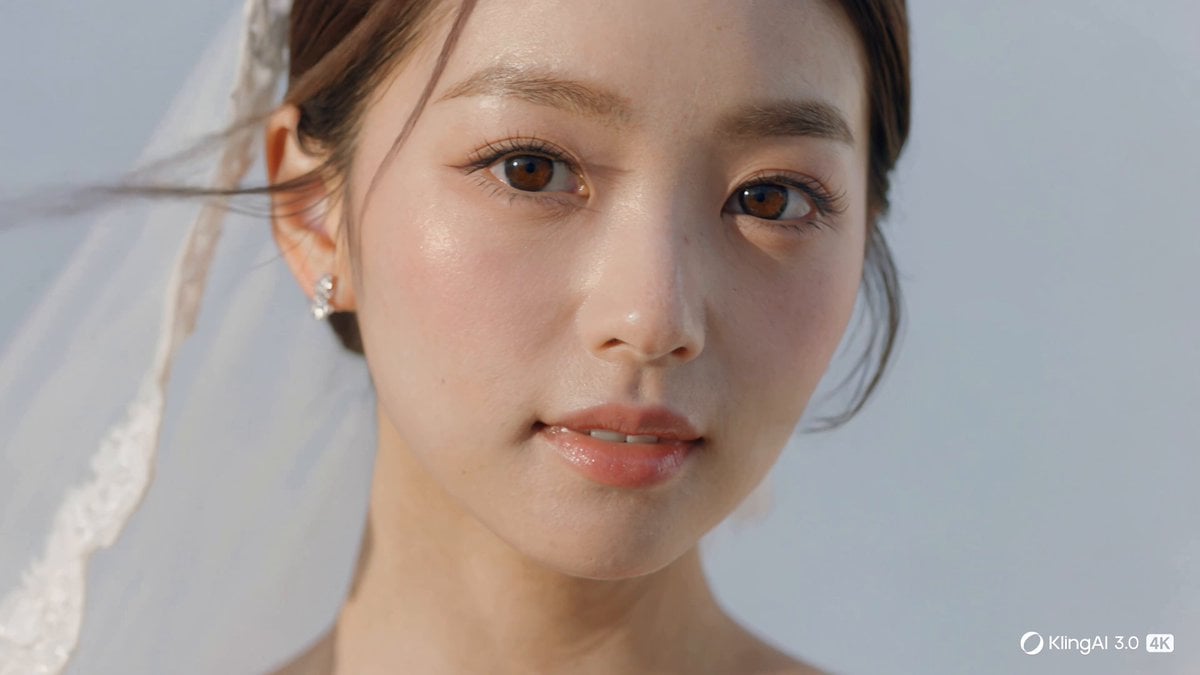
- Prompt included
- Model and format preset
- Premium template
The prompt behind this video
Copy the exact prompt behind Cinematic 4K Bridal Video, or open it in the studio and make it yours.
Create a 15-second cinematic bridal video designed to showcase stunning 4K beauty, elegant motion, and luxurious detail. The bride is young, graceful, and exceptionally beautiful, with a clear, luminous, translucent presence. She has soft radiant skin, delicate natural makeup, bright clear eyes, and an elegant gentle smile. Her overall feeling is fresh, pure, refined, romantic, and dreamlike. The video is a collection of beautiful fleeting moments, each shot feeling delicate, emotional, and visually rich. 0–3s Open with a luminous close-up of the bride’s face in soft natural light. Show her youthful beauty and translucent glow in crisp 4K detail: smooth radiant skin, soft eyelashes, glossy lips, and bright expressive eyes. A gentle breeze moves a few strands of hair and the edge of her veil. 3–6s Cut to graceful detail shots: her slender fingers touching the lace of her dress, the sparkle of a ring, delicate embroidery, pearls, and the airy soft texture of the veil. The details feel pure, elegant, and luxurious, with beautiful light gently reflecting across the fabric. 6–9s Show the bride walking slowly through a bright, dreamy setting while holding a beautiful bouquet. Her veil flows lightly behind her, and the dress moves softly with each step. Emphasize her youthful elegance, soft posture, and the romantic shimmer of the gown. 9–12s Cut to an emotional medium shot as she turns slightly toward the camera. Her smile is soft, innocent, and radiant. The light wraps around her beautifully, enhancing her clear and delicate presence. The veil and dress move gracefully, creating a timeless romantic feeling. 12–15s End with the most breathtaking moment: a beautiful full shot of the bride surrounded by luminous light, bouquet in hand, veil floating elegantly. She pauses in a poised, unforgettable pose, looking like the final frame of a luxury wedding film. Her beauty feels youthful, pure, transparent, and deeply enchanting. Style and visual direction Ultra-beautiful bridal cinematography, youthful elegance, translucent beauty, emotionally rich, soft, romantic, luxurious, delicate, refined, visually poetic, high-detail 4K imagery, natural light, dreamy glow, premium wedding film feeling, graceful camera movement, strong shot variety, consistent bride appearance, every moment polished and beautiful.
How to use Cinematic 4K Bridal Video in 3 steps
- 1
Open
The prompt is already in the box next to the preview, with the template's model and format selected.
- 2…a portrait of your subject in softgolden-hour light, 85mm…
Personalize
Edit the subject and creative details for your destination.
- 3Generate
Generate
Press Generate — your video is created in PicX Studio, so you can compare it with the original and refine one variable at a time.
More like this
Templates with the same subject, style or setup. Open one to see its prompt.
Make it yours
Cinematic 4K Bridal Video works as-is. These are the safest ways to change it without losing the look.
Change one field
Copy a single group, rewrite it, and generate again so you can see what that field is doing.
Keep the frame, change the subject
Hold the composition and light of Cinematic 4K Bridal Video, then swap wardrobe, props or the person for a new take.
| If the result… | Why | Fix |
|---|---|---|
| The result drifts from the preview | Too many fields changed at once. | Reuse Cinematic 4K Bridal Video as-is first, then change one group — subject, light, or setting. |
| The model over-stylizes the scene | The prose prompt leaves finish and camera underspecified. | Add one camera or lighting sentence and stay on Seedance 2.0. |
More Seedance 2.0 templates
Other prompts made for Seedance 2.0.

Comical Martial Arts Punch Scene

Maglev Train Action Sequence

Martial Arts Fight Sequence

Wuxia Protection and Trust Script

Vintage Korean Arcade MiniDV Vlog

Mercedes 190 SL Luxury Ad

Rainy Night Supernatural Reverse Comedy Video Script

Amazon Civilization Discovery

Futuristic South Asian City Transformation

Cozy Luxury Cafe Commercial
More video prompts
Fresh picks from across the catalog.

Seedance 2.0 Prompt for 'Lobster' Scam Vlog
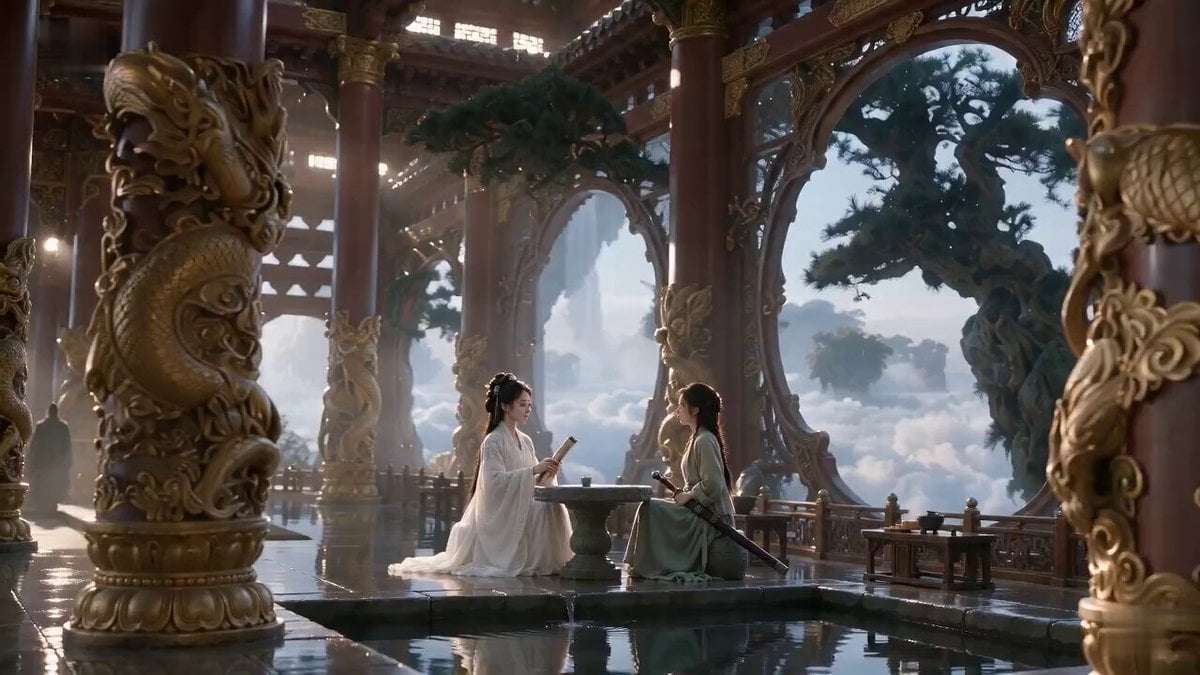
Cinematic Wuxia comedy swordmaster scene
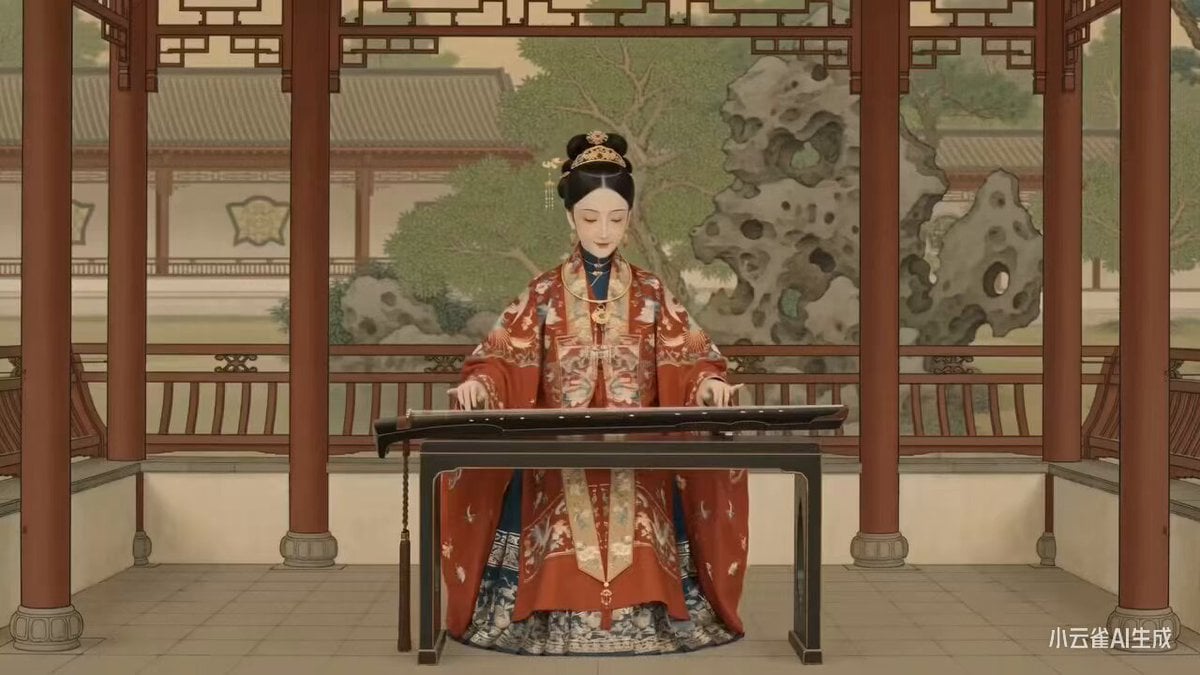
Seedance 2.0 Ming Dynasty Painting Revival Prompt

Kindergarten Morning Departure Pose
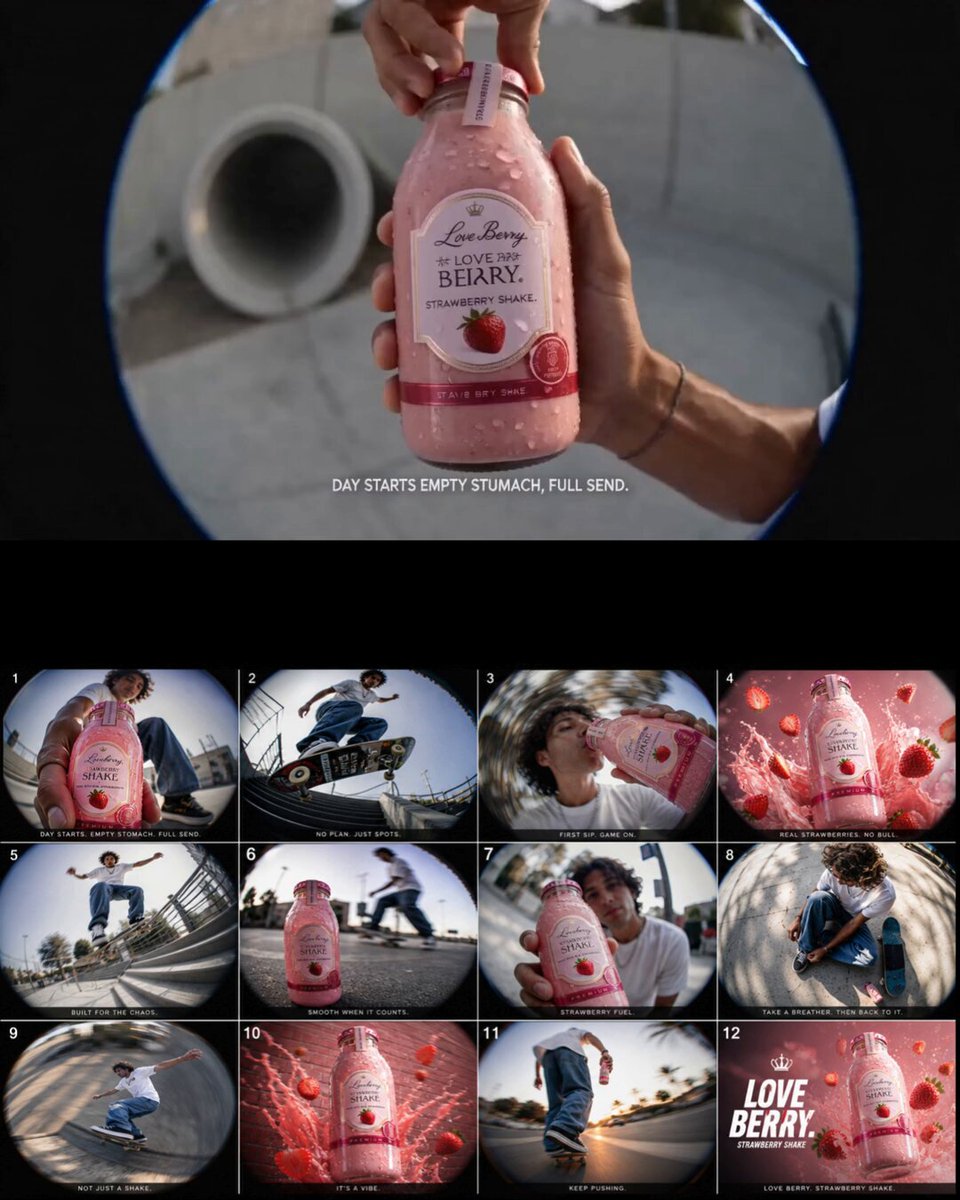
Retro Skate Video Strawberry Shake Ad

Live-Action Sci-Fi Warrior Prompt
90s Nostalgic One-Take Video
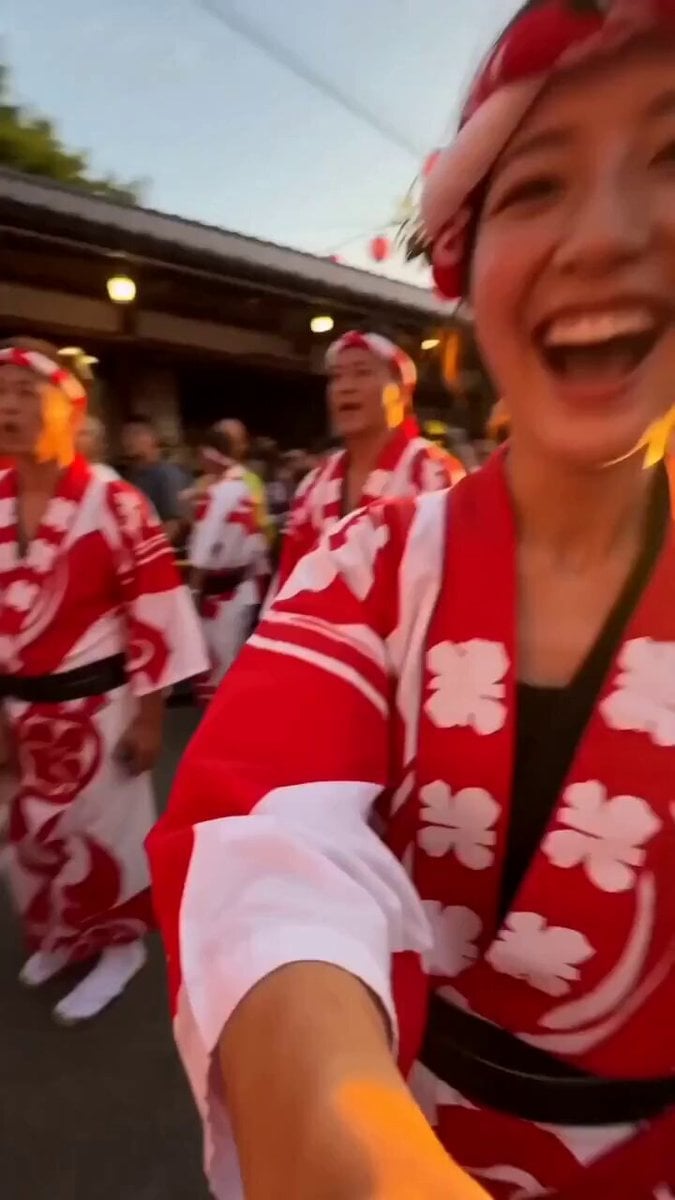
Japanese Summer Festival Selfie Vlog
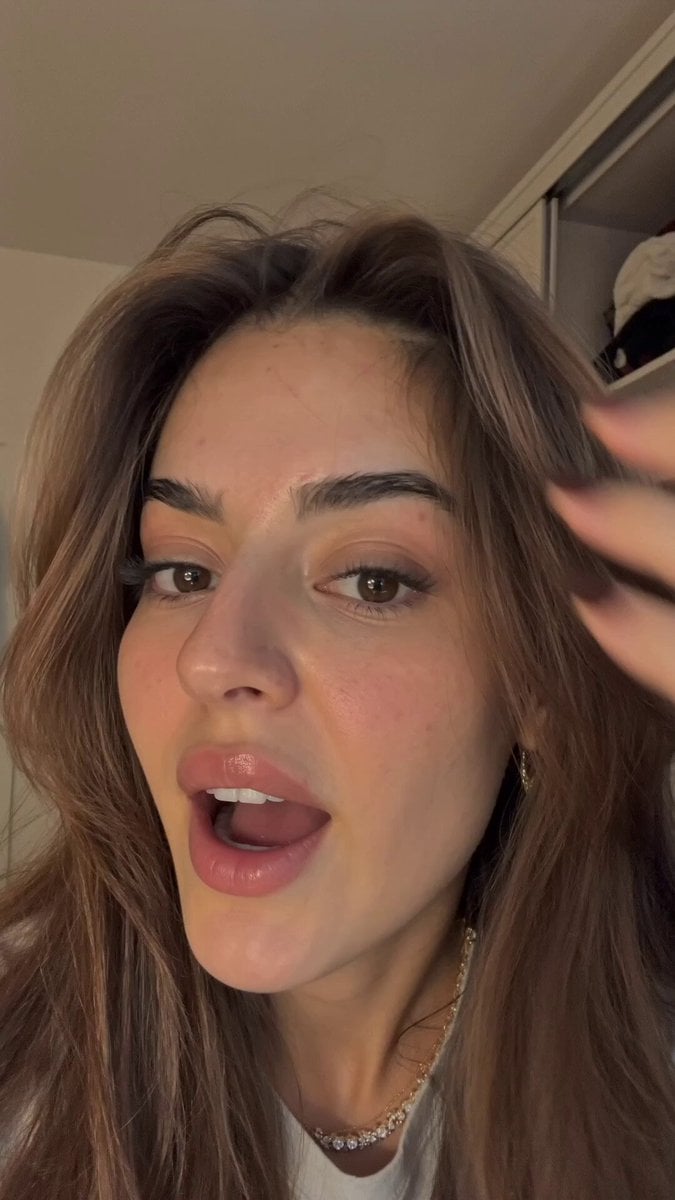
Realistic bedroom video recording prompt
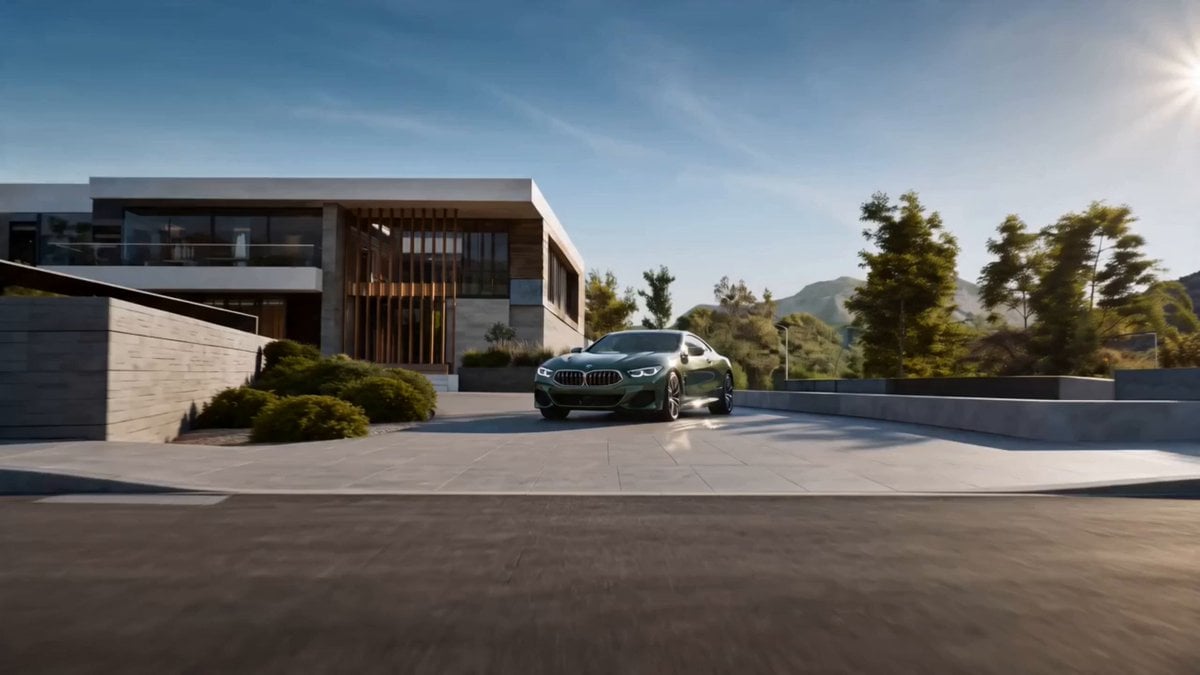
Cinematic BMW 8 Series Commercial
Browse template categories
Cinematic 4K Bridal Video questions
How do I use the Cinematic 4K Bridal Video template?
Add your photo if the template asks for one, edit the prompt if you like — the template's model and format are already selected — and press Generate. Your version opens in PicX Studio.
Can I customize the Cinematic 4K Bridal Video template?
Yes. You can change the subject, setting, lighting, mood, format, and available model controls before creating your video.
Is the Cinematic 4K Bridal Video template free?
Opening and editing this template is free. Generating uses credits, shown on the Generate button when you are signed in.
Which AI model should I use?
Start with Seedance 2.0, which is the model associated with this template. You can compare another compatible model for a different finish.
Looking for something else? Browse all templates.

Your photo, any look
Thousands of ready templates for every top image and video model, from one credit balance.