How do I use the Music Video Production Prompt for Seedance 2.0 template?
Edit the prompt in the box under the preview — the template's model and format are already selected — and press Generate. Your version appears right on this page.
A detailed prompt for generating a 15-second music video (MV) using Seedance 2.0, combining a female character image, a background image, and an audio track (Suno v5.5).
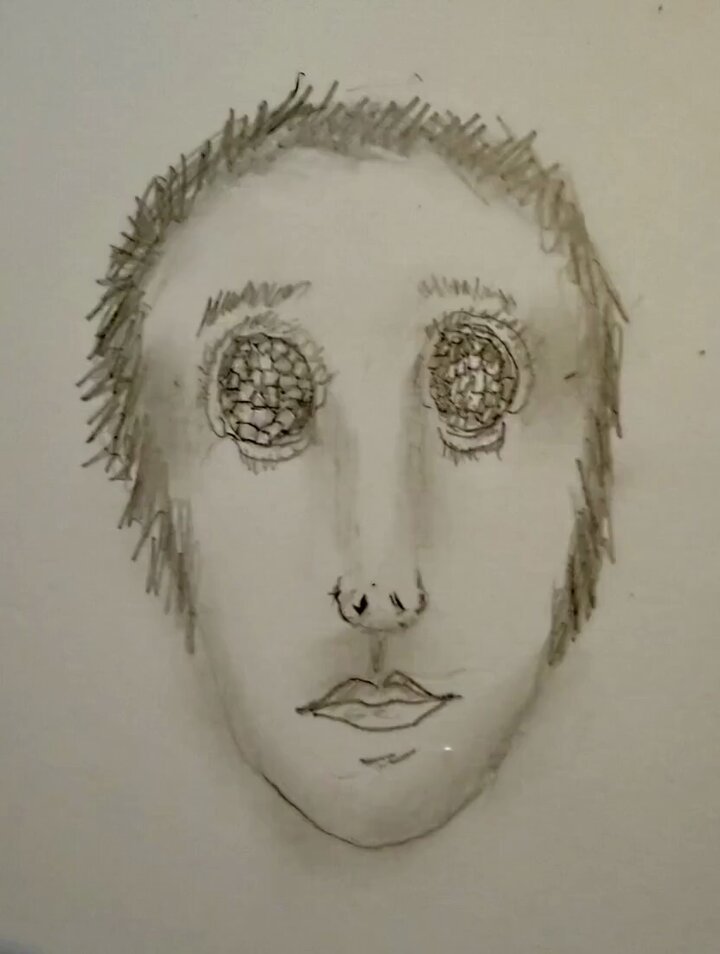
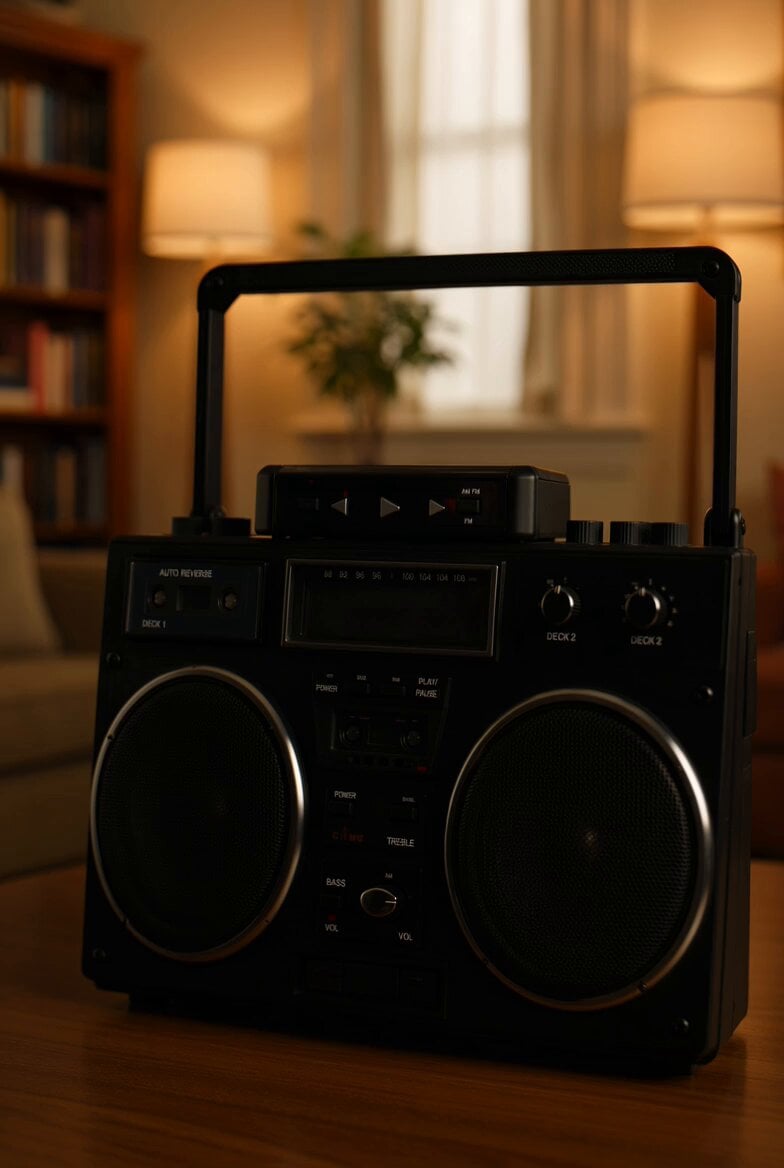
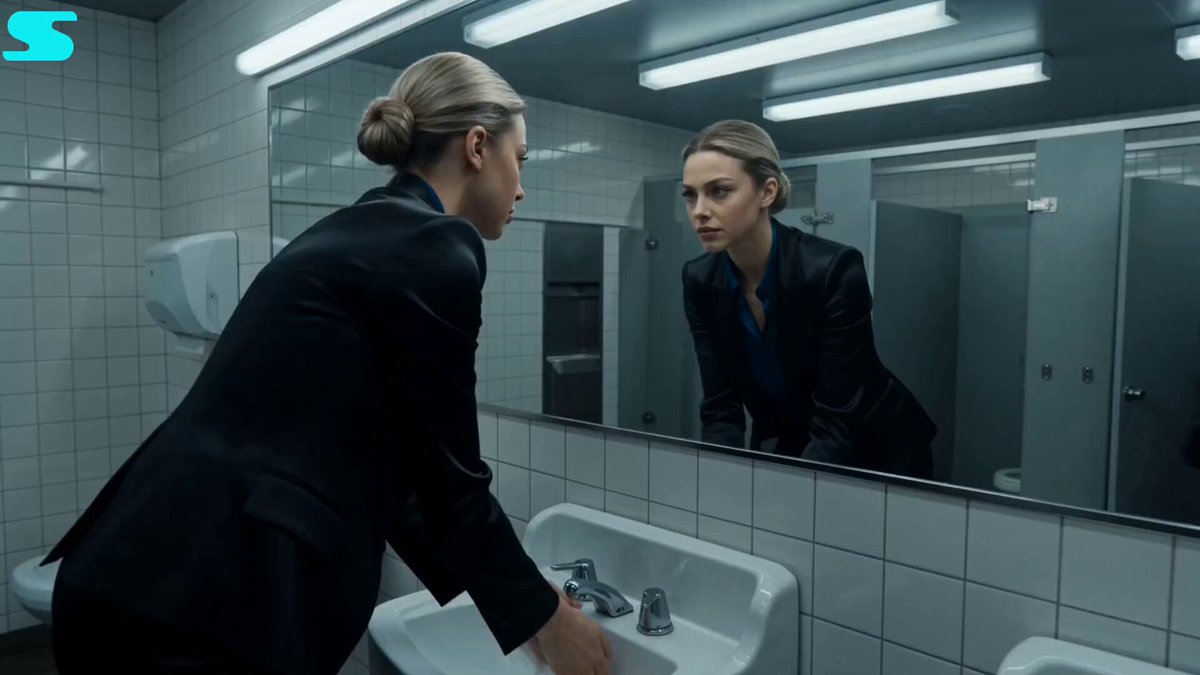
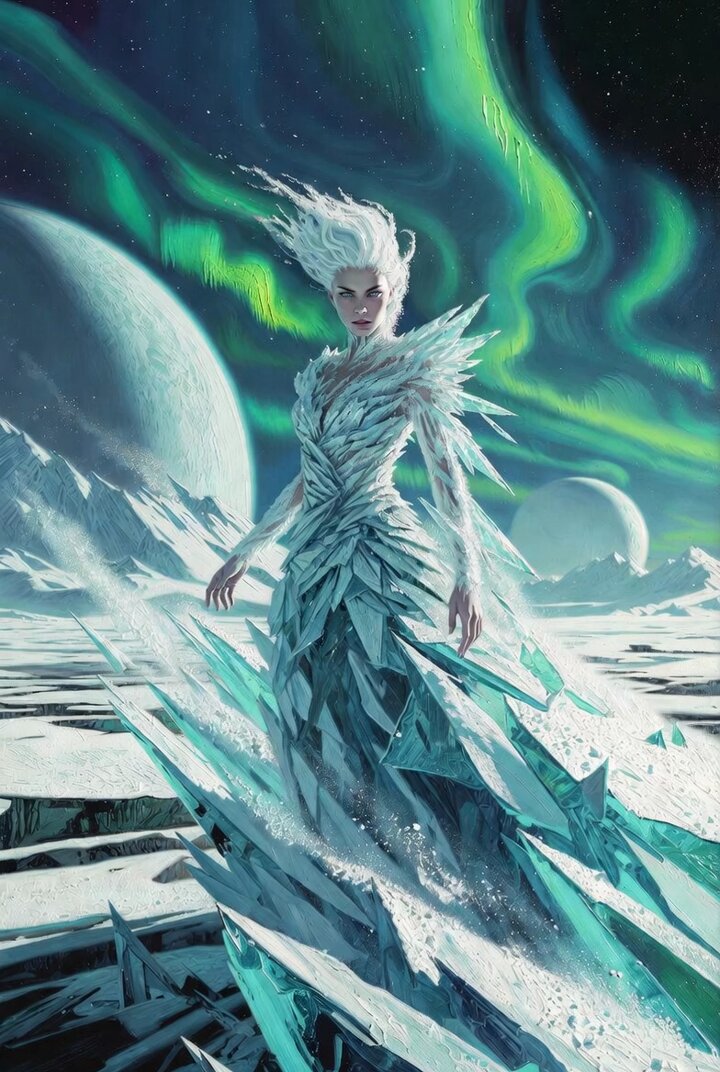
The woman from [Image 1] dances a dope hip-hop dance to the track from [Audio 1], in the location from [Image 2]. Let your creativity explode and condense a 15-second music video that no one on this earth has ever seen. Whether it's multi-cut or one long unbroken take, only god knows. An artistic 15-second MV, influenced by Fauvist and Surrealist artists, that excites the viewer.
The woman from [Image 1] dances a dope hip-hop dance to the track from [Audio 1], in the location from [Image 2]. Let your creativity explode and condense a 15-second music video that no one on this earth has ever seen. Whether it's multi-cut or one long unbroken take, only god knows. An artistic 15-second MV, influenced by Fauvist and Surrealist artists, that excites the viewer.
Edit the prompt in the box under the preview — the template's model and format are already selected — and press Generate. Your version appears right on this page.
Yes. You can change the subject, setting, lighting, mood, format, and available model controls before creating your video.
Opening and editing this template is free. Generating uses credits, shown on the Generate button when you are signed in.
Start with Seedance 2.0, which is the model associated with this template. You can compare another compatible model for a different finish.
Follow a topic to a crawlable collection of related PicX Studio templates.