
Stormy Sea Action Mutation Sequence
An intense action sequence set on a storm-tossed sea involving a rescue and a fish-like humanoid transformation.
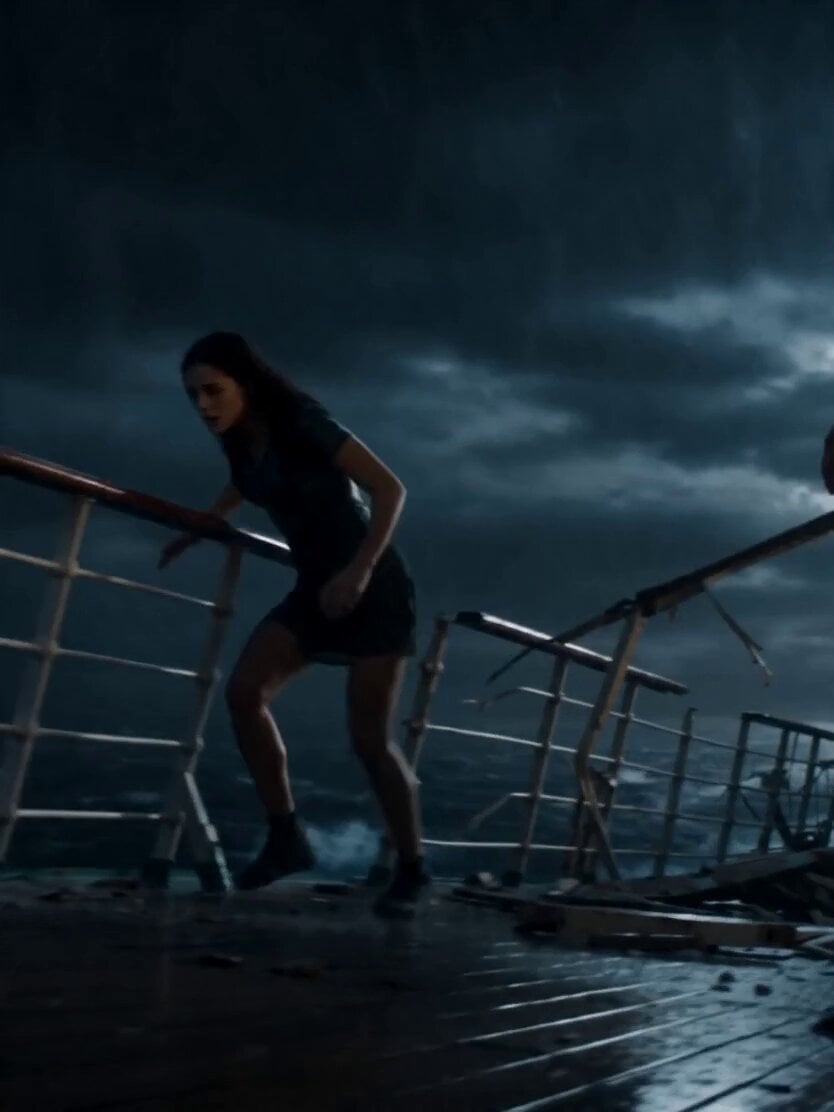
- Prompt included
- Model and format preset
- Free template
The prompt behind this video
Copy the exact prompt behind Stormy Sea Action Mutation Sequence, or open it in the studio and make it yours.
A hyper-real fast paced action sequence set on a storm-tossed sea at night. Heavy rain, lightning flashes, violent waves. A damaged ship lists, with a broken railing and loose debris. Sound: thunder, wind, crashing water. ⸻ Shot 1 (0–2s): On the slick deck, a woman slips near the broken railing—falls overboard into the dark water. A young man lunges, misses, screams: “No!” ⸻ Shot 2 (2–6s): He looks up into lightning—face contorts. His body mutates into a fish-like humanoid: gills open, skin slickens, limbs streamline. He sprints and dives cleanly into the sea. ⸻ Shot 3 (6–10s): Underwater, murky and turbulent—she’s sinking, disoriented. A shark silhouette cuts through the water, accelerating toward her. The transformed man powers forward, faster, weaving through bubbles and debris—closing the gap. ⸻ Shot 4 (10–13s): He reaches her a moment before the shark, grabs her securely, and kicks hard away, changing direction sharply. The shark overshoots, turns, but loses distance in the churn. He ascends toward floating wreckage. ⸻ Shot 5 (13–15s): He lifts her onto a piece of floating debris, then reverts back to human form—gills sealing, skin normalizing. Lightning flashes. Cut.
How to use Stormy Sea Action Mutation Sequence in 3 steps
- 1
Open
The prompt is already in the box next to the preview, with the template's model and format selected.
- 2…a portrait of your subject in softgolden-hour light, 85mm…
Personalize
Edit the subject and creative details for your destination.
- 3Generate
Generate
Press Generate — your video is created in PicX Studio, so you can compare it with the original and refine one variable at a time.
More like this
Templates with the same subject, style or setup. Open one to see its prompt.
Colossal Sea Creature — Stormy Shore Charge (Seedance)
Tiger vs Gorilla — Jungle Canyon Clash
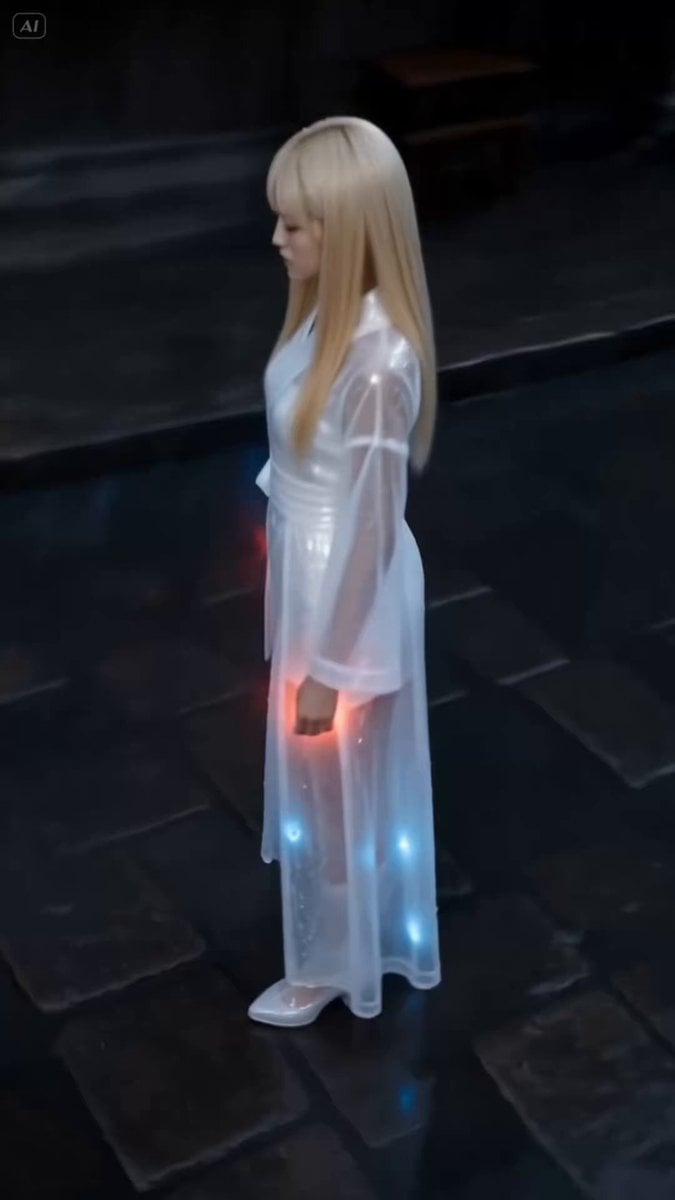
Dark Stormy Town Action Sequence

Maglev Train Action Sequence
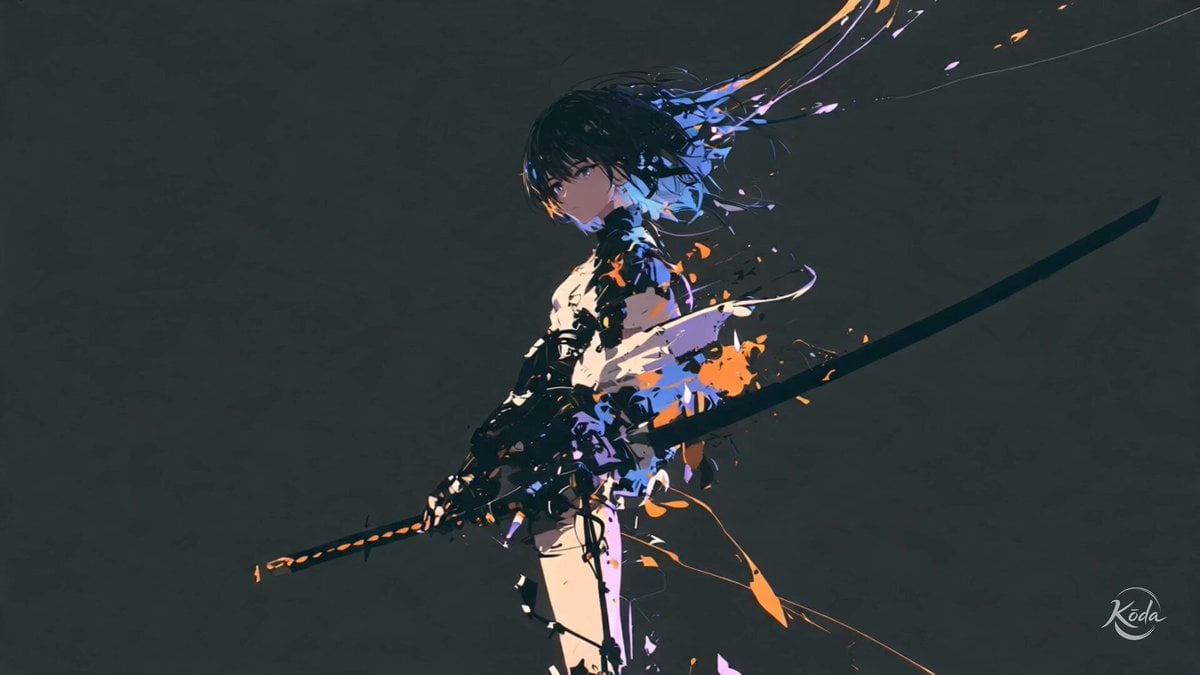
Cinematic Swordswoman Action Sequence
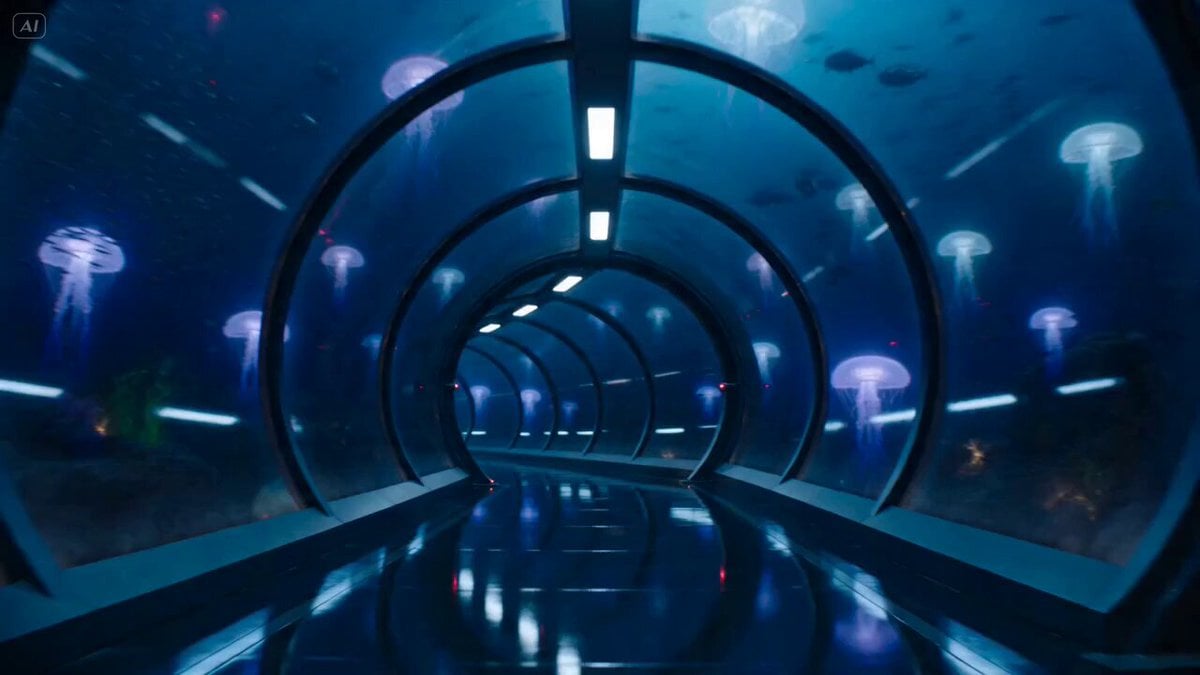
Underwater Glass Tunnel Action Sequence
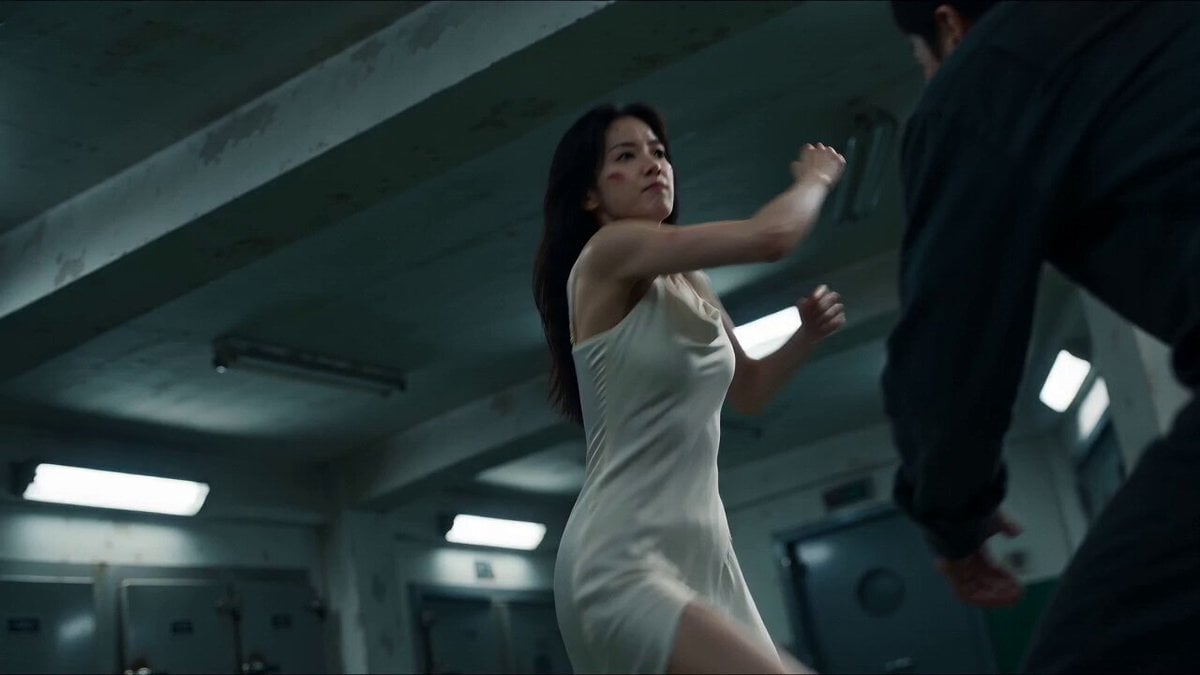
Cinematic Morgue Action Sequence
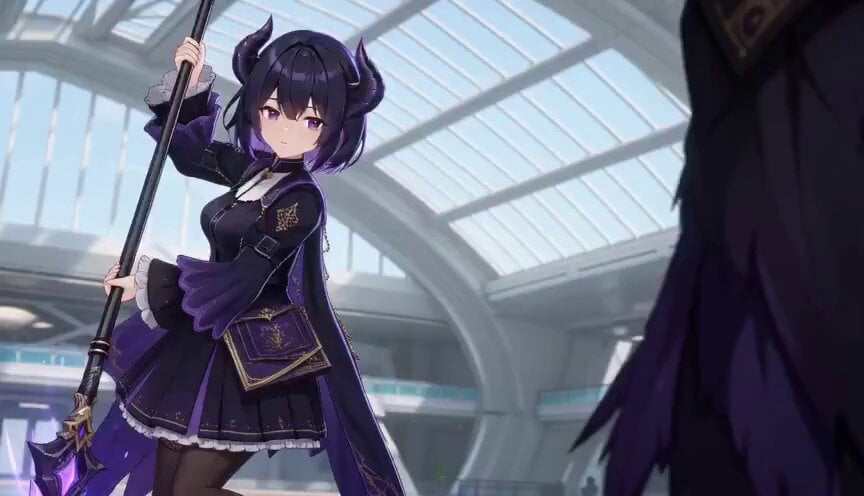
3D Toon Fantasy RPG Action Sequence
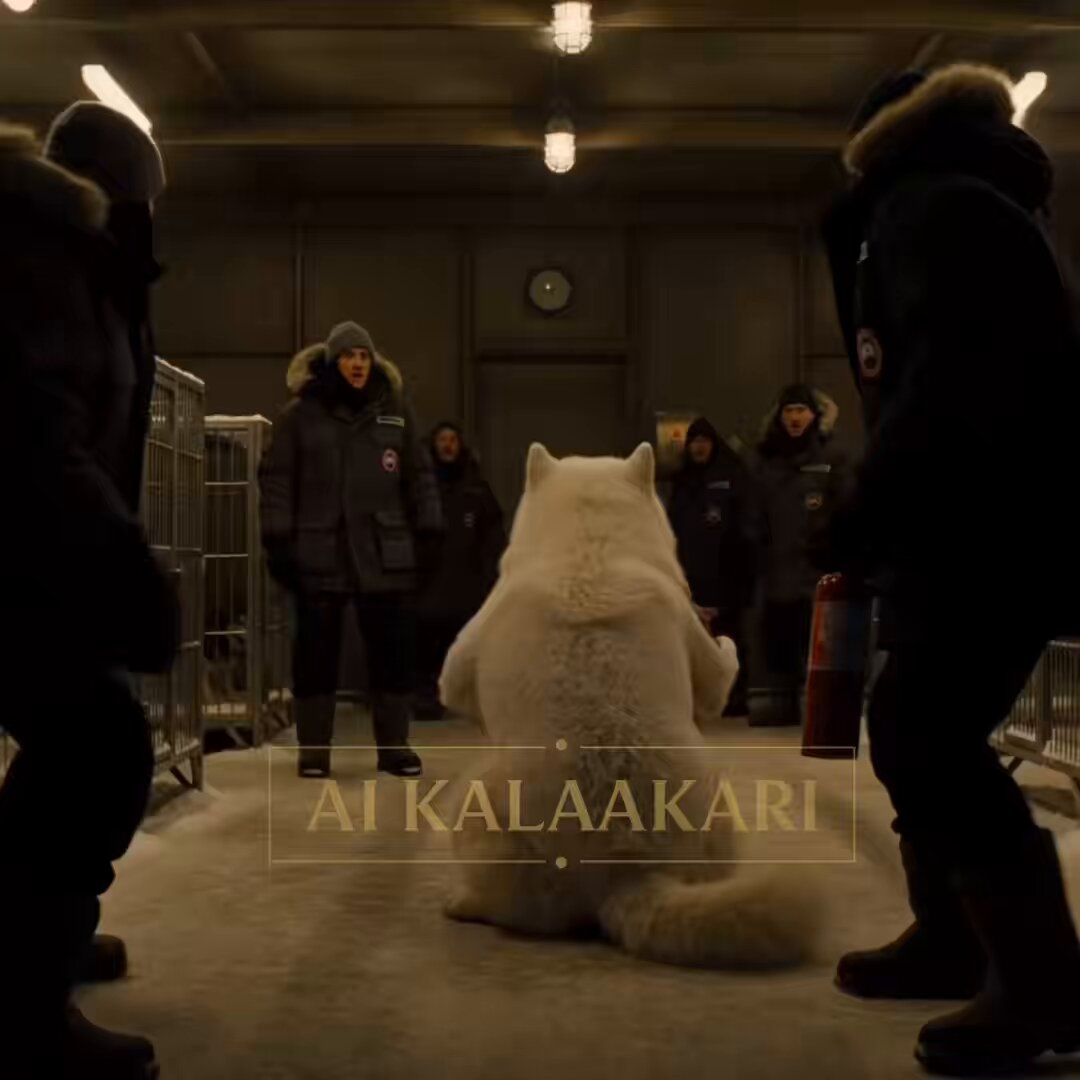
Sled Dog Mutation Body Horror Sequence
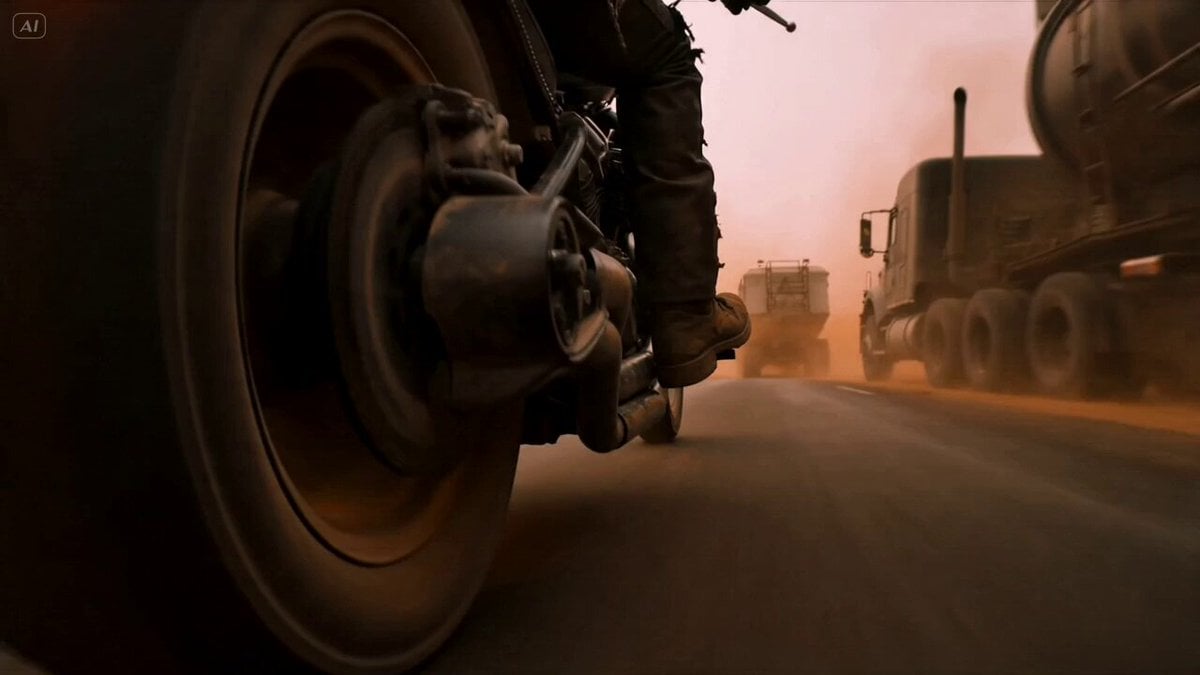
Mad Max Cybernetic Biker Action Sequence

Walking Factory with Rebel on Hoverbike - Wasteland
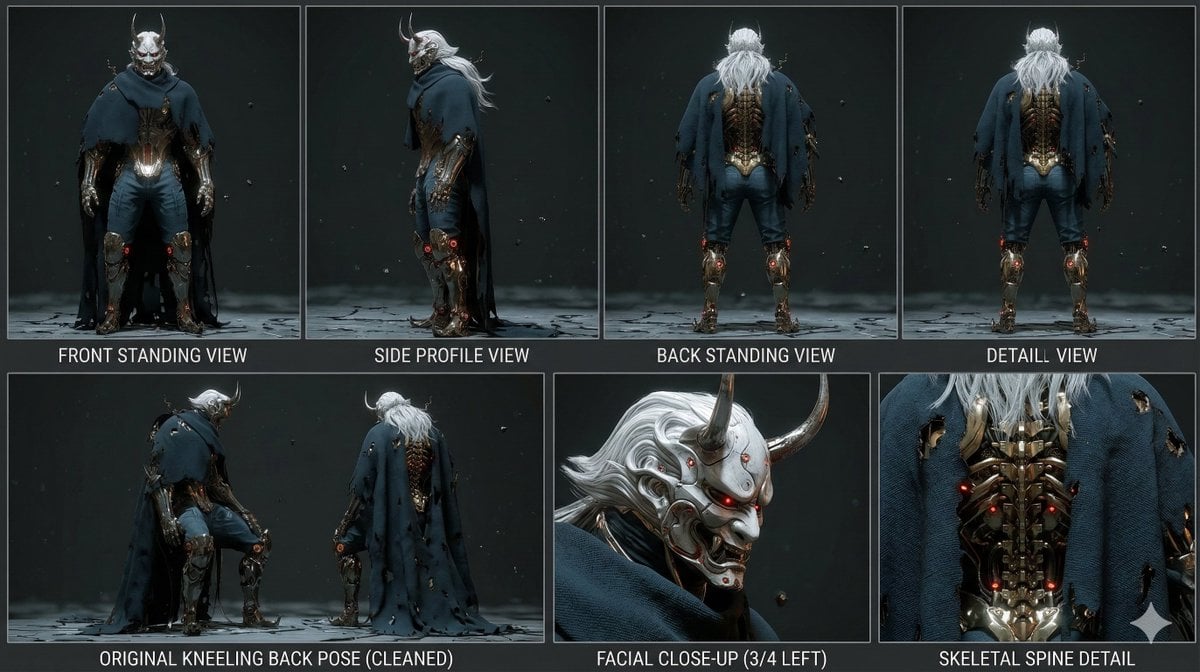
Mutation Sequence: Confronting Inner Demons in Cyberspace
Make it yours
Stormy Sea Action Mutation Sequence works as-is. These are the safest ways to change it without losing the look.
Change one field
Copy a single group, rewrite it, and generate again so you can see what that field is doing.
Keep the frame, change the subject
Hold the composition and light of Stormy Sea Action Mutation Sequence, then swap wardrobe, props or the person for a new take.
| If the result… | Why | Fix |
|---|---|---|
| The result drifts from the preview | Too many fields changed at once. | Reuse Stormy Sea Action Mutation Sequence as-is first, then change one group — subject, light, or setting. |
| The model over-stylizes the scene | The prose prompt leaves finish and camera underspecified. | Add one camera or lighting sentence and stay on Seedance 2.0. |
More Seedance 2.0 templates
Other prompts made for Seedance 2.0.

Comical Martial Arts Punch Scene

Martial Arts Fight Sequence

Wuxia Protection and Trust Script

Vintage Korean Arcade MiniDV Vlog

Mercedes 190 SL Luxury Ad

Rainy Night Supernatural Reverse Comedy Video Script

Amazon Civilization Discovery

Futuristic South Asian City Transformation

Cozy Luxury Cafe Commercial

Cyber Ronin Nanotech Transformation Video
More video prompts
Fresh picks from across the catalog.
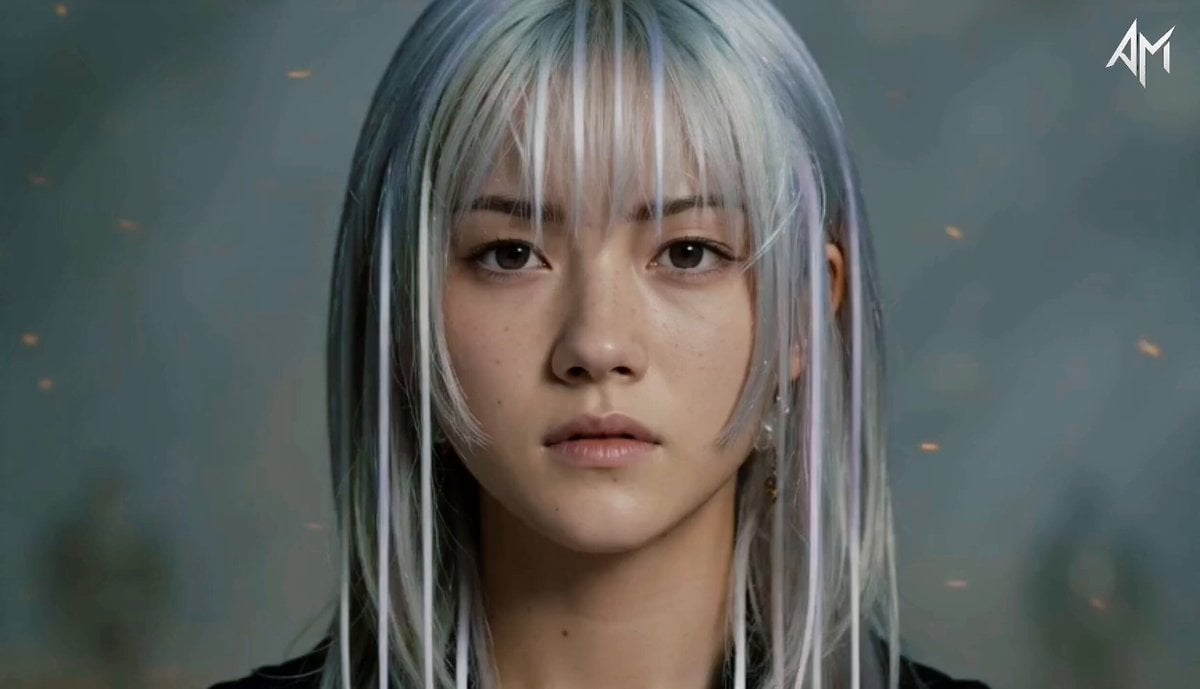
Consistent Cinematic Character Sequence
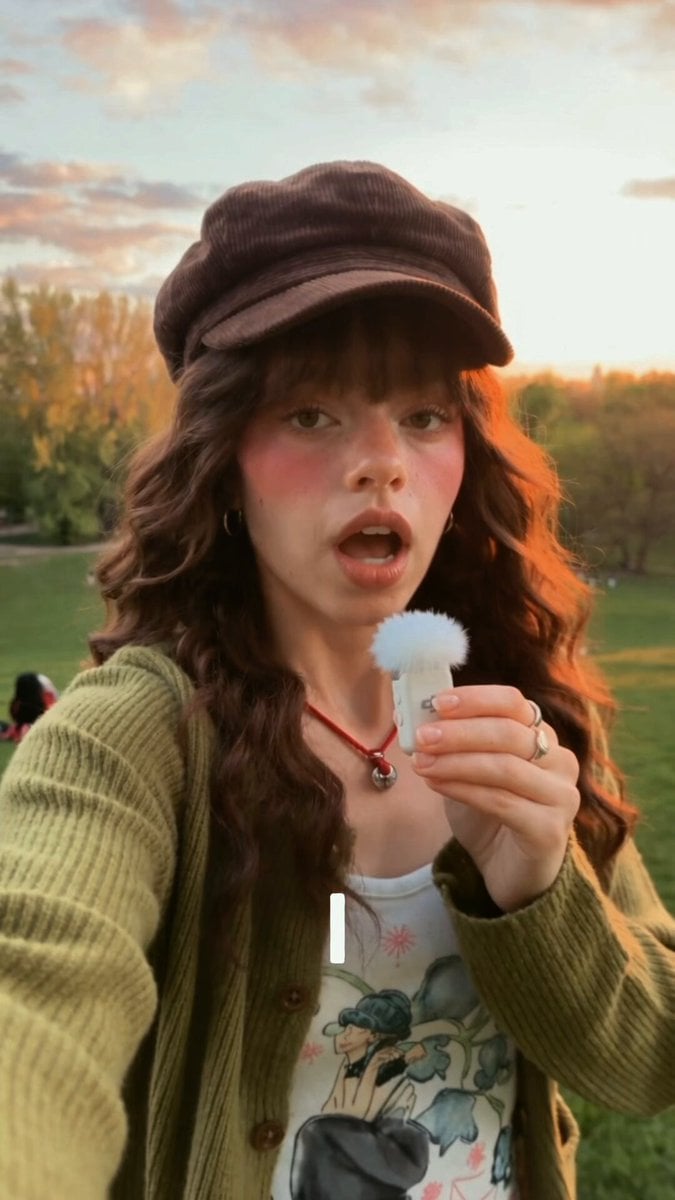
Continuous Unbroken Selfie Vlog Prompt
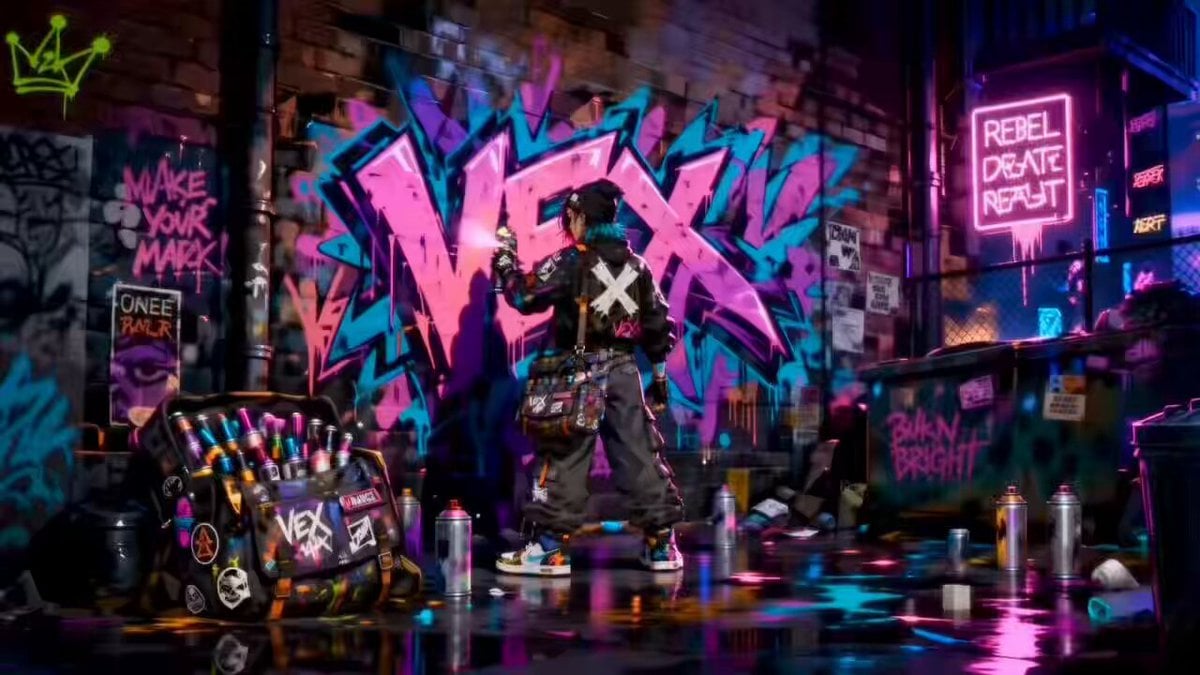
Rooftop Chase Motion Phrases
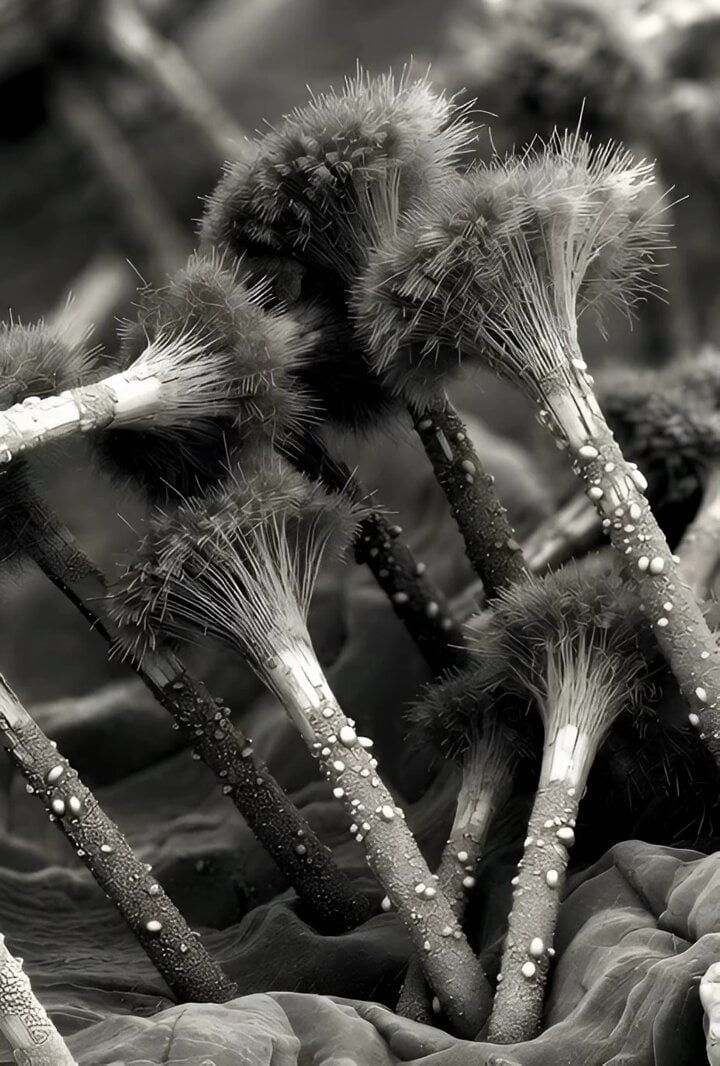
Microscopic Photograph of Iron Whiskers and Crystals
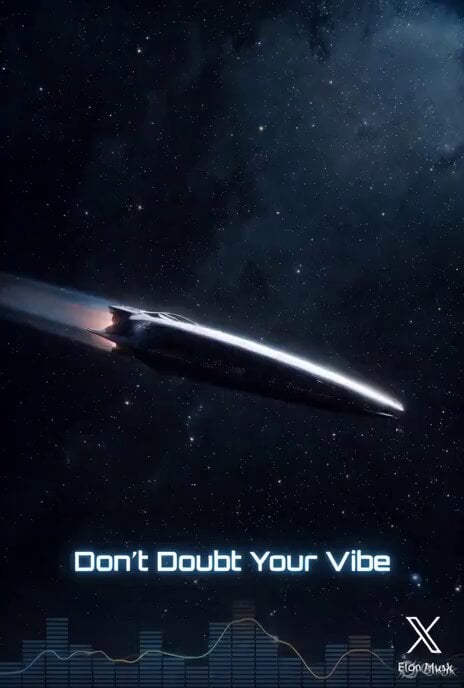
High-Detail Keyframe Images for Resonance Codex Light Ship
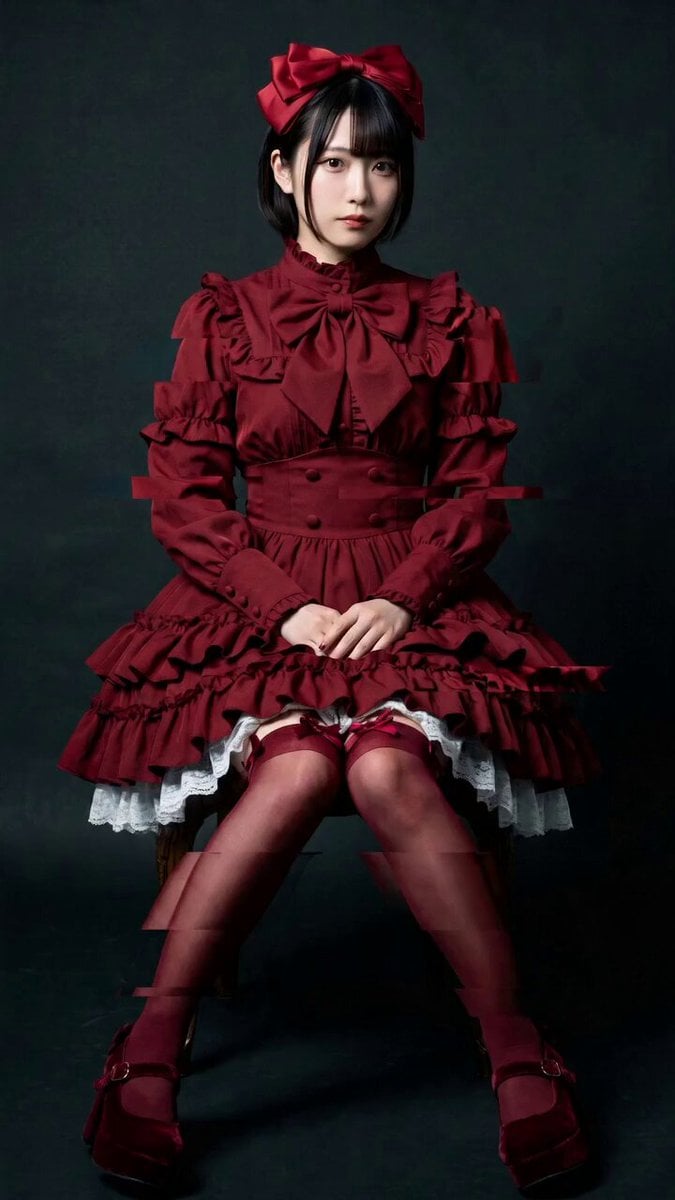
Elegant Camera Orbit for Seated Woman
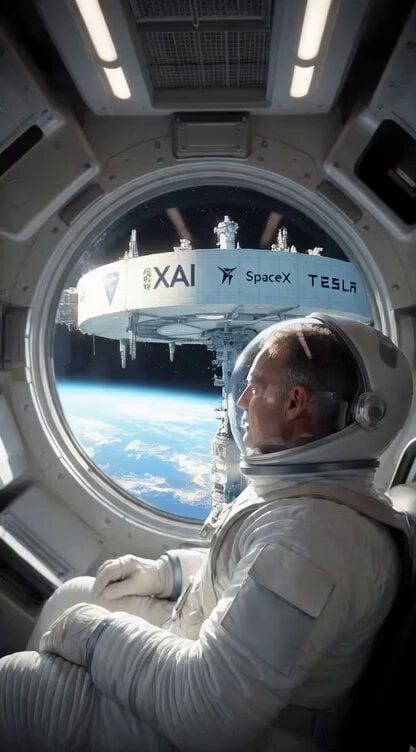
Sun Absorbed by Terafab Video Prompt
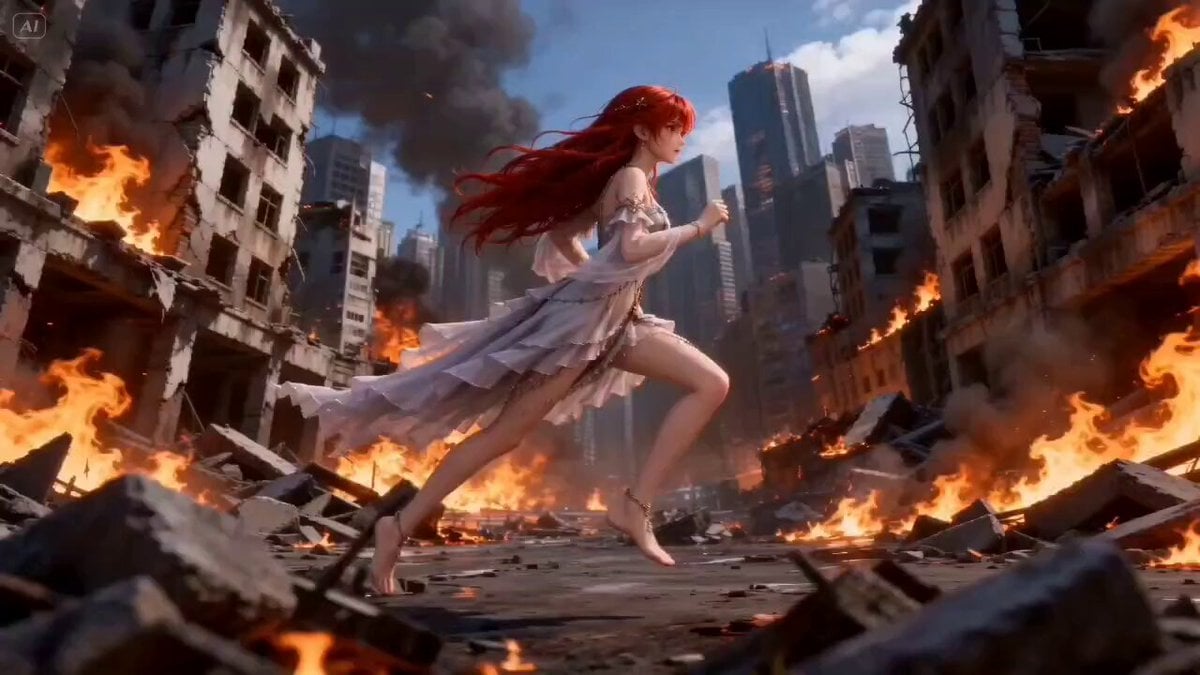
Mage Fireball Attack Anime
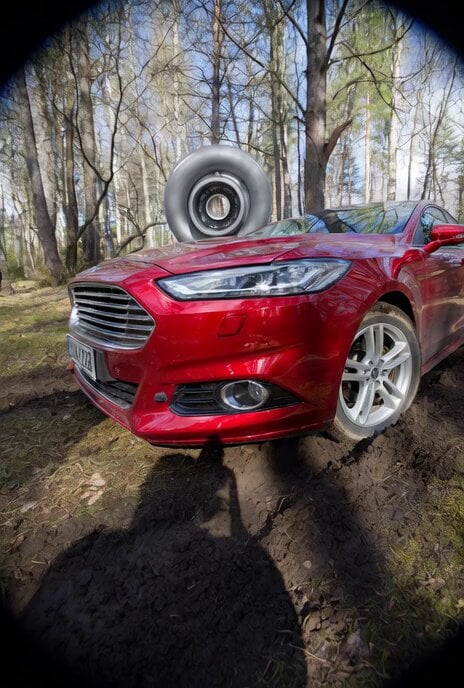
Wide Shot Aviation Scene with Birds
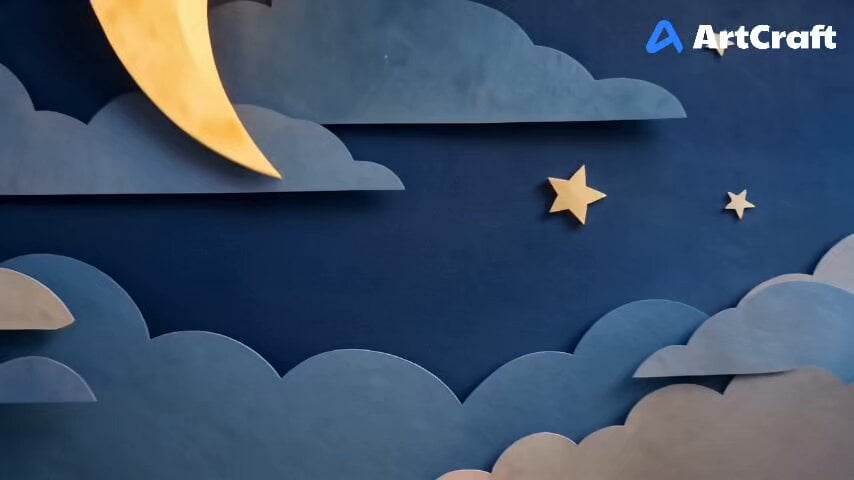
Ramadan to Eid Infinity Zoom Hyperlapse
Browse template categories
Stormy Sea Action Mutation Sequence questions
How do I use the Stormy Sea Action Mutation Sequence template?
Add your photo if the template asks for one, edit the prompt if you like — the template's model and format are already selected — and press Generate. Your version opens in PicX Studio.
Can I customize the Stormy Sea Action Mutation Sequence template?
Yes. You can change the subject, setting, lighting, mood, format, and available model controls before creating your video.
Is the Stormy Sea Action Mutation Sequence template free?
Opening and editing this template is free. Generating uses credits, shown on the Generate button when you are signed in.
Which AI model should I use?
Start with Seedance 2.0, which is the model associated with this template. You can compare another compatible model for a different finish.
Looking for something else? Browse all templates.

Your photo, any look
Thousands of ready templates for every top image and video model, from one credit balance.