How do I use the Mutation Sequence: Confronting Inner Demons in Cyberspace template?
Edit the prompt in the box under the preview — the template's model and format are already selected — and press Generate. Your version appears right on this page.
A detailed prompt for a 15-second artistic video exploring the concept of confronting inner demons.

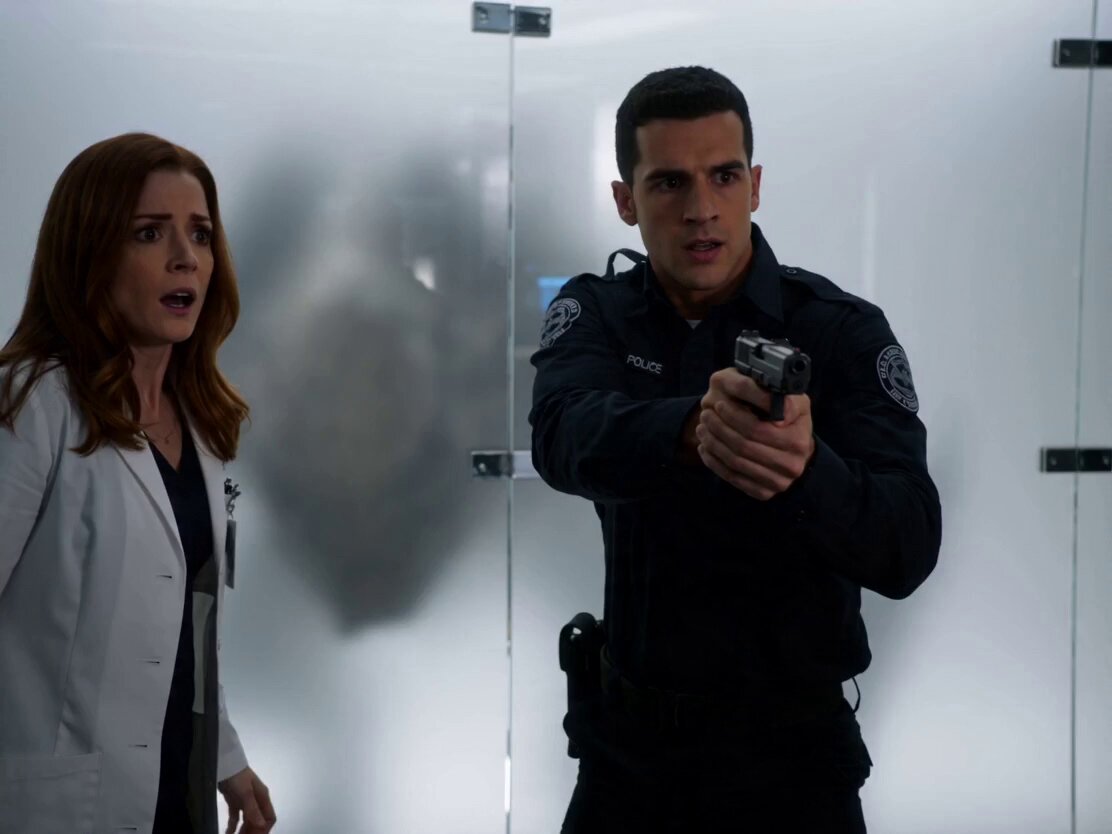
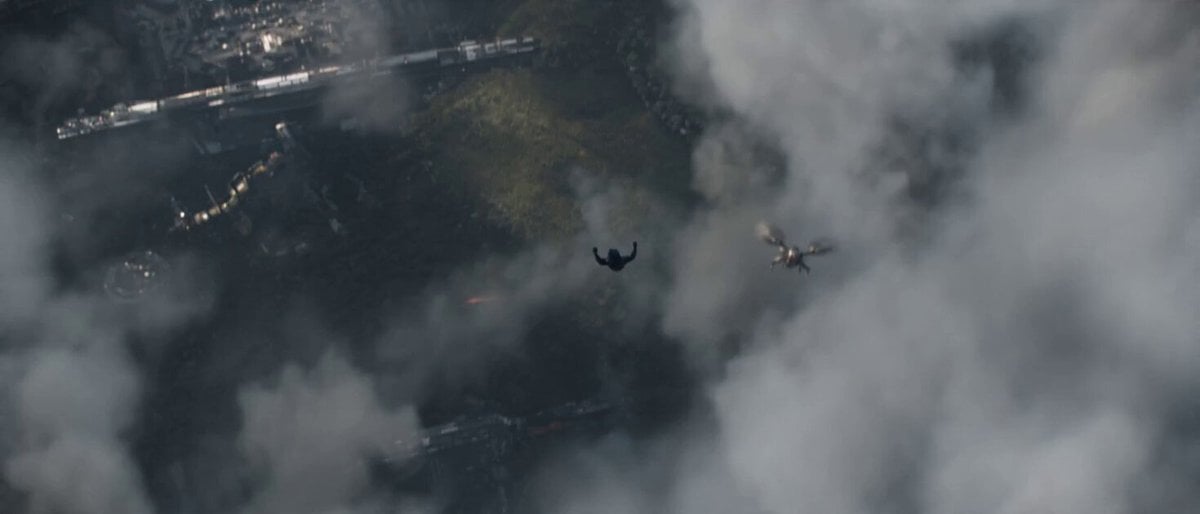
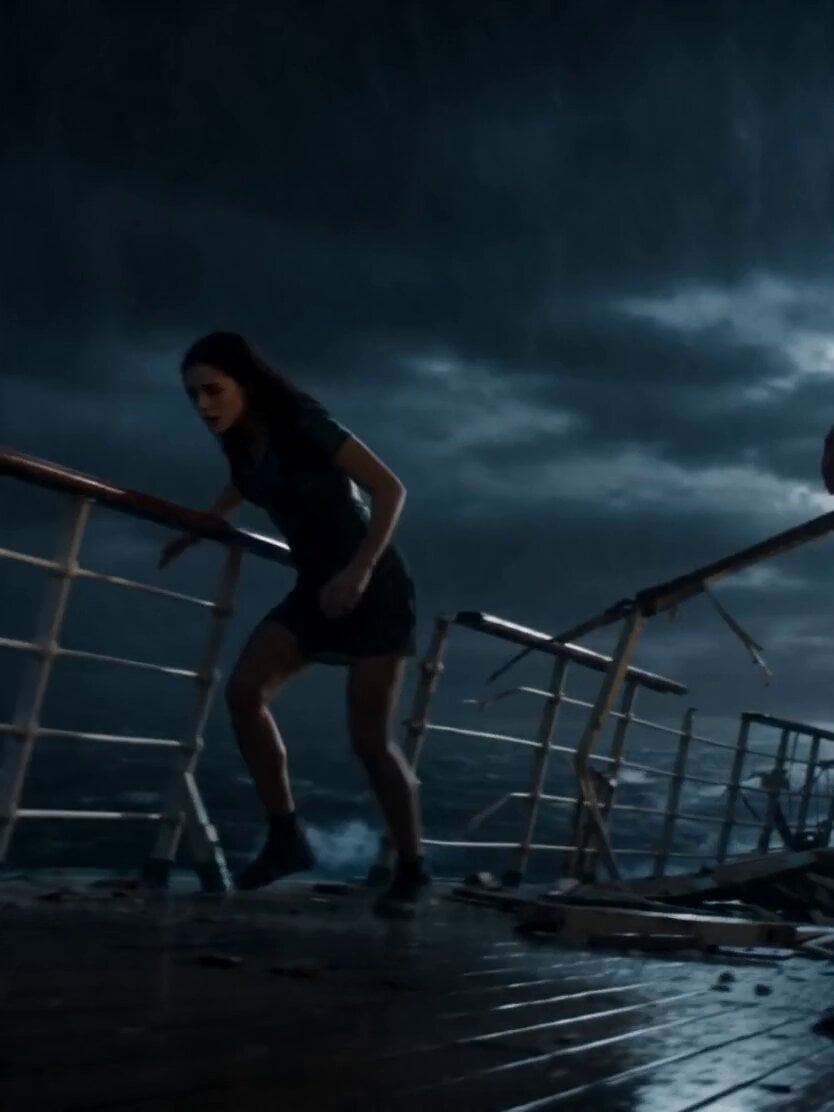
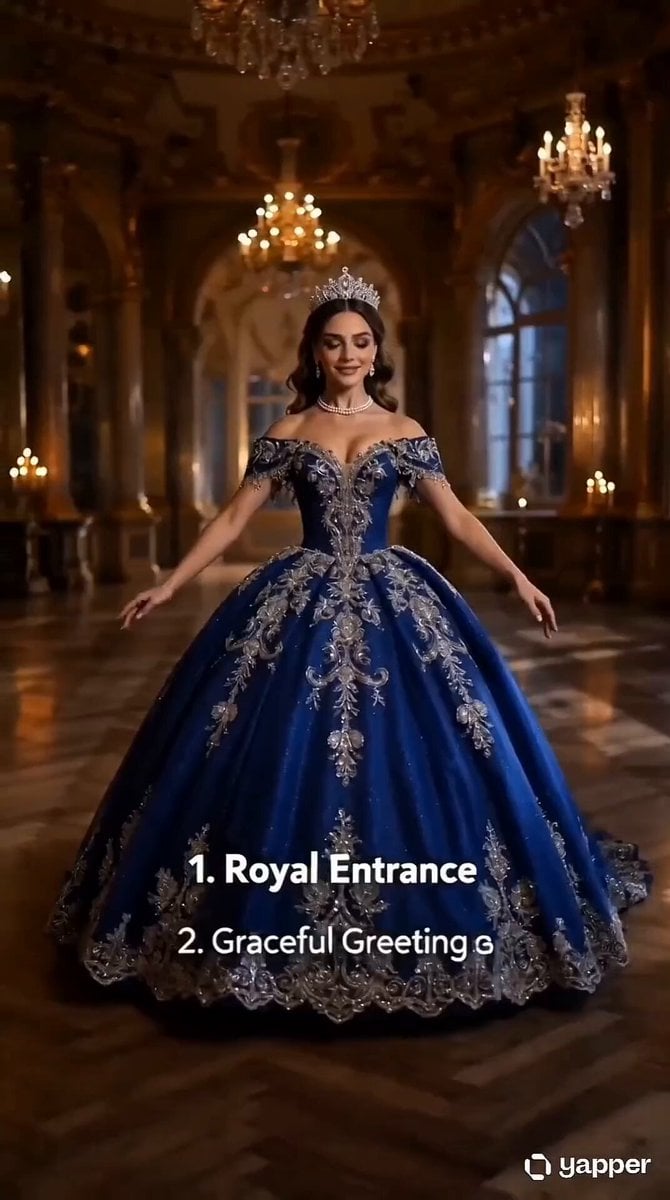
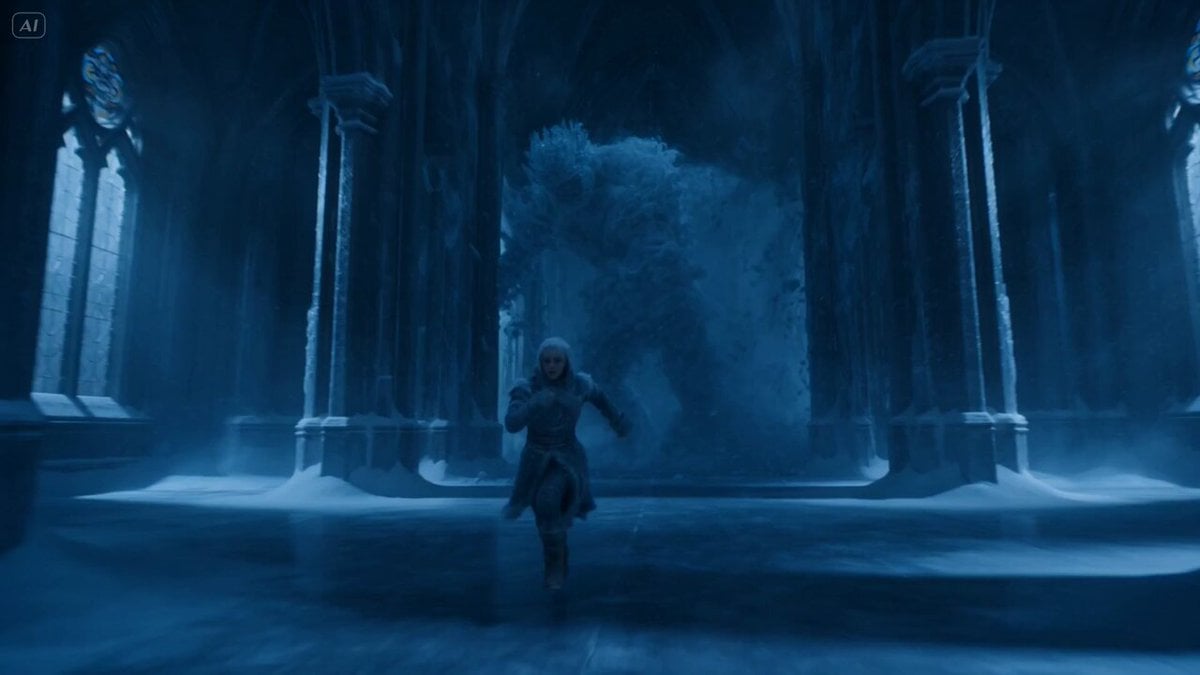
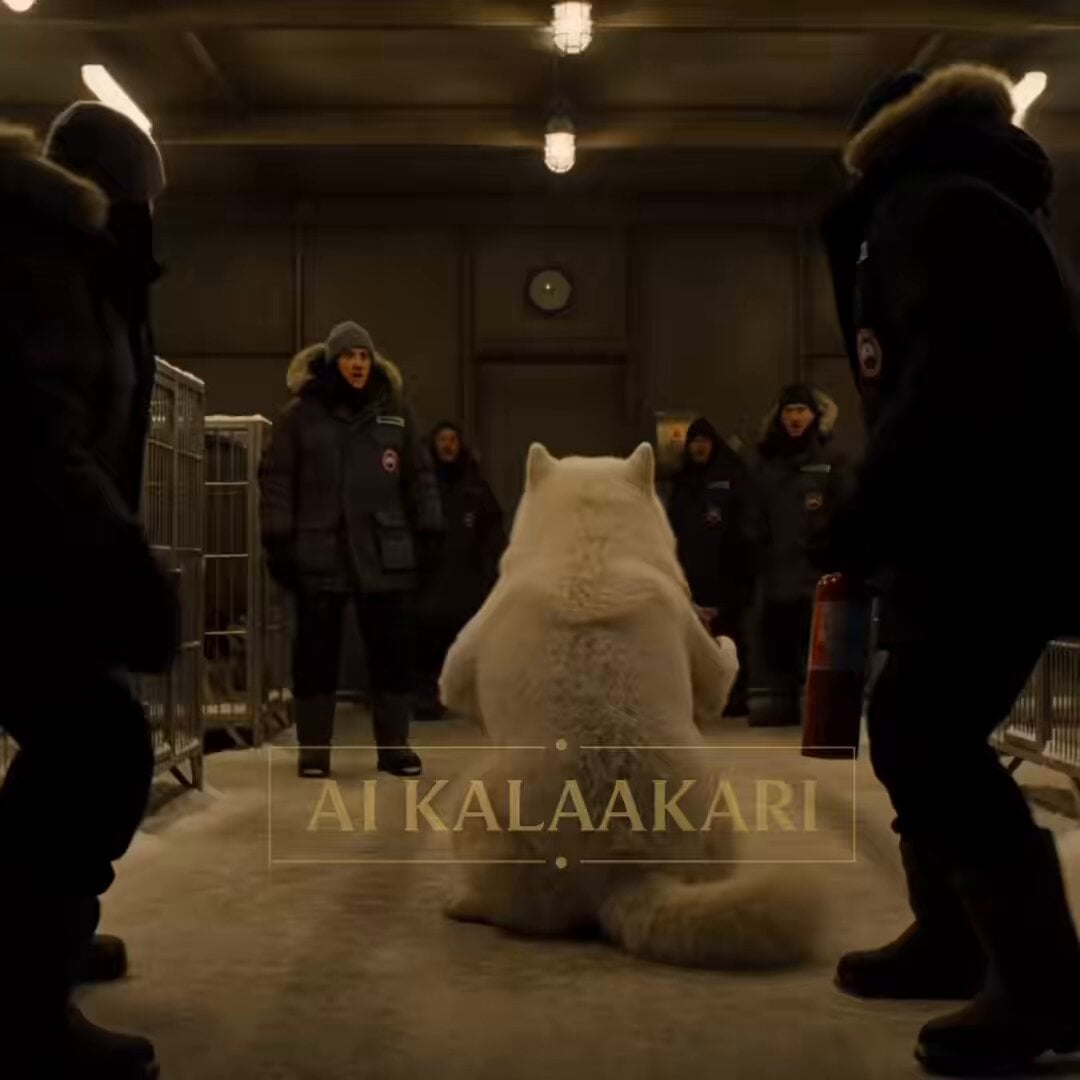
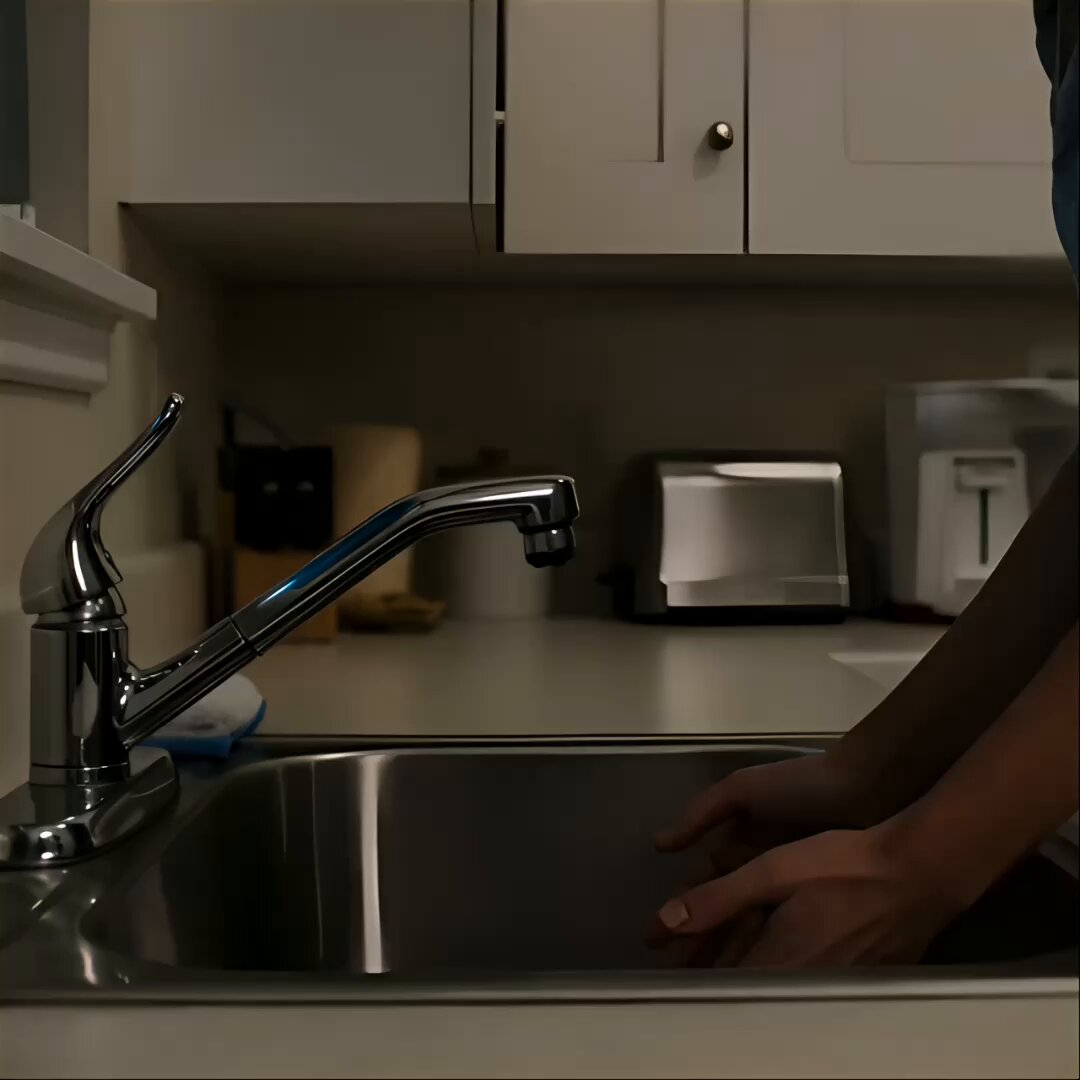
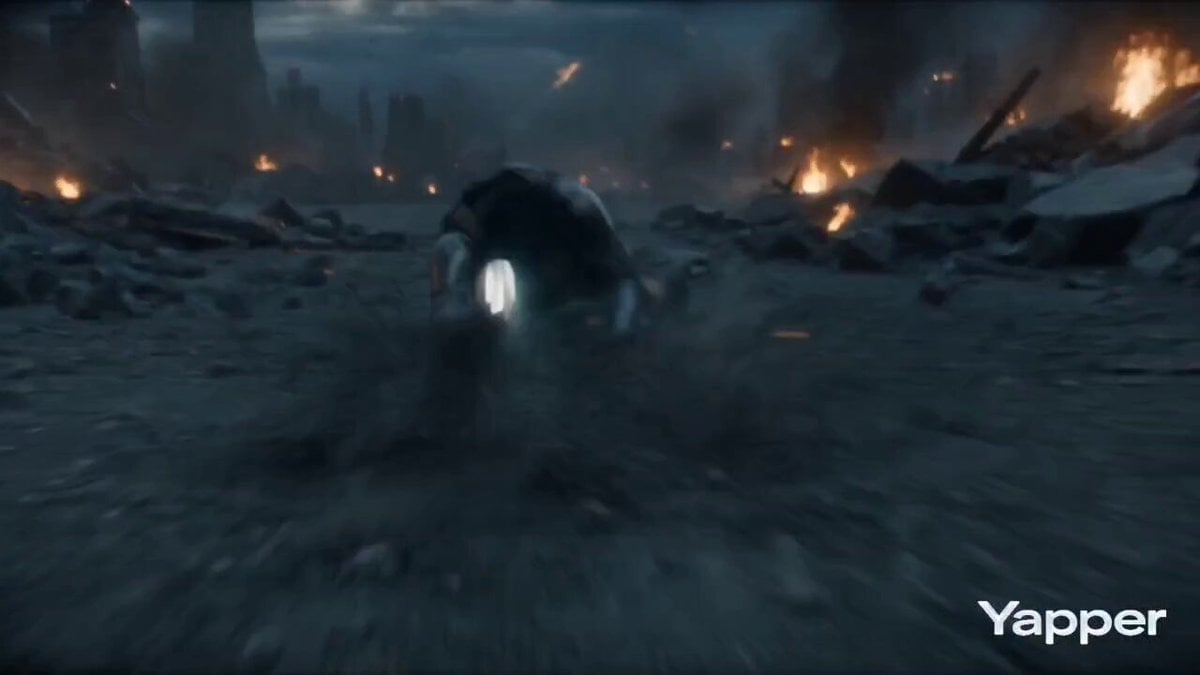
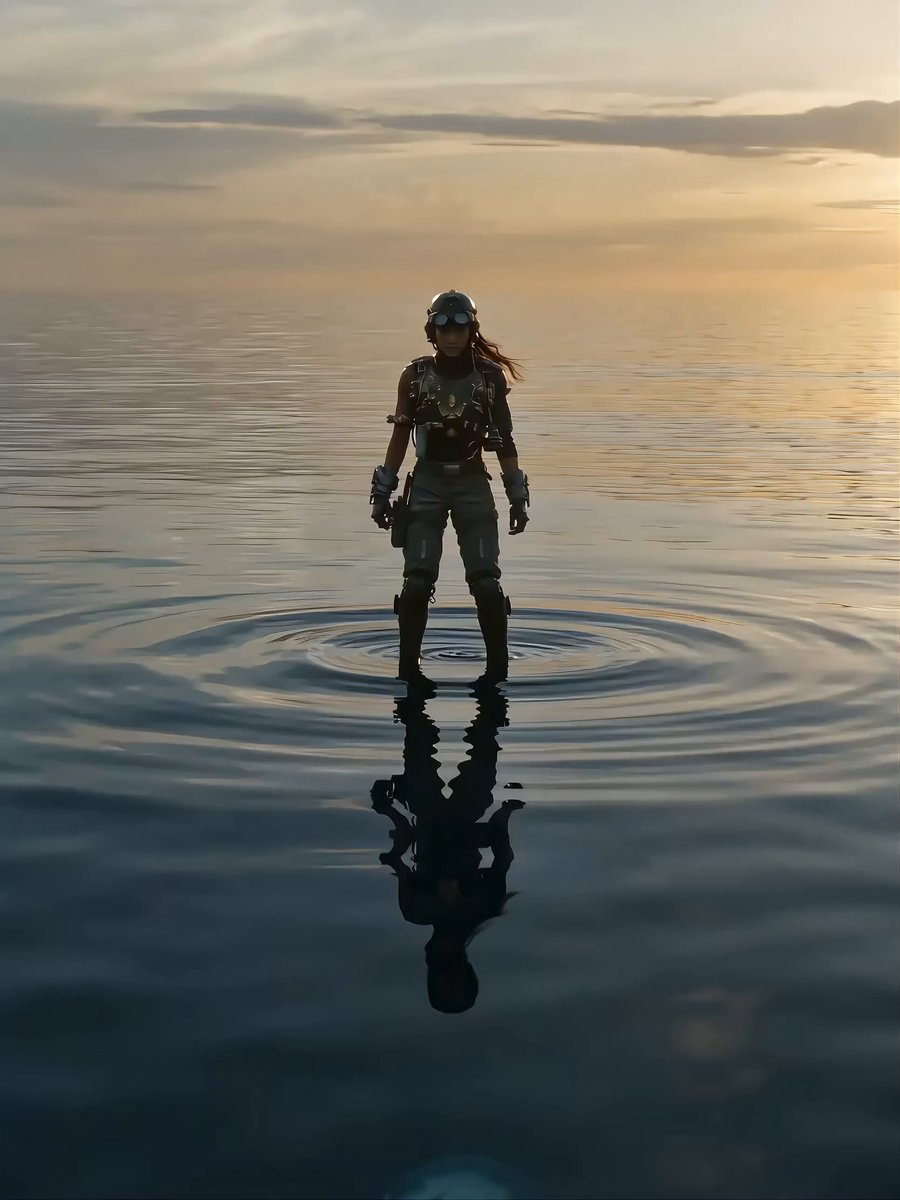
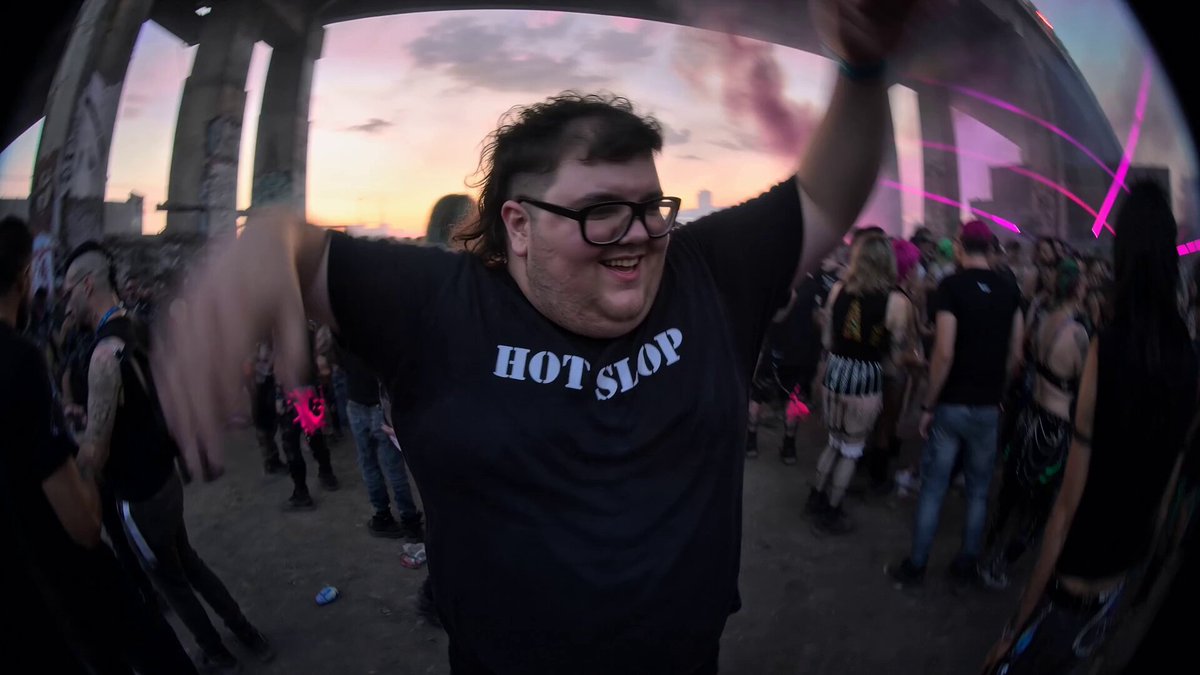
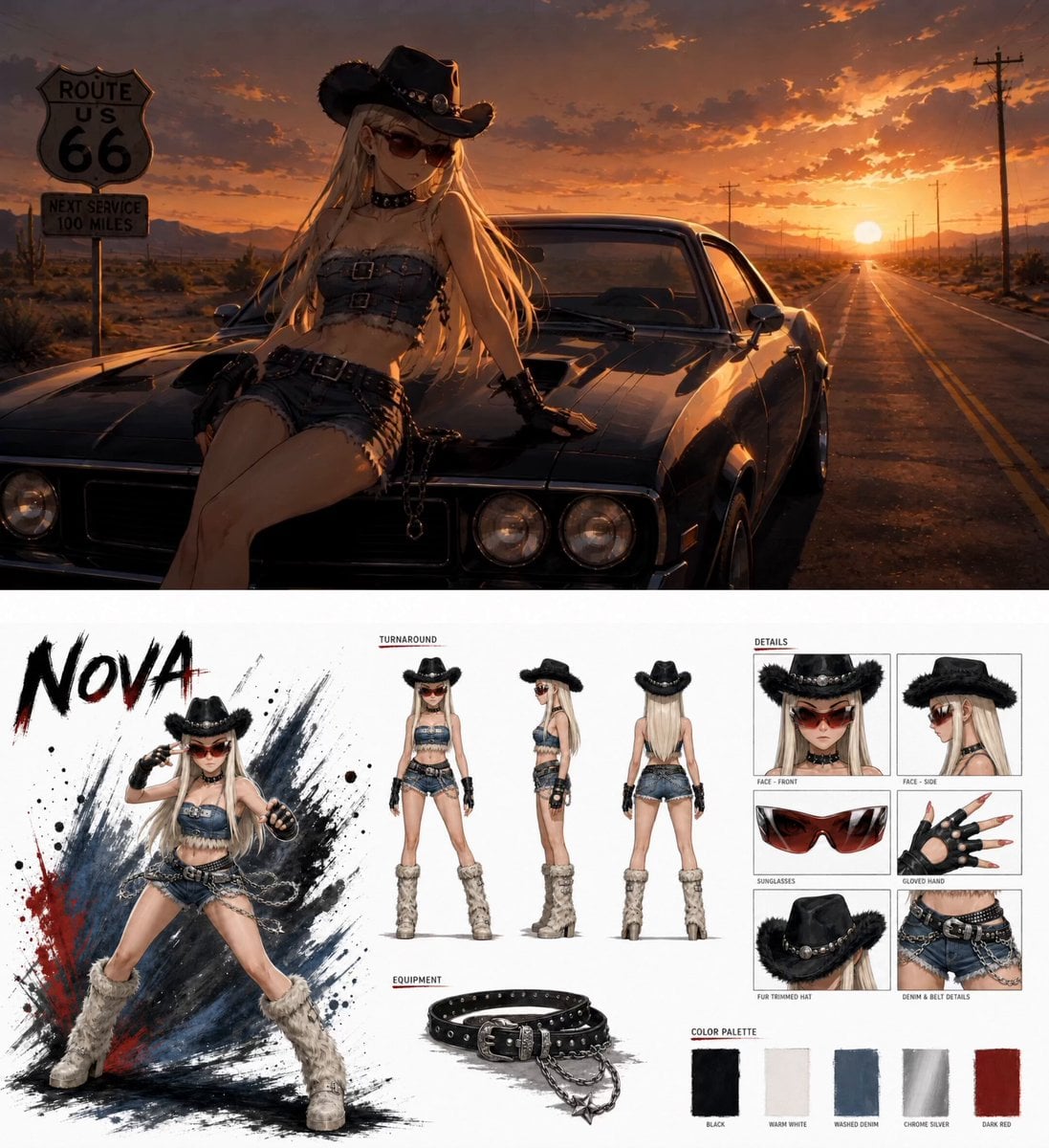
Create a 15s artistic, dynamic video exploring the concept of confronting and defeating inner demons. The armored protagonist @image 1 faces a vintage computer monitor @image 2, which acts as a mirror to his mind. The emitting orange light represents the demon. Action: The protagonist is attacked by pillars of orange light, triggering a painful, dark mutation. Mechanical parts extrude, rotate, and shift. His facial skin becomes fluid, melting away to reveal a Japanese Oni demon face beneath [Image 3]. He falls to his knees [Image 4]. Ultimately, he overpowers the demon, forcing the orange light back into the monitor and reverting to his original form. Environment: Set inside a dark, surreal, unstable cyberspace made of computer code. Frequent visual glitches. The floor shifts with iridescent lighting and cascading green digital numbers.
Create a 15s artistic, dynamic video exploring the concept of confronting and defeating inner demons. The armored protagonist @image 1 faces a vintage computer monitor @image 2, which acts as a mirror to his mind. The emitting orange light represents the demon. Action: The protagonist is attacked by pillars of orange light, triggering a painful, dark mutation. Mechanical parts extrude, rotate, and shift. His facial skin becomes fluid, melting away to reveal a Japanese Oni demon face beneath [Image 3]. He falls to his knees [Image 4]. Ultimately, he overpowers the demon, forcing the orange light back into the monitor and reverting to his original form. Environment: Set inside a dark, surreal, unstable cyberspace made of computer code. Frequent visual glitches. The floor shifts with iridescent lighting and cascading green digital numbers.
Edit the prompt in the box under the preview — the template's model and format are already selected — and press Generate. Your version appears right on this page.
Yes. You can change the subject, setting, lighting, mood, format, and available model controls before creating your video.
Opening and editing this template is free. Generating uses credits, shown on the Generate button when you are signed in.
Start with Seedance 2.0, which is the model associated with this template. You can compare another compatible model for a different finish.
Follow a topic to a crawlable collection of related PicX Studio templates.