
Chaotic Rave Snorricam
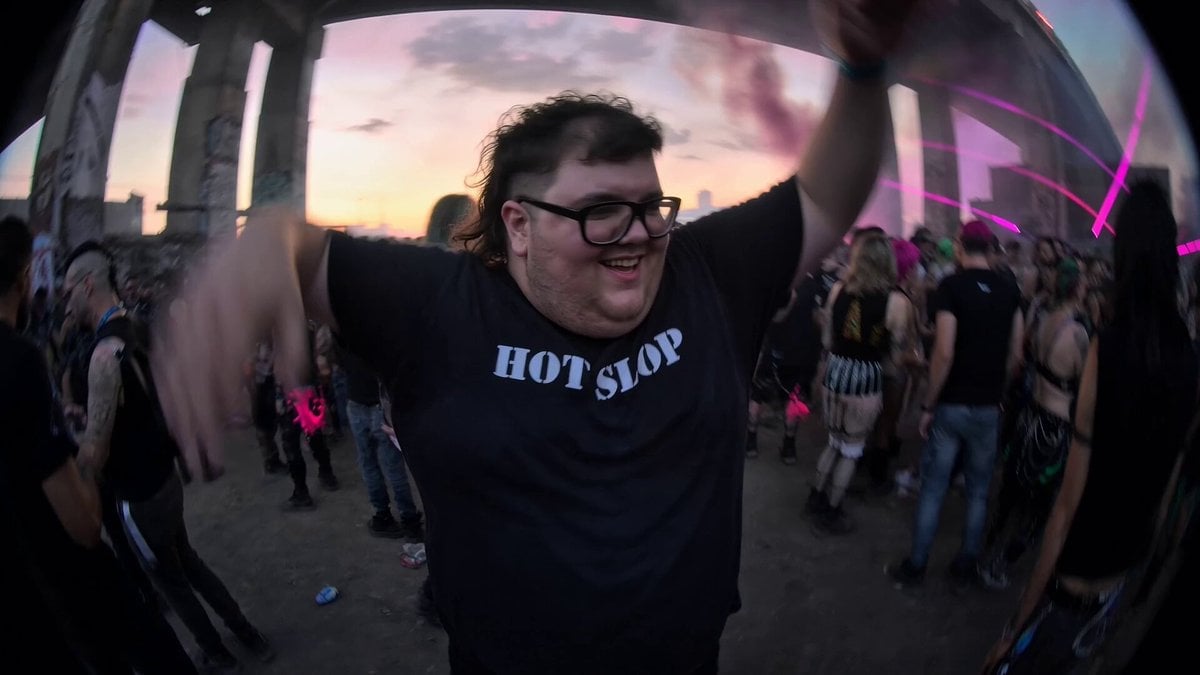
A raw, high-energy underground rave prompt using a shaky Snorricam style, featuring a dancer leading a group in a 'pajaritos' chicken dance.
- Prompt included
- Model and format preset
- Free template
The prompt behind this video
Copy the exact prompt behind Chaotic Rave Snorricam, or open it in the studio and make it yours.
Shaky Snorricam footage with several dynamic cuts, heavy body-mounted camera vibration and natural shake, raw chaotic real footage. Underground rave under concrete overpass at night, thick smoke, pink and purple lasers. The protagonist starts doing the "pajaritos" dance and it spreads to the people around him. Use the provided image as loose inspiration for the main chaotic dancer. Keep visual consistency on the central guy but let the model drive natural appearance and energy. 0-3s: [Shaky Snorricam Start] He is in the middle of the crowd doing the pajaritos dance hard, flapping his arms like wings energetically and rhythmically, full commitment, camera shaking violently with his movements. 3-6s: [Dynamic Cut] A few people around him notice and start joining, copying the wing-flapping gesture. Small group begins doing the pajaritos dance with him, camera still very shaky on the protagonist as more arms start flapping around him. 6-9s: [Dynamic Cut] More people join in, now a bigger group is doing the silly chicken dance around him. Everyone flapping arms like wings in chaotic unison, sweaty bodies moving together, snorricam shake remains intense on the main guy. 9-12s: [Dynamic Cut] The chicken dance spreads even more, bigger circle forming with him in the center. Lots of people wildly doing the pajaritos move, arms up flapping, laughing and going crazy together, camera shaking hard with the group energy. 12-15s: [Final Shaky Cut] Peak moment, decent crowd around him all doing the pajaritos dance like pollitos, arms flapping everywhere in chaotic sync. He stays in the middle leading the silly energy, maximum shaky snorricam, pure fun chaotic rave moment. heavy film grain, detailed sweat and skin, realistic fabric and arm movement, perfect chaotic motion blur, coherent group physics and interactions, stable central character, cinematic neon lighting, raw and fun, no artifacts.
How to use Chaotic Rave Snorricam in 3 steps
- 1Upload ImagePNG, JPG or paste
Add your photo
Upload the photo the template builds on. The prompt, model and format are already set.
- 2…a portrait of your subject in softgolden-hour light, 85mm…
Personalize
Edit the subject and creative details for your destination.
- 3Generate
Generate
Press Generate — your video is created in PicX Studio, so you can compare it with the original and refine one variable at a time.
More like this
Templates with the same subject, style or setup. Open one to see its prompt.

Snorricam Cabin Horror Scene
SnorriCam Photorealism Character Scene
Laundromat Rave Phone Camera Aesthetic
Chaotic City Skateboarding Action

Chaotic Morning Animated Short
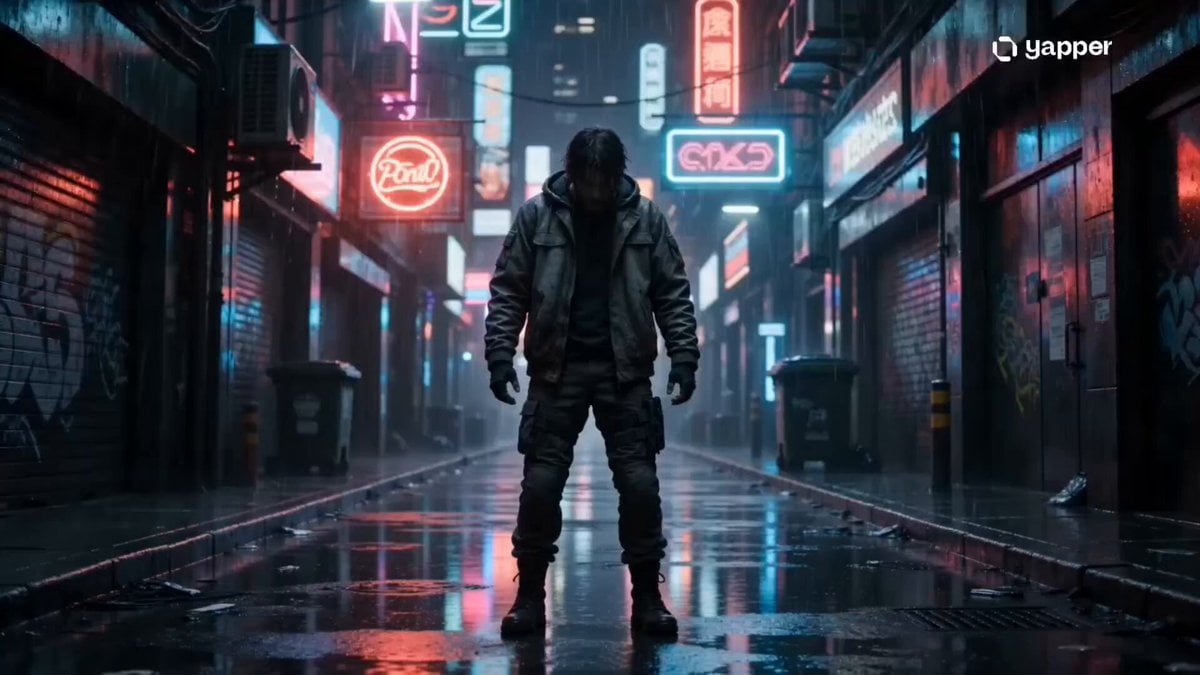
Chaotic Office Deadline Thriller
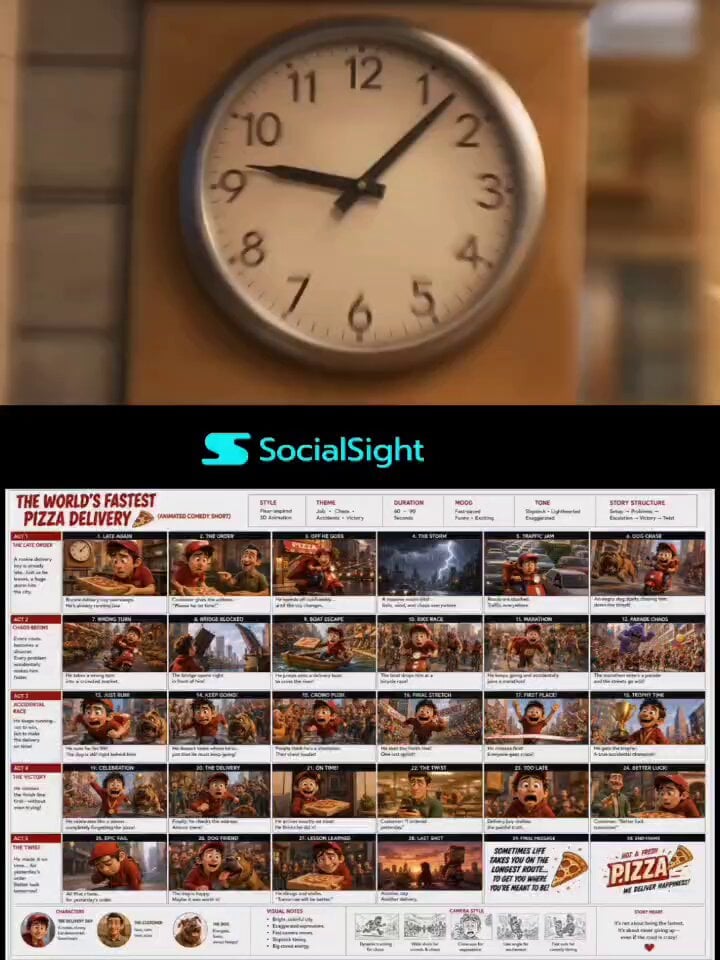
Chaotic Pizza Delivery Animated Short
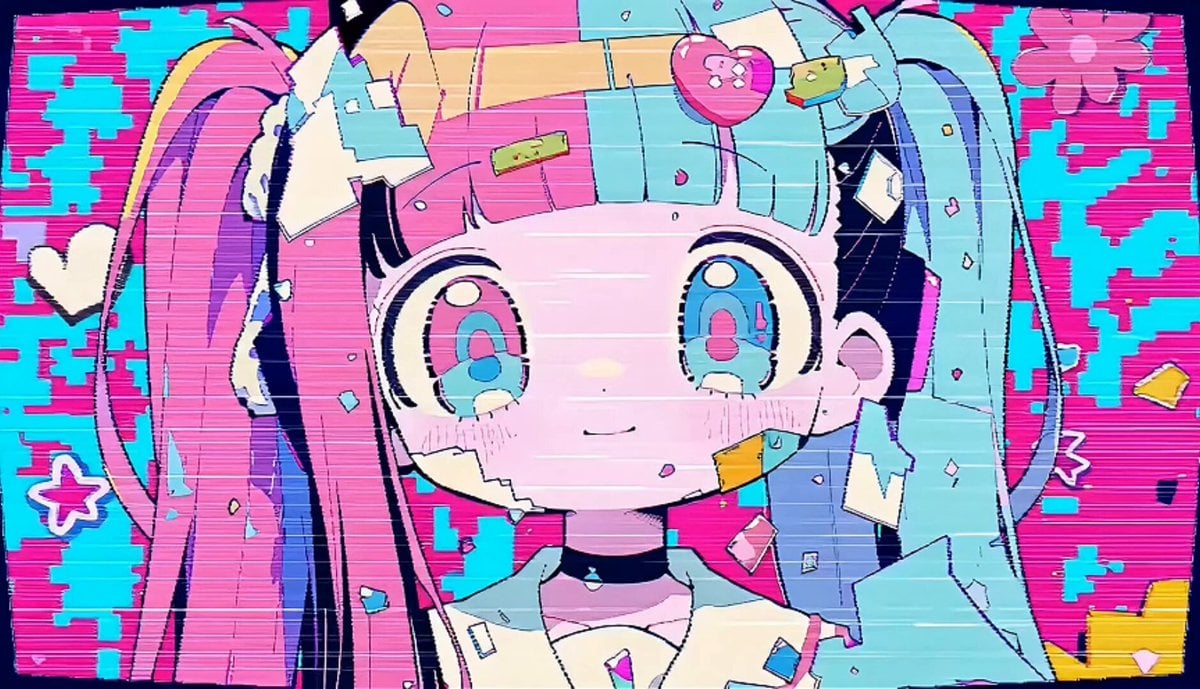
Kawaii Chaotic Anime Music Video
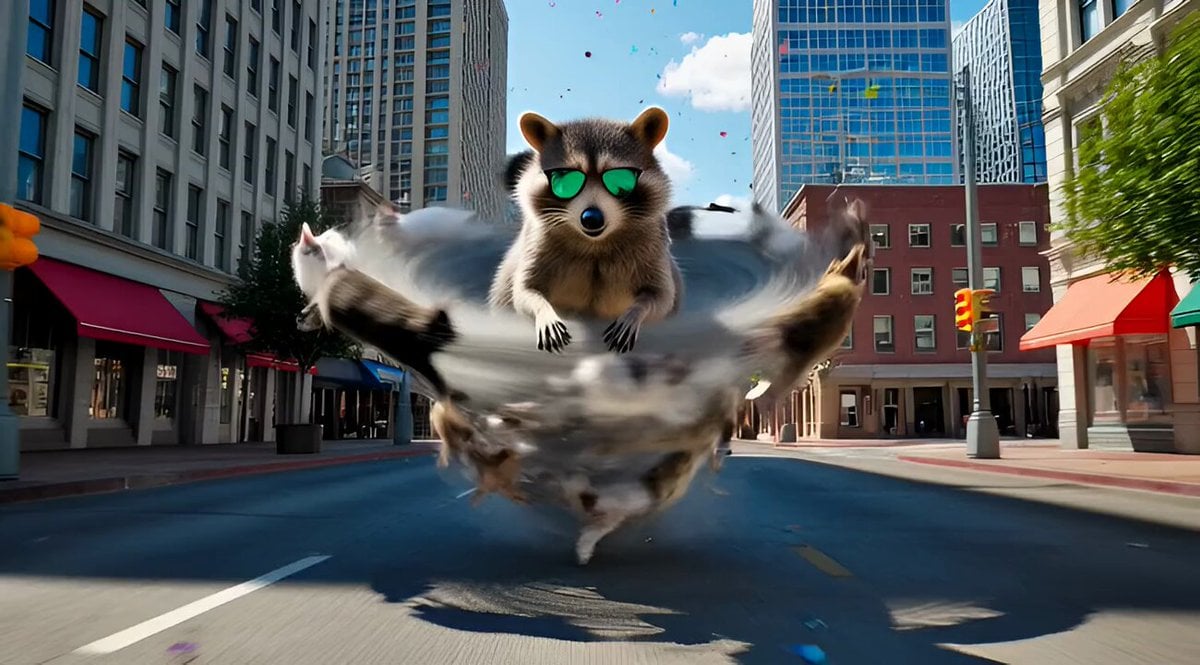
Chaotic, cinematic video generation prompt: Raccoon riding a cat tornado

Chaotic hospital emergency room scene

Chaotic Neural Palette Animation
Summarize AI Discourse in a Chaotic Meme
Make it yours
Chaotic Rave Snorricam works as-is. These are the safest ways to change it without losing the look.
Change one field
Copy a single group, rewrite it, and generate again so you can see what that field is doing.
Keep the frame, change the subject
Hold the composition and light of Chaotic Rave Snorricam, then swap wardrobe, props or the person for a new take.
| If the result… | Why | Fix |
|---|---|---|
| The result drifts from the preview | Too many fields changed at once. | Reuse Chaotic Rave Snorricam as-is first, then change one group — subject, light, or setting. |
| The model over-stylizes the scene | The prose prompt leaves finish and camera underspecified. | Add one camera or lighting sentence and stay on Seedance 2.0. |
More Seedance 2.0 templates
Other prompts made for Seedance 2.0.

Comical Martial Arts Punch Scene

Maglev Train Action Sequence

Martial Arts Fight Sequence

Wuxia Protection and Trust Script

Vintage Korean Arcade MiniDV Vlog

Mercedes 190 SL Luxury Ad

Rainy Night Supernatural Reverse Comedy Video Script

Amazon Civilization Discovery

Futuristic South Asian City Transformation

Cozy Luxury Cafe Commercial
More video prompts
Fresh picks from across the catalog.
Anime Parody Running with Bread Scene Prompt
Fae-Ranger World Tree Video Prompt
Dynamic Cinematic Hip-Hop Dance Video
Seedance 2.5 - @AIwithkhan - 801709
Fantasy Broom Flight Cinematic
UGC Lifestyle Morning Smoothie
Rainbow Lorikeet Home Video Prompt for Seedance 2.0
Mongol Woman Steppe Archery
Combat Mech Urban Transformation
Epic Ice Fantasy Titan Awakening
Browse template categories
Chaotic Rave Snorricam questions
How do I use the Chaotic Rave Snorricam template?
Add your photo if the template asks for one, edit the prompt if you like — the template's model and format are already selected — and press Generate. Your version opens in PicX Studio.
Can I customize the Chaotic Rave Snorricam template?
Yes. You can change the subject, setting, lighting, mood, format, and available model controls before creating your video.
Is the Chaotic Rave Snorricam template free?
Opening and editing this template is free. Generating uses credits, shown on the Generate button when you are signed in.
Which AI model should I use?
Start with Seedance 2.0, which is the model associated with this template. You can compare another compatible model for a different finish.
Looking for something else? Browse all templates.

Your photo, any look
Thousands of ready templates for every top image and video model, from one credit balance.