
Kawaii Chaotic Anime Music Video
A comprehensive music video generation prompt for high-energy anime dancing, featuring rapid cuts, expressive character motions, and a vibrant hyper-pop aesthetic.
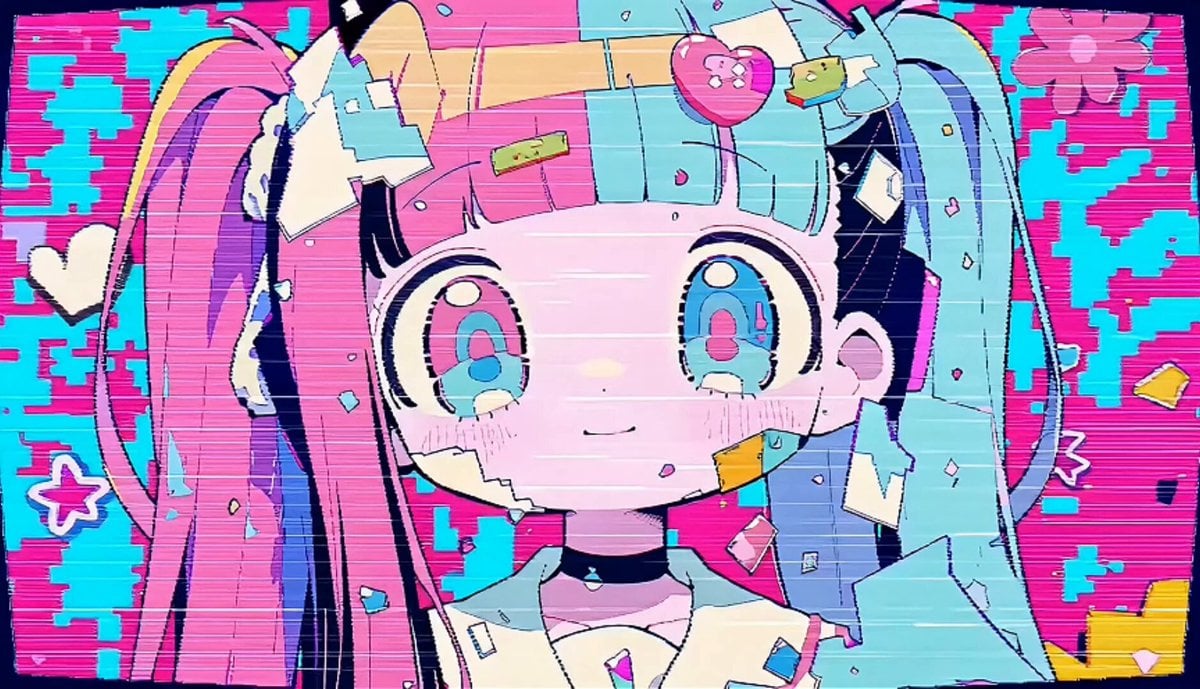
- Prompt included
- Model and format preset
- Free template
The prompt behind this video
Copy the exact prompt behind Kawaii Chaotic Anime Music Video, or open it in the studio and make it yours.
Use the uploaded images as the primary visual references for character design, facial style, color palette, graphic motifs, and overall kawaii-chaotic tone. 15-second music-video style animation, ultra cute and hyper pop, fast-paced, candy-colored, chaotic but readable, anime-inspired graphic motion. Main direction: The characters dance in a cute, playful, slightly chaotic “mob dance” / “idol crowd dance” feeling. The motion should feel inferred naturally from the reference images, not rigid choreography. Emphasize fast switching expressions, group-like energy, rapid cut transitions, and a dense pop visual atmosphere. Visual style: Pastel neon palette, pink, cyan, lemon yellow, mint, lavender. Bold clean outlines, flat shading, sticker-like icons, bows, flowers, sparkles, spirals, abstract shapes, pop symbols, glitchy accents, halftone dots, split panels, manga-like framing, layered collage feeling. Cute and stylish chaos, not horror, not grotesque. Character motion: Generate adorable dance movement with small bouncy steps, side-to-side body sway, quick hand poses, synchronized hops, idol-style gestures, playful pointing, little spins, shoulder pops, head tilts, wink poses, cheerful bouncing, cute rhythmic stepping. Include moments that feel like a crowd dance or mob dance, even if only one or a few characters are visible at a time. The dance should feel energetic, spontaneous, and rhythm-driven. Expression direction: Rapid expression changes: smile, wink, surprised face, excited open-mouth face, mischievous grin, hypnotic stare, sparkling eyes, dizzy spiral-eye mood, overjoyed face, playful chaos. Expressions should switch quickly with the cuts, giving a hyperactive kawaii feeling. Editing / camera: Very fast-cut visual rhythm. Use rapid cut-ins, jump cuts, smash zooms, push-ins, pull-backs, diagonal framing, split-screen panels, close-ups of faces, occasional medium shots for dance, and layered pop composition. Cuts can change every 0.2 to 0.8 seconds. Alternate between close-up face shots, upper-body dancing, and brief group/crowd-energy compositions. The camera should feel lively and music-synced. Scene flow: 0–3s: Introduce the character(s) with fast close-ups, blinking, cute smile, eye highlights, bows/flowers/icons popping in, fast panel cuts. 3–6s: Start the dance with small synchronized idol-like motions, side steps, hand poses, bouncing shoulders, quick expression switches. 6–9s: Increase the chaos. More split panels, more characters or crowd-energy feeling, fast alternating expressions, quick hops, spins, and rhythmic pose changes. 9–12s: Peak energy. Cute mob-dance vibe, de
How to use Kawaii Chaotic Anime Music Video in 3 steps
- 1Upload ImagePNG, JPG or paste
Add your photo
Upload the photo the template builds on. The prompt, model and format are already set.
- 2…a portrait of your subject in softgolden-hour light, 85mm…
Personalize
Edit the subject and creative details for your destination.
- 3Generate
Generate
Press Generate — your video is created in PicX Studio, so you can compare it with the original and refine one variable at a time.
More like this
Templates with the same subject, style or setup. Open one to see its prompt.
Kawaii Bunny Chef Anime Cooking

MiniMax H3 Character Introduction

Japanese Pure Love Short Film

Studio Ghibli Dumpling Kitchen Cooking Scene
Kawaii Hyper-Pop Anime MV
Kawaii anime parade video prompt
Mecha Transformation vs Kaiju — 4-Scene Epic
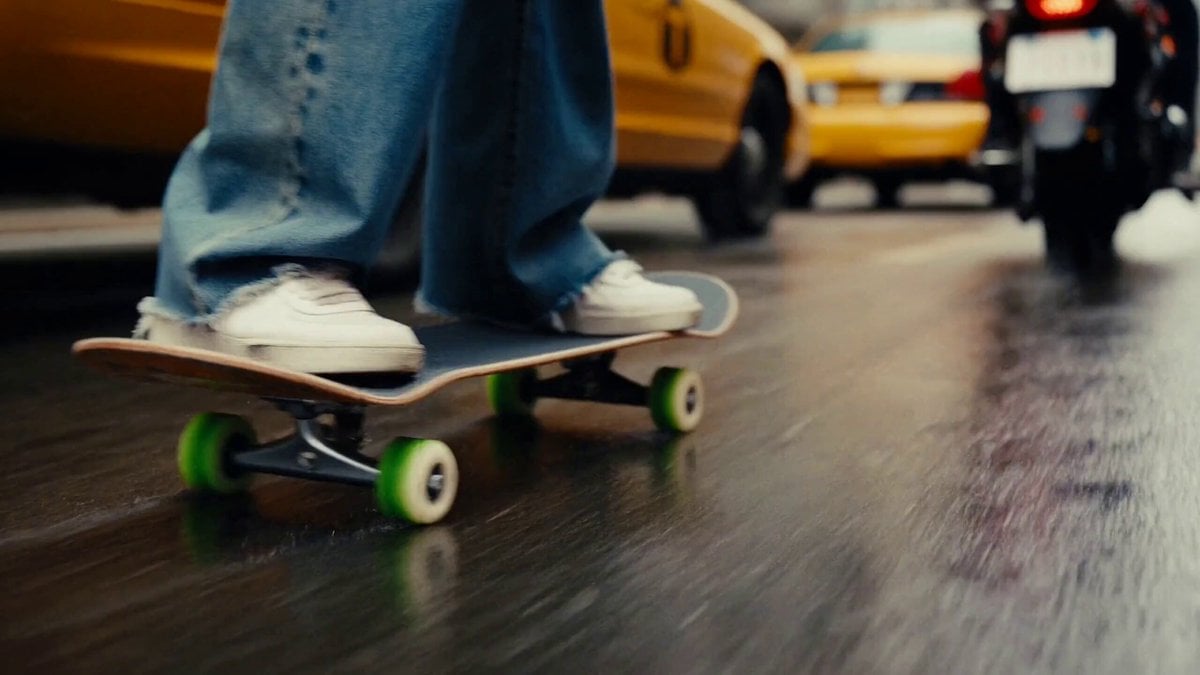
Chaotic City Skateboarding Action
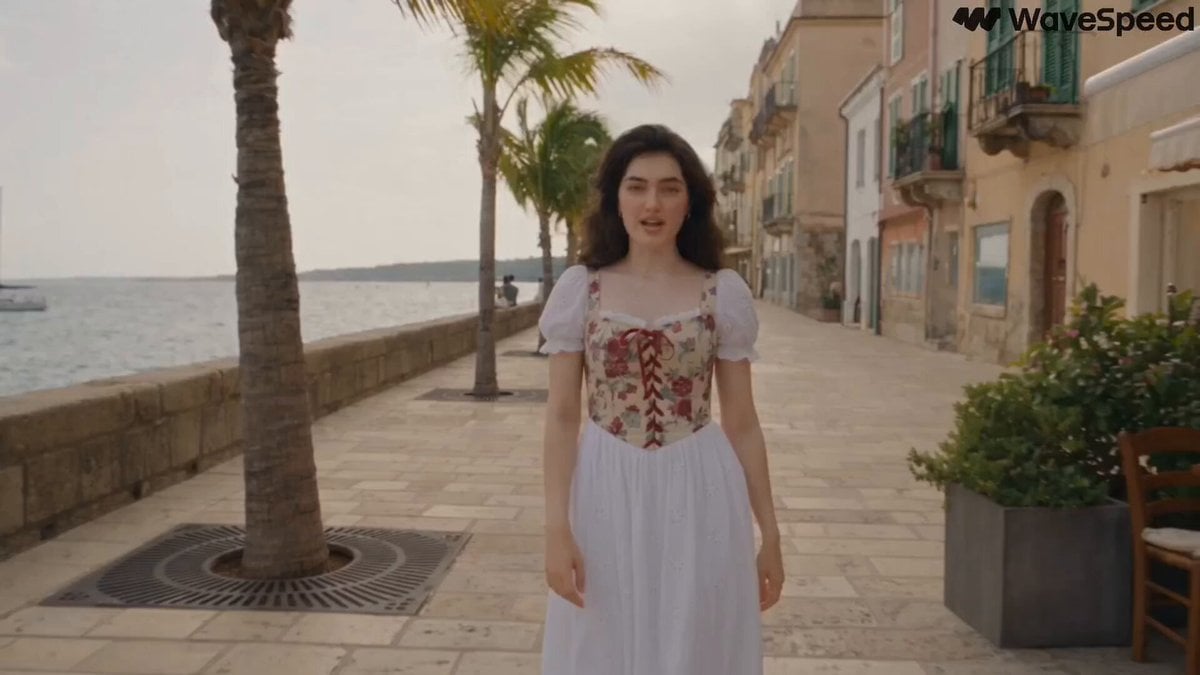
Mediterranean Musical Scene Long Take
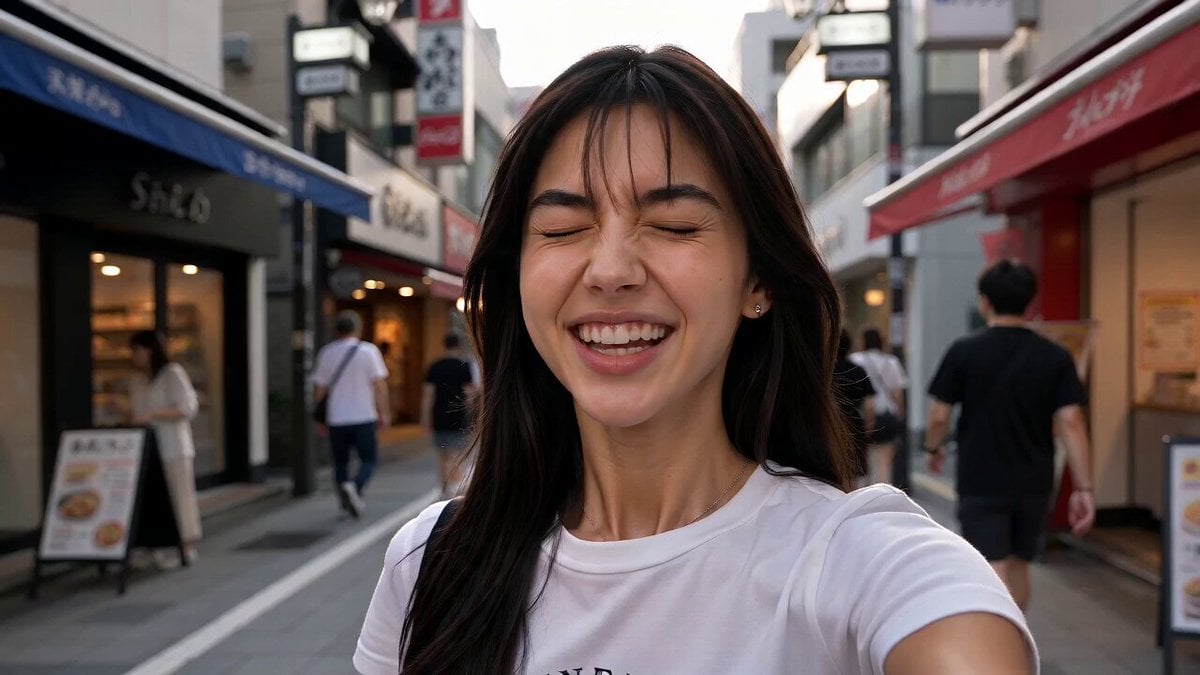
Japan Street Musician Vlog
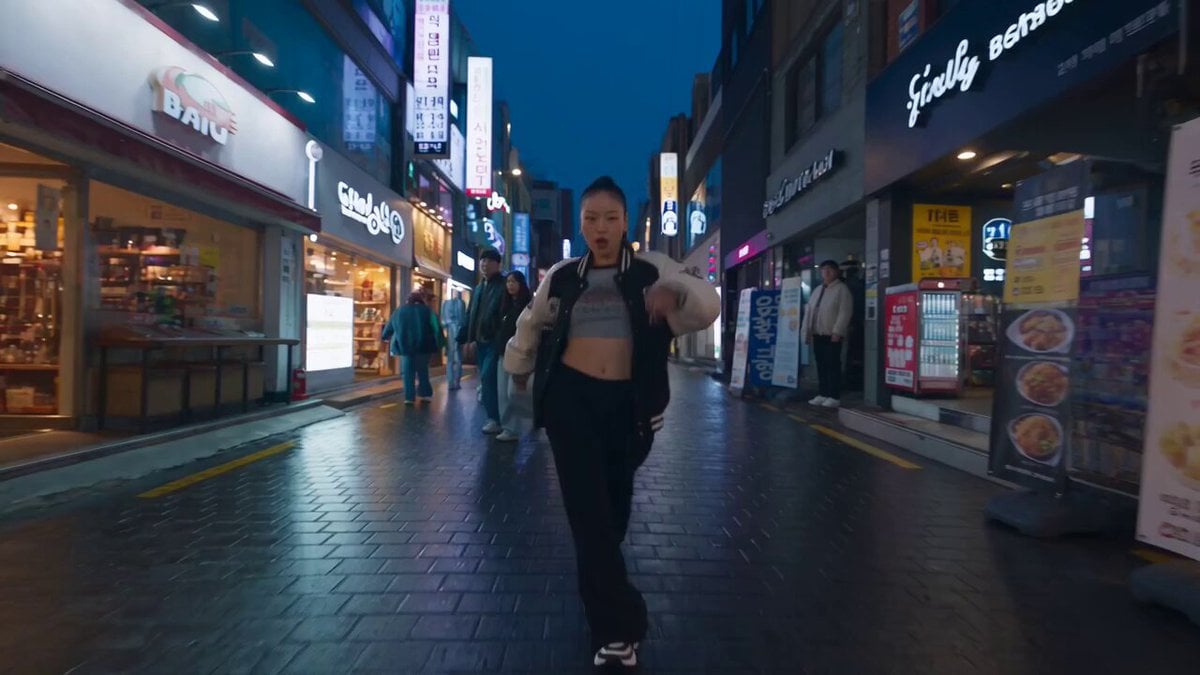
K-pop Flash Mob Music Video
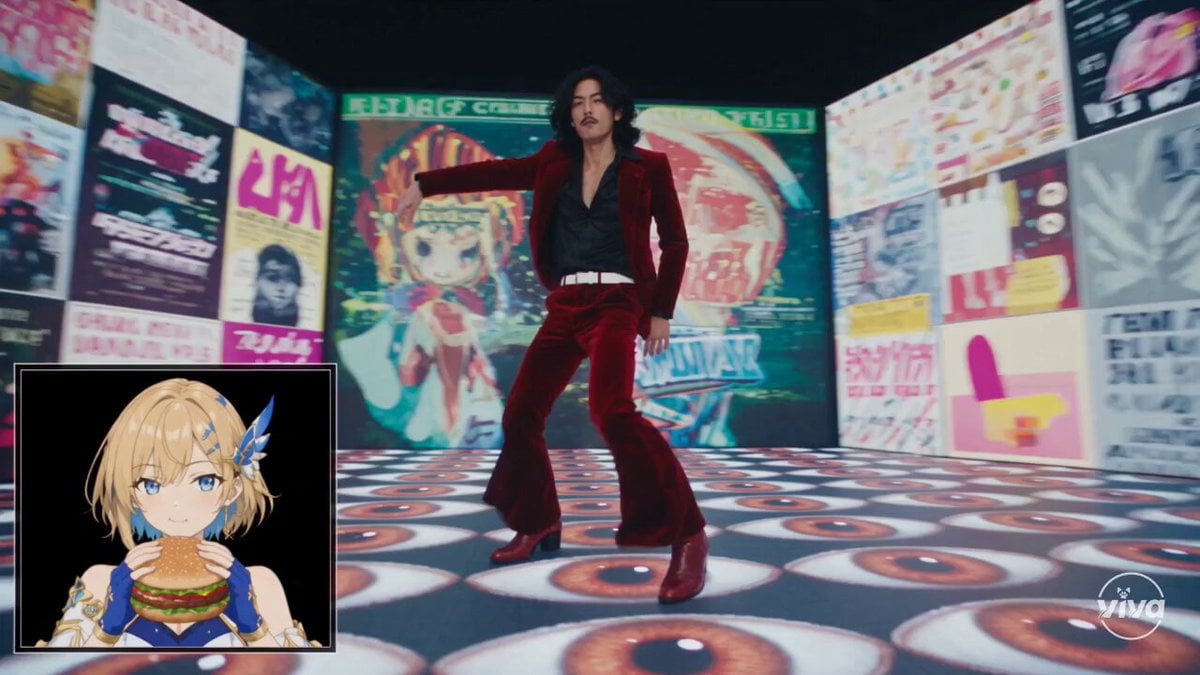
High-Intensity Experimental Music Video
Make it yours
Kawaii Chaotic Anime Music Video works as-is. These are the safest ways to change it without losing the look.
Change one field
Copy a single group, rewrite it, and generate again so you can see what that field is doing.
Keep the frame, change the subject
Hold the composition and light of Kawaii Chaotic Anime Music Video, then swap wardrobe, props or the person for a new take.
| If the result… | Why | Fix |
|---|---|---|
| The result drifts from the preview | Too many fields changed at once. | Reuse Kawaii Chaotic Anime Music Video as-is first, then change one group — subject, light, or setting. |
| The model over-stylizes the scene | The prose prompt leaves finish and camera underspecified. | Add one camera or lighting sentence and stay on Seedance 2.0. |
More Seedance 2.0 templates
Other prompts made for Seedance 2.0.

Comical Martial Arts Punch Scene

Maglev Train Action Sequence

Martial Arts Fight Sequence

Wuxia Protection and Trust Script

Vintage Korean Arcade MiniDV Vlog

Mercedes 190 SL Luxury Ad

Rainy Night Supernatural Reverse Comedy Video Script

Amazon Civilization Discovery

Futuristic South Asian City Transformation

Cozy Luxury Cafe Commercial
More video prompts
Fresh picks from across the catalog.

Wildlife Documentary Jungle Transformation
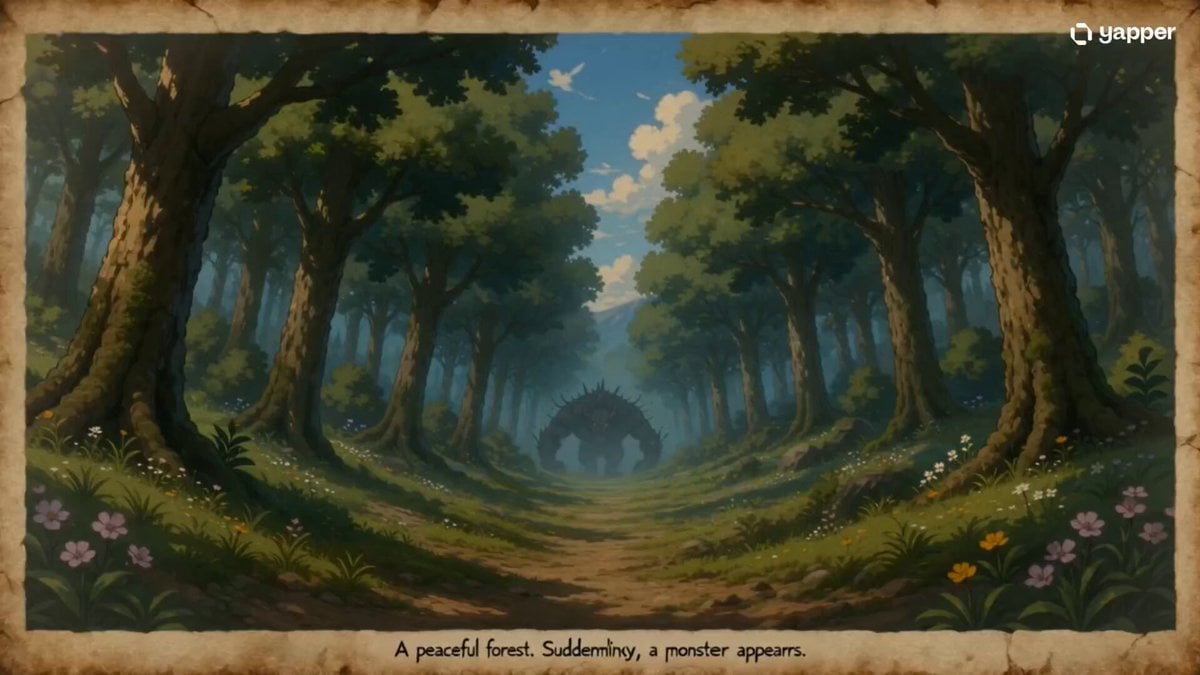
35mm Fast-Cut Memory Shot

Tesla Optimus Animated Theme
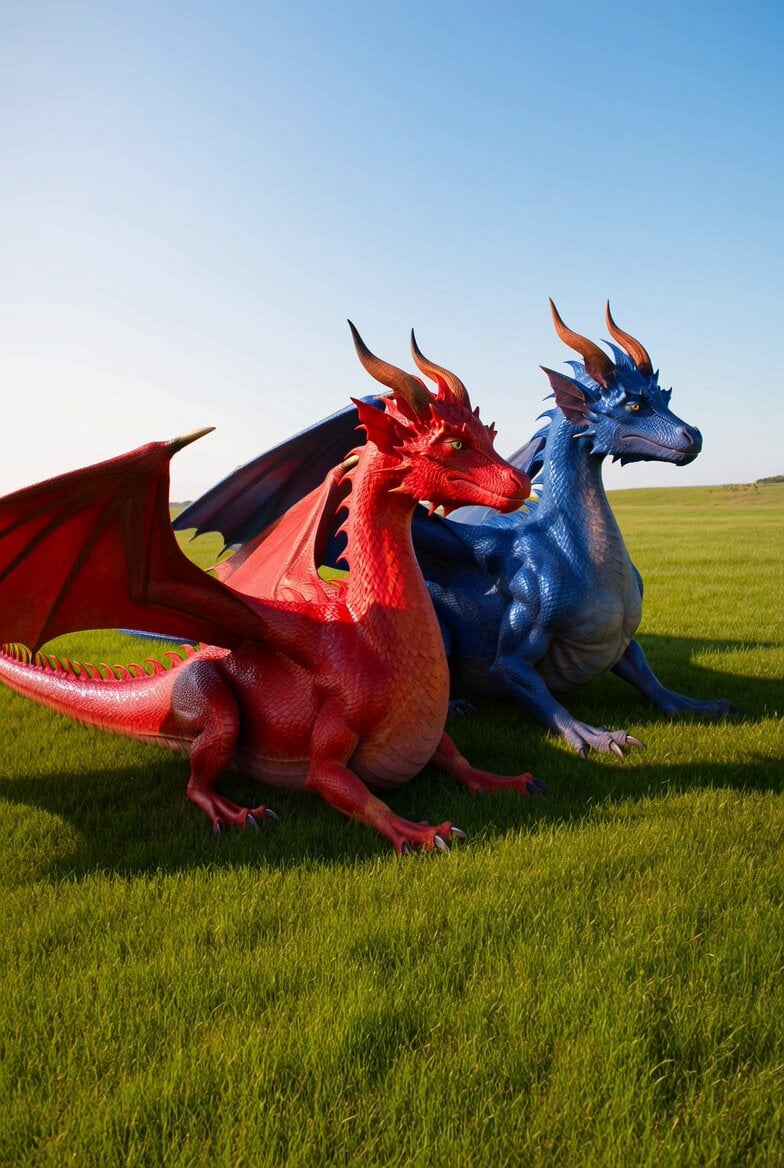
Dragons in the Sun Video
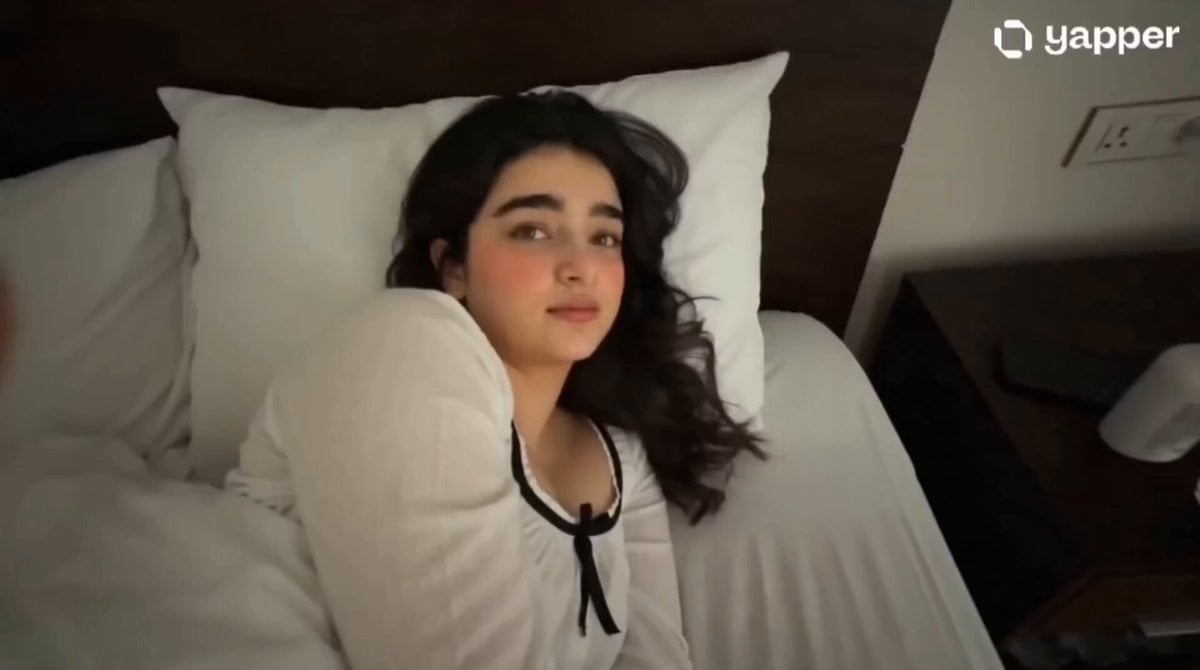
Gen Z Morning Aesthetic Routine
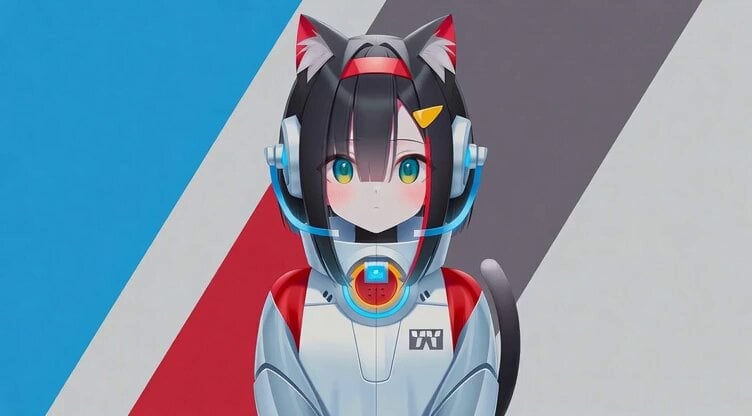
AI Emoji Creation Festival prompt example
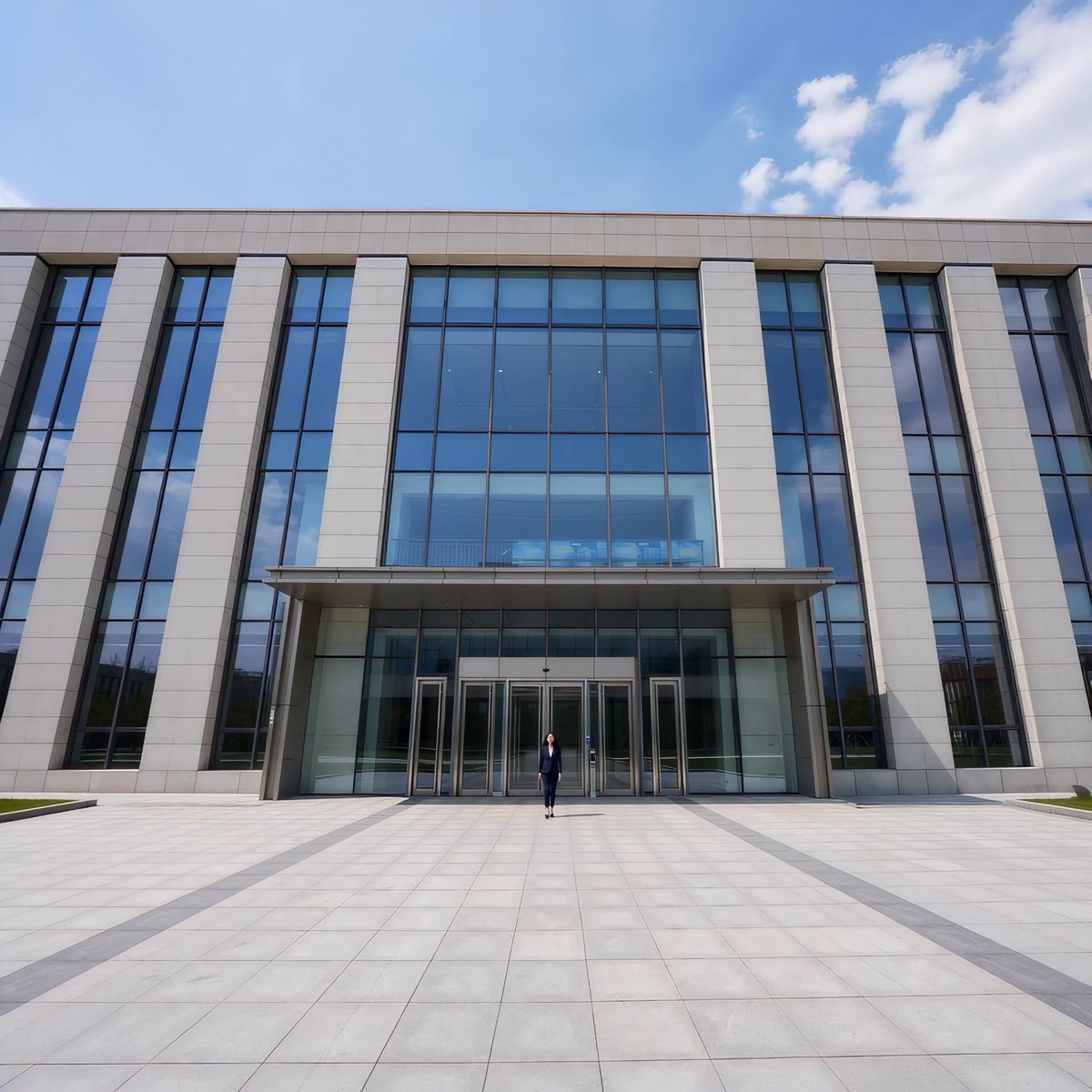
Automatic Door Sensor Comedy
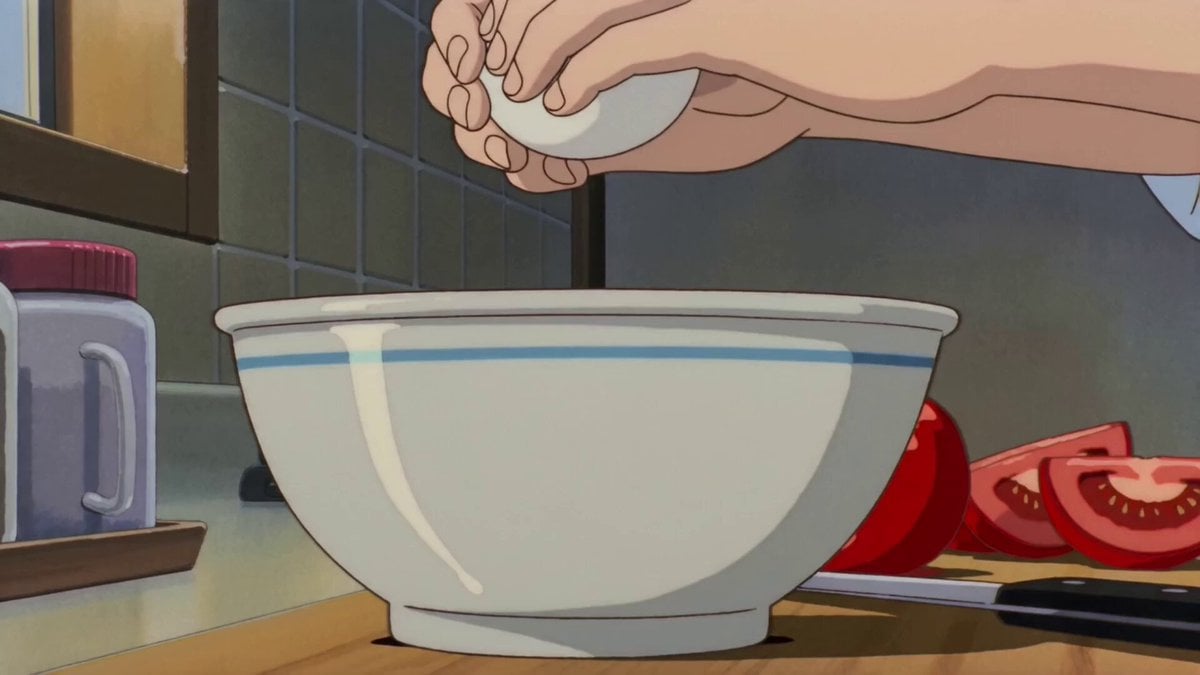
Retro Anime Cooking Kitchen Scenes
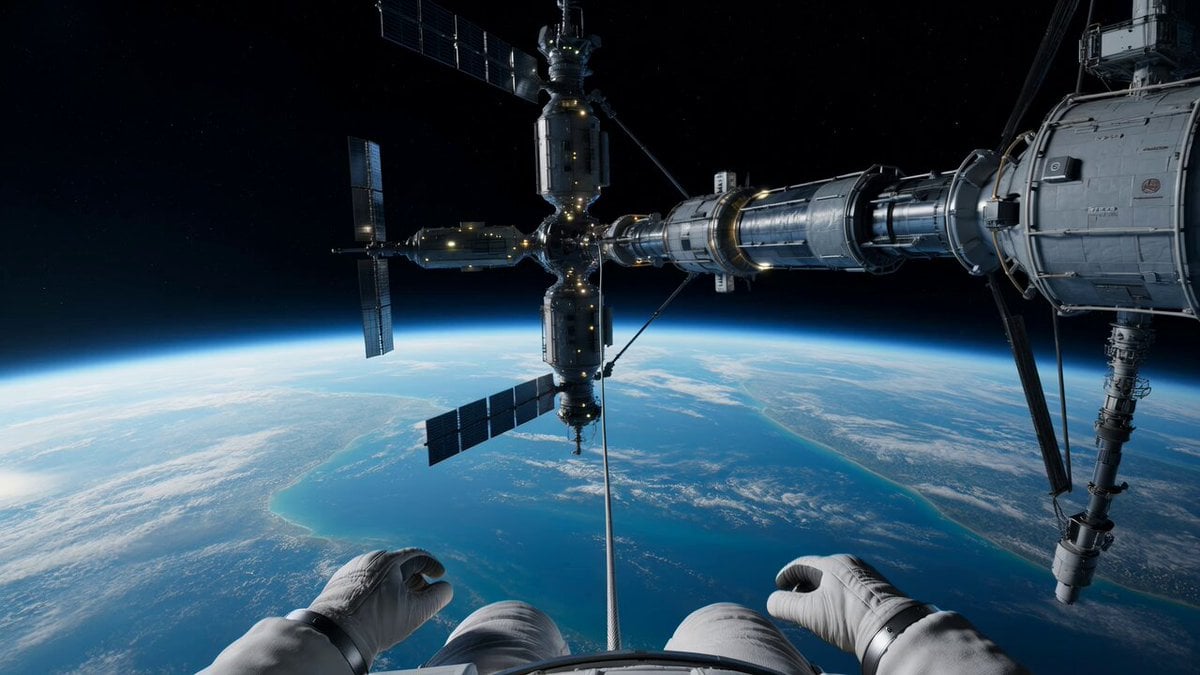
Spacewalk Explosion and Spinning Drift Video Prompt

Tracking shot of armored muscle car in desert
Browse template categories
Kawaii Chaotic Anime Music Video questions
How do I use the Kawaii Chaotic Anime Music Video template?
Add your photo if the template asks for one, edit the prompt if you like — the template's model and format are already selected — and press Generate. Your version opens in PicX Studio.
Can I customize the Kawaii Chaotic Anime Music Video template?
Yes. You can change the subject, setting, lighting, mood, format, and available model controls before creating your video.
Is the Kawaii Chaotic Anime Music Video template free?
Opening and editing this template is free. Generating uses credits, shown on the Generate button when you are signed in.
Which AI model should I use?
Start with Seedance 2.0, which is the model associated with this template. You can compare another compatible model for a different finish.
Looking for something else? Browse all templates.

Your photo, any look
Thousands of ready templates for every top image and video model, from one credit balance.