
K-pop Flash Mob Music Video
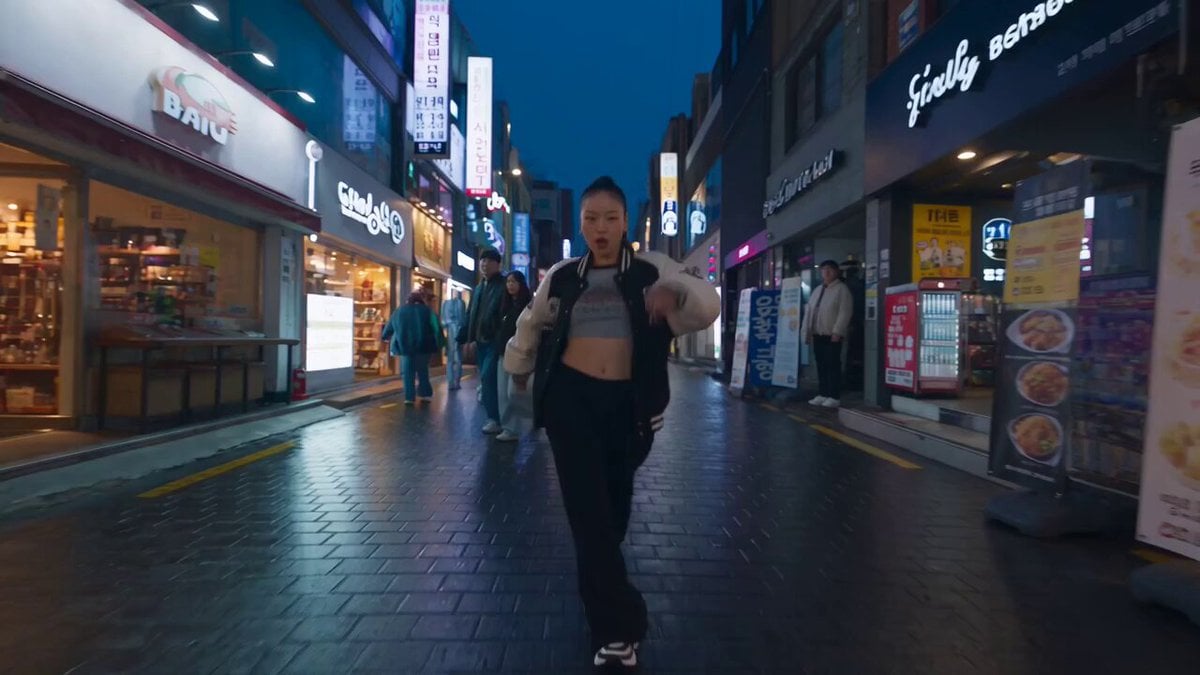
A comprehensive prompt for generating a continuous 30-second music video featuring a K-pop dancer in Seoul, with specific audio and movement instructions.
- Prompt included
- Model and format preset
- Free template
The prompt behind this video
Copy the exact prompt behind K-pop Flash Mob Music Video, or open it in the studio and make it yours.
Landscape iPhone video, one unbroken 30-second take, no cuts. LOCATION / TIME Hongdae, Seoul, blue hour. The pavement is still wet from rain. Neon signage is just starting to come on. Use a long, straight stretch of shopfront-lined sidewalk with enough clear depth for the performer and camera to travel roughly 40 meters continuously. SOUNDTRACK This is a music video. The track is the entire audio. The music is NOT playing inside the scene. It is a finished studio recording laid directly over the footage in the edit, exactly like a professional music-video soundtrack. The music must be: - Clean - Loud - Full-range - Mastered - Immediate and front-of-mix - Filling the entire frequency spectrum, including deep sub frequencies Music style: K-pop dance-break instrumental at around 104 BPM. Musical elements: - Hard 808 sub - Tight, snappy claps - Sparse minor-key synth stabs - Layered female vocal ad-libs - Stacked vocal hooks with no intelligible words Energy progression: The track begins sparse and restrained, then transitions into a full drop that carries the entire second half. IMPORTANT AUDIO RESTRICTIONS: NO street ambience. NO traffic noise. NO footsteps. NO crowd noise. NO voices. NO wind. NO environmental sound. NO room reverb. NO outdoor echo on the music. The soundtrack must NOT sound like: - A phone speaker - A car stereo - A busking speaker - Music playing from a nearby store - Music heard from across the street No muffling. No distance effect. No bandpass filtering. The music must remain studio-clean, full-frequency, loud, and immediate throughout. THE PERFORMER A Korean woman in her early twenties. Appearance: - High ponytail - Oversized varsity jacket - Cropped tee underneath - Wide black trousers - Chunky sneakers She is a professional working music-video dancer and immediately reads as one through her movement quality. She travels forward for the ENTIRE 30-second take. She dances for the ENTIRE 30-second take. The forward walk itself is choreography. Walking is never used as a break between dance phrases. Movement vocabulary: - Hip-hop bounce with strong, visible knee action - Chest isolations - Rib isolations - Shoulder pops - Waacking arm circles - Sharp wrist snaps - K-pop point-choreography accents - Quick heel-toe footwork incorporated into her traveling steps Movement density: Maintain roughly 4 to 6 clearly visible choreographic accents per second. The movement remains sustained throughout. She NEVER drops into ordinary walking. Every accent should feel rhythmically connected to the soundtrack. Her movement amplitude follows the music: - Smaller and more contained during the sparse opening - Increasingly confident as the track builds - Biggest and most explosive during the final drop Performance behavior: She occasionally half-sings along to the track without producing audible diegetic vocals. She catches the camera lens, grins, breaks eye contact naturally, then reconnects with the lens. She feels confident, playful, spontaneous, and extremely comfortable performing directly to camera. THE CAMERA Handheld iPhone footage. Landscape orientation. One continuous 30-second shot. NO cuts. The camera operator walks backward ahead of the performer for the entire take, matching her forward pace. Camera height: Approximately chest height. Framing: Keep her centered and framed from head to sneakers for most of the take. Use a wide iPhone lens perspective. She must remain large enough in the frame that: - Her face stays clearly resolved - Her eyes remain readable - Her hands remain clearly visible - Her dance details remain easy to understand Camera behavior should feel authentically handheld: - Mild natural hand movement - Slight rolling-shutter wobble - Small framing imperfections - Autofocus hunts once or twice - Exposure subtly adjusts as she passes bright storefronts Wet pavement and asphalt reflect the neon signage and surrounding lights. DO NOT use: - Gimbal smoothness - Orbiting camera movement - Zooms - Camera rotation - Slow motion - Drone shots - Stabilized cinematic tracking CROWD BUILD 0-4 SECONDS The performer dances forward alone. Ordinary pedestrians are already moving naturally through the background and around her. Nobody appears to know what is about to happen. 4-9 SECONDS One guy who is already visible behind her begins catching the groove. He starts copying her shoulder choreography approximately half a beat late. His participation should initially feel accidental rather than staged. 9-15 SECONDS Three or four additional people gradually join. Each dancer must peel naturally out of the existing pedestrian flow. Entrances can come from: - The left side of the sidewalk - A visible shopfront - Further behind the performer - Other positions already established within the shot Nobody should suddenly materialize or enter from an impossible location. Each person was already somewhere logically present within the continuous environment. 15-21 SECONDS The group grows to approximately 12 to 15 dancers behind her. They remain loosely packed rather than forming a perfect formation. They copy her accents with slight ripple delays. The timing differences should make the sequence feel spontaneous and contagious rather than perfectly rehearsed. 21-30 SECONDS The number of dancers now HOLDS. Do not keep adding more people. Instead, increase the energy. The group gradually tightens into a loose wedge formation behind the lead performer. Choreographic intensity reaches its peak. The lead performer remains the unmistakable visual focus. FINAL 2 SECONDS She throws her hardest, sharpest choreographic accent directly toward the camera lens. Everyone behind her lands the same beat with her. The movement hits hard and feels satisfying. The shot does NOT freeze. The dancers remain physically alive after the accent. Bodies continue breathing and settling naturally as the 30-second frame ends. BACKGROUND PEDESTRIANS Some pedestrians NEVER join the choreography. They continue walking normally around the dancers. Their reactions vary naturally: - Slightly annoyed - Curious - Amused - Indifferent Some carefully edge around the growing dance group while continuing toward their destination. This contrast between dancers and uninvolved pedestrians is essential for making the moment feel real. PHYSICAL REALISM Grounded human biomechanics throughout. Every movement must show: - Visible weight transfer - Proper foot planting - Real momentum - Believable balance - Natural joint articulation - Correct body mechanics No sliding feet. No floating. No impossible limb motion. No rubbery joints. No unnatural acceleration. No teleporting people. No duplicated pedestrians. The lead performer stays the clear focus throughout the entire take. Maintain enough proximity and image clarity that her face, hands, expressions, clothing, and choreography stay clearly resolved even with the wide lens.
How to use K-pop Flash Mob Music Video in 3 steps
- 1
Open
The prompt is already in the box next to the preview, with the template's model and format selected.
- 2…a portrait of your subject in softgolden-hour light, 85mm…
Personalize
Edit the subject and creative details for your destination.
- 3Generate
Generate
Press Generate — your video is created in PicX Studio, so you can compare it with the original and refine one variable at a time.
More like this
Templates with the same subject, style or setup. Open one to see its prompt.
K-Pop Red Room Music Video
K-pop Idol Music Video Dance Scene
Nostalgic Indie-Pop iPhone Music Video
Mediterranean Musical Scene Long Take
Japan Street Musician Vlog
High-Intensity Experimental Music Video
Female Rapper Performance Music Video
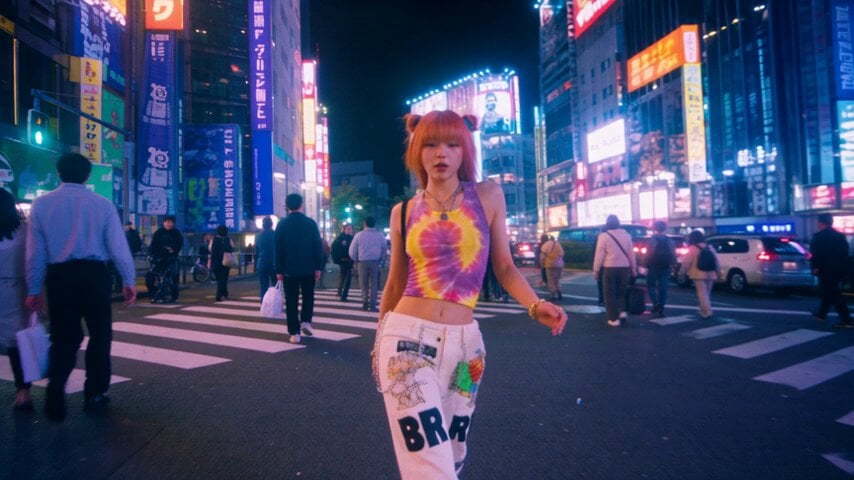
iPhone Style Street Dance Music Video
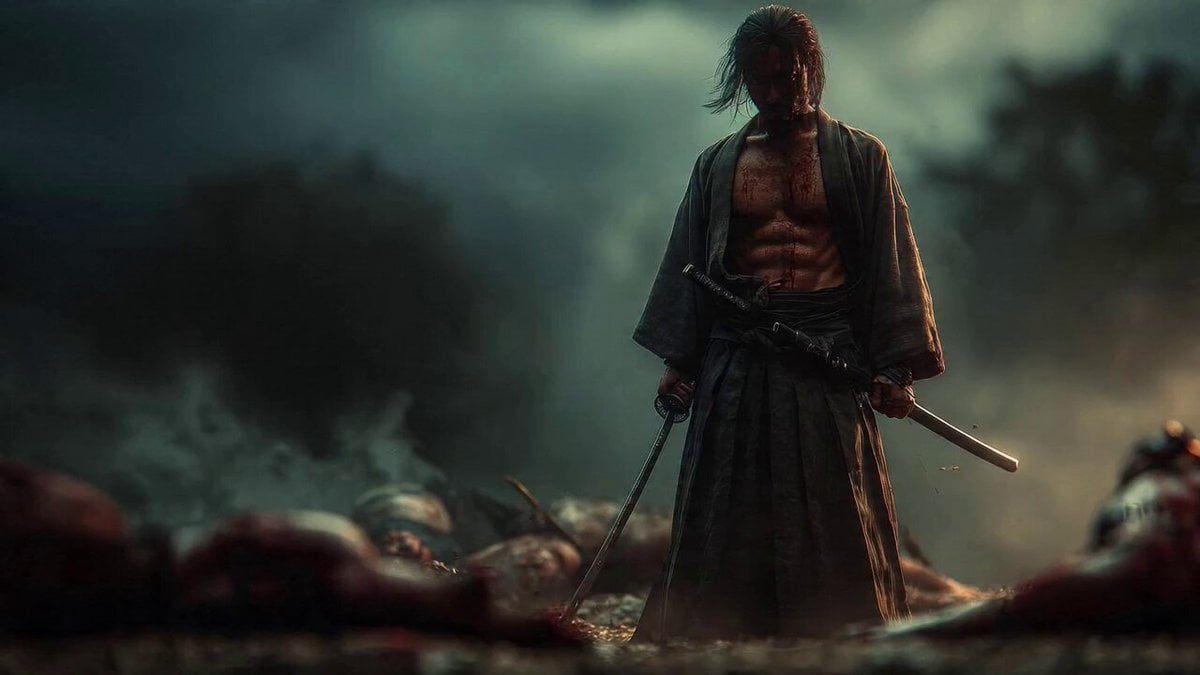
Cinematic Samurai Flashback
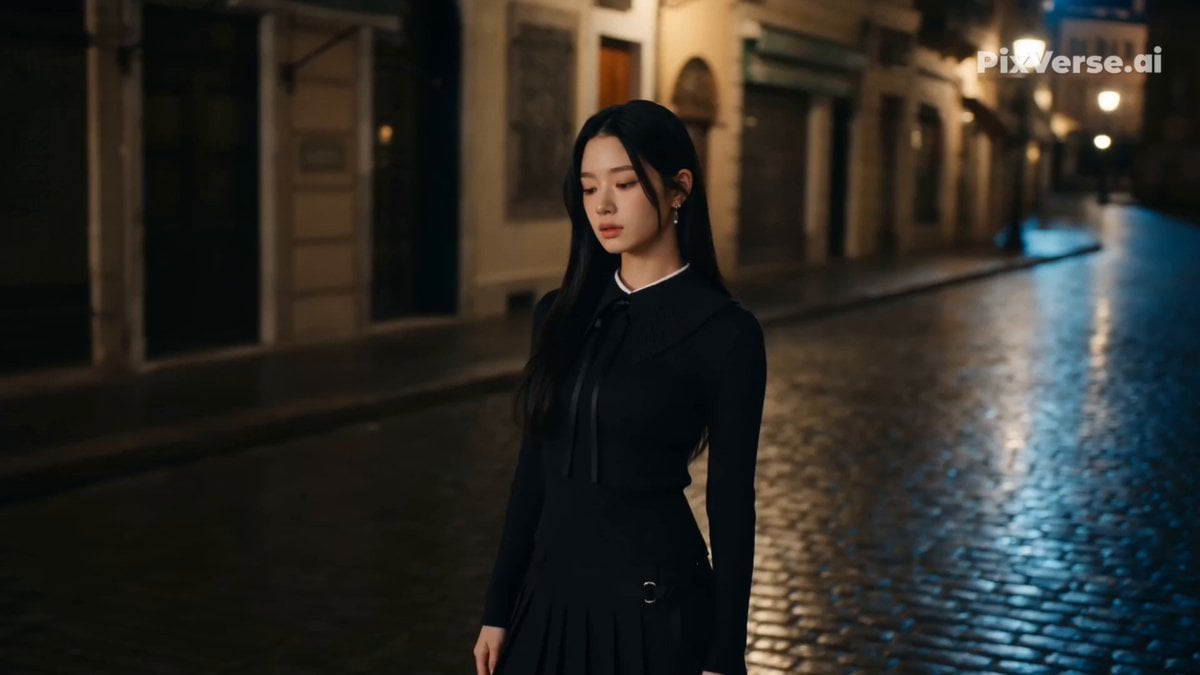
Retro Street Fashion Music Video

Hard Rock Performance Music Video
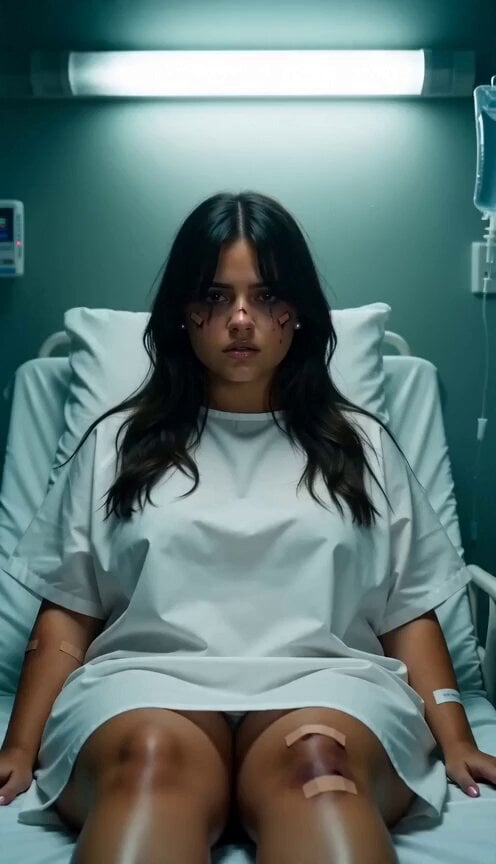
Emo Punk Hospital Music Video
Make it yours
K-pop Flash Mob Music Video works as-is. These are the safest ways to change it without losing the look.
Change one field
Copy a single group, rewrite it, and generate again so you can see what that field is doing.
Keep the frame, change the subject
Hold the composition and light of K-pop Flash Mob Music Video, then swap wardrobe, props or the person for a new take.
| If the result… | Why | Fix |
|---|---|---|
| The result drifts from the preview | Too many fields changed at once. | Reuse K-pop Flash Mob Music Video as-is first, then change one group — subject, light, or setting. |
| The model over-stylizes the scene | The prose prompt leaves finish and camera underspecified. | Add one camera or lighting sentence and stay on Seedance 2.0. |
More Seedance 2.0 templates
Other prompts made for Seedance 2.0.

Comical Martial Arts Punch Scene

Maglev Train Action Sequence

Martial Arts Fight Sequence

Wuxia Protection and Trust Script

Vintage Korean Arcade MiniDV Vlog

Mercedes 190 SL Luxury Ad

Rainy Night Supernatural Reverse Comedy Video Script

Amazon Civilization Discovery

Futuristic South Asian City Transformation

Cozy Luxury Cafe Commercial
More video prompts
Fresh picks from across the catalog.
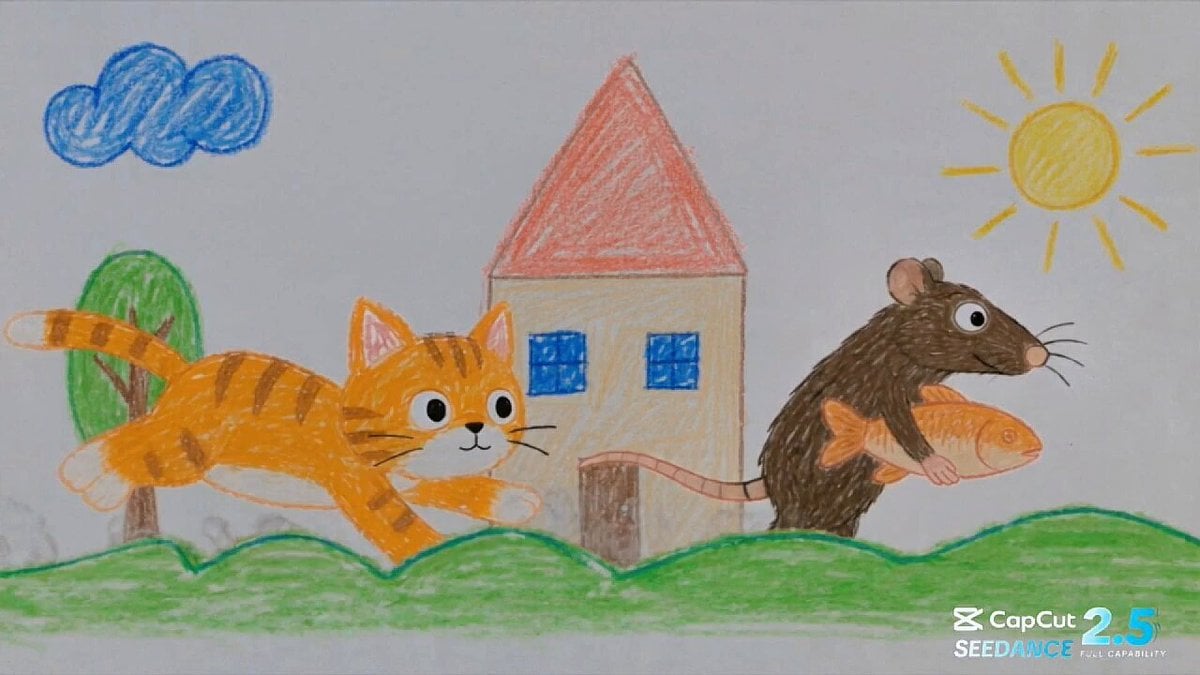
Crayon Drawing Animated Chase
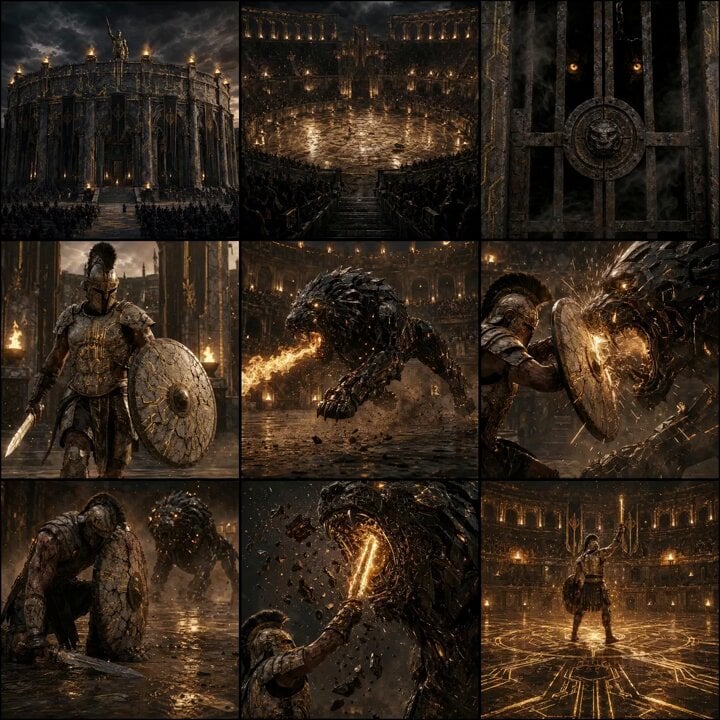
Epic Gladiator Arena Trailer
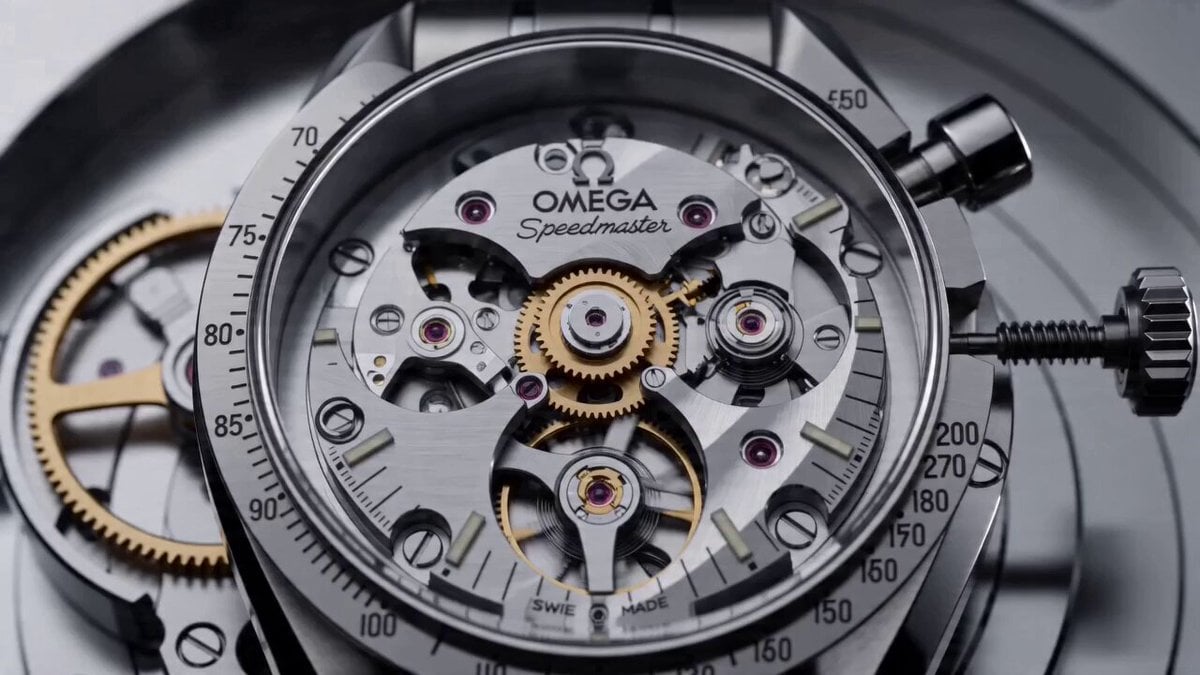
Cinematic Prompt for Omega Speedmaster
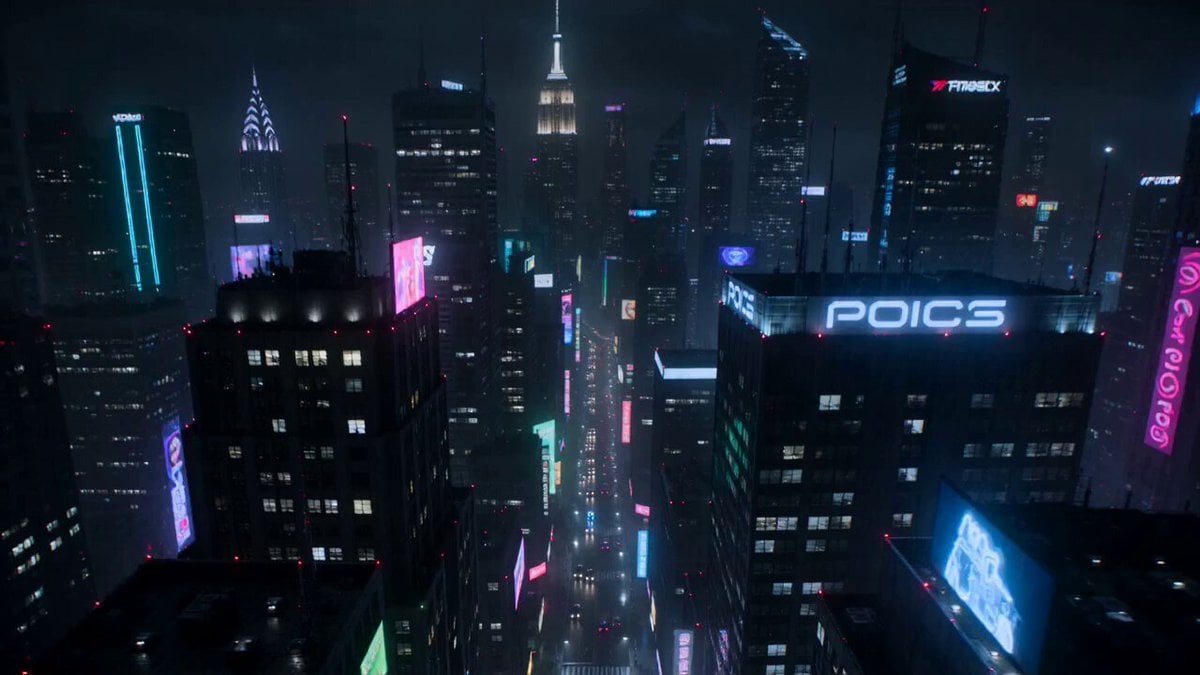
Cyberpunk Neon Motorcycle Chase

Nanjing FPV Travel Cinematography
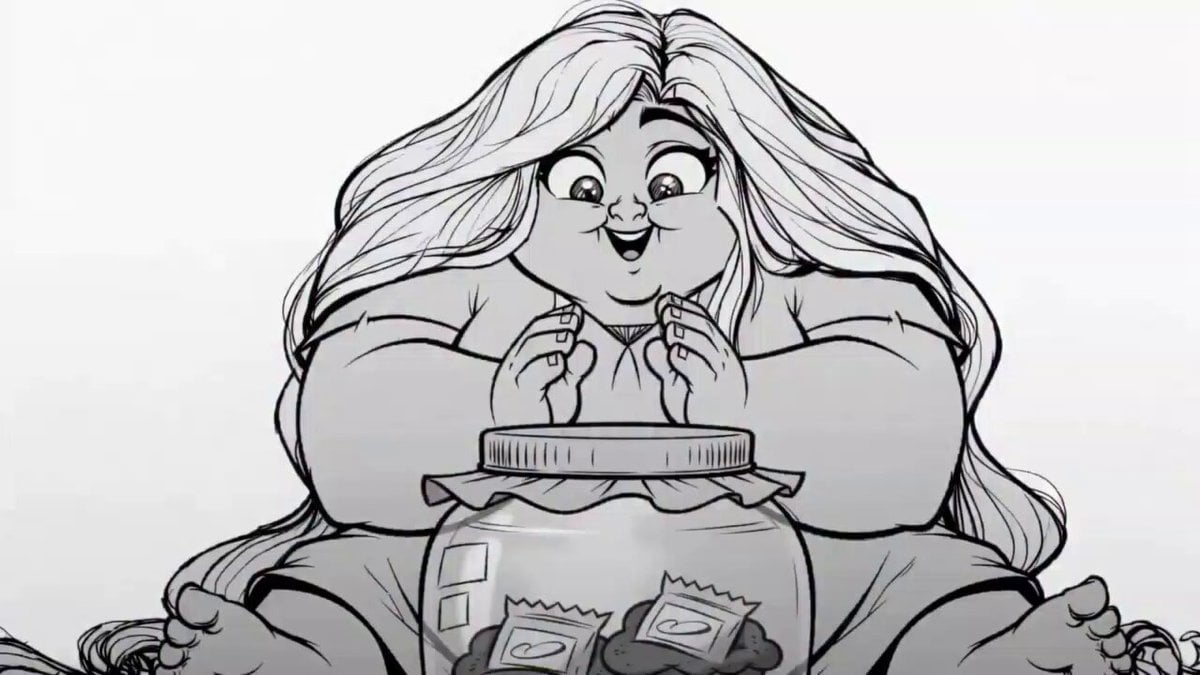
2D Line Art Girl Candy Jar Animation

Realistic Wildlife Nature Documentary Prompt
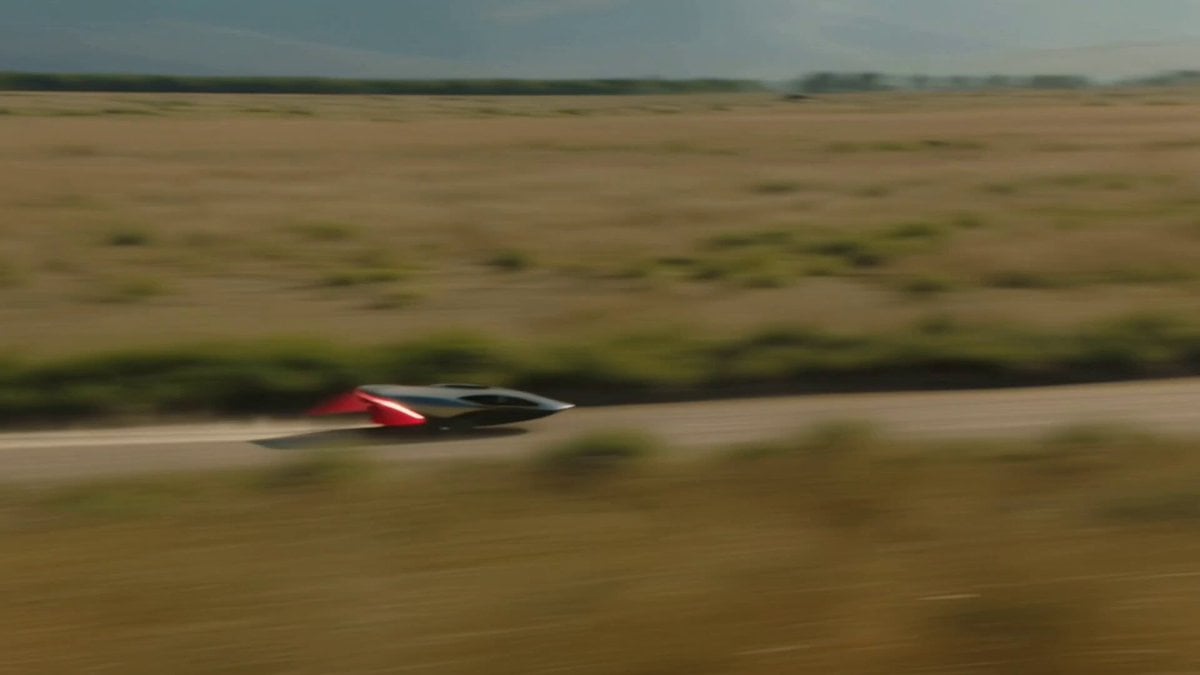
Futuristic Hovercraft on Savanna Hardpack

Cat Making Pancakes (Jianbing) - Seedance Cute Pet Series
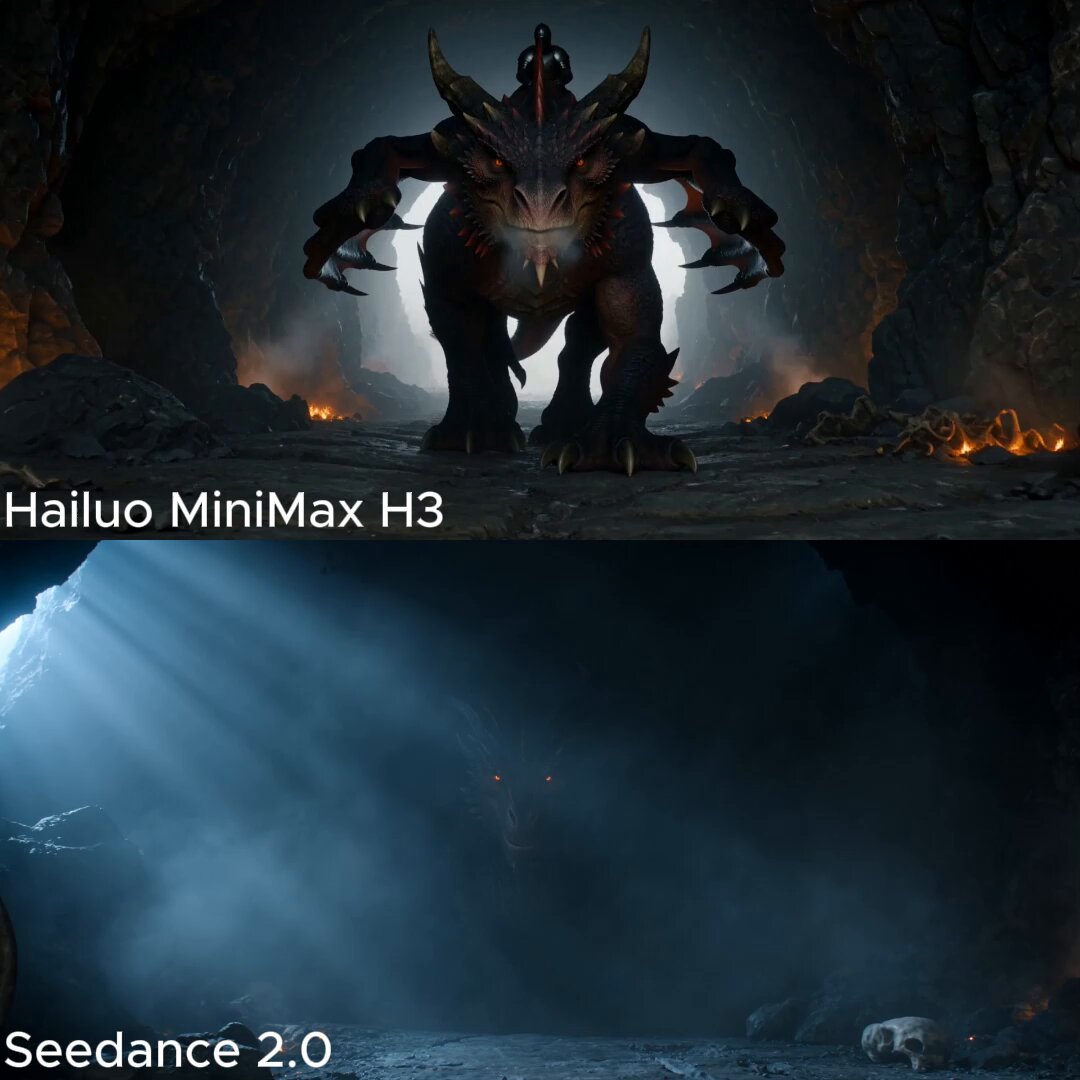
Dark Fantasy Dragon Rider Sequence
Browse template categories
K-pop Flash Mob Music Video questions
How do I use the K-pop Flash Mob Music Video template?
Add your photo if the template asks for one, edit the prompt if you like — the template's model and format are already selected — and press Generate. Your version opens in PicX Studio.
Can I customize the K-pop Flash Mob Music Video template?
Yes. You can change the subject, setting, lighting, mood, format, and available model controls before creating your video.
Is the K-pop Flash Mob Music Video template free?
Opening and editing this template is free. Generating uses credits, shown on the Generate button when you are signed in.
Which AI model should I use?
Start with Seedance 2.0, which is the model associated with this template. You can compare another compatible model for a different finish.
Looking for something else? Browse all templates.

Your photo, any look
Thousands of ready templates for every top image and video model, from one credit balance.