How do I use the Epic Gladiator Arena Trailer template?
Edit the prompt in the box under the preview — the template's model and format are already selected — and press Generate. Your version appears right on this page.
A complex multi-shot storyboard prompt for a 15-second cinematic trailer.
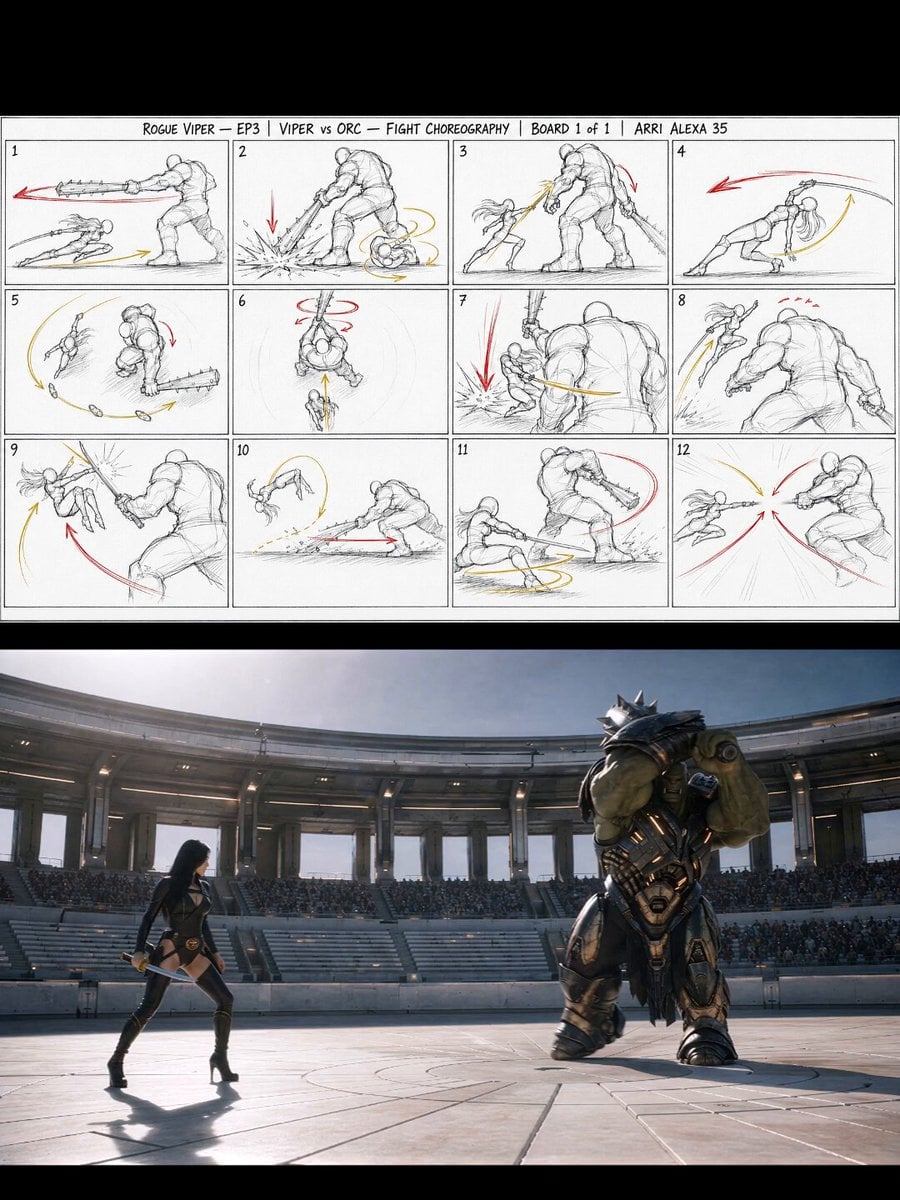
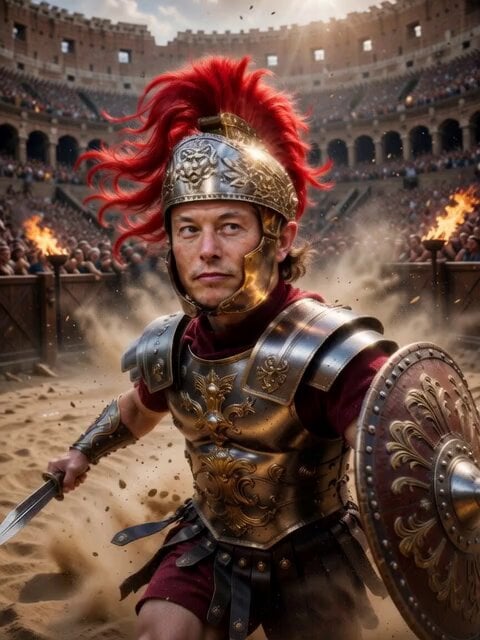
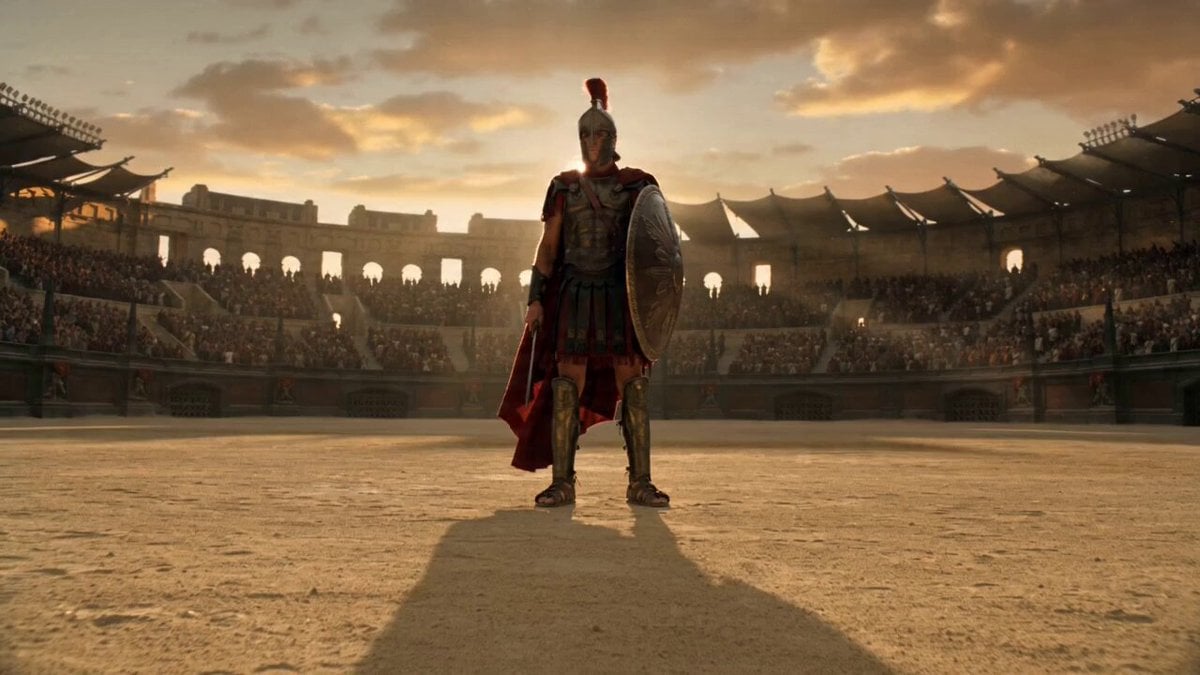
FORMAT: 15s / 140 BPM / 9 SHOTS / beat-synced cinematic trailer from the 3x3 storyboard grid STYLE: IMAX live action, dark amber palette, practical firelight and gold luminescence, photorealistic 8K. MOOD: Epic ancient combat, visceral tension, triumphant finale. MUSIC: Deep war drums, metallic percussion, rising orchestral brass. SHOT 1 (0:00-0:02): Wide establishing shot. Massive ancient colosseum at dusk, marble columns with gold circuit veins, torchlight flickering across the tiers, storm clouds above. Slow aerial push-in. SHOT 2 (0:02-0:03): Interior wide. Arena floor from the stands, thousands of spectators in torchlit shadow, amber firelight on wet marble. Camera glides forward. SHOT 3 (0:03-0:05): Close-up iron gate. Rusted ancient bars. Two glowing amber eyes emerge from darkness. Smoke curls through gaps. Camera pushes in slow. SHOT 4 (0:05-0:07): Medium shot. Gladiator in weathered bronze armor with gold circuit patterns enters the arena, marble shield raised, short sword drawn. Camera tracks alongside. SHOT 5 (0:07-0:09): Wide action. Massive mechanical lion with obsidian plating charges across the arena, fire erupting from its jaws, dust and sparks trailing. Camera sweeps low. SHOT 6 (0:09-0:10): Dynamic close-up. Shield blocks the lion attack, sparks explode where metal meets stone, gold circuits on armor flare bright. Camera shakes with impact. SHOT 7 (0:10-0:11): Low angle. Gladiator on one knee, battered, shield cracked, mechanical lion circling in dust and firelight behind him. Camera holds steady. SHOT 8 (0:11-0:13): The kill. Gladiator drives his sword upward through the lion jaw, blade glowing gold, mechanical parts shattering outward in slow motion. Camera tracks the upward thrust. SHOT 9 (0:13-0:15): Victory. Gladiator stands alone center arena, arm raised, gold circuit patterns pulse across the marble floor radiating outward. Camera pulls back wide.
FORMAT: 15s / 140 BPM / 9 SHOTS / beat-synced cinematic trailer from the 3x3 storyboard grid STYLE: IMAX live action, dark amber palette, practical firelight and gold luminescence, photorealistic 8K. MOOD: Epic ancient combat, visceral tension, triumphant finale. MUSIC: Deep war drums, metallic percussion, rising orchestral brass. SHOT 1 (0:00-0:02): Wide establishing shot. Massive ancient colosseum at dusk, marble columns with gold circuit veins, torchlight flickering across the tiers, storm clouds above. Slow aerial push-in. SHOT 2 (0:02-0:03): Interior wide. Arena floor from the stands, thousands of spectators in torchlit shadow, amber firelight on wet marble. Camera glides forward. SHOT 3 (0:03-0:05): Close-up iron gate. Rusted ancient bars. Two glowing amber eyes emerge from darkness. Smoke curls through gaps. Camera pushes in slow. SHOT 4 (0:05-0:07): Medium shot. Gladiator in weathered bronze armor with gold circuit patterns enters the arena, marble shield raised, short sword drawn. Camera tracks alongside. SHOT 5 (0:07-0:09): Wide action. Massive mechanical lion with obsidian plating charges across the arena, fire erupting from its jaws, dust and sparks trailing. Camera sweeps low. SHOT 6 (0:09-0:10): Dynamic close-up. Shield blocks the lion attack, sparks explode where metal meets stone, gold circuits on armor flare bright. Camera shakes with impact. SHOT 7 (0:10-0:11): Low angle. Gladiator on one knee, battered, shield cracked, mechanical lion circling in dust and firelight behind him. Camera holds steady. SHOT 8 (0:11-0:13): The kill. Gladiator drives his sword upward through the lion jaw, blade glowing gold, mechanical parts shattering outward in slow motion. Camera tracks the upward thrust. SHOT 9 (0:13-0:15): Victory. Gladiator stands alone center arena, arm raised, gold circuit patterns pulse across the marble floor radiating outward. Camera pulls back wide.
Edit the prompt in the box under the preview — the template's model and format are already selected — and press Generate. Your version appears right on this page.
Yes. You can change the subject, setting, lighting, mood, format, and available model controls before creating your video.
Opening and editing this template is free. Generating uses credits, shown on the Generate button when you are signed in.
Start with Seedance 2.0, which is the model associated with this template. You can compare another compatible model for a different finish.
Follow a topic to a crawlable collection of related PicX Studio templates.