
Epic Wildlife Campaign Trailer
An ultra-cinematic wildlife trailer prompt in vertical format designed to feel like an expensive luxury nature campaign.
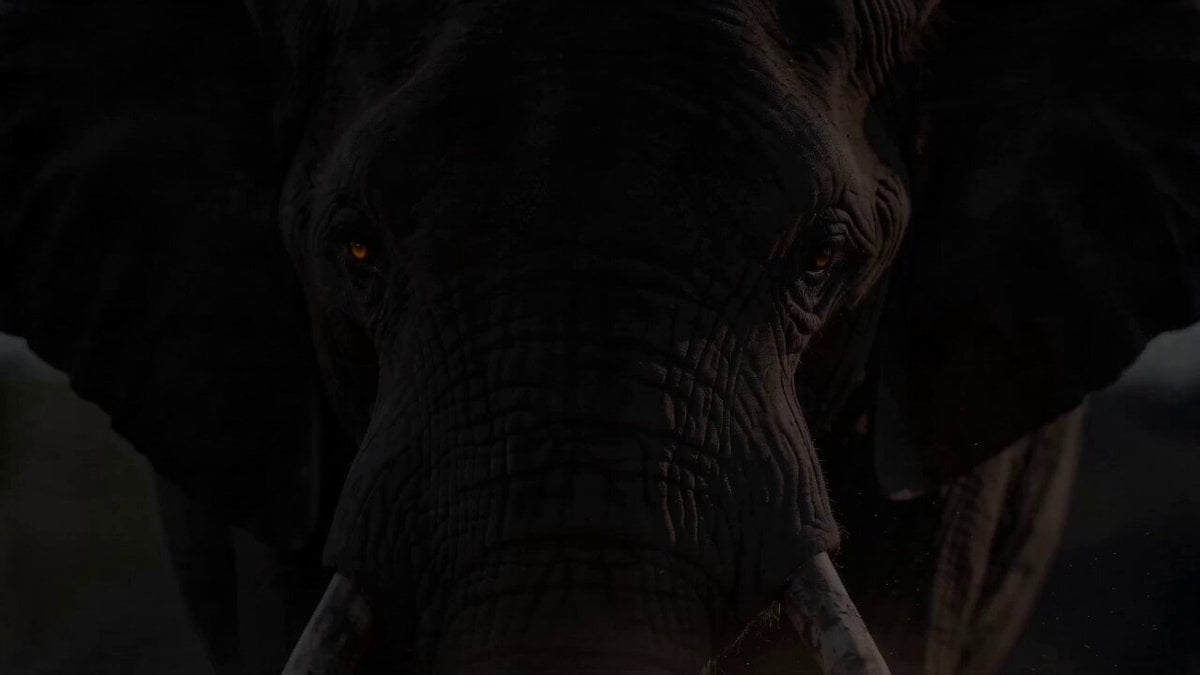
- Prompt included
- Model and format preset
- Premium template
The prompt behind this video
Copy the exact prompt behind Epic Wildlife Campaign Trailer, or open it in the studio and make it yours.
Create a 16-second ultra-cinematic wildlife trailer in vertical 9:16 format featuring three iconic animals: an elephant, a cheetah, and a gorilla. The film must feel epic, emotional, powerful, and expensive — like a luxury nature campaign mixed with a cinematic movie
How to use Epic Wildlife Campaign Trailer in 3 steps
- 1
Open
The prompt is already in the box next to the preview, with the template's model and format selected.
- 2…a portrait of your subject in softgolden-hour light, 85mm…
Personalize
Edit the subject and creative details for your destination.
- 3Generate
Generate
Press Generate — your video is created in PicX Studio, so you can compare it with the original and refine one variable at a time.
More like this
Templates with the same subject, style or setup. Open one to see its prompt.
The Ark — Seedance 2.0 Epic Trailer
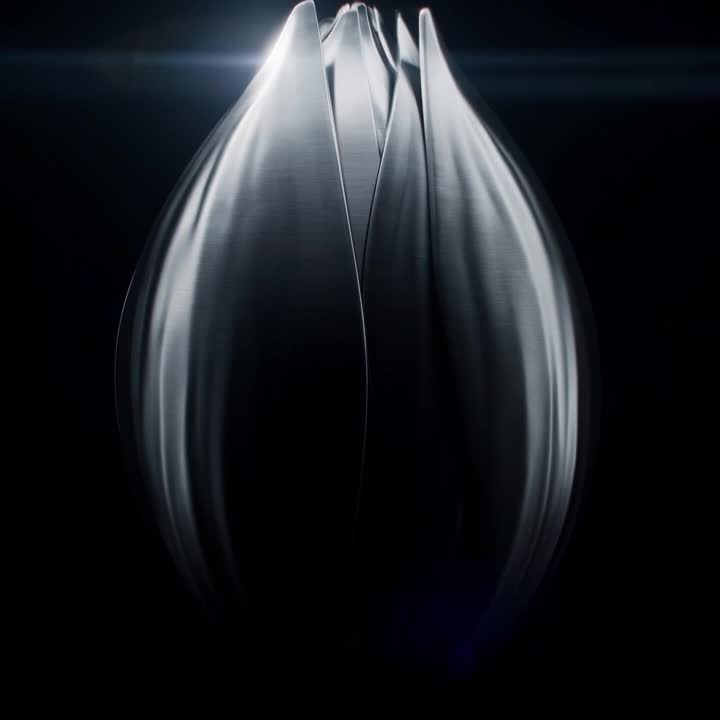
Oceanic Civilization Epic Sci-Fi Film
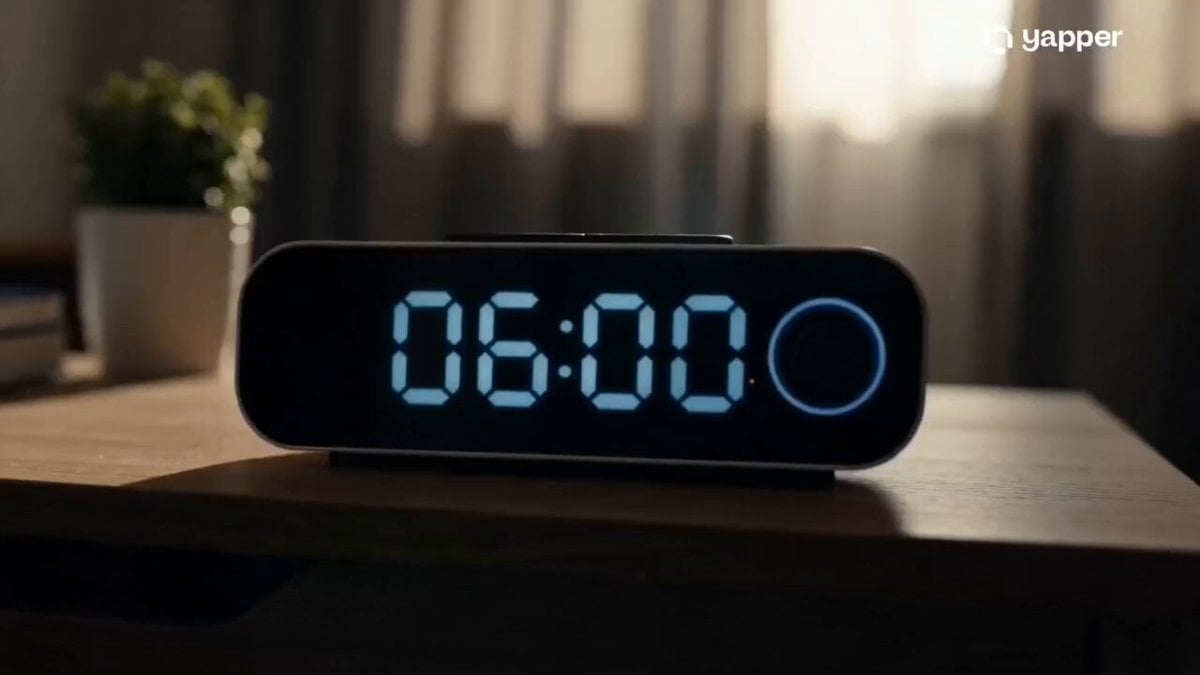
Epic Everyday Life Movie Trailer
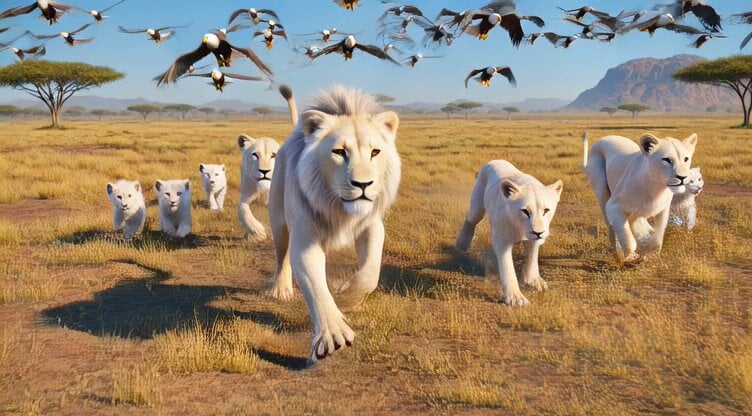
Grok Imagine prompt: Epic wildlife scene with eagles, lions, and a pig hunt
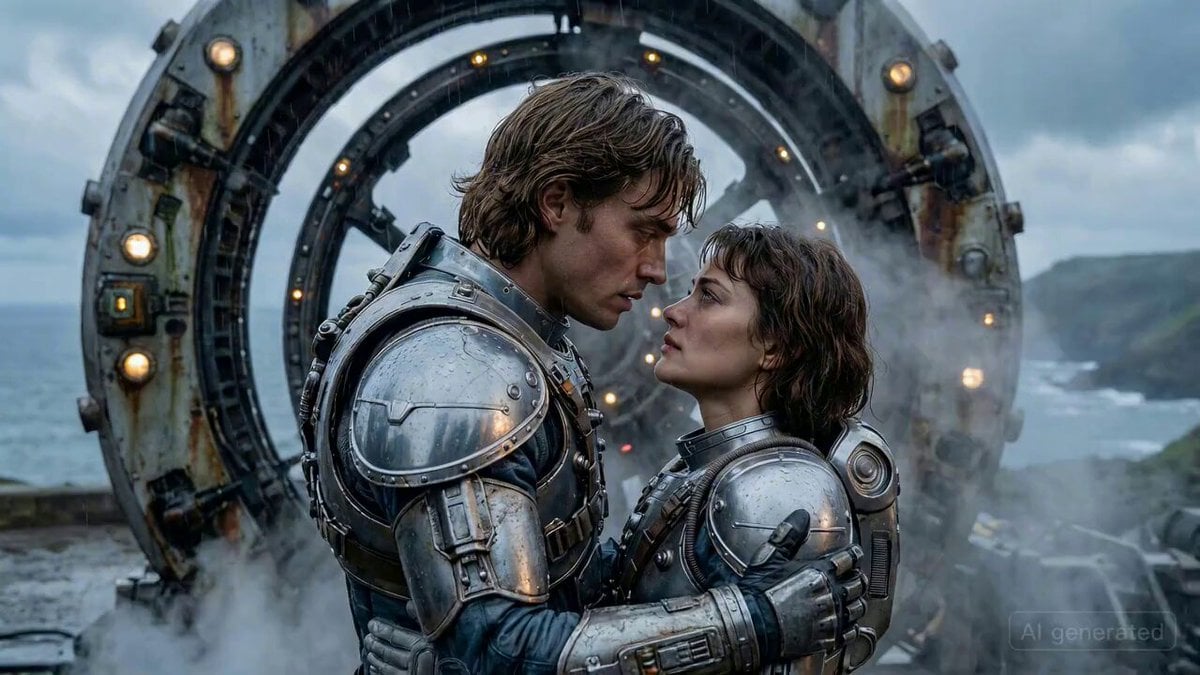
Cinematic Romantic Epic Film Trailer
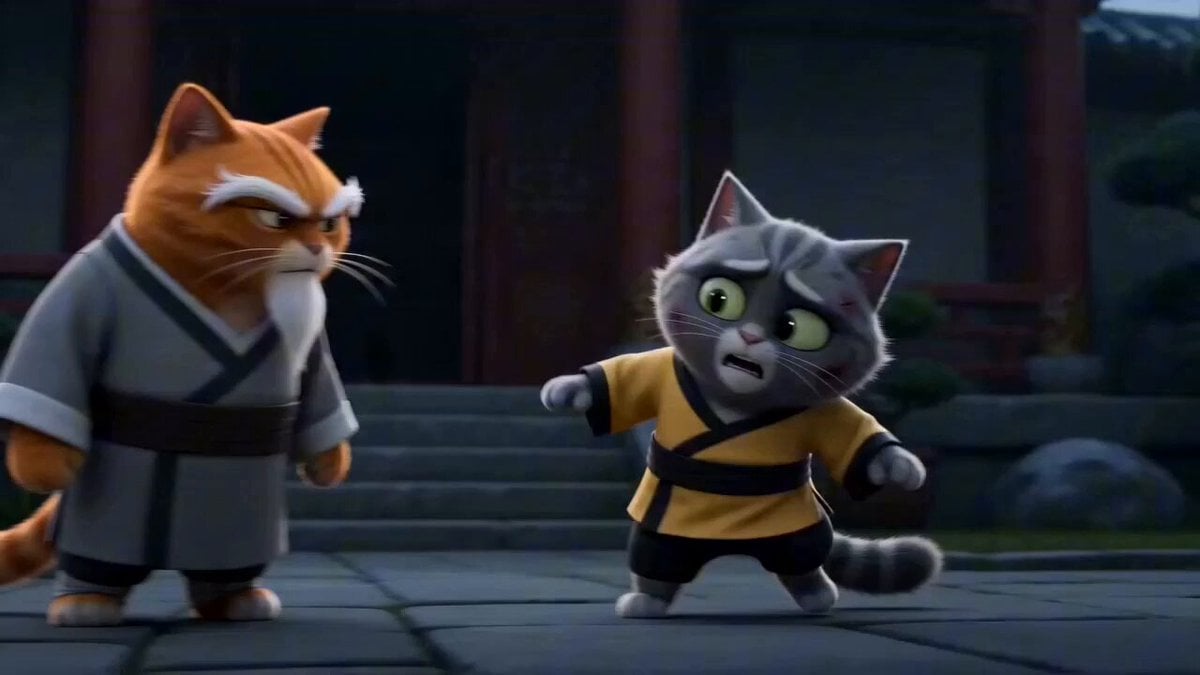
Epic Cat Kung Fu Animation Trailer
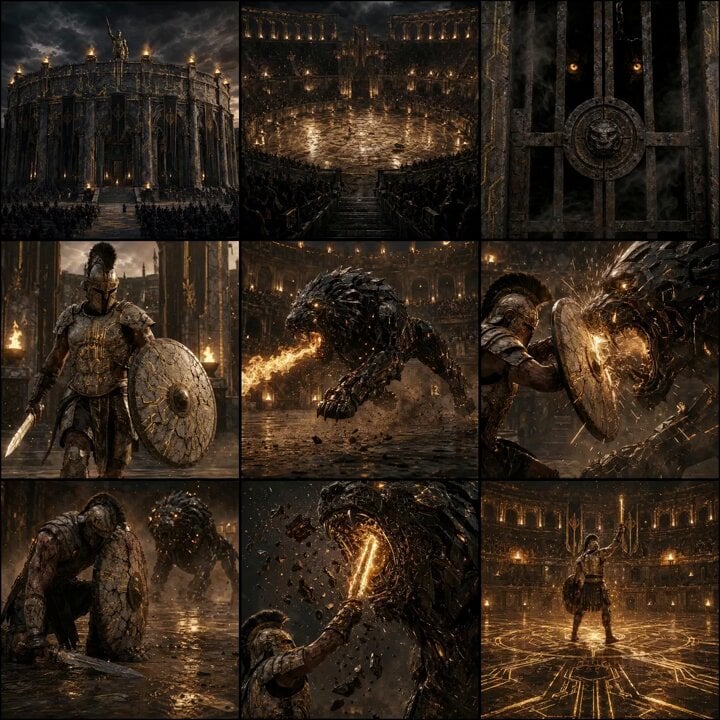
Epic Gladiator Arena Trailer
Thornmaw Monarch — Crimson Glass Desert Beast
Colossal Sea Creature — Stormy Shore Charge (Seedance)
Skybridge Rescue — Supertall Tower Collapse (Seedance)
FPV Ancient Kuru Kingdom — Hastinapura Golden Hour (Seedance)
Dragon Rescue — Volcanic Kingdom Collapse (Seedance)
Make it yours
Epic Wildlife Campaign Trailer works as-is. These are the safest ways to change it without losing the look.
Change one field
Copy a single group, rewrite it, and generate again so you can see what that field is doing.
Keep the frame, change the subject
Hold the composition and light of Epic Wildlife Campaign Trailer, then swap wardrobe, props or the person for a new take.
| If the result… | Why | Fix |
|---|---|---|
| The result drifts from the preview | Too many fields changed at once. | Reuse Epic Wildlife Campaign Trailer as-is first, then change one group — subject, light, or setting. |
| The model over-stylizes the scene | The prose prompt leaves finish and camera underspecified. | Add one camera or lighting sentence and stay on Seedance 2.0. |
More Seedance 2.0 templates
Other prompts made for Seedance 2.0.

Comical Martial Arts Punch Scene

Maglev Train Action Sequence

Martial Arts Fight Sequence

Wuxia Protection and Trust Script

Vintage Korean Arcade MiniDV Vlog

Mercedes 190 SL Luxury Ad

Rainy Night Supernatural Reverse Comedy Video Script

Amazon Civilization Discovery

Futuristic South Asian City Transformation

Cozy Luxury Cafe Commercial
More video prompts
Fresh picks from across the catalog.
City Doodle Overlay Animation
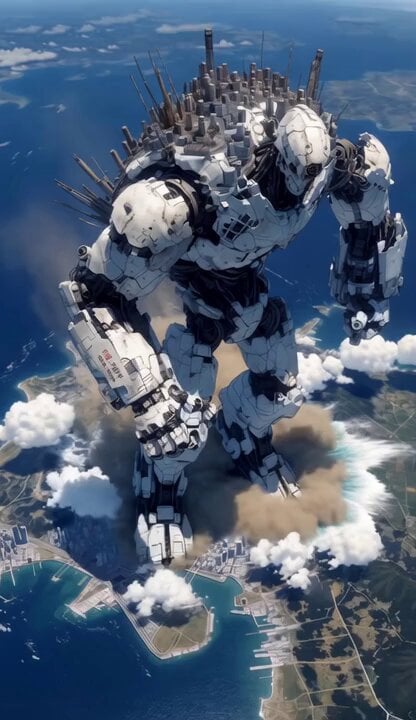
Mecha City Transformers Cinematic Video
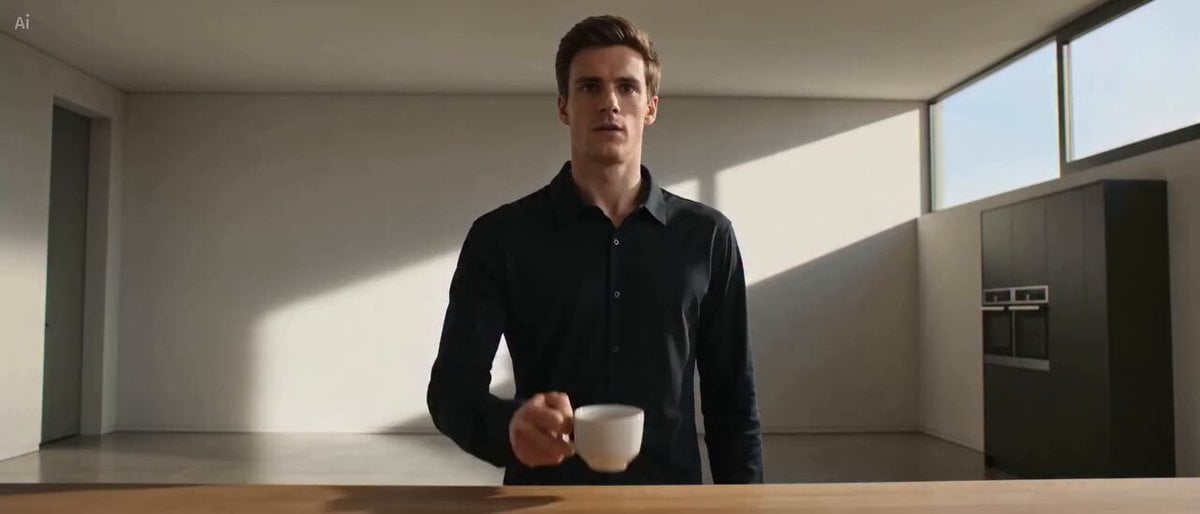
Frozen Time Coffee Toss Animation

Iced Coffee Dog Good-News Montage
Paper Towel Alien Transformation

Sci-Fi Anime Exosuit Flight
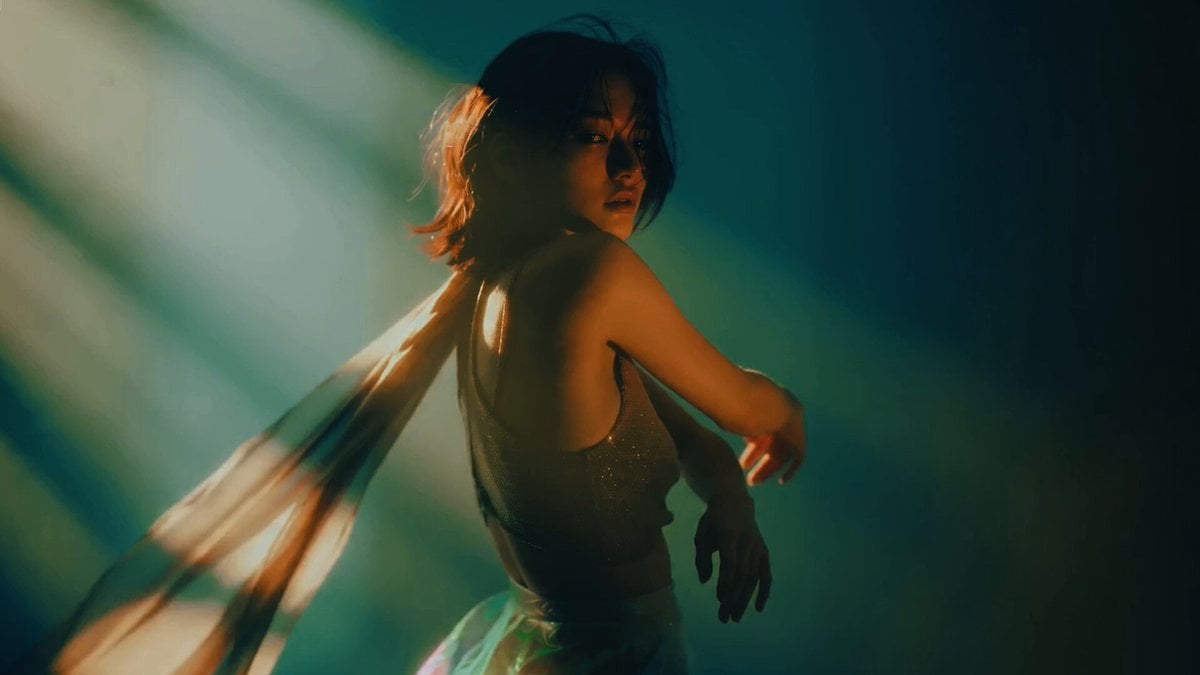
Cinematic High-Fashion Dance Performance
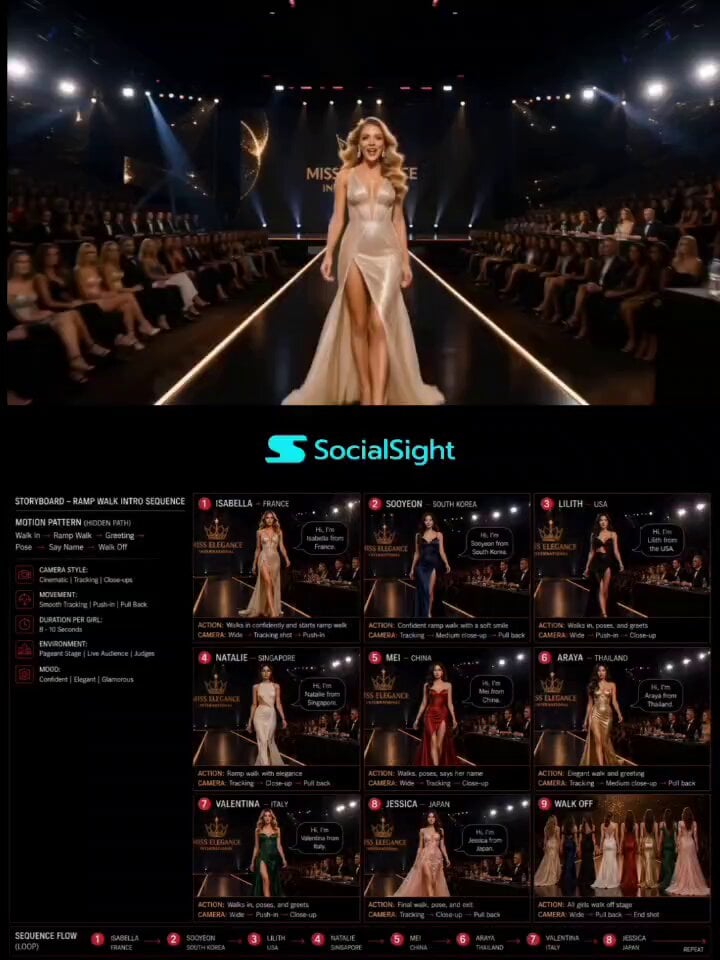
Cinematic Fashion Pageant Storyboard
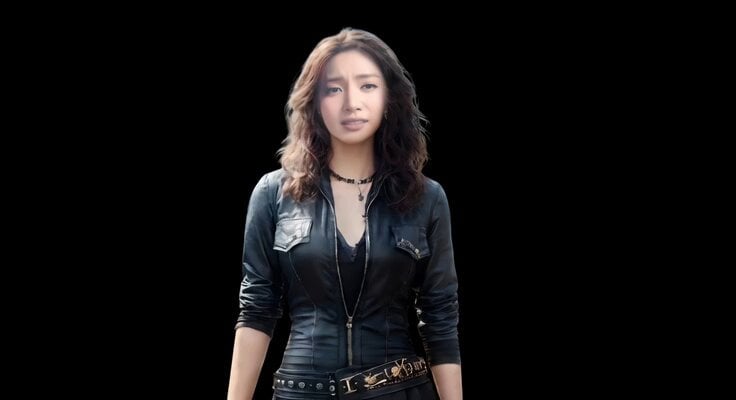
Realistic Emotional Natural Tears Video

Second Continuous Action Sequence
Browse template categories
Epic Wildlife Campaign Trailer questions
How do I use the Epic Wildlife Campaign Trailer template?
Add your photo if the template asks for one, edit the prompt if you like — the template's model and format are already selected — and press Generate. Your version opens in PicX Studio.
Can I customize the Epic Wildlife Campaign Trailer template?
Yes. You can change the subject, setting, lighting, mood, format, and available model controls before creating your video.
Is the Epic Wildlife Campaign Trailer template free?
Opening and editing this template is free. Generating uses credits, shown on the Generate button when you are signed in.
Which AI model should I use?
Start with Seedance 2.0, which is the model associated with this template. You can compare another compatible model for a different finish.
Looking for something else? Browse all templates.

Your photo, any look
Thousands of ready templates for every top image and video model, from one credit balance.