
City Doodle Overlay Animation
A creative prompt for a first-person perspective video where real-world city objects are transformed into cute 2D cartoon doodles using a marker.
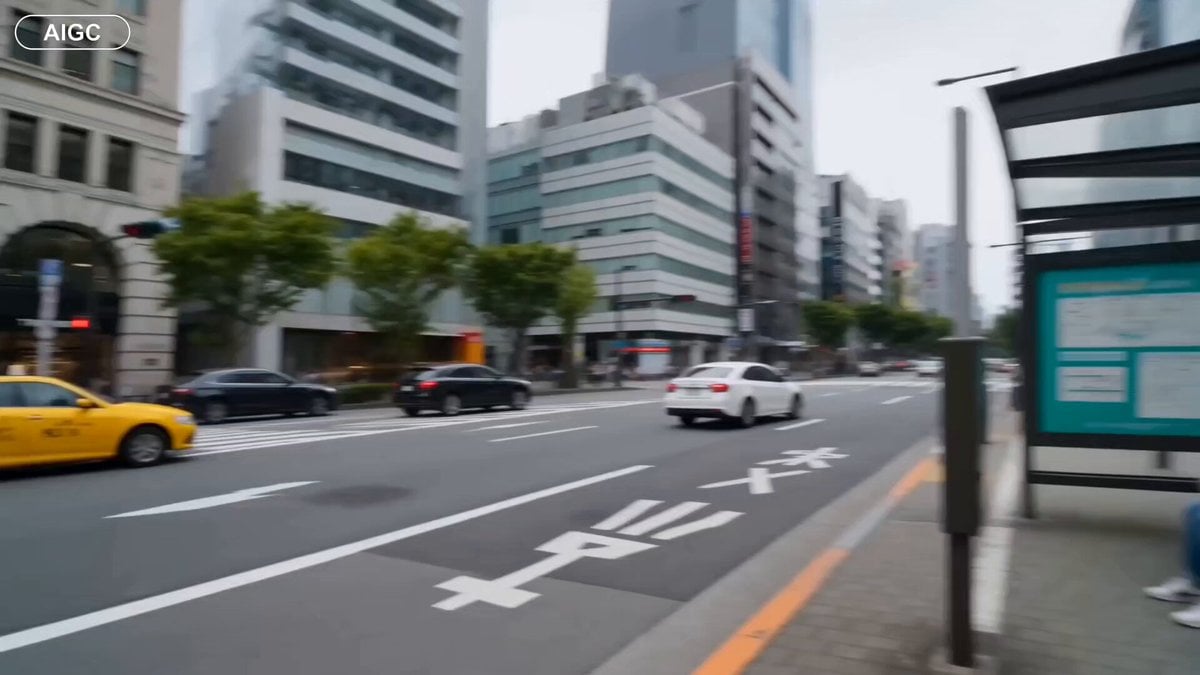
- Prompt included
- Model and format preset
- Premium template
The prompt behind this video
Copy the exact prompt behind City Doodle Overlay Animation, or open it in the studio and make it yours.
A first-person POV shot of a hand holding a black marker, pointing it at real-world objects in an urban city setting. The video uses a creative 'doodle overlay' effect. As the hand waves the marker with a swift motion, real-world objects instantly transform into cute, 2D cartoon animations with clean blue and white outlines. 1. A real subway train passing on an elevated track transforms into a playful, minimalist blue and white cartoon train. 2. A real pigeon on a paved sidewalk transforms into a stylized white cartoon bird flying away, leaving small hand-drawn dust clouds. 3. A real green bus driving on a city street transforms into a giant, adorable 2D animated orange tabby cat walking casually. 4. A real woman sitting at a bus stop transforms into a classic 2D anime-style girl waving happily. The final shot shows the hand tossing an object into the sky, transforming the entire city sky into a bright, vibrant anime sunset with fluffy white clouds and a smiling cartoon sun. Smooth transitions, playful and whimsical energy, high-contrast mix of live-action and 2D cel animation. A crisp first-person POV photograph of a hand holding a black marker aimed at an elevated city train track. Overlaid on the real scene is a bright 2D vector doodle of a minimalist blue and white cartoon subway train passing by. Playful, mixed media, urban street style. First-person perspective looking down at a paved city sidewalk. A hand holds a black marker, pointing at a stylized, hand-drawn 2D white cartoon dove that is mid-flight, bursting out from where a real bird just stood. Whimsical line art overlay. A wide POV shot of a city street next to a sidewalk. A hand with a marker is tracking a giant, cute 2D animated orange tabby cat with green eyes as it walks down the vehicle lane where a bus should be. High contrast between the realistic asphalt and the bright, solid-colored character art. A low-angle POV shot looking up past city high-rise apartments into the sky. The realistic sky transitions instantly into a beautiful, vibrant 2D anime-style pastel sunset filled with soft, puffy white clouds and a simple, cheerful cartoon sun illustration.
How to use City Doodle Overlay Animation in 3 steps
- 1
Open
The prompt is already in the box next to the preview, with the template's model and format selected.
- 2…a portrait of your subject in softgolden-hour light, 85mm…
Personalize
Edit the subject and creative details for your destination.
- 3Generate
Generate
Press Generate — your video is created in PicX Studio, so you can compare it with the original and refine one variable at a time.
More like this
Templates with the same subject, style or setup. Open one to see its prompt.
3D Glossy Fairy Animation - Seedance 2.5

Realistic City Street Story Cinematic Video - Seedance
Silk Road Pomegranate Folk Animation
Multilingual Creative Typography Loop
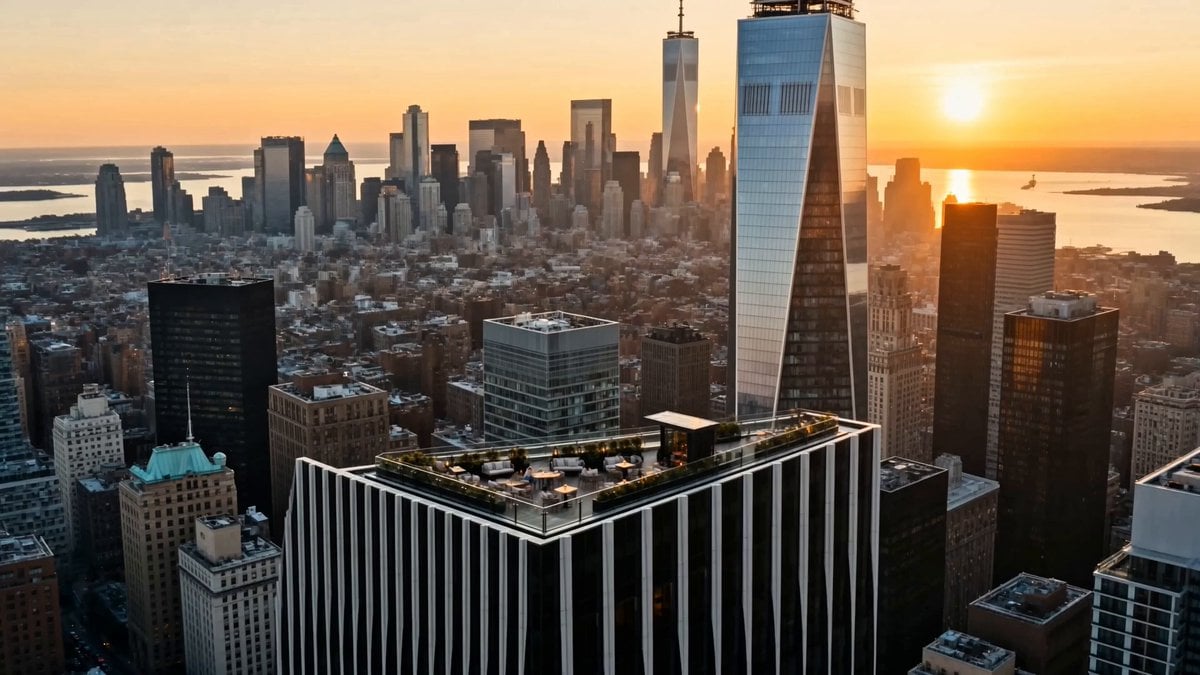
Luxury Lifestyle Day Vlog
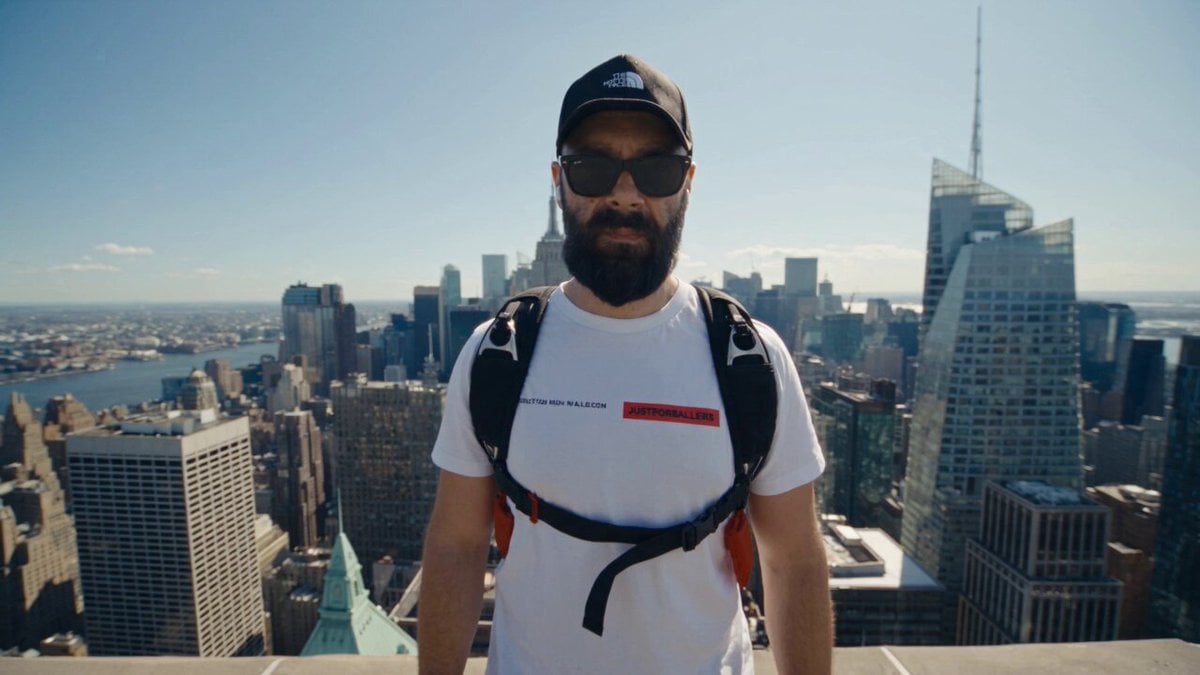
NYC Wingsuit Hot Dog Landing
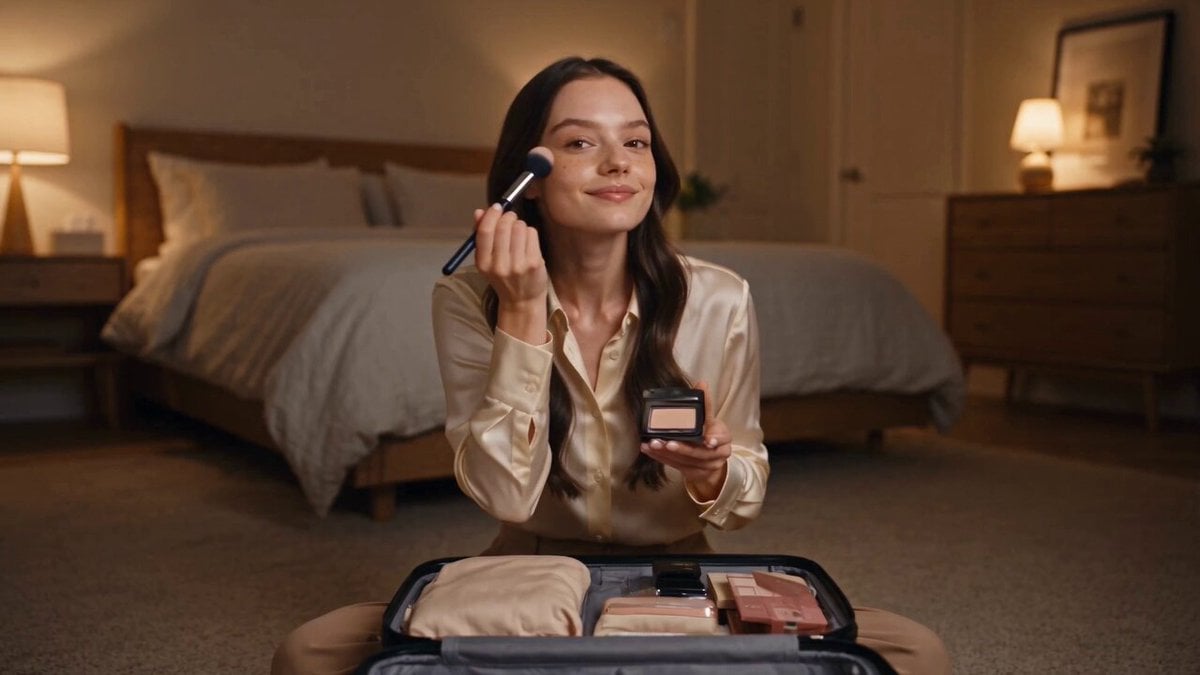
Luxury Airport Travel Vlog
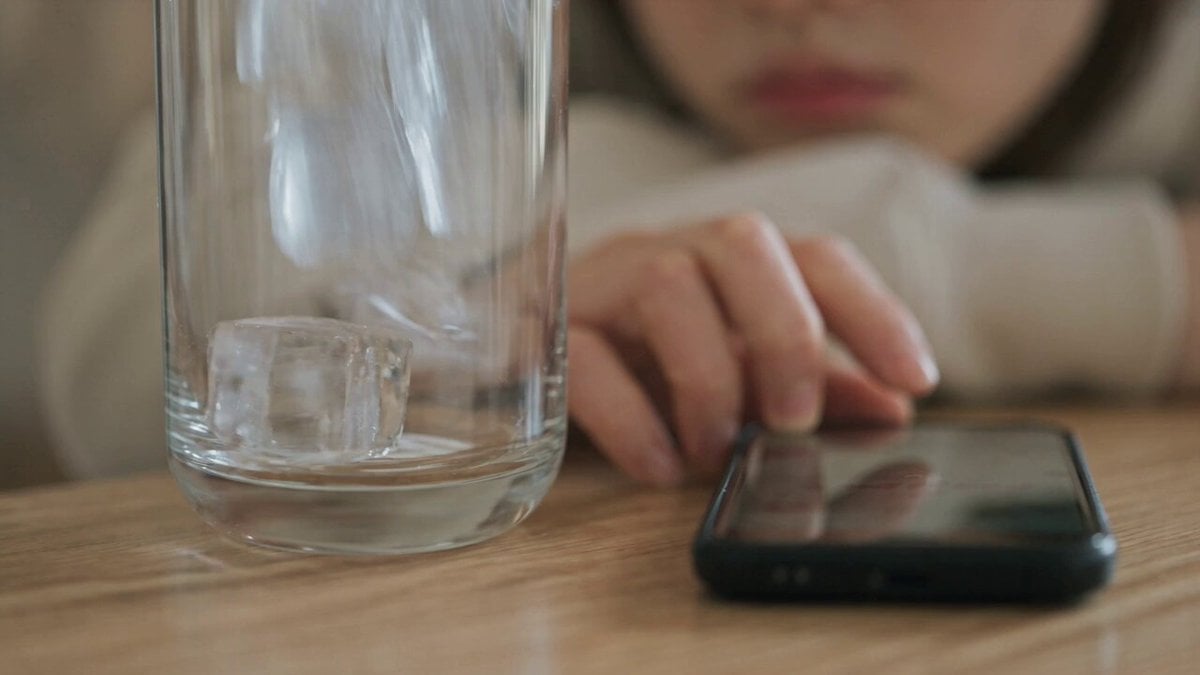
Iced Coffee Dog Good-News Montage
Italian Old-Town Time-Freeze Walk

Walking Factory with Rebel on Hoverbike - Wasteland
Nano Banana Seedance Environment Render Walk
City Timelapse Growth — Seedance 2.0
Make it yours
City Doodle Overlay Animation works as-is. These are the safest ways to change it without losing the look.
Change one field
Copy a single group, rewrite it, and generate again so you can see what that field is doing.
Keep the frame, change the subject
Hold the composition and light of City Doodle Overlay Animation, then swap wardrobe, props or the person for a new take.
| If the result… | Why | Fix |
|---|---|---|
| The result drifts from the preview | Too many fields changed at once. | Reuse City Doodle Overlay Animation as-is first, then change one group — subject, light, or setting. |
| The model over-stylizes the scene | The prose prompt leaves finish and camera underspecified. | Add one camera or lighting sentence and stay on Seedance 2.0. |
More Seedance 2.0 templates
Other prompts made for Seedance 2.0.

Comical Martial Arts Punch Scene

Maglev Train Action Sequence

Martial Arts Fight Sequence

Wuxia Protection and Trust Script

Vintage Korean Arcade MiniDV Vlog

Mercedes 190 SL Luxury Ad

Rainy Night Supernatural Reverse Comedy Video Script

Amazon Civilization Discovery

Futuristic South Asian City Transformation

Cozy Luxury Cafe Commercial
More video prompts
Fresh picks from across the catalog.
Cinematic WWE Wrestling Match with Shocking Twist
Frozen City Time-Stop Cinematic
Forest Fantasy Girl Short Film
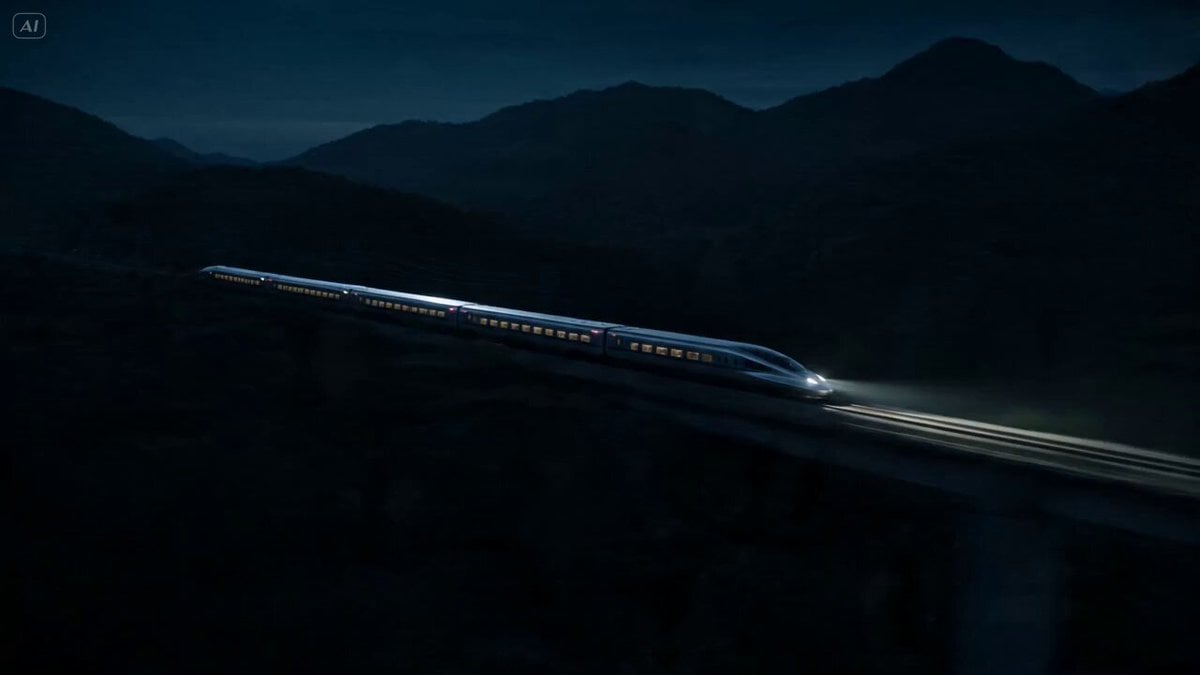
Bullet Train Parkour Action

Ghibli-Style Flower Arranging Scene
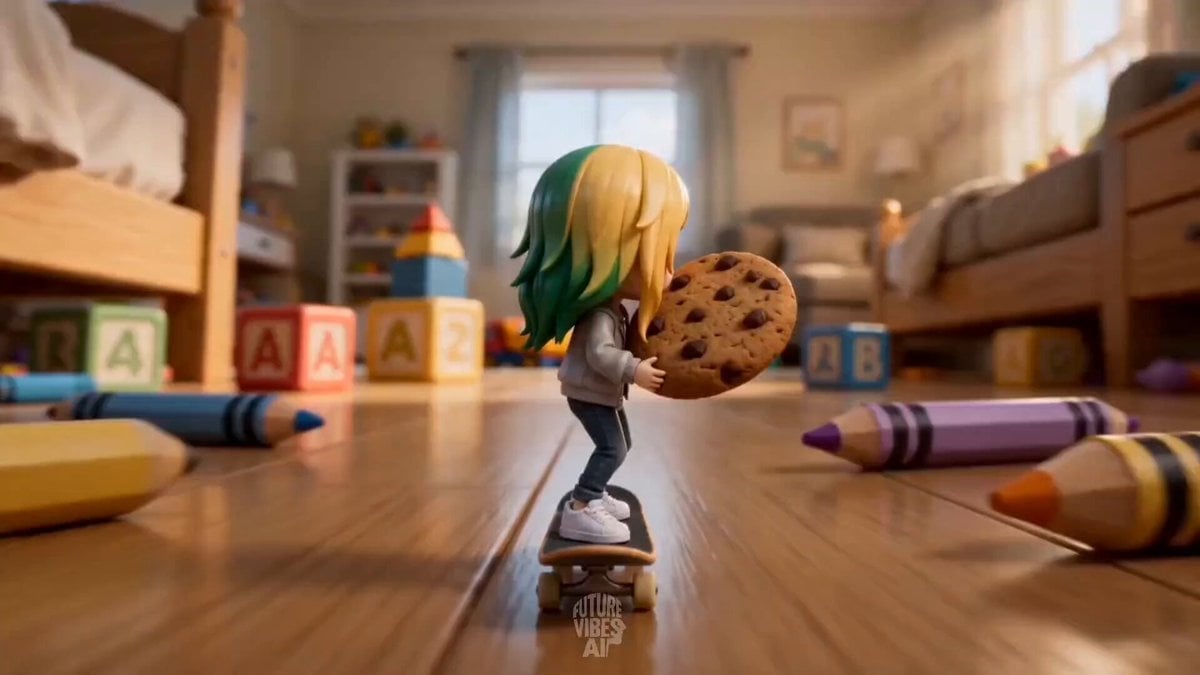
Miniature Skateboard Comedy Chase
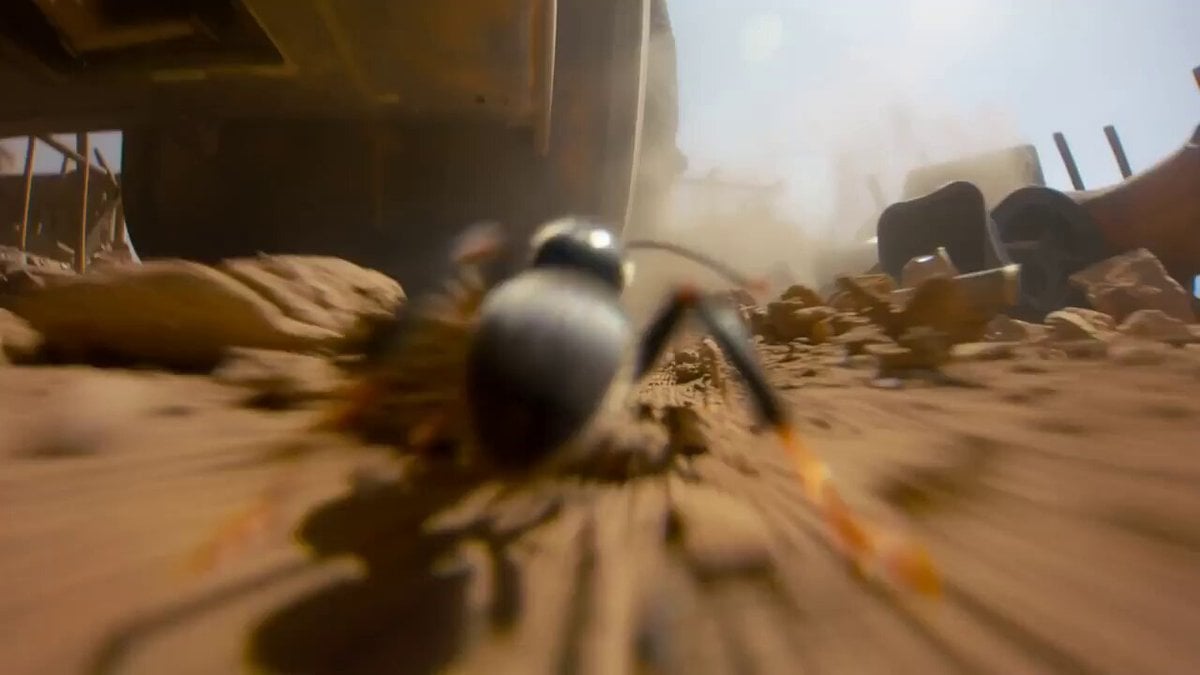
Micro-Scale Ant POV Construction Site
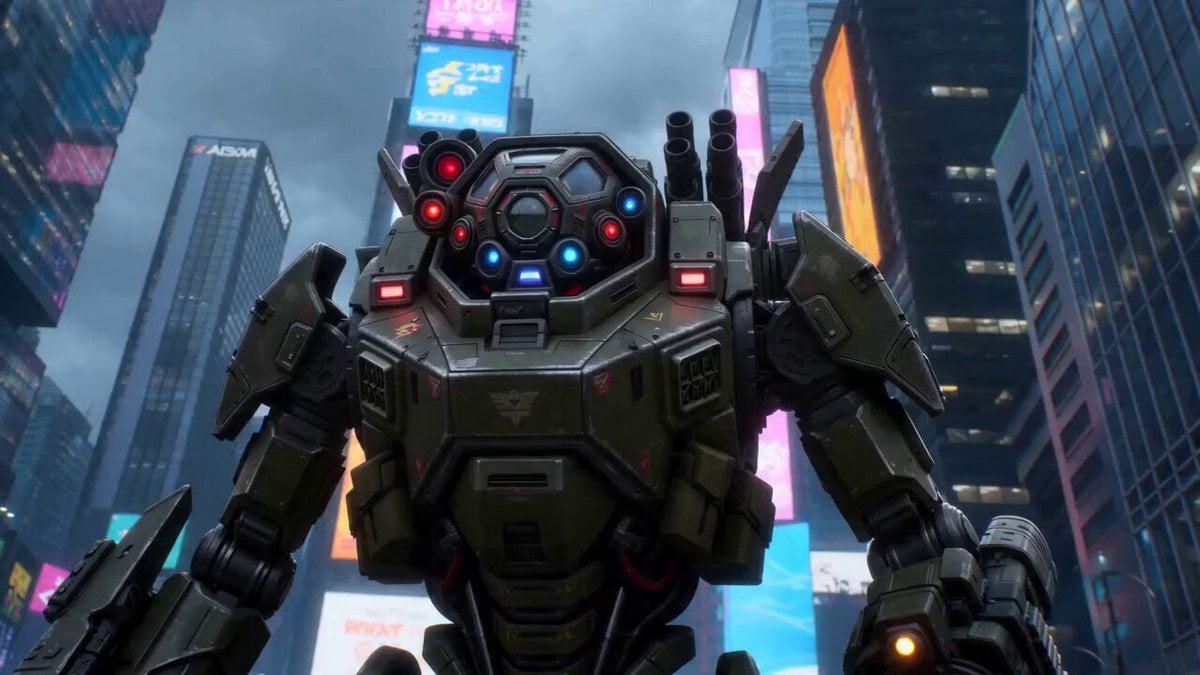
Seedance 2.0 Cyberpunk Shibuya Anime Battle
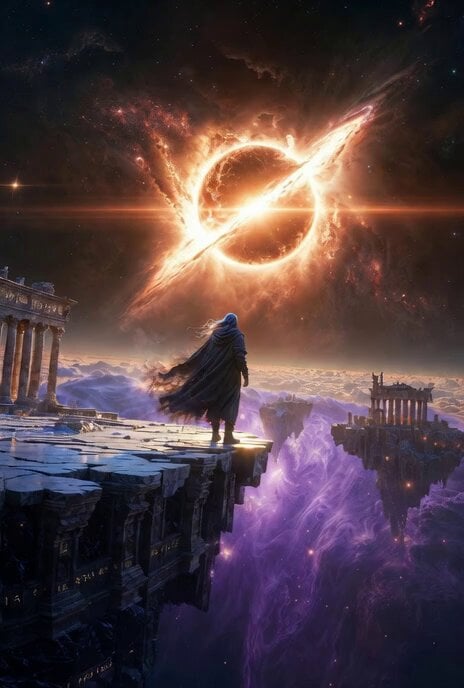
Lone Wanderer on a Floating Citadel Above a Nebula Storm
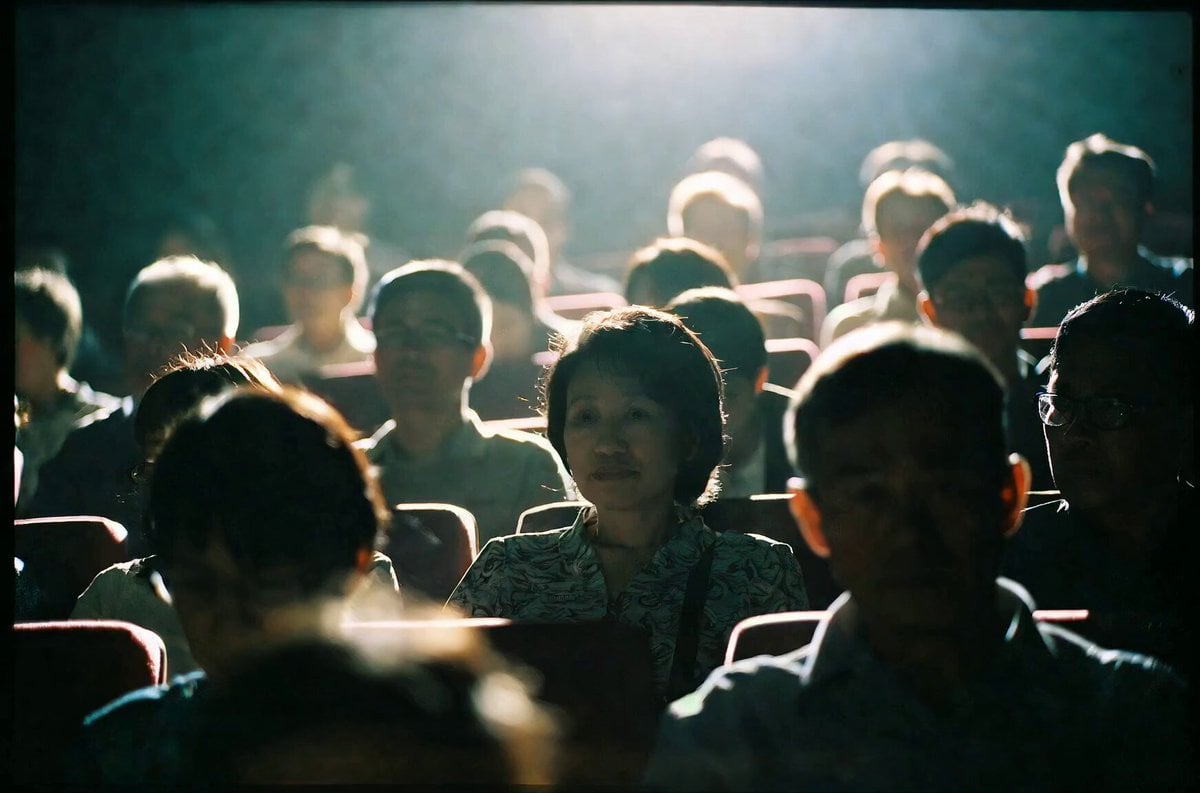
Emotional Movie Theater Scene
Browse template categories
City Doodle Overlay Animation questions
How do I use the City Doodle Overlay Animation template?
Add your photo if the template asks for one, edit the prompt if you like — the template's model and format are already selected — and press Generate. Your version opens in PicX Studio.
Can I customize the City Doodle Overlay Animation template?
Yes. You can change the subject, setting, lighting, mood, format, and available model controls before creating your video.
Is the City Doodle Overlay Animation template free?
Opening and editing this template is free. Generating uses credits, shown on the Generate button when you are signed in.
Which AI model should I use?
Start with Seedance 2.0, which is the model associated with this template. You can compare another compatible model for a different finish.
Looking for something else? Browse all templates.

Your photo, any look
Thousands of ready templates for every top image and video model, from one credit balance.