How do I use the Emotional Movie Theater Scene template?
Edit the prompt in the box under the preview — the template's model and format are already selected — and press Generate. Your version appears right on this page.
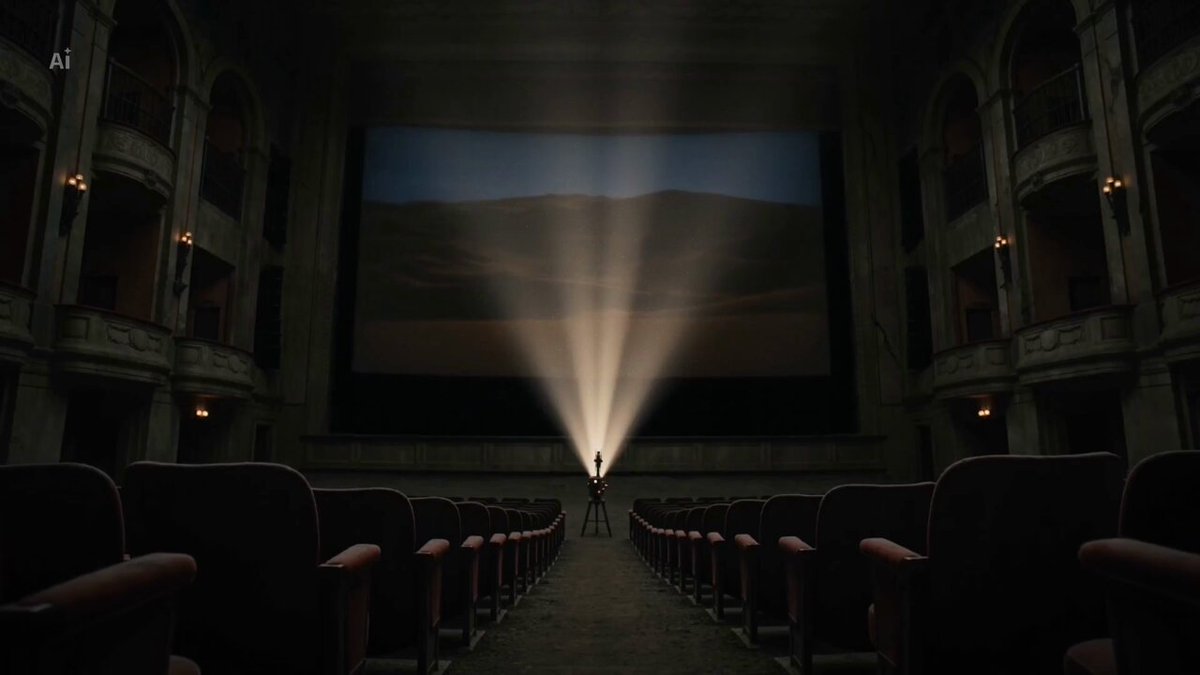
A video prompt showing a woman trying to hide her tears while watching a movie in a flickering, dimly lit theater.
Static shot, Everyone in the scene is watching a movie. The woman in the center of the frame is quietly wiping away tears, trying her best to keep a straight face. Lighting: Keep the room dim; do not change the light, the light from the projector flickers.
Static shot, Everyone in the scene is watching a movie. The woman in the center of the frame is quietly wiping away tears, trying her best to keep a straight face. Lighting: Keep the room dim; do not change the light, the light from the projector flickers.
Edit the prompt in the box under the preview — the template's model and format are already selected — and press Generate. Your version appears right on this page.
Yes. You can change the subject, setting, lighting, mood, format, and available model controls before creating your video.
Opening and editing this template is free. Generating uses credits, shown on the Generate button when you are signed in.
Start with Grok Imagine, which is the model associated with this template. You can compare another compatible model for a different finish.
Follow a topic to a crawlable collection of related PicX Studio templates.