
Arctic Research Station Thriller
A cinematic sci-fi prompt describing a tense sequence at a remote Arctic station where a giant hidden threat emerges from beneath the ice.
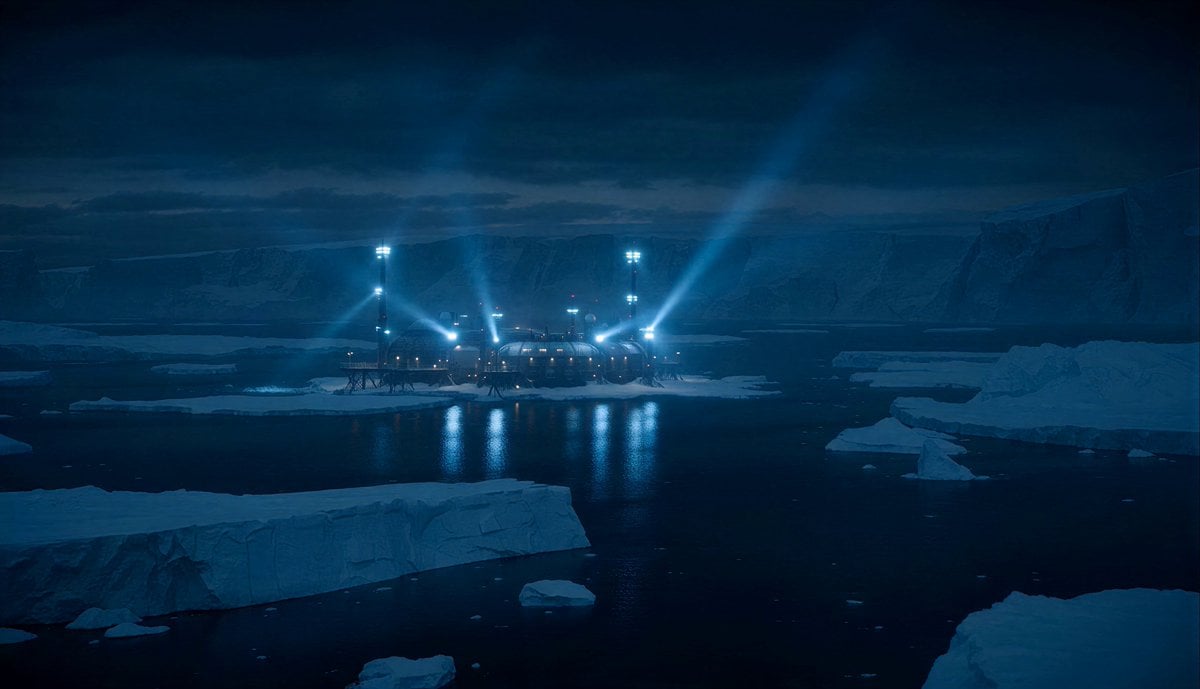
- Prompt included
- Model and format preset
- Free template
The prompt behind this video
Copy the exact prompt behind Arctic Research Station Thriller, or open it in the studio and make it yours.
Remote futuristic Arctic research station during polar night. Endless snowstorm. Blue floodlights illuminating giant ice fields surrounding the facility. Scientists working normally inside warm industrial corridors when distant seismic alarms suddenly activate. Outside: the massive frozen landscape begins shifting. Not cracking randomly, but moving. Entire mountains of ice slowly sliding toward the station like something enormous beneath the surface is pushing upward. A female engineer rushes through the station while outside: gigantic fractures spread across the ice for kilometers. Towering frozen walls collapse into dark water below. Communication antennas bend from tremors. Snow vehicles flip sideways. Then: a gigantic glowing shape briefly moves beneath the translucent ice sheet. Visible danger escalates constantly: ice tunnels collapsing, floodlights shutting down, metal structures warping, frozen cliffs splitting apart. The engineer runs across exterior walkways as behind her: a massive section of ice rises upward like something colossal underneath is surfacing. At climax: the frozen ocean behind the station bulges upward into an enormous glowing dome beneath the ice. Then suddenly everything stops moving. Only wind and snowfall remain. Ultra cinematic sci-fi thriller, Arctic atmosphere, realistic snow physics, grounded tension, giant hidden threat, cinematic scale.
How to use Arctic Research Station Thriller in 3 steps
- 1
Open
The prompt is already in the box next to the preview, with the template's model and format selected.
- 2…a portrait of your subject in softgolden-hour light, 85mm…
Personalize
Edit the subject and creative details for your destination.
- 3Generate
Generate
Press Generate — your video is created in PicX Studio, so you can compare it with the original and refine one variable at a time.
More like this
Templates with the same subject, style or setup. Open one to see its prompt.
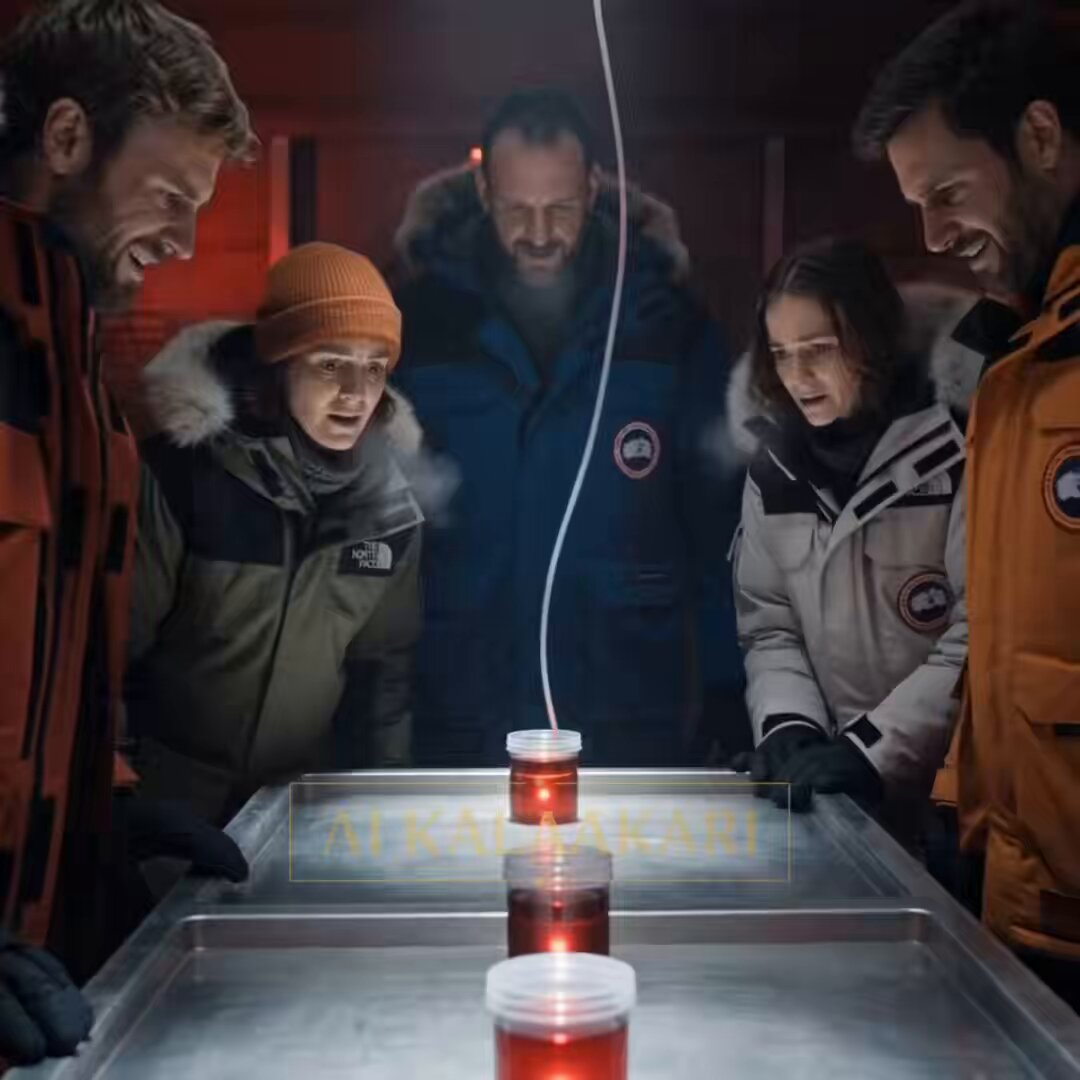
Antarctic Research Station Blood Test Horror
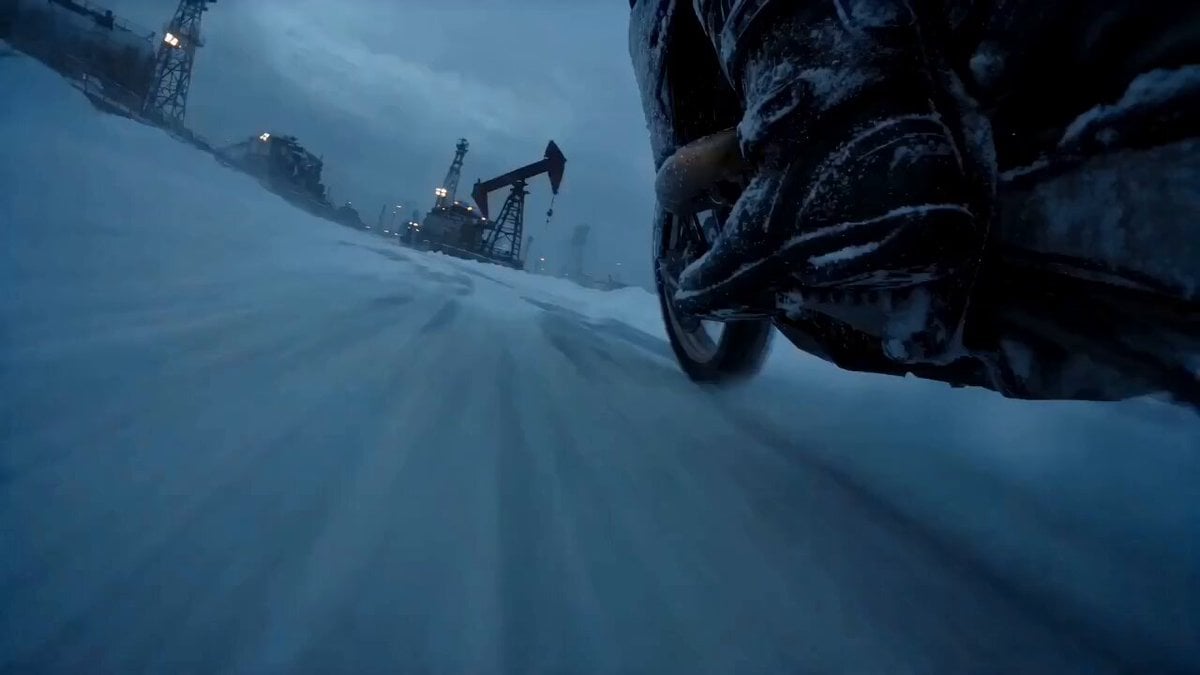
Arctic Motorcycle Ice Racing Thriller
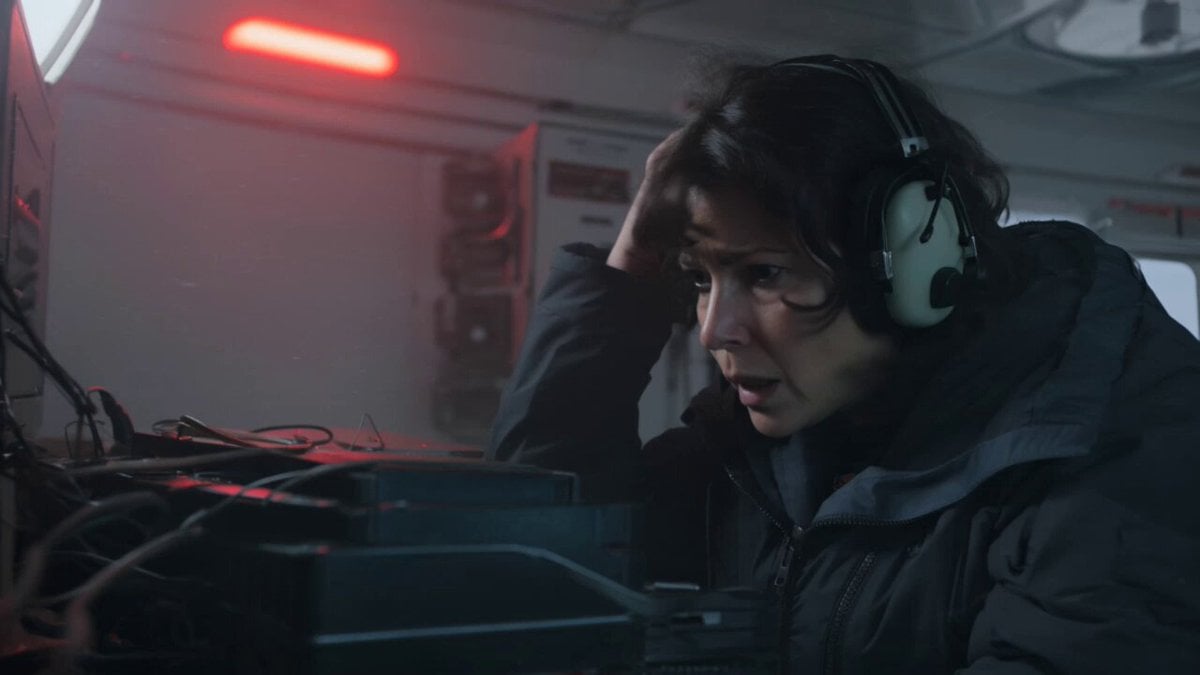
Kling 3.0 Antarctic Station Sci-Fi Horror Prompt
Rainforest Thriller — Searching the Unseen
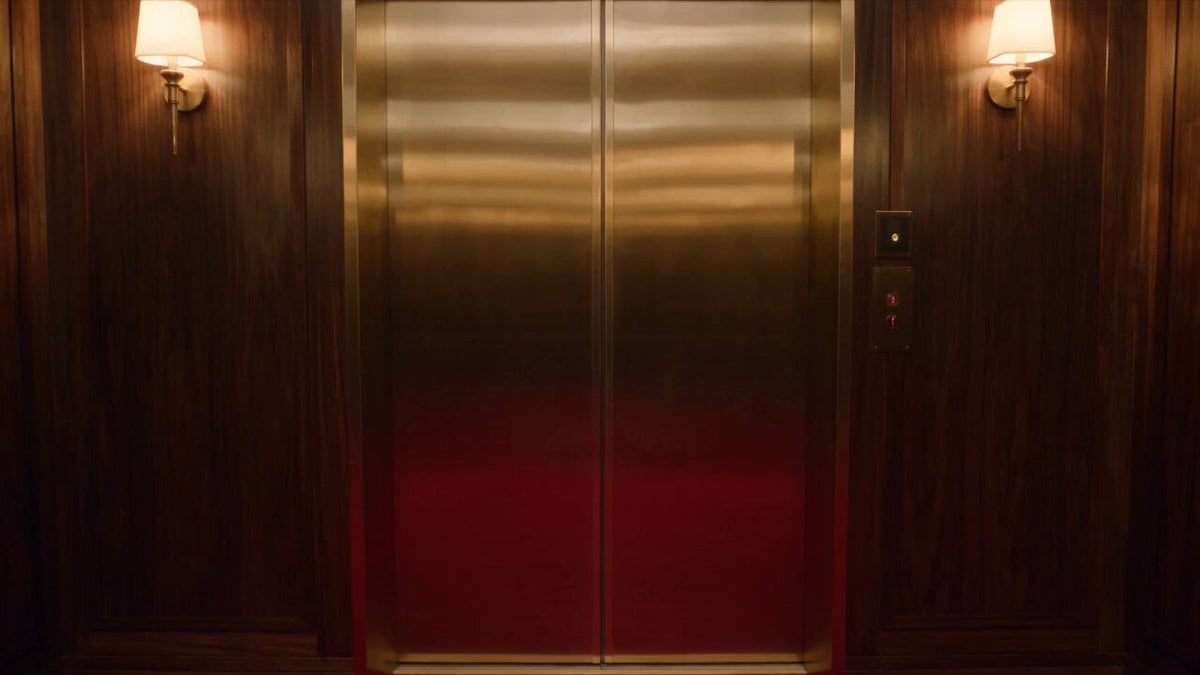
Luxury Hotel Thriller Sequence
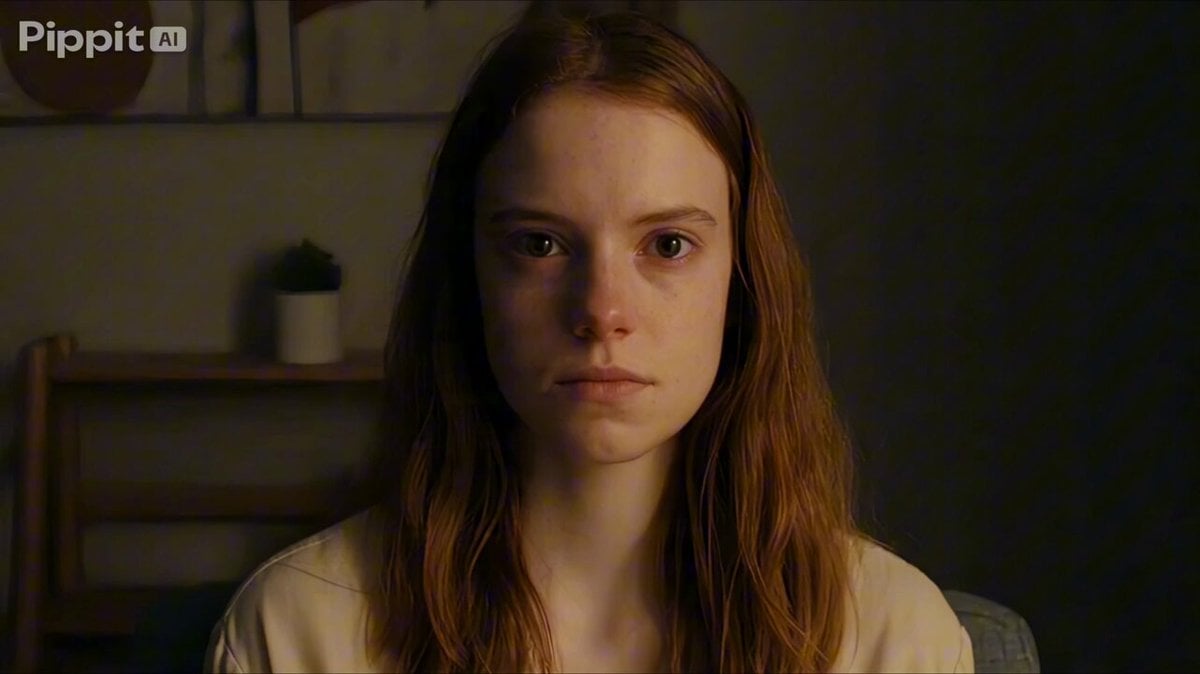
Psychological Thriller Performance Study
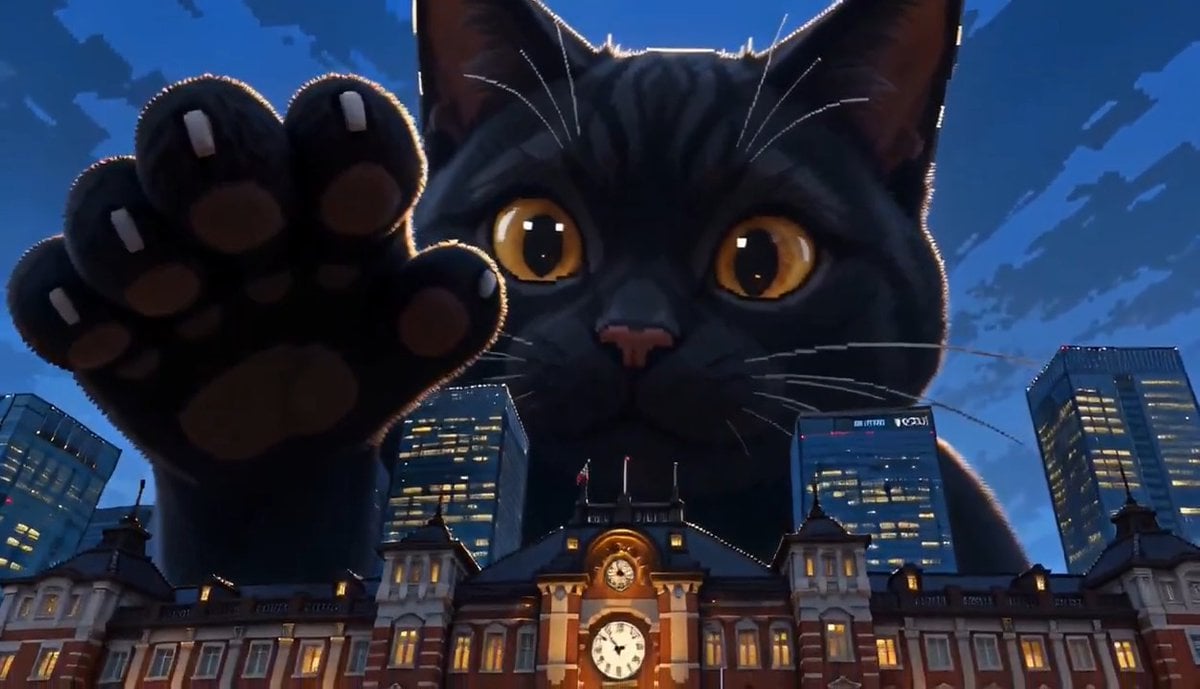
Giant Cat at Tokyo Station Video Prompt
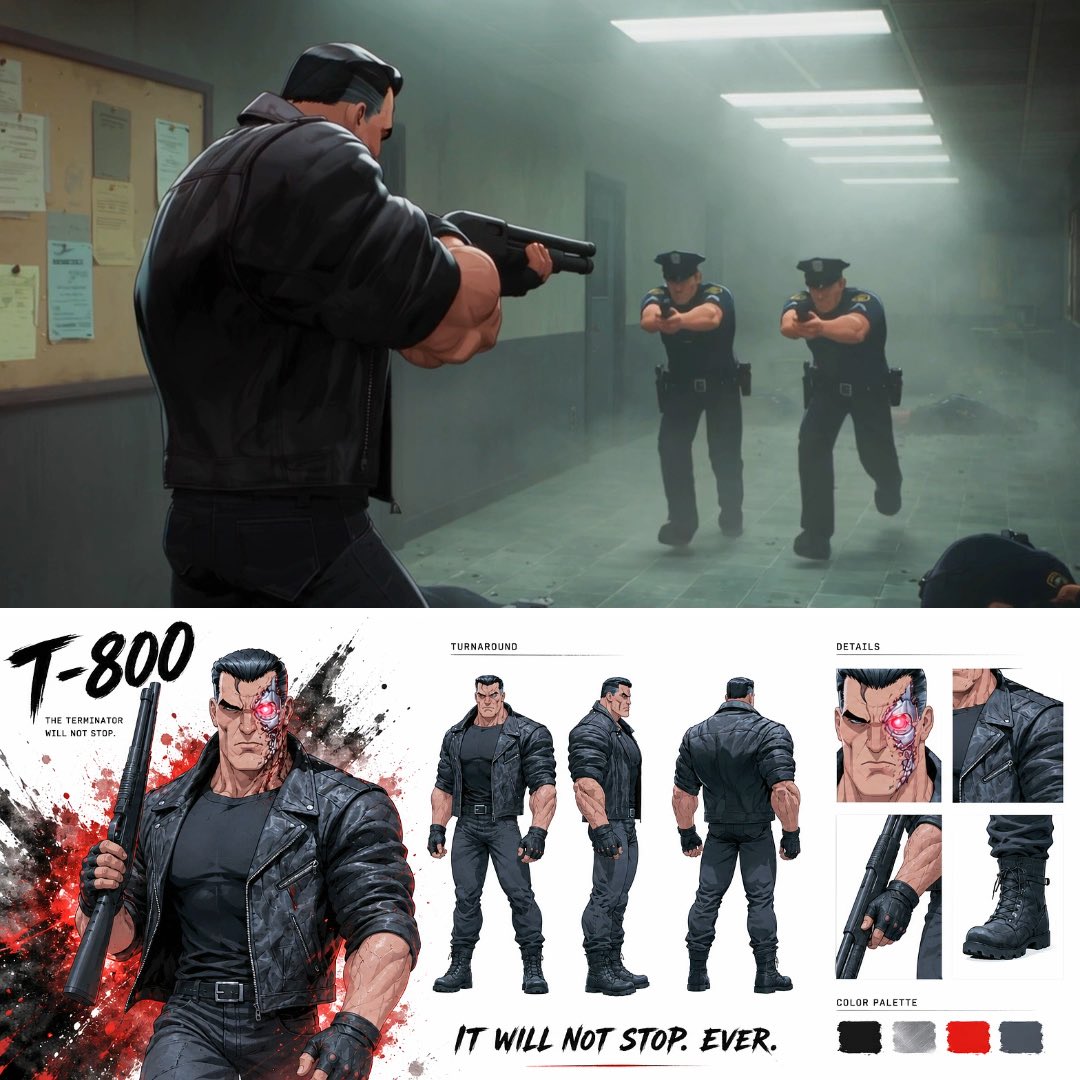
Noir Anime Police Station Interior
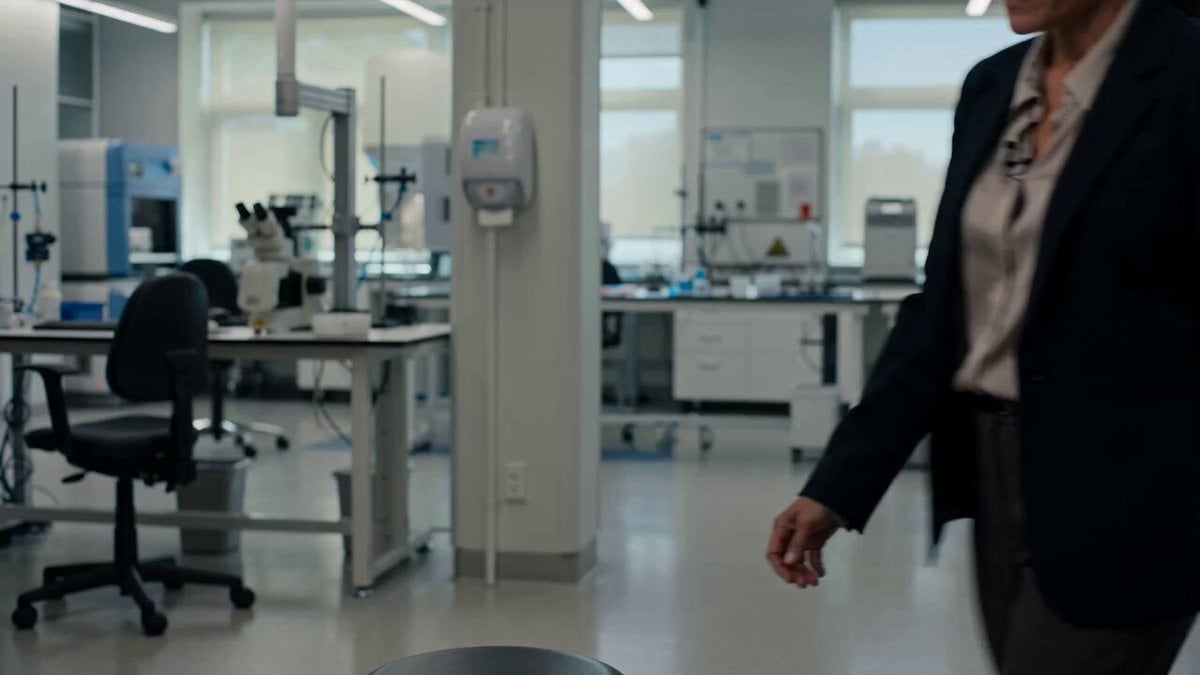
Scientific Documentary Research Interview
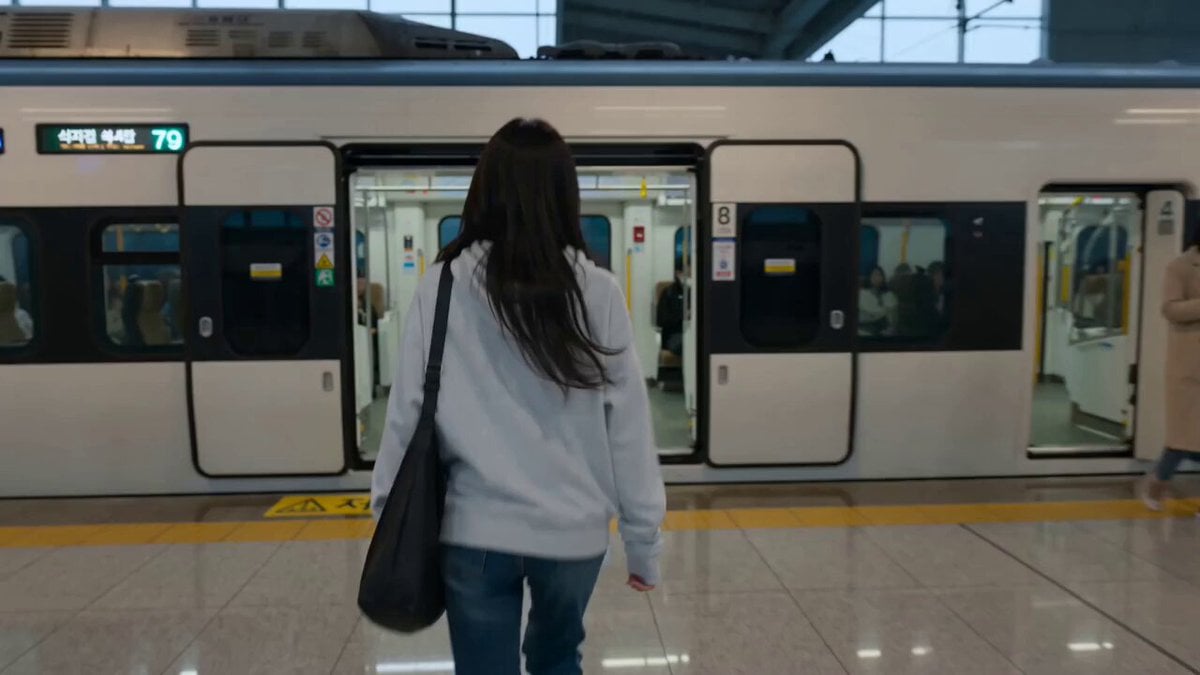
Train Station Lifestyle Vlog
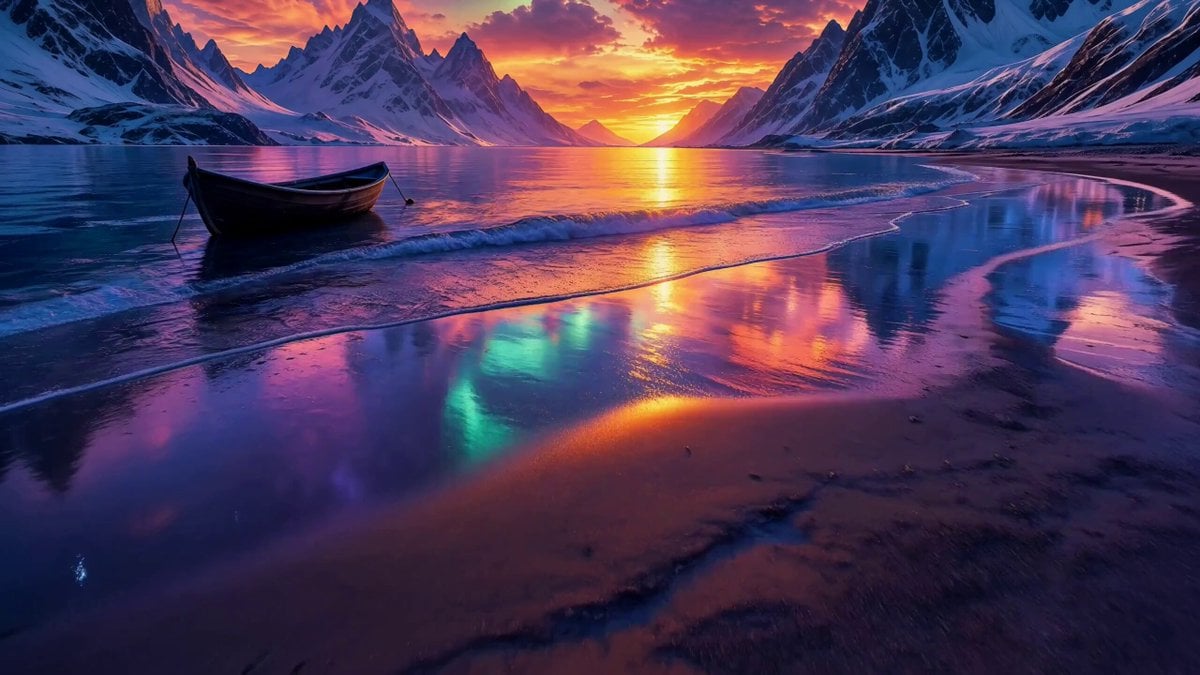
Arctic Aurora Cinematic Landscape

MiniDV Coastal Train Station Vlog
Make it yours
Arctic Research Station Thriller works as-is. These are the safest ways to change it without losing the look.
Change one field
Copy a single group, rewrite it, and generate again so you can see what that field is doing.
Keep the frame, change the subject
Hold the composition and light of Arctic Research Station Thriller, then swap wardrobe, props or the person for a new take.
| If the result… | Why | Fix |
|---|---|---|
| The result drifts from the preview | Too many fields changed at once. | Reuse Arctic Research Station Thriller as-is first, then change one group — subject, light, or setting. |
| The model over-stylizes the scene | The prose prompt leaves finish and camera underspecified. | Add one camera or lighting sentence and stay on Seedance 2.0. |
More Seedance 2.0 templates
Other prompts made for Seedance 2.0.

Comical Martial Arts Punch Scene

Maglev Train Action Sequence

Martial Arts Fight Sequence

Wuxia Protection and Trust Script

Vintage Korean Arcade MiniDV Vlog

Mercedes 190 SL Luxury Ad

Rainy Night Supernatural Reverse Comedy Video Script

Amazon Civilization Discovery

Futuristic South Asian City Transformation

Cozy Luxury Cafe Commercial
More video prompts
Fresh picks from across the catalog.
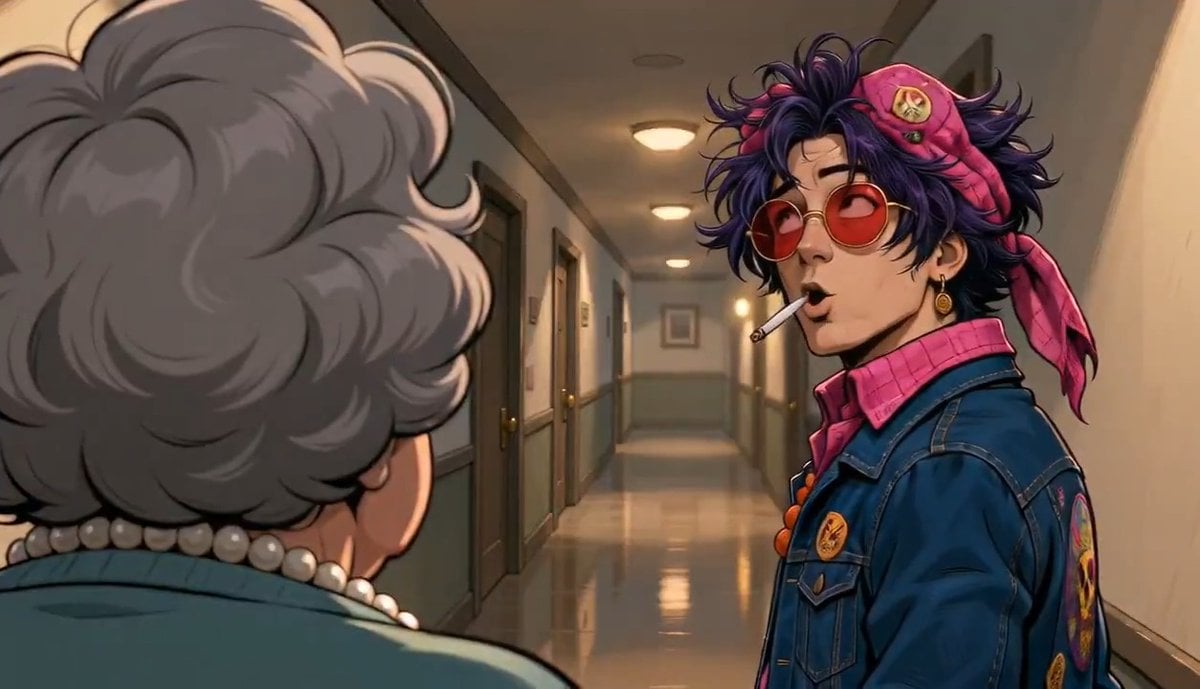
Apartment Hallway Neighbor Confrontation
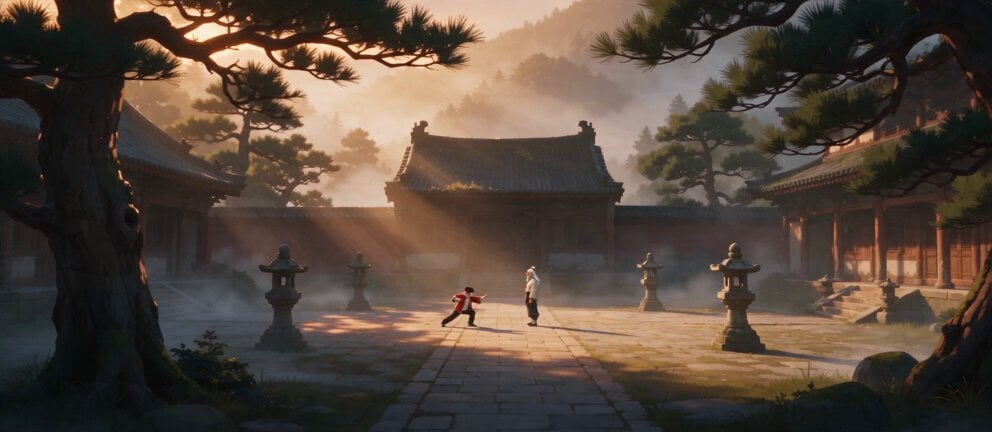
Live Action Film Reference Quality

2007 Heisei Gal Documentary Style
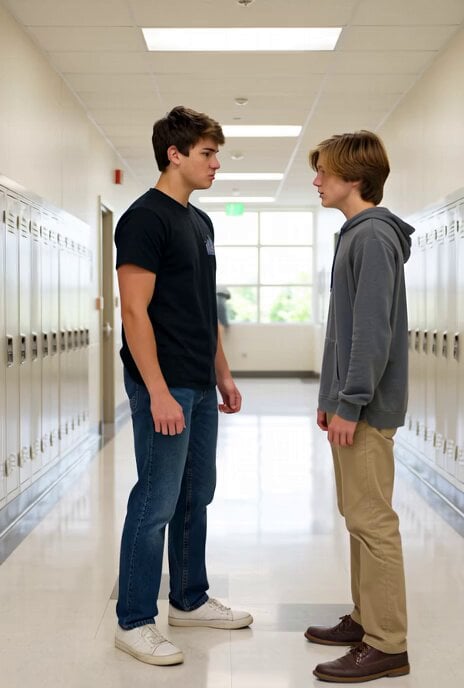
Teenager Conflict Action Sequence
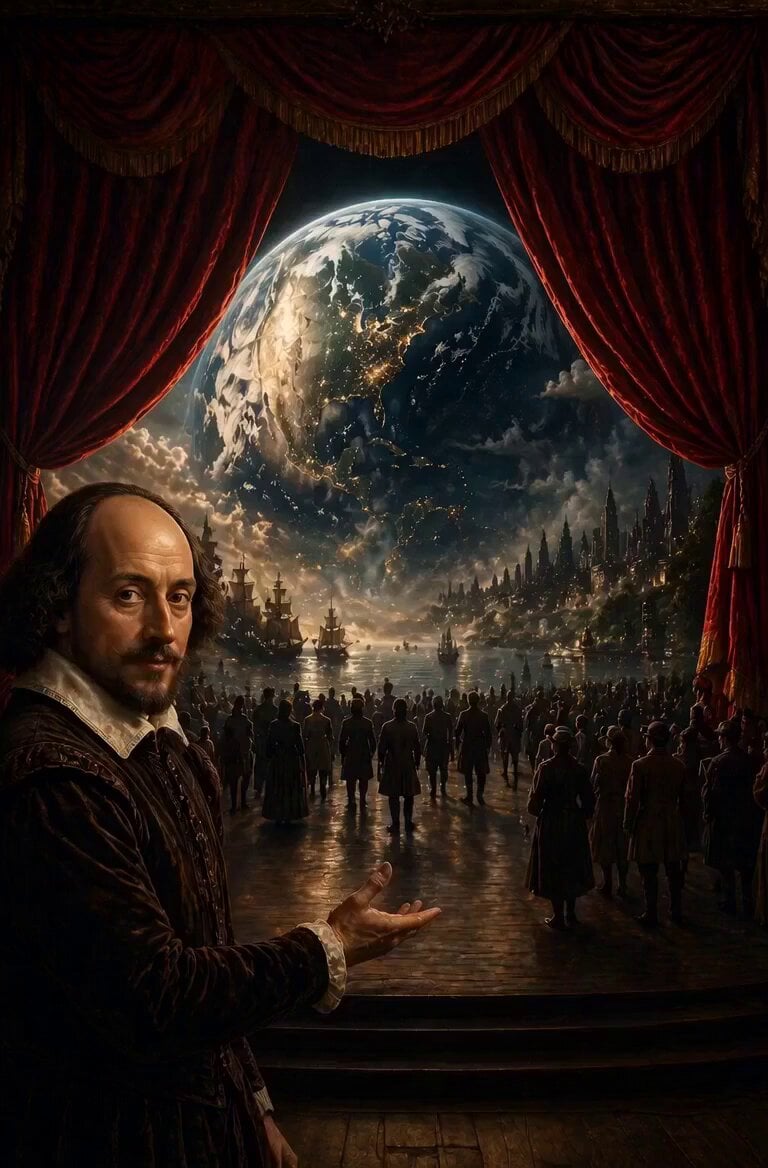
Shakespearean Modernization Video

Singing Happy Birthday with Candles
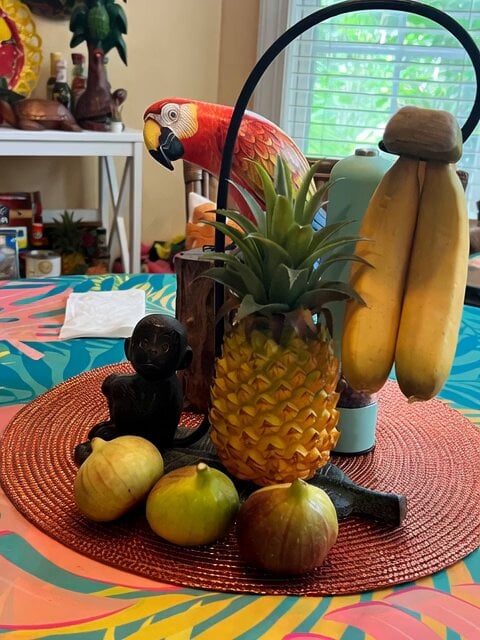
Jungle Animal Interaction Video Prompt
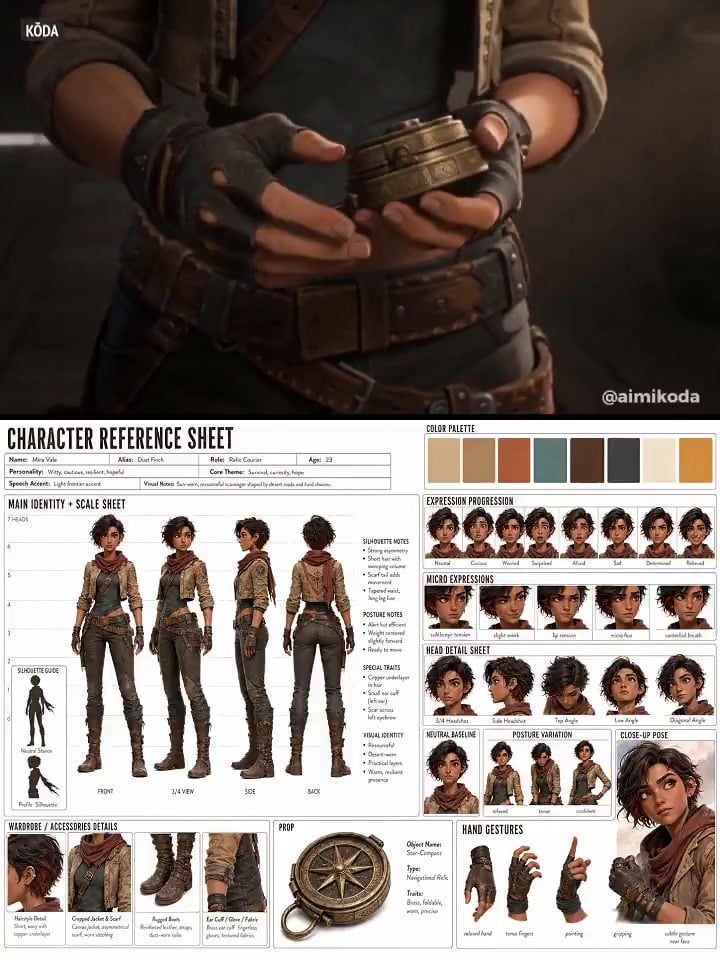
Character Reference Sheet → Cinematic Intro — GPT Image 2 + Seedance 2.0
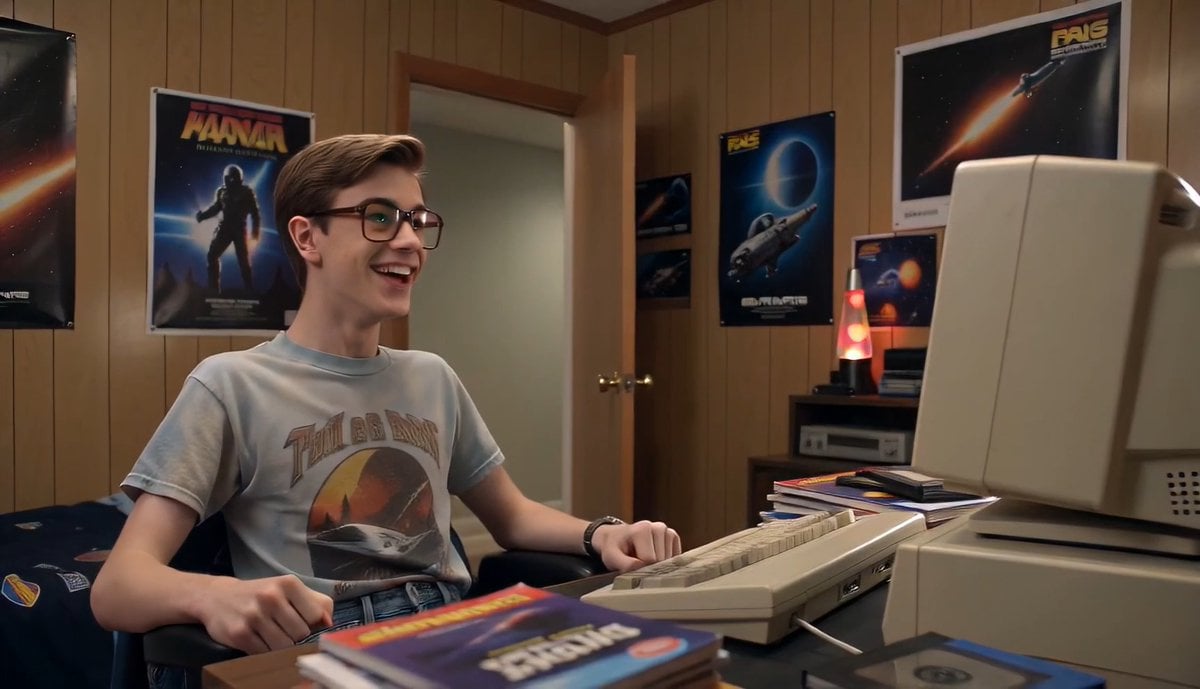
80s Computer Nerd Daily Life
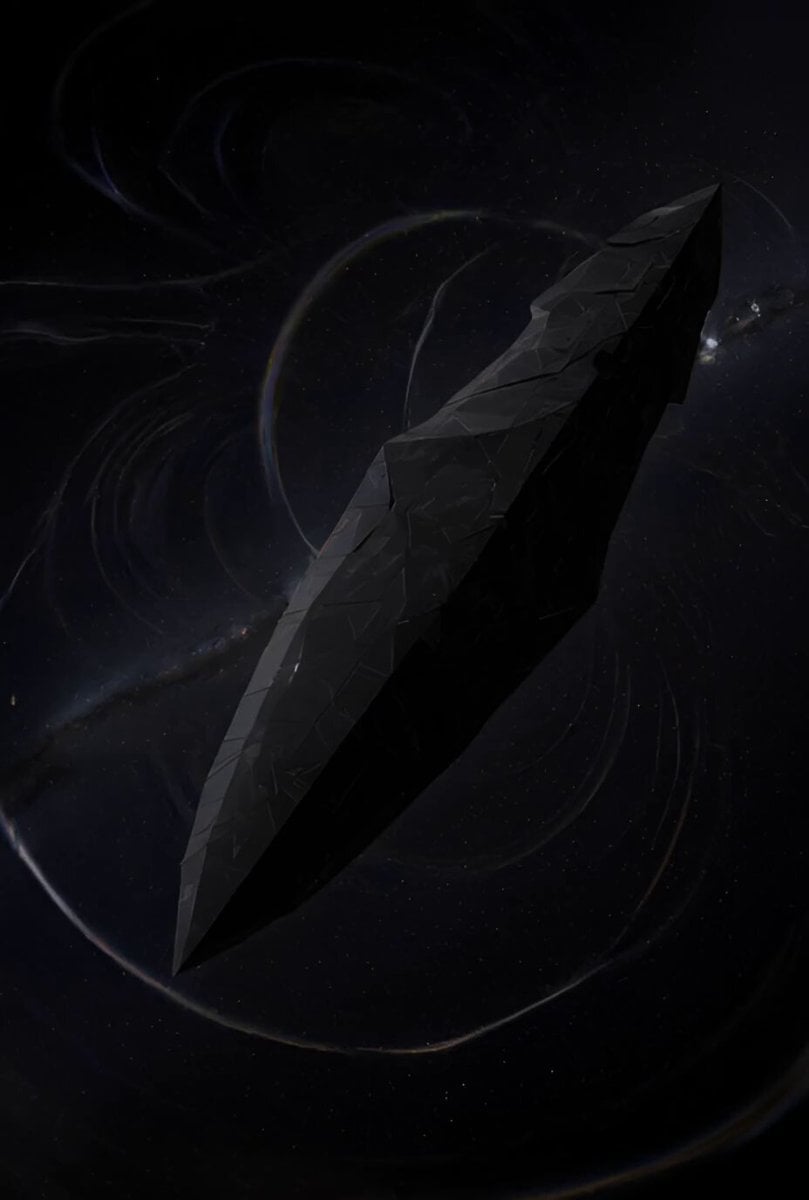
Ancient Deep Space Structure
Browse template categories
Arctic Research Station Thriller questions
How do I use the Arctic Research Station Thriller template?
Add your photo if the template asks for one, edit the prompt if you like — the template's model and format are already selected — and press Generate. Your version opens in PicX Studio.
Can I customize the Arctic Research Station Thriller template?
Yes. You can change the subject, setting, lighting, mood, format, and available model controls before creating your video.
Is the Arctic Research Station Thriller template free?
Opening and editing this template is free. Generating uses credits, shown on the Generate button when you are signed in.
Which AI model should I use?
Start with Seedance 2.0, which is the model associated with this template. You can compare another compatible model for a different finish.
Looking for something else? Browse all templates.

Your photo, any look
Thousands of ready templates for every top image and video model, from one credit balance.