How do I use the Ghibli-Style Flower Arranging Scene template?
Edit the prompt in the box under the preview — the template's model and format are already selected — and press Generate. Your version appears right on this page.
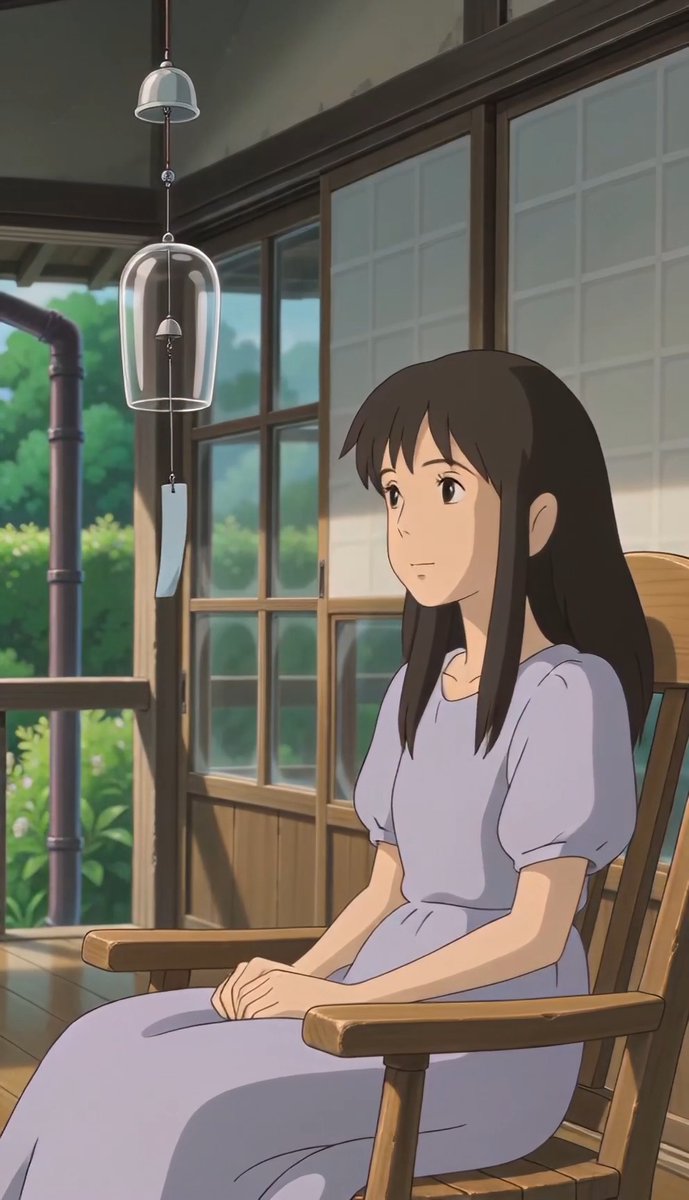
A serene and evocative prompt for a peaceful slice-of-life anime scene showing a woman arranging flowers in soft, golden morning sunlight.
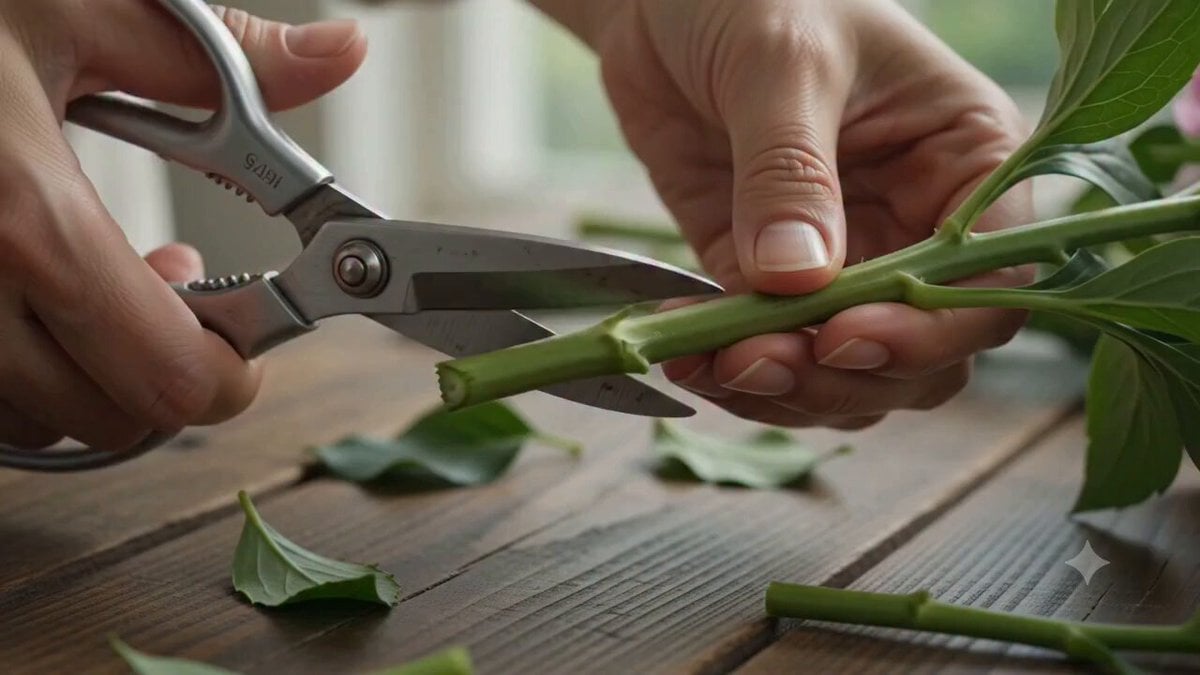
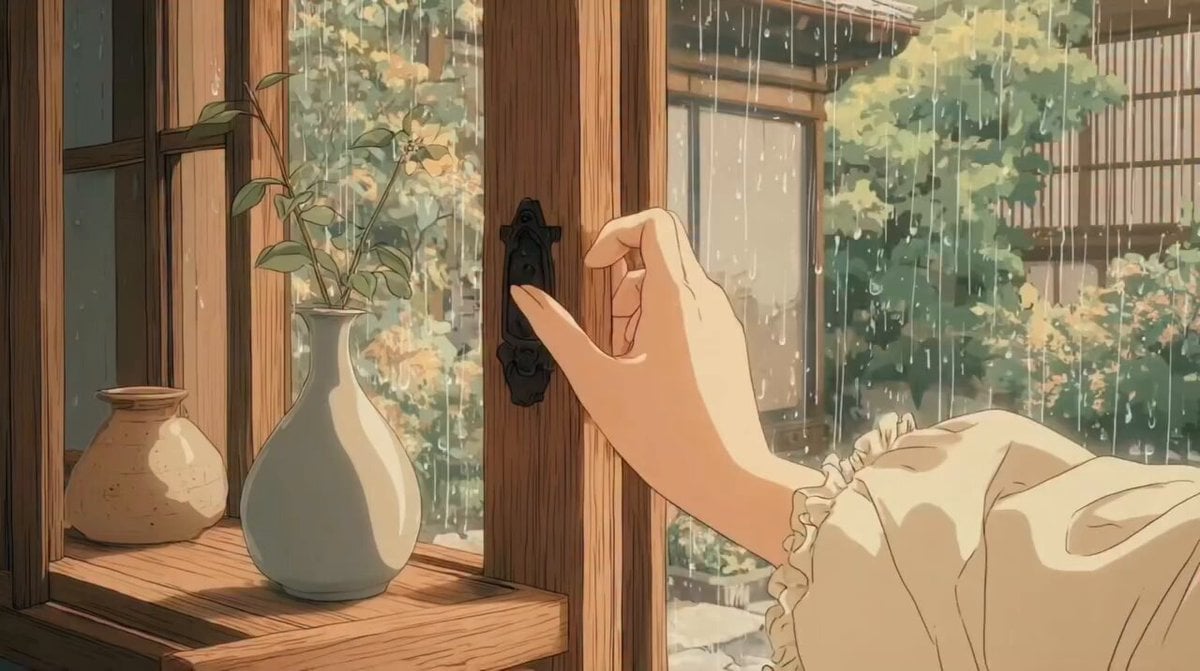
Style: Studio Ghibli-inspired anime, soft watercolor textures, highly detailed hand-painted backgrounds, warm spring morning atmosphere, cinematic animation, bright pastel colors, peaceful slice-of-life aesthetic, ultra-detailed flower animation, gentle sunlight rays, relaxing mood, no dialogue. A beautiful young woman with long wavy brown hair and soft features sits at a wooden flower arranging table beside a large sunlit window. Warm golden morning sunlight pours through the glass, creating soft light beams and glowing dust particles drifting through the air. Outside the window, green leaves sway gently in the spring breeze while small birds fly past in the distance. The table is covered with freshly picked flowers: blush pink roses, white lilies, lavender sprigs, baby's breath, daisies, eucalyptus branches, peach carnations, and tiny wildflowers scattered across the surface. Loose petals and leaves are spread naturally around the workspace. The camera begins with a slow overhead glide across the colorful flowers before moving toward her hands. She gently lifts a pink rose and carefully trims the stem using floral scissors. Tiny leaf fragments fall onto the table. She rotates the flower in her fingers, inspecting it from different angles before removing a few extra leaves one by one. The camera smoothly circles around her as she gathers several flowers together, arranging them into a bouquet. She continuously adjusts their positions, raising some stems higher, lowering others, turning blossoms toward the sunlight, carefully balancing colors and shapes. The bouquet slowly grows fuller and more beautiful with every movement. Soft breeze enters through the open window, causing curtains to sway gently. Her hair moves naturally. Flower petals flutter slightly. Sunlight catches the edges of the flowers, creating a warm glowing effect. She places the completed bouquet into a crystal-clear glass vase. The camera follows the motion downward. She slowly pours fresh water from a small glass pitcher. Water sparkles in the sunlight as it fills the vase. Tiny bubbles rise through the stems. She steps back slightly and studies her work. After a brief pause she smiles softly and makes one final adjustment, turning a lily toward the light. The camera slowly pushes in toward the finished bouquet as golden sunlight illuminates every petal. Final shot: close-up of the completed arrangement glowing beside the window, flower petals gently moving in the breeze, sparkling dust particles floating through warm sunlight, peaceful and serene atmosphere.
Style: Studio Ghibli-inspired anime, soft watercolor textures, highly detailed hand-painted backgrounds, warm spring morning atmosphere, cinematic animation, bright pastel colors, peaceful slice-of-life aesthetic, ultra-detailed flower animation, gentle sunlight rays, relaxing mood, no dialogue. A beautiful young woman with long wavy brown hair and soft features sits at a wooden flower arranging table beside a large sunlit window. Warm golden morning sunlight pours through the glass, creating soft light beams and glowing dust particles drifting through the air. Outside the window, green leaves sway gently in the spring breeze while small birds fly past in the distance. The table is covered with freshly picked flowers: blush pink roses, white lilies, lavender sprigs, baby's breath, daisies, eucalyptus branches, peach carnations, and tiny wildflowers scattered across the surface. Loose petals and leaves are spread naturally around the workspace. The camera begins with a slow overhead glide across the colorful flowers before moving toward her hands. She gently lifts a pink rose and carefully trims the stem using floral scissors. Tiny leaf fragments fall onto the table. She rotates the flower in her fingers, inspecting it from different angles before removing a few extra leaves one by one. The camera smoothly circles around her as she gathers several flowers together, arranging them into a bouquet. She continuously adjusts their positions, raising some stems higher, lowering others, turning blossoms toward the sunlight, carefully balancing colors and shapes. The bouquet slowly grows fuller and more beautiful with every movement. Soft breeze enters through the open window, causing curtains to sway gently. Her hair moves naturally. Flower petals flutter slightly. Sunlight catches the edges of the flowers, creating a warm glowing effect. She places the completed bouquet into a crystal-clear glass vase. The camera follows the motion downward. She slowly pours fresh water from a small glass pitcher. Water sparkles in the sunlight as it fills the vase. Tiny bubbles rise through the stems. She steps back slightly and studies her work. After a brief pause she smiles softly and makes one final adjustment, turning a lily toward the light. The camera slowly pushes in toward the finished bouquet as golden sunlight illuminates every petal. Final shot: close-up of the completed arrangement glowing beside the window, flower petals gently moving in the breeze, sparkling dust particles floating through warm sunlight, peaceful and serene atmosphere.
Edit the prompt in the box under the preview — the template's model and format are already selected — and press Generate. Your version appears right on this page.
Yes. You can change the subject, setting, lighting, mood, format, and available model controls before creating your video.
Opening and editing this template is free. Generating uses credits, shown on the Generate button when you are signed in.
Start with Seedance 2.0, which is the model associated with this template. You can compare another compatible model for a different finish.
Follow a topic to a crawlable collection of related PicX Studio templates.