
Soldier to Water Gun Transformation
A surreal cinematic transformation where a soldier's rifle morphs into a colorful water gun in a war-torn urban setting.

- Prompt included
- Model and format preset
- Premium template
The prompt behind this video
Copy the exact prompt behind Soldier to Water Gun Transformation, or open it in the studio and make it yours.
Cinematic photorealistic sequence set in a hazy, war-torn urban street with damaged concrete buildings and muted overcast lighting. Two young male soldiers wearing tan military uniforms stand facing each other holding realistic dark rifles. In a seamless surreal transformation, one rifle smoothly morphs into a bright colorful plastic water gun with a yellow tank and green barrel. Close-up shot of the second soldier wiping a drop of water from his face in disbelief before breaking into genuine laughter. The tense atmosphere shifts into playful childlike joy as both soldiers laugh hysterically and spray each other with oversized colorful water guns, water streams arching through the air. The environment gradually transforms from a grim battlefield into a brighter nostalgic atmosphere while retaining cinematic realism. Muted gray tones at the beginning contrast with the vibrant neon colors of the water guns. Shot with cinematic 35mm lens aesthetics, shallow depth of field, realistic textures, emotional facial expressions, dynamic camera movement, soft misty atmosphere, high fidelity lighting, ultra-detailed photorealism, 8K cinematic quality, 16:9 ratio. Mood transition: serious and tense → joyful and playful. Negative Prompt: gore, blood, violence, explosions, distorted anatomy, cartoon style, low quality, blurry faces, unrealistic expressions.
How to use Soldier to Water Gun Transformation in 3 steps
- 1
Open
The prompt is already in the box next to the preview, with the template's model and format selected.
- 2…a portrait of your subject in softgolden-hour light, 85mm…
Personalize
Edit the subject and creative details for your destination.
- 3Generate
Generate
Press Generate — your video is created in PicX Studio, so you can compare it with the original and refine one variable at a time.
More like this
Templates with the same subject, style or setup. Open one to see its prompt.

Magical Room Transformation - Seedance 2.5

Dark Tokusatsu Transformation - Seedance 2.5

RX-7 to Mech Transformation Cyberpunk
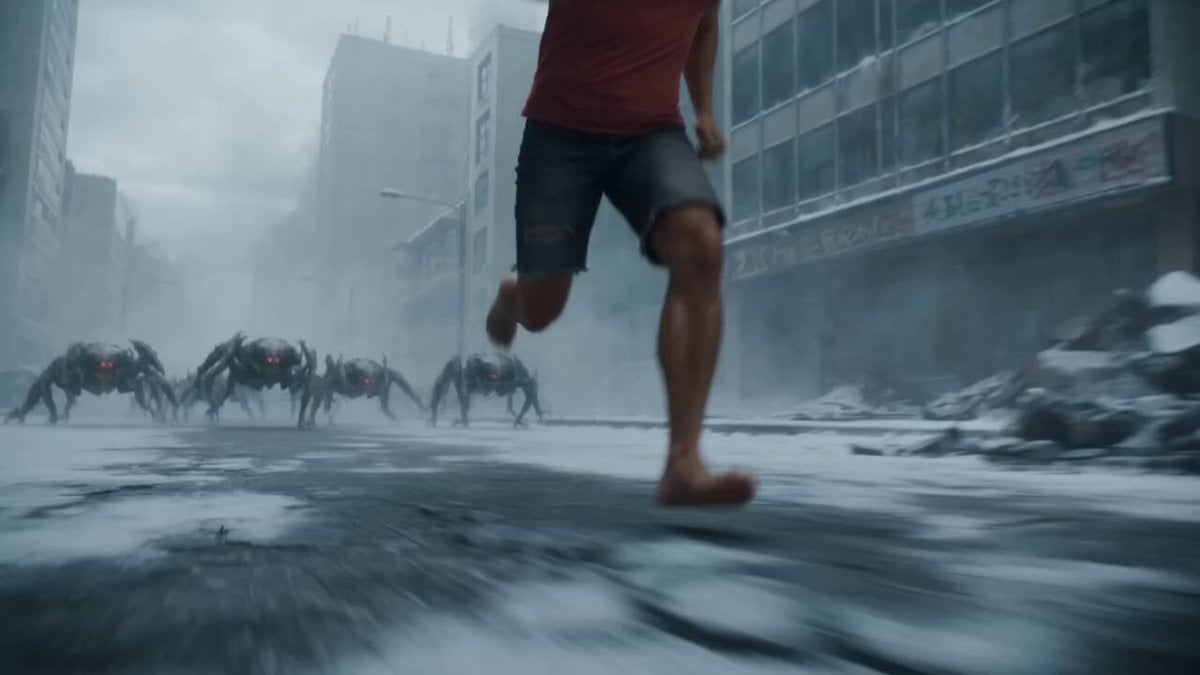
Cyborg Soldier Armor Transformation

Sci-Fi Soldier Transformation VFX
Ballerina Opera House — Seedance 2.0
Civilization Timelapse — Centuries in One Shot
Subway Flood — Epic Tunnel Chaos
Mecha Transformation vs Kaiju — 4-Scene Epic
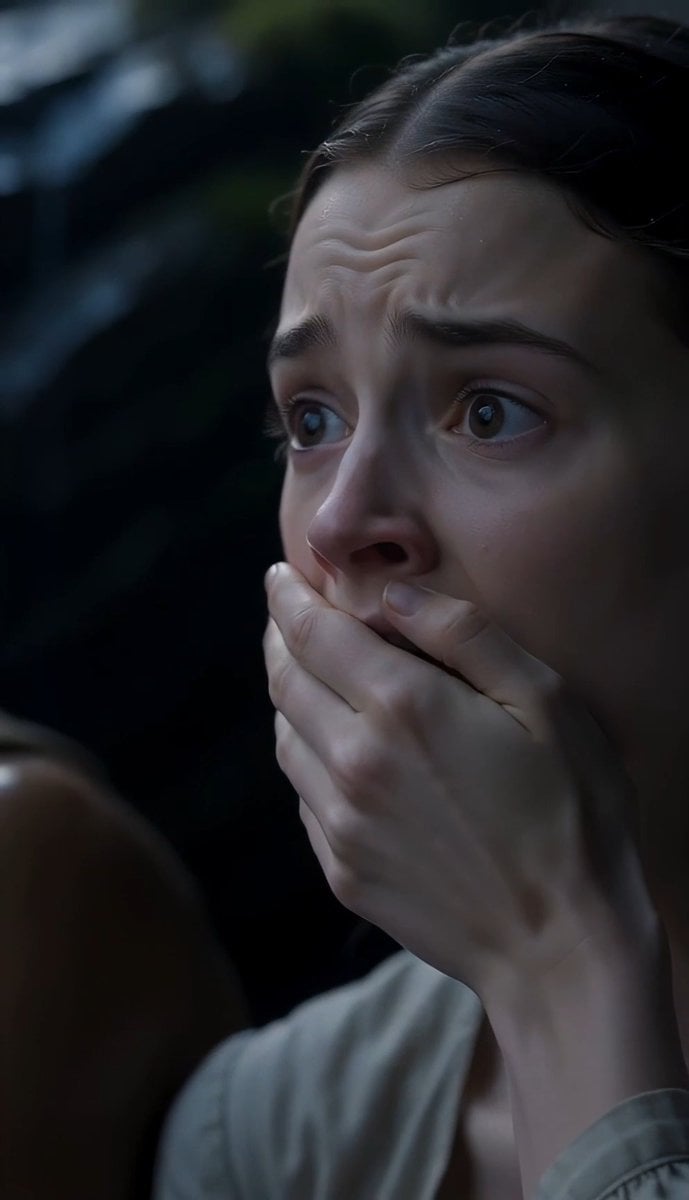
The Last of the Mohicans Waterfall Scene
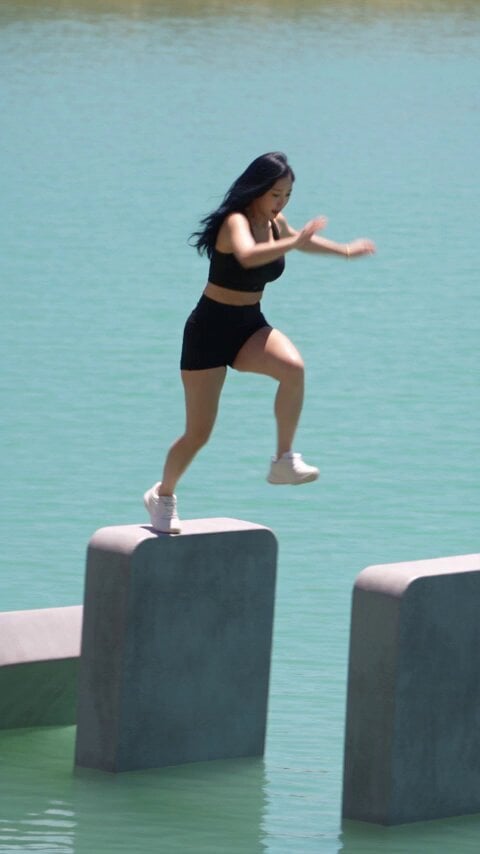
Giant Domino Water Parkour Challenge
Reality TV Water Obstacle Competition
Make it yours
Soldier to Water Gun Transformation works as-is. These are the safest ways to change it without losing the look.
Change one field
Copy a single group, rewrite it, and generate again so you can see what that field is doing.
Keep the frame, change the subject
Hold the composition and light of Soldier to Water Gun Transformation, then swap wardrobe, props or the person for a new take.
| If the result… | Why | Fix |
|---|---|---|
| The result drifts from the preview | Too many fields changed at once. | Reuse Soldier to Water Gun Transformation as-is first, then change one group — subject, light, or setting. |
| The model over-stylizes the scene | The prose prompt leaves finish and camera underspecified. | Add one camera or lighting sentence and stay on Seedance 2.0. |
More Seedance 2.0 templates
Other prompts made for Seedance 2.0.

Comical Martial Arts Punch Scene

Maglev Train Action Sequence

Martial Arts Fight Sequence

Wuxia Protection and Trust Script

Vintage Korean Arcade MiniDV Vlog

Mercedes 190 SL Luxury Ad

Rainy Night Supernatural Reverse Comedy Video Script

Amazon Civilization Discovery

Futuristic South Asian City Transformation

Cozy Luxury Cafe Commercial
More video prompts
Fresh picks from across the catalog.
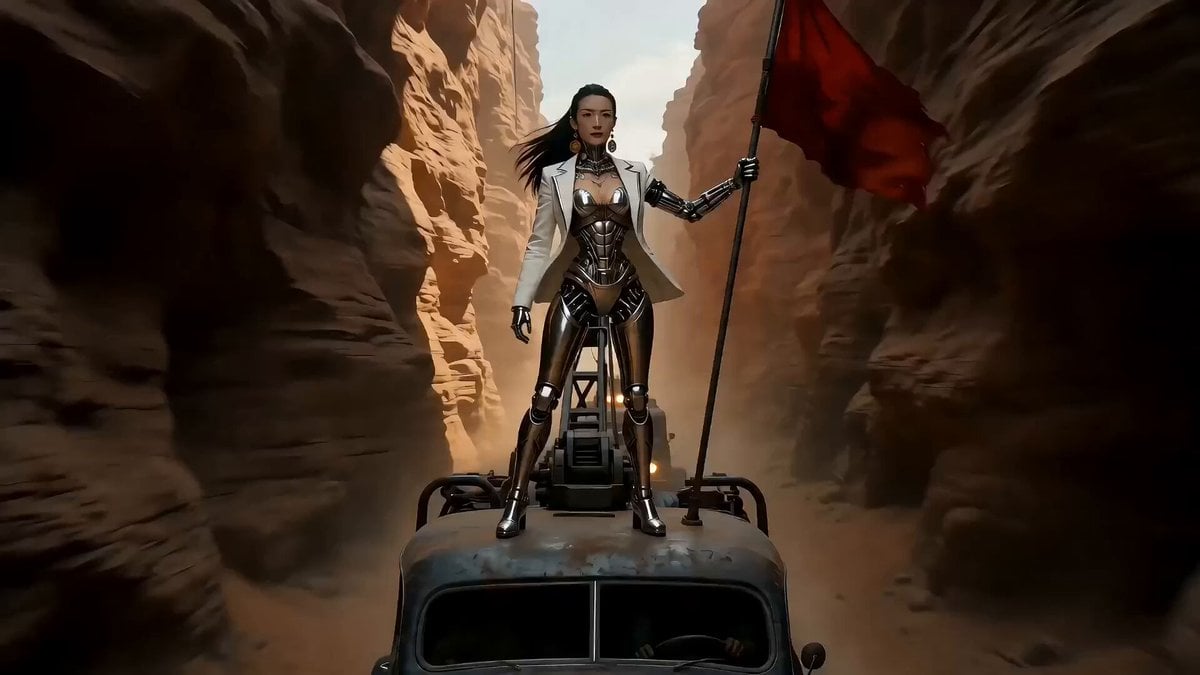
Epic Sci-Fi Action Sequence Prompt for Seedance 2.0
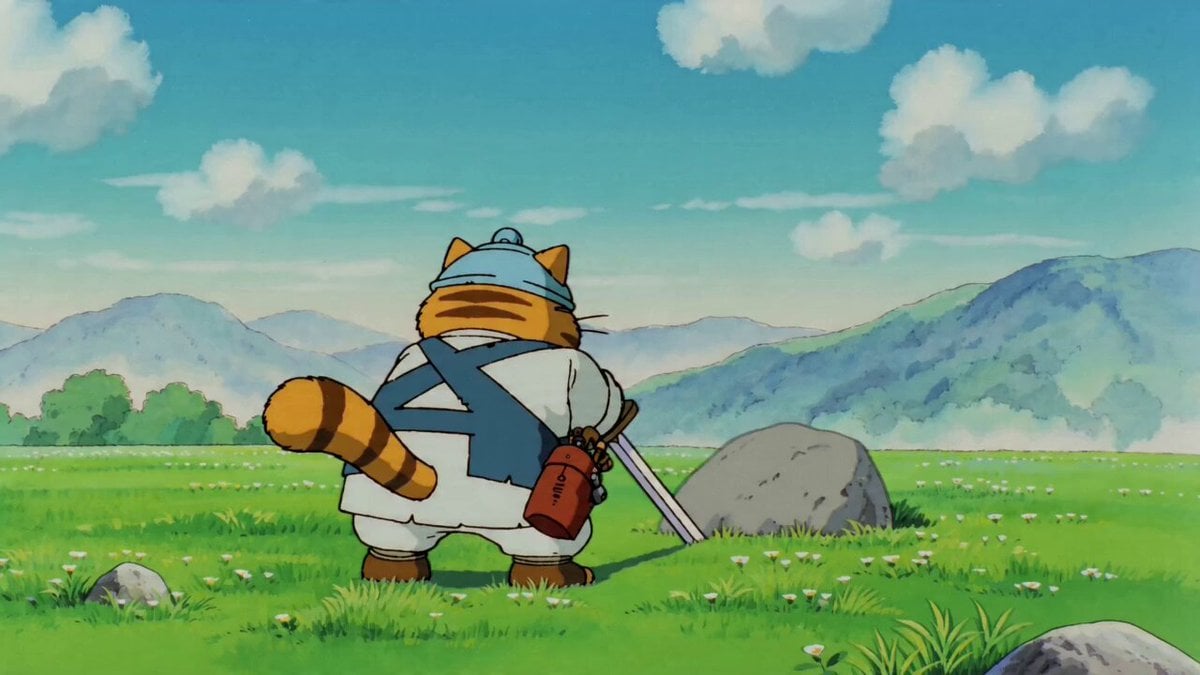
90s Anime Sword Fart Fail
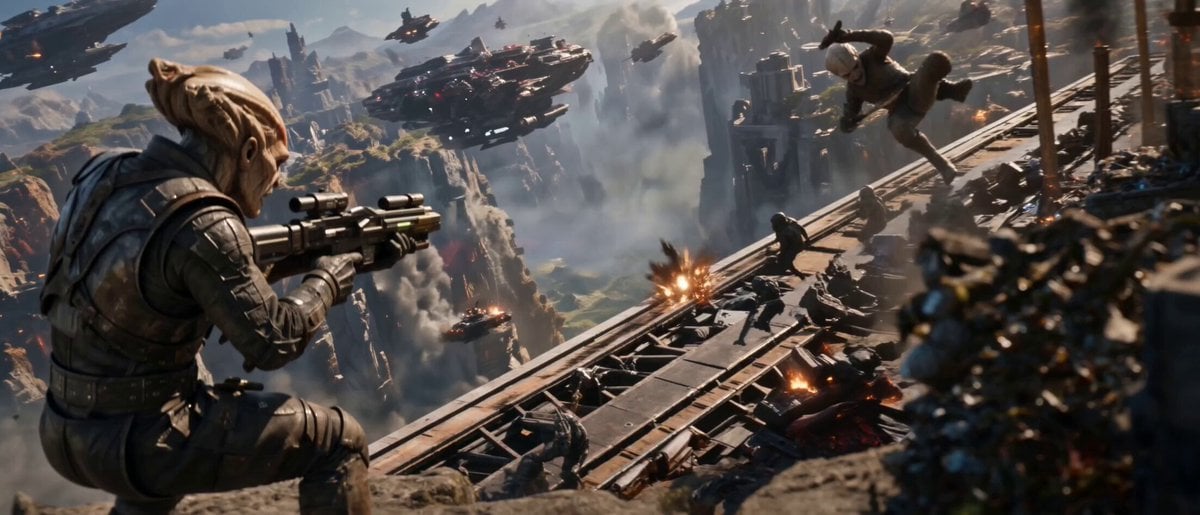
Cinematic Alien War Sequence
Industrial Platform Spectral Battle
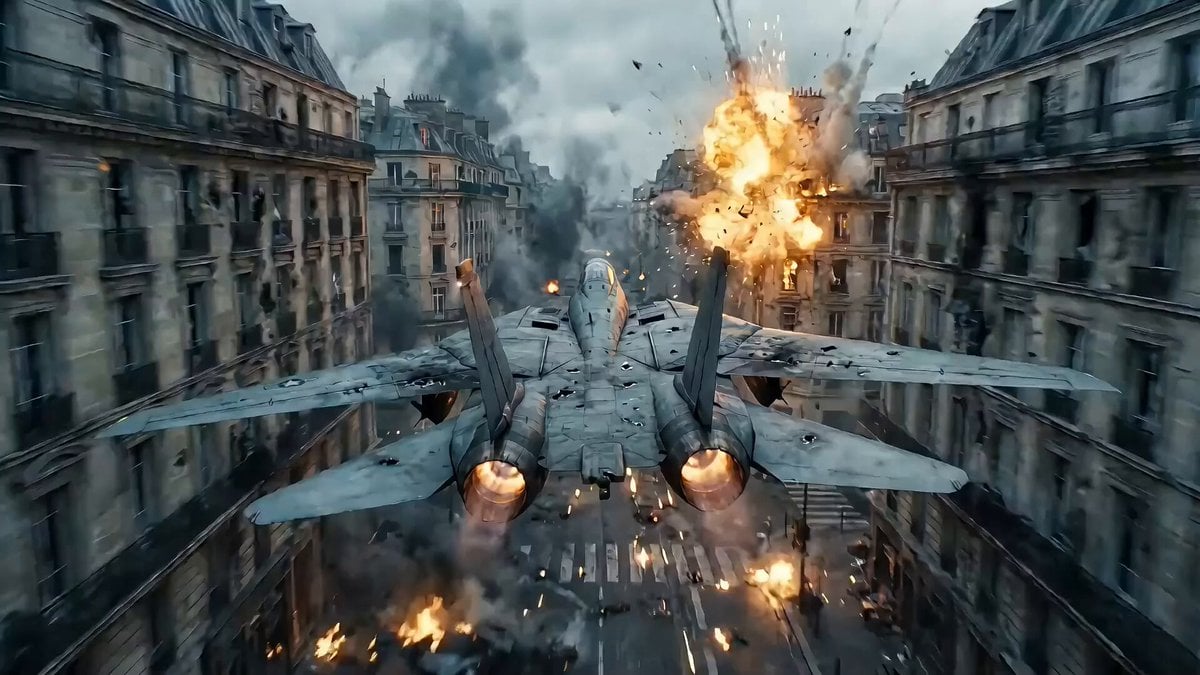
Hollywood Blockbuster Transformer Scene Prompt (Paris to Shanghai)
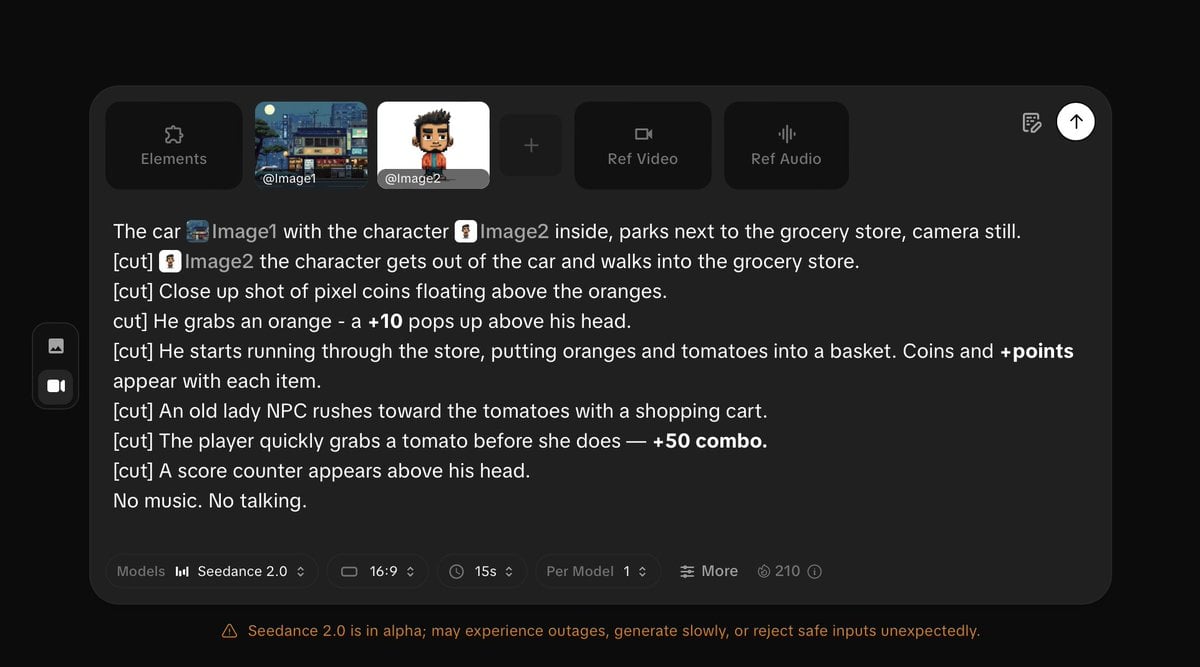
Pixel Game Style Grocery Store Heist
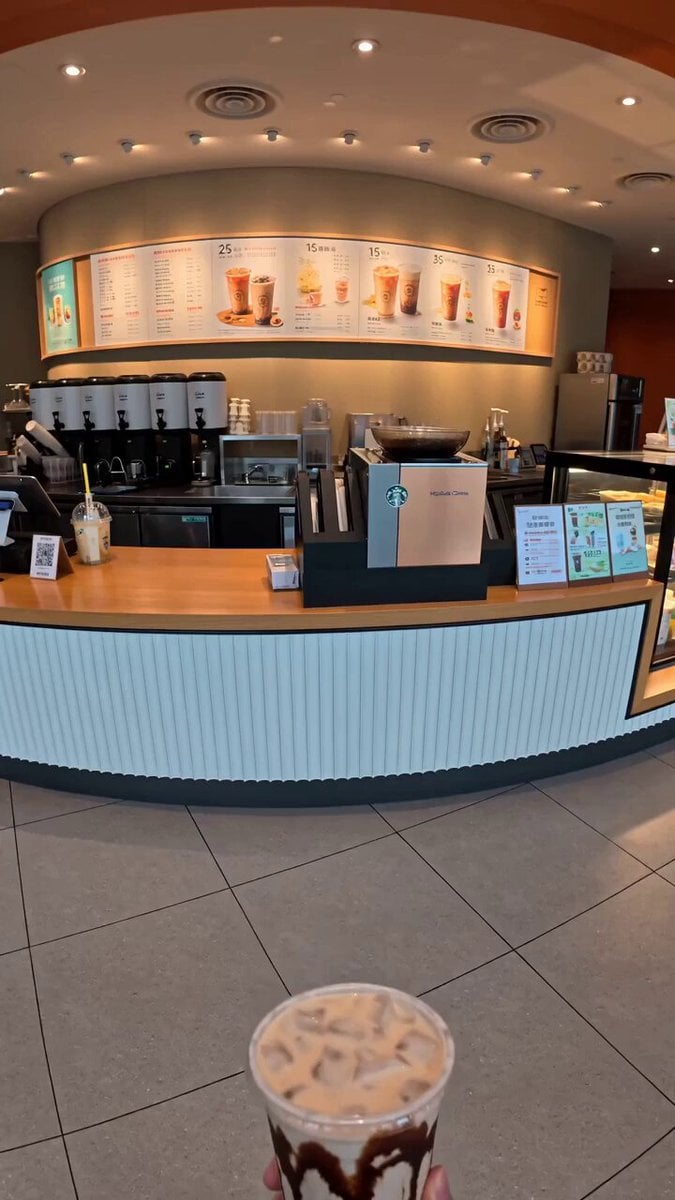
Food Summoning POV Stop-Motion Video
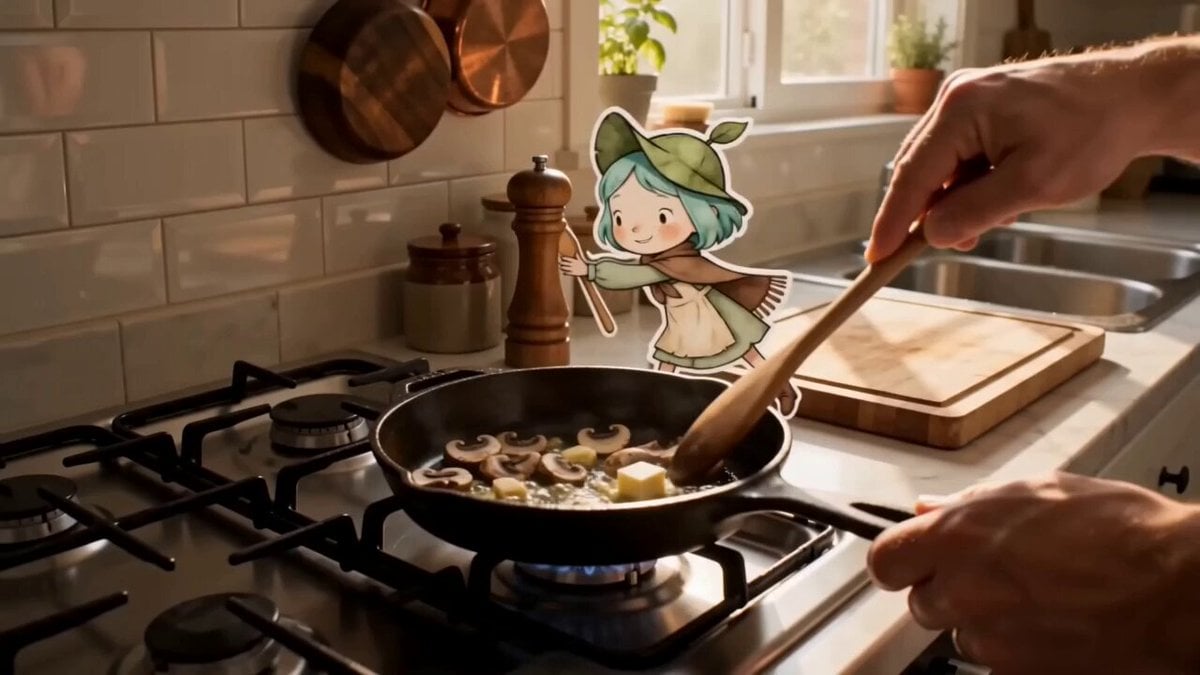
Mixed Reality Anime Sticker Cooking
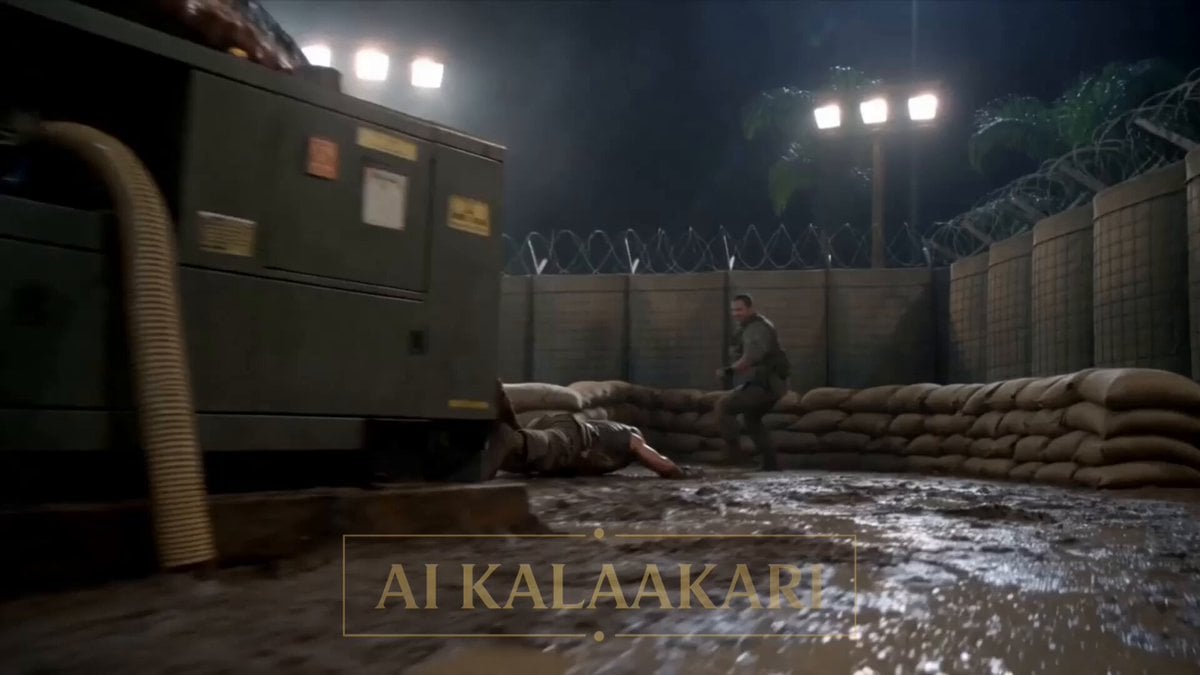
Alien Army Base Ambush
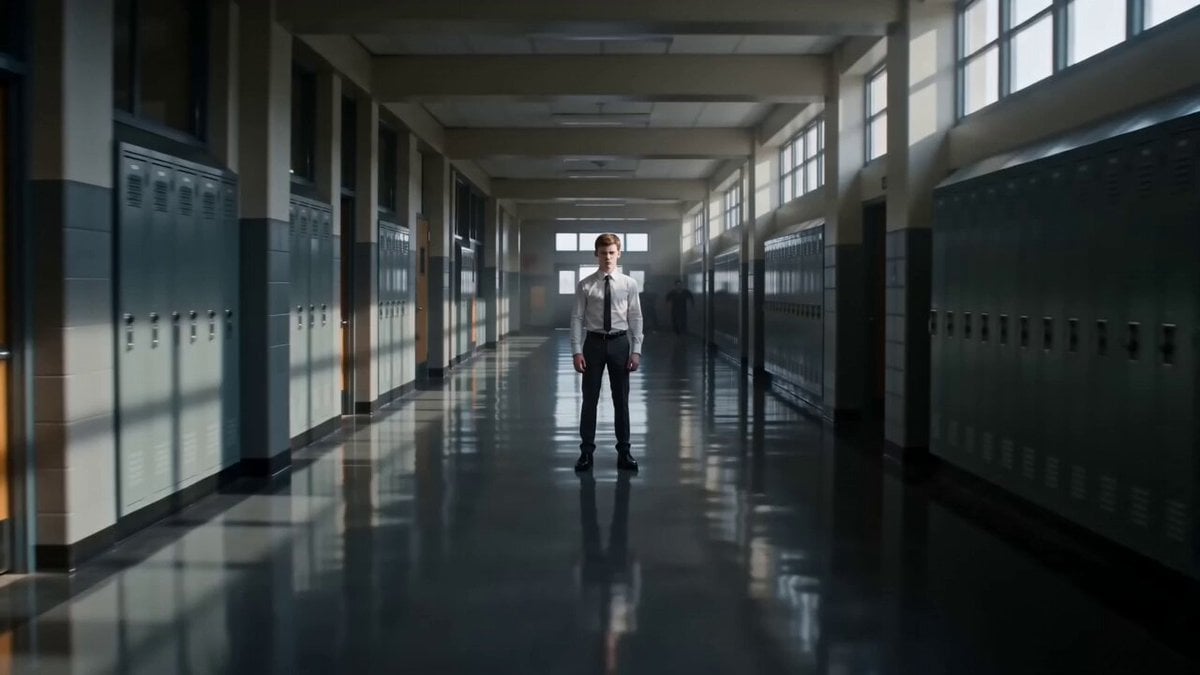
Telekinetic Time Freeze Action
Browse template categories
Soldier to Water Gun Transformation questions
How do I use the Soldier to Water Gun Transformation template?
Add your photo if the template asks for one, edit the prompt if you like — the template's model and format are already selected — and press Generate. Your version opens in PicX Studio.
Can I customize the Soldier to Water Gun Transformation template?
Yes. You can change the subject, setting, lighting, mood, format, and available model controls before creating your video.
Is the Soldier to Water Gun Transformation template free?
Opening and editing this template is free. Generating uses credits, shown on the Generate button when you are signed in.
Which AI model should I use?
Start with Seedance 2.0, which is the model associated with this template. You can compare another compatible model for a different finish.
Looking for something else? Browse all templates.

Your photo, any look
Thousands of ready templates for every top image and video model, from one credit balance.