
Alien Army Base Ambush
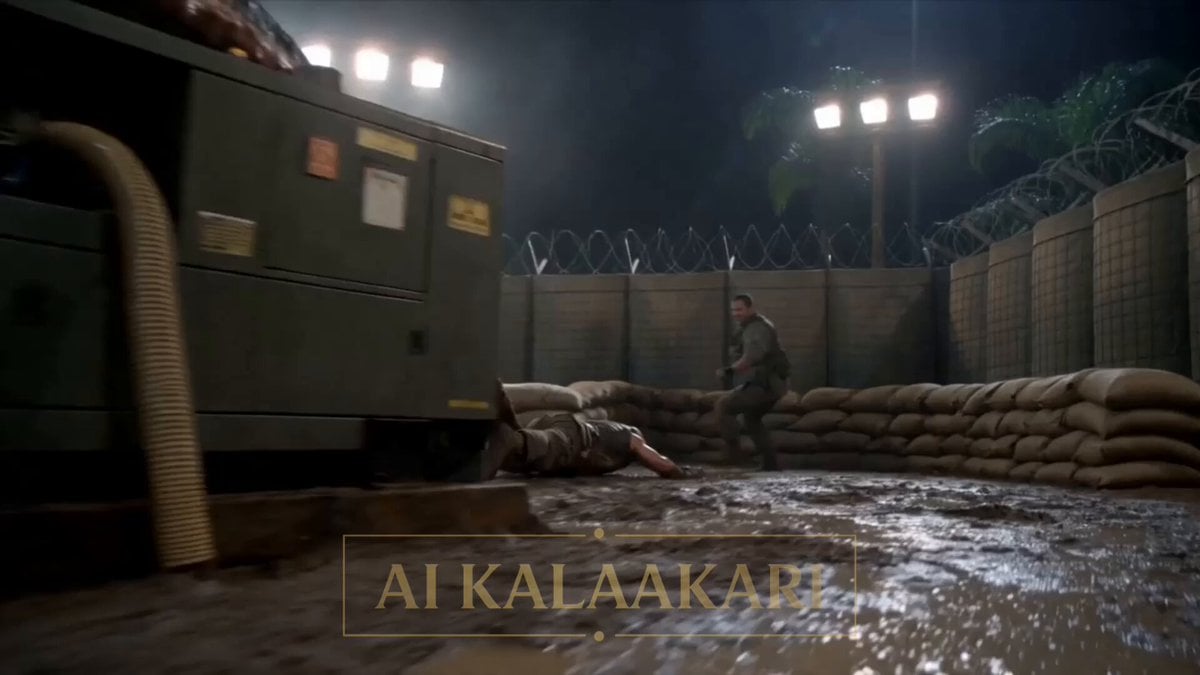
An action-packed cinematic video prompt depicting a giant tentacled alien attacking a remote rainforest military base at night.
- Prompt included
- Model and format preset
- Premium template
The prompt behind this video
Copy the exact prompt behind Alien Army Base Ambush, or open it in the studio and make it yours.
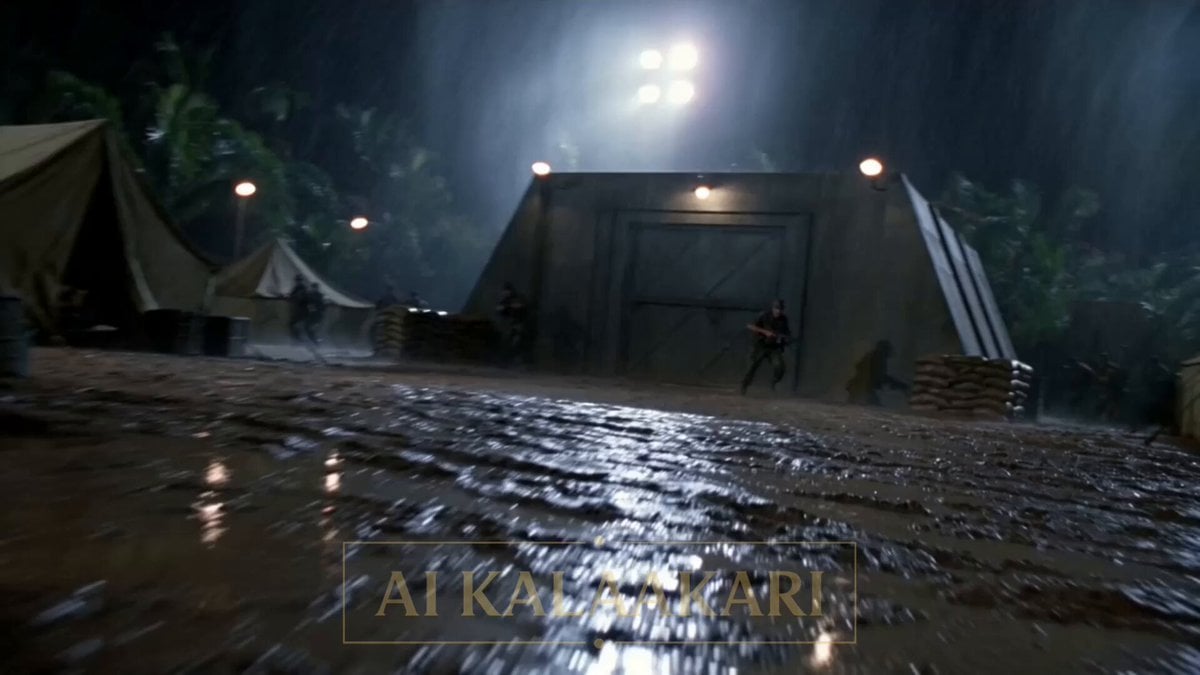
A jungle base at night, deep in thick wet rainforest. Tents, sandbags, floodlights, a fenced yard with a big diesel generator and fuel drums, and a tall watchtower. A giant alien — brownish-black, slimy, with long whipping tentacles — has attacked the base, wrapped its tentacles around the big generator, and is dragging a soldier across the yard toward it. On the watchtower, a gunner stands at a mounted gun. Sound: humming generator, wet tentacles slapping, shouting men, the alien's low roar, radio voices. Shot 1 (0–3s) — THE HOOK: Low shot across the floodlit yard. The giant alien crushes the diesel generator in one set of tentacles while another drags a soldier across the mud by his legs. He claws at the ground. Men run between the tents. One shouts into his radio: "IT'S DRAGGING HIM TO THE GENERATOR!" Shot 2 (3–6s): Up on the watchtower. The gunner swings his mounted gun toward the alien, but holds his fire — the soldier still in the tentacles, fuel drums everywhere. He calls down on the radio: "Break loose! Roll clear!" Shot 3 (6–9s): At the soldier. He pulls a knife and slashes the slimy tentacle around his legs, breaks free, and rolls clear across the yard. The alien, now empty-handed, lets go of the generator and slides forward into the open middle of the floodlit yard, rearing up tall and clear in the mud. Shot 4 (9–13s) — BIG SLOW-MOTION MOMENT: The alien is out in the open now, the fuel drums right behind it. The gunner fires. Bullet time — a stream of heavy rounds flies across the yard in slow motion, smoke and shell cases hanging in the air, smashing into the alien and tearing into the fuel drums behind it. The drums burst — a huge fireball blooming around the alien. Shot 5 (13–15s): Time snaps back. The whole yard lights up as the fuel drums and the alien go up in one rolling fireball, fire and slime shooting into the night sky. Soldiers shield their faces in the mud as the rescued man scrambles clear.
How to use Alien Army Base Ambush in 3 steps
- 1
Open
The prompt is already in the box next to the preview, with the template's model and format selected.
- 2…a portrait of your subject in softgolden-hour light, 85mm…
Personalize
Edit the subject and creative details for your destination.
- 3Generate
Generate
Press Generate — your video is created in PicX Studio, so you can compare it with the original and refine one variable at a time.
More like this
Templates with the same subject, style or setup. Open one to see its prompt.
Alien Ambush in Jungle Army Base
Alien Ambush Action Sequence
Alien Ski Station Night Ambush

Alien Cornfield Ambush Horror
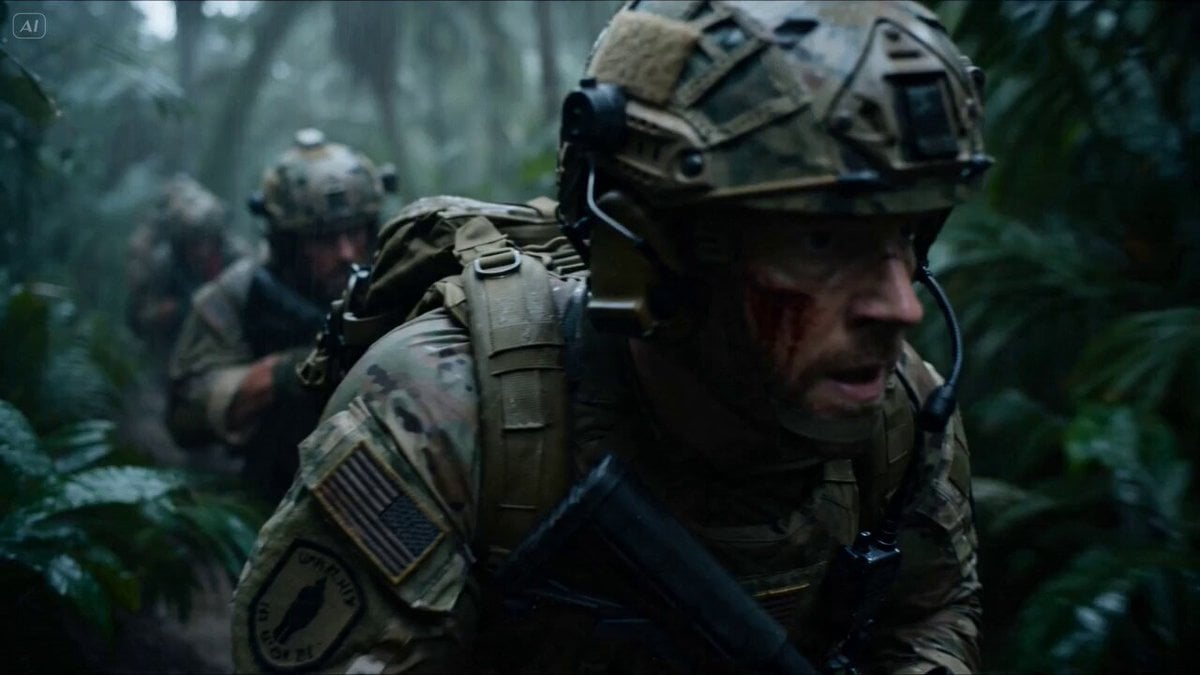
Special Forces Alien Ambush VFX Prompt
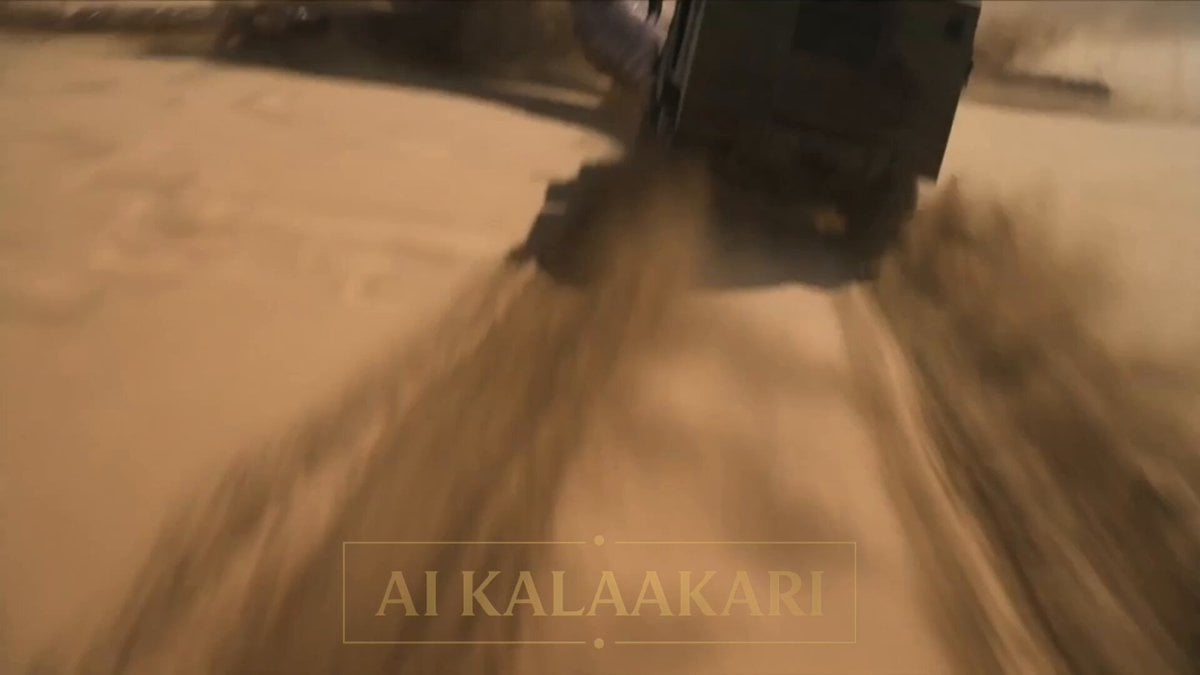
Desert Base Alien Attack Cinematic Script
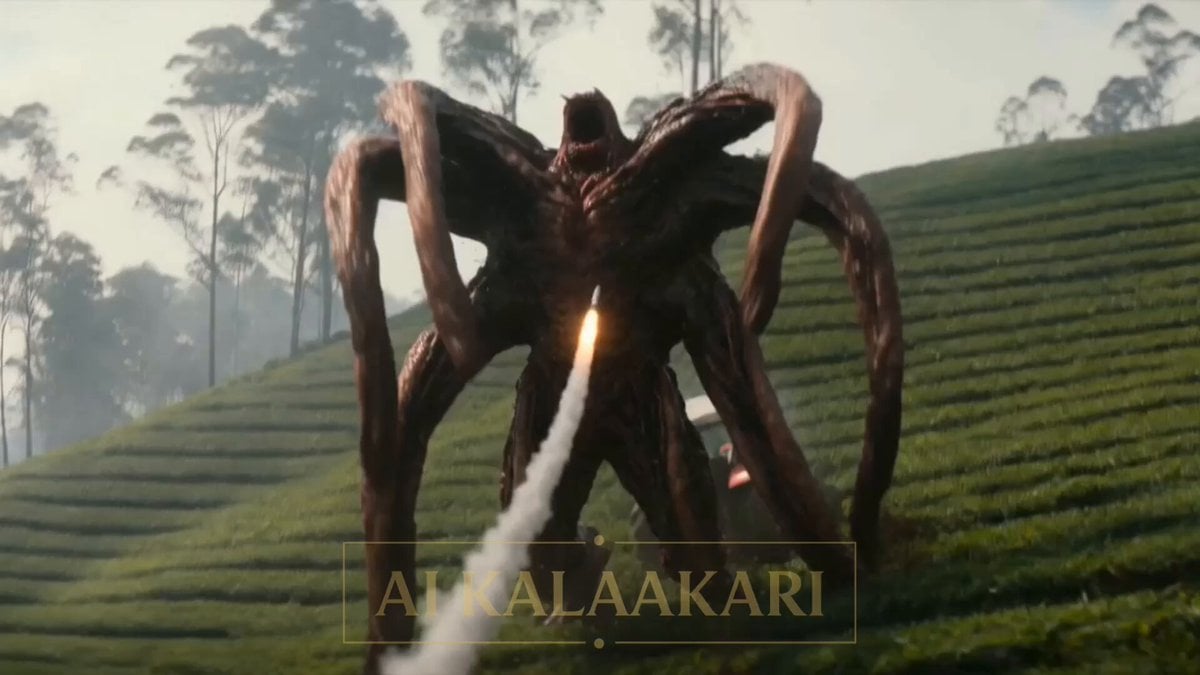
Alien Tractor Ambush at Tea Estate
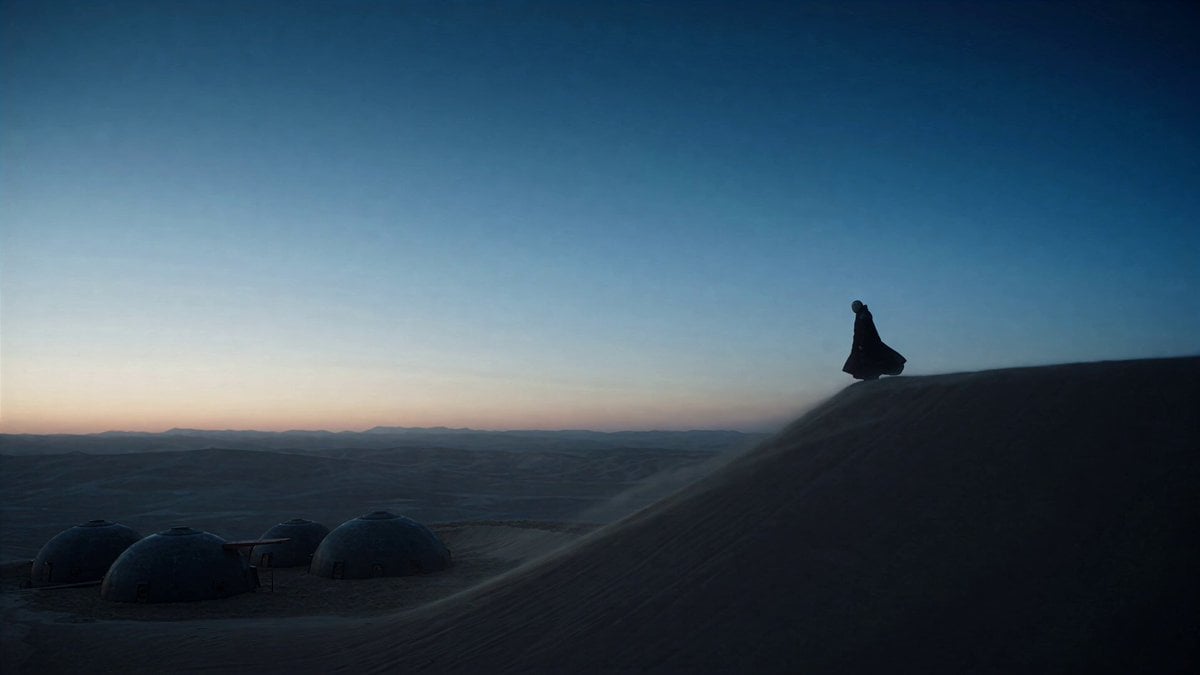
Dune Ridge Military Base Sequence

Luminous Jellyfish and Kronosaurus Ambush

Crocodile Ambush Action Sequence
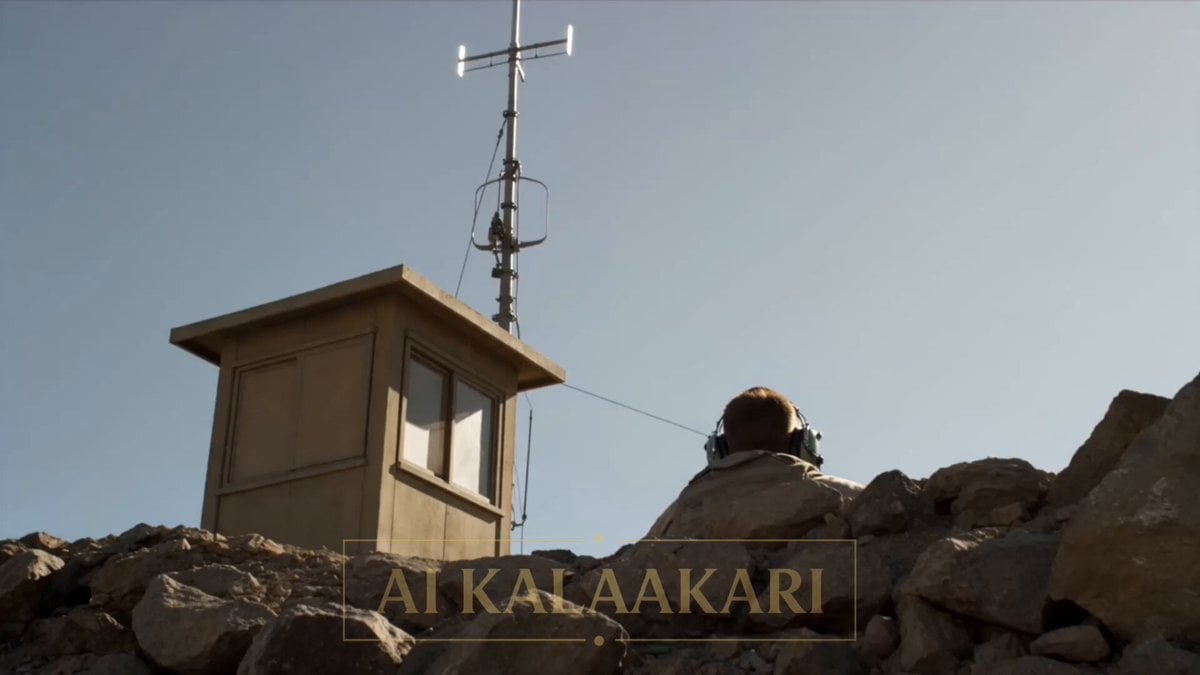
Giant Scorpion Ridge Ambush
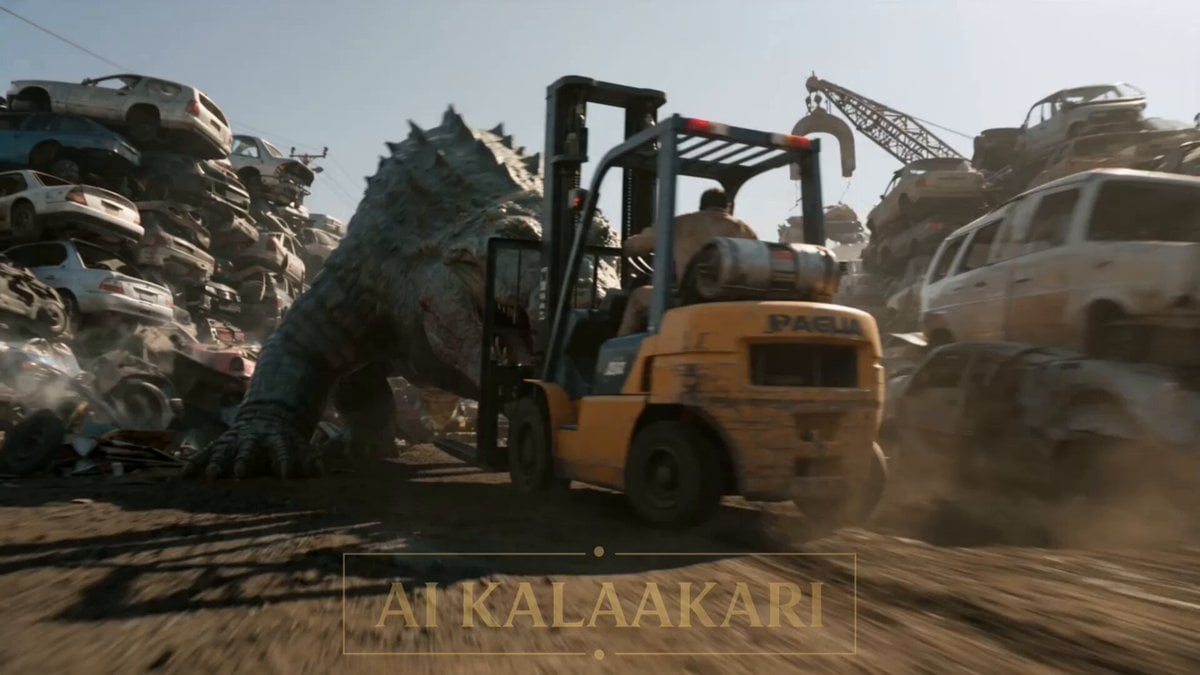
Scrapyard Mega Crocodile Ambush
Make it yours
Alien Army Base Ambush works as-is. These are the safest ways to change it without losing the look.
Change one field
Copy a single group, rewrite it, and generate again so you can see what that field is doing.
Keep the frame, change the subject
Hold the composition and light of Alien Army Base Ambush, then swap wardrobe, props or the person for a new take.
| If the result… | Why | Fix |
|---|---|---|
| The result drifts from the preview | Too many fields changed at once. | Reuse Alien Army Base Ambush as-is first, then change one group — subject, light, or setting. |
| The model over-stylizes the scene | The prose prompt leaves finish and camera underspecified. | Add one camera or lighting sentence and stay on Seedance 2.0. |
More Seedance 2.0 templates
Other prompts made for Seedance 2.0.

Comical Martial Arts Punch Scene

Maglev Train Action Sequence

Martial Arts Fight Sequence

Wuxia Protection and Trust Script

Vintage Korean Arcade MiniDV Vlog

Mercedes 190 SL Luxury Ad

Rainy Night Supernatural Reverse Comedy Video Script

Amazon Civilization Discovery

Futuristic South Asian City Transformation

Cozy Luxury Cafe Commercial
More video prompts
Fresh picks from across the catalog.

Romani Couple Celebration

Impasto Oil Painting of Female Robot, Klimt Style

Singing Happy Birthday with Candles

Sir Kekius Maximus, Cyber-Fantasy Knight
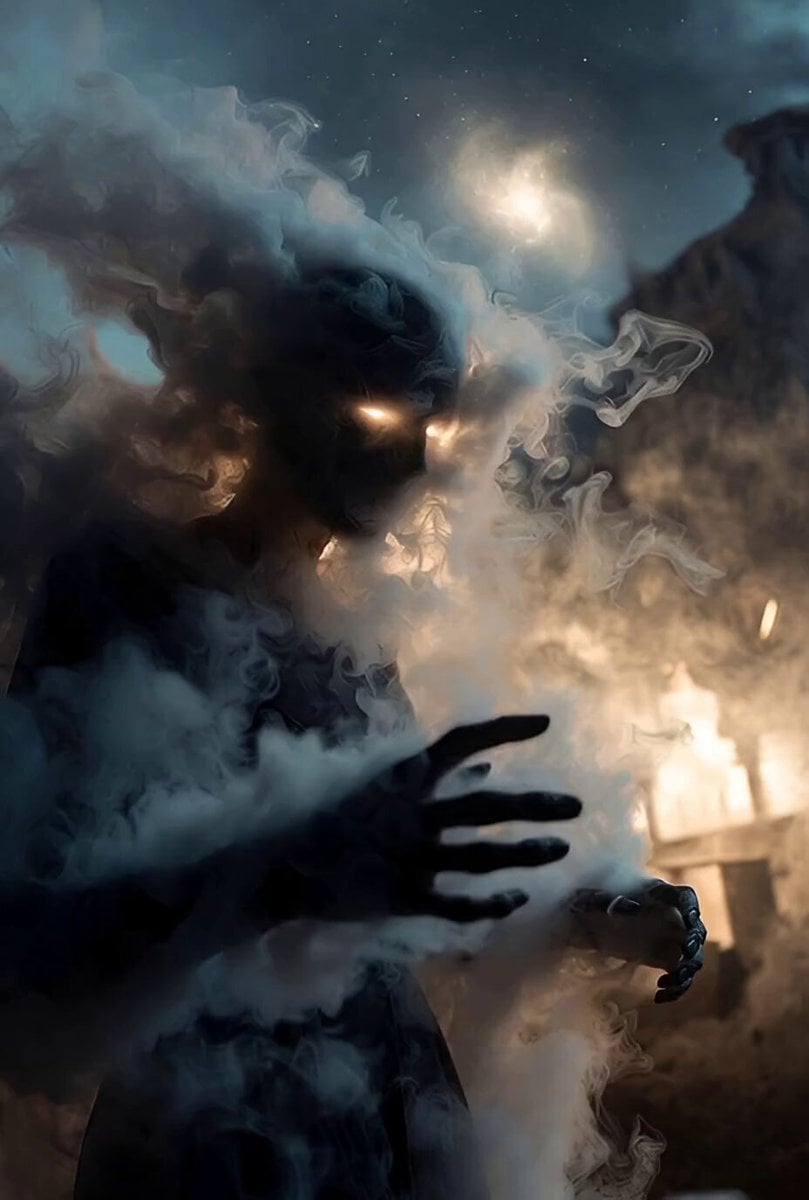
Celestial Veil and Forgotten Stars

Reflecting Japanese Text in Seedance 2.0 Videos

Japanese Anime Mapo Tofu Cooking Process
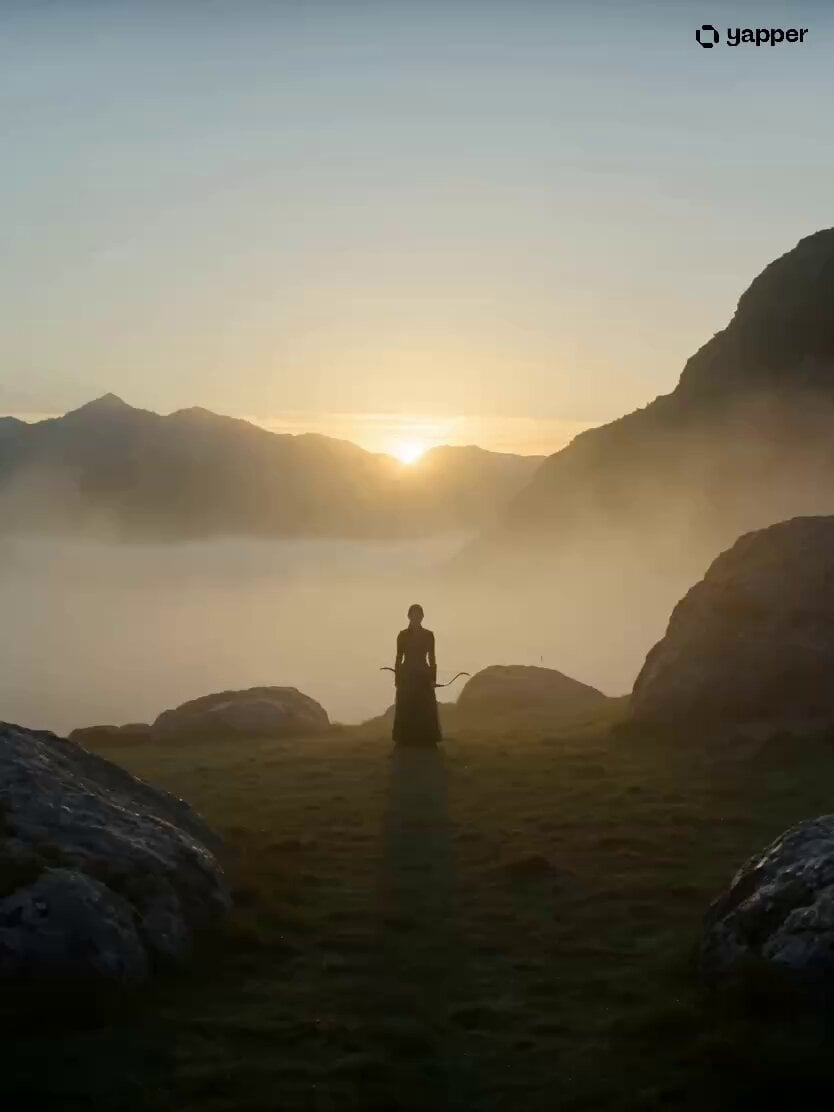
Lone Archer Combat Sequence

Whimsical Forest Creature Berry Chase

Woman Playing Flute Sunrise
Browse template categories
Alien Army Base Ambush questions
How do I use the Alien Army Base Ambush template?
Add your photo if the template asks for one, edit the prompt if you like — the template's model and format are already selected — and press Generate. Your version opens in PicX Studio.
Can I customize the Alien Army Base Ambush template?
Yes. You can change the subject, setting, lighting, mood, format, and available model controls before creating your video.
Is the Alien Army Base Ambush template free?
Opening and editing this template is free. Generating uses credits, shown on the Generate button when you are signed in.
Which AI model should I use?
Start with Seedance 2.0, which is the model associated with this template. You can compare another compatible model for a different finish.
Looking for something else? Browse all templates.

Your photo, any look
Thousands of ready templates for every top image and video model, from one credit balance.