How do I use the Scrapyard Mega Crocodile Ambush template?
Edit the prompt in the box under the preview — the template's model and format are already selected — and press Generate. Your version appears right on this page.
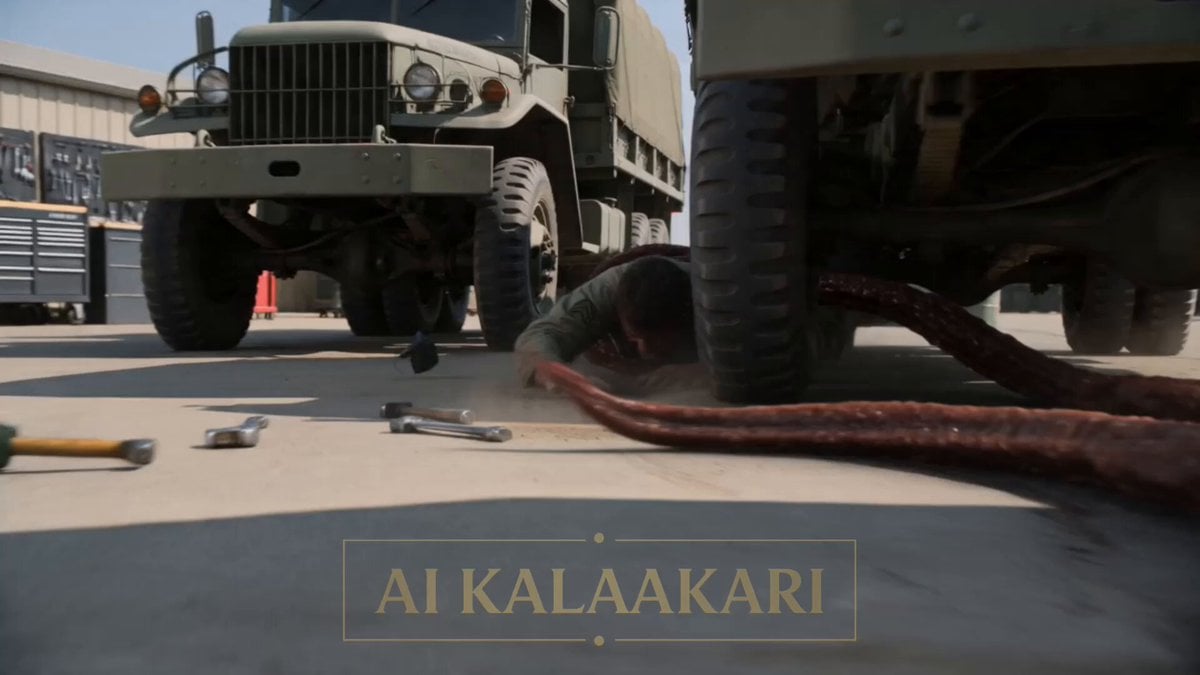
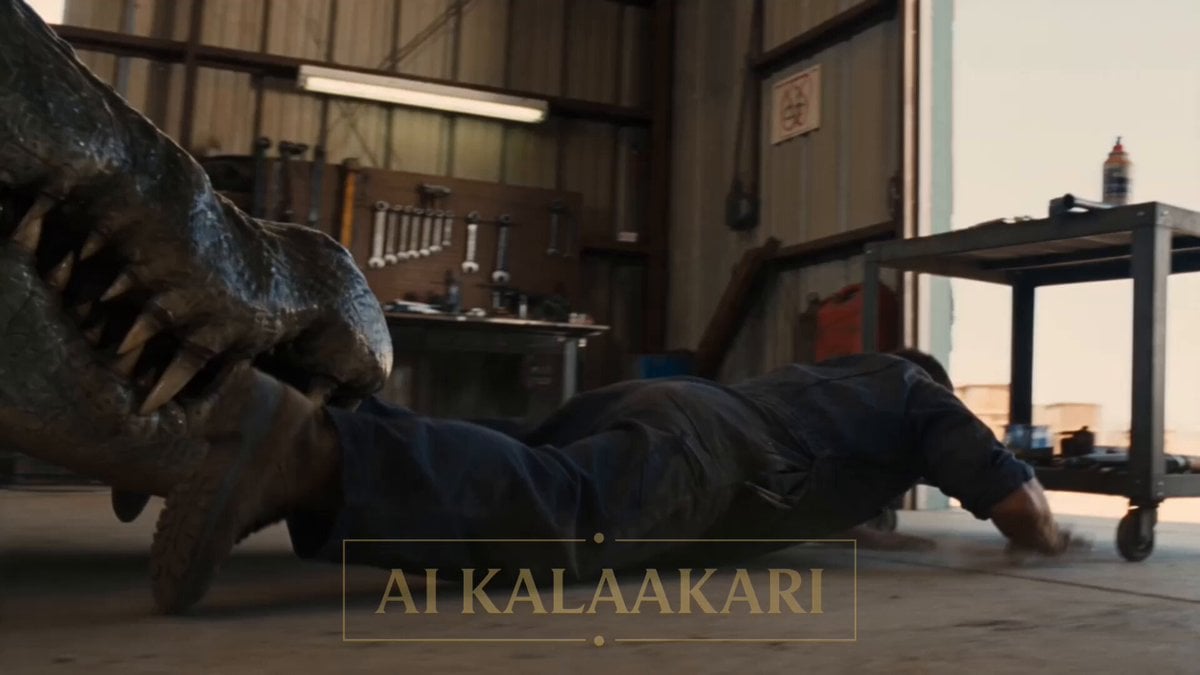
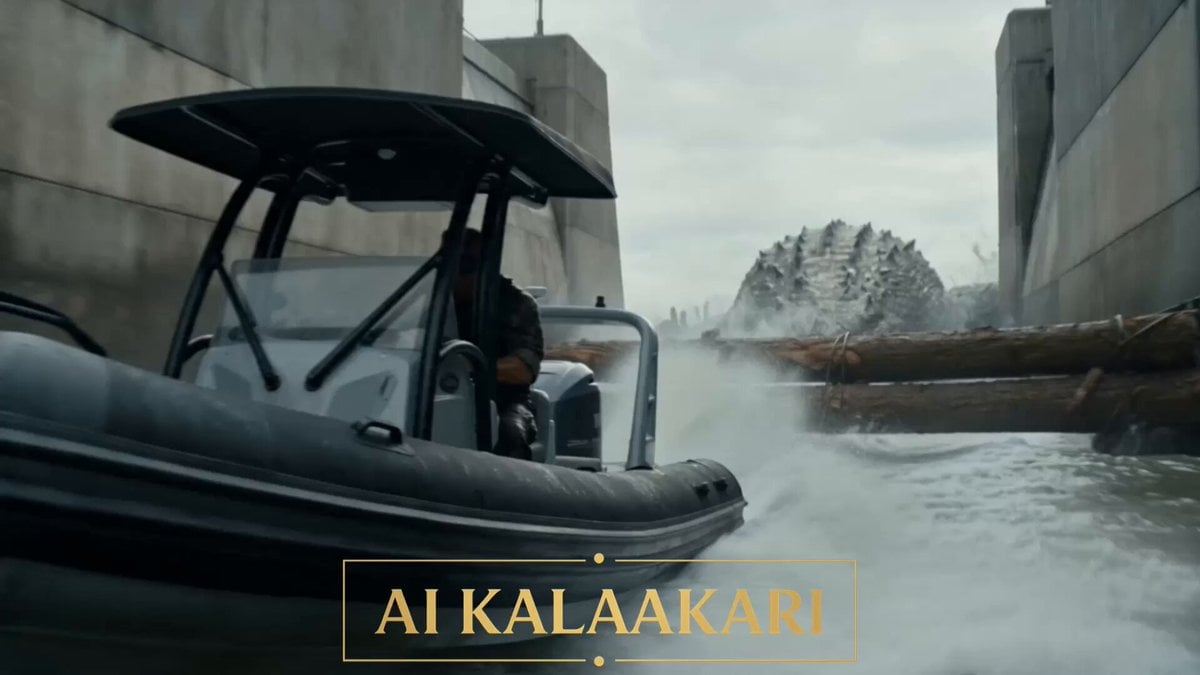
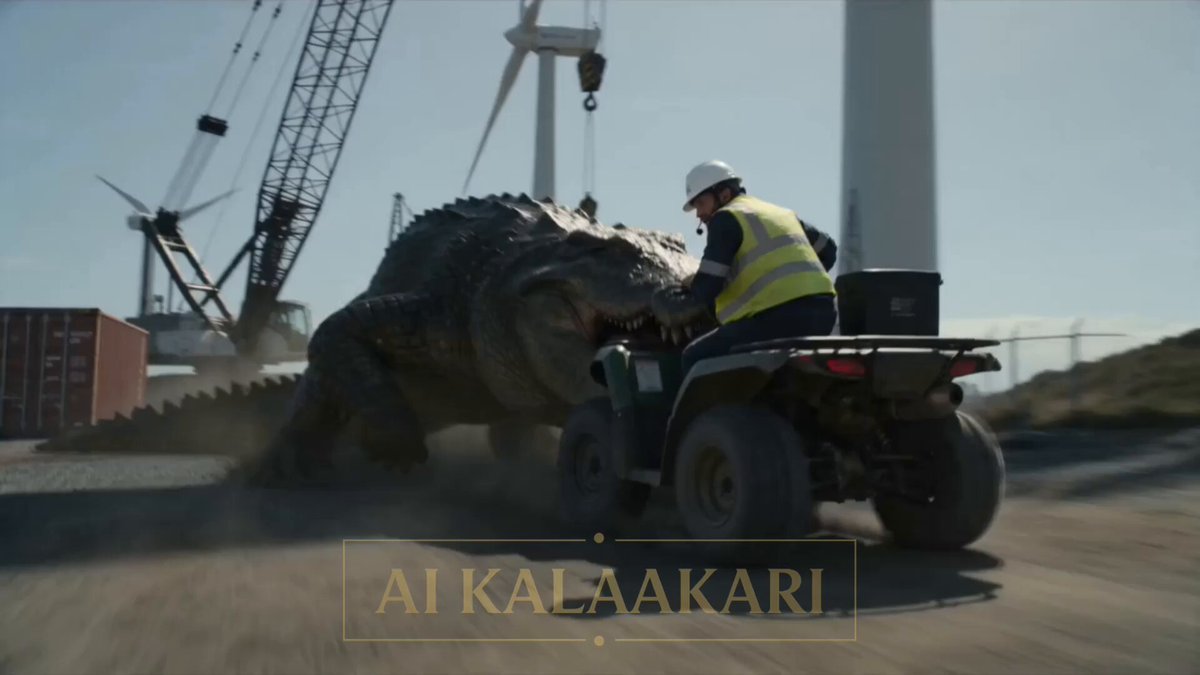
An intense cinematic sequence involving a giant crocodile attacking a forklift in a scrapyard, ending with a dramatic explosion.
LOCATION: A sprawling scrapyard in harsh dusty daylight, mountains of crushed cars and twisted metal, a giant magnet crane towering over the yard with a stack of flattened cars clinging to its electromagnet, an acetylene tank rack against a rusted container wall, dust and rust haze everywhere. Shot 1 (0–3s) — THE HOOK: Ground-level tracking shot through the wrecks. A mega crocodile the size of a bus has its jaws clamped on the rear of a forklift, dragging it backward through the dirt with the worker still in the cage seat, pallets and scrap spilling everywhere. He wrestles the wheel, screaming into his radio: "IT'S DRAGGING ME THROUGH THE YARD! GET IT OFF!" Shot 2 (3–6s): High shot from the magnet crane cab. The operator, already mid-swing with twenty tons of crushed cars stuck to his electromagnet, looks down at the croc hauling the forklift straight through his swing path. His thumb slides onto the magnet kill switch. Into the radio: "BAIL OUT AND ROLL LEFT! I'M BRINGING THE WHOLE STACK!" Shot 3 (6–9s): Handheld at ground level. The worker dives from the forklift cage and rolls behind an engine block. The croc crushes the empty forklift flat in its jaws, then rears up to full height over it, bellowing — directly under the hanging car stack, the acetylene rack at its back. Shot 4 (9–13s) — BULLET TIME PAYOFF: The operator kills the magnet. Bullet time — twenty tons of crushed cars release and drop in slow motion, flattened sedans tumbling through hanging rust dust — hammering down across the croc's skull and back, slamming its body sideways through the acetylene tank rack. The tanks rupture and detonate one after another, a chain of explosions ripping along the container wall, fire and car bodies flung skyward. Shot 5 (13–15s): Time snaps back. Burning wreckage rains across the yard, the crane swinging empty overhead, the worker peering out from behind the engine block at the fire.
LOCATION: A sprawling scrapyard in harsh dusty daylight, mountains of crushed cars and twisted metal, a giant magnet crane towering over the yard with a stack of flattened cars clinging to its electromagnet, an acetylene tank rack against a rusted container wall, dust and rust haze everywhere. Shot 1 (0–3s) — THE HOOK: Ground-level tracking shot through the wrecks. A mega crocodile the size of a bus has its jaws clamped on the rear of a forklift, dragging it backward through the dirt with the worker still in the cage seat, pallets and scrap spilling everywhere. He wrestles the wheel, screaming into his radio: "IT'S DRAGGING ME THROUGH THE YARD! GET IT OFF!" Shot 2 (3–6s): High shot from the magnet crane cab. The operator, already mid-swing with twenty tons of crushed cars stuck to his electromagnet, looks down at the croc hauling the forklift straight through his swing path. His thumb slides onto the magnet kill switch. Into the radio: "BAIL OUT AND ROLL LEFT! I'M BRINGING THE WHOLE STACK!" Shot 3 (6–9s): Handheld at ground level. The worker dives from the forklift cage and rolls behind an engine block. The croc crushes the empty forklift flat in its jaws, then rears up to full height over it, bellowing — directly under the hanging car stack, the acetylene rack at its back. Shot 4 (9–13s) — BULLET TIME PAYOFF: The operator kills the magnet. Bullet time — twenty tons of crushed cars release and drop in slow motion, flattened sedans tumbling through hanging rust dust — hammering down across the croc's skull and back, slamming its body sideways through the acetylene tank rack. The tanks rupture and detonate one after another, a chain of explosions ripping along the container wall, fire and car bodies flung skyward. Shot 5 (13–15s): Time snaps back. Burning wreckage rains across the yard, the crane swinging empty overhead, the worker peering out from behind the engine block at the fire.
Edit the prompt in the box under the preview — the template's model and format are already selected — and press Generate. Your version appears right on this page.
Yes. You can change the subject, setting, lighting, mood, format, and available model controls before creating your video.
Opening and editing this template is free. Generating uses credits, shown on the Generate button when you are signed in.
Start with Seedance 2.0, which is the model associated with this template. You can compare another compatible model for a different finish.
Follow a topic to a crawlable collection of related PicX Studio templates.