
Mega Crocodile vs Dam Military Operation
A cinematic action prompt for a giant crocodile chasing a speedboat down a dam spillway with military intervention.
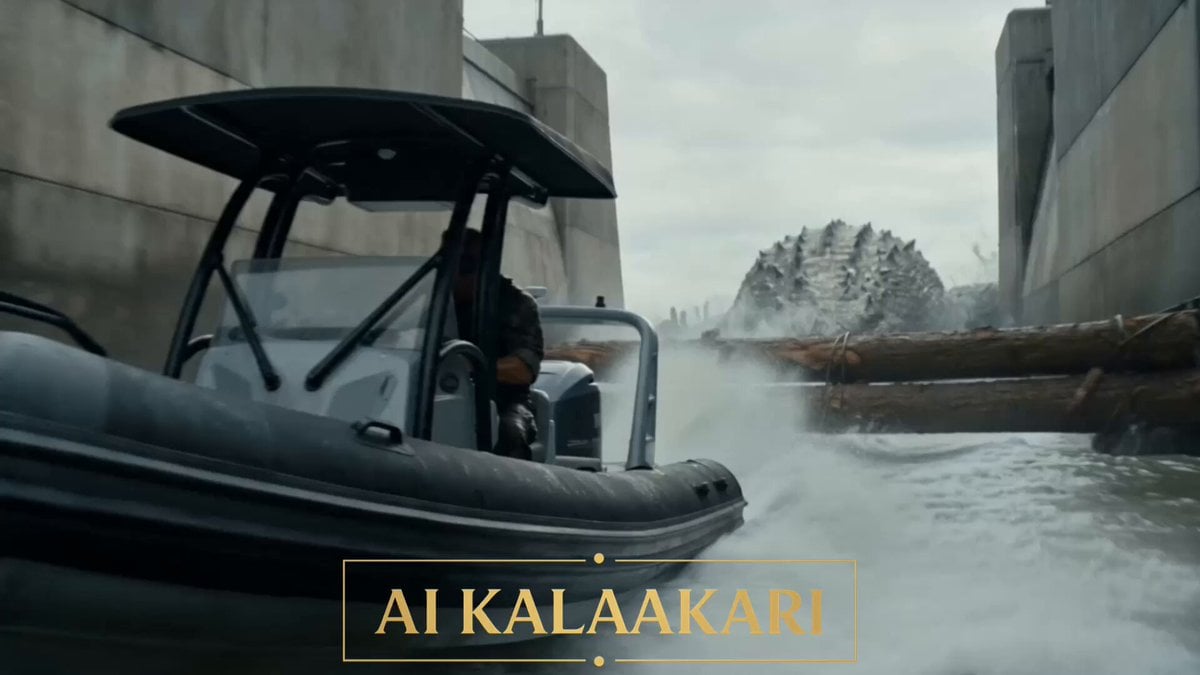
- Prompt included
- Model and format preset
- Free template
The prompt behind this video
Copy the exact prompt behind Mega Crocodile vs Dam Military Operation, or open it in the studio and make it yours.
A giant crocodile, big as a bus, is chasing a military speedboat down a massive concrete dam spillway channel in bright stormy daylight. White water thundering, towering dam wall ahead, floodgate slowly closing. Sound: screaming outboard engines, crashing water, crocodile bellowing, klaxon alarm, radio chatter. Shot 1 (0–3s) — THE HOOK: Low rear tracking shot skimming the water. The speedboat rips down the spillway channel at full throttle, and the giant crocodile smashes through the floating boom barriers behind it, splintering them like matchsticks, jaws snapping at the engine wake. The driver glances back, yelling into his radio: "IT'S STILL ON US! IS THE GATE OPEN?" Shot 2 (3–6s): Wide dramatic shot down the channel. Ahead, the huge steel floodgate is grinding downward, the gap beneath it shrinking, water roaring through. On the dam wall high above, a gunner with a rocket launcher sprints into position, screaming into his radio: "GATE'S CLOSING! YOU'VE GOT ONE SHOT — GO NOW!" Shot 3 (6–9s): Side tracking shot at hull level. The boat hits maximum speed, spray exploding off the bow, the crocodile's jaws closing on the stern — its teeth clip the engine cowling — the driver throws his whole body forward as the boat threads under the descending gate with inches to spare, scraping steel. Shot 4 (9–13s) — BULLET TIME PAYOFF: The crocodile lunges through after it. Bullet time — the massive steel gate slams down across its back mid-lunge, pinning it, jaws thrashing wide in slow motion, white water and sparks suspended — and the rocket streaks down from the dam wall, straight into the pinned skull. Direct hit. The explosion blossoms against the dam face, fire and concrete dust blooming over the churning spillway. Shot 5 (13–15s): Time snaps back. The shockwave flattens the water. The speedboat skids out into the open river below, the driver looking back at the burning gate, fist raised. Above, the gunner lowers the smoking launcher and keys his radio: "Gate's closed." Cut.
How to use Mega Crocodile vs Dam Military Operation in 3 steps
- 1
Open
The prompt is already in the box next to the preview, with the template's model and format selected.
- 2…a portrait of your subject in softgolden-hour light, 85mm…
Personalize
Edit the subject and creative details for your destination.
- 3Generate
Generate
Press Generate — your video is created in PicX Studio, so you can compare it with the original and refine one variable at a time.
More like this
Templates with the same subject, style or setup. Open one to see its prompt.
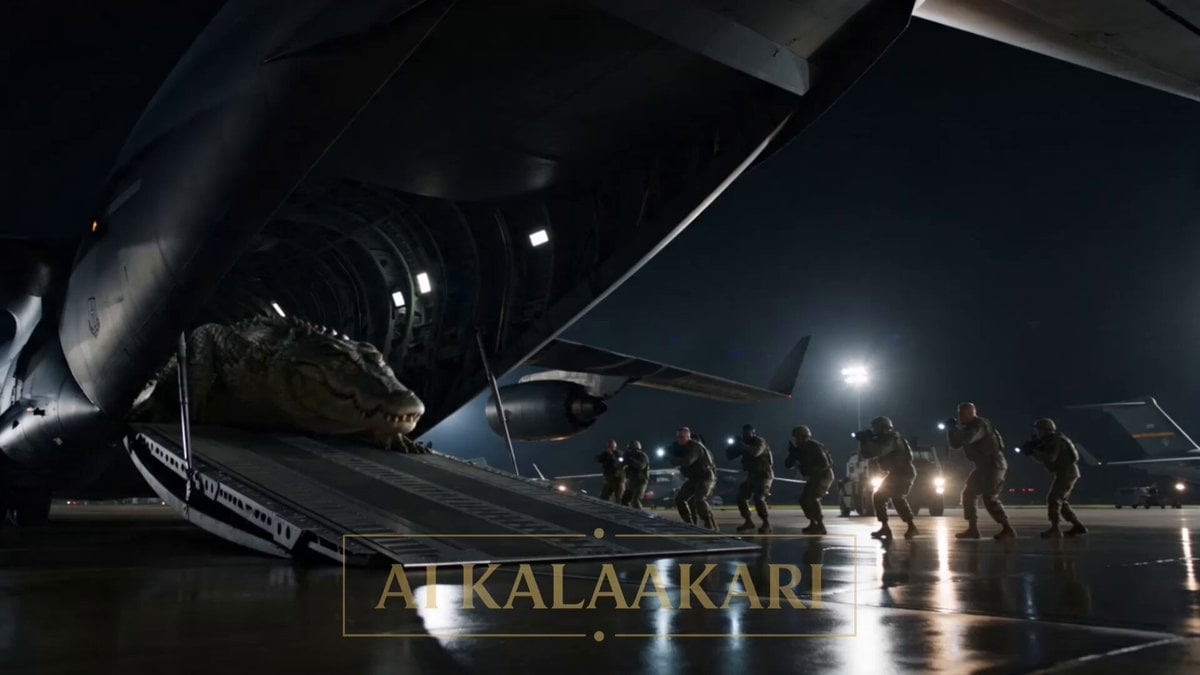
Mega Crocodile Cargo Plane Action
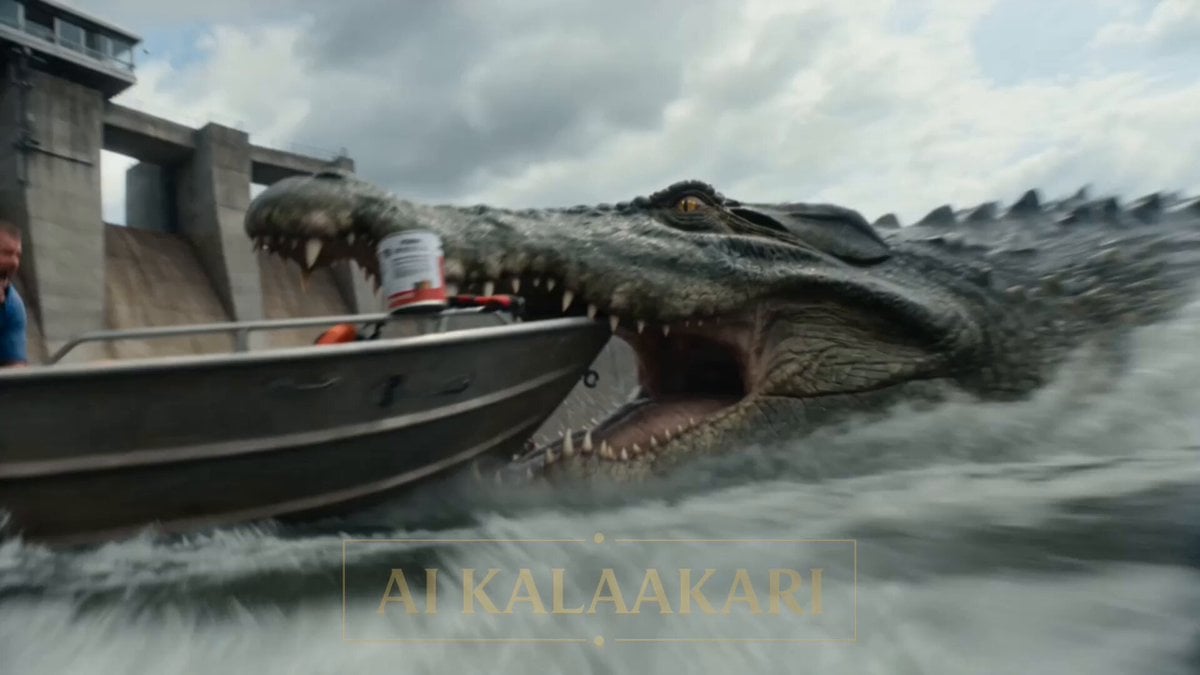
Giant Crocodile Dam Breach Sequence
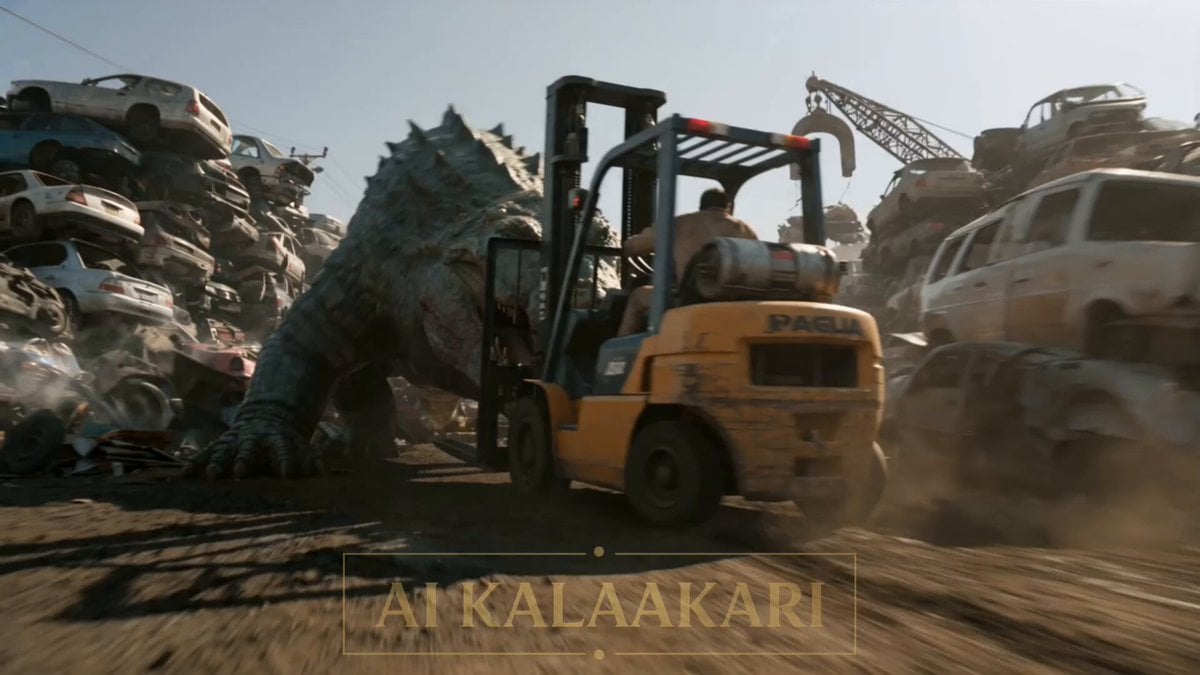
Scrapyard Mega Crocodile Ambush
Mega Crocodile vs Carnivorous Flower Pit
Mega Crocodile Swamp Spider Chase
Cinematic Action Scene: Mega Crocodile vs Bus
Dune Ridge Military Base Sequence
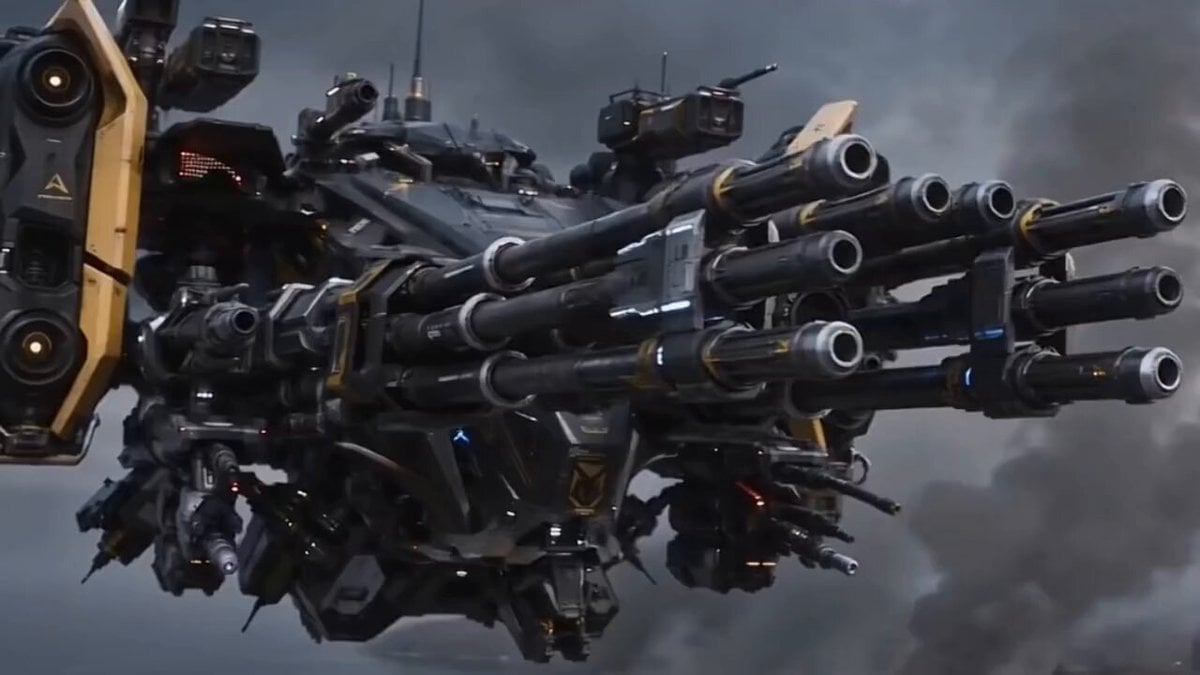
Futuristic Military Gunship Combat Scene
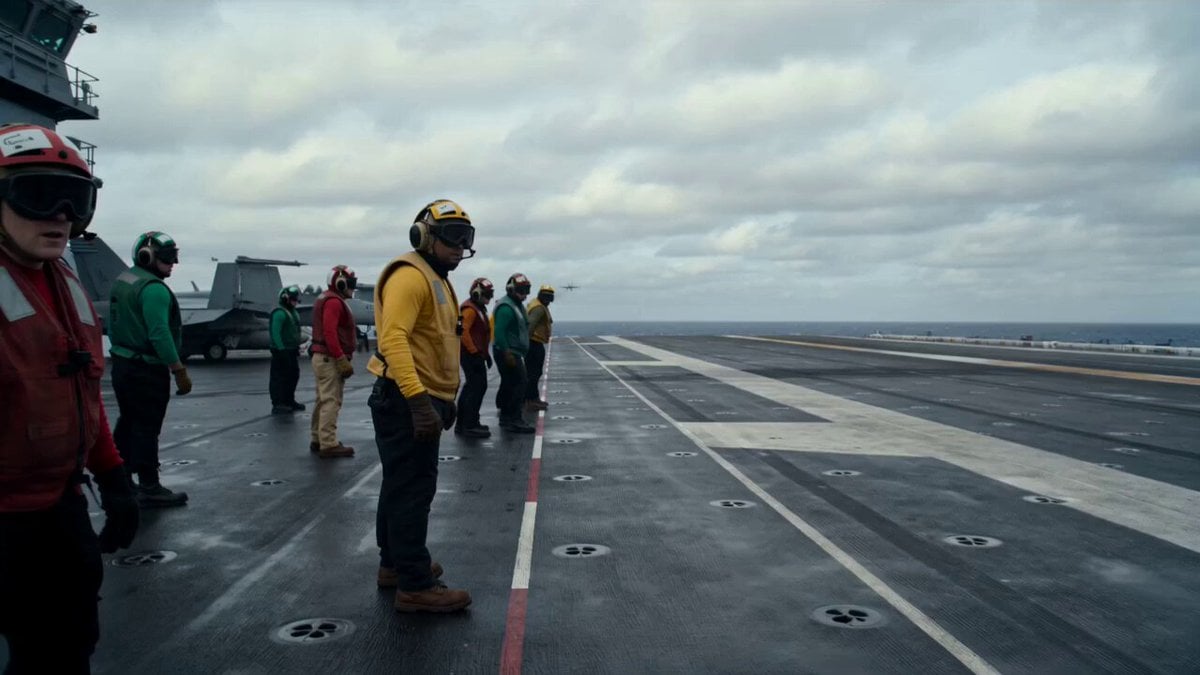
Military Carrier Emergency Documentary Prompt
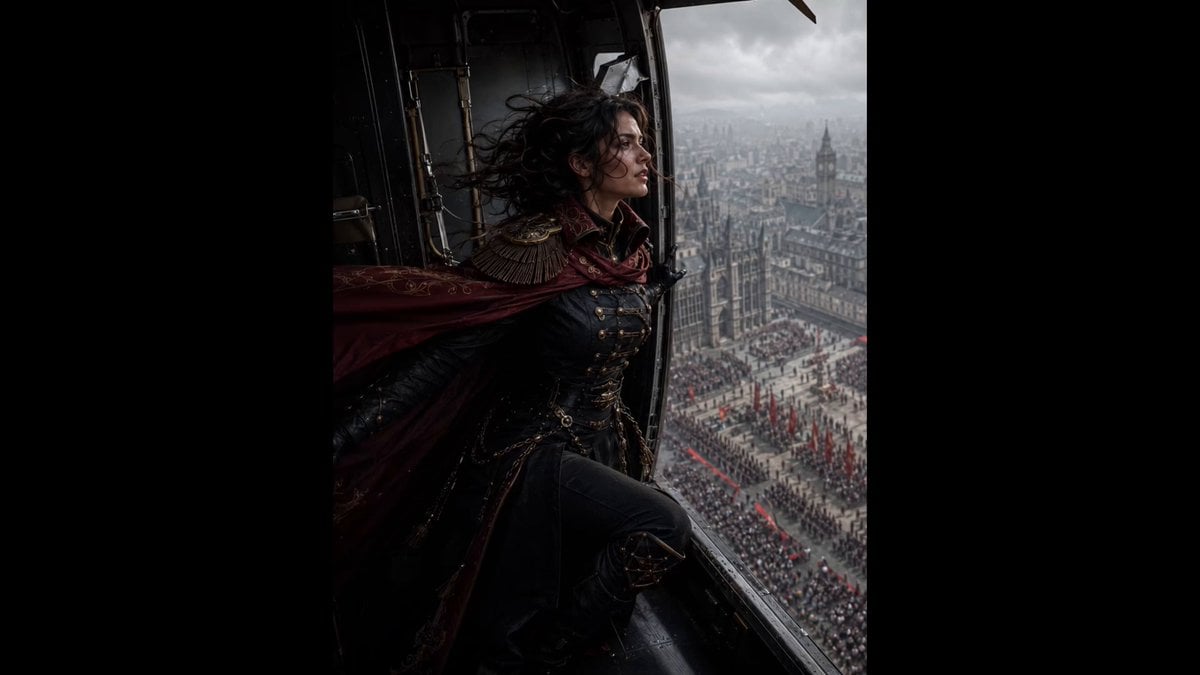
Cinematic Gothic Military Parade
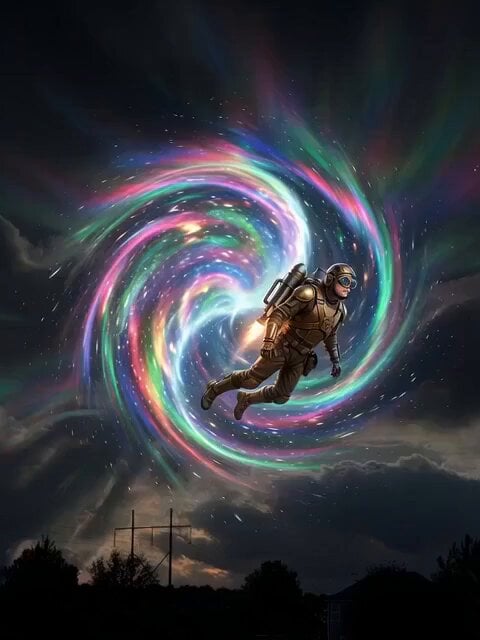
Land of the Lost Mega Fauna
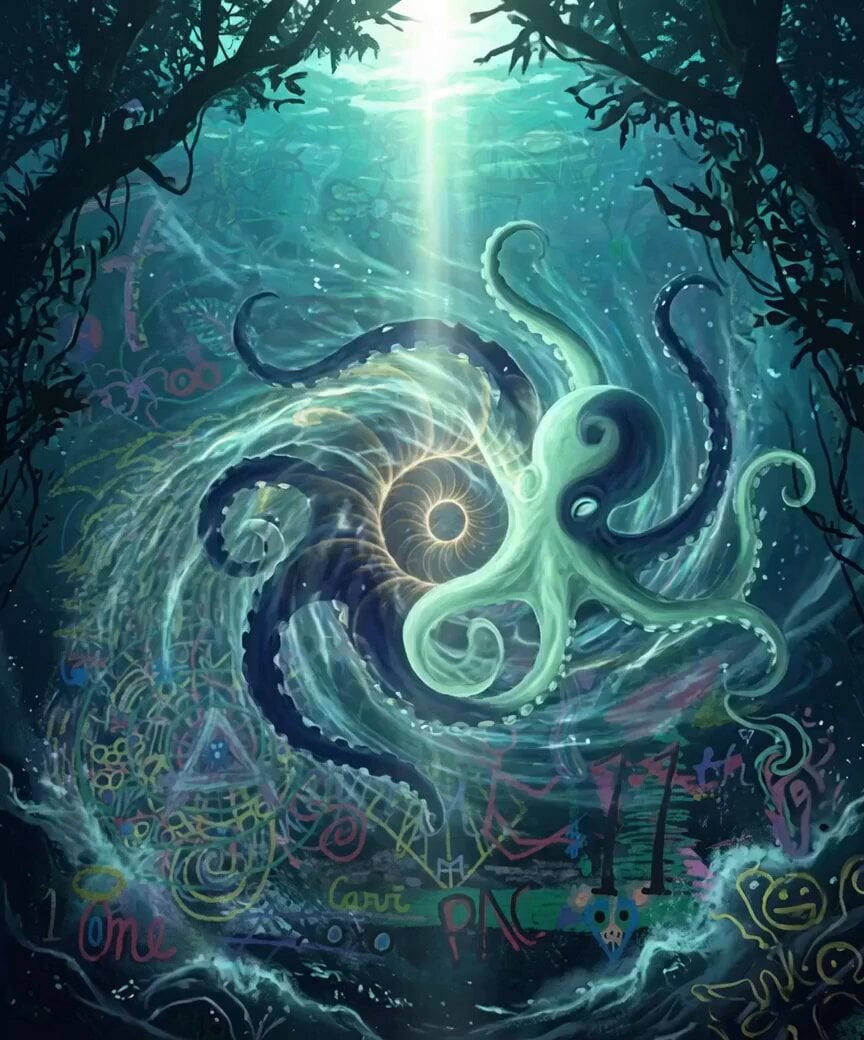
Fractal Mega Whales and Sharks
Make it yours
Mega Crocodile vs Dam Military Operation works as-is. These are the safest ways to change it without losing the look.
Change one field
Copy a single group, rewrite it, and generate again so you can see what that field is doing.
Keep the frame, change the subject
Hold the composition and light of Mega Crocodile vs Dam Military Operation, then swap wardrobe, props or the person for a new take.
| If the result… | Why | Fix |
|---|---|---|
| The result drifts from the preview | Too many fields changed at once. | Reuse Mega Crocodile vs Dam Military Operation as-is first, then change one group — subject, light, or setting. |
| The model over-stylizes the scene | The prose prompt leaves finish and camera underspecified. | Add one camera or lighting sentence and stay on Seedance 2.0. |
More Seedance 2.0 templates
Other prompts made for Seedance 2.0.

Comical Martial Arts Punch Scene

Maglev Train Action Sequence

Martial Arts Fight Sequence

Wuxia Protection and Trust Script

Vintage Korean Arcade MiniDV Vlog

Mercedes 190 SL Luxury Ad

Rainy Night Supernatural Reverse Comedy Video Script

Amazon Civilization Discovery

Futuristic South Asian City Transformation

Cozy Luxury Cafe Commercial
More video prompts
Fresh picks from across the catalog.

Kenting Lifestyle Travel Vlog
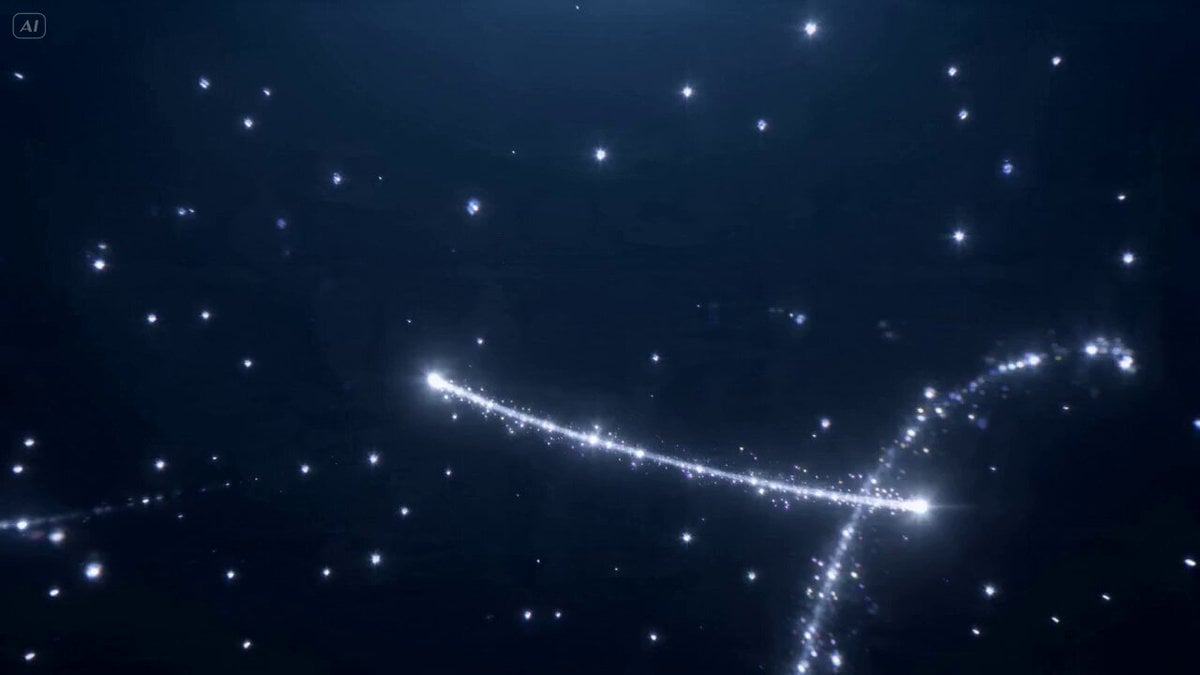
Holographic Crystal Tree Animation
Handheld POV Nighttime Taxi Video
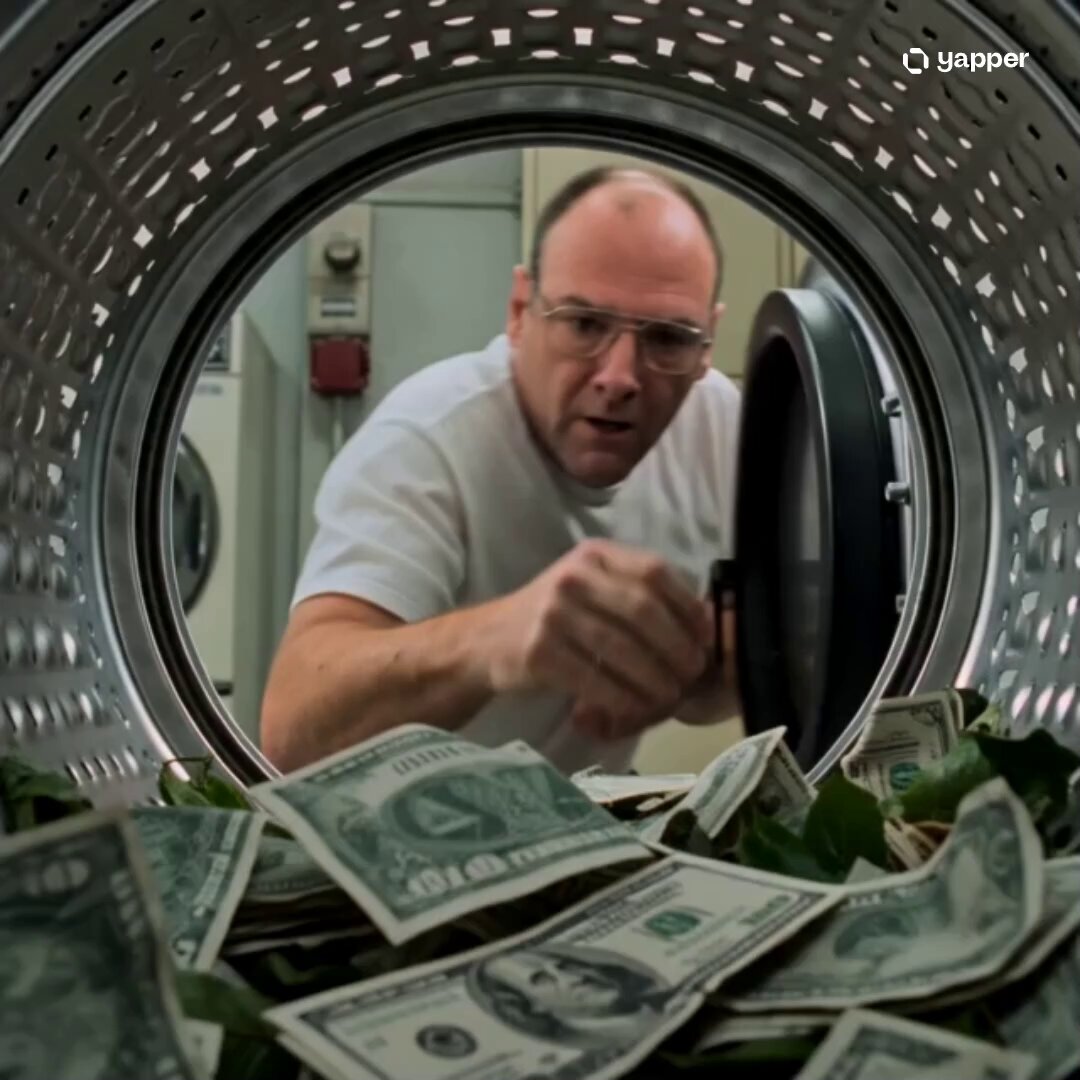
Walter White Dryer POV Cinematic

Studio Ghibli Dumpling Kitchen Cooking Scene
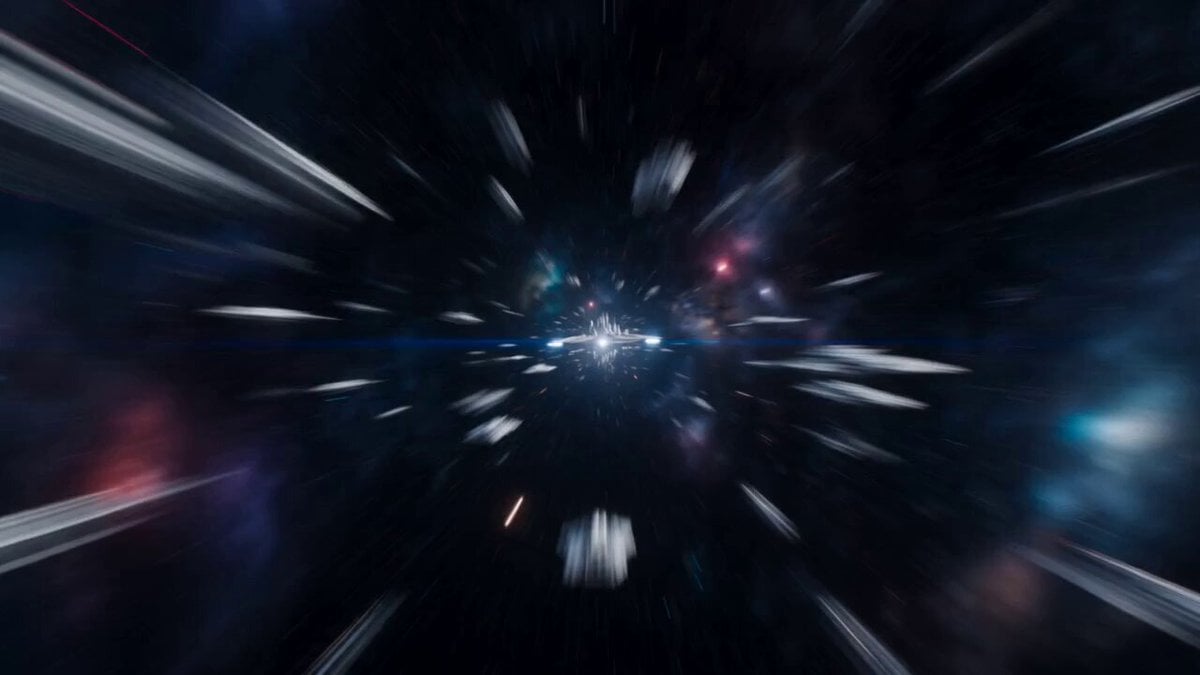
Futuristic Space Station Transformation Video
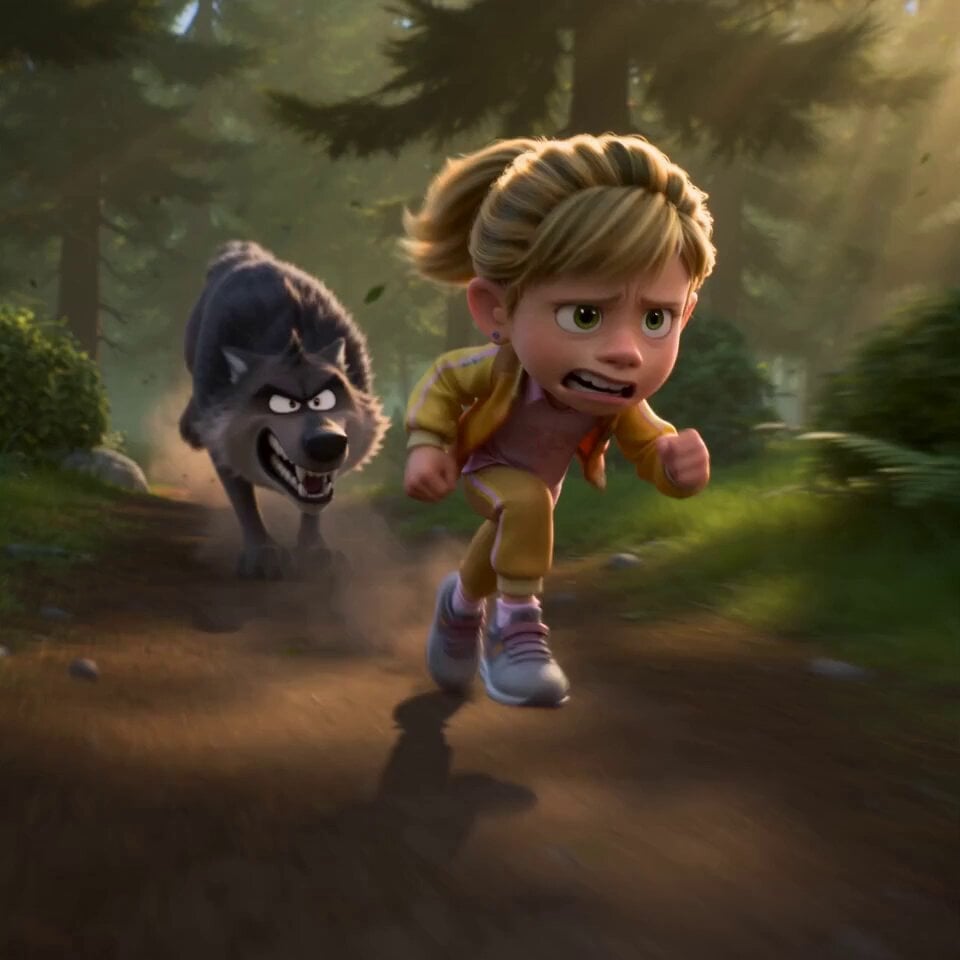
Pixar Forest Chase Animation
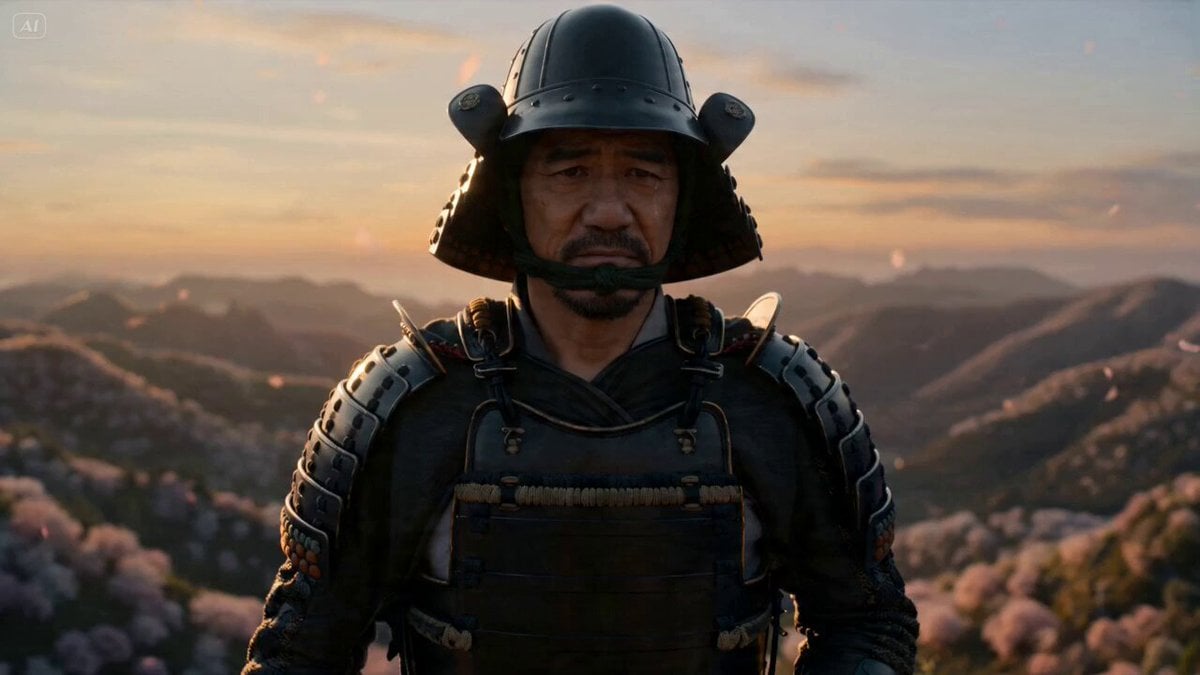
Samurai Sunset Scene
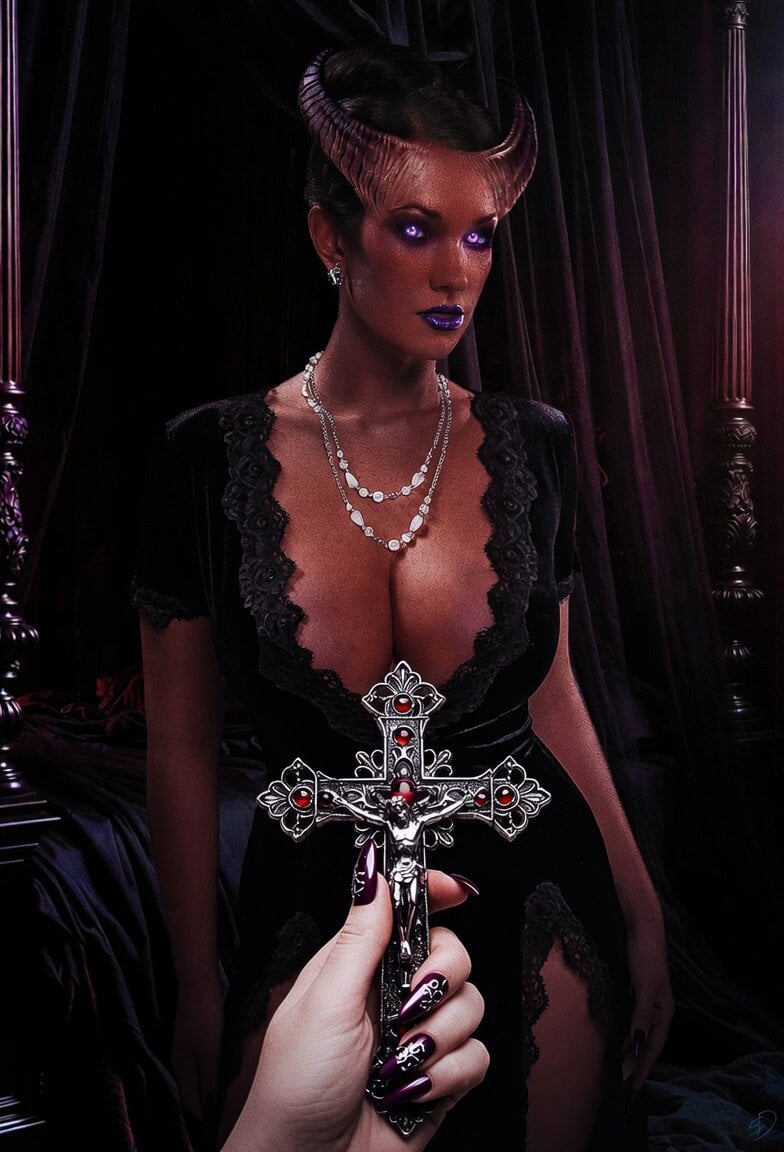
Female Demon Hunter First Encounter

Grok Imagine video prompt: Child Drawing Chalk on Sidewalk
Browse template categories
Mega Crocodile vs Dam Military Operation questions
How do I use the Mega Crocodile vs Dam Military Operation template?
Add your photo if the template asks for one, edit the prompt if you like — the template's model and format are already selected — and press Generate. Your version opens in PicX Studio.
Can I customize the Mega Crocodile vs Dam Military Operation template?
Yes. You can change the subject, setting, lighting, mood, format, and available model controls before creating your video.
Is the Mega Crocodile vs Dam Military Operation template free?
Opening and editing this template is free. Generating uses credits, shown on the Generate button when you are signed in.
Which AI model should I use?
Start with Seedance 2.0, which is the model associated with this template. You can compare another compatible model for a different finish.
Looking for something else? Browse all templates.

Your photo, any look
Thousands of ready templates for every top image and video model, from one credit balance.