
Pixar Forest Chase Animation
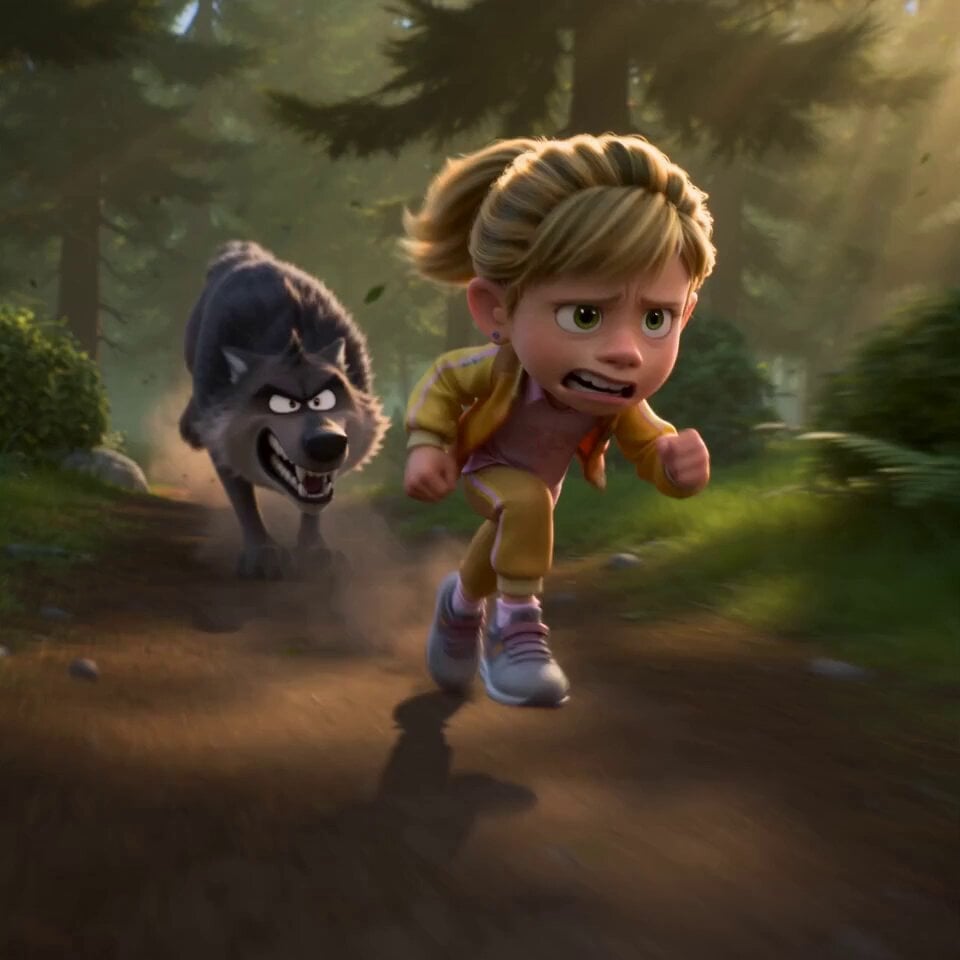
A high-energy animation prompt for a Pixar-style chase scene between a young girl with magic shoes and a wolf.
- Prompt included
- Model and format preset
- Free template
The prompt behind this video
Copy the exact prompt behind Pixar Forest Chase Animation, or open it in the studio and make it yours.
Style & Vibe: AAA animated feature film, Pixar-quality, DreamWorks-quality, 16:9 aspect ratio. A dynamic 15-second music comedy mystery sequence with hyper-detailed ASMR-style audio-visual cues (crunching leaves, electrical crackles, heavy breathing). Ultra-detailed, highly expressive characters, stylized realism, cinematic lighting, warm golden forest sunlight, volumetric god rays, dynamic motion blur, high energy, strong squash and stretch. Characters: a cute little girl with a ponytail curled at the end with bangs, wearing a yellow bomber jacket over a pink flowery shirt and yellow sweatpants, initially wearing simple sneakers. One angry gray wolf with realistic fur, sharp teeth, and exaggerated cartoon emotions. Environment: Dense natural green forest, forest trail, flying leaves, dust, small rocks, and sunlight streaming through the trees. Camera: Dynamic FPV, 24mm cinematic lens, fast tracking shots, smooth handheld stabilization, speed ramps, whip pans, orbit shots, low-angle action camera, cinematic focus transitions. Action Sequence: [0.0–1.2s] she sprints at full speed through the forest while the wolf aggressively chases only a few meters behind. Leaves and dirt explode beneath their feet. Fast forward tracking shot emphasizes intense speed. [1.2–2.2s] The exhausted Pamella trips and slides across the ground, landing face-first. The wolf rapidly closes the distance. Camera drops to ground level and pushes dramatically toward her. [2.2–3.2s] she notices a pair of futuristic glowing running shoes lying on the trail. Her eyes widen in excitement as she desperately reaches toward them while the wolf prepares to pounce. Fast cinematic push-in. [3.2–4.2s] she instantly slips on both shoes. Blue energy ignites around the soles. Electric arcs wrap around her feet as the shoes power up with an intense futuristic glow (ASMR crackling sound). The wolf freezes in confusion. Macro close-ups. [4.2–5.4s] she launches forward with explosive speed, leaving only a brilliant blue energy trail behind. A powerful gust of wind and dust slams into the wolf. [5.4–6.8s] She circles around the wolf at extreme speed Multiple glowing afterimages appear as a bright blue vortex forms around the wolf. The terrified wolf spins frantically Fast orbit camera in perfect sync. [6.8–8.2s] Top-down cinematic view. She accelerates even faster The glowing blue spiral tightens; leaves and debris rise into the air. The dizzy wolf remains trapped at the center [8.2–10.0s] the girl instantly stops beside the glowing running shoes, confidently resting one foot on a sneaker. She smirks and says playfully in English, "Too slow!" Behind her, the dizzy wolf crashes head-first into a tree. She laughs proudly as the stunned wolf slowly slides down the trunk. End with a cinematic hero shot with shallow depth of field.
How to use Pixar Forest Chase Animation in 3 steps
- 1
Open
The prompt is already in the box next to the preview, with the template's model and format selected.
- 2…a portrait of your subject in softgolden-hour light, 85mm…
Personalize
Edit the subject and creative details for your destination.
- 3Generate
Generate
Press Generate — your video is created in PicX Studio, so you can compare it with the original and refine one variable at a time.
More like this
Templates with the same subject, style or setup. Open one to see its prompt.
Walking Factory with Rebel on Hoverbike - Wasteland
Dim Sum Chase — Shrimp Dumpling Monster
Pixar Style Sleeping Girl Animation
Pixar Style 3D Animation Prompt

Pixar Style Beauty Routine Animation
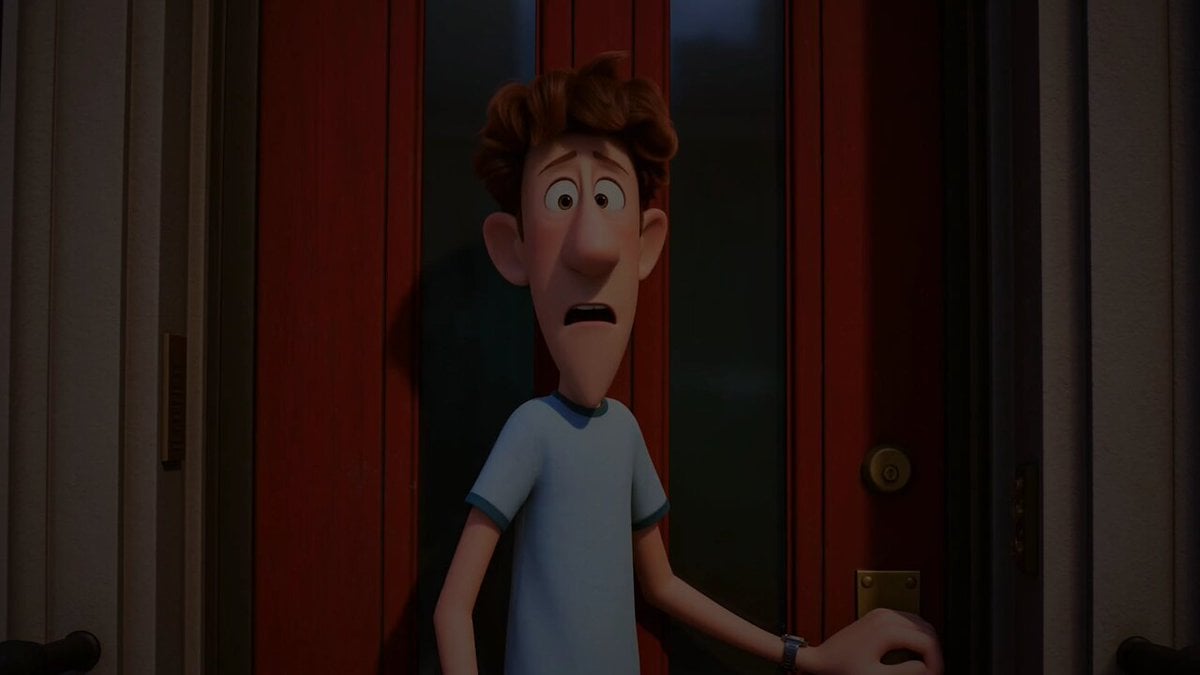
Pigeon Nemesis Pixar Animation Storyboard

3D Glossy Fairy Animation - Seedance 2.5
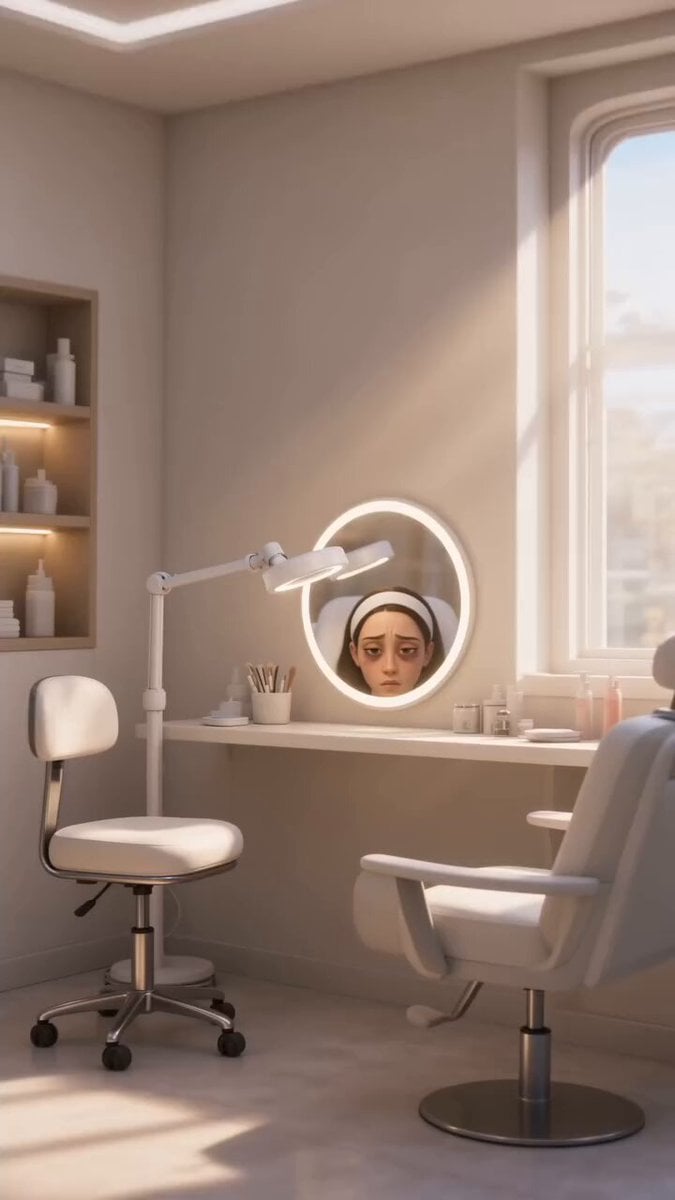
Disney Pixar Skincare Animation
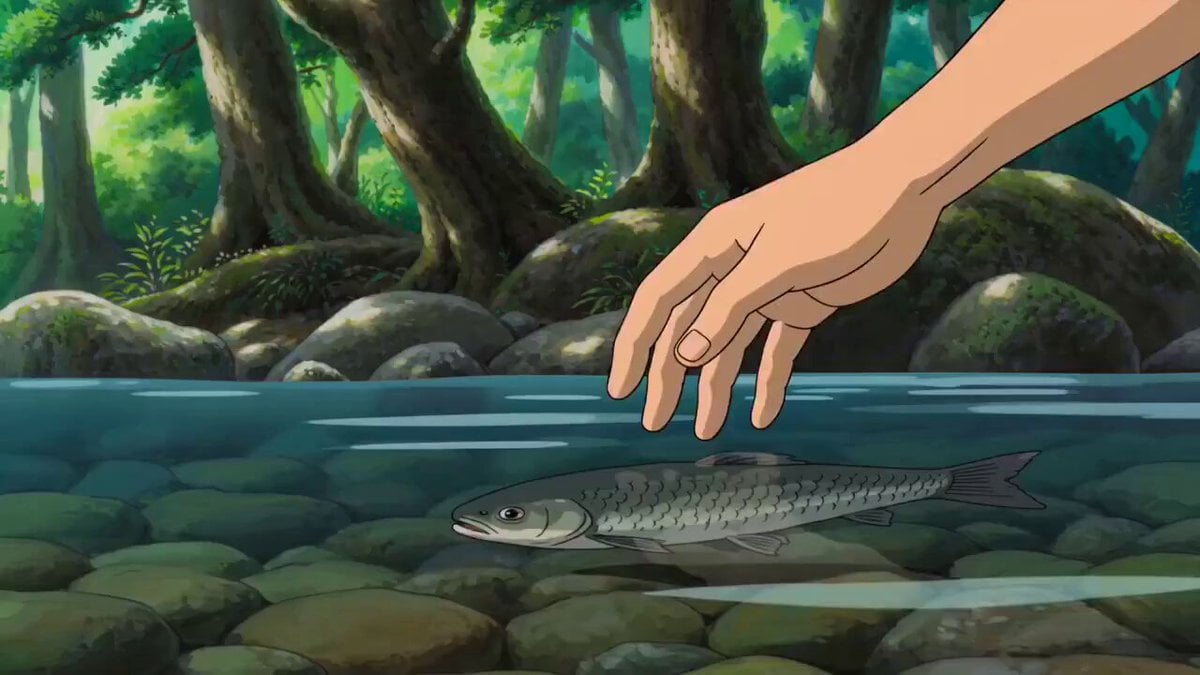
Tranquil Forest Riverside Picnic Animation

Silk Road Pomegranate Folk Animation

Multilingual Creative Typography Loop
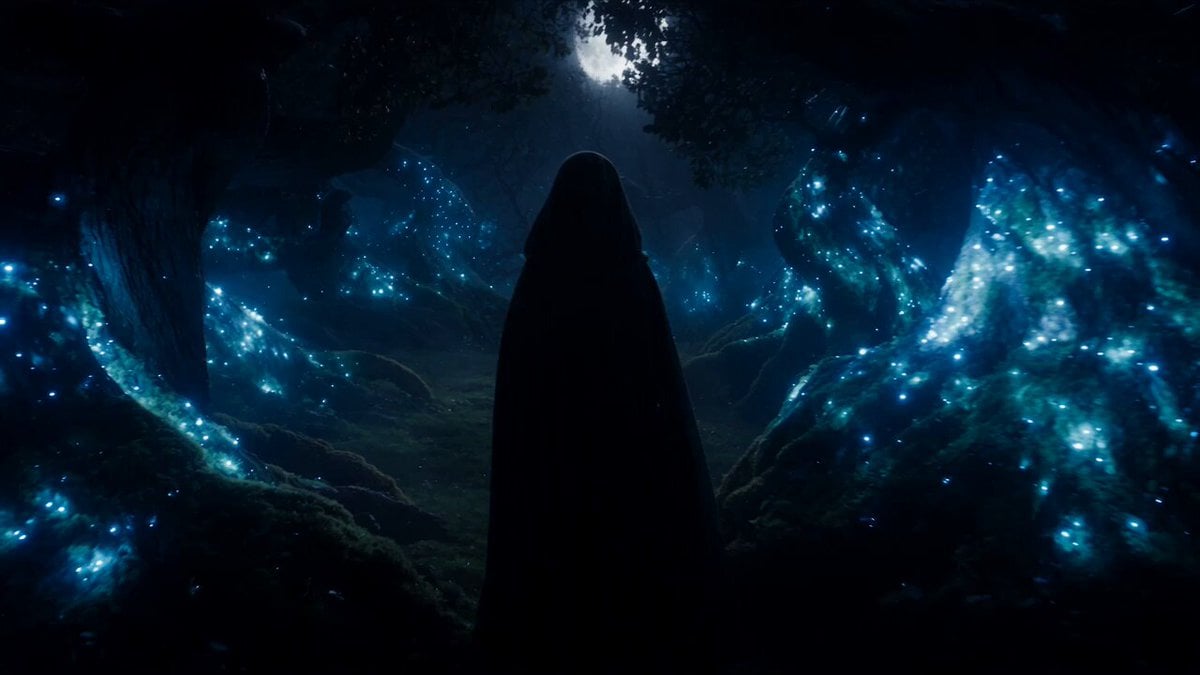
Forest Fantasy Girl Short Film
Make it yours
Pixar Forest Chase Animation works as-is. These are the safest ways to change it without losing the look.
Change one field
Copy a single group, rewrite it, and generate again so you can see what that field is doing.
Keep the frame, change the subject
Hold the composition and light of Pixar Forest Chase Animation, then swap wardrobe, props or the person for a new take.
| If the result… | Why | Fix |
|---|---|---|
| The result drifts from the preview | Too many fields changed at once. | Reuse Pixar Forest Chase Animation as-is first, then change one group — subject, light, or setting. |
| The model over-stylizes the scene | The prose prompt leaves finish and camera underspecified. | Add one camera or lighting sentence and stay on Seedance 2.0. |
More Seedance 2.0 templates
Other prompts made for Seedance 2.0.

Comical Martial Arts Punch Scene

Maglev Train Action Sequence

Martial Arts Fight Sequence

Wuxia Protection and Trust Script

Vintage Korean Arcade MiniDV Vlog

Mercedes 190 SL Luxury Ad

Rainy Night Supernatural Reverse Comedy Video Script

Amazon Civilization Discovery

Futuristic South Asian City Transformation

Cozy Luxury Cafe Commercial
More video prompts
Fresh picks from across the catalog.

Nebula Cosmic Horror Machine Unfolding

Grok Imagine Multi-Shot Fantasy Adventure Video Prompt (30 Seconds)

Dark Fantasy Frozen Mountain Battle

ASMR Pink Lip Gloss Creation

Haitian Mom and Daughter 3D Animation

Pixar Style Coffee Shop Kindness
Cyberpunk Action Sequence: Elegant Female Agent Jumps from Skyscraper to Moving Car
Tiny Human Ice Cream Interaction

Multi-Cut 3D Title Animation
Golden Frame with Girl and Torus Space Settlement
Browse template categories
Pixar Forest Chase Animation questions
How do I use the Pixar Forest Chase Animation template?
Add your photo if the template asks for one, edit the prompt if you like — the template's model and format are already selected — and press Generate. Your version opens in PicX Studio.
Can I customize the Pixar Forest Chase Animation template?
Yes. You can change the subject, setting, lighting, mood, format, and available model controls before creating your video.
Is the Pixar Forest Chase Animation template free?
Opening and editing this template is free. Generating uses credits, shown on the Generate button when you are signed in.
Which AI model should I use?
Start with Seedance 2.0, which is the model associated with this template. You can compare another compatible model for a different finish.
Looking for something else? Browse all templates.

Your photo, any look
Thousands of ready templates for every top image and video model, from one credit balance.