How do I use the Multi-Cut 3D Title Animation template?
Edit the prompt in the box under the preview — the template's model and format are already selected — and press Generate. Your version appears right on this page.
A highly detailed, multi-cut video prompt for Seedance 2.0 used to create a 3D animation involving character transformation and specific camera movements based on four reference images.
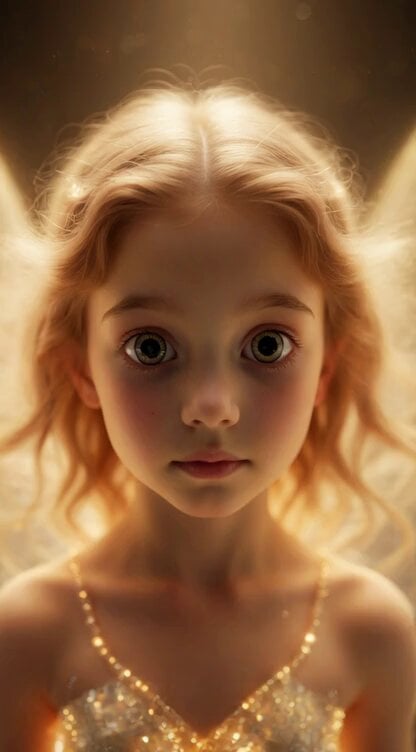
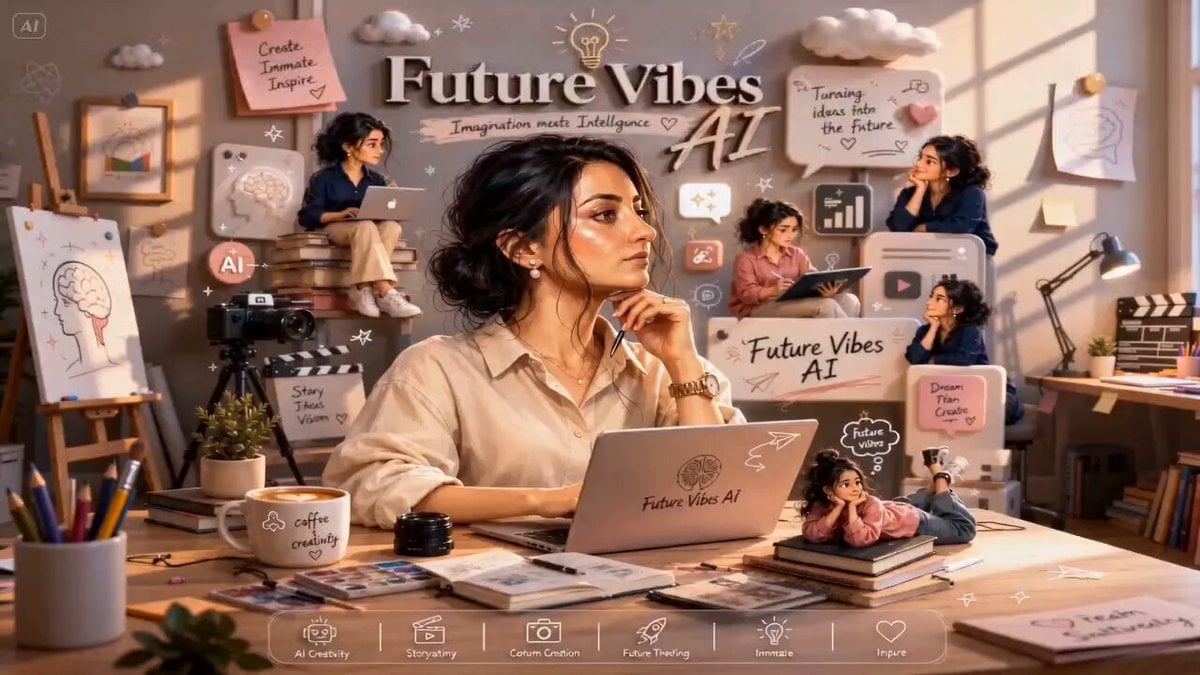
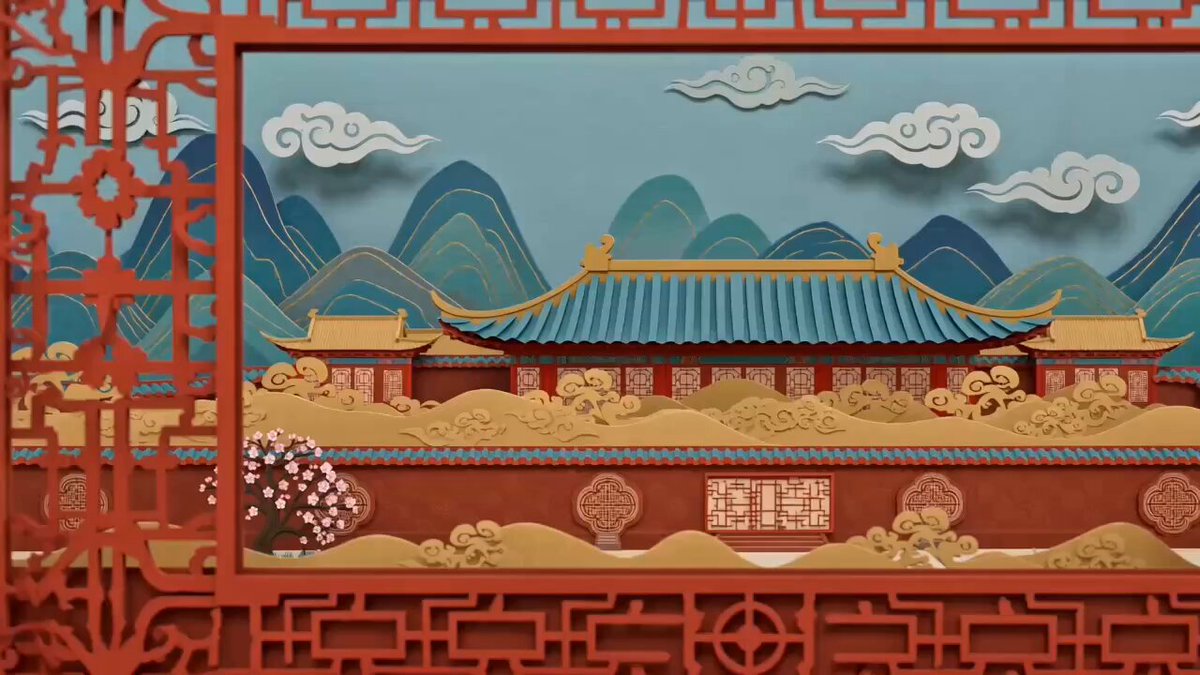
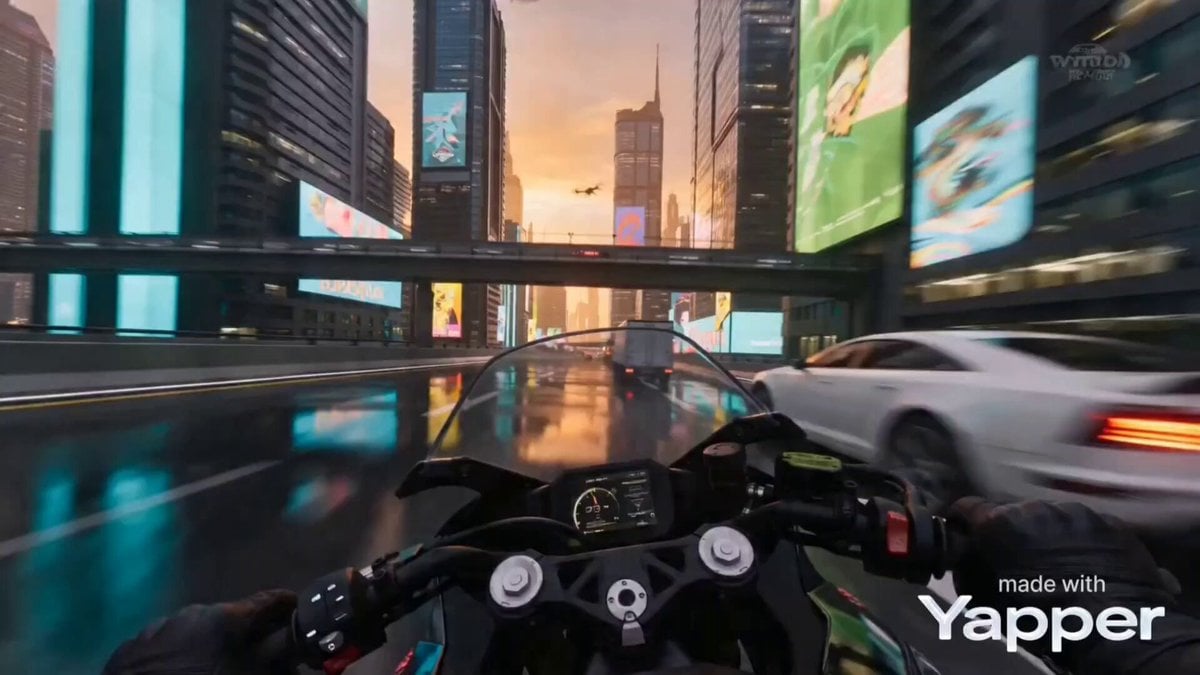
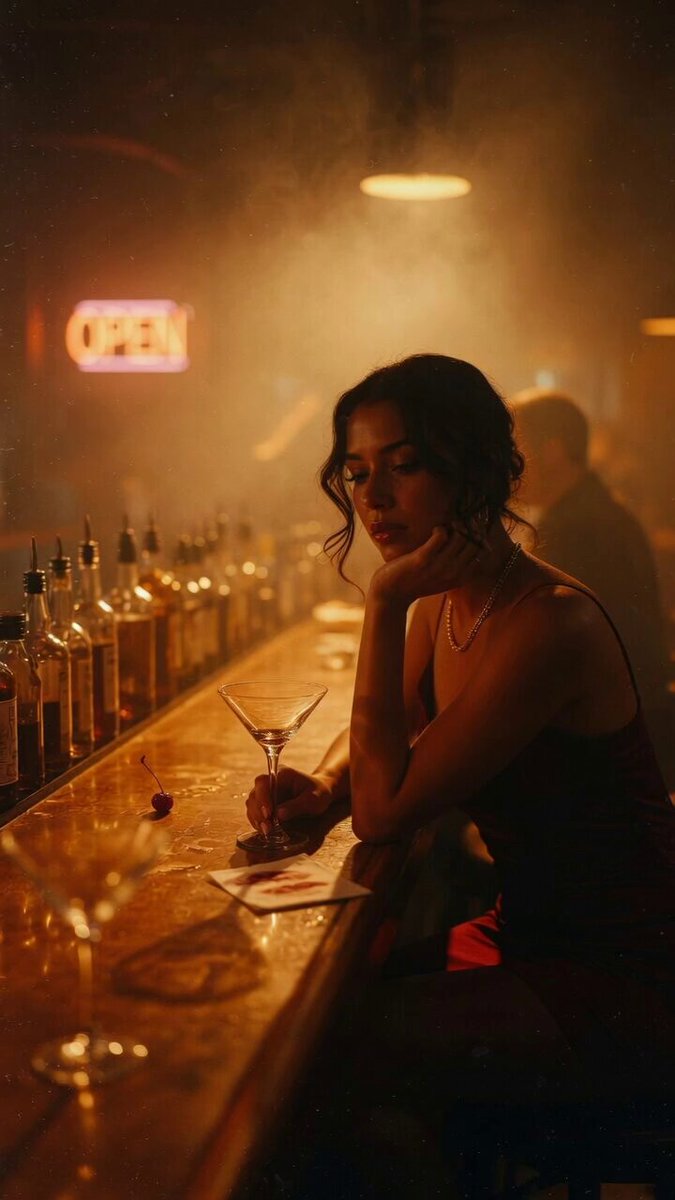
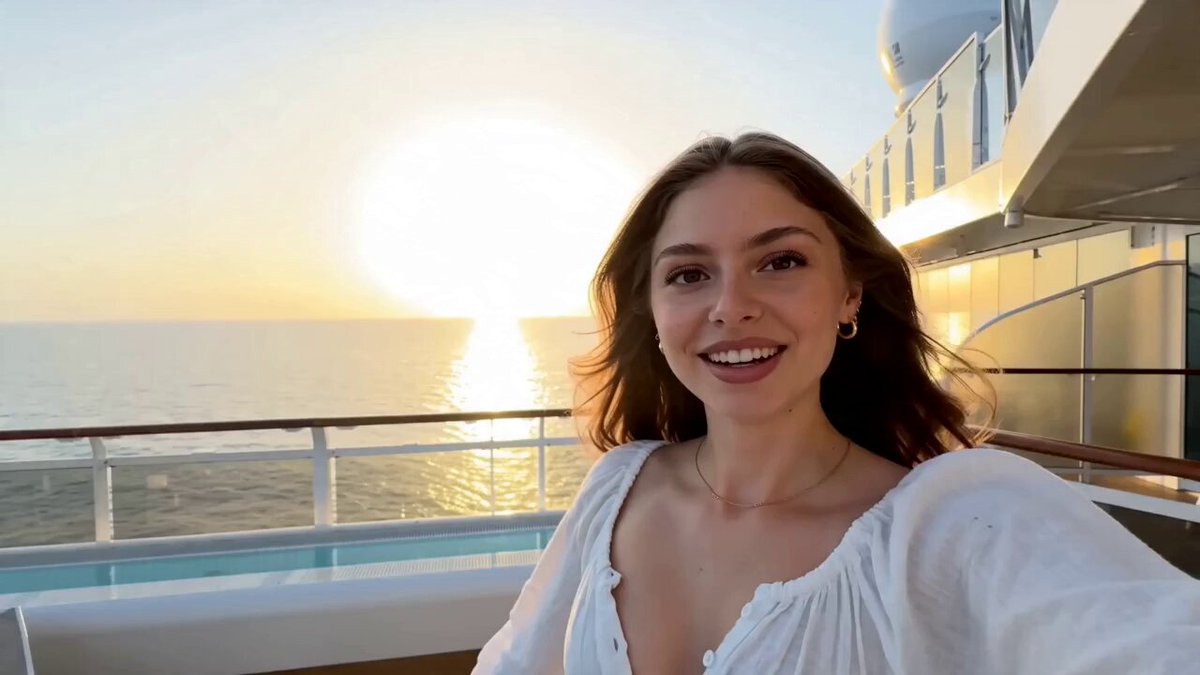
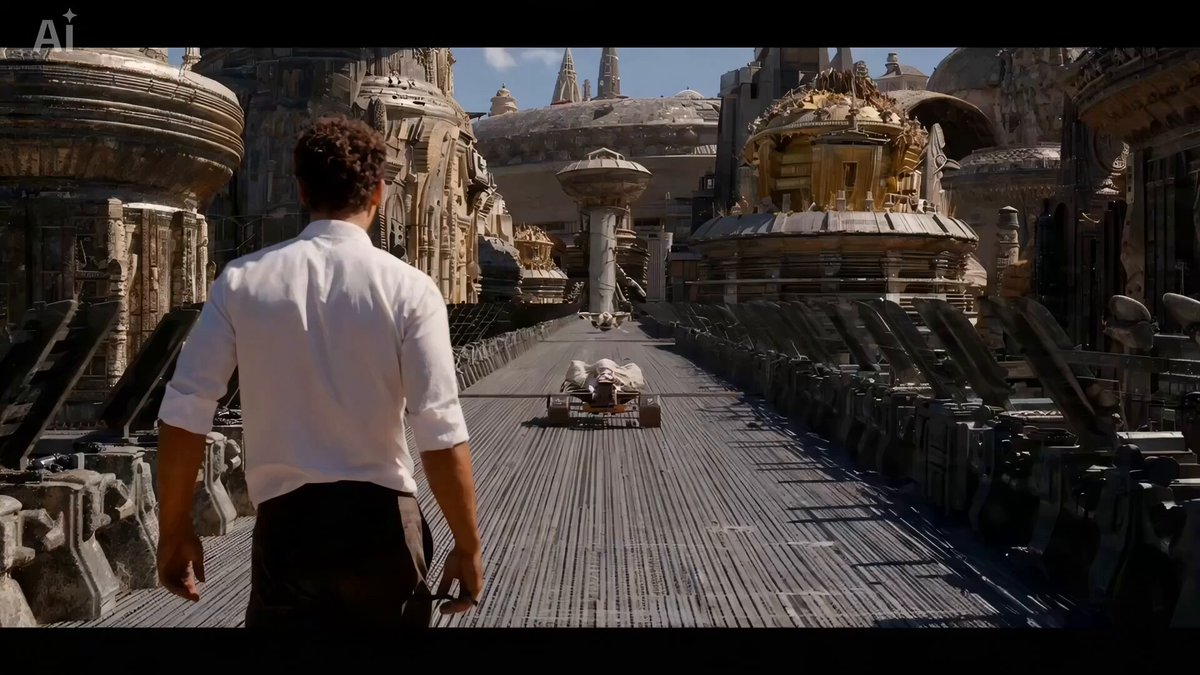
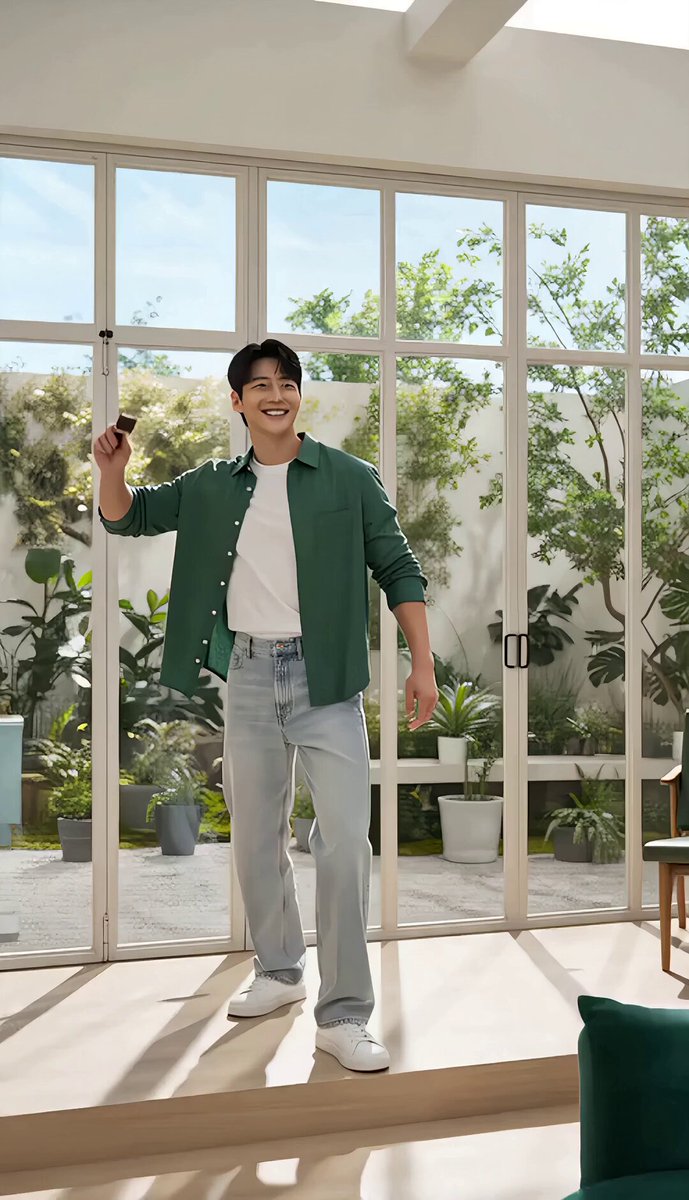
滑らかな連続性のある3Dアニメ。 BGMは入れず、効果音のみ。 cut1: スタートフレーム @ image_1 のタイトルが立体的に動き、背景が白い空間から変わっていく。 @ image_1 の映画タイトルの左上にある左向きの生き物 @ image_4 の赤い模型が、リアルに変化していき、 正面を向き、@ image_2 の生き物になって飛び出してくる。 cut2: キャラは俊敏に動き、可愛らしい、その場でキャラが動いてる様子を立体的に撮ったような映像。 立ち止まった image_2 は一瞬、目だけで左上を見て何か考えるようなそぶり。 cut3: 手前に向かってくる。@ image_3
滑らかな連続性のある3Dアニメ。 BGMは入れず、効果音のみ。 cut1: スタートフレーム @ image_1 のタイトルが立体的に動き、背景が白い空間から変わっていく。 @ image_1 の映画タイトルの左上にある左向きの生き物 @ image_4 の赤い模型が、リアルに変化していき、 正面を向き、@ image_2 の生き物になって飛び出してくる。 cut2: キャラは俊敏に動き、可愛らしい、その場でキャラが動いてる様子を立体的に撮ったような映像。 立ち止まった image_2 は一瞬、目だけで左上を見て何か考えるようなそぶり。 cut3: 手前に向かってくる。@ image_3
Edit the prompt in the box under the preview — the template's model and format are already selected — and press Generate. Your version appears right on this page.
Yes. You can change the subject, setting, lighting, mood, format, and available model controls before creating your video.
Opening and editing this template is free. Generating uses credits, shown on the Generate button when you are signed in.
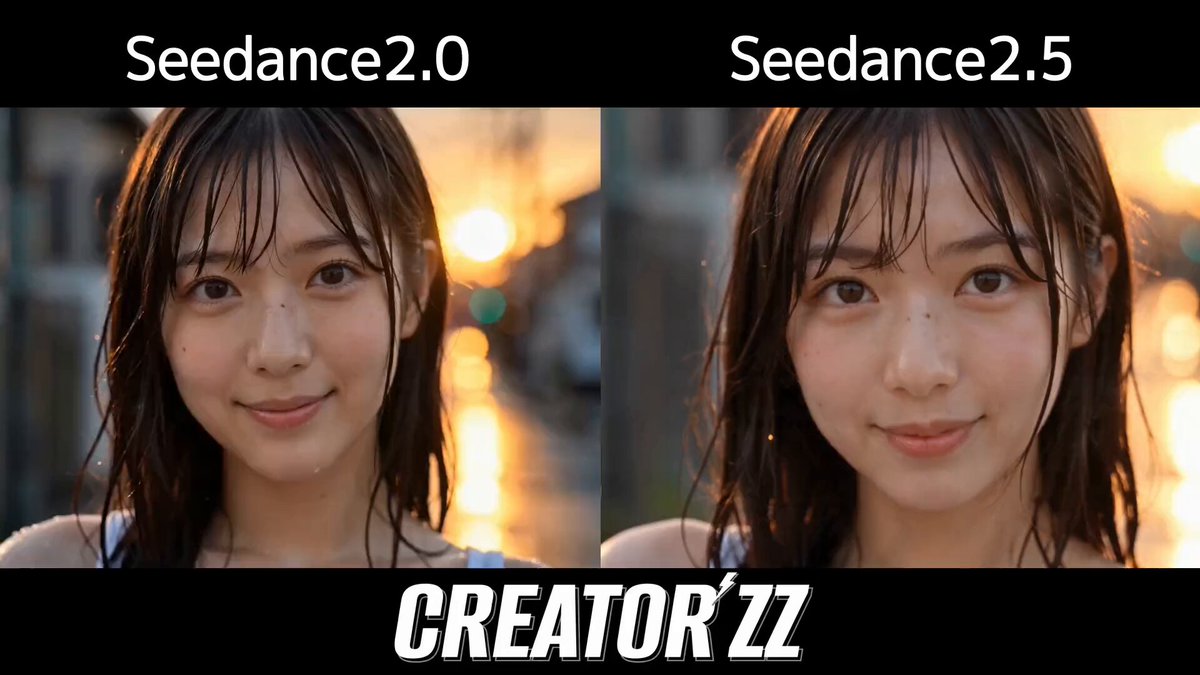
Start with Seedance 2.0, which is the model associated with this template. You can compare another compatible model for a different finish.
Follow a topic to a crawlable collection of related PicX Studio templates.