How do I use the Modern Warfare Action Trailer JSON template?
Edit the prompt in the box under the preview — the template's model and format are already selected — and press Generate. Your version appears right on this page.
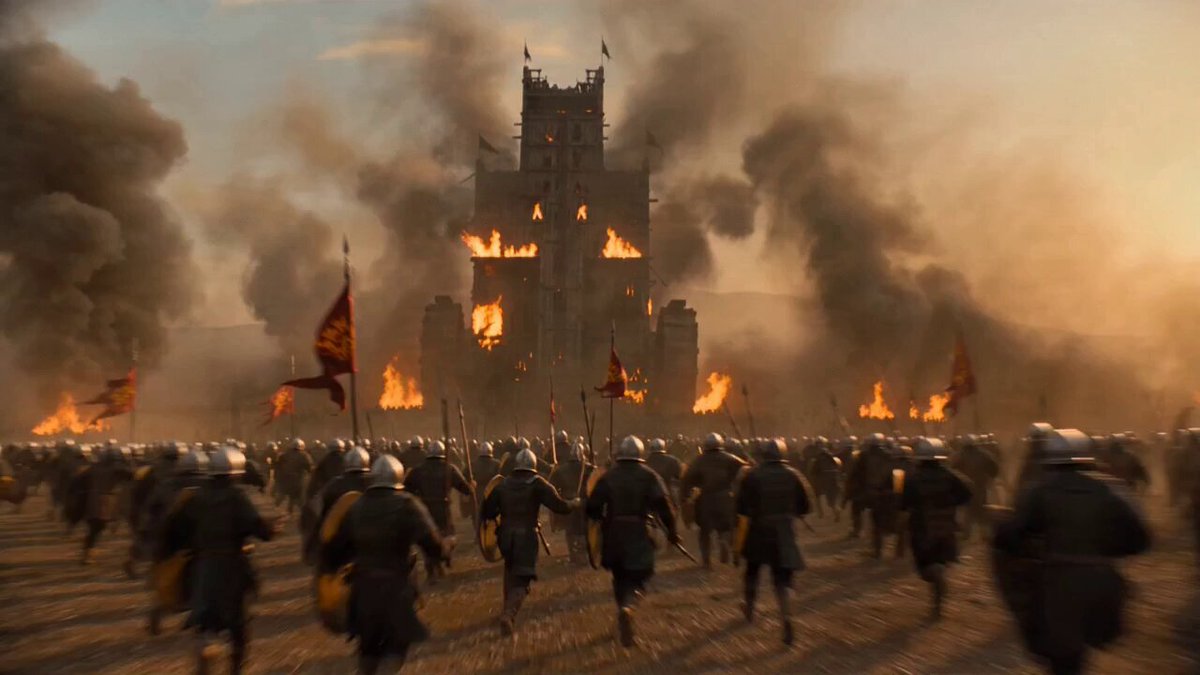
A highly detailed JSON-structured prompt for a 10-second high-octane war movie trailer with specific shot timings and camera movements.
{ "duration": "10 seconds", "style": "Ultra intense, high-octane photorealistic war action trailer. Frantic pacing, massive scale explosions, relentless combat, overwhelming VFX, cinematic yet aggressive camera work", "aspect_ratio": "16:9", "timeline": [ { "time": "0-1.8s", "description": "Soldier in tactical gear sprints at full speed through chaotic war-torn streets while being chased by heavy gunfire and explosions. Fast orbiting camera with aggressive motion blur and lens flares, barely keeping up with the action.", "transition": "High-energy tracking shot into chaos" }, { "time": "1.8-3.6s", "description": "Massive explosion erupts right beside the soldier. Camera violently shakes and pushes through flying debris, fire, and shockwave. Multiple secondary explosions chain-react in the background. Overwhelming particle chaos.", "transition": "Violent explosive push-through with camera shake" }, { "time": "3.6-5.5s", "description": "Hyper-aggressive slow-motion bullet time. Soldier dives and returns fire while bullets whiz past. Camera rapidly circles him at high speed. Digital ghost echoes of fallen soldiers flash violently around the intense firefight.", "transition": "Fast orbiting slow-mo with rapid camera spin" }, { "time": "5.5-7.3s", "description": "Explosive rising shot revealing a massive, brutal battlefield. Tanks firing, infantry in close-quarters combat, airstrikes hitting, and huge fireballs lighting up the sky. Red holographic overlays pulse aggressively across the frame.", "transition": "Rapid ascending reveal with battlefield scale explosion" }, { "time": "7.3-9s", "description": "Camera dives straight back into the heart of the battle. Extreme close-up of soldier reloading and firing under heavy fire. Intense red color grade, sparks, muzzle flashes, and embers exploding toward camera. Holographic UI frantically updating.", "transition": "Aggressive diving zoom into close-quarters combat" }, { "time": "9-10s", "description": "Final explosive wide pull-back of the entire warzone in total chaos. Multiple massive explosions, tracer fire everywhere, and burning vehicles. Title 'Modern Warfare 4' slams in with powerful shockwave and flying debris effect.", "transition": "Epic chaotic expanding reveal with maximum impact" } ], "camera_notes": "Extremely dynamic and aggressive camera work. Fast orbiting, violent shakes during explosions, rapid ascending/diving movements, and high-speed tracking. Pacing feels relentless and breathless while maintaining cinematic quality.", "vfx_notes": "Maximum spectacle: chain explosions, heavy debris, shockwaves, bullet tracers, muzzle flashes, burning vehicles, large-scale fireballs, digital ghost soldiers, aggressive holographic UI, sparks and embers flying directly at camera."
{ "duration": "10 seconds", "style": "Ultra intense, high-octane photorealistic war action trailer. Frantic pacing, massive scale explosions, relentless combat, overwhelming VFX, cinematic yet aggressive camera work", "aspect_ratio": "16:9", "timeline": [ { "time": "0-1.8s", "description": "Soldier in tactical gear sprints at full speed through chaotic war-torn streets while being chased by heavy gunfire and explosions. Fast orbiting camera with aggressive motion blur and lens flares, barely keeping up with the action.", "transition": "High-energy tracking shot into chaos" }, { "time": "1.8-3.6s", "description": "Massive explosion erupts right beside the soldier. Camera violently shakes and pushes through flying debris, fire, and shockwave. Multiple secondary explosions chain-react in the background. Overwhelming particle chaos.", "transition": "Violent explosive push-through with camera shake" }, { "time": "3.6-5.5s", "description": "Hyper-aggressive slow-motion bullet time. Soldier dives and returns fire while bullets whiz past. Camera rapidly circles him at high speed. Digital ghost echoes of fallen soldiers flash violently around the intense firefight.", "transition": "Fast orbiting slow-mo with rapid camera spin" }, { "time": "5.5-7.3s", "description": "Explosive rising shot revealing a massive, brutal battlefield. Tanks firing, infantry in close-quarters combat, airstrikes hitting, and huge fireballs lighting up the sky. Red holographic overlays pulse aggressively across the frame.", "transition": "Rapid ascending reveal with battlefield scale explosion" }, { "time": "7.3-9s", "description": "Camera dives straight back into the heart of the battle. Extreme close-up of soldier reloading and firing under heavy fire. Intense red color grade, sparks, muzzle flashes, and embers exploding toward camera. Holographic UI frantically updating.", "transition": "Aggressive diving zoom into close-quarters combat" }, { "time": "9-10s", "description": "Final explosive wide pull-back of the entire warzone in total chaos. Multiple massive explosions, tracer fire everywhere, and burning vehicles. Title 'Modern Warfare 4' slams in with powerful shockwave and flying debris effect.", "transition": "Epic chaotic expanding reveal with maximum impact" } ], "camera_notes": "Extremely dynamic and aggressive camera work. Fast orbiting, violent shakes during explosions, rapid ascending/diving movements, and high-speed tracking. Pacing feels relentless and breathless while maintaining cinematic quality.", "vfx_notes": "Maximum spectacle: chain explosions, heavy debris, shockwaves, bullet tracers, muzzle flashes, burning vehicles, large-scale fireballs, digital ghost soldiers, aggressive holographic UI, sparks and embers flying directly at camera."
Edit the prompt in the box under the preview — the template's model and format are already selected — and press Generate. Your version appears right on this page.
Yes. You can change the subject, setting, lighting, mood, format, and available model controls before creating your video.
Opening and editing this template is free. Generating uses credits, shown on the Generate button when you are signed in.
Start with Grok Imagine, which is the model associated with this template. You can compare another compatible model for a different finish.
Follow a topic to a crawlable collection of related PicX Studio templates.