
Grok Imagine Prompt: Evil Eye Character Animation using JSON structure
A highly structured JSON prompt for Grok Imagine, designed for text-to-video generation.
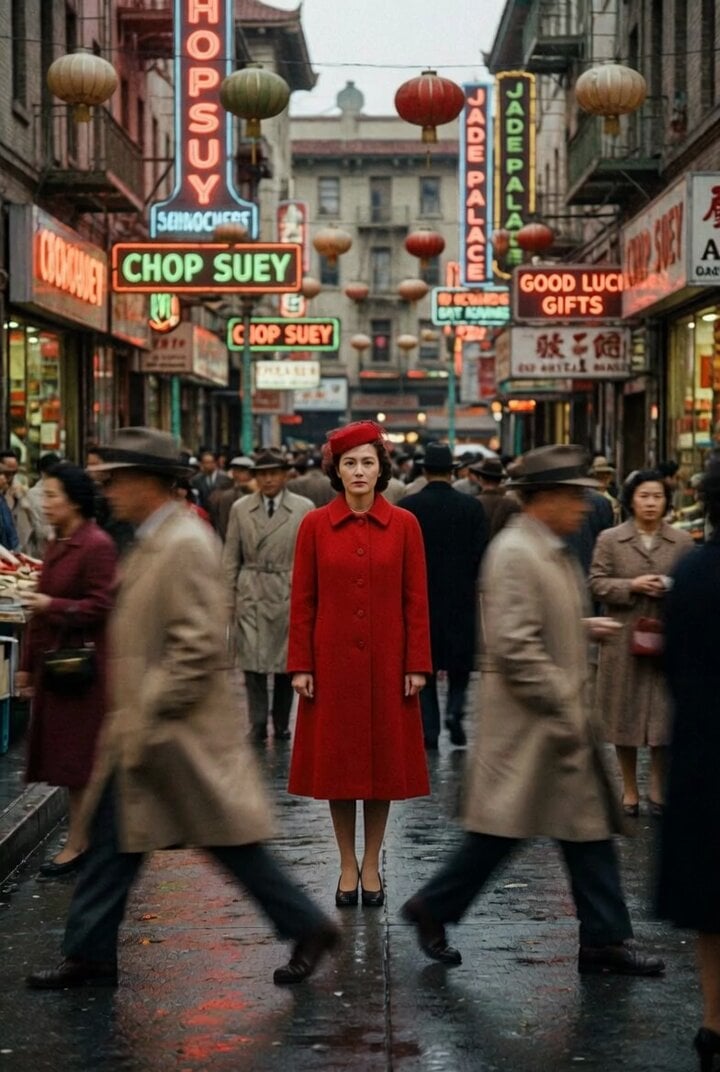
- Prompt included
- Model and format preset
- Free template
The prompt behind this video
Copy the exact prompt behind Grok Imagine Prompt: Evil Eye Character Animation using JSON structure, or open it in the studio and make it yours.
- Title
- Evil Eye Character Animation
- Type
- text_to_video
- Duration
- 6s
- Aspect Ratio
- 9:16
- Reference Image › Use Uploaded Image
- true
- Reference Image › Role
- main character reference
- Reference Image › Instruction
- Use the uploaded image as the exact character identity, facial structure, costume, and overall visual reference. Keep the character consistent with the uploaded image throughout the shot.
- Style
- dark fantasy, supernatural, cinematic, high contrast, mystical energy
- Scene › Setting
- a deep dark void with subtle purple-black haze and glowing supernatural atmosphere
- Scene › Mood
- ominous, haunting, powerful, mysterious
- Character › Description
- the main character is the uploaded image character, transformed into a supernatural evil-eye inspired presence
- Character › Consistency
- preserve the uploaded character’s face, identity, proportions, and recognizable details
- Character › Expression
- intense, hypnotic, threatening
- Visual Design › Eye Color
- #FF6F37
- Visual Design › Background Color
- #060010
- Visual Design › Glow Intensity
- 0.35
- Visual Design › Intensity
- 1.5
- Visual Design › Pupil Size
- 0.6
- Visual Design › Iris Width
- 0.25
- Visual Design › Scale
- 0.8
- Visual Design › Noise Scale
- 1
- Visual Design › Pupil Follow
- 1
- Visual Design › Flame Speed
- 1
- Camera › Shot Type
- extreme close-up
Raw JSON
{ "title": "Evil Eye Character Animation", "type": "text_to_video", "duration": "6s", "aspect_ratio": "9:16", "reference_image": { "use_uploaded_image": true, "role": "main character reference", "instruction": "Use the uploaded image as the exact character identity, facial structure, costume, and overall visual reference. Keep the character consistent with the uploaded image throughout the shot." }, "style": "dark fantasy, supernatural, cinematic, high contrast, mystical energy", "scene": { "setting": "a deep dark void with subtle purple-black haze and glowing supernatural atmosphere", "mood": "ominous, haunting, powerful, mysterious" }, "character": { "description": "the main character is the uploaded image character, transformed into a supernatural evil-eye inspired presence", "consistency": "preserve the uploaded character’s face, identity, proportions, and recognizable details", "expression": "intense, hypnotic, threatening" }, "visual_design": { "eye_color": "#FF6F37", "background_color": "#060010", "glow_intensity": 0.35, "intensity": 1.5, "pupil_size": 0.6, "iris_width": 0.25, "scale": 0.8, "noise_scale": 1.0, "pupil_follow": 1.0, "flame_speed": 1.0 }, "camera": { "shot_type": "extreme close-up", "movement": "slow cinematic push-in", "focus": "sharp focus on the eye and character presence", "lens": "macro cinematic lens" }, "motion": { "primary_action": "the eye glows with fiery orange energy and organic flame-like motion", "secondary_action": "the pupil subtly tracks an unseen presence", "atmospheric_motion": "heat distortion, soft energy ripple, supernatural shimmer" }, "lighting": { "source": "the glowing eye acts as the main light source", "effect": "infernal orange glow illuminating the character in darkness" }, "prompt": "Use the uploaded image as the main character reference. The character from the uploaded image appears as a supernatural dark fantasy presence inside an evil-eye inspired cinematic scene. Preserve the exact identity, facial features, outfit details, and visual consistency of the uploaded image. The eye glows with fiery orange energy, with a hypnotic black pupil and molten flame-like textures moving organically inside it. The pupil subtly follows an unseen force, creating a sentient and threatening feeling. The background is a deep purple-black void with subtle haze, heat distortion, and supernatural atmosphere. Extreme close-up, slow cinematic push-in, dark fantasy aesthetic, high contrast lighting, smooth hypnotic motion, haunting mystical mood.", "negative_prompt": "different character, altered face, extra eyes, duplicate face, blurry details, cartoon style, low resolution, flat lighting, cheerful mood, washed out colors, text, watermark, logo" }How to use Grok Imagine Prompt: Evil Eye Character Animation using JSON structure in 3 steps
- 1Upload ImagePNG, JPG or paste
Add your photo
Upload the photo the template builds on. The prompt, model and format are already set.
- 2…a portrait of your subject in softgolden-hour light, 85mm…
Personalize
Edit the subject and creative details for your destination.
- 3Generate
Generate
Press Generate — your video is created in PicX Studio, so you can compare it with the original and refine one variable at a time.
More like this
Templates with the same subject, style or setup. Open one to see its prompt.
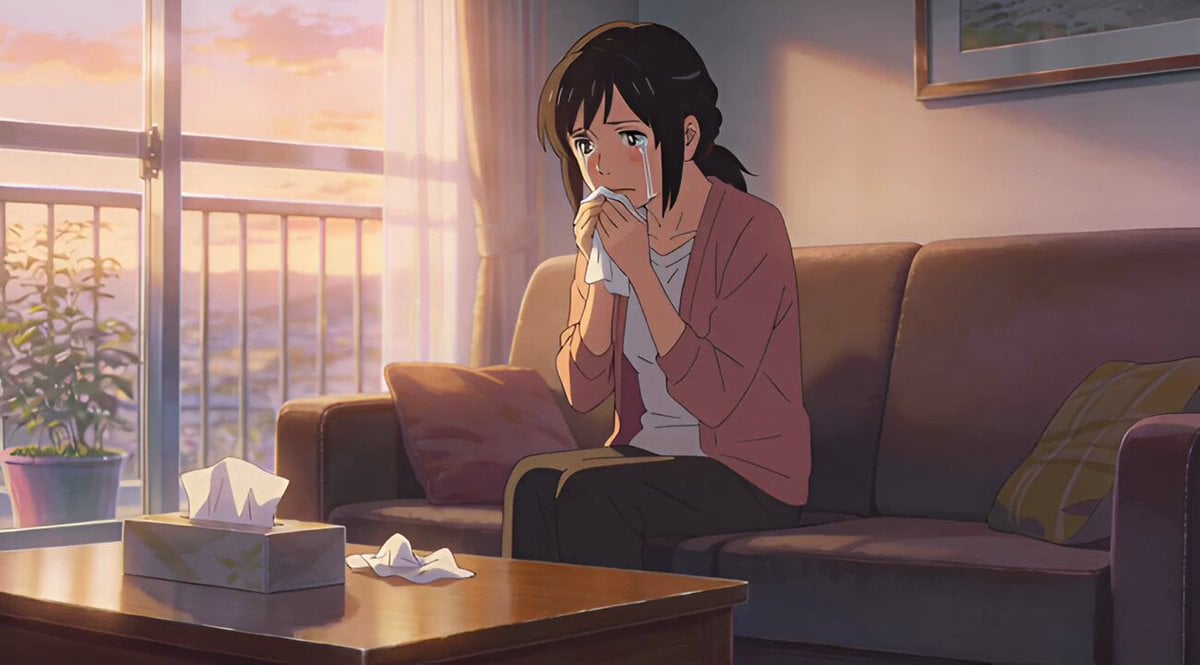
Short story video creation process using Grok Imagine
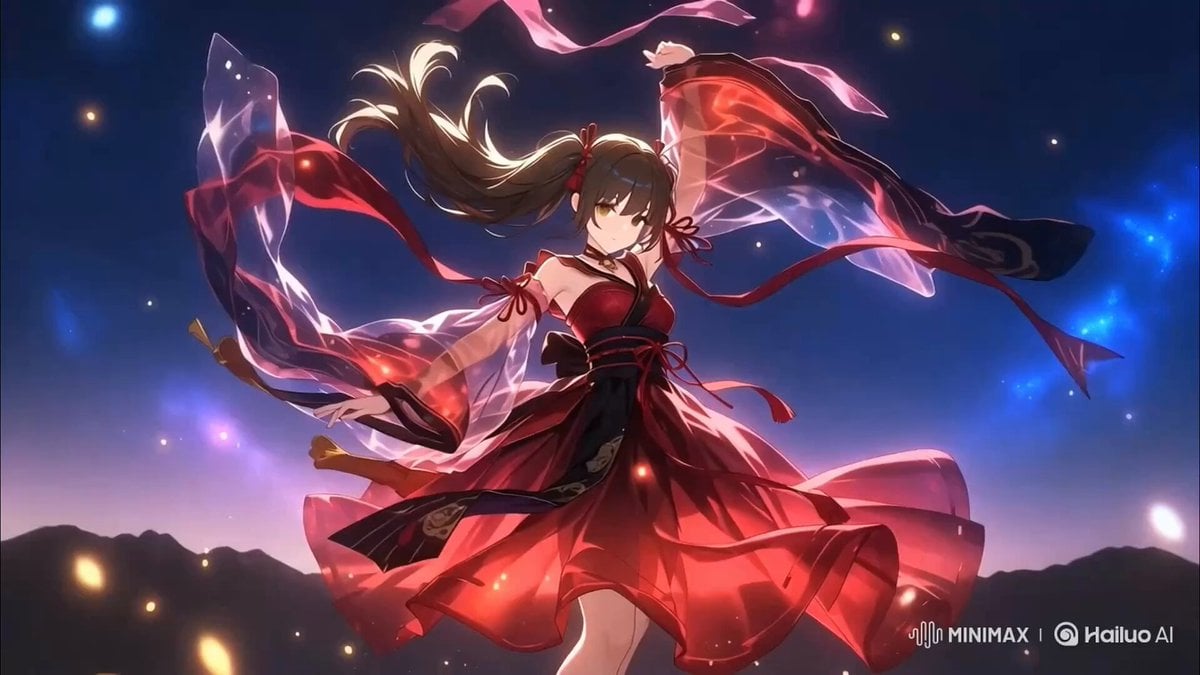
Two-Step Generation for Dancer Video using Grok Imagine and Hailuo 2.3

Grok-imagine 1.5 Digital Human Video Script
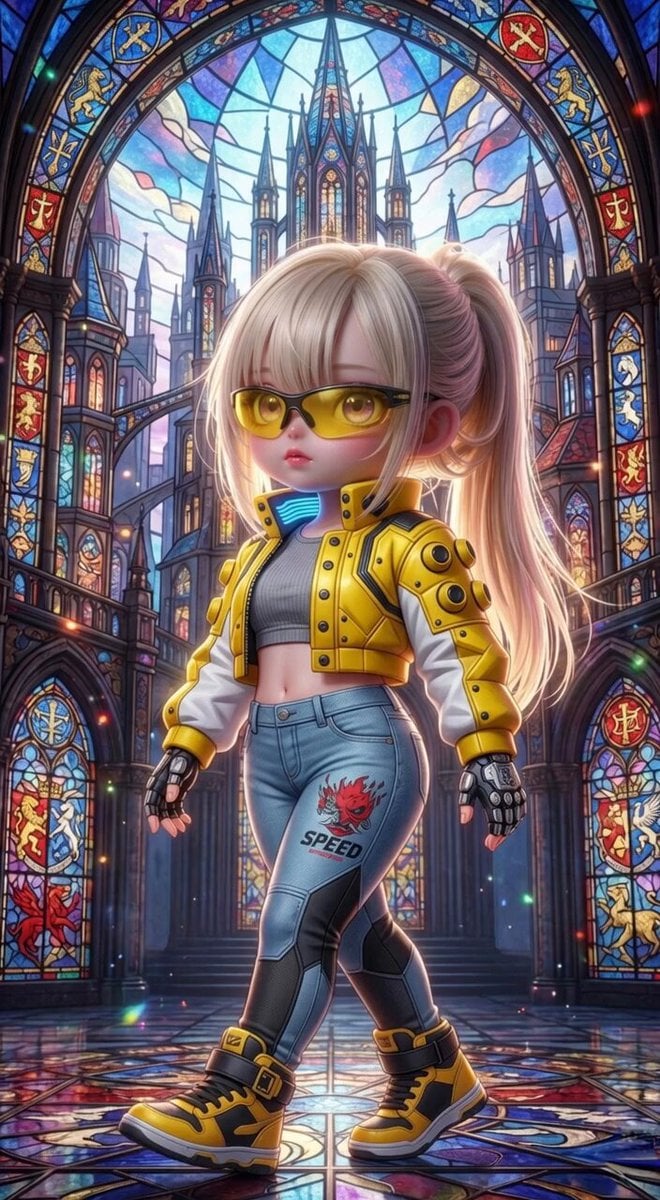
Grok Imagine Mechanical and Ethereal Creature Prompts
Grok Imagine Video of a Graceful Warrior

Grok Imagine prompt with negative constraints and scenario

Grok Imagine prompt for cinematic VFX scene (Scene 2 - Landing)
Grok Imagine video prompt part 1: Morning routine
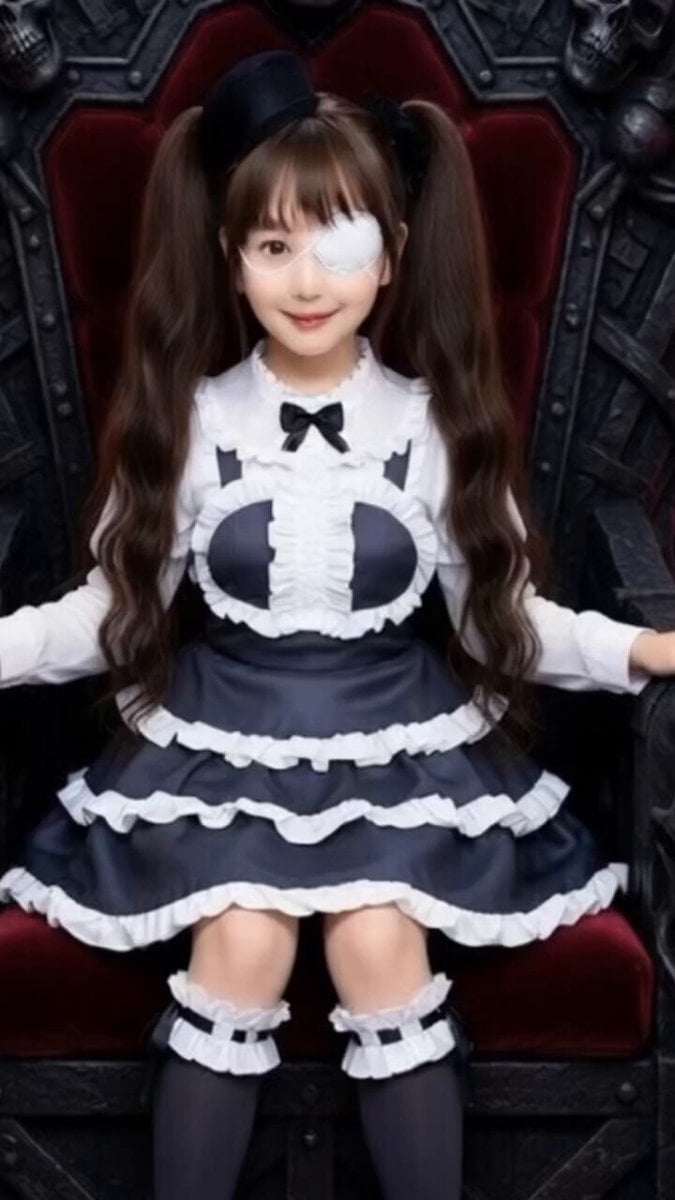
Grok Imagine Prompt: Yurine Kingdom Apocalypse Day
Enchanting Forest Grok Imagine Video Prompt
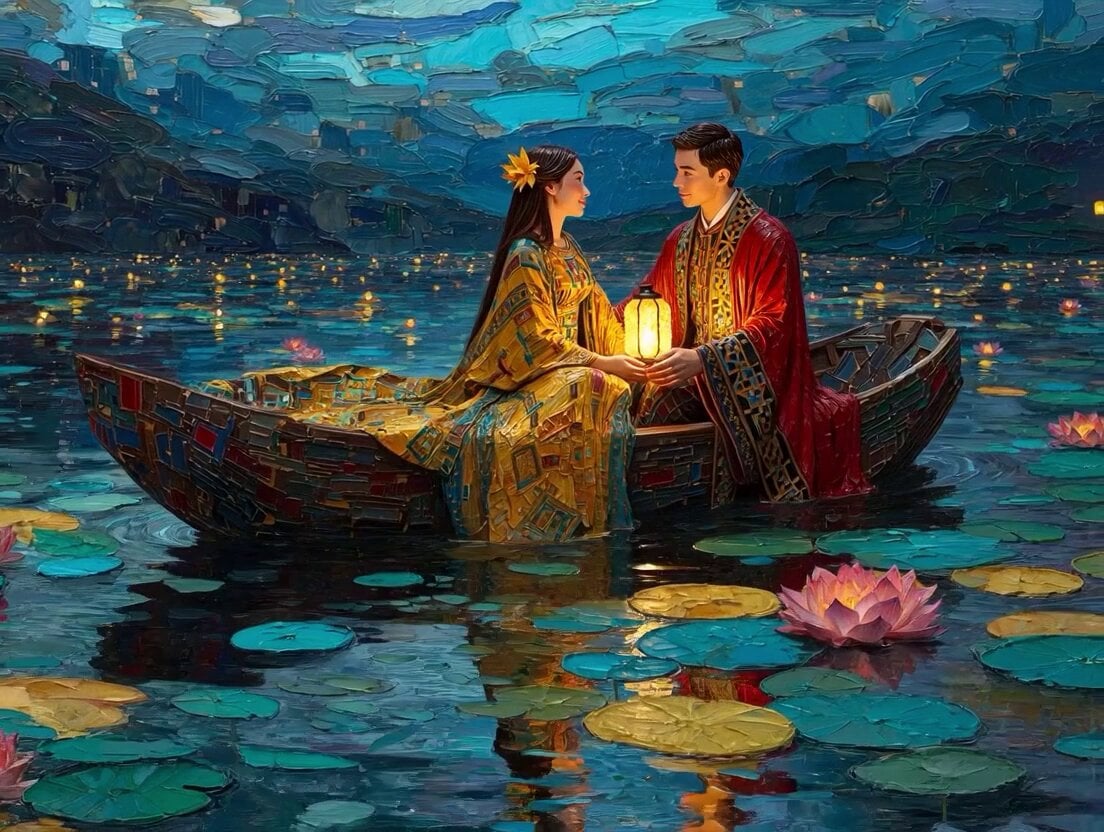
Klimt-Inspired Impasto Painting of Lovers (Midjourney/Grok Imagine)
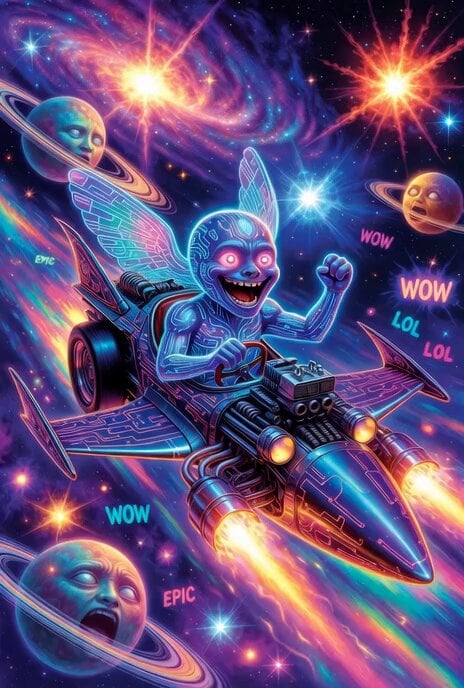
Grok Imagine prompt: Grok driving a cosmic hot rod spaceship
Make it yours
Grok Imagine Prompt: Evil Eye Character Animation using JSON structure works as-is. These are the safest ways to change it without losing the look.
Swap the setting
Keep the rest of the prompt and replace the location block. The current setting is “a deep dark void with subtle purple-black haze and glowing supernatural atmosphe”.
Swap the light
One lighting change is enough to compare takes. Current light: “the glowing eye acts as the main light source”.
Change one field
Copy a single group, rewrite it, and generate again so you can see what that field is doing.
| If the result… | Why | Fix |
|---|---|---|
| The result drifts from the preview | Too many fields changed at once. | Reuse Grok Imagine Prompt: Evil Eye Character Animation using JSON structure as-is first, then change one group — subject, light, or setting. |
| Grok Imagine ignores part of the JSON | Some models flatten or skip nested keys. | Keep the same values and paste them as a short paragraph instead. |
More Grok Imagine templates
Other prompts made for Grok Imagine.

Kaleidoscopic Cosmic Dolphin Video

Horror Daffy Duck Video Transition

America 250th Anniversary Celebration

Glowing Water Forest Night Prompt

Soft Pink Roses Dreamer Prompt

Ninja Wizard Levitation Jump

Coffee Cup Interaction Motion

Voice Controlled Water Animation

Pterodactyl Transformation Journey

Candle Mandala Mirror Video
More video prompts
Fresh picks from across the catalog.

Costume comedy short film storyboard
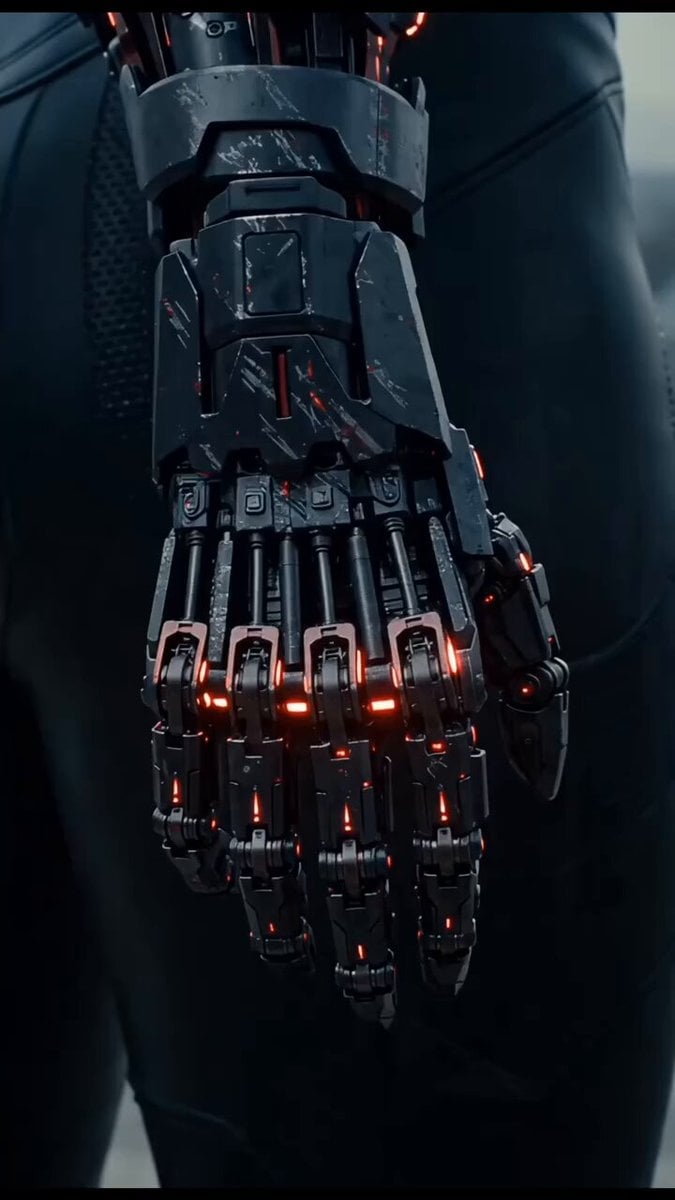
Dramatic cinematic sequence of an East Asian female cyborg warrior
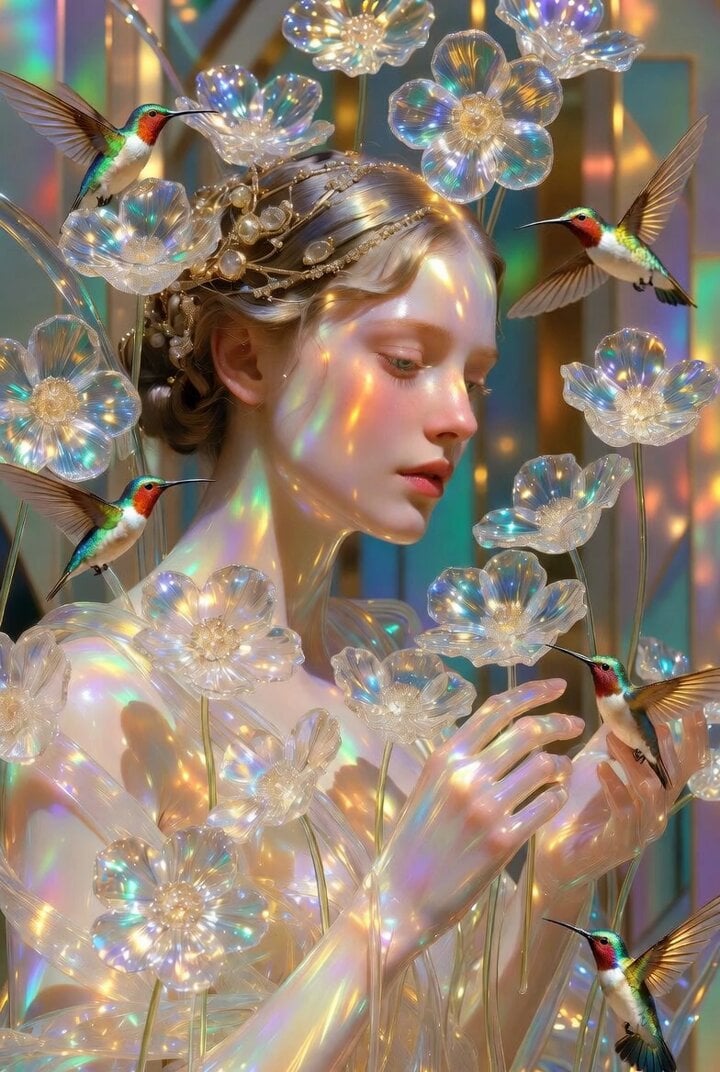
Hyper Realistic Art Deco Muse Video Prompt

Real Estate Agent Shoe Mishap

Origami Flower Shop in a Meadow

Candid Joyful Woman Football Stadium Portrait
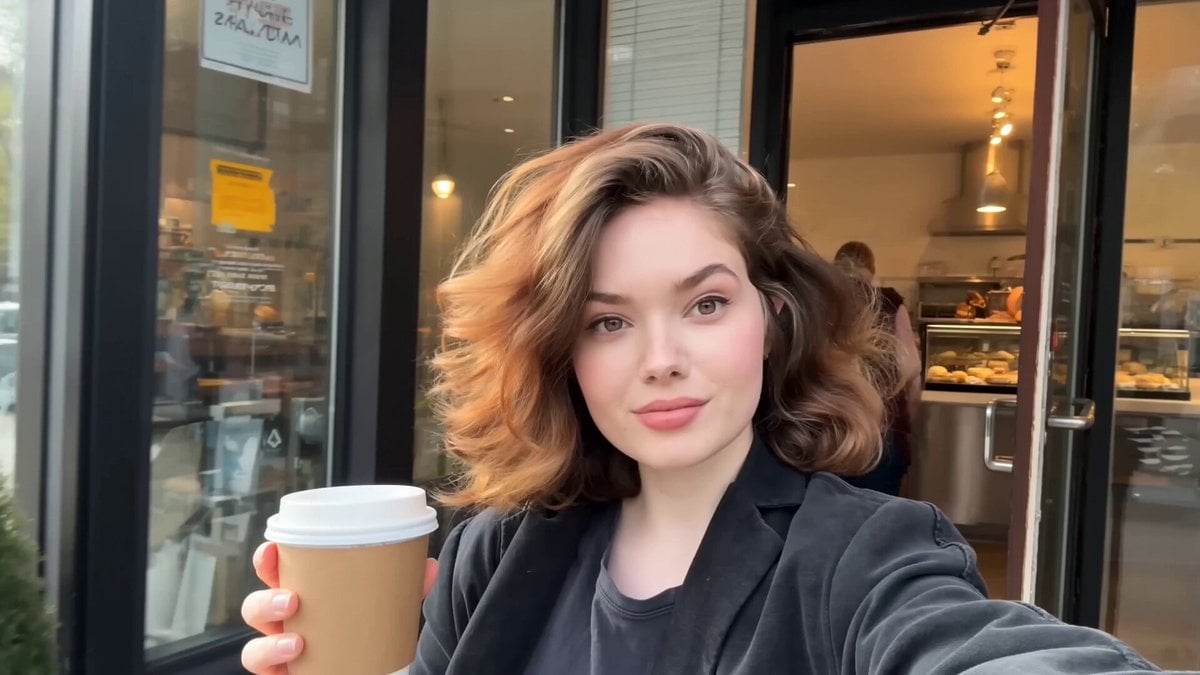
Authentic Smartphone Lifestyle Vlog

Rocket Surf Cine Verité
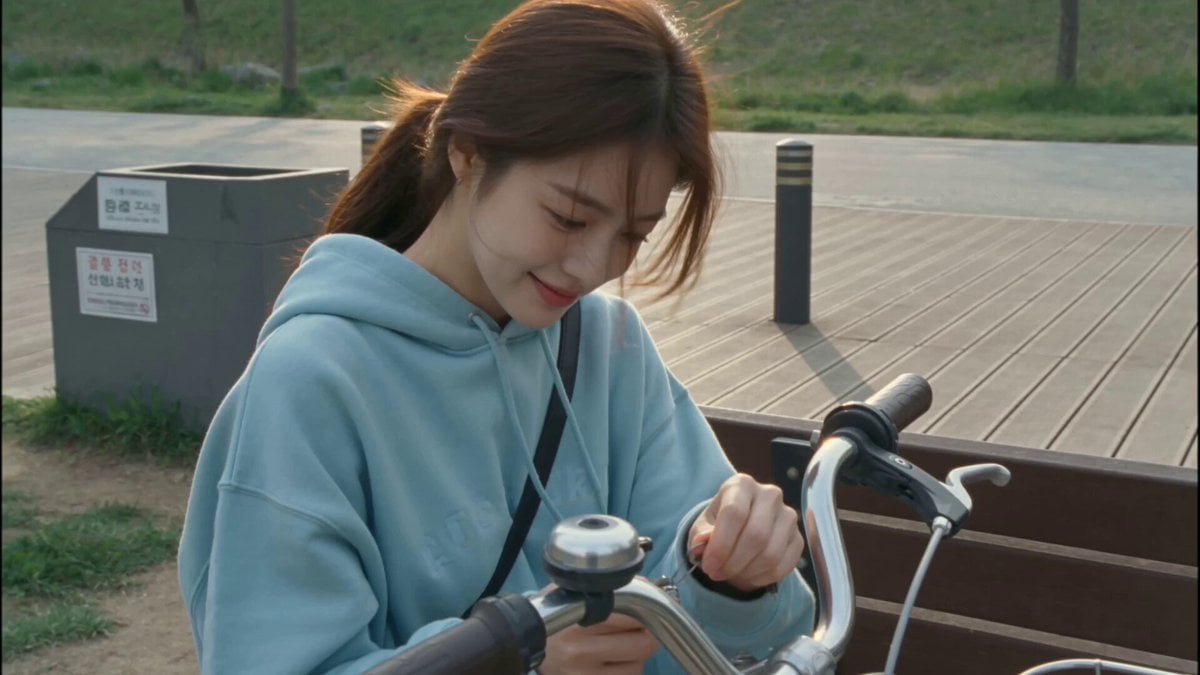
2000s MiniDV Han River Cycle
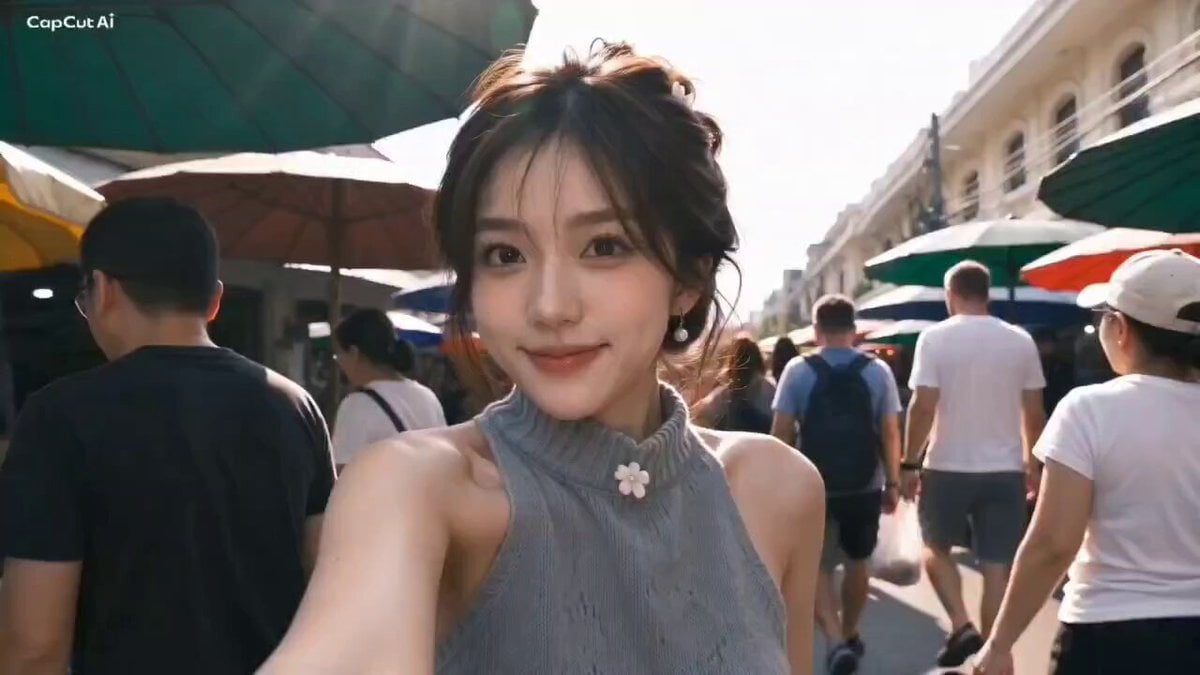
Sunday Market Memories Flip Camera
Browse template categories
Grok Imagine Prompt: Evil Eye Character Animation using JSON structure questions
How do I use the Grok Imagine Prompt: Evil Eye Character Animation using JSON structure template?
Add your photo if the template asks for one, edit the prompt if you like — the template's model and format are already selected — and press Generate. Your version opens in PicX Studio.
Can I customize the Grok Imagine Prompt: Evil Eye Character Animation using JSON structure template?
Yes. You can change the subject, setting, lighting, mood, format, and available model controls before creating your video.
Is the Grok Imagine Prompt: Evil Eye Character Animation using JSON structure template free?
Opening and editing this template is free. Generating uses credits, shown on the Generate button when you are signed in.
Which AI model should I use?
Start with Grok Imagine, which is the model associated with this template. You can compare another compatible model for a different finish.
Looking for something else? Browse all templates.

Your photo, any look
Thousands of ready templates for every top image and video model, from one credit balance.