
Authentic Smartphone Lifestyle Vlog
A comprehensive multi-scene video prompt for Seedance 2.5 that creates a realistic 15-second smartphone vlog with consistent character identity and handheld camera movement.
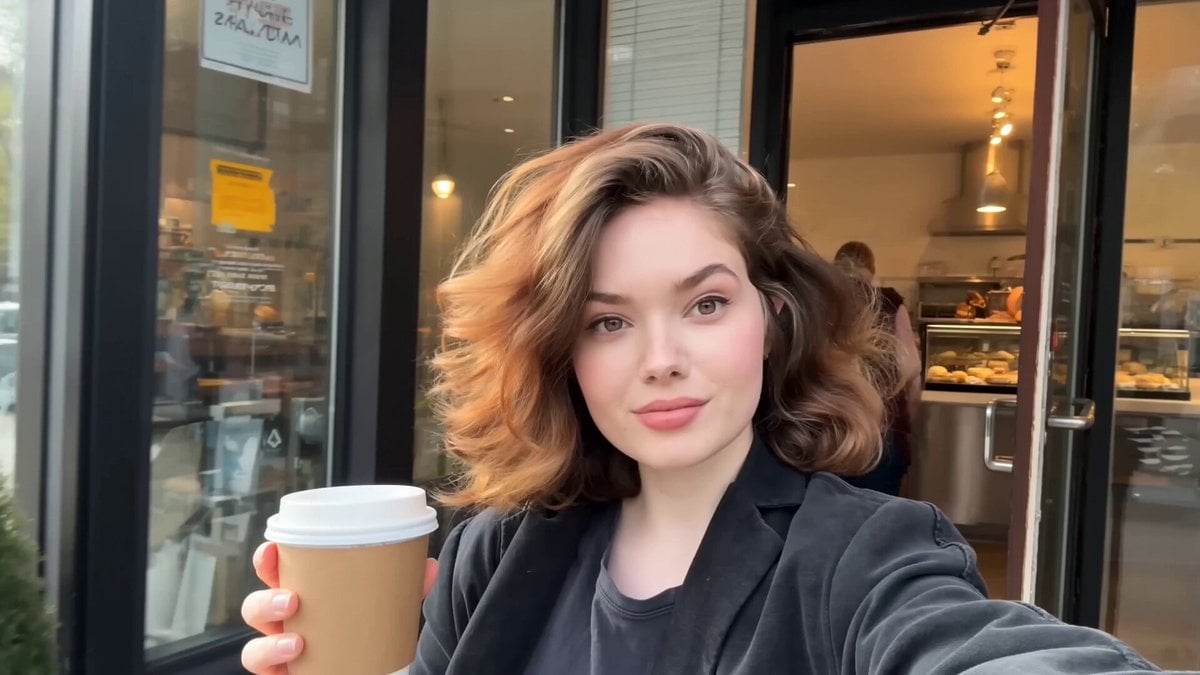
- Prompt included
- Model and format preset
- Free template
The prompt behind this video
Copy the exact prompt behind Authentic Smartphone Lifestyle Vlog, or open it in the studio and make it yours.
Keep the exact identity from @image1 locked throughout the entire video. Preserve the same face, hairstyle, skin tone, body proportions, clothing style, and natural expressions in every shot. Generate a 15-second ultra-photorealistic smartphone lifestyle vlog that feels like it was casually recorded on a real phone. Use authentic handheld movement, slight natural hand shake, realistic autofocus hunting, minor exposure adjustments, true smartphone stabilization, and natural lighting. No cinematic camera moves, no CGI look, no beauty filters, no slow motion, no text, no subtitles, no logos, and no watermarks. Scene 1 (0:00–0:02) Early morning outside a neighborhood bakery. She walks toward the entrance while holding a paper coffee cup, flips the camera to selfie mode, smiles naturally, and says, "Good morning!" Scene 2 (0:02–0:04) Inside the bakery, she records a display of fresh pastries before picking one, laughing softly as the camera briefly struggles to refocus. Scene 3 (0:04–0:06) She exits the shop and walks through a quiet tree-lined street, taking a sip of coffee while filming the peaceful surroundings. Scene 4 (0:06–0:08) She sits on a park bench, turns the camera toward birds, flowers, and people walking nearby, then smiles back at the lens. Scene 5 (0:08–0:10) At a small weekend street market, she casually browses handmade items, briefly holding one up to the camera before putting it back. Scene 6 (0:10–0:12) She walks beside a calm riverside path, filming the water, passing cyclists, and green scenery while enjoying the fresh air. Scene 7 (0:12–0:15) She stops near a scenic viewpoint, switches to selfie mode, gives a cheerful wave, smiles brightly, says, "See you next time!", then reaches toward the phone to naturally end the recording. Audio: Only authentic environmental sounds: birds, footsteps, light conversations, coffee shop ambience, distant traffic, bicycles passing, breeze through trees, water flowing, and natural city ambience. No background music, voice-over, captions, logos, or watermarks. The final result should look exactly like an authentic smartphone vlog recorded by a real person during a relaxing morning outing.
How to use Authentic Smartphone Lifestyle Vlog in 3 steps
- 1
Open
The prompt is already in the box next to the preview, with the template's model and format selected.
- 2…a portrait of your subject in softgolden-hour light, 85mm…
Personalize
Edit the subject and creative details for your destination.
- 3Generate
Generate
Press Generate — your video is created in PicX Studio, so you can compare it with the original and refine one variable at a time.
More like this
Templates with the same subject, style or setup. Open one to see its prompt.
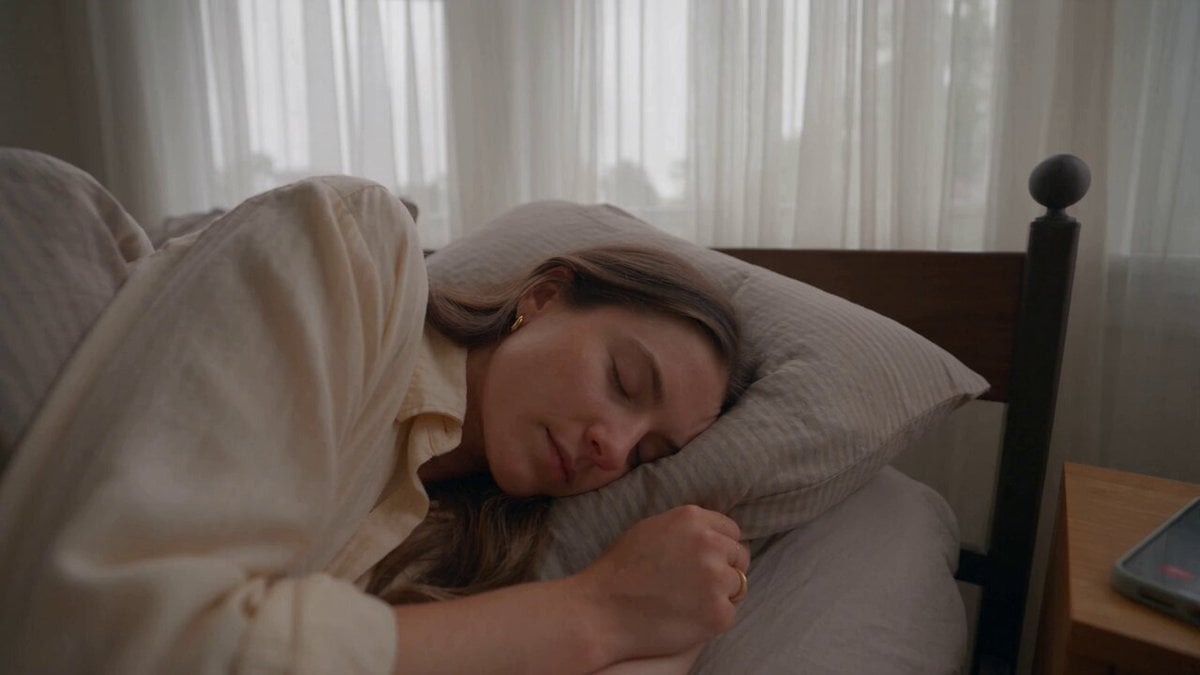
Realistic Morning Routine Lifestyle Vlog - Seedance 2.5
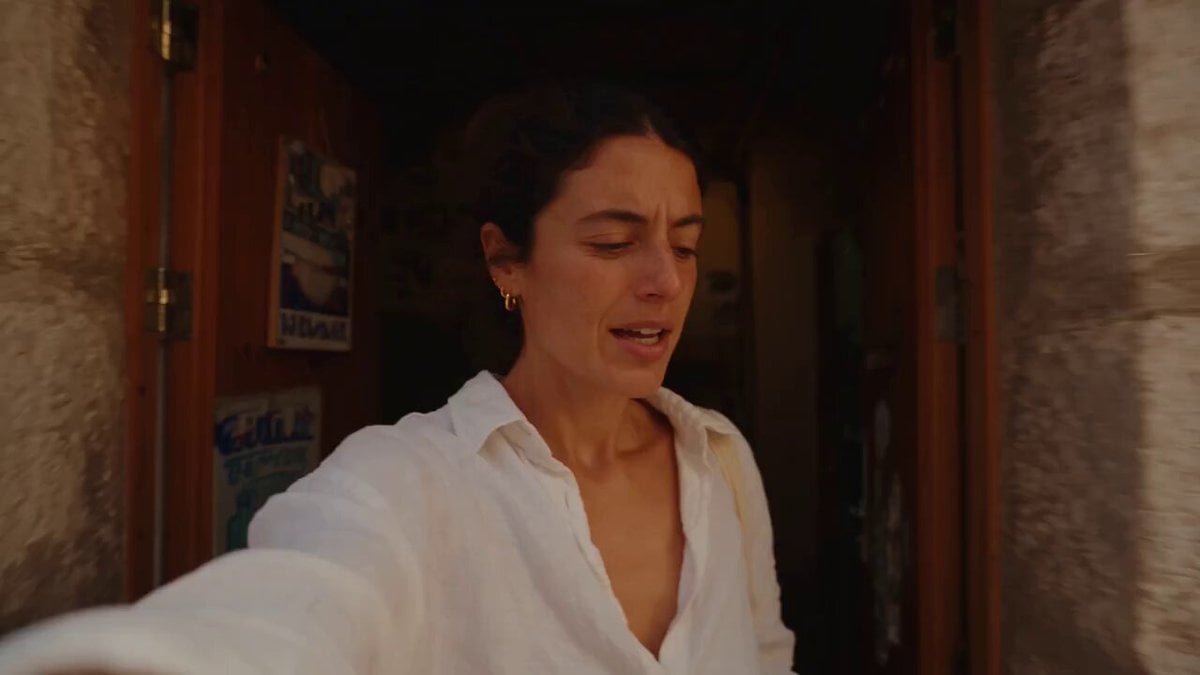
Mediterranean Morning Coffee Run Vlog (Seedance 2.5)
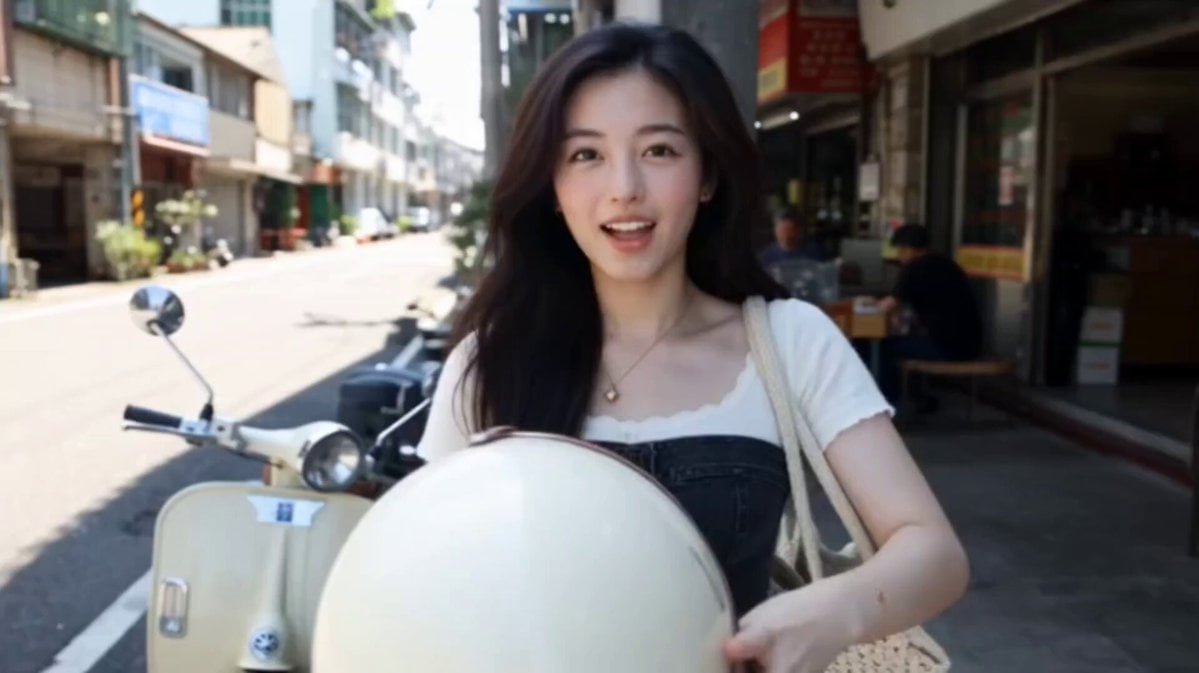
Kenting Lifestyle Travel Vlog

Luxury Lifestyle Day Vlog
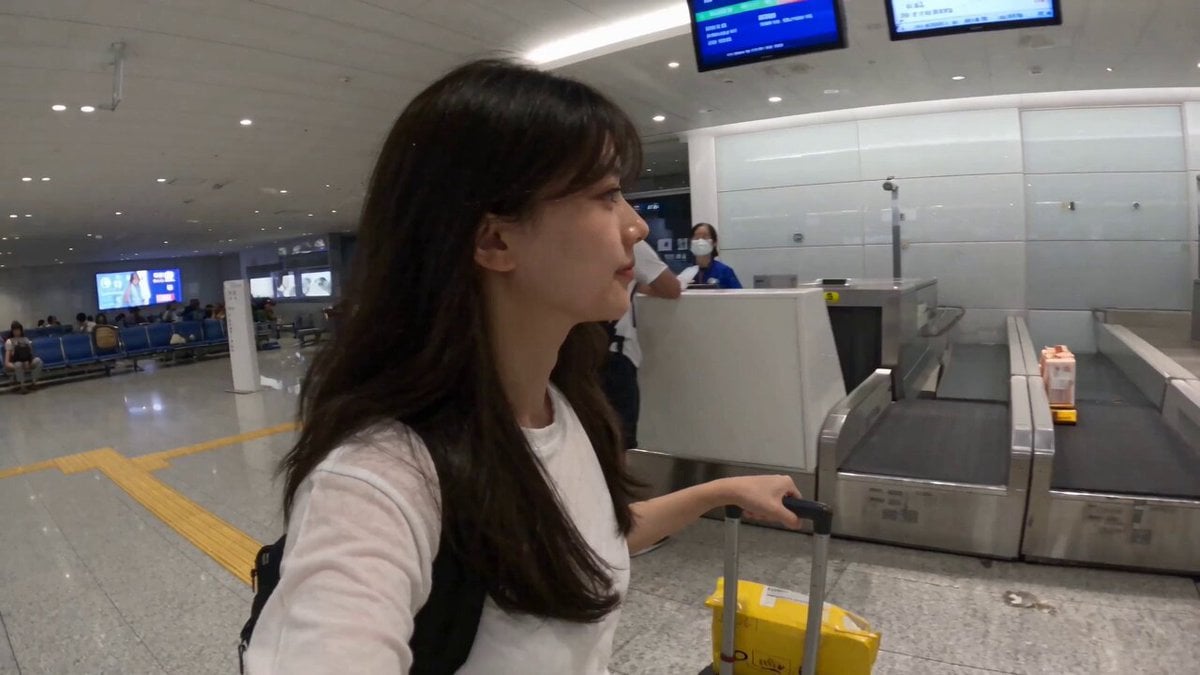
Smartphone Travel Vlog Tokyo Trip Identity Preserved
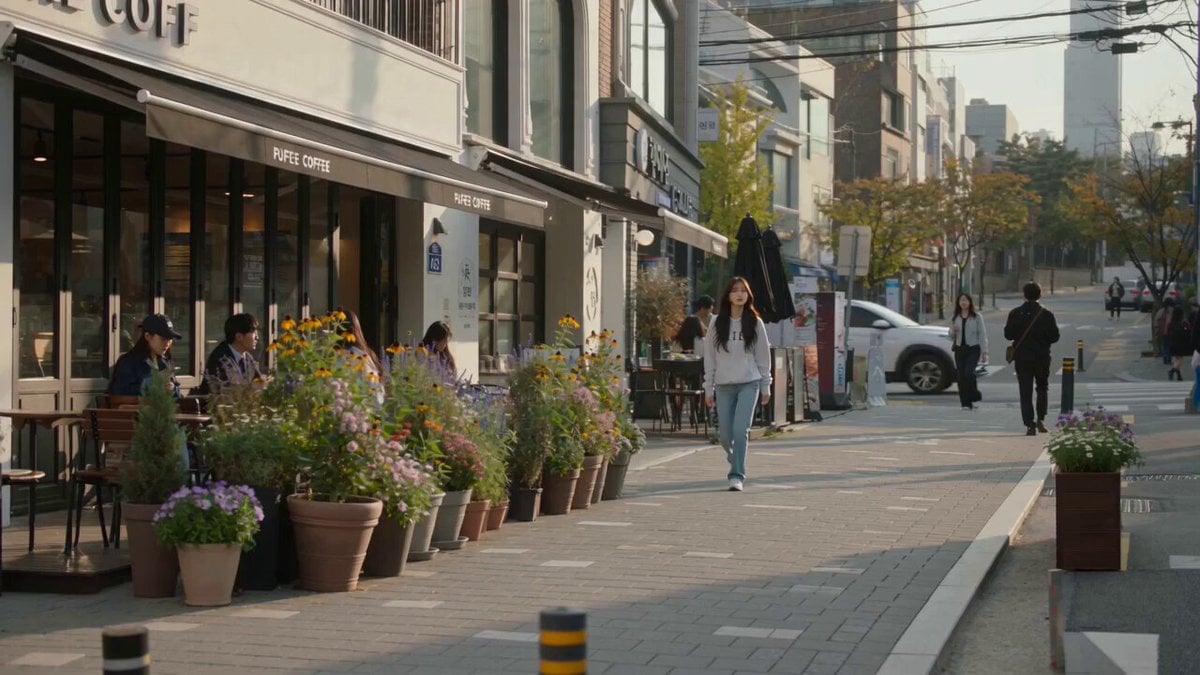
Urban Lifestyle Smartphone Photography
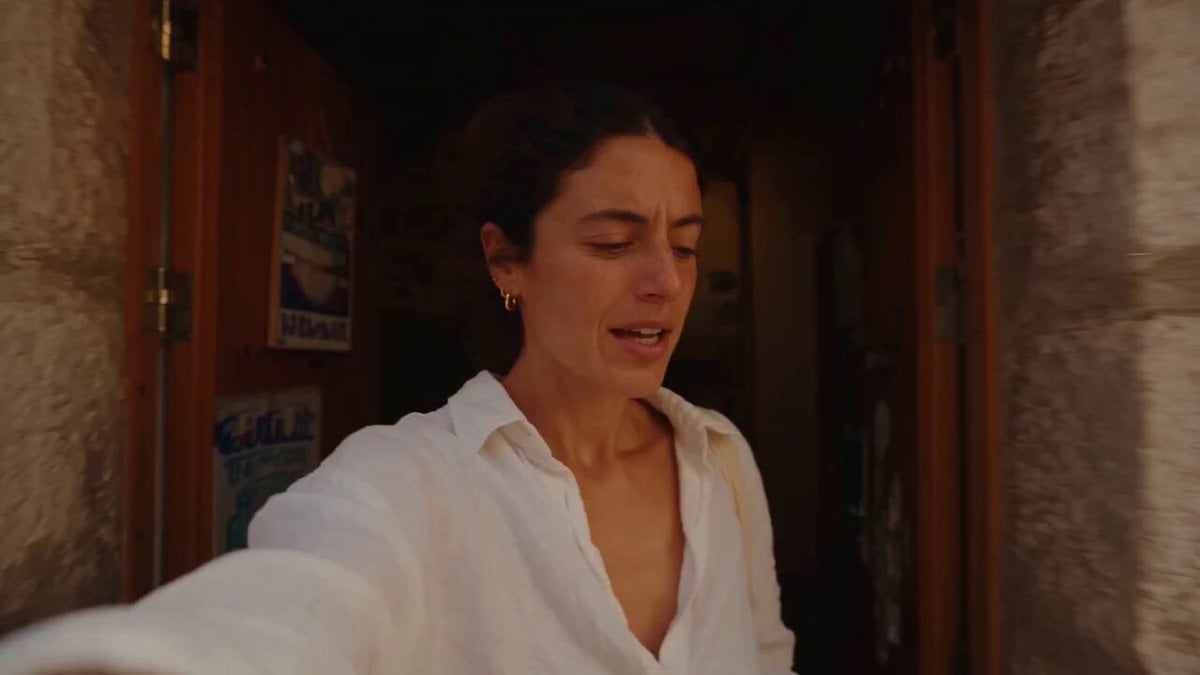
Mediterranean Coffee Run Vlog - Seedance 2.5

Mysterious Home Exploration Vlog - Seedance 2.5

Handheld Tokyo Travel Vlog - Seedance 2.5
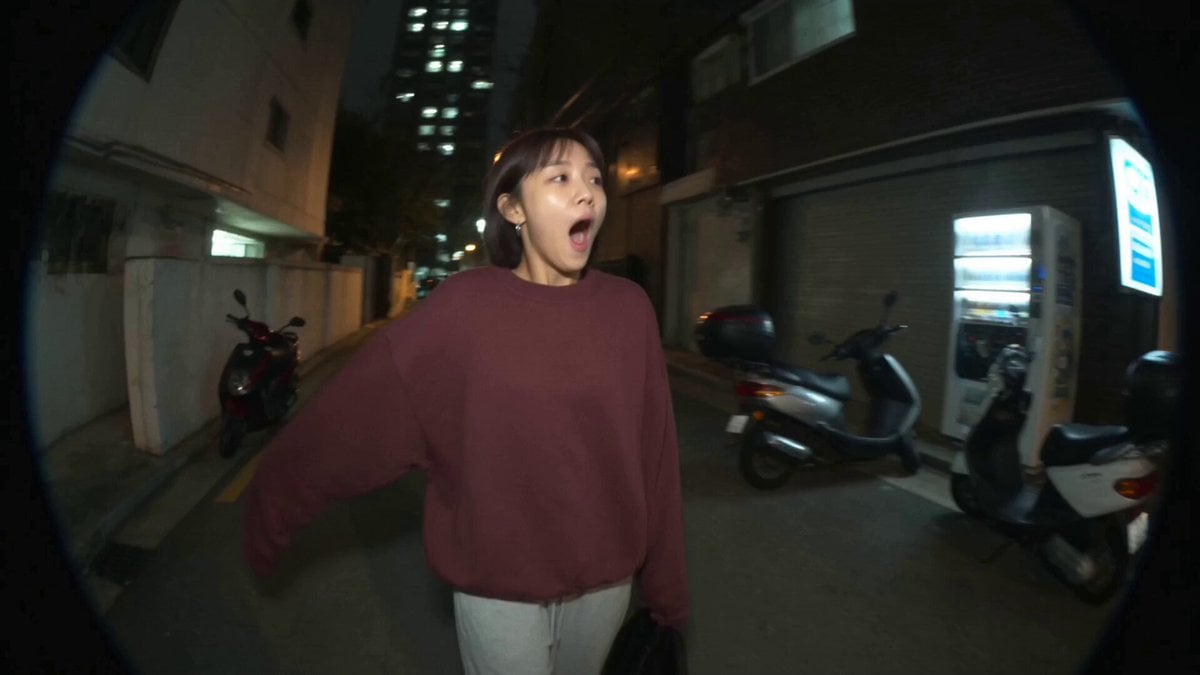
Nostalgic MiniDV Convenience Store Vlog - Seedance 2.5

Luxury Airport Travel Vlog
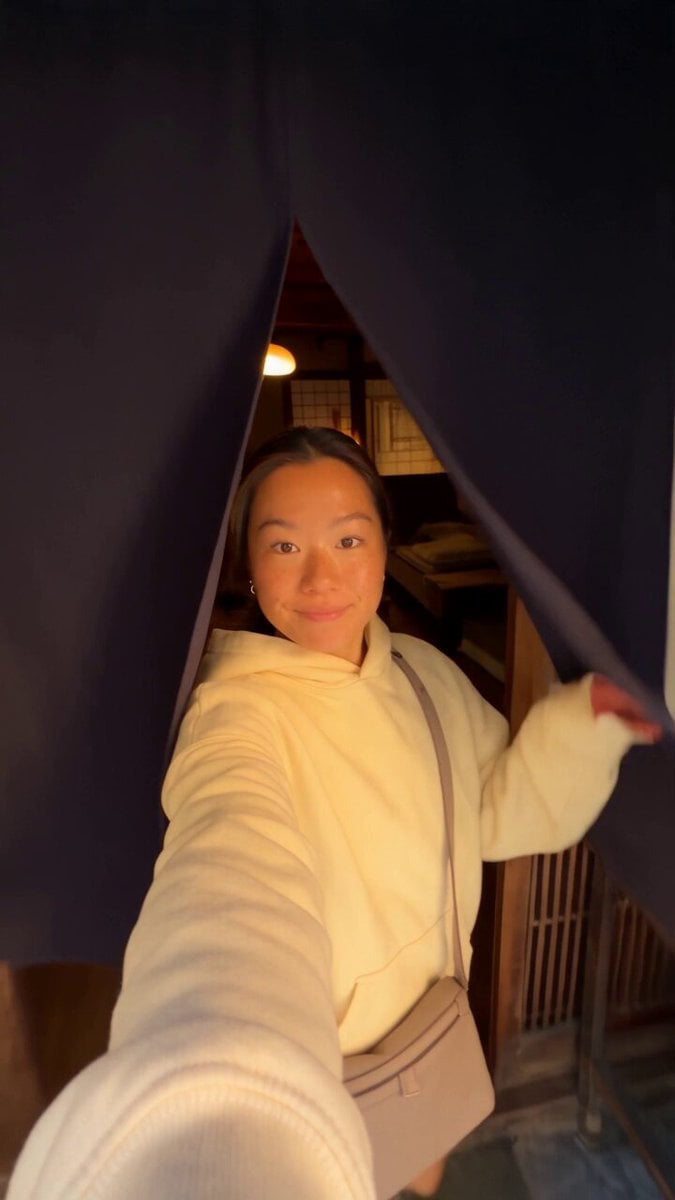
Kyoto Morning Selfie Vlog
Make it yours
Authentic Smartphone Lifestyle Vlog works as-is. These are the safest ways to change it without losing the look.
Change one field
Copy a single group, rewrite it, and generate again so you can see what that field is doing.
Keep the frame, change the subject
Hold the composition and light of Authentic Smartphone Lifestyle Vlog, then swap wardrobe, props or the person for a new take.
| If the result… | Why | Fix |
|---|---|---|
| The result drifts from the preview | Too many fields changed at once. | Reuse Authentic Smartphone Lifestyle Vlog as-is first, then change one group — subject, light, or setting. |
| The model over-stylizes the scene | The prose prompt leaves finish and camera underspecified. | Add one camera or lighting sentence and stay on Seedance 2.0. |
More Seedance 2.0 templates
Other prompts made for Seedance 2.0.

Comical Martial Arts Punch Scene

Maglev Train Action Sequence

Martial Arts Fight Sequence

Wuxia Protection and Trust Script

Vintage Korean Arcade MiniDV Vlog

Mercedes 190 SL Luxury Ad

Rainy Night Supernatural Reverse Comedy Video Script

Amazon Civilization Discovery

Futuristic South Asian City Transformation

Cozy Luxury Cafe Commercial
More video prompts
Fresh picks from across the catalog.

Cinematic heart-shaped ocean split view

Martial Arts with Flame Hair

Wuxia Hero Cat Battle Scene
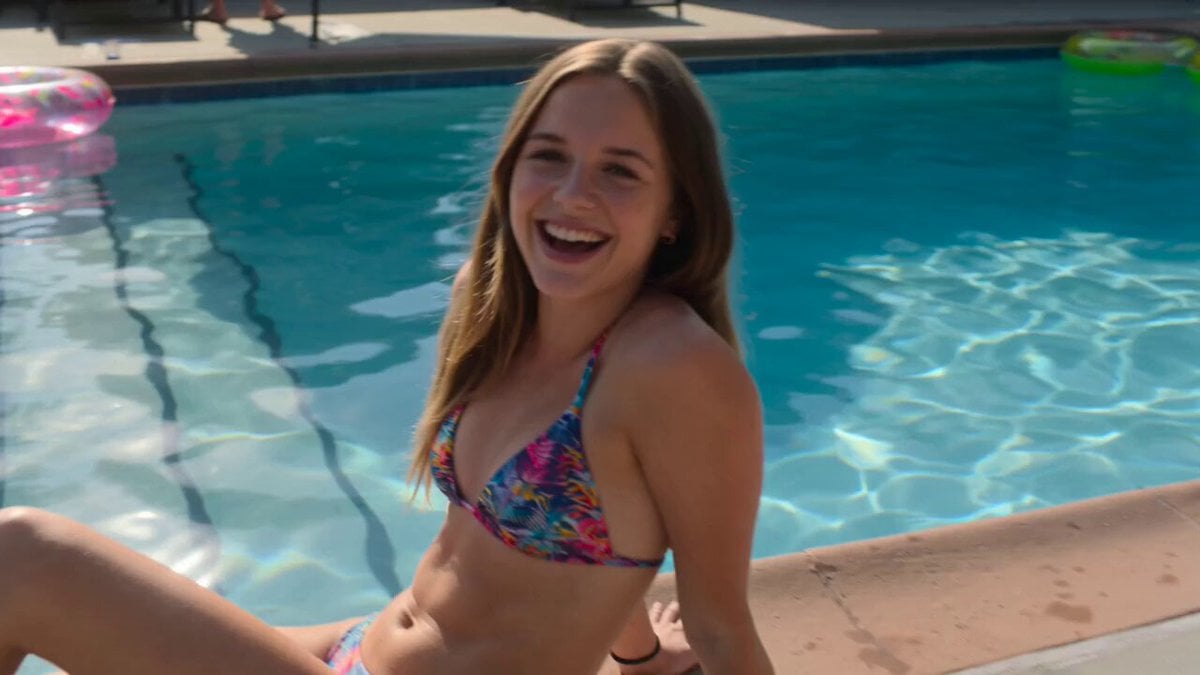
Smartphone Style Summer Pool Party Video

God of Mars Battle Scene

Kaiju Battle in Japanese Industrial Park Prompt
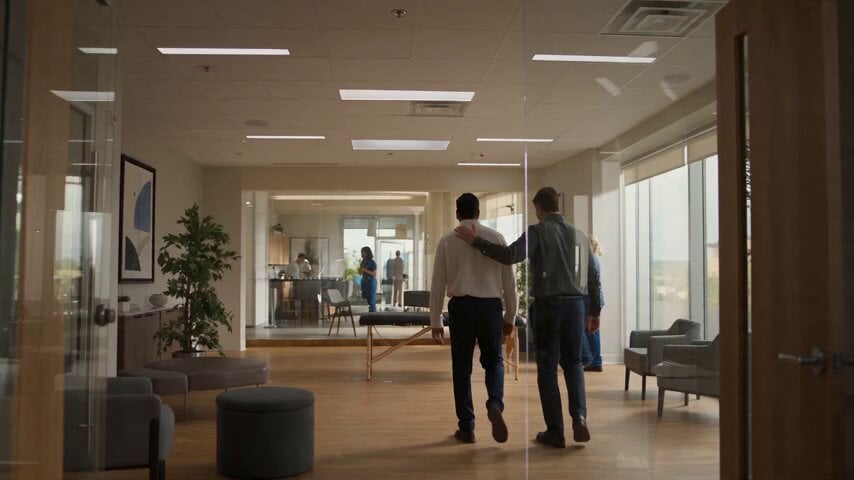
Chiropractic Clinic Treatment Session

Y2K Retro Digital Poster

Pixar-Style Magical Girl in Library

Fantasy Broom Flight Cinematic
Browse template categories
Authentic Smartphone Lifestyle Vlog questions
How do I use the Authentic Smartphone Lifestyle Vlog template?
Add your photo if the template asks for one, edit the prompt if you like — the template's model and format are already selected — and press Generate. Your version opens in PicX Studio.
Can I customize the Authentic Smartphone Lifestyle Vlog template?
Yes. You can change the subject, setting, lighting, mood, format, and available model controls before creating your video.
Is the Authentic Smartphone Lifestyle Vlog template free?
Opening and editing this template is free. Generating uses credits, shown on the Generate button when you are signed in.
Which AI model should I use?
Start with Seedance 2.0, which is the model associated with this template. You can compare another compatible model for a different finish.
Looking for something else? Browse all templates.

Your photo, any look
Thousands of ready templates for every top image and video model, from one credit balance.