
Sci-Fi Jungle Battlefield Cinematic Prompt
A complex 15-second cinematic prompt depicting a human operative sprinting through ancient ruins amidst a violent battle of transforming machines.
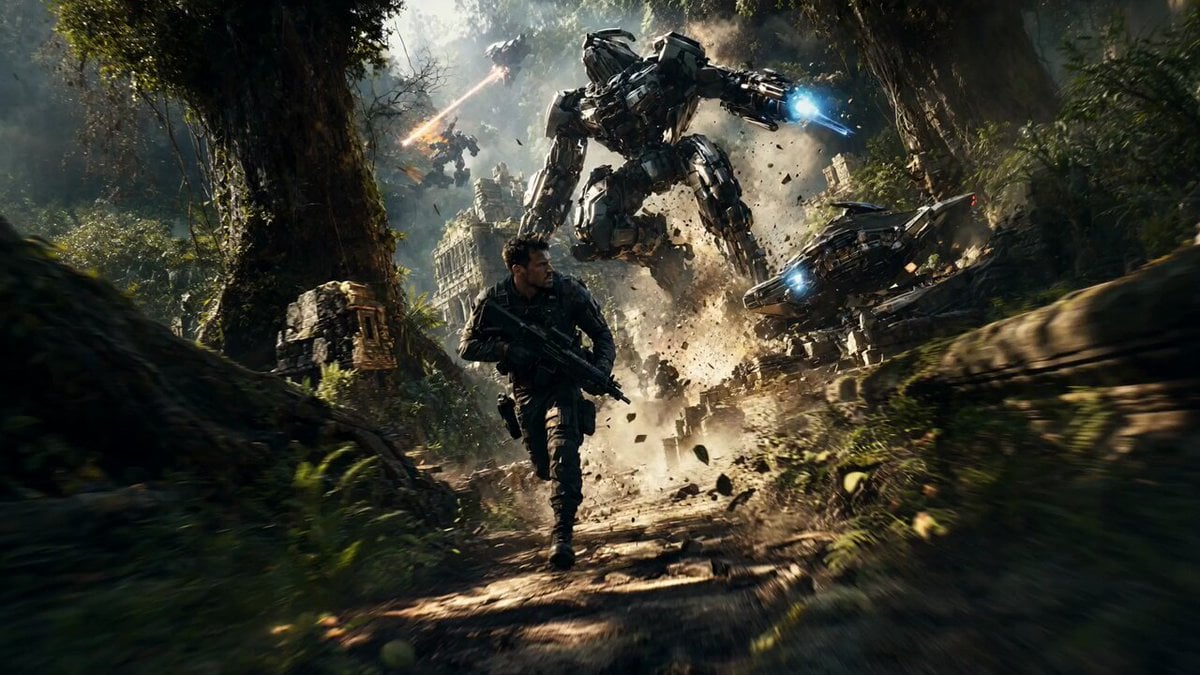
- Prompt included
- Model and format preset
- Premium template
The prompt behind this video
Copy the exact prompt behind Sci-Fi Jungle Battlefield Cinematic Prompt, or open it in the studio and make it yours.
A cinematic, ultra-detailed scene of a high-speed jungle battlefield with a human field operative running through ancient overgrown ruins while massive futuristic transforming machines fight in the background. The environment is dense tropical jungle with tall trees, vines, cracked stone temples, and floating dust particles. Explosions, energy blasts, and flying debris fill the air. The lighting is dramatic with strong sunlight rays piercing through the canopy, mixed with sparks, fire, and glowing energy weapons. Style: photorealistic, cinematic, high contrast, dynamic motion blur, volumetric lighting, depth of field, ultra-detailed textures, 8k, sharp focus, dramatic shadows Camera: low tracking shot, motion blur on background, subject in focus, wide-angle lens, slight camera shake feel Subjects: a modern tactical operative in dark gear sprinting forward (no logos, no text) multiple large generic sci-fi machines (non-branded, original design) transforming between vehicle and humanoid forms ancient stone ruins covered in moss and vines Action: intense motion, debris flying, trees breaking, energy blasts mid-air, one large machine landing with a shockwave, dust and leaves scattering Color & Mood: warm sunlight mixed with cool metallic tones, glowing orange and blue energy, chaotic, intense, high-adrenaline atmosphere Negative Prompt: no logos, no brand names, no copyrighted characters, no text, no watermark, no blur on subject, no low detail. A high-intensity 15-second tracking shot follows a field operative sprinting through ancient jungle ruins as colossal transforming machines battle violently around them. 0–4s: The camera races close behind the operative as they dash across cracked stone paths covered in vines and debris. The ground shakes from massive mechanical footsteps. Energy blasts streak overhead, shattering pillars and sending fragments exploding into the air. 4–8s: The camera swings low and to the side as a sleek armored machine speeds past in vehicle form, then seamlessly transforms into a towering combat unit while sliding across the terrain. Enemy machines crash through trees, ripping apart the jungle and scattering splinters and dust. 8–12s: A giant machine drops from above, slamming into the ground and unleashing a powerful shockwave. The operative dives forward as a bright energy beam scorches the earth just behind them, lighting the scene in a harsh, flickering glow. 12–15s: They roll, regain their footing, and sprint ahead as two massive machines collide in a violent clash behind them. The camera stabilizes slightly, tracking forward as explosions erupt and ancient structures collapse, the battlefield engulfed in chaos.
How to use Sci-Fi Jungle Battlefield Cinematic Prompt in 3 steps
- 1
Open
The prompt is already in the box next to the preview, with the template's model and format selected.
- 2…a portrait of your subject in softgolden-hour light, 85mm…
Personalize
Edit the subject and creative details for your destination.
- 3Generate
Generate
Press Generate — your video is created in PicX Studio, so you can compare it with the original and refine one variable at a time.
More like this
Templates with the same subject, style or setup. Open one to see its prompt.

Sci-Fi Disaster Movie Scene - Seedance 2.5
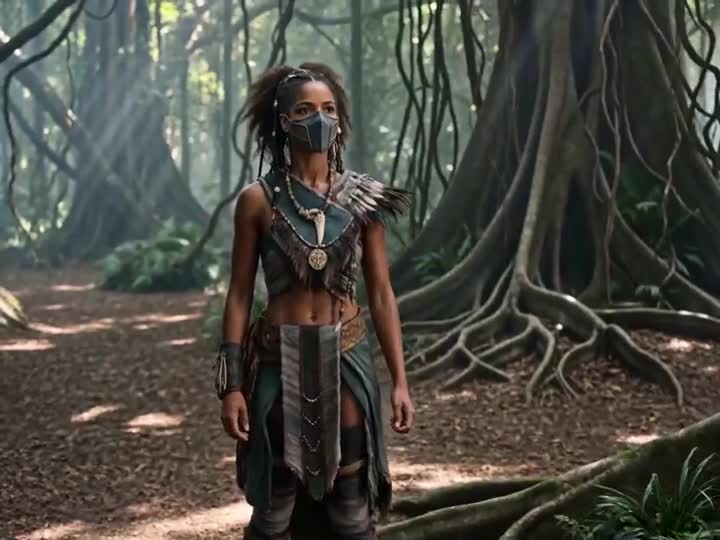
Energy Bow Jungle Edit

Necromancer Battlefield Orbit
Ice Queen — Frozen Battlefield Time Control (Seedance)
Rainforest Thriller — Searching the Unseen
Tiger vs Gorilla — Jungle Canyon Clash
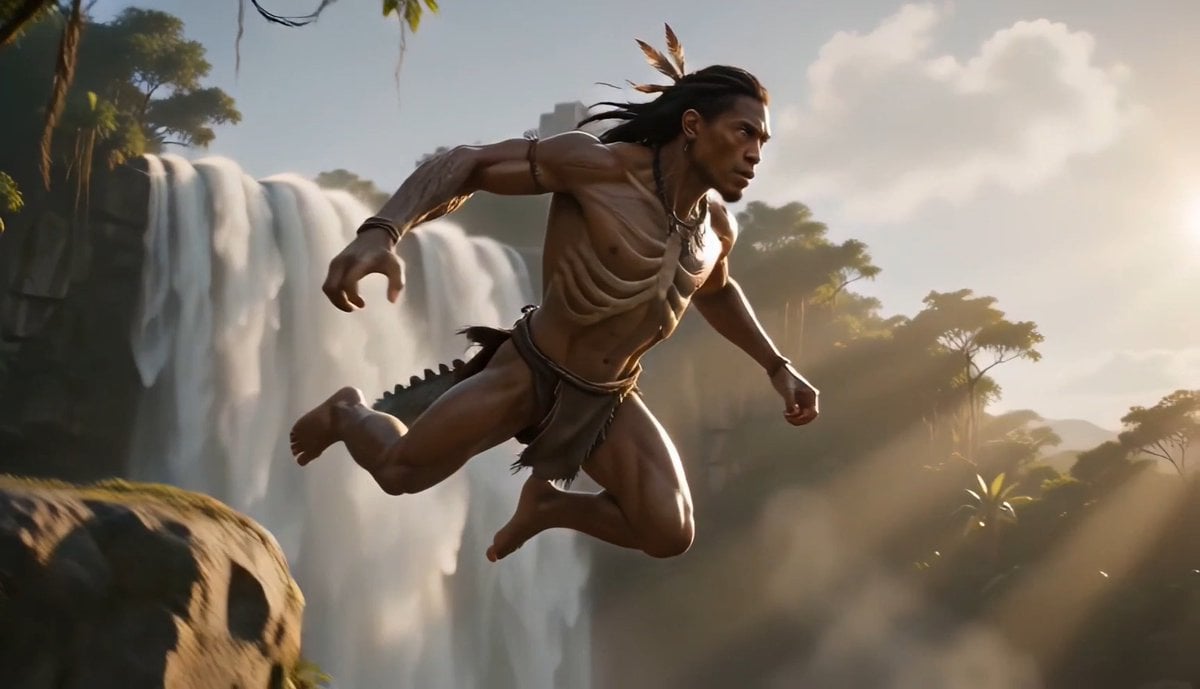
Tribal Warrior Shapeshift Jungle

Crusader Battlefield War Sequence
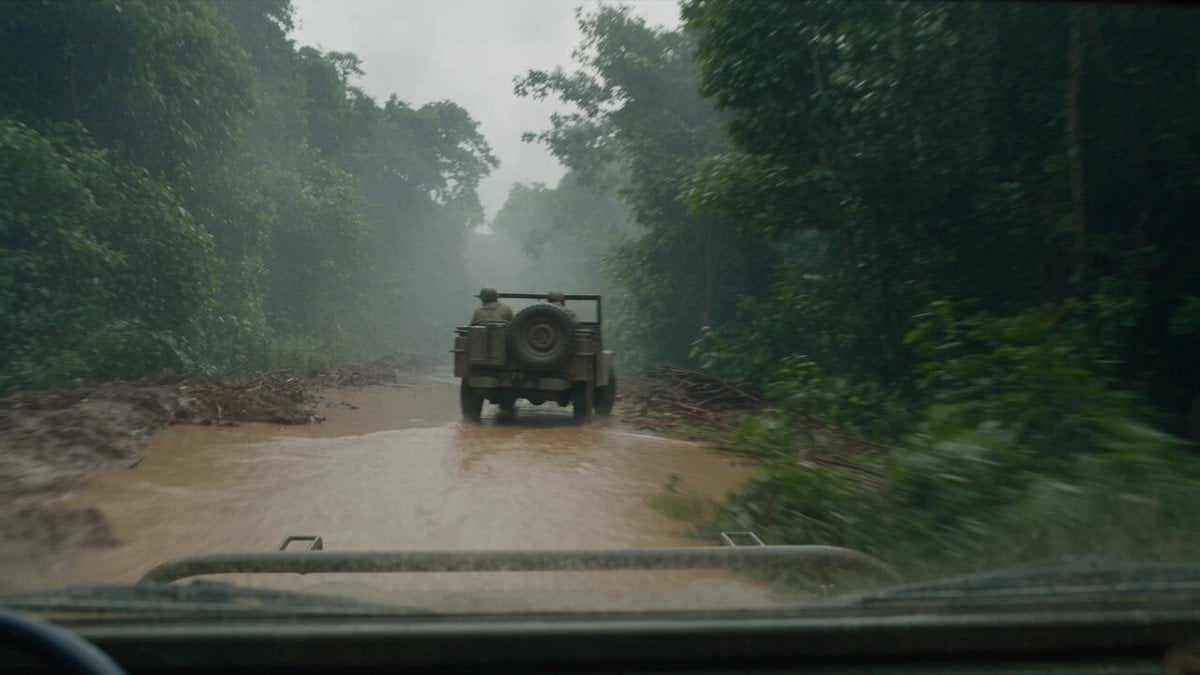
T-Rex Dashcam Jungle Attack
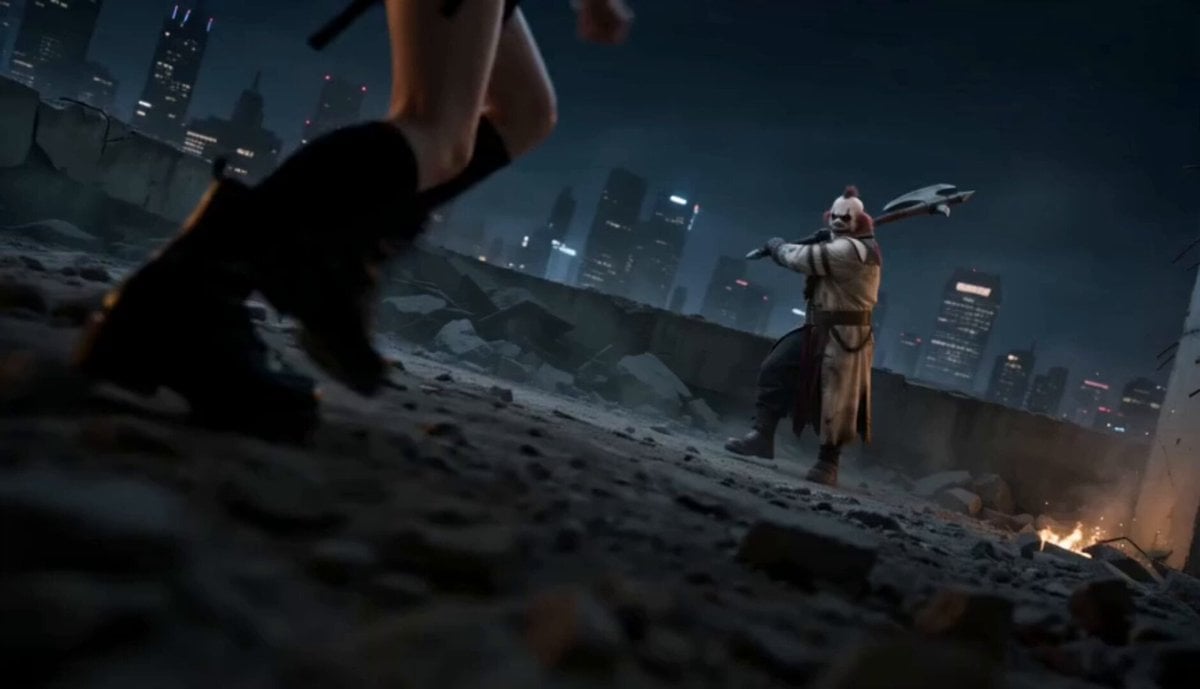
Urban Battlefield Action Scene
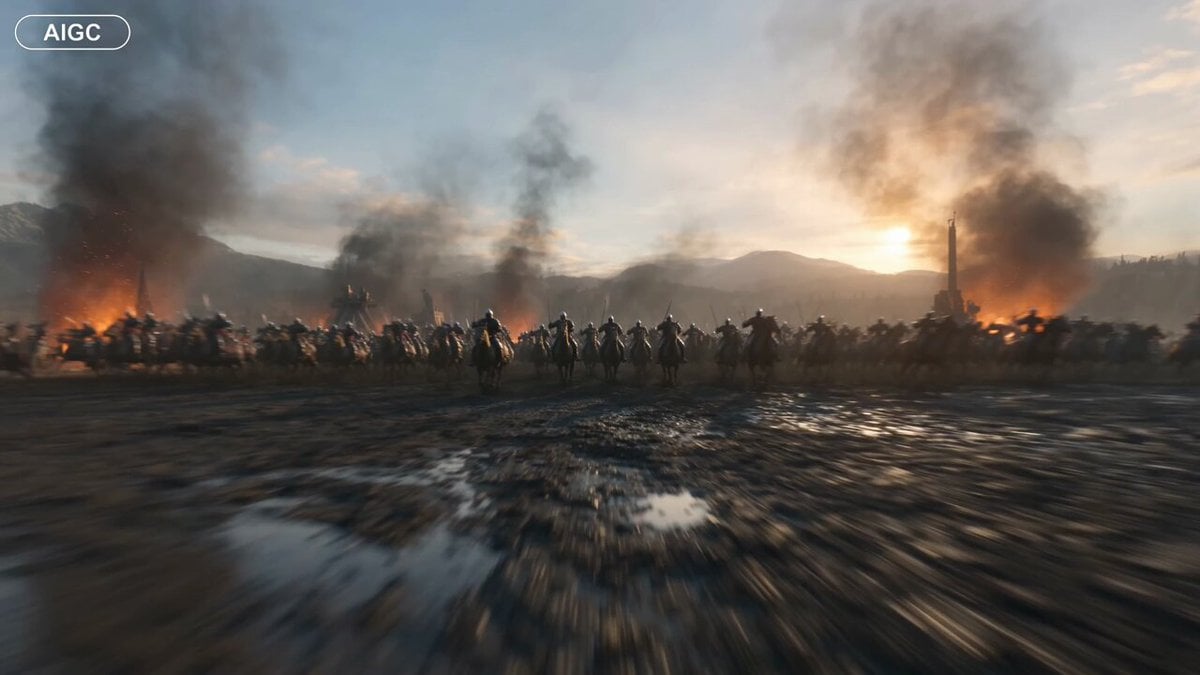
Medieval Battlefield FPV Drone Flight
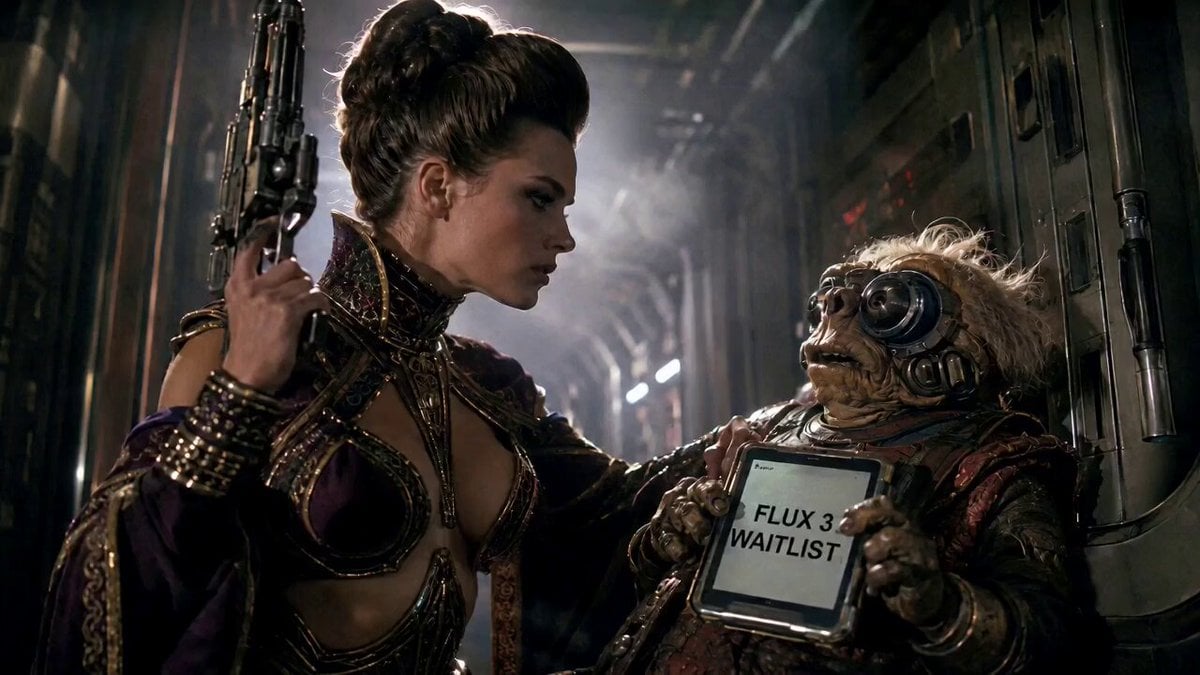
80s Sci-Fi Practical Effects Scene Prompt
Make it yours
Sci-Fi Jungle Battlefield Cinematic Prompt works as-is. These are the safest ways to change it without losing the look.
Change one field
Copy a single group, rewrite it, and generate again so you can see what that field is doing.
Keep the frame, change the subject
Hold the composition and light of Sci-Fi Jungle Battlefield Cinematic Prompt, then swap wardrobe, props or the person for a new take.
| If the result… | Why | Fix |
|---|---|---|
| The result drifts from the preview | Too many fields changed at once. | Reuse Sci-Fi Jungle Battlefield Cinematic Prompt as-is first, then change one group — subject, light, or setting. |
| The model over-stylizes the scene | The prose prompt leaves finish and camera underspecified. | Add one camera or lighting sentence and stay on Seedance 2.0. |
More Seedance 2.0 templates
Other prompts made for Seedance 2.0.

Comical Martial Arts Punch Scene

Maglev Train Action Sequence

Martial Arts Fight Sequence

Wuxia Protection and Trust Script

Vintage Korean Arcade MiniDV Vlog

Mercedes 190 SL Luxury Ad

Rainy Night Supernatural Reverse Comedy Video Script

Amazon Civilization Discovery

Futuristic South Asian City Transformation

Cozy Luxury Cafe Commercial
More video prompts
Fresh picks from across the catalog.
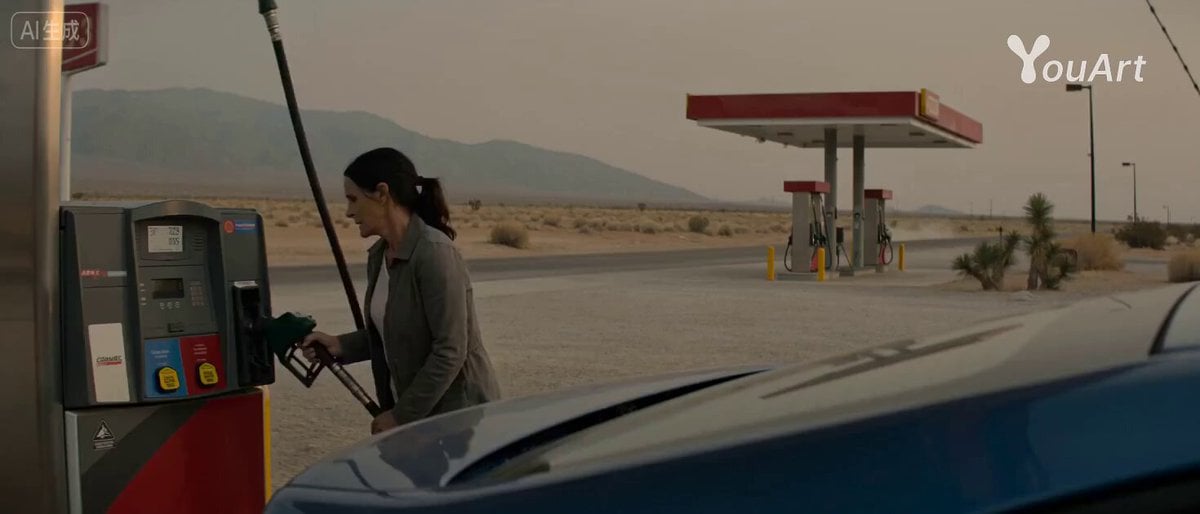
Desert Getaway Cinematic Sequence Prompt

Whimsical Flower Cottage Meadow Animation
Grok Imagine Mechanical and Ethereal Creature Prompts

Influencer Lifestyle Showcase
Seedance 2.0 Prompt for Cinematic City Promotional Video

Planet X Starship Arrival
Micro-Scale Ant POV Construction Site
Driver Seat Action Sequence
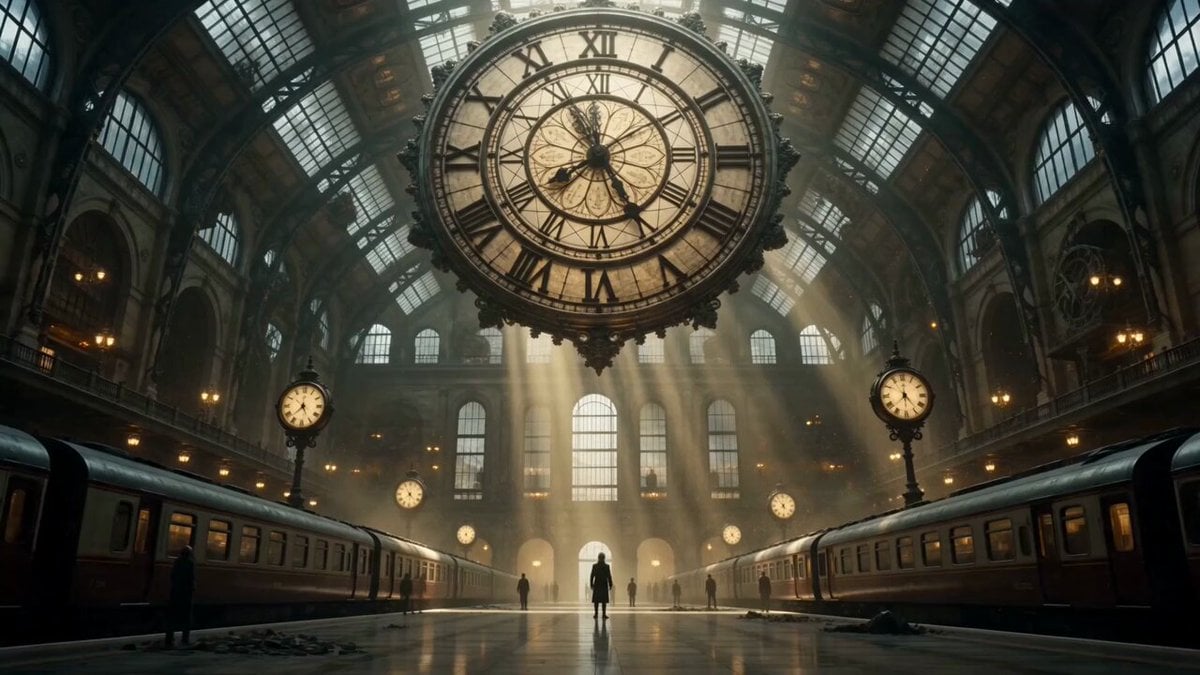
Cinematic Time Traveler Transformation Sequence
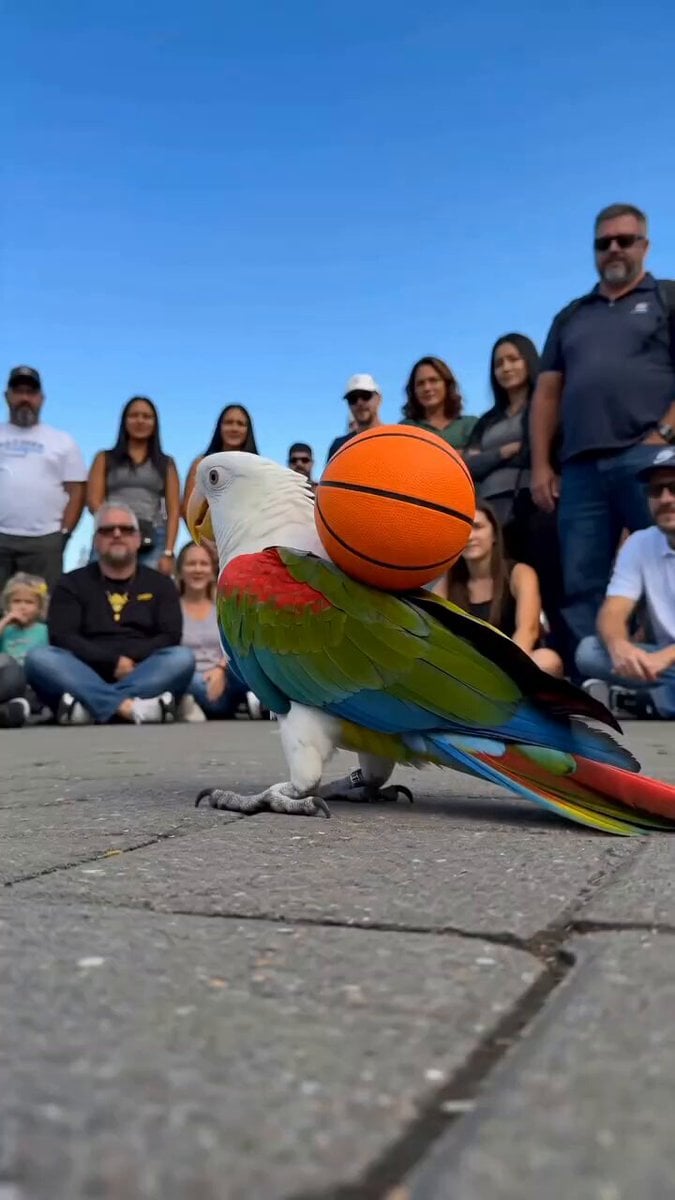
Parrot Street Performance Basketball
Browse template categories
Sci-Fi Jungle Battlefield Cinematic Prompt questions
How do I use the Sci-Fi Jungle Battlefield Cinematic Prompt template?
Add your photo if the template asks for one, edit the prompt if you like — the template's model and format are already selected — and press Generate. Your version opens in PicX Studio.
Can I customize the Sci-Fi Jungle Battlefield Cinematic Prompt template?
Yes. You can change the subject, setting, lighting, mood, format, and available model controls before creating your video.
Is the Sci-Fi Jungle Battlefield Cinematic Prompt template free?
Opening and editing this template is free. Generating uses credits, shown on the Generate button when you are signed in.
Which AI model should I use?
Start with Seedance 2.0, which is the model associated with this template. You can compare another compatible model for a different finish.
Looking for something else? Browse all templates.

Your photo, any look
Thousands of ready templates for every top image and video model, from one credit balance.