
Sleep Paralysis Witch Horror Sequence
A terrifying horror prompt for a sleep paralysis scenario, featuring an Indian witch character with sudden shape-shifting transformations and a jumpscare ending.
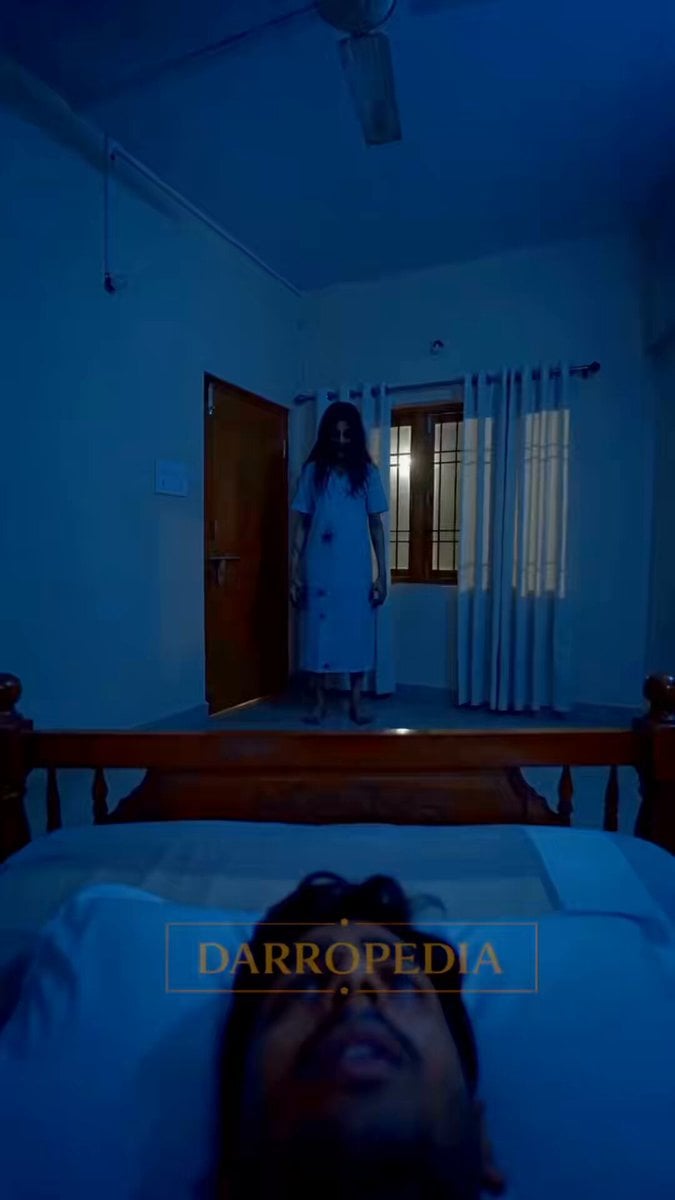
- Prompt included
- Model and format preset
- Free template
The prompt behind this video
Copy the exact prompt behind Sleep Paralysis Witch Horror Sequence, or open it in the studio and make it yours.
Scene / Setting Night. Small Indian bedroom. Person lying in bed, unable to move. Ceiling fan slowly spinning overhead. Faint streetlight entering through window curtains. Everything clearly visible. Camera POV from the person lying in bed. Slight handheld breathing movement. Fixed from pillow height. No cinematic shots. Subject / Action The video begins with the person suddenly waking up in bed. Heavy breathing. Unable to move. At the far end of the room stands an Indian witch-like woman. She wears a torn,-stained hospital gown. Her skin is pale and decayed with visible veins. Long tangled black hair partially covers her face. Her eyes are milky white and unfocused, not glowing. Large sharp fangs visible. She stands completely still. Then her body suddenly changes shape. For a brief moment she becomes unnaturally tall. Then normal again. Then her arms become too long. Then normal again. Then her neck stretches sideways. Then normal again. Each transformation lasts only a fraction of a second. The person tries to move but cannot. Breathing becomes frantic. The witch slowly begins crawling toward the bed. As she moves, her appearance continues changing: Her jaw widens. Her face briefly resembles a different woman. Her limbs lengthen. Her head twists. Then everything snaps back. She reaches the side of the bed. Silence. The witch slowly rises until her face is directly above the camera. Her hair hangs down over the lens. For a brief second she appears completely still. Then her eyes suddenly lock onto the viewer. She opens her mouth impossibly wide and releases a violent scream directly into the camera. Extreme close-up of fangs, milky eyes, decayed skin. Audio peaks. Hard cut to black.
How to use Sleep Paralysis Witch Horror Sequence in 3 steps
- 1
Open
The prompt is already in the box next to the preview, with the template's model and format selected.
- 2…a portrait of your subject in softgolden-hour light, 85mm…
Personalize
Edit the subject and creative details for your destination.
- 3Generate
Generate
Press Generate — your video is created in PicX Studio, so you can compare it with the original and refine one variable at a time.
More like this
Templates with the same subject, style or setup. Open one to see its prompt.

Laundromat Horror Creature Sequence
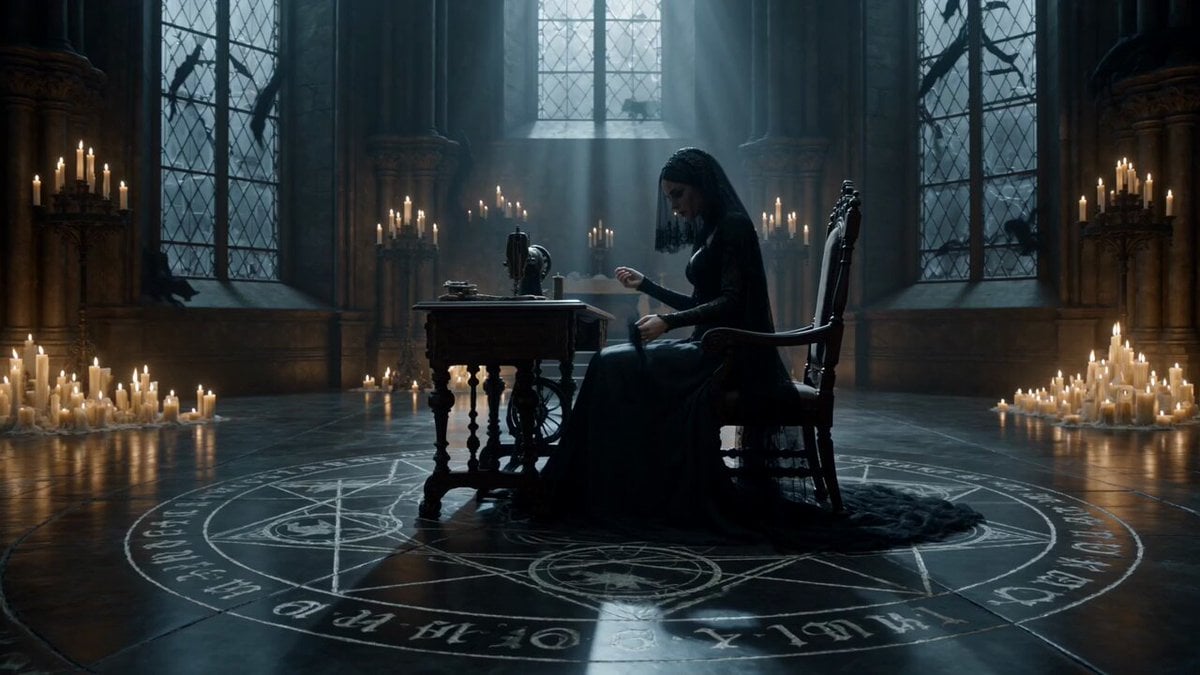
Dark Fantasy Witch Sequence

Hyper-Realistic Cinematic Horror Sequence
Rainforest Thriller — Searching the Unseen
Chibi Cave Adventure — He Doesn't Know What's Coming
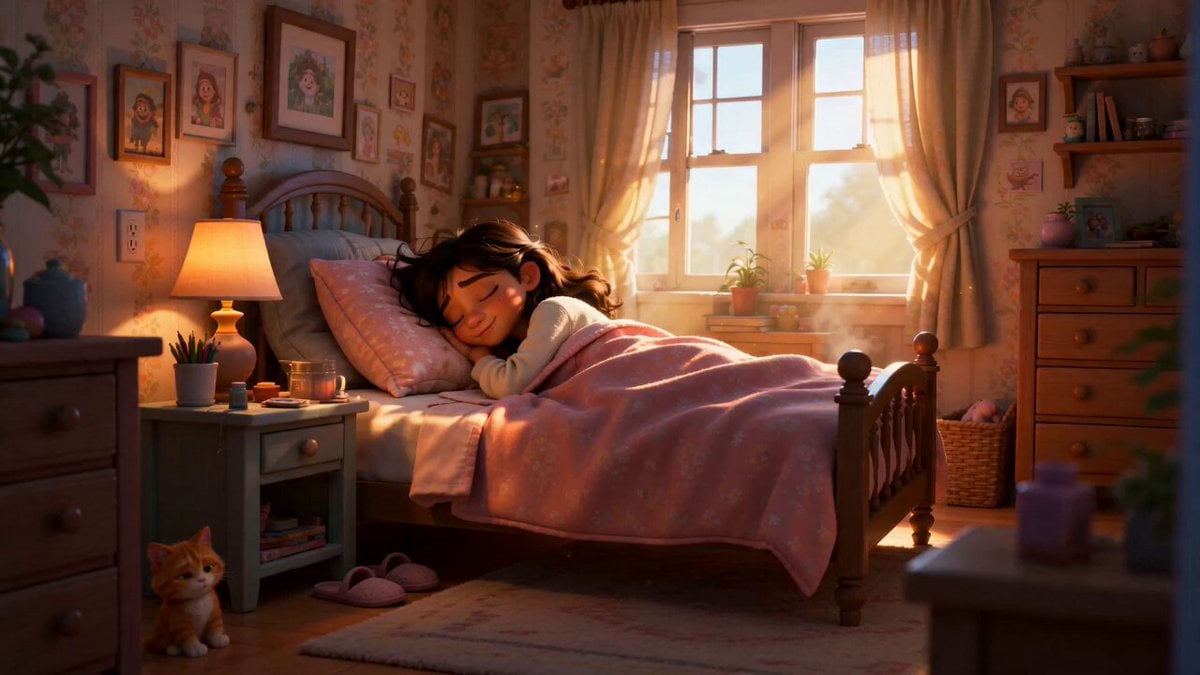
Pixar Style Sleeping Girl Animation

Maglev Train Action Sequence

Martial Arts Fight Sequence
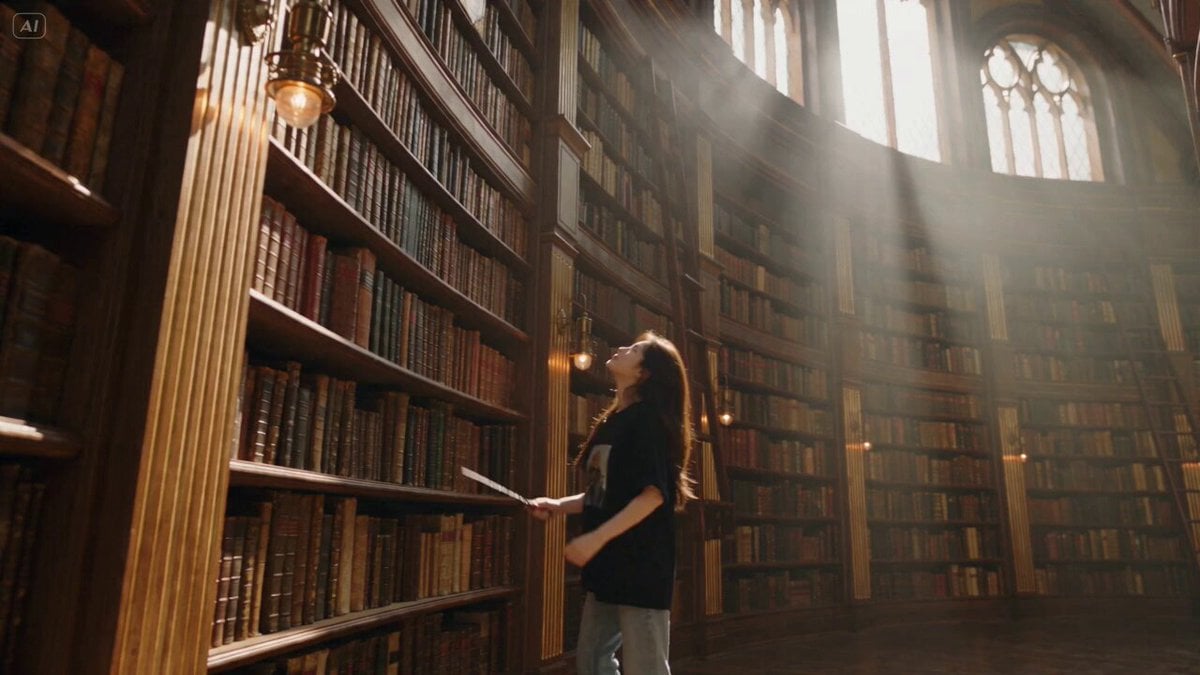
Witch Library Spellbook Summoning
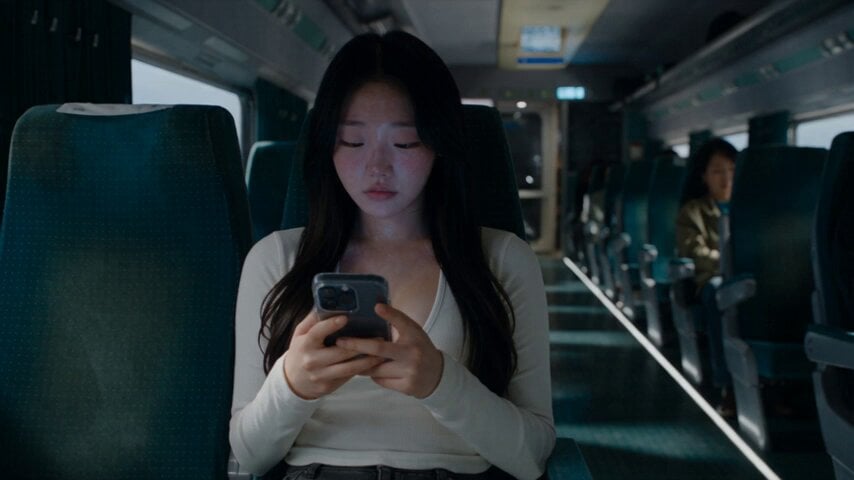
Last Ride Train Outbreak Horror
Sci-Fi Horror Hospital Alien Scene
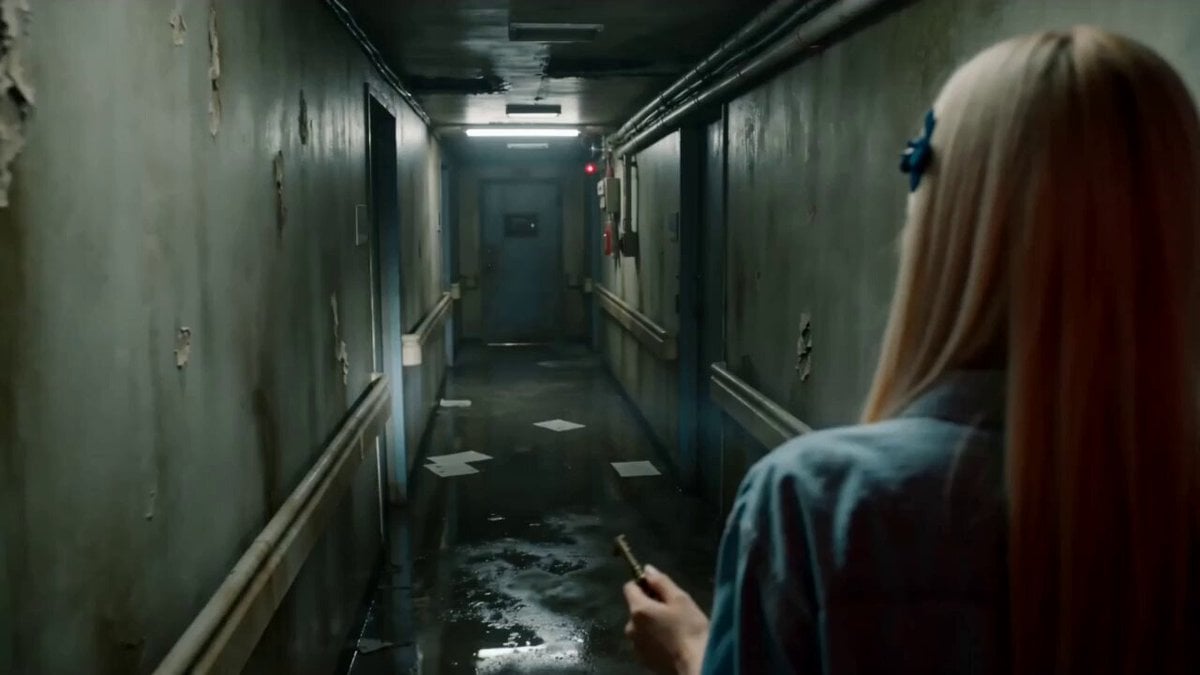
Abandoned Hospital Horror POV Film
Make it yours
Sleep Paralysis Witch Horror Sequence works as-is. These are the safest ways to change it without losing the look.
Change one field
Copy a single group, rewrite it, and generate again so you can see what that field is doing.
Keep the frame, change the subject
Hold the composition and light of Sleep Paralysis Witch Horror Sequence, then swap wardrobe, props or the person for a new take.
| If the result… | Why | Fix |
|---|---|---|
| The result drifts from the preview | Too many fields changed at once. | Reuse Sleep Paralysis Witch Horror Sequence as-is first, then change one group — subject, light, or setting. |
| The model over-stylizes the scene | The prose prompt leaves finish and camera underspecified. | Add one camera or lighting sentence and stay on Seedance 2.0. |
More Seedance 2.0 templates
Other prompts made for Seedance 2.0.

Comical Martial Arts Punch Scene

Wuxia Protection and Trust Script

Vintage Korean Arcade MiniDV Vlog

Mercedes 190 SL Luxury Ad

Rainy Night Supernatural Reverse Comedy Video Script

Amazon Civilization Discovery

Futuristic South Asian City Transformation

Cozy Luxury Cafe Commercial

Cyber Ronin Nanotech Transformation Video

Desert Courier and Sandstorm Leviathan Chase
More video prompts
Fresh picks from across the catalog.
Daily Routine
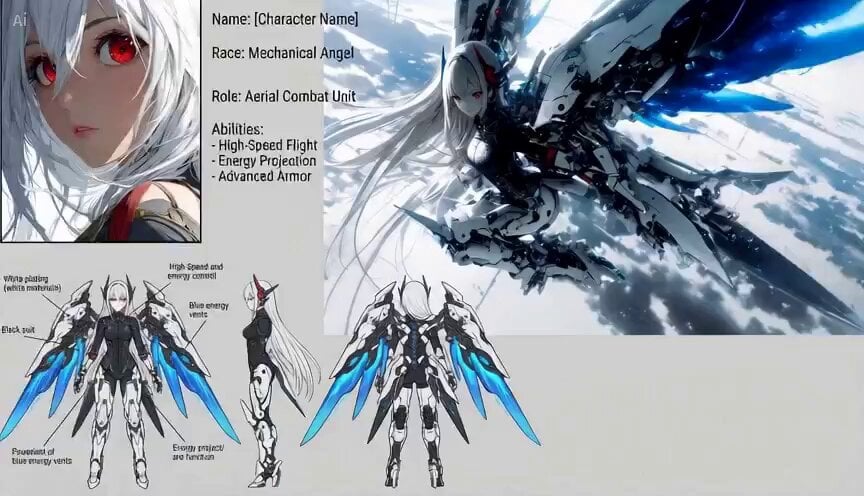
3D CGI Action Sequence Animation Prompt
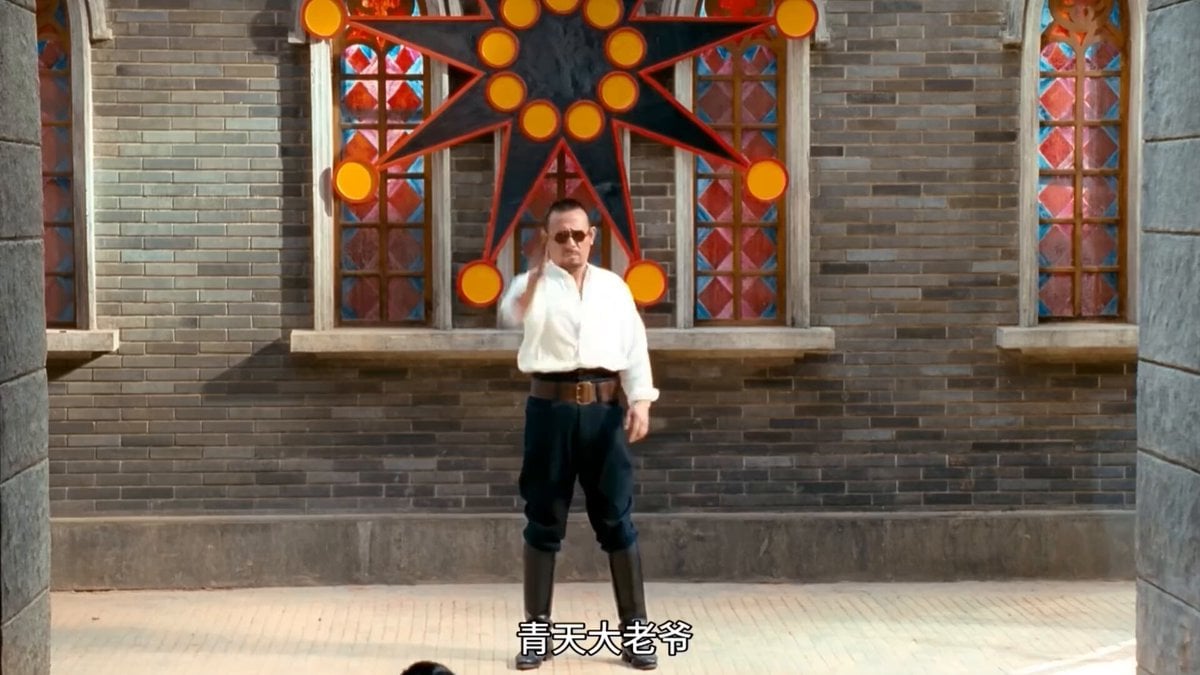
Text-to-Video Prompt: Ancient Costume Execution Ground Revenge Scene

Female warrior transformation combat
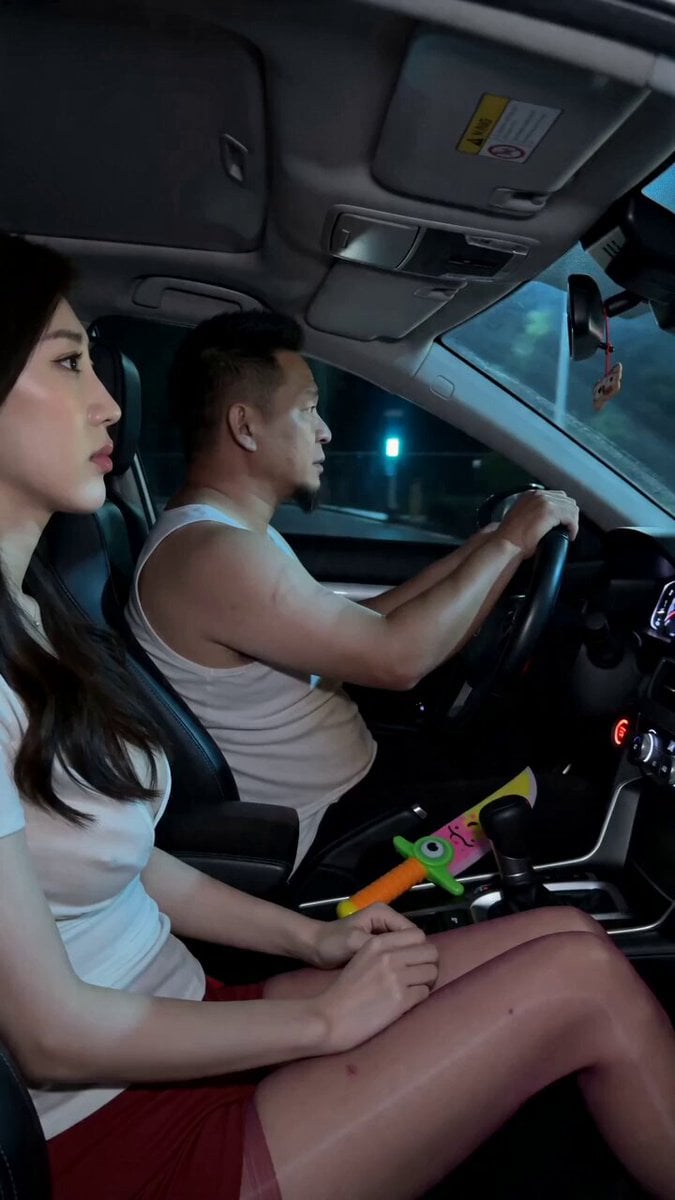
Road Rage Absurdist Comedy Scene
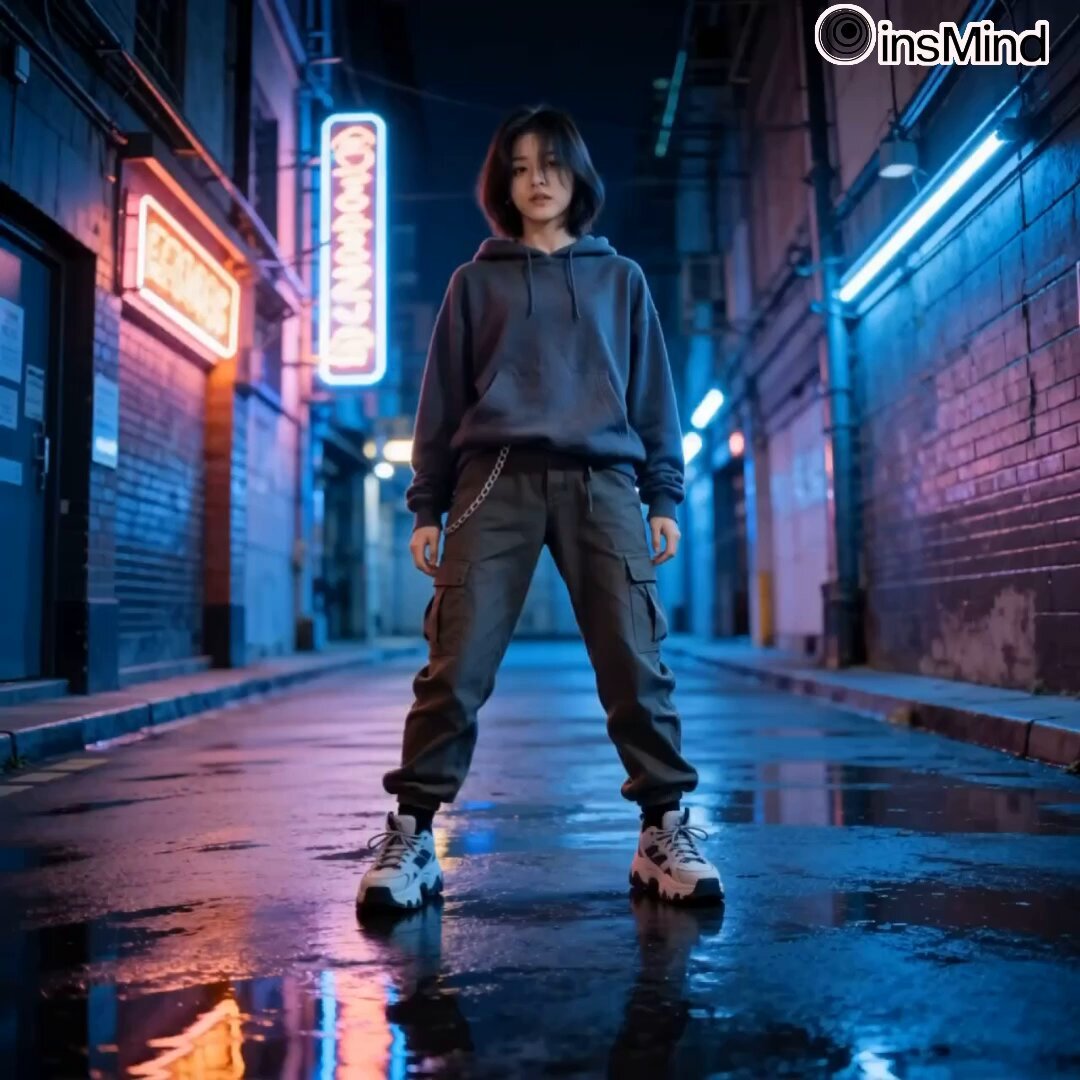
Urban Freestyle Dance Script

Rural Chinese Village Memory Documentary
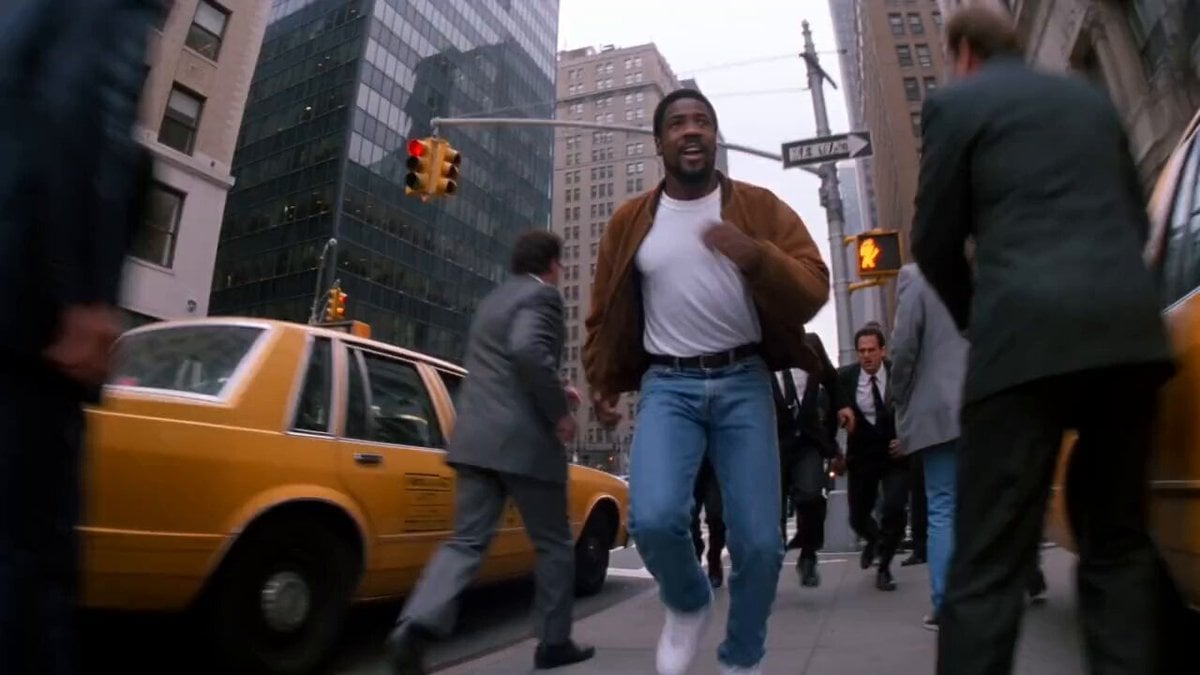
90s Hong Kong Action Comedy Chase
Gouache Concept Art Animation

Retro Reality TV Kids Obstacle Course
Browse template categories
Sleep Paralysis Witch Horror Sequence questions
How do I use the Sleep Paralysis Witch Horror Sequence template?
Add your photo if the template asks for one, edit the prompt if you like — the template's model and format are already selected — and press Generate. Your version opens in PicX Studio.
Can I customize the Sleep Paralysis Witch Horror Sequence template?
Yes. You can change the subject, setting, lighting, mood, format, and available model controls before creating your video.
Is the Sleep Paralysis Witch Horror Sequence template free?
Opening and editing this template is free. Generating uses credits, shown on the Generate button when you are signed in.
Which AI model should I use?
Start with Seedance 2.0, which is the model associated with this template. You can compare another compatible model for a different finish.
Looking for something else? Browse all templates.

Your photo, any look
Thousands of ready templates for every top image and video model, from one credit balance.