
Daily Routine
Daily Routine is a ready video look.
- Prompt included
- Model and format preset
- Free template
The prompt behind this video
Copy the exact prompt behind Daily Routine, or open it in the studio and make it yours.
FORMAT: 15s / 145 BPM / 15 SHOTS / beat-synced routine SUBJECT: @[image1]. WARDROBE: Sleep tee and lounge shorts at home. Tailored jacket, fitted top, trousers, and lace-up shoes outside. ENVIRONMENT: Tiny apartment, bright fridge glow, rain-dusted hallway, chrome metro, clean office, then a bedroom in cool window light. Everything feels glossy and lived-in. MOOD: Late-for-work panic, clipped momentum, breathless urgency, then an exhausted exhale. MUSIC: Fast percussive electro-pop COLOR LOGIC: Hyperreal Pop Look STYLE: Ultra-Realistic. LOGIC RULE: Keep logical consistency in wardrobe, props, locations, and action continuity across all shots. SHOT 1: ECU, 85mm push-in / 06:50 on the phone screen as it shakes on rumpled sheets. / SFX: alarm, sheet rustle. SHOT 2: WS, 35mm handheld jolt / Rhythmic cut into her jolting upright through side light, throwing the blanket aside, and planting her feet on the floor in one rushed motion, still in a soft sleep tee and lounge shorts. / SFX: mattress bounce, blanket whip, sharp breath. SHOT 3: MCU, 50mm slide / Cut on action into face wash at the sink, droplets catching the top light. / SFX: faucet rush, water slap. SHOT 4: Insert shot, 85mm rack focus / Match cut into the toothbrush held at a natural forward brushing angle against the front teeth, hand relaxed and upright, mint foam and mirror eye. / SFX: bristle scrape, sink drip. SHOT 5: Interior fridge view, 24mm wide / Object pass into the camera inside the fridge looking out as the door snaps open and her hand darts in, blue fridge light framing a hurried grab for breakfast ingredients. / SFX: fridge hum, bottle clink, shelf rattle. SHOT 6: Insert shot, 50mm handheld / Rhythmic cut into eggs and toast hitting the pan under warm practical light. / SFX: butter sizzle, chop tap. SHOT 7: MCU, centered 50mm push-in / Match cut into one rushed bite, a quick clock glance, and an immediate rise from the chair. / SFX: crunch, ceramic clink, chair scrape. SHOT 8: Bird's-eye insert, 35mm overhead / Cut on action into striped socks snapping on. / SFX: fabric stretch, heel tap. SHOT 9: MS, 35mm pivot / Camera wipe into a rushed outfit change as the sleep tee disappears under a fitted top and tailored jacket, then her tote, keys, and transit card get scooped up in one messy grab. / SFX: fabric whip, key jingle, zipper pull, bag rustle. SHOT 10: Insert shot, 50mm overhead / Match cut into lace-up shoes slamming on as the laces yank tight in one impatient pull. / SFX: sole thump, lace tug, short breath. SHOT 11: WS, 24mm parallax / Whip pan transition into her, now in the tailored outside outfit, rushing through the apartment door into corridor light without breaking stride. / SFX: latch click, rapid footsteps, hallway air. SHOT 12: MS to CU, 35mm glide into 85mm push-in / Sound bridge into the metro car interior only as she grips the pole, shifts with the carriage sway, checks the passing station lights, and snaps a tense glance toward the closing doors, reflected chrome streaking around her and the city smearing outside the window. / SFX: rail clatter, carriage screech, door warning chime, tight breath. SHOT 13: Insert to MCU, 50mm snap zoom / Smash cut to the office entrance as her access card hits the reader, the glass door unlocks, and she slips through fast before the chair roll and laptop open. / SFX: badge beep, door click, laptop chime. SHOT 14: OTS, 35mm handheld / Rhythmic cut into fingers racing across keys, chat windows blinking, coffee by the trackpad, and notifications stacking faster than she clears them. / SFX: keyboard burst, notification ticks, mouse click. SHOT 15: WS, 50mm pull-out / L-cut with a match from laptop close to apartment re-entry as the jacket drops, work clothes peel away, and she changes back into sleepwear before collapsing into bed in the opening frame shape. / SFX: door shut, bag drop, fabric rustle, blanket rustle, room tone.
How to use Daily Routine in 3 steps
- 1Upload ImagePNG, JPG or paste
Add your photo
Upload the photo the template builds on. The prompt, model and format are already set.
- 2…a portrait of your subject in softgolden-hour light, 85mm…
Personalize
Edit the subject and creative details for your destination.
- 3Generate
Generate
Press Generate — your video is created in PicX Studio, so you can compare it with the original and refine one variable at a time.
More like this
Templates with the same subject, style or setup. Open one to see its prompt.

Realistic Morning Routine Lifestyle Vlog - Seedance 2.5
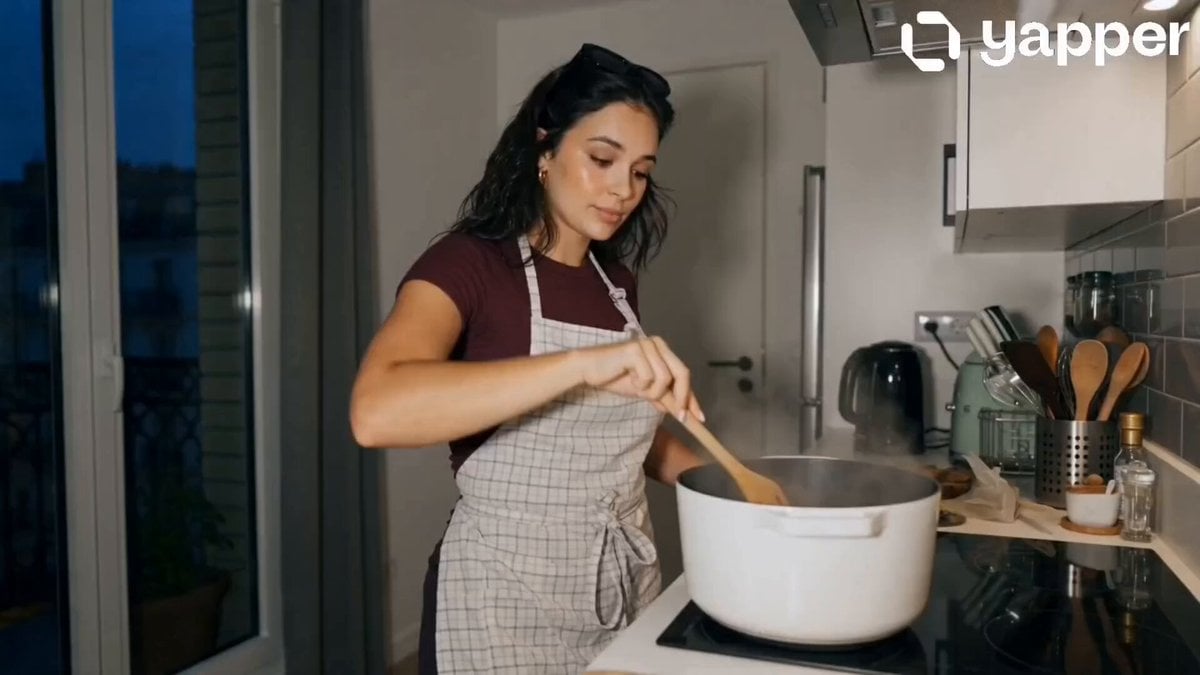
Peaceful Daily Routine Narrative Prompt

Stylish Orange Cat Daily Routine
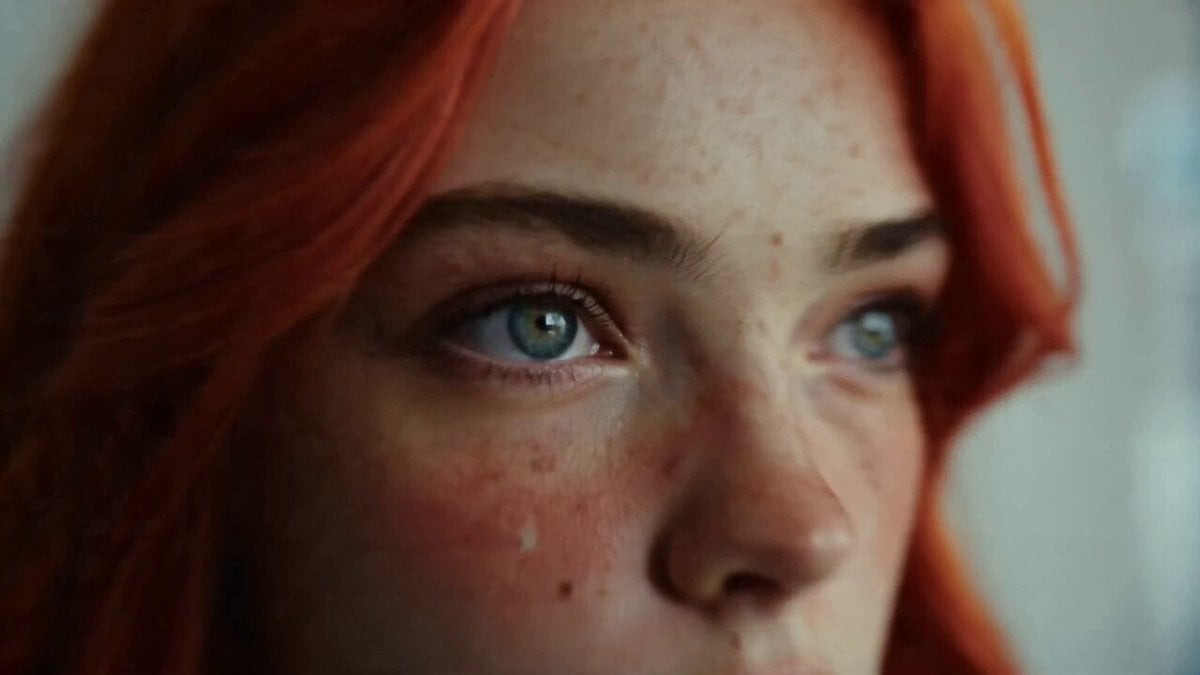
Daily Routine 15-Cut Sequence Prompt
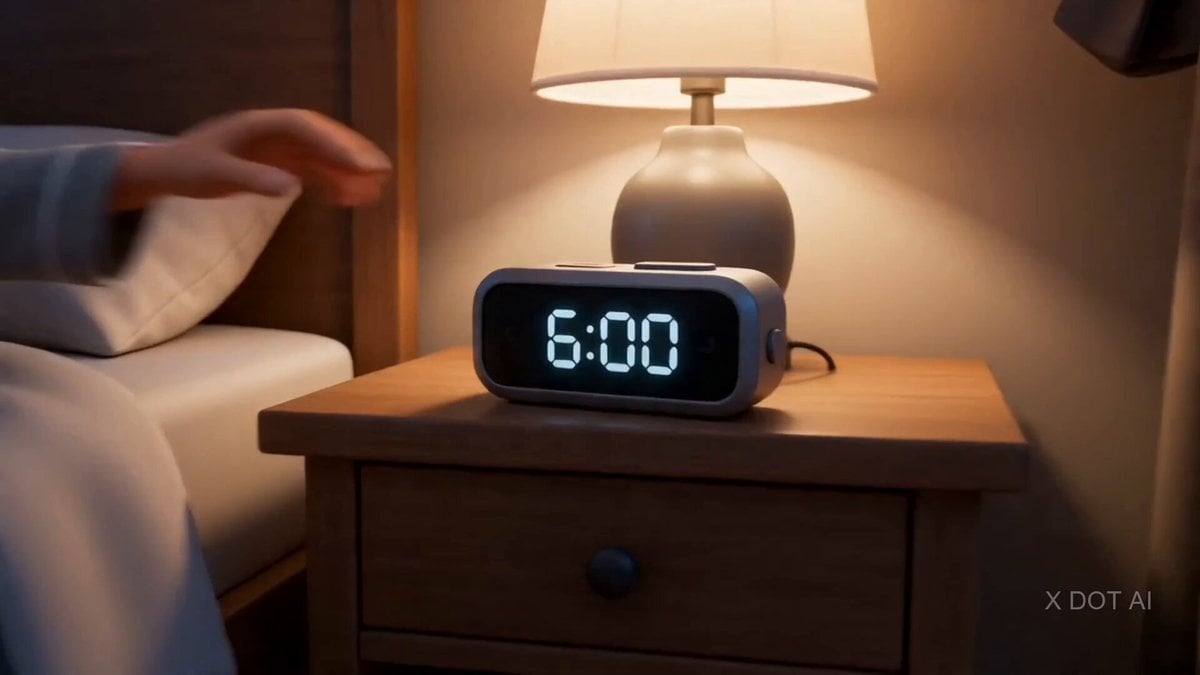
Daily Routine Split-Screen Comparison
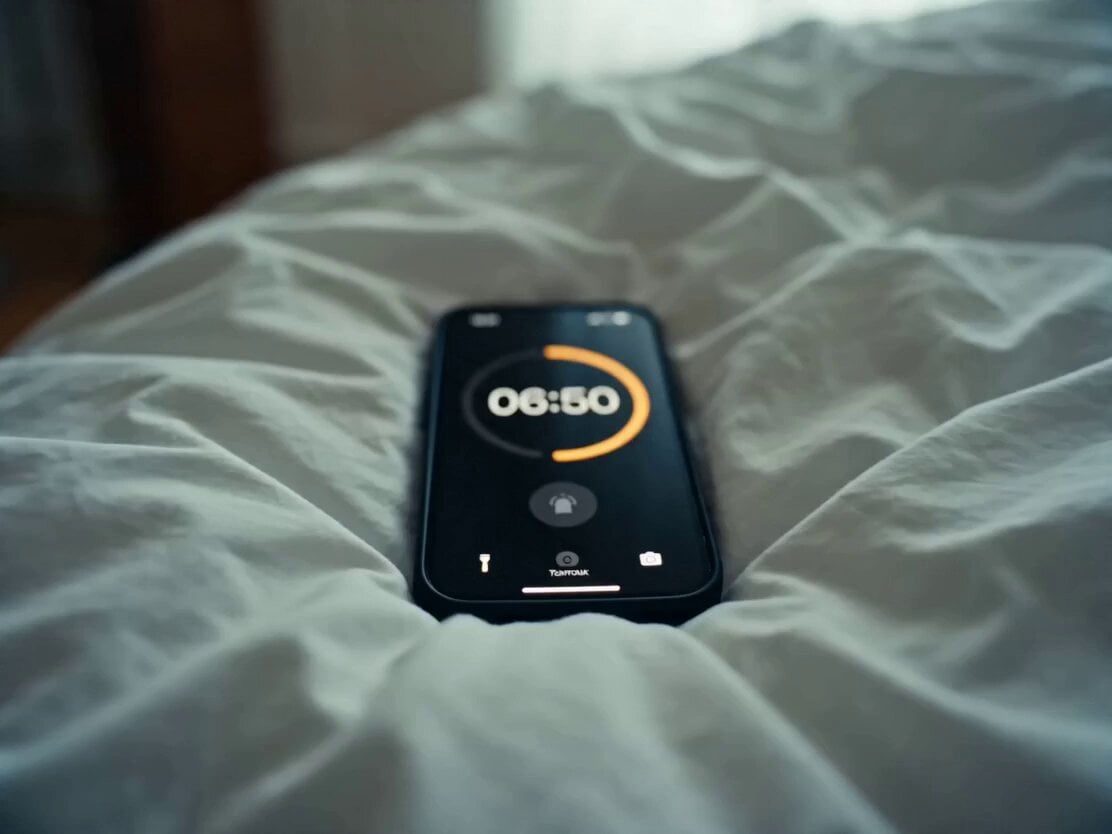
Daily Routine Multi-Shot Sequence
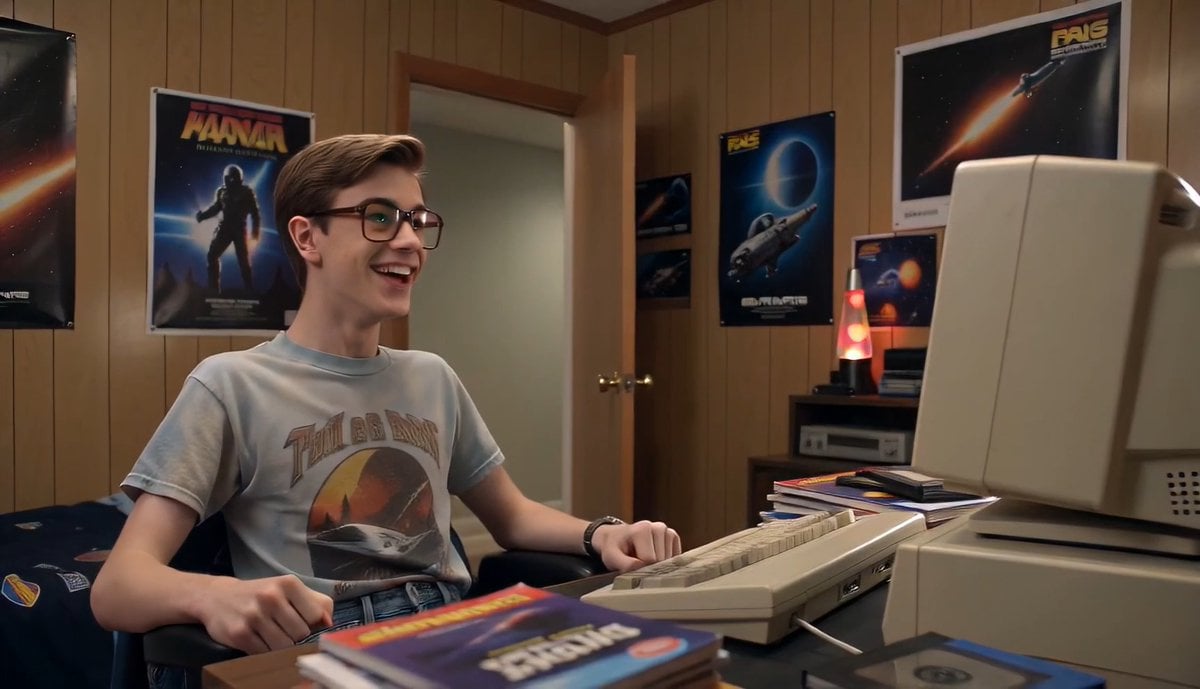
80s Computer Nerd Daily Life
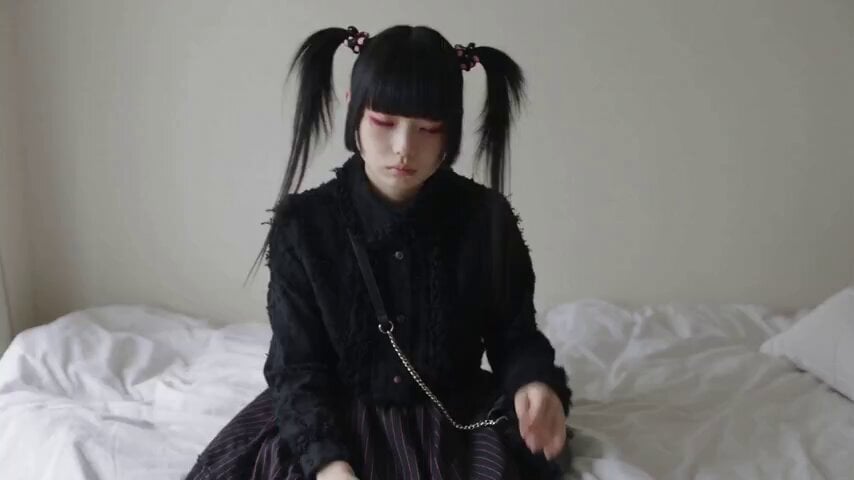
Jirai-kei Girl Daily Life Documentary
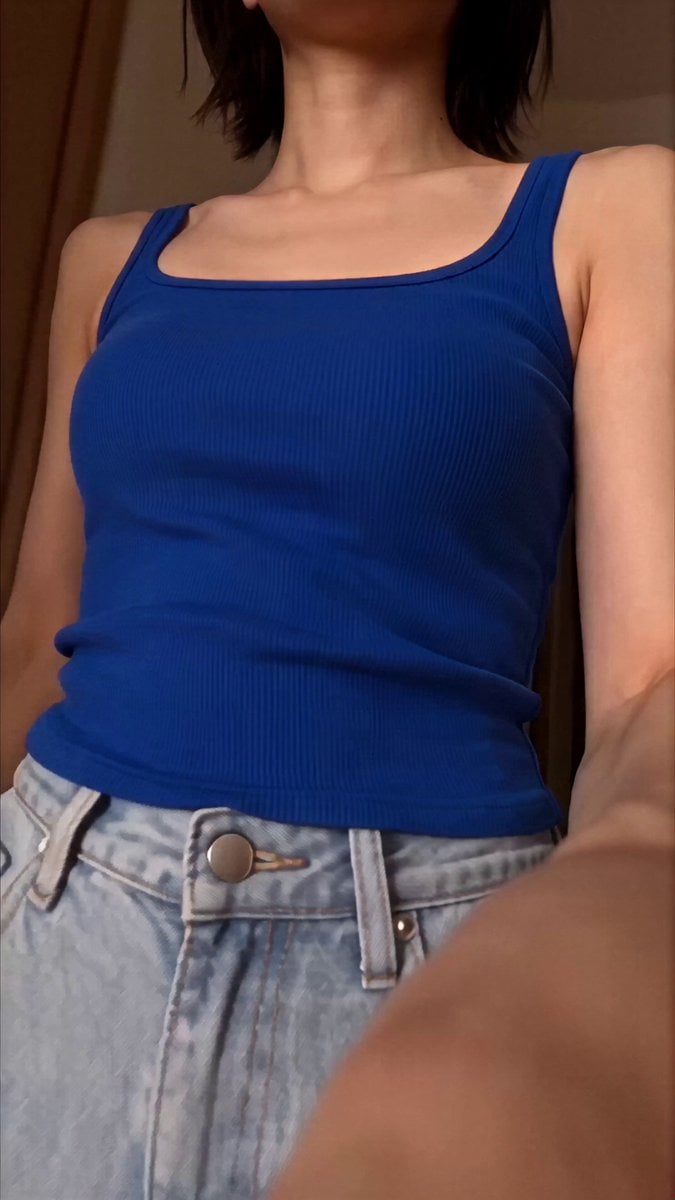
Japanese Woman Daily Selfie Vlog Prompt
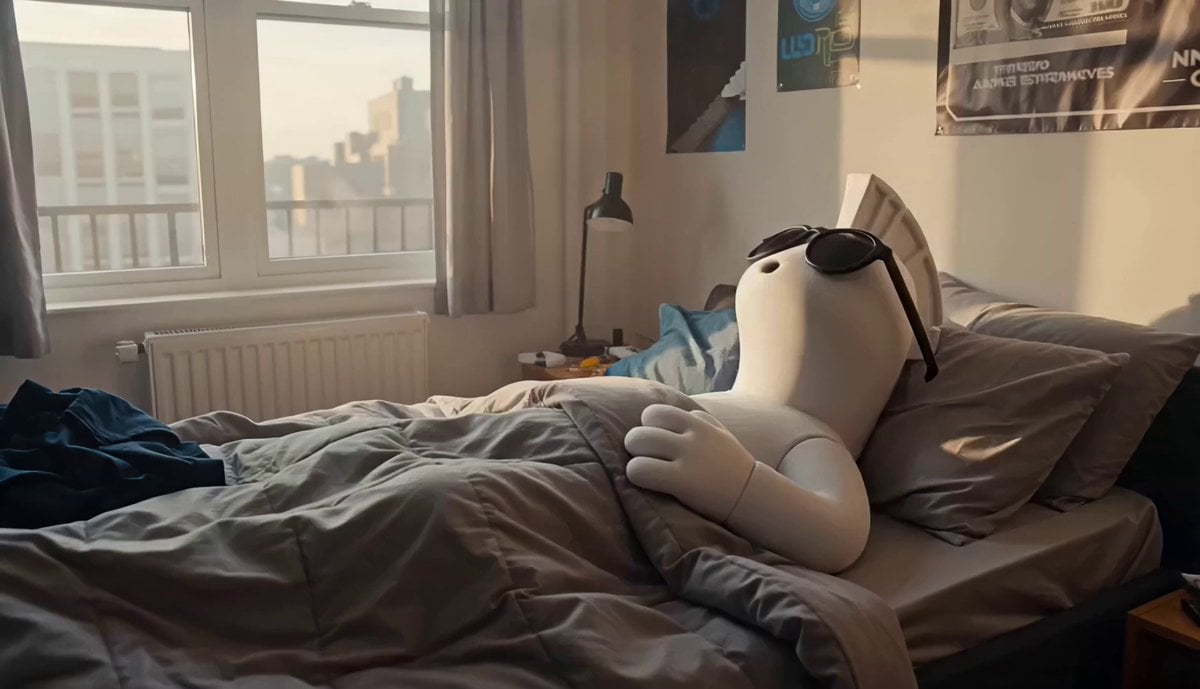
Crypto Creator Daily Vlog Mascot Animation
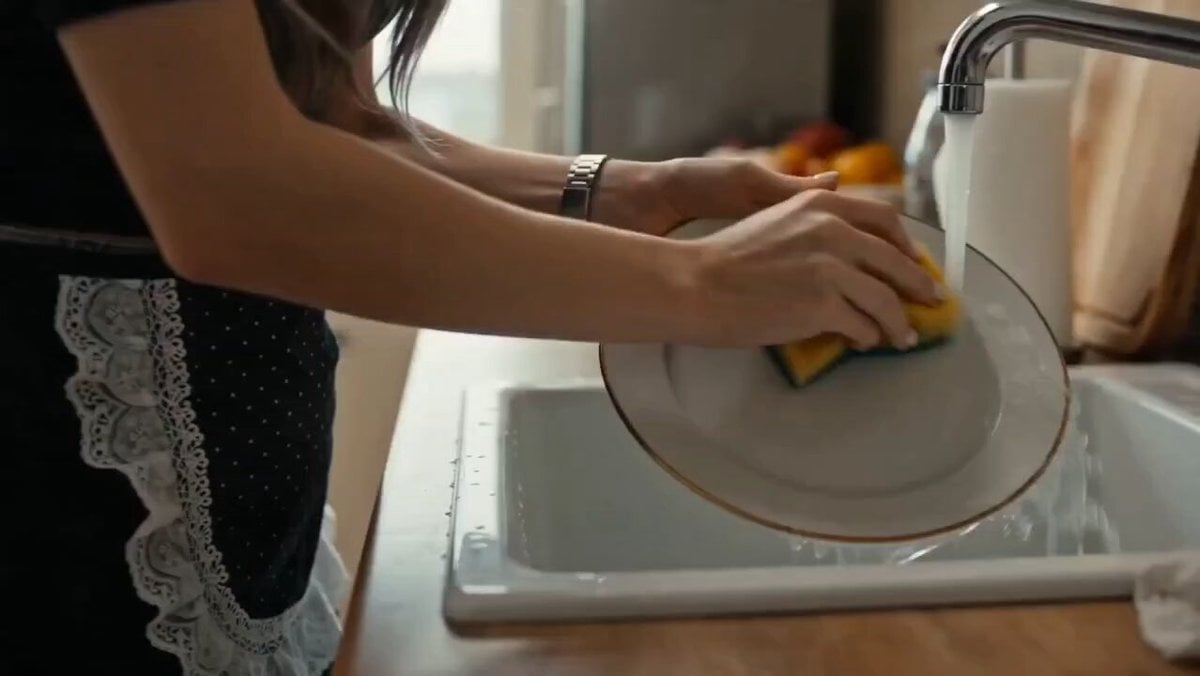
Emotional Housewife Daily Chores Cinematic Short

3D Animated Cat Daily Vlog
Make it yours
Daily Routine works as-is. These are the safest ways to change it without losing the look.
Change one field
Copy a single group, rewrite it, and generate again so you can see what that field is doing.
Keep the frame, change the subject
Hold the composition and light of Daily Routine, then swap wardrobe, props or the person for a new take.
| If the result… | Why | Fix |
|---|---|---|
| The result drifts from the preview | Too many fields changed at once. | Reuse Daily Routine as-is first, then change one group — subject, light, or setting. |
| The model over-stylizes the scene | The prose prompt leaves finish and camera underspecified. | Add one camera or lighting sentence and stay on PicX Studio. |
More video prompts
Fresh picks from across the catalog.
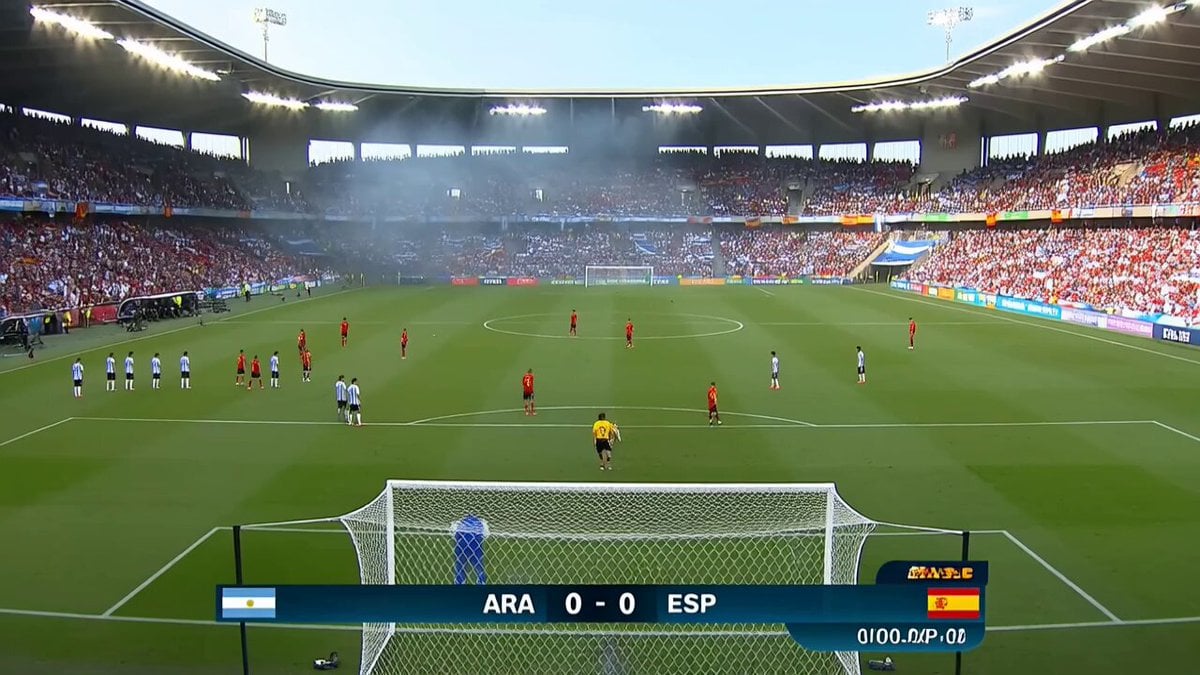
Viral Football Match Comedy Broadcast

Glacial Martial Arts Duel

Dancing Kittens in Mittens

Sci-Fi Soldier Transformation VFX
Fashion Magazine Cover Shoot Sequence
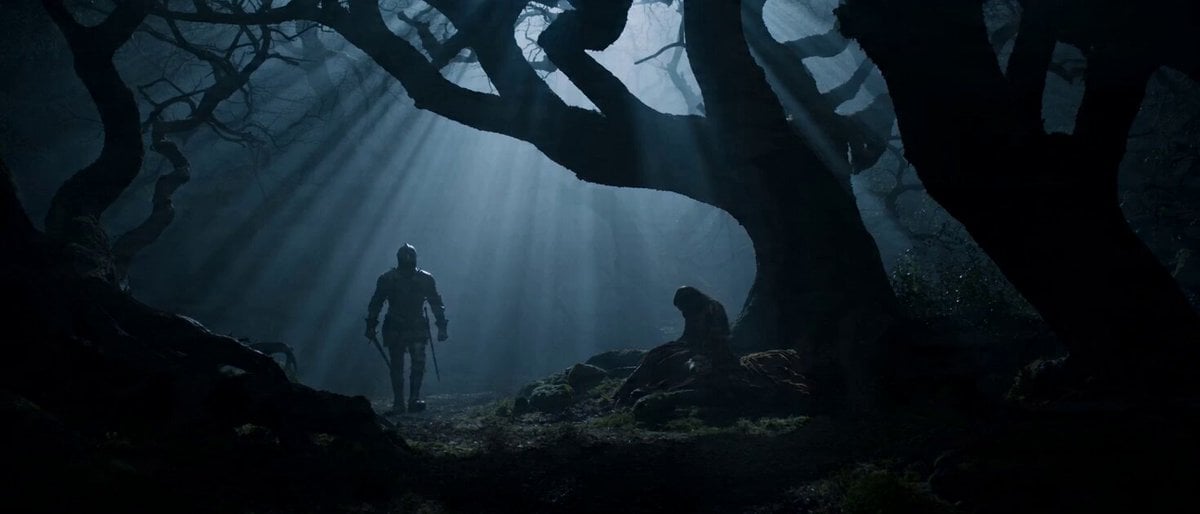
Seedance 2.0 Prompt: Dark Fantasy Action Horror

Hyper-realistic radio studio zoom-in prompt
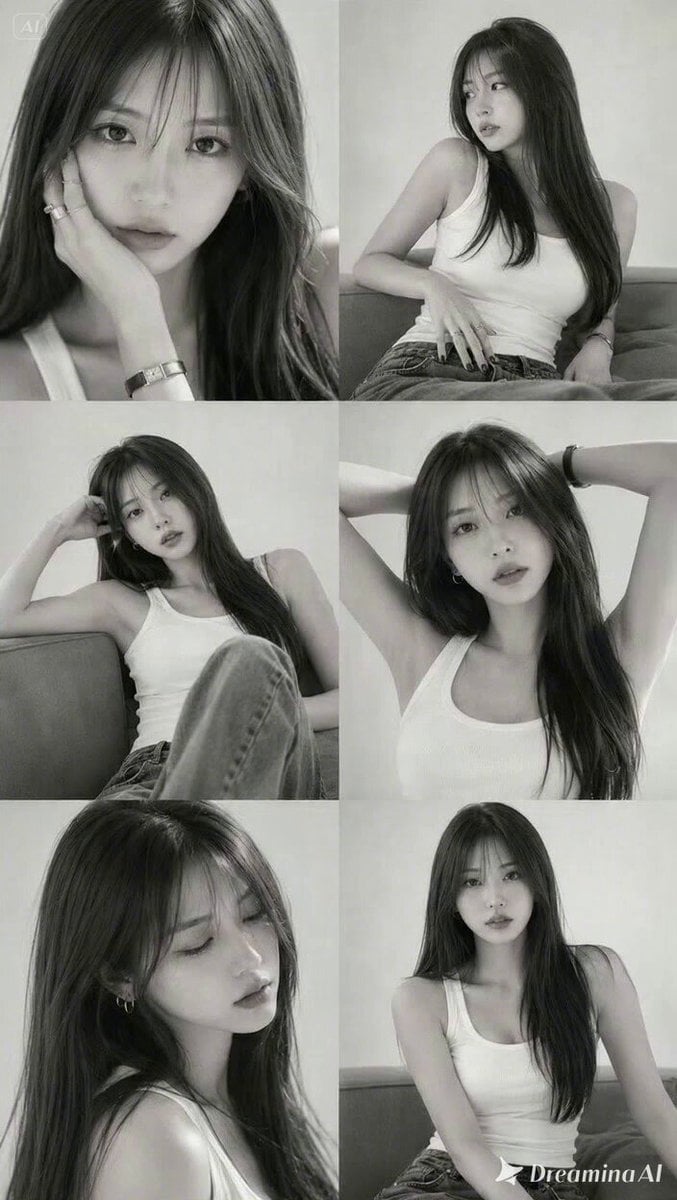
Korean Beauty Editorial Animation
AAA Game Trailer Style Futuristic Neon City Video Prompt

Immersive FPV Surreal Flying Perspective
Browse template categories
Daily Routine questions
How do I use the Daily Routine template?
Add your photo if the template asks for one, edit the prompt if you like — the template's model and format are already selected — and press Generate. Your version opens in PicX Studio.
Can I customize the Daily Routine template?
Yes. You can change the subject, setting, lighting, mood, format, and available model controls before creating your video.
Is the Daily Routine template free?
Opening and editing this template is free. Generating uses credits, shown on the Generate button when you are signed in.
Which AI model should I use?
Choose a compatible model in PicX Studio based on the style, speed, and output controls your project needs.
Looking for something else? Browse all templates.

Your photo, any look
Thousands of ready templates for every top image and video model, from one credit balance.