
Fashion Magazine Cover Shoot Sequence
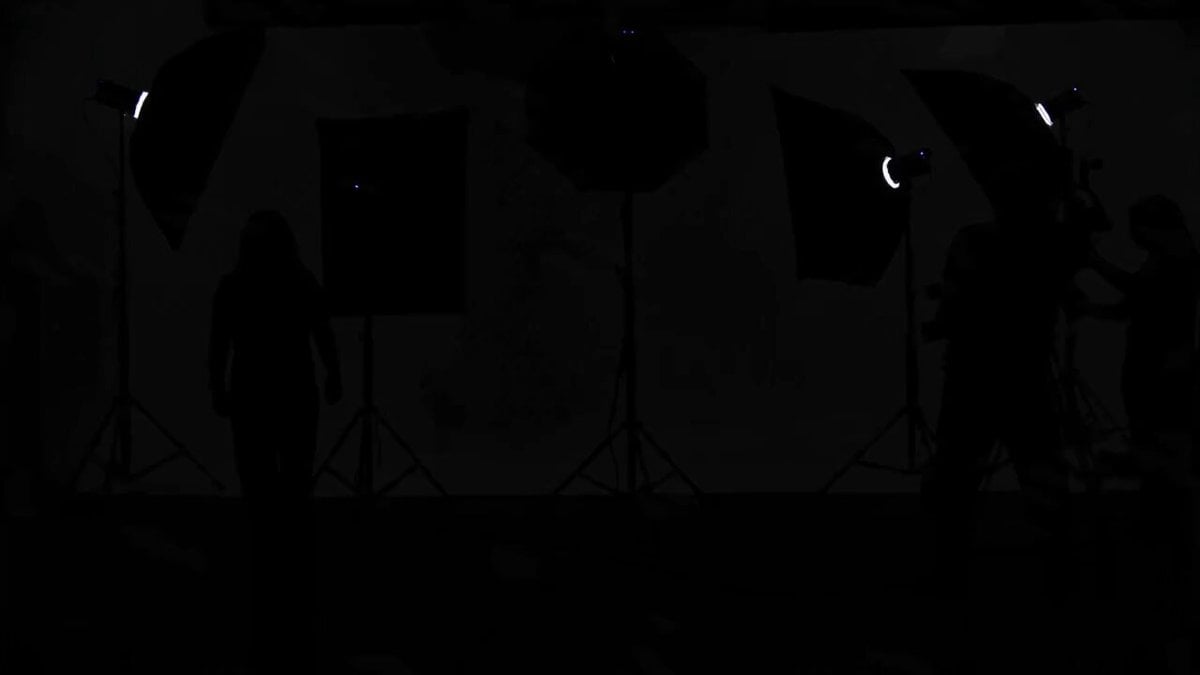
A comprehensive sequence breakdown for an editorial fashion video, transitioning from a studio entrance to a final magazine cover hero shot.
- Prompt included
- Model and format preset
- Free template
The prompt behind this video
Copy the exact prompt behind Fashion Magazine Cover Shoot Sequence, or open it in the studio and make it yours.
0:00–0:03 | Studio Entrance Bright studio lights power on one by one. Flash bulbs begin firing as she confidently walks onto the seamless white set. Assistants quickly adjust her blazer while the photographer raises the camera. Fast whip-pan transitions build anticipation. 0:03–0:07 | Editorial Pose Sequence Rapid-fire fashion poses with every camera flash: Hands in blazer pockets Looking over her shoulder Sitting elegantly on a director's chair Chin slightly raised with direct eye contact Walking toward the camera like a runway model Each pose lasts less than a second, synchronized with loud camera shutter sounds and white flash transitions. 0:07–0:11 | Cover Moment The background transforms between minimalist white, bold black, metallic silver, and deep crimson using seamless match cuts. Wind machines lift her hair as she confidently changes poses without breaking eye contact. The camera alternates between ultra-wide fashion shots and intimate beauty close-ups. 0:11–0:15 | Final Cover Shot The music briefly slows. She takes one final powerful pose, staring directly into the lens with complete confidence. The camera slowly pushes into an extreme beauty close-up as multiple flashes fire in rapid succession. The frame freezes exactly like a luxury magazine cover, with elegant editorial typography appearing around her before cutting to black on the final beat.
How to use Fashion Magazine Cover Shoot Sequence in 3 steps
- 1
Open
The prompt is already in the box next to the preview, with the template's model and format selected.
- 2…a portrait of your subject in softgolden-hour light, 85mm…
Personalize
Edit the subject and creative details for your destination.
- 3Generate
Generate
Press Generate — your video is created in PicX Studio, so you can compare it with the original and refine one variable at a time.
More like this
Templates with the same subject, style or setup. Open one to see its prompt.
Ancient Alien Machine Discovery Sequence
Taj Mahal Fashion Shoot
Sword Array Lighting Fashion Shoot

Sneaker Product Commercial

Cinematic Short Film Scene

Luxury Lifestyle Day Vlog
Japanese Temple Discovery Sequence
Fashion Aesthetic Transformation Sequence
Living Magazine Cover Animation
Fashion Sequence with Multiple Outfits and Effects
Beat-Driven Fashion Transformation Sequence
Luxury Handbag Commercial — Hollywood VFX Ad
Make it yours
Fashion Magazine Cover Shoot Sequence works as-is. These are the safest ways to change it without losing the look.
Change one field
Copy a single group, rewrite it, and generate again so you can see what that field is doing.
Keep the frame, change the subject
Hold the composition and light of Fashion Magazine Cover Shoot Sequence, then swap wardrobe, props or the person for a new take.
| If the result… | Why | Fix |
|---|---|---|
| The result drifts from the preview | Too many fields changed at once. | Reuse Fashion Magazine Cover Shoot Sequence as-is first, then change one group — subject, light, or setting. |
| The model over-stylizes the scene | The prose prompt leaves finish and camera underspecified. | Add one camera or lighting sentence and stay on Seedance 2.0. |
More Seedance 2.0 templates
Other prompts made for Seedance 2.0.

Comical Martial Arts Punch Scene

Wuxia Protection and Trust Script

Vintage Korean Arcade MiniDV Vlog

Mercedes 190 SL Luxury Ad

Rainy Night Supernatural Reverse Comedy Video Script

Amazon Civilization Discovery

Futuristic South Asian City Transformation

Cozy Luxury Cafe Commercial

Cyber Ronin Nanotech Transformation Video

Desert Courier and Sandstorm Leviathan Chase
More video prompts
Fresh picks from across the catalog.
Bank Heist Escape Thriller
Traditional Tea Master Pixar Animation
Train Chase Cinematic Sequence
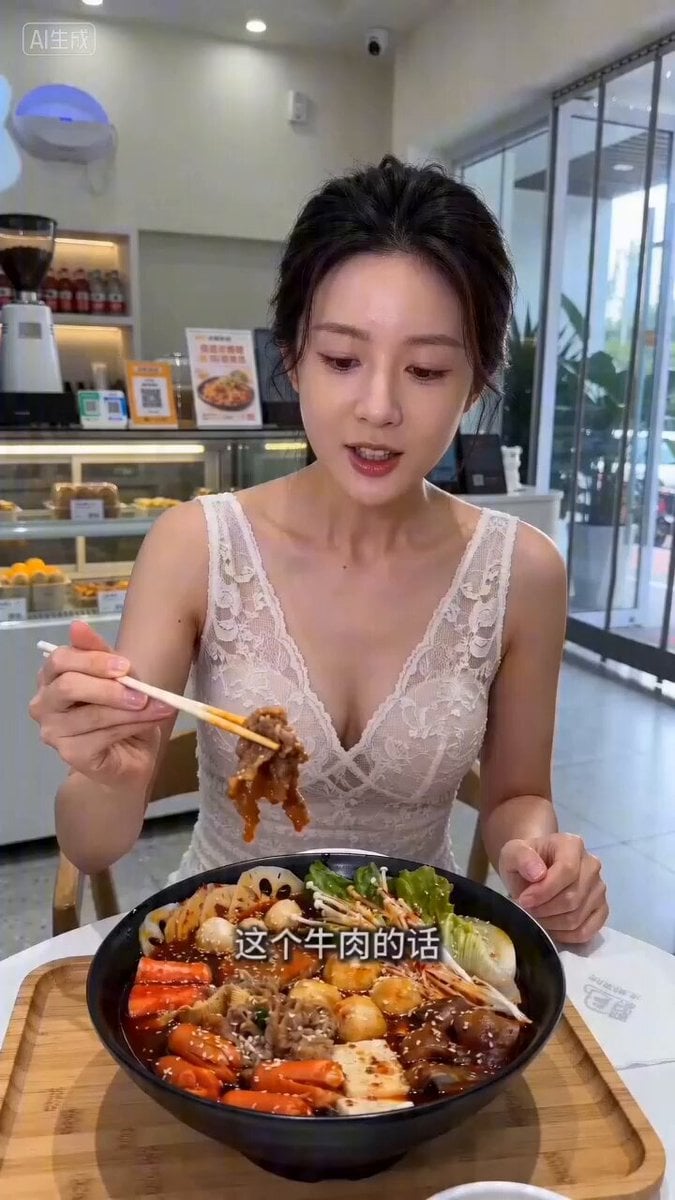
Livestream Selling Video Prompt (Mala Tang)
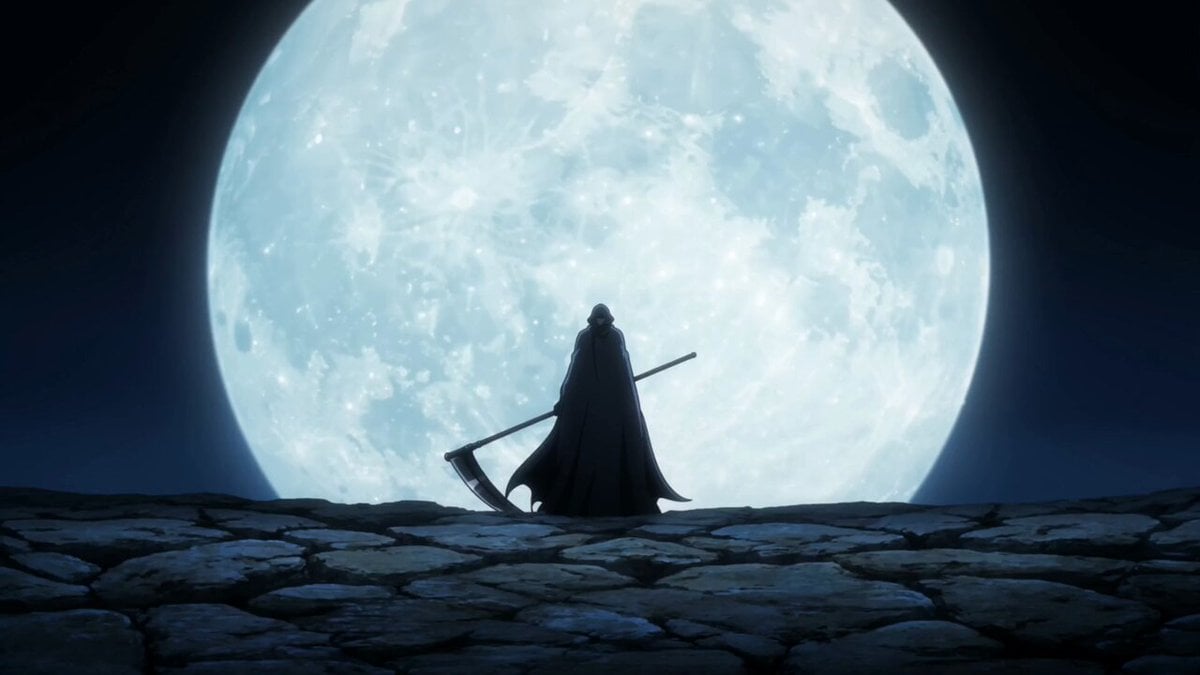
Anime grim reaper cinematic timeline
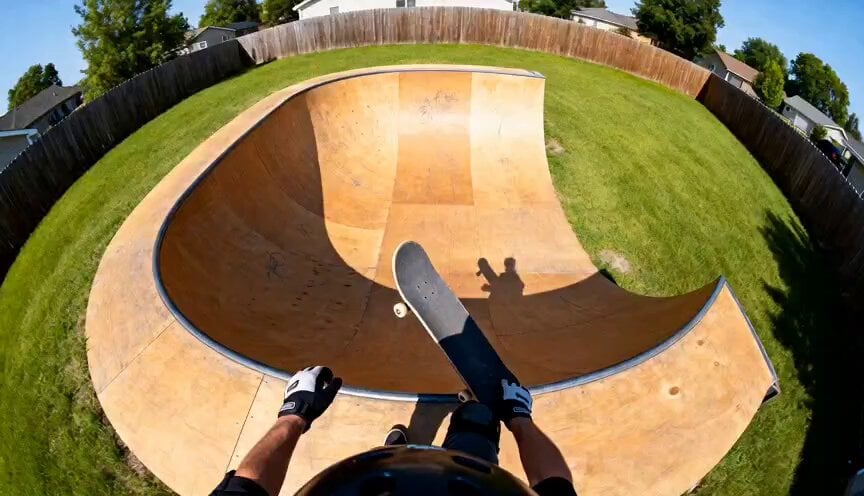
POV Skateboard Half-Pipe Action
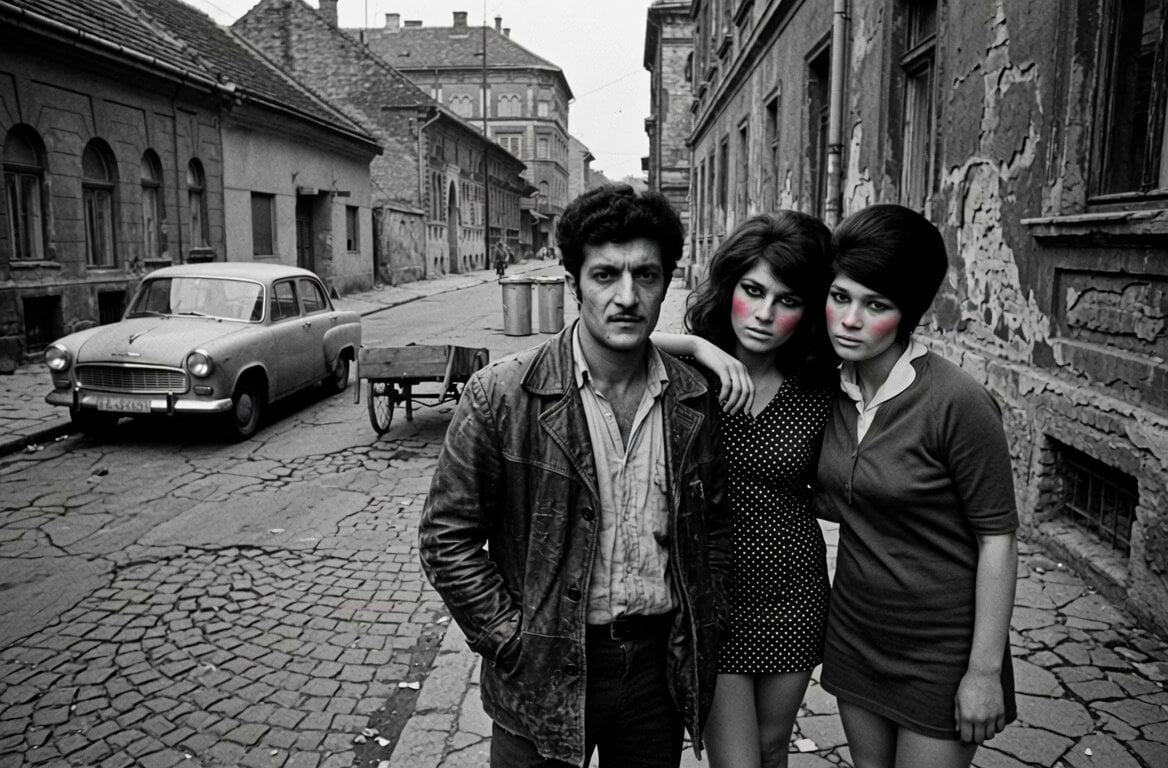
Speaking Romani Man Video
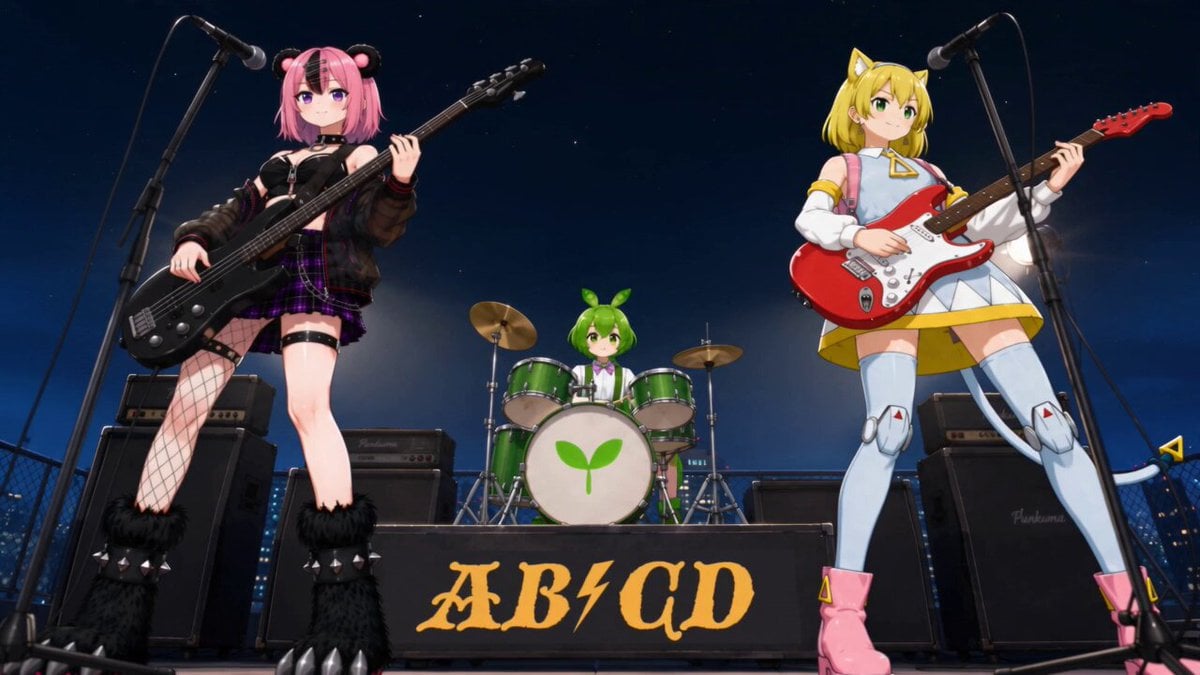
Heavy Metal Anime Music Video
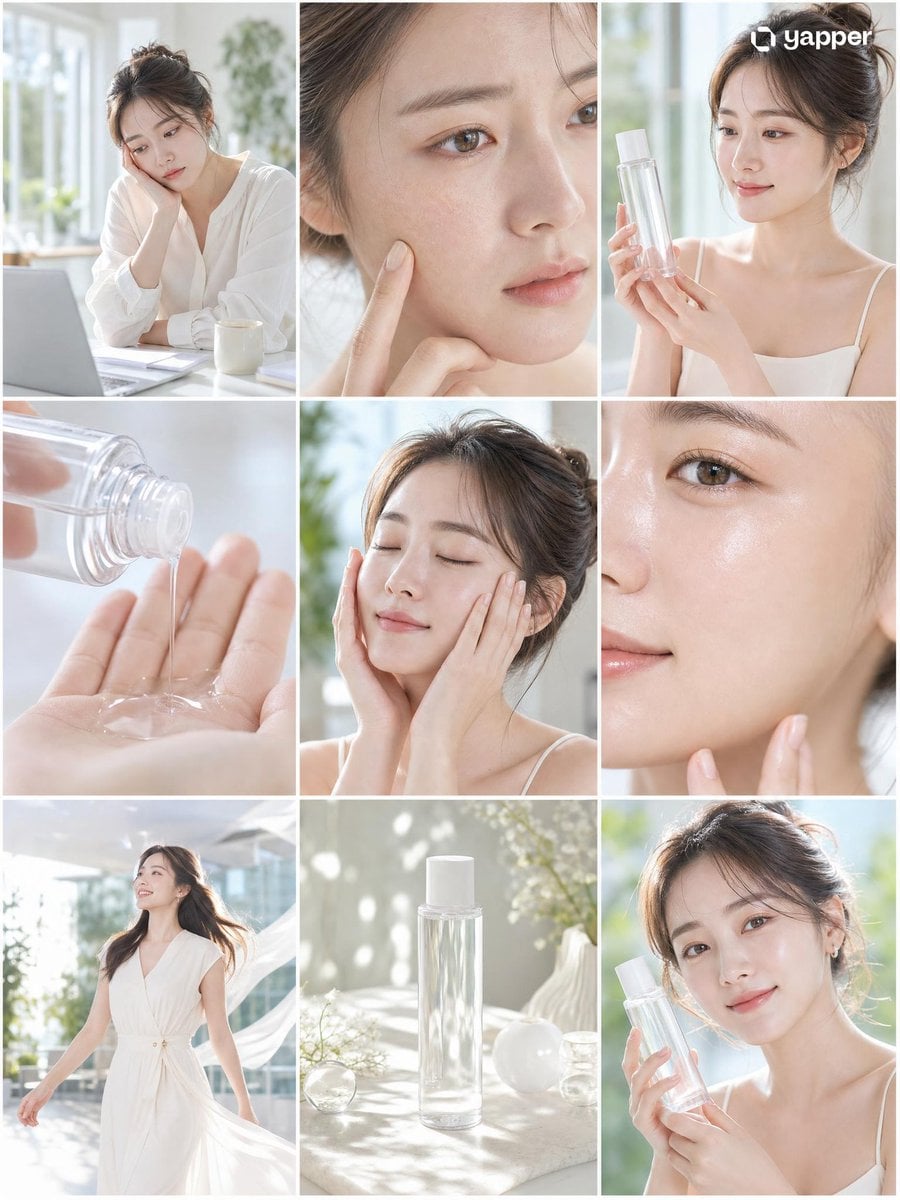
Skincare Commercial Storyboard

Warrior and Lion Courage Scene
Browse template categories
Fashion Magazine Cover Shoot Sequence questions
How do I use the Fashion Magazine Cover Shoot Sequence template?
Add your photo if the template asks for one, edit the prompt if you like — the template's model and format are already selected — and press Generate. Your version opens in PicX Studio.
Can I customize the Fashion Magazine Cover Shoot Sequence template?
Yes. You can change the subject, setting, lighting, mood, format, and available model controls before creating your video.
Is the Fashion Magazine Cover Shoot Sequence template free?
Opening and editing this template is free. Generating uses credits, shown on the Generate button when you are signed in.
Which AI model should I use?
Start with Seedance 2.0, which is the model associated with this template. You can compare another compatible model for a different finish.
Looking for something else? Browse all templates.

Your photo, any look
Thousands of ready templates for every top image and video model, from one credit balance.