
Anime grim reaper cinematic timeline
A structured timeline prompt for a 15-second anime-style sequence featuring a grim reaper under a full moon with dynamic lighting and shadow effects.
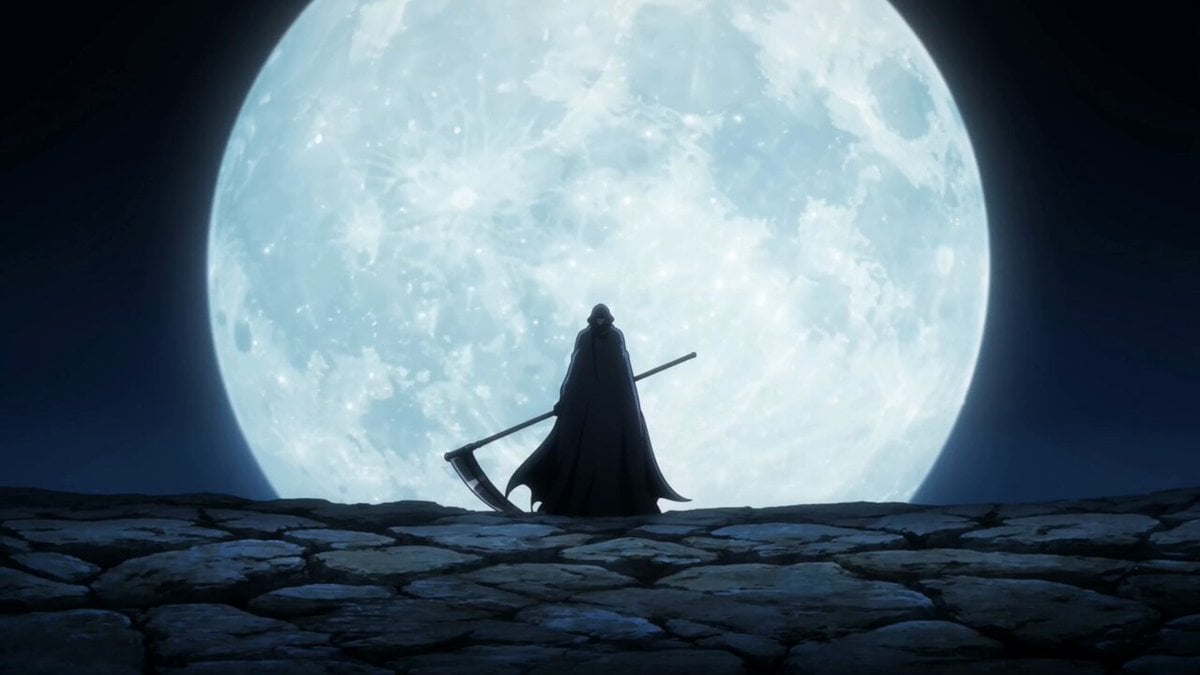
- Prompt included
- Model and format preset
- Premium template
The prompt behind this video
Copy the exact prompt behind Anime grim reaper cinematic timeline, or open it in the studio and make it yours.
0-3s: Wide anime-style establishing shot. A dark landscape under a massive glowing full moon. A grim reaper stands centered, cloaked in black with long flowing fabric. Wind moves the cloak gently. Ambient sound: low wind, distant echo. 3-6s: Camera slowly pushes in. Shadows begin to gather around the reaper’s feet, creeping like smoke. The reaper grips its scythe and begins to lift it. Subtle metallic sound as the weapon moves. 6-10s: Mid shot. The scythe is raised fully. Dark energy pulses outward in waves, distorting the air. The cloak whips more violently. Camera slightly orbits to create dynamic motion. Background sound builds with deep bass and whispering tones. 10-13s: Close-up shot under the hood. Two glowing eyes ignite in the darkness. Sudden burst of shadow particles expands outward. Camera shakes slightly for impact. 13-15s: Energy explosion peaks. Shadows flood the screen, engulfing everything. Audio hits a deep cinematic boom. Fade to black.
How to use Anime grim reaper cinematic timeline in 3 steps
- 1
Open
The prompt is already in the box next to the preview, with the template's model and format selected.
- 2…a portrait of your subject in softgolden-hour light, 85mm…
Personalize
Edit the subject and creative details for your destination.
- 3Generate
Generate
Press Generate — your video is created in PicX Studio, so you can compare it with the original and refine one variable at a time.
More like this
Templates with the same subject, style or setup. Open one to see its prompt.
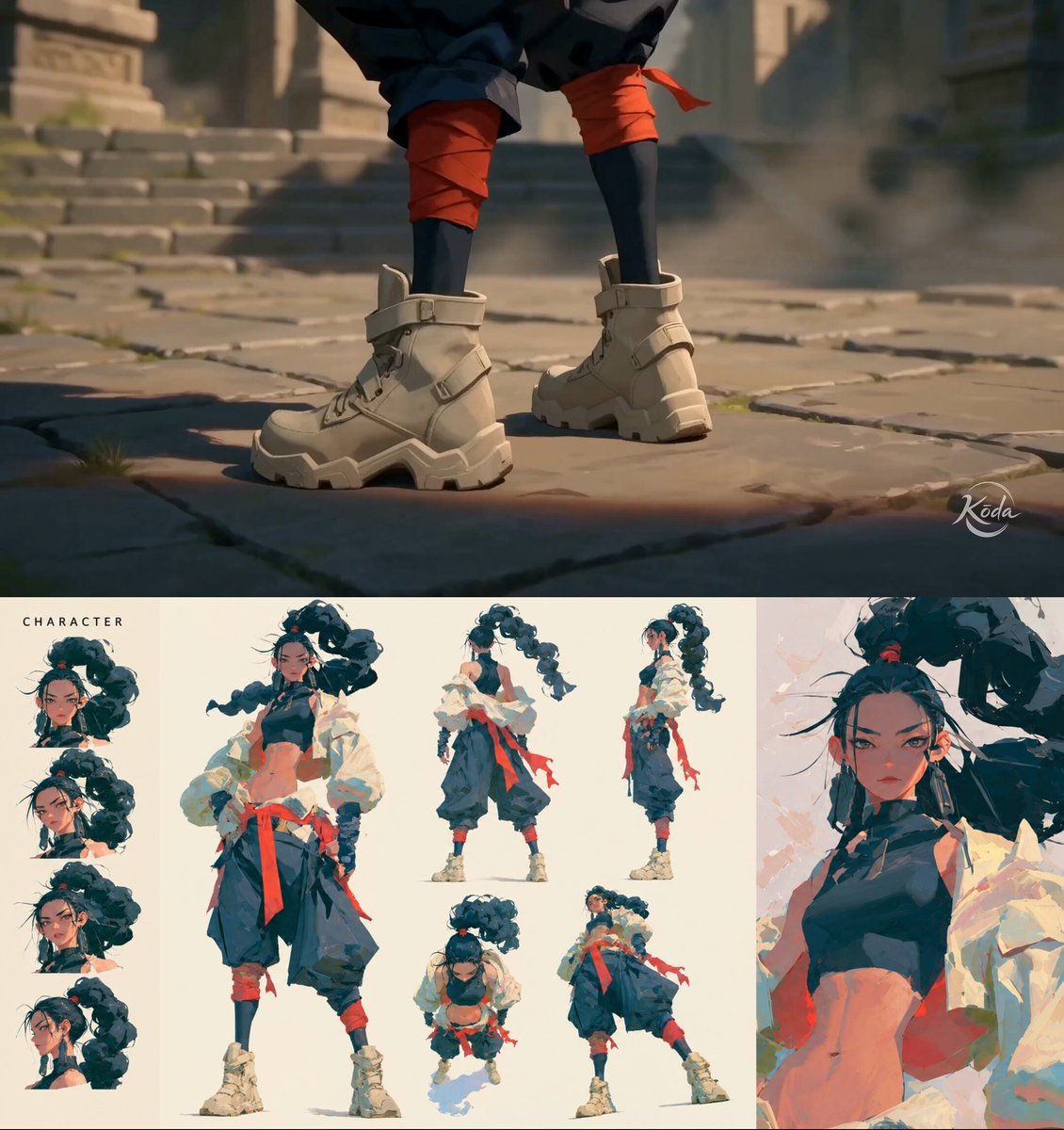
MiniMax H3 Character Introduction
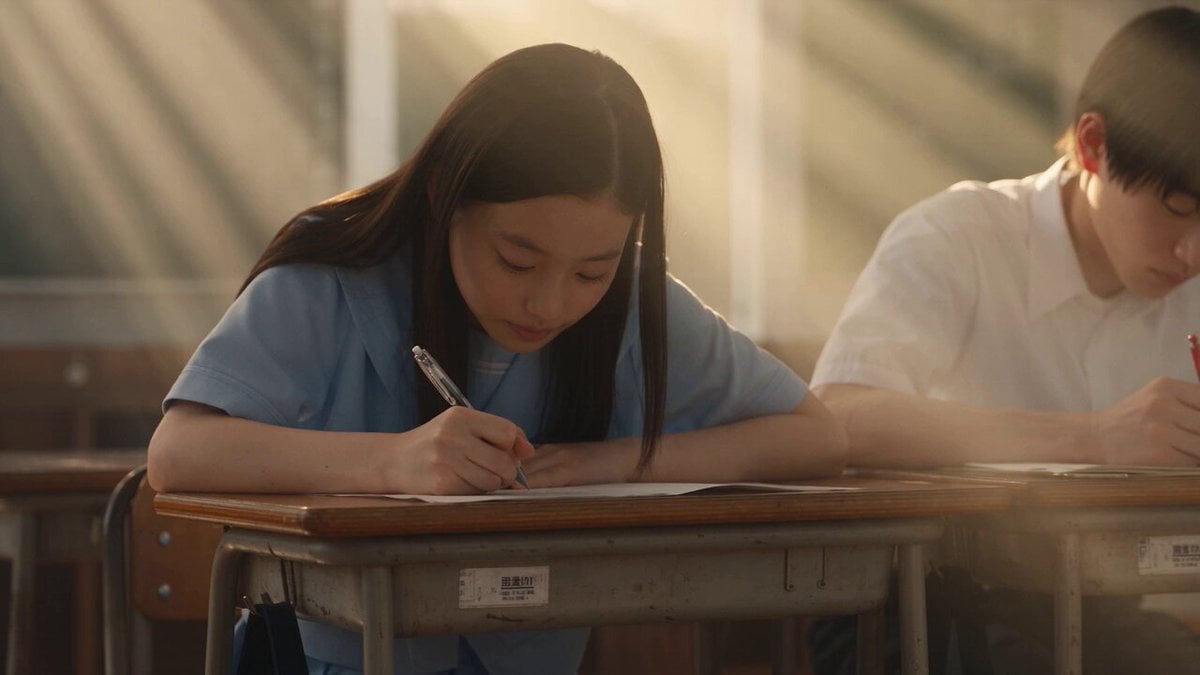
Japanese Pure Love Short Film

Studio Ghibli Dumpling Kitchen Cooking Scene
Mecha Transformation vs Kaiju — 4-Scene Epic
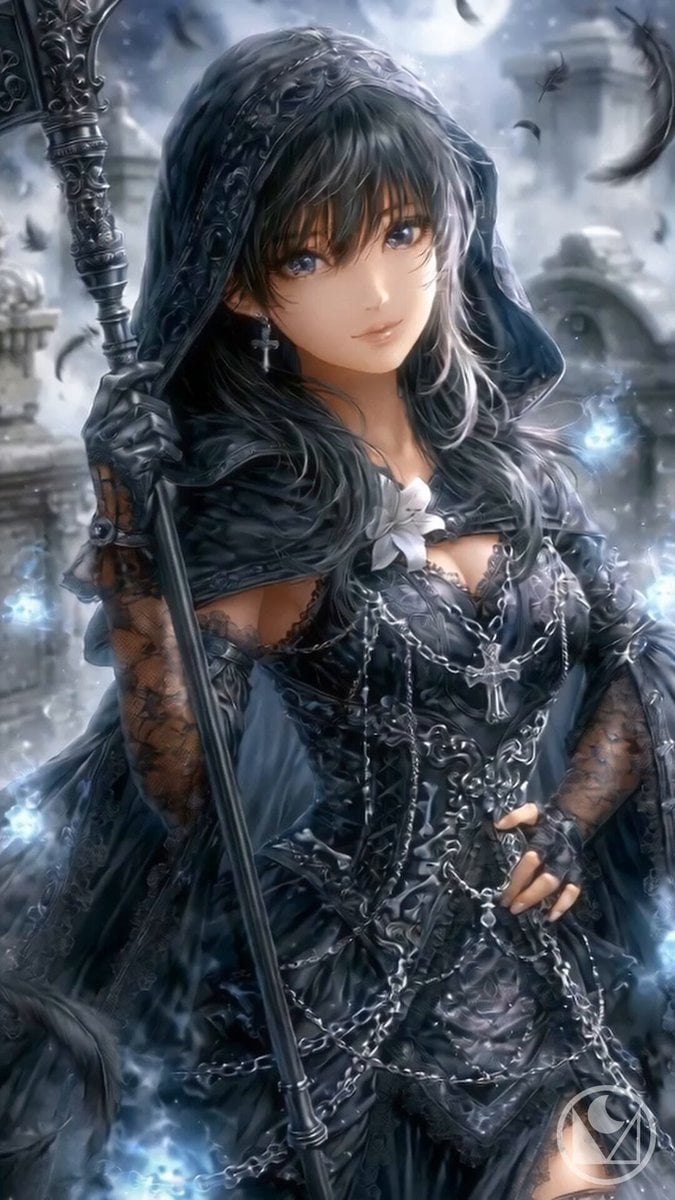
Gothic Reaper Battle Animation
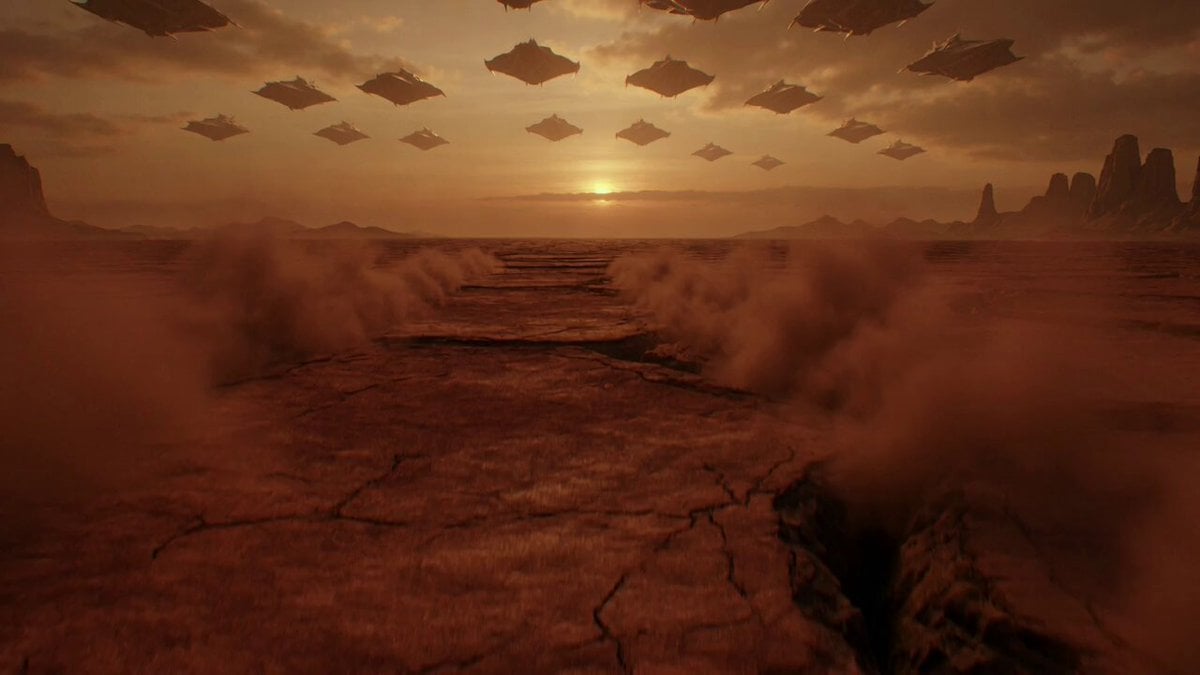
Reaper Horn Echoes Across a Desolate Planet
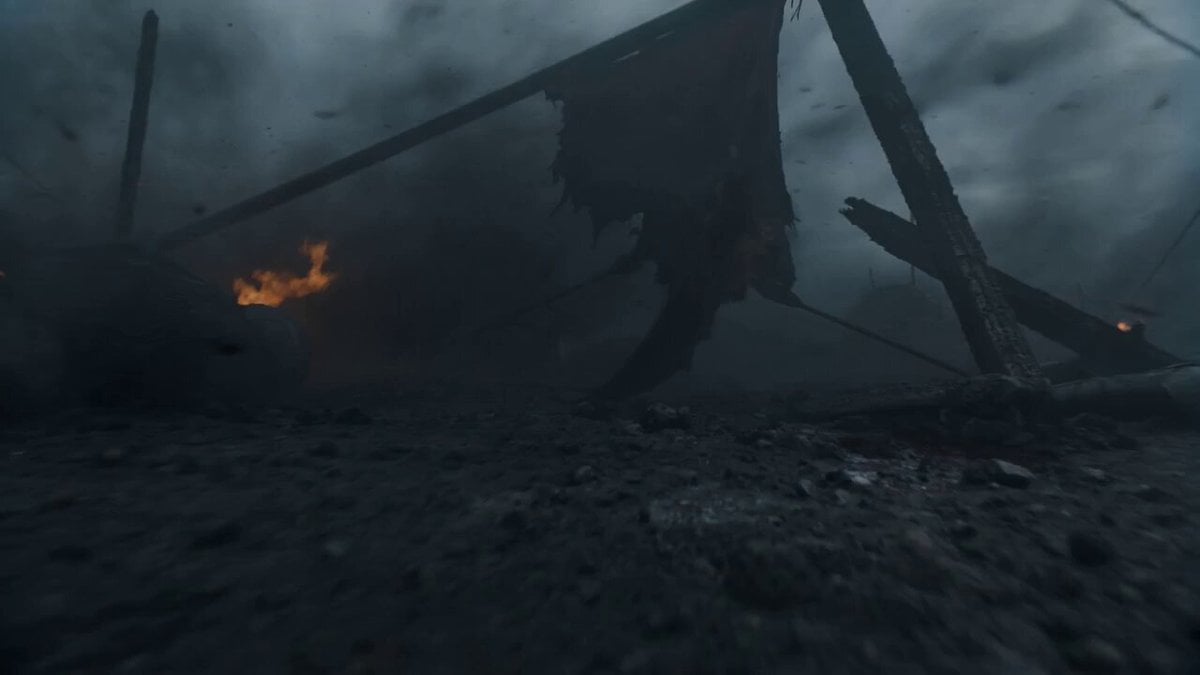
Seedance 2.0 Cinematic Suspense Prompt with Detailed Timeline

Evolution of an Empire Timeline
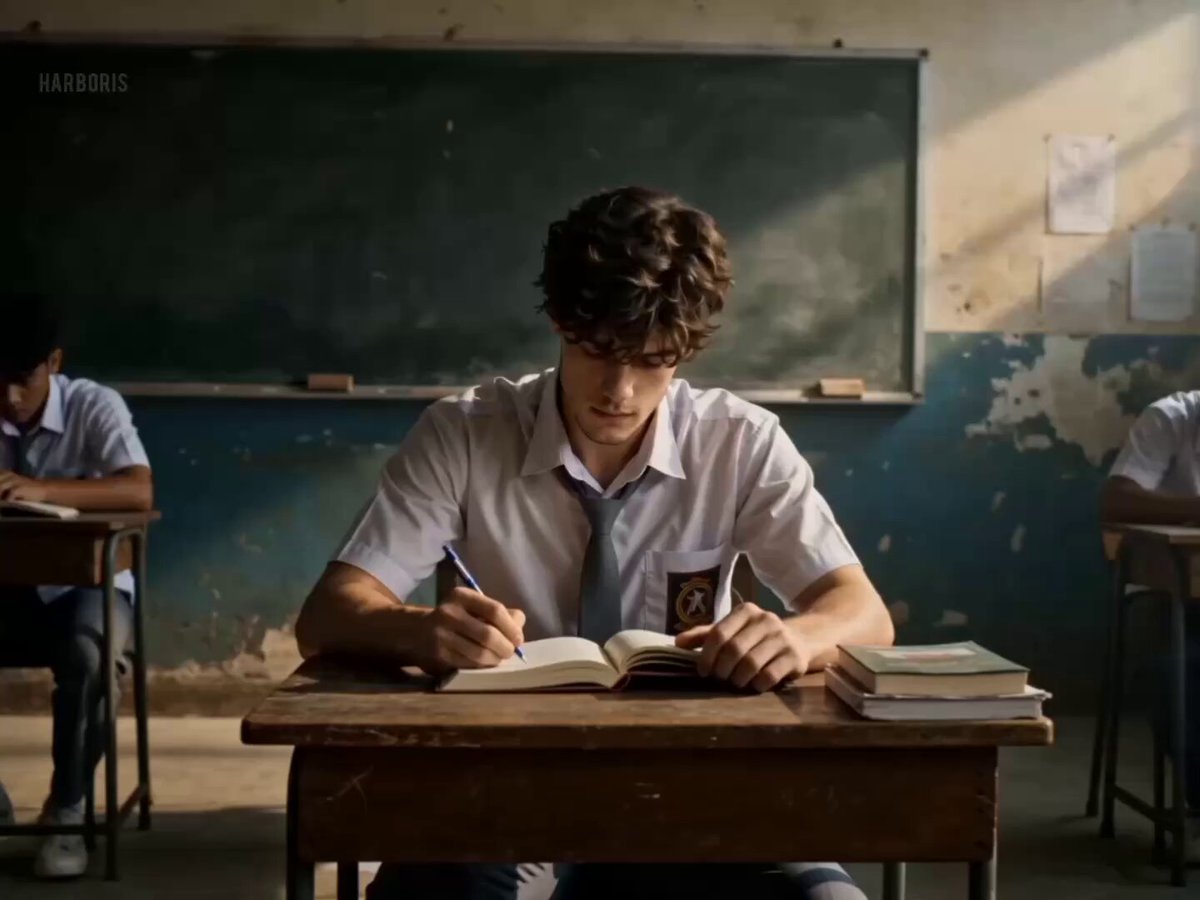
Multi-Shot Classroom Action Timeline
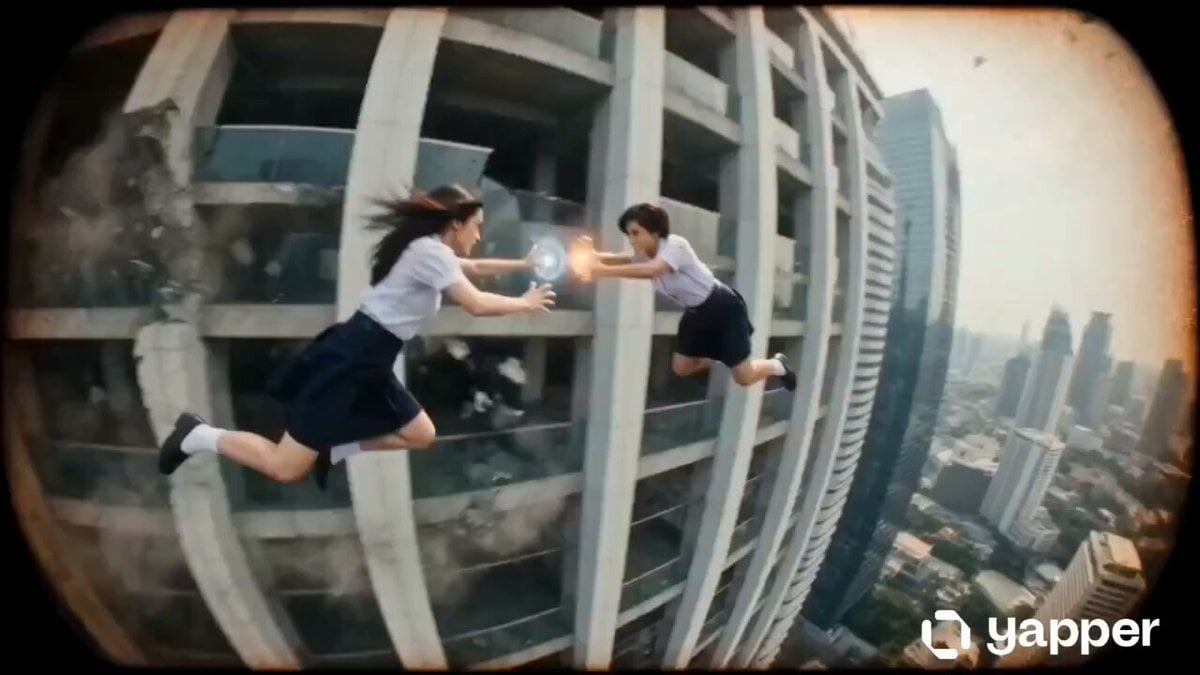
Thai School Duel Timeline Prompt
Cinematic Anime Cyborg Running Scene
Pastel Beach Anime MV
Make it yours
Anime grim reaper cinematic timeline works as-is. These are the safest ways to change it without losing the look.
Change one field
Copy a single group, rewrite it, and generate again so you can see what that field is doing.
Keep the frame, change the subject
Hold the composition and light of Anime grim reaper cinematic timeline, then swap wardrobe, props or the person for a new take.
| If the result… | Why | Fix |
|---|---|---|
| The result drifts from the preview | Too many fields changed at once. | Reuse Anime grim reaper cinematic timeline as-is first, then change one group — subject, light, or setting. |
| The model over-stylizes the scene | The prose prompt leaves finish and camera underspecified. | Add one camera or lighting sentence and stay on Seedance 2.0. |
More Seedance 2.0 templates
Other prompts made for Seedance 2.0.

Comical Martial Arts Punch Scene

Maglev Train Action Sequence

Martial Arts Fight Sequence

Wuxia Protection and Trust Script

Vintage Korean Arcade MiniDV Vlog

Mercedes 190 SL Luxury Ad

Rainy Night Supernatural Reverse Comedy Video Script

Amazon Civilization Discovery

Futuristic South Asian City Transformation

Cozy Luxury Cafe Commercial
More video prompts
Fresh picks from across the catalog.

Miniature 3D India Landscape Animation
Trigun Action Sequence Prompt in MCU/Marvel Style

Dogs having a cat slapping fight
Psychological Horror Short Film
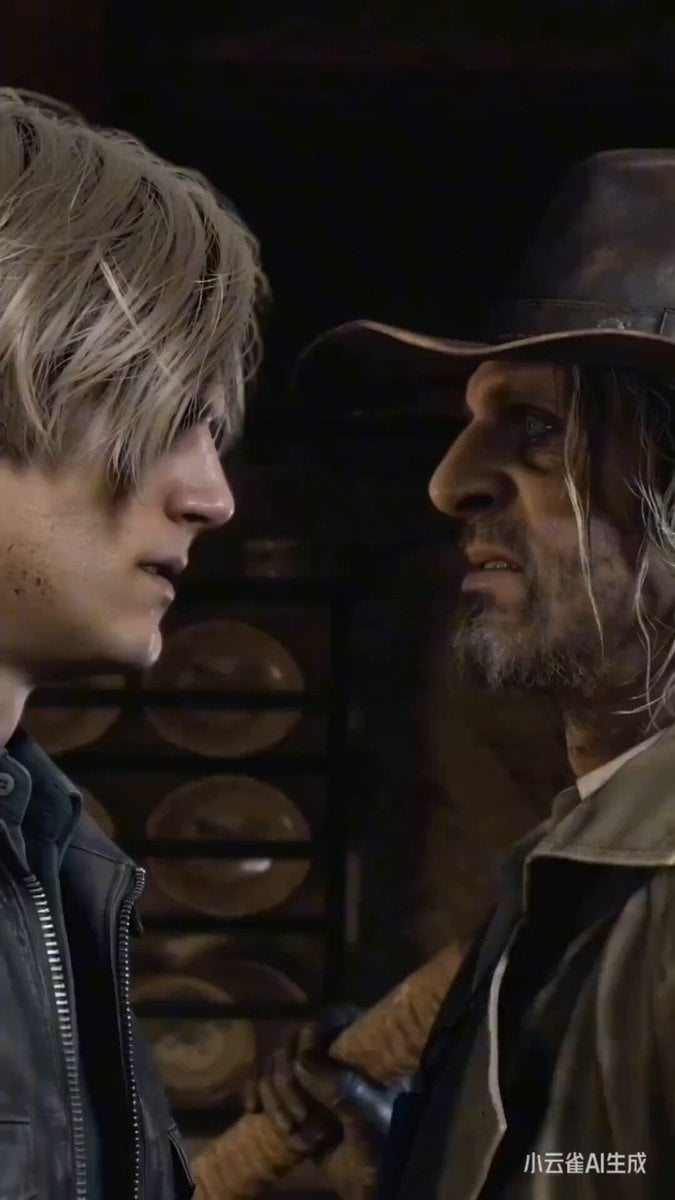
Witcher vs Resident Evil/Heisenberg prompt concept

Candid Joyful Woman Football Stadium Portrait
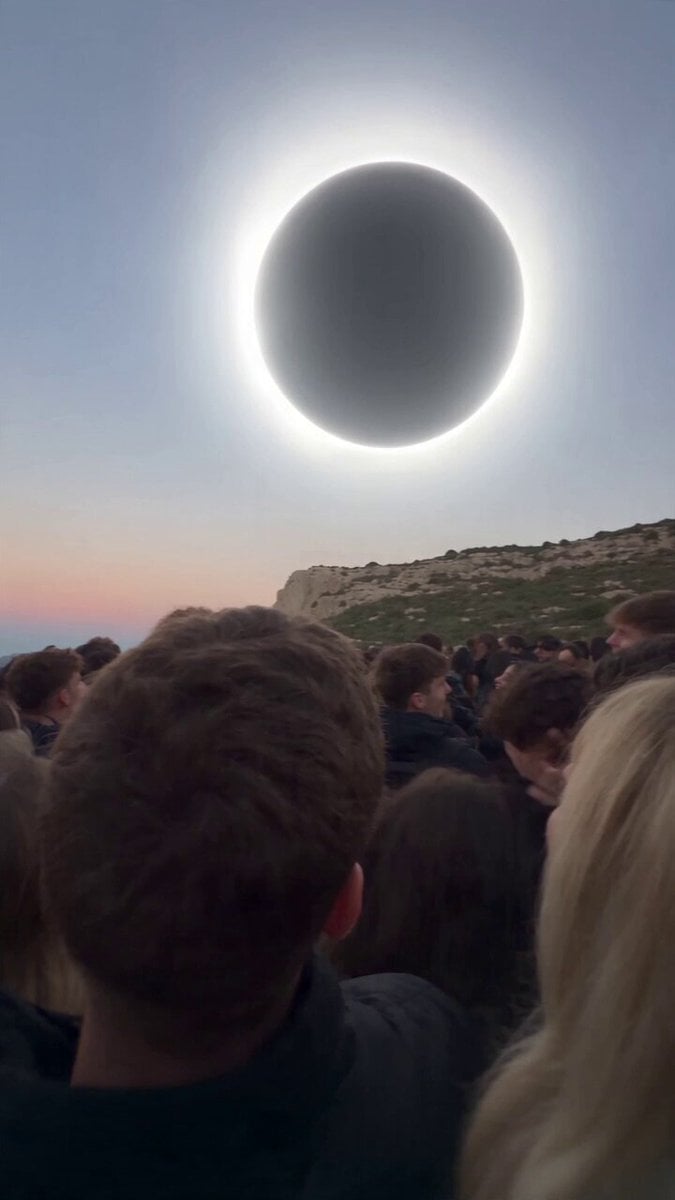
Red Moon Eclipse Chaos Video
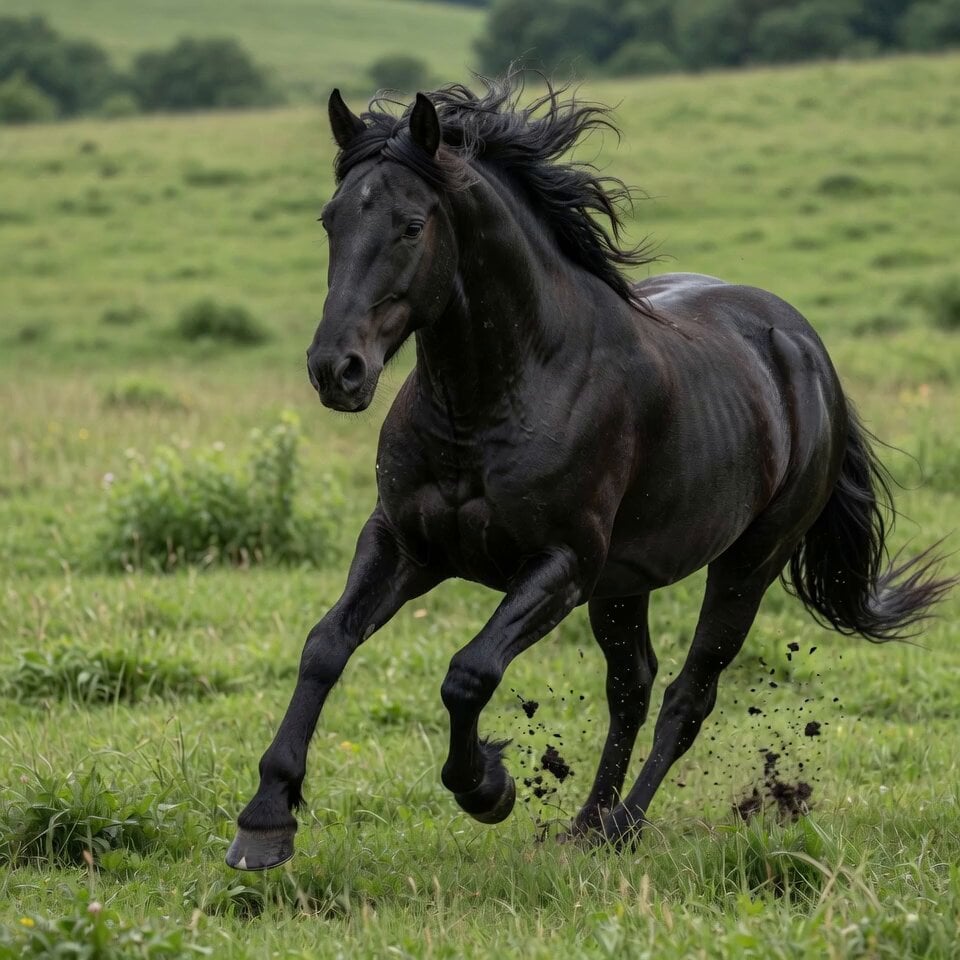
Stallion Running in Open Field
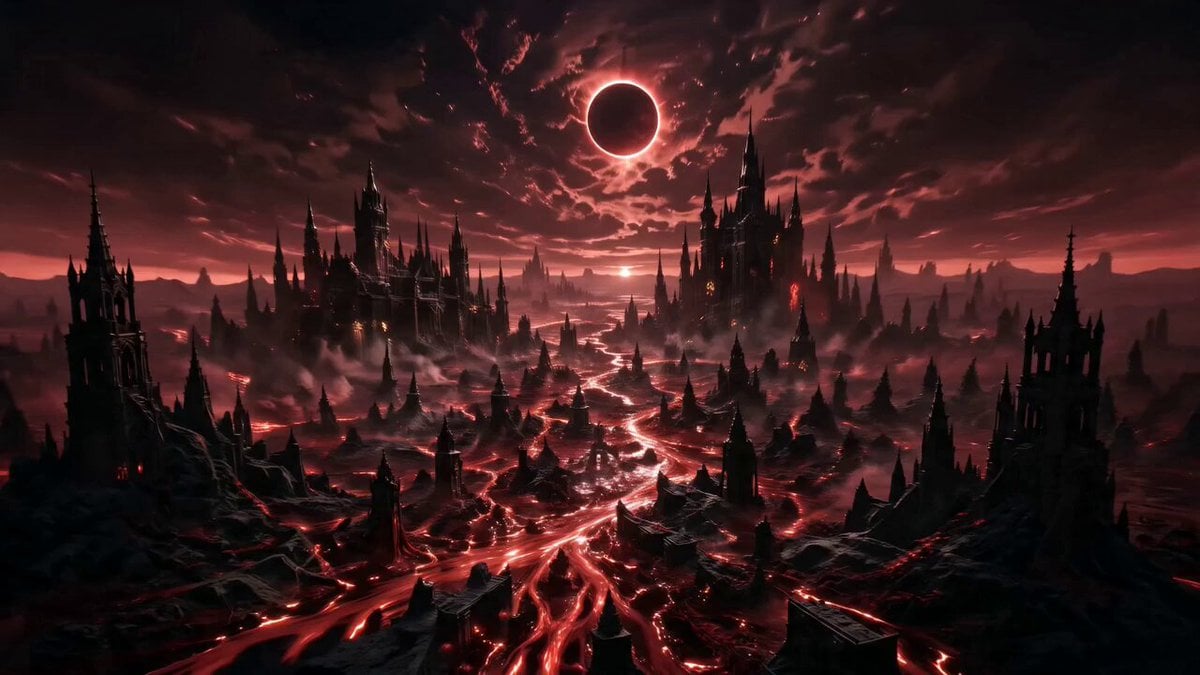
Vexaria Cinematic Sequence Animation
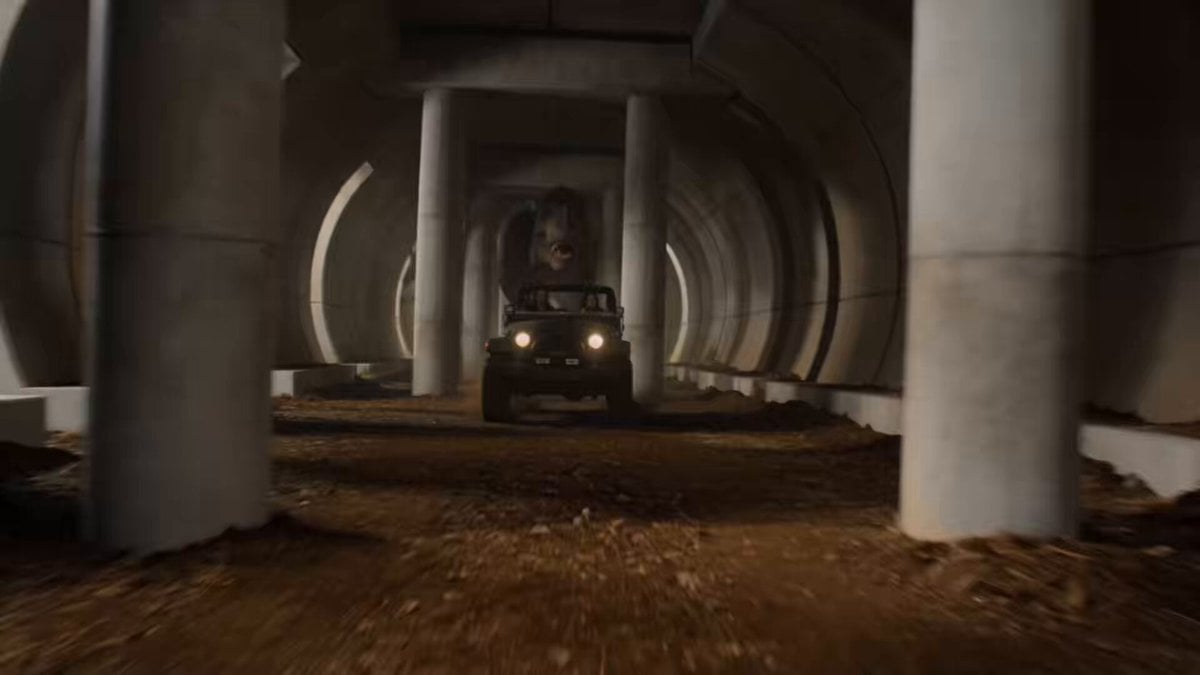
T-Rex Jungle Tunnel Chase Scene
Browse template categories
Anime grim reaper cinematic timeline questions
How do I use the Anime grim reaper cinematic timeline template?
Add your photo if the template asks for one, edit the prompt if you like — the template's model and format are already selected — and press Generate. Your version opens in PicX Studio.
Can I customize the Anime grim reaper cinematic timeline template?
Yes. You can change the subject, setting, lighting, mood, format, and available model controls before creating your video.
Is the Anime grim reaper cinematic timeline template free?
Opening and editing this template is free. Generating uses credits, shown on the Generate button when you are signed in.
Which AI model should I use?
Start with Seedance 2.0, which is the model associated with this template. You can compare another compatible model for a different finish.
Looking for something else? Browse all templates.

Your photo, any look
Thousands of ready templates for every top image and video model, from one credit balance.