
Seedance 2.0 Cinematic Suspense Prompt with Detailed Timeline
A highly detailed Seedance 2.0 prompt for generating a 15-second, one-take, cinematic, and highly realistic suspense video set in a post-battlefield environment.
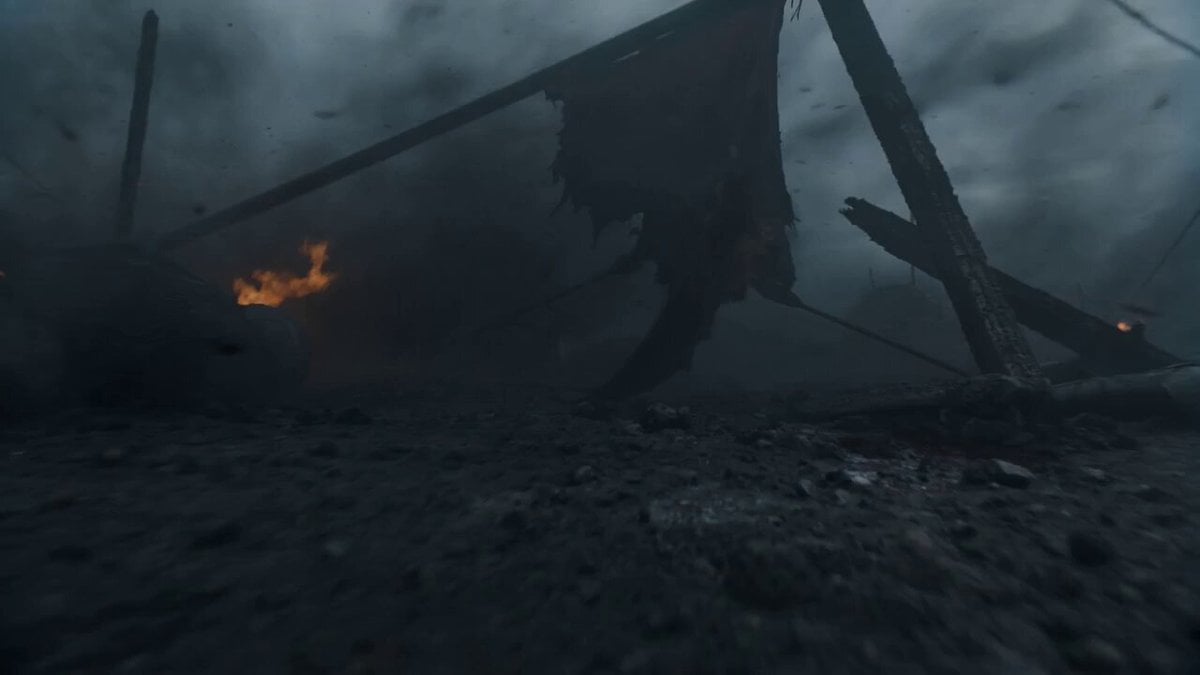
- Prompt included
- Model and format preset
- Free template
The prompt behind this video
Copy the exact prompt behind Seedance 2.0 Cinematic Suspense Prompt with Detailed Timeline, or open it in the studio and make it yours.
Format: 15 seconds / one continuous shot / cinematic realism / no cuts, an oppressive and heavy sense of suspense, post-battle-ember ambient sound design Scene description: A battlefield where the fighting has just ended, visibility low, the air thick with choking smoke and lingering burnt smells. The ground is soaked in blood and scorched by fire, littered with torn banners, broken weapons, and the piled remains of fallen soldiers. A warrior in tattered armor kneels alone amid the wreckage, his spear planted in the bloodied earth to support his weight, his armor caked in blood and soot, his body looking as though it could collapse at any moment from cold and exhaustion. The audience should feel a powerful sense of desolation, suffocation, and tension as if shrouded in darkness — as though, even though the fighting has stopped, some more terrible threat still lurks in the shadows. The entire clip must be presented as one uninterrupted, stalking-style camera movement. Timeline: 0:00-0:04 | Setup: A low-angle, stalking point-of-view tracking shot moves through thick gunsmoke and scattered embers. The lens is repeatedly struck by drifting char particles and dust, creating flickering visual obstructions. The camera glides past a tattered, blood- and mud-caked battle banner bearing a broken unit emblem, then reveals the shapes piled beneath the ashes: a suit of armor pierced by arrows, a helmet half-buried in the dirt. The overall composition has a David Fincher–like precision of control and restraint of information. Sound: the residual roar of raging fire, the harsh scrape of ash against metal, the distant, fading echo of explosions. 0:04-0:10 | Escalation: The camera turns right, focusing on an armored warrior kneeling on the ground. Braced on a spear planted in the earth, he is at first completely still, only his heavy breath escaping as white vapor in the cold. His tattered war cloak whips violently in the cold wind, blood and soot on his armor cracking and flaking off as his body trembles. The camera closes in with almost imperceptible precision and circles around behind him, steadily tightening the frame, refusing to offer any sense of safety. Sound: heavy breathing, the creak of armor, the violent snapping of the war cloak, the faint clatter of debris buried in the ground stirred by the wind. 0:10-0:15 | Climax: Over the warrior's shoulder, the smoke briefly thins, and an enormous silhouette of unimaginable, crushing power moves through the black veil, its full form never fully revealed. The warrior senses the threat and looks up in fear, breathing rapidly, gripping the spear's shaft with both hands before wrenching it free from the ground. The motion of pulling the spear throws dirt and embers up toward the camera, and in that instant the beast's silhouette becomes momentarily clearer. Sound: heavy footfalls, the smoke and wind noise suddenly dropping away, sharp gasps of breath, the piercing sound of steel tearing free from the bloodied earth, dirt and ash bursting and scattering.
How to use Seedance 2.0 Cinematic Suspense Prompt with Detailed Timeline in 3 steps
- 1
Open
The prompt is already in the box next to the preview, with the template's model and format selected.
- 2…a portrait of your subject in softgolden-hour light, 85mm…
Personalize
Edit the subject and creative details for your destination.
- 3Generate
Generate
Press Generate — your video is created in PicX Studio, so you can compare it with the original and refine one variable at a time.
More like this
Templates with the same subject, style or setup. Open one to see its prompt.
Chibi Cave Adventure — He Doesn't Know What's Coming
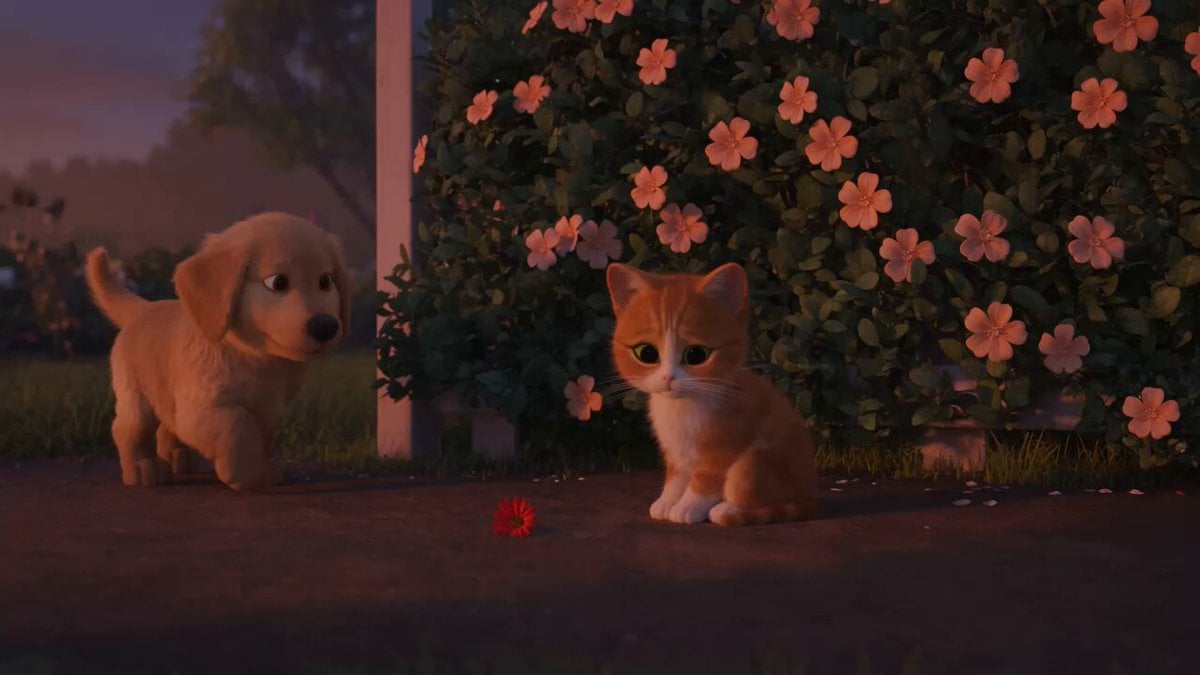
Wholesome Puppy and Kitten Story - Seedance 2.5

Mysterious Home Exploration Vlog - Seedance 2.5
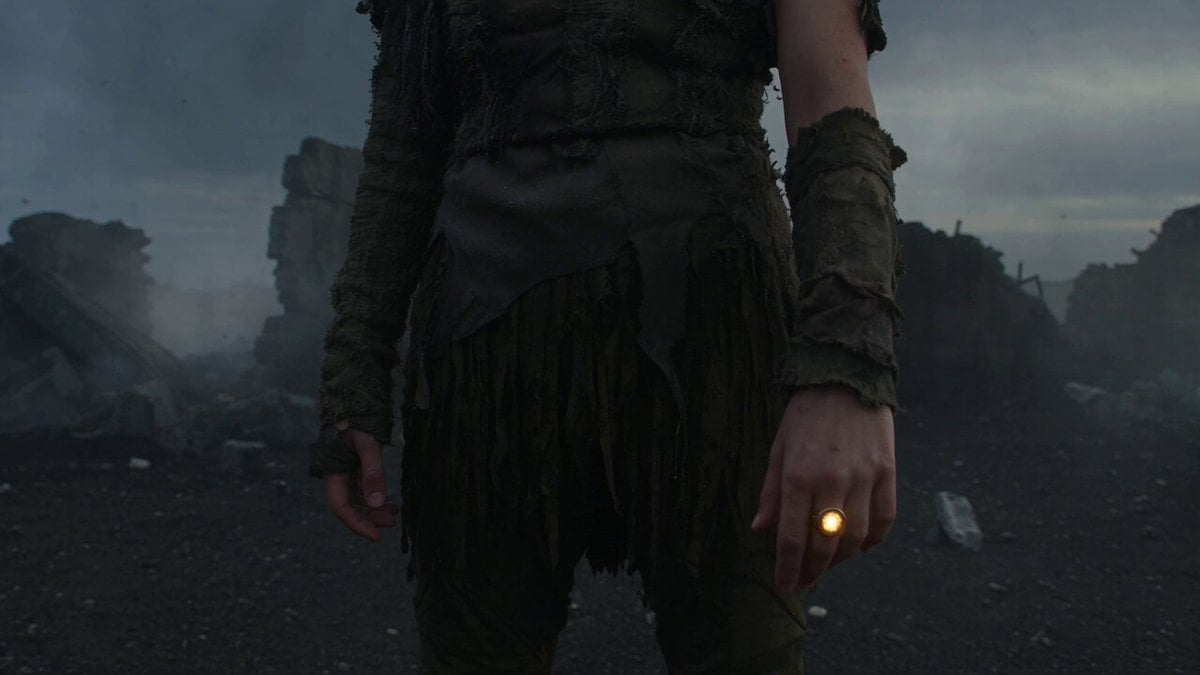
Dark Tokusatsu Transformation - Seedance 2.5
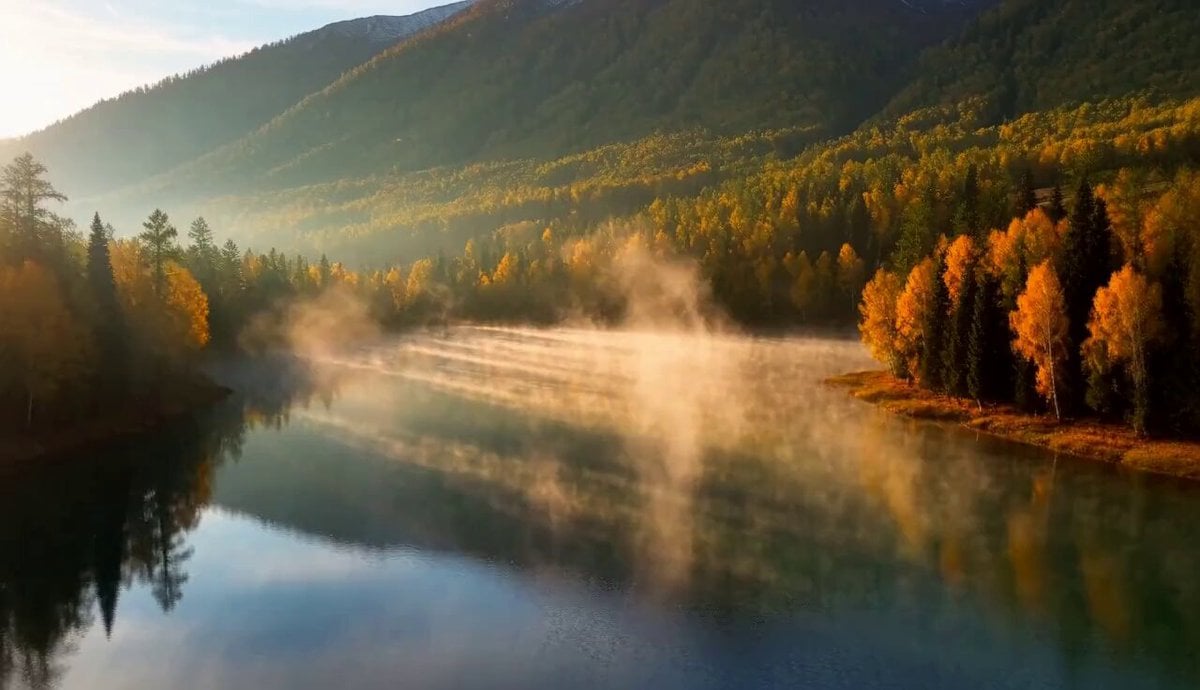
Cinematic Xinjiang Drone Landscapes - Seedance 2.5
Late Night Kitchen Phone Recording - Seedance 2.5
3D Animated Cat and Old Man - Seedance

Realistic City Street Story Cinematic Video - Seedance
Seedance 2.0 First Test — Dynamic Motion Showcase
Dragon Rider Cinematic Flight — Seedance 2.5
Sneaker Product Commercial

Cinematic Short Film Scene 2
Make it yours
Seedance 2.0 Cinematic Suspense Prompt with Detailed Timeline works as-is. These are the safest ways to change it without losing the look.
Change one field
Copy a single group, rewrite it, and generate again so you can see what that field is doing.
Keep the frame, change the subject
Hold the composition and light of Seedance 2.0 Cinematic Suspense Prompt with Detailed Timeline, then swap wardrobe, props or the person for a new take.
| If the result… | Why | Fix |
|---|---|---|
| The result drifts from the preview | Too many fields changed at once. | Reuse Seedance 2.0 Cinematic Suspense Prompt with Detailed Timeline as-is first, then change one group — subject, light, or setting. |
| The model over-stylizes the scene | The prose prompt leaves finish and camera underspecified. | Add one camera or lighting sentence and stay on Seedance 2.0. |
More Seedance 2.0 templates
Other prompts made for Seedance 2.0.

Comical Martial Arts Punch Scene

Maglev Train Action Sequence

Martial Arts Fight Sequence

Wuxia Protection and Trust Script

Vintage Korean Arcade MiniDV Vlog

Mercedes 190 SL Luxury Ad

Rainy Night Supernatural Reverse Comedy Video Script

Amazon Civilization Discovery

Futuristic South Asian City Transformation

Cozy Luxury Cafe Commercial
More video prompts
Fresh picks from across the catalog.
Luxury Fresh Apple Juice Video Campaign

Cinematic 8K FPV Drone Tour of Senegal

Ultra Realistic Art Deco Nightclub Queen Video Generation
Ultra-Realistic Whale Close-up Video
Highlander Sword Portal Approach
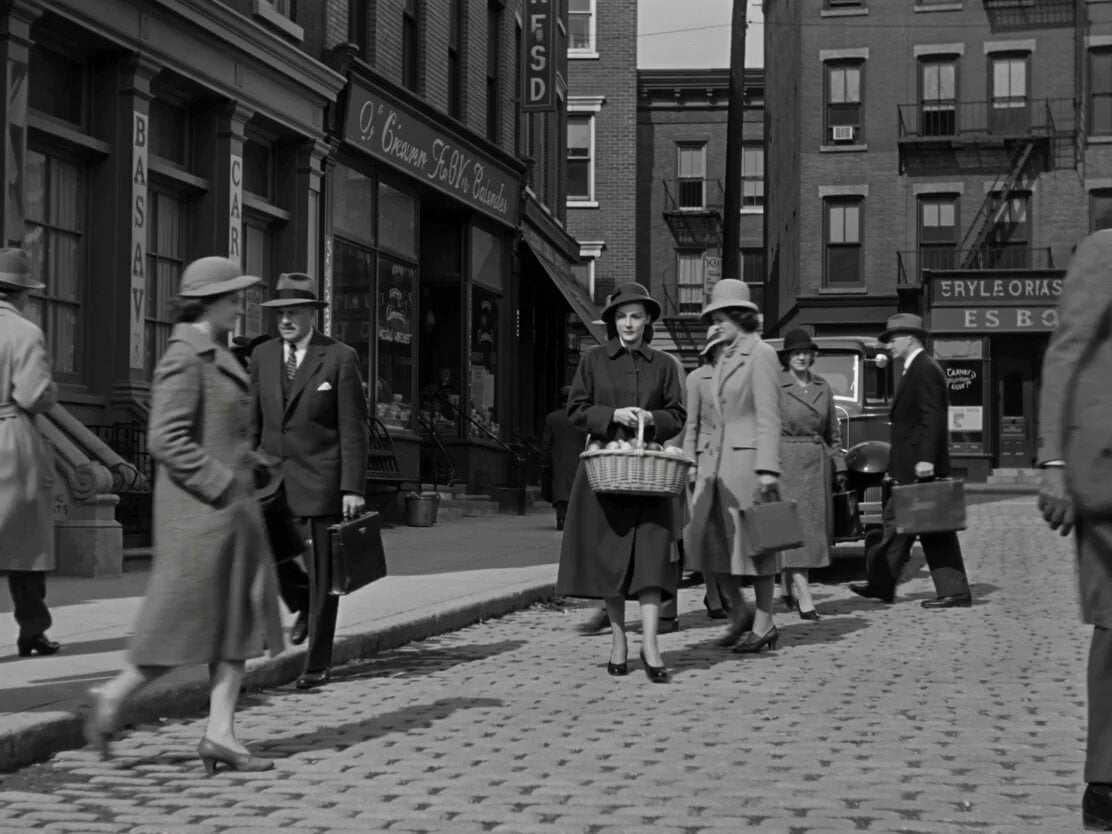
1950s Romantic Drama Scene
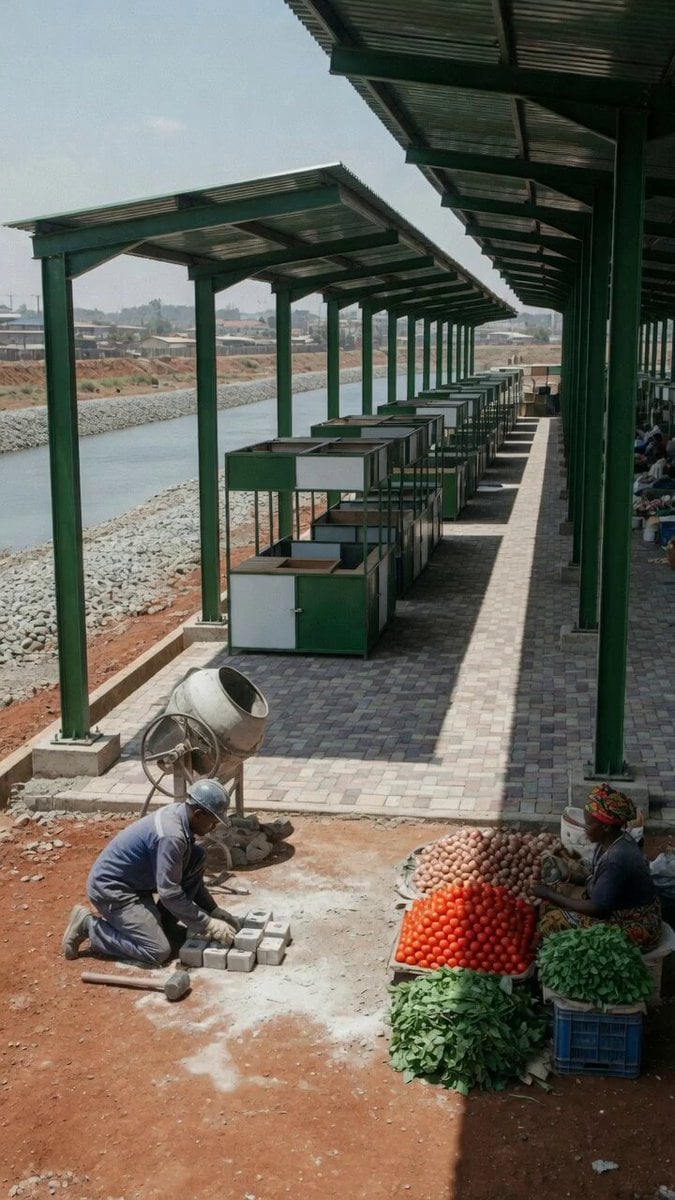
Market Restoration Crane-Up Timelapse

Arborpunk Hanging Orchid Mandala

Baseball Practice Vlog Style Video

Cyberpunk Neon City Bike Ride
Browse template categories
Seedance 2.0 Cinematic Suspense Prompt with Detailed Timeline questions
How do I use the Seedance 2.0 Cinematic Suspense Prompt with Detailed Timeline template?
Add your photo if the template asks for one, edit the prompt if you like — the template's model and format are already selected — and press Generate. Your version opens in PicX Studio.
Can I customize the Seedance 2.0 Cinematic Suspense Prompt with Detailed Timeline template?
Yes. You can change the subject, setting, lighting, mood, format, and available model controls before creating your video.
Is the Seedance 2.0 Cinematic Suspense Prompt with Detailed Timeline template free?
Opening and editing this template is free. Generating uses credits, shown on the Generate button when you are signed in.
Which AI model should I use?
Start with Seedance 2.0, which is the model associated with this template. You can compare another compatible model for a different finish.
Looking for something else? Browse all templates.

Your photo, any look
Thousands of ready templates for every top image and video model, from one credit balance.